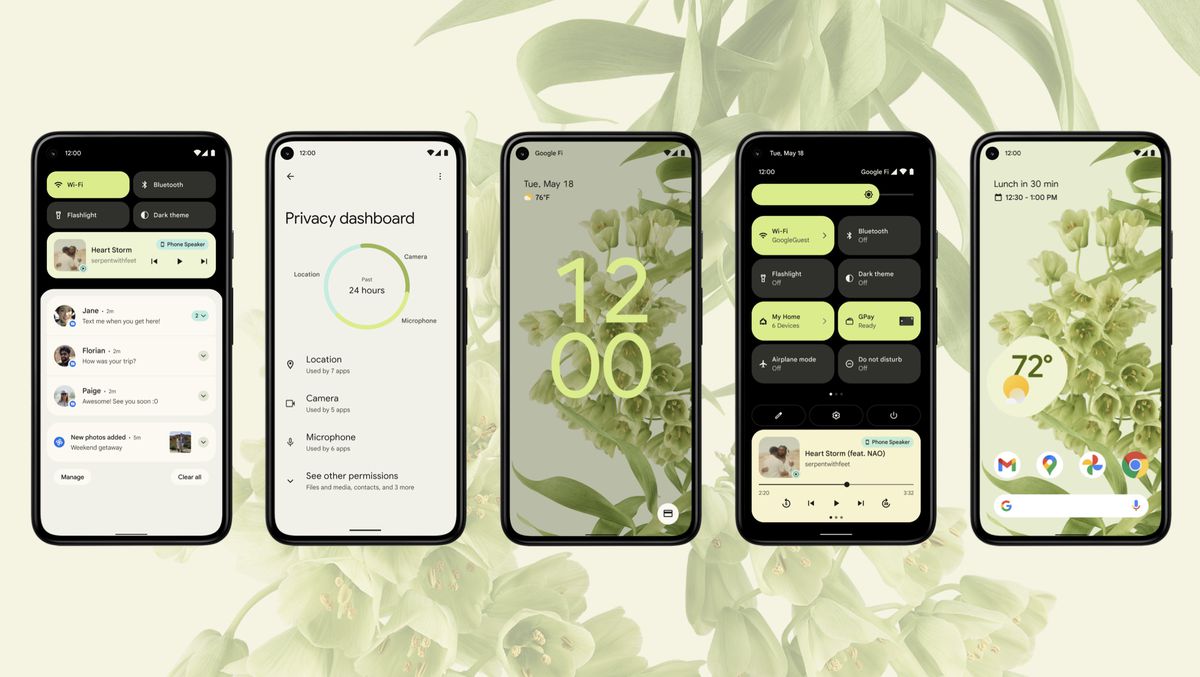
Android 12 might not be ready for primetime just yet, but while adventurous users try out Google’s next big batch of mobile improvements and cool new features and the vast majority of the world’s smartphone owners continue to wait for a stable Android 11 update, the search giant is today taking the wraps off half a dozen smaller enhancements aimed at making handsets “more secure and convenient for everyone.”
Small doesn’t equal trivial in this particular case, mind you, and perhaps more importantly, it’s definitely worth highlighting that these six fairly meaningful new features, just like the six unveiled back in December 2020, are not exclusively headed for owners of Android 11-running devices.
Incredibly enough, you don’t even need Android 10 to enjoy Password Checkup functionality, be able to schedule your texts in the popular Messages app, “get more done hands-free” with Google Assistant, darken your Google Maps routes, spice up your Android Auto drives, or further improve the accessibility of the already extremely convenient TalkBack service.
Arguably the most exciting new tool integrated into global devices powered by Android 9 and above starting today, at least for users perennially concerned about their online and mobile security, is Password Checkup. This has been a thing on the Chrome browser for more than a year now, expanding to support pretty much any app on your phone requiring login credentials.
Google’s hugely popular Autofill feature will automatically check to see if said credentials are compromised, immediately alerting you when detecting a potentially stolen password and prompting you to choose a new one. Of course, you’re free to ignore Big G’s security warnings, but in the long run, it’s definitely wise not to do that. You never know when a compromised password publicly available for bad actors to use at their discretion will in fact be used against you in one of many and equally scary ways.
While significantly less… dramatic, the second big new feature unveiled today may well appeal to an even larger number of users worldwide, aiming to make it easier to communicate with your friends and family from far away.
Whether you live in a different timezone from someone you deeply care about or fear you might forget to wish your better half a happy birthday before everyone else, you can now “schedule send” messages on phones with Android 7 and up as long as you download or update the aptly titled Google Messages app to its latest version.
253 million is a pretty lofty number, so it shouldn’t come as a big surprise that Google is paying very close attention to the extensive global community of blind and low-vision Android users, revamping the TalkBack experience with more intuitive gestures, a unified menu, a new reading control menu, and well, more, with some of these important accessibility changes showcased in the short video embedded below.
Meanwhile, there’s not a lot to say about the imminent worldwide expansion of the Google Maps dark theme other than “finally!” This has been a very long time coming, and as you can imagine, its activation requires little to no effort… if you know where to look. Namely, in the “Theme” submenu of your navigation app’s “Settings” menu, where you can choose to use Google Maps “Always in Dark Theme”, as well as easily switch back to the light side.
No Android update would be complete without some sort of a Google Assistant upgrade, and indeed, the AI-powered service is improving its convenience by displaying cards that can be read at a glance and perform more tasks than ever before sans requiring you to unlock or touch your Android phone.
Last but not necessarily least, Android Auto is gaining the ability to keep you entertained during your long drives with a number of fun little voice-activated games, as well as new custom wallpapers to brighten your day and personalize your car display. These features will be available “in the coming days” on phones running Android 6.0 and up when connected to a compatible vehicle.