Tag: airplay

  • Spotify no longer plans to add AirPlay 2 support

    Spotify no longer plans to add AirPlay 2 support

    Spotify backtracked on its initial statement and now claims it will eventually add AirPlay 2 support for its iOS app. Spotify says that it’s already working on AirPlay 2, but does not offer any ETA: “A post on one of Spotify’s Community pages contained incomplete information regarding our plans for AirPlay2. Spotify will support AirPlay2 and we’re working to make that a reality.”

    In an unfortunate turn of events, Spotify has decided against adding AirPlay 2 support to its music streaming service. The reason behind the decision is purely technical and has nothing to do with any possible rivalries between Apple Music and Spotify.

    A Spotify rep says that while the company has discussed the idea of adding AirPlay 2, it decided against implementing it because of audio driver compatibility issues.

    We’ve discussed this idea internally and while we are working on supporting AirPlay 2 in a proper way, we have decided to close it for now. The reason for this is that due to audio driver compatibility issues, this seems like a bigger project that we won’t be able to complete in the foreseeable future.

    Although the wording might suggest that adding AirPlay 2 support is possible with a bigger budget, it looks like that won’t happen any time soon. We can’t help but wonder if Spotify completely shelved the project or it will come back to it at a later time.

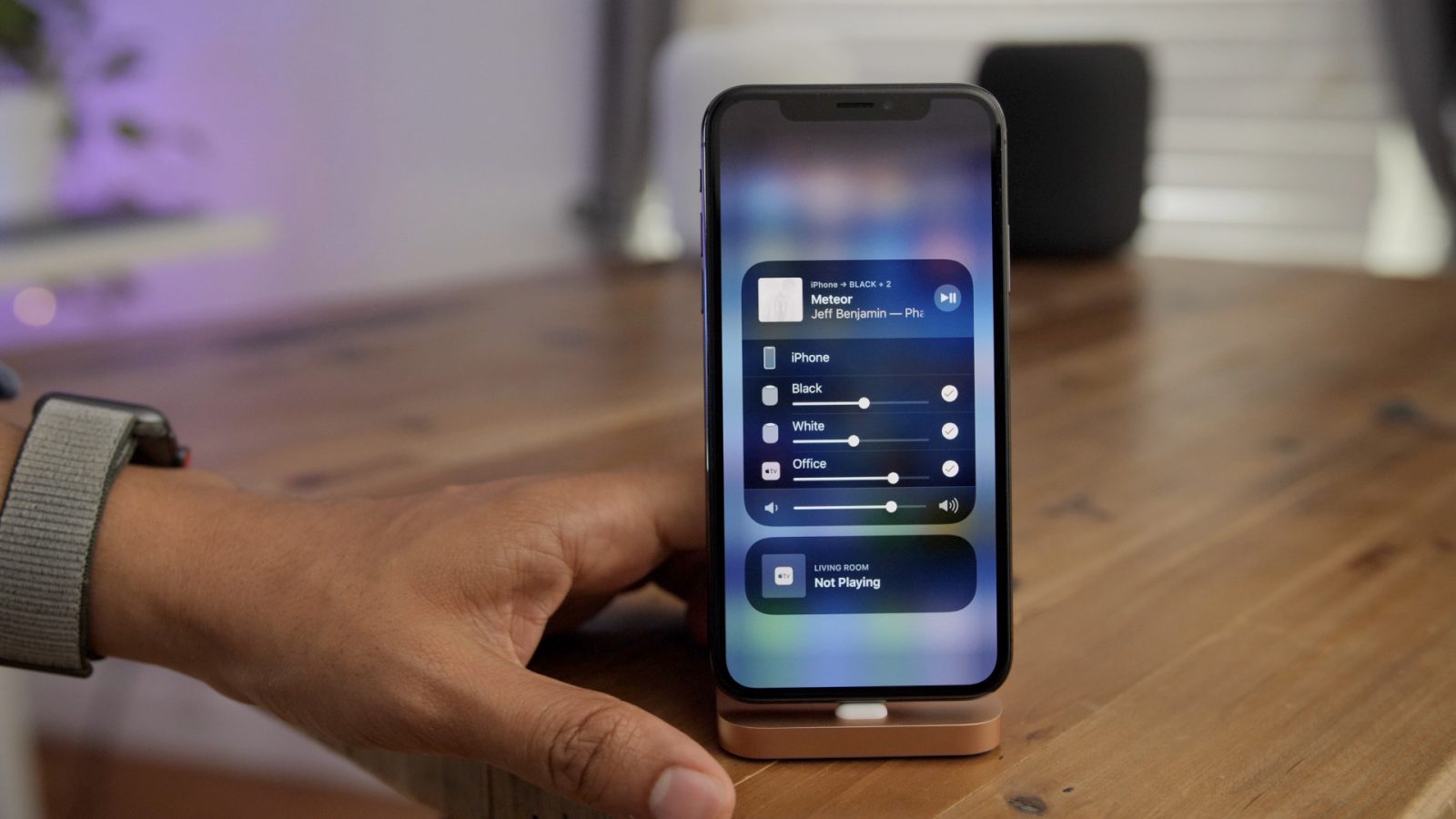
    AirPlay allows streaming between devices of audio, video, device screens, and photos. It was originally launched as AirTunes and only used for audio. AirPlay 2 made its debut three years ago and added more improvements like multi-room audio, Siri support, and better buffering.

  • Apple TV and AirPlay 2 are now available on Samsung smart TVs

    Apple TV and AirPlay 2 are now available on Samsung smart TVs

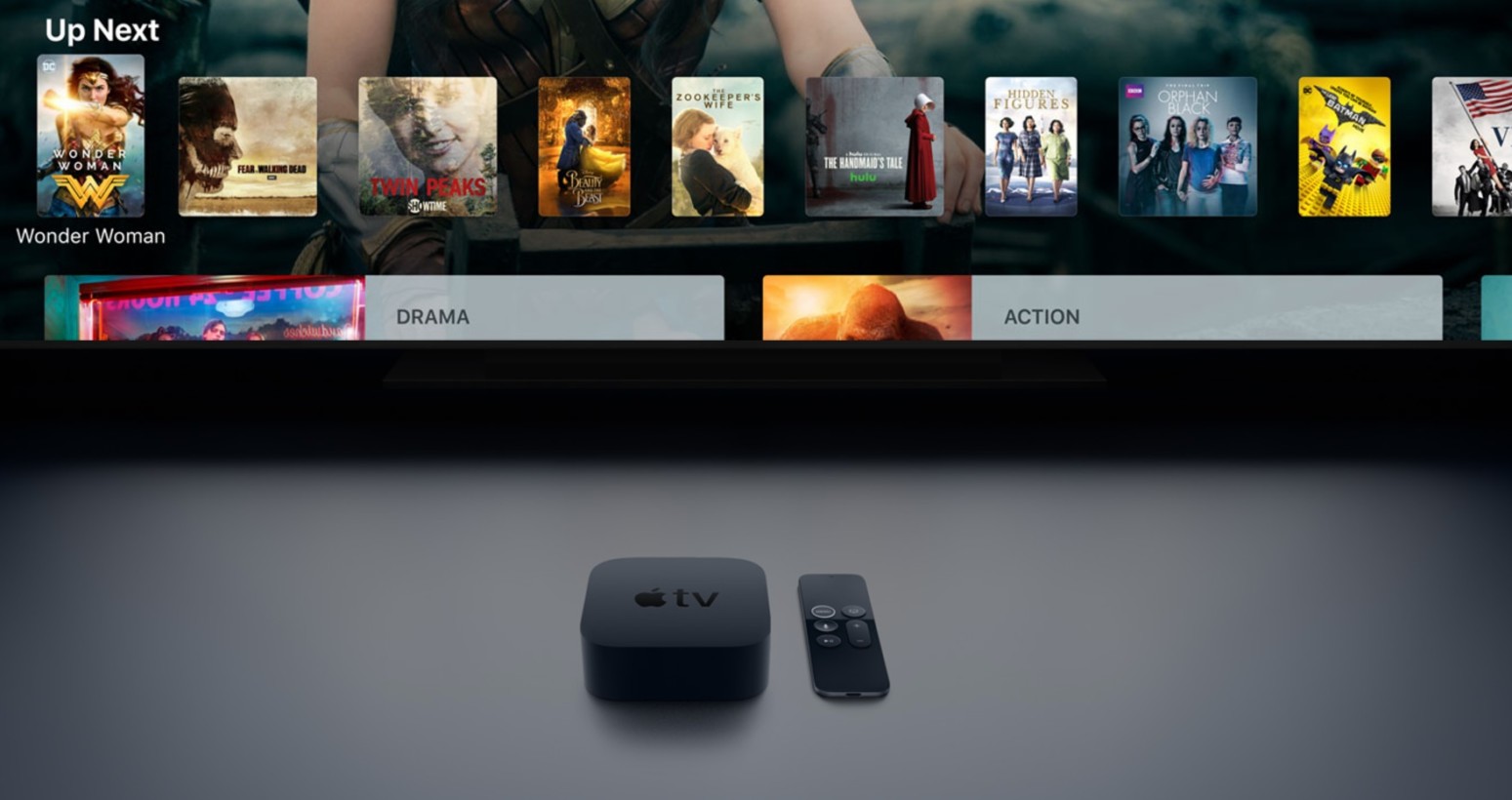
    Earlier this year, news broke that Apple would bring the Apple TV app to all Samsung smart TV models from 2018 and 2019. Today, alongside the redesign of the Apple TV app, support for it and AirPlay 2 is going live on Samsung’s smart TVs, turning the South Korean tech giant into the first TV manufacturer to natively support Apple’s services without a set-top box.

    In order to gain access to Apple TV and AirPlay 2, Samsung Smart TV owners will have to install a new firmware update that enables the services. Users in Australia have already started receiving the update, though there’s no official schedule for when the update will be rolled out in other regions.

    Starting this year, all new Samsung smart TVs should have AirPlay 2 and Apple TV integration out of the box, meaning that the app will be compatible with Samsung’s TV search function, Bixby Voice, and the Universal Guide feature, which surfaces shows and movies based on your interests and preferences. The update also enables casting content from iPhones and iPads to Samsung TVs via AirPlay 2.

    The redesigned Apple TV app now features a Channels tab, where users can find their favorite content from various networks and streaming services, as well as a curated section, where content will be surfaced on a per-user basis, depending on interests.

    If Apple TV is available in your country, and you own a Samsung smart TV model from the last year, keep an eye out for the firmware update. If you’d like to manually check for an update, go to Settings > Support > Software Update on your TV and select “Check for updates.”

  • Bose brings AirPlay 2 support to Alexa-enabled smart speakers

    Bose brings AirPlay 2 support to Alexa-enabled smart speakers

    Bose announced last week that owners of its smart speakers will be able to enjoy AirPlay 2 support after the last update is installed. This is quite unexpected considering that Bose’s products weren’t among the third-party AirPlay 2 speakers list published by Apple.

    In any case, if you own a Bose Home Speaker 500 and installed the latest firmware update, which is deployed OTA (over the air) automatically, you’ll benefit from AirPlay 2 support. Besides smart speakers, Bose confirmed Soundbar 500 and Soundbar 700 are getting the same improvement as well.

    With AirPlay 2 support, those who own an Apple device will be able to stream music, podcasts and audio to the Bose products mentioned above, including Apple Music.

    Last but not least, Bose announced that it’s working hard to bring AirPlay 2 support to SoundTouch customers, although the US company didn’t offer a timeline for the release. Well, if you own a SoundTouch speaker, at least you now know that something nice will come to you at some point.

  • Netflix removes key feature from its iOS app

    Netflix removes key feature from its iOS app

    AirPlay is a feature found on iOS and Mac devices that allows users to send audio, video, photographs, screenshots and more between Apple devices sharing a similar network. Using Bluetooth and Wi-Fi, AirPlay will let a home with multiple HomePod speakers in different rooms, share the same song throughout the house. And with several smart TV manufacturers adding support for the feature, content from an iOS or Mac device can be viewable on certain large-screen smart TVs.

    There have been a number of complaints from iPhone and iPad users stating that AirPlay was no longer working with Netflix. That was unusual because the iOS version of the streaming video app has supported AirPlay since 2013. The complaints from iOS users state that when they tried to use AirPlay in the Netflix app, a pop-up error message appeared that said, “Cannot play title. Please try again later.”

    But there is a reason why AirPlay no longer works with Netflix. As a result of what it is calling “technical limitations,” Netflix has pulled AirPlay support from its iOS app. This is actually noted by the video streamer on its support page. Considering that this was an iOS feature that Netflix had supported for over five years, it is strange that AirPlay would all of a sudden no longer work with Netflix. The company has not divulged the details of the “technical limitations” that have forced it to stop offering AirPlay support (more on that later).

    This isn’t the end of the world for Netflix subscribers used to employing AirPlay. After all, the Netflix app can be installed or is already installed on a number of smart television sets. But using AirPlay does make it easier for iOS users with Netflix to stream content from their own account to a smart TV that does not have their Netflix login information.

    “We want to make sure our members have a great Netflix experience on any device they use. With AirPlay support rolling out to third-party devices, there isn’t a way for us to distinguish between devices (what is an Apple TV vs. what isn’t) or certify these experiences. Therefore, we have decided to discontinue Netflix AirPlay support to ensure our standard of quality for viewing is being met. Members can continue to access Netflix on the built-in app across Apple TV and other devices.”-Netflix< The Netflix support page lists some other options that iOS users can try in order to cast Netflix from their phone or tablet to a compatible television. With the Netflix 2nd Screen option, subscribers open the Netflix app on their iOS device and television, signing into the same account on both devices. The mobile device and the TV must share the same Wi-Fi network. On the mobile device, the user needs to tap on "Cast" found in the upper or lower right of the screen, and select the television that he/she wants to view Netflix on. After deciding which show or movie to watch, the user hits play and the selected content will appear on the TV. Another option, found on Philips, Polaroid, Sharp, Skyworth, Soniq, Sony, Toshiba, and Vizio TVs, will allow you to Chromecast Netflix from your iOS device to your television. Simply open the Netflix app on your iOS device, and tap on the "Cast" icon in the upper or lower right hand side of the screen. Select the device you want to watch Netflix on, choose a television show or movie, and hit play. Last month, Apple became a Netflix competitor by unveiling Apple TV+. This is a video streaming service that will be available this fall on iOS devices along with certain smart TVs. There will be new, original programming from Apple along with content from HBO, Showtime and others. Could this new rivalry be behind the "technical limitations" that forced Netflix to stop supporting AirPlay? After all, it does seem strange that Netflix was able to support AirPlay for from 2013 until now, just when Apple introduces a service that will compete with it. Netflix, of course, will never admit to this. And regardless what the true reasons are, the bottom line is that iOS users will have to resort to the aforementioned alternatives if they want to cast any streaming Netflix content from their iPhone or iPad to their smart TV.