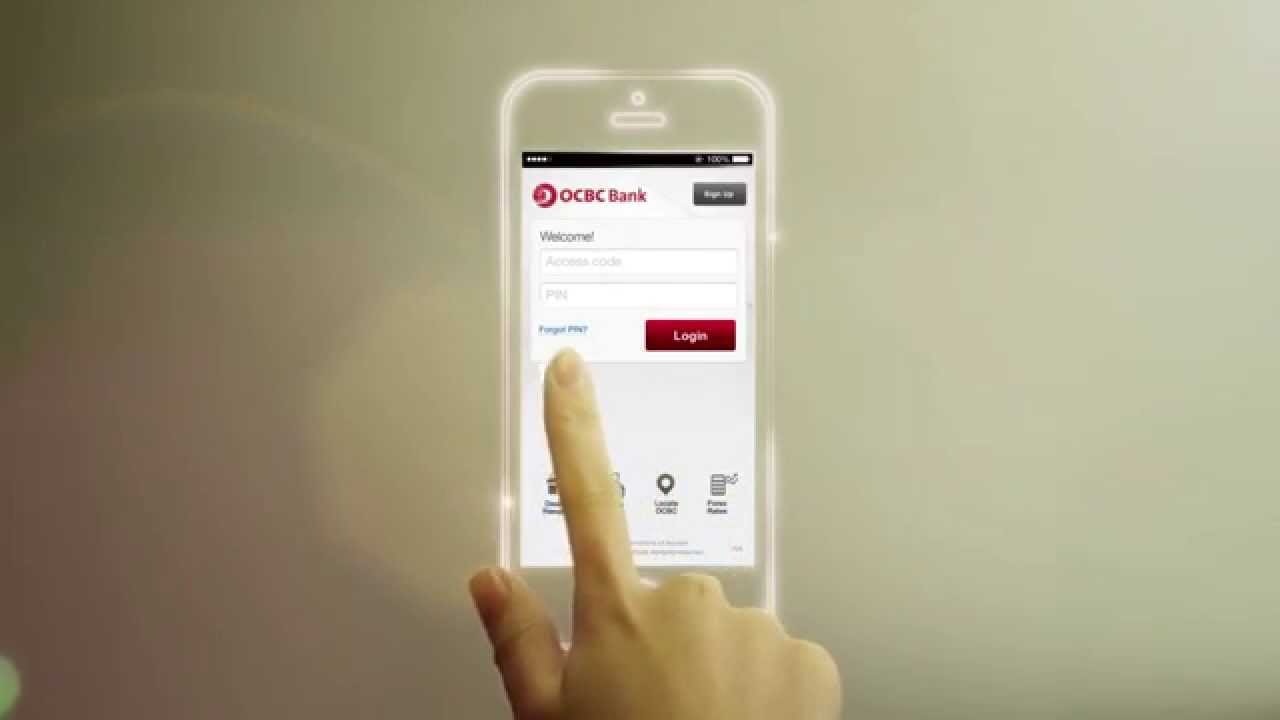
OCBC Bank has launched a mobile keyboard that allows customers to make peer-to-peer payments without having to exit their current mobile applications. The OCBC Keyboard can be used within any mobile app or browser – for instance, within Facebook, Whatsapp, Instagram or Chrome – to send money instantly to anyone with a bank account in Singapore, including those who have not yet registered for PayNow. The payment rides on the OCBC Pay Anyone e-payment service and can be done using just the recipient’s mobile number.
The OCBC Keyboard follows on the heels of OCBC Bank’s launch of e-payments integrated with Apple’s Siri and iMessage for iPhone users in 2016, enabling customers to make instant funds transfers with a voice command to Siri or within the iMessage app while engaged in a chat. With the OCBC Keyboard, the convenience of making an e-payment is extended to any app on Android devices running the Android 4.4 KitKat operating system or better. Payments are completely secure as they are authenticated with the sender’s mobile banking credentials.
Making a payment via OCBC Keyboard
Imagine being able to make an e-payment as easily as sending an “emoji” to a friend while chatting on Whatsapp, or while negotiating with a potential seller on the Carousell app. Users can automatically access the OCBC Keyboard on any app on their mobile phones once they have updated the OCBC Mobile Banking app to the latest version. They will need to perform a simple one-time set up to enable the OCBC Keyboard and make it the default keyboard on their phone.
To send money, users simply tap on the OCBC Pay Anyone icon on the keyboard without exiting or switching from their current app activity.Once they select a recipient from their contact list – which is automatically synced with the keyboard – they will be guided to complete the transfer using OCBC Pay Anyone within the keyboard. Once payment is complete, the user can continue accessing the original app.
Boosting cashless payments
In alignment with Singapore’s Smart Nation agenda and its drive to go cashless, the OCBC Keyboard is the latest in a series of OCBC Pay Anyone e-payment services that OCBC Bank has introduced to encourage customers to embrace the move away from cash.
The adoption of the recently launched PayNow service amongst OCBC Bank customers has been exceptionally strong, with over 200,000 signups to date. E-payments done via the OCBC Pay Anyone service have increased 35 per cent since the launch of PayNow, and one in every two PayNow transactions is via OCBC Pay Anyone.
Mr Aditya Gupta, OCBC Bank’s Head of E-Business Singapore, said: “With OCBC Keyboard, we are embedding payments in our customers’ lives and making it completely frictionless for them to pay while they go about everyday tasks like chatting on Whatsapp, sending emails, buying items on Carousell or browsing the Internet. I’m confident that this added convenience will exponentially increase the adoption and usage of e-payments, including PayNow transfers. We will continue to push the boundaries on e-payments and move the needle in driving Singapore towards becoming cashless.”
Evolution of OCBC Pay Anyone
Launched in 2014, OCBC Pay Anyone was the first peer-to-peer mobile payment service offered by any bank in Singapore that enabled customers to make a payment directly into a recipient’s bank account using just a mobile number, email address or Facebook, without having to perform transaction signing using a security token or to add the recipient as a “payee”.
In September 2016, the daily transfer limit on OCBC Pay Anyone was increased from $100 to $1,000, bringing greater convenience to customers and allowing payments for bigger-ticket items. In October 2016, OCBC Bank further enhanced OCBC Pay Anyone by enabling transactions using Apple’s Siri voice command feature and directly within iMessage.
In May this year, OCBC Bank launched its first standalone mobile payments app – the OCBC Pay Anyone app – which now consolidates all OCBC Pay Anyone e-payment services into a one-stop shop for customers’ convenience: Peer-to-peer QR code payments via PayNow, QR code payments to NETS merchants, peer-to-peer e-payments and the integration of OCBC Pay Anyone with Apple iPhone’s Siri and iMessage.
Enabling the OCBC Keyboard for e-payments
The OCBC Keyboard is available to all OCBC Bank customers using Android 4.4 KitKat devices with the latest OCBC Mobile Banking app. The app can be downloaded from the Google Play Store.
Customers can enable OCBC Keyboard by following these steps:
- Tap ‘Pay now’ in the OCBC Mobile Banking app or ‘Send Money’ in the OCBC Pay Anyone app for a tutorial on setting up the keyboard
- Users will be guided to turn on OCBC Keyboard in Settings and make OCBC Keyboard the default keyboard
The OCBC Keyboard is now ready to be used as the primary keyboard.
Making a payment using the OCBC Keyboard
- Switch to the OCBC Keyboard if it is not the primary keyboard in use
- Tap on the OCBC Pay Anyone icon on the keyboard to start payment
- Select the contact you wish to pay to
- Enter your online banking access code and PIN
- Select the account to send money from. This step is automatically skipped if you have only one account.
- Enter the amount to send
- Create a six-digit passcode to be given to a non-PayNow registered recipient. If the recipient is PayNow-registered, no passcode is required. Confirm the recipient’s name and mobile number on the review screen to proceed.
- Authenticate payment with a One-Time-Password
You can then return seamlessly to what you were previously doing on your mobile device. PayNow-registered recipients will receive the payment directly into their bank accounts. If the recipient is not PayNow-registered, they will receive an SMS link. Share the passcode with them to collect the money.