Tag: authenticator

  • Google Authenticator gets a modern makeover and useful new features

    Google Authenticator gets a modern makeover and useful new features

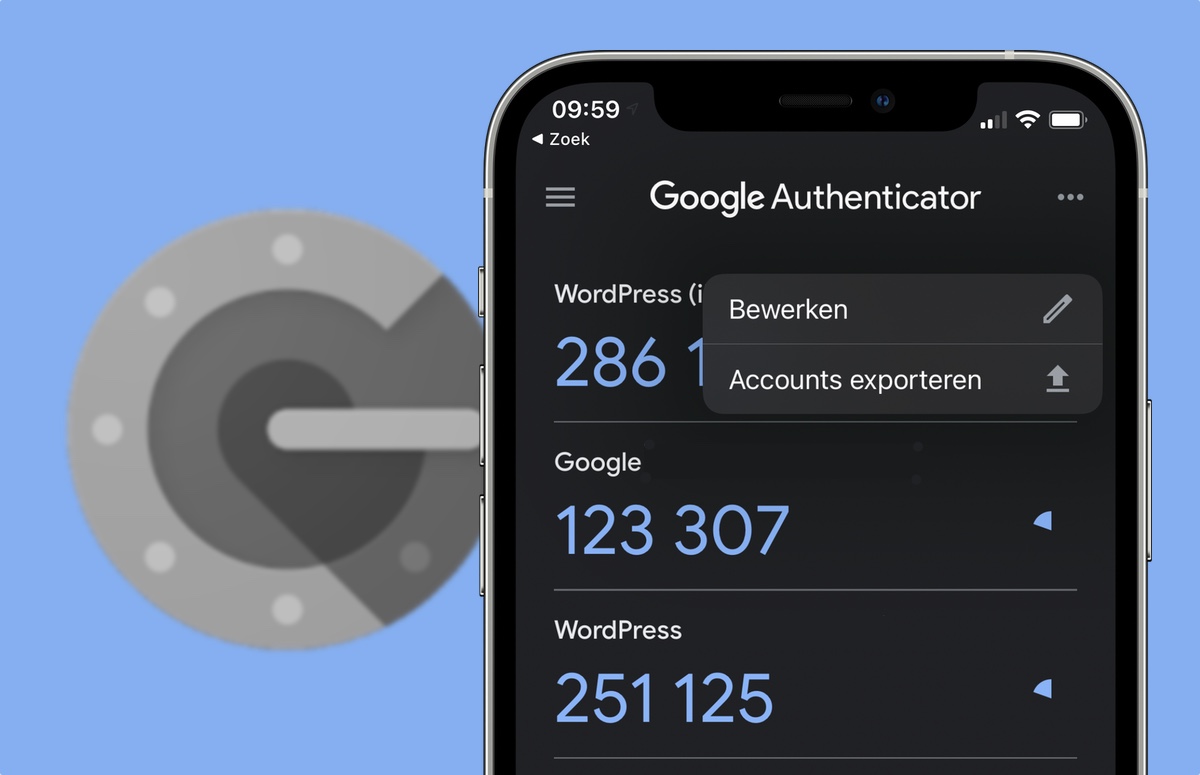
    Google Authenticator, the handy two-factor authentication (2FA) app by Google, just got a nice little update. Version 7.0 of this popular app has been revamped with a fresh new look and some helpful features.

    This is important because, in this day and age, online security is more crucial than ever. 2FA adds an extra layer of protection to your accounts, equating it to a second lock on your door. That means that even if someone has your password, they still can’t get in to your accounts without that second key. That second key in this case is a temporary code generated by Google Authenticator, which helps prevent unauthorized access and keeps your accounts safe from hackers.

    Google Authenticator has been around for years with a mostly unchanged UI but with some helpful features, such as cloud sync for all your added accounts, rolled out not to long ago. Now, Google has redesigned the app with Material Design 3, giving it a more modern and streamlined look. It also supports Dynamic Color, so the app’s colors can adapt to match your phone’s wallpaper.

    But the changes are more than just cosmetic. One of the biggest updates is how you copy 2FA codes. Previously, you had to long-press on the code. Now, a simple tap copies it to your clipboard. It might feel a bit different at first, but it’s definitely more convenient.

    Additionally, Google has added a search bar to help you quickly find the account you need. There’s also a new privacy screen that requires you to unlock the app before displaying your codes, adding an extra layer of security. This update is currently being rolled out through the Play Store, so make sure to check for updates and give it a try.

    I think this is a great update to an already essential app. Google Authenticator is certainly not the only 2FA app out there, but it is very reliable and remains one of the best 2FA apps available. The change in how you copy codes might take some getting used to, but it’s a welcome improvement for quick copying and switching over to the app you are intending to log in to.

  • New Google Authenticator update enables one-time codes to be stored in your Google Account

    New Google Authenticator update enables one-time codes to be stored in your Google Account

    Google Authenticator, the widely used two-factor authentication app, now allows users to sync their one-time codes in the cloud. This update aims to make it easier for users to switch between devices without losing their authentication data.
    The update was announced today via the Google Security Blog and it affects both the iOS and Android app. Previously, users had to manually transfer their codes from one device to another or disable and re-enable two-factor authentication when switching devices. This process could be cumbersome, especially for users who frequently switch between devices, replace their phones, or had their device stolen.
    The new cloud sync feature will automatically store users’ authentication data in the cloud, allowing them to access it from any device with the Google Authenticator app installed. To enable Google Account synchronization in Google Authenticator, users will need to open the app, tap the menu icon, select “Settings” and tap “Backup to Google Account,” then follow the on-screen instructions to sign in to their Google Account and enable backup.

    Once backup is enabled, one-time codes will be stored securely in the users’ Google Account, so if their device is lost or stolen, they can be restored simply by signing in on a new device and requesting to “Restore codes.”

    Google explains that with this update the company is making one-time codes more resilient by securely keeping them in users’ Google Accounts, improving user lockout protection and allowing services to rely on users maintaining access, which boosts convenience and security.

    Google has long promoted a number of methods for safe authentication across the web in addition to one-time codes from Authenticator, such as Google Password Manager and “Sign in with Google” options across the web. Additionally, Google has been collaborating with the FIDO Alliance to facilitate the move to using passkeys, instead of passwords, which will provide users with even more practical and secure authentication options.