Tag: backup

  • Apple raises iCloud+ prices

    Apple raises iCloud+ prices

    Backing up your photos, videos, and important documents to the cloud is super handy. It keeps everything safe, even if your phone gets stolen or breaks. But, of course, this convenience comes at a price.For many Apple product users, iCloud+ is a familiar and widely used cloud storage service. Recently, Apple has raised the prices of its cloud storage in the UK and several other countries. The prices have increased by approximately 25%. iCloud+ offers additional features such as more storage space, a custom email domain, and HomeKit Secure Video, which are not available in the free version.

    When you create your Apple ID for the first time, Apple provides you with 5GB of free storage on iCloud. If you require more space, you can upgrade by choosing one of the iCloud+ subscription plans. Until recently, the prices in the UK were £0.79 per month for 50GB, £2.49 per month for 200GB, and £6.99 per month for 2TB.

    With the new pricing, these subscription plans have become slightly more expensive, now costing £0.99 per month, £2.99 per month, and £8.99 per month, respectively. The price increase affects not only iCloud+ users in the UK but also those in Poland, Romania, Turkey, Sweden, the Arab Emirates, and other countries. However, for now, the price for the service remains the same in the US.
    The higher prices without any additional storage upgrades may not be appealing to users, especially considering the availability of alternatives. There are numerous other cloud services to explore, such as Google Drive, which offers 15GB of free storage upon registering a Google account, as well as Dropbox and Microsoft’s OneDrive cloud storage.
    You can even make your own iCloud alternative using a network-attached storage (NAS) device – read our guide on how to make your cloud backup service for more details.
    Apple gave iCloud.com a fresh makeover last year, giving it a more modern and user-friendly look. However, redesigning the website might not be sufficient in a highly competitive market.
  • WhatsApp rolls out end-to-end encryption for backup services

    WhatsApp rolls out end-to-end encryption for backup services

    Although WhatsApp already offers end-to-end encryption for messages sent, received, and stored on a device, many users are taking advantage of the backup functionality to save the history of their chats in case they lose their phones.

    Up until today, these backups did not feature end-to-end encryption like the messages stored on the phone but going forward that will no longer be the case. WhatsApp announced that it’s now rolling out an extra, optional layer of security meant to protect backups stored on two specific services with end-to-end encryption: Google Drive and iCloud.

    Those who’d like to start using the new feature and secure their end-to-end encrypted backup with either a password or a 64-digit encryption key can do so now. Obviously, neither WhatsApp nor the backup service provider will be able to read backups or access the key required to unlock it.

    End-to-end encryption for backup stored on Google Drive and iCloud will be rolled out gradually to those using the latest version of WhatsApp. Once you update your app, head to Settings / Chats / Chat Backup / End-to-end Encrypted Backup, tap Continue and follow the prompts to create a password or key.

    Keep in mind that you won’t be able to restore your backup if you lose your WhatsApp chats and forget your password or key. WhatsApp won’t reset your password or restore the backup for you, so keep them safe.

  • Google replaces Backup and Sync with new Google Drive desktop app

    Google replaces Backup and Sync with new Google Drive desktop app

    Google has just released a brand-new version of its Google Drive desktop app, bringing Google Backup and Google Sync together with Google Photos and other features, along with additional improvements. It will be replacing previous home and business versions alike, aiming to make many of the regularly used Google Workspace features easily accessible in a single space.

    We know some of the main highlights of what the new Google Drive app will feature:

    • Uploading and syncing photos to Google cloud storage—including automatic compression and resizing, for those choosing “Storage saver” rather than original image quality
    • Syncing external storage devices (thumb drives, USB hard drives, and SSDs) to Google Drive
    • (Optional) two-way file and folder synchronization—automatically download files to local folders and vice versa
    • Locally mounted Drive folders in either Stream or Mirror mode—automatically downloading files on-demand or automatically prefetching all files from the cloud
    • In-app support for shared Google drives (new feature, was not present in Backup and Sync)
    • Integration with Microsoft Outlook and Google Meet scheduling

    The download size is rather hefty for the new Google Drive app, coming in at 238 MB and a reportedly fairly long installation time.

    For people who are eager to replace their old Sync and Backup app with this upgrade, they will soon start seeing the in-app prompt to download the new, unified version very soon, when they open either of the old apps.

    Users of the two apps will be supported by a guided transition to the new Google Drive starting July 19, and in-app push notifications reminding you to upgrade will start appearing as of August 18.

    Google recommends that users complete the transition by the end of September in 2021. That’s because on October 1, both the Google Sync and Backup apps will stop working and lose all support from the company. Both business and personal Google Workspace users benefit equally from the simplified workflow made possible in the new, unifying Google Drive app, so it may be better to go ahead and switch sooner than later.

  • WhatsApp is working on encrypted chat backups, disappearing photo feature

    WhatsApp is working on encrypted chat backups, disappearing photo feature

    We’ve got a bit of welcome news from a WhatsApp leak today, especially in this era of constant bombardment with news about data spills and app security breaches all over the place.

    “WhatsApp is working on cloud backups encryption,” the independent but reliable source WABetaInfo claims in the Twitter leak. Apparently, WhatsApp is introducing a new password-protected chat backup feature on their messaging app. You can choose to lock any of your chats behind a password, and not even WhatsApp will have access to these private passwords. Upon reinstallation of WhatsApp, or installation on a new device, you will receive a password prompt to unlock your protected messages.

    Although the chat database is already encrypted, the encryption does not extend to shared media, and according to WABetaInfo, the algorithm is reversible and not end-to-end encrypted.

    The cloud-backup encryption feature should become available on a future update for both Android and iOS.

    This is not the only security update news we’ve got from WhatsApp, however. A few days ago, it was revealed WhatsApp is also testing a function for sending messages which disappear after 24 hours, as well as self-destructing photos—Snapchat-style.

    In order to use any of these features, though, you will have to agree to WhatsApp’s new privacy policy before the May 15 deadline. Failing to do so will make you lose the functionality of the app and all upcoming features.

  • Google One paid storage service gets more phone backup features

    Google One paid storage service gets more phone backup features

    If you don’t have a Google One membership yet, you might consider one after the latest improvements the paid storage service has just received. The Mountain View company has just announced that Google One is now getting additional phone backup features on Android devices.

    Google has taken the standard Android backup, which includes texts, contacts, and apps, and improved with additional features like automatic phone backup. On top of that, Google One subscribers will be able to back up original quality photos, videos, and multimedia messages (MMS).

    Furthermore, users will be given the option to manage their backups directly from the Google One app. The storage service will allow users to get everything they need to be restored when they set up their next Android phone.

    Google One subscribers should expect the new automatic phone backup feature to become available to them this week. Simply open the Google One app and head to the “Device Backup” section to check out the new improvements.

  • HGC launches cloud backup service

    HGC launches cloud backup service

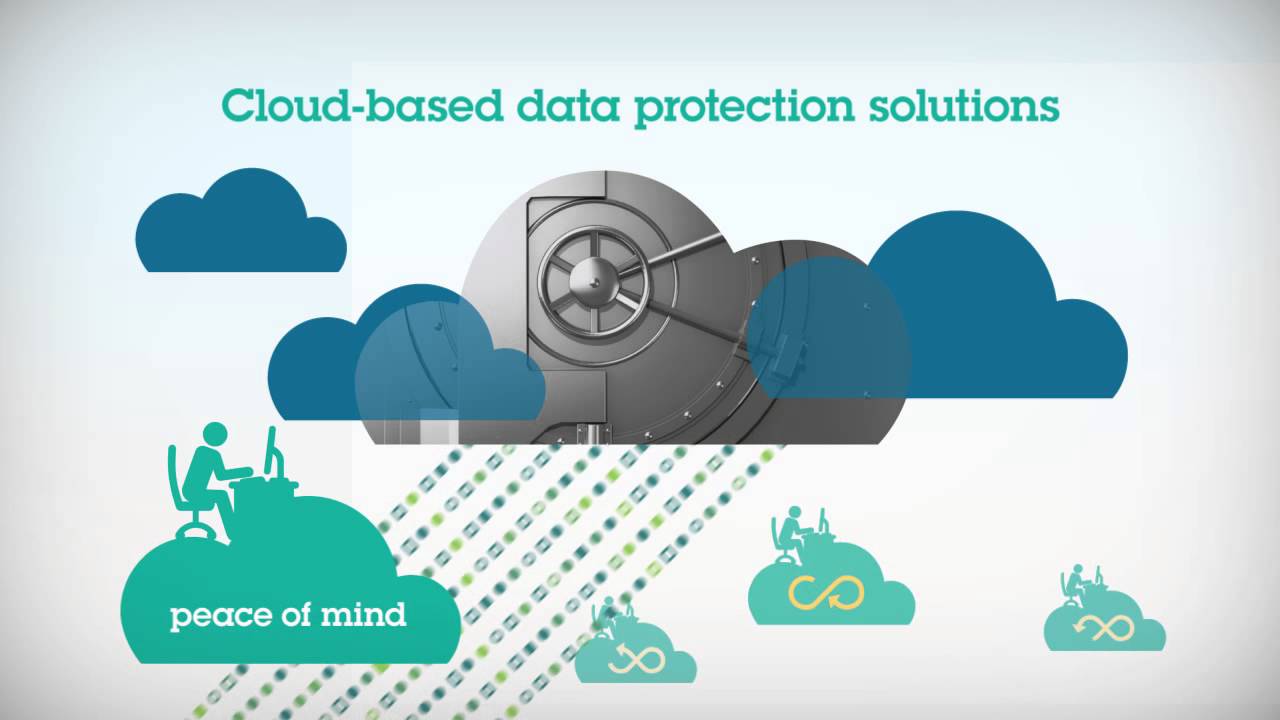
    Hutchison Global Communications (HGC) has launched a one-stop enterprise-grade cloud backup service to augment its cloud portfolio.

    The Backup-as-a-Service offering is designed to allow enterprises to back up files, operating systems and applications at he Wong Chuk Hang data center run by HGC GlobalCentre (HGCGC).

    HGC Cloud Backup supports a wide range of brands, operating systems, applications and cloud platforms. It is designed to allow companies to restore and retrieve specific stores of data without the need to recover the entire content of a backup.

    The service is being offered under a pay-as-you-go model and is supported by an online self-service portal.

    HGCGC data centers are designed to meet ISO information security standards, and customers can opt for a private leased line to further improve security.

    In order to enhance the service, HGC has also revealed plans to introduce data backup replication by the end of the year. Backup data will be stored at Kwai Chung as well as the Wong Chuk Hang data centers.

    “Launch of HGC Cloud Backup greatly enriches our portfolio of cloud services,”HTHKH COO Jennifer Tan commented.

    “This new Backup-as-a-Service capability – plus the planned dual data center backup and replication solution – will minimize the worrying risks associated with data storage. Customers will therefore be in a much better position to protect their digital assets and recover critical information during disaster incidents, thereby ensuring robust business continuity.”

  • Western Digital unveils New My Book Pro

    Western Digital unveils New My Book Pro

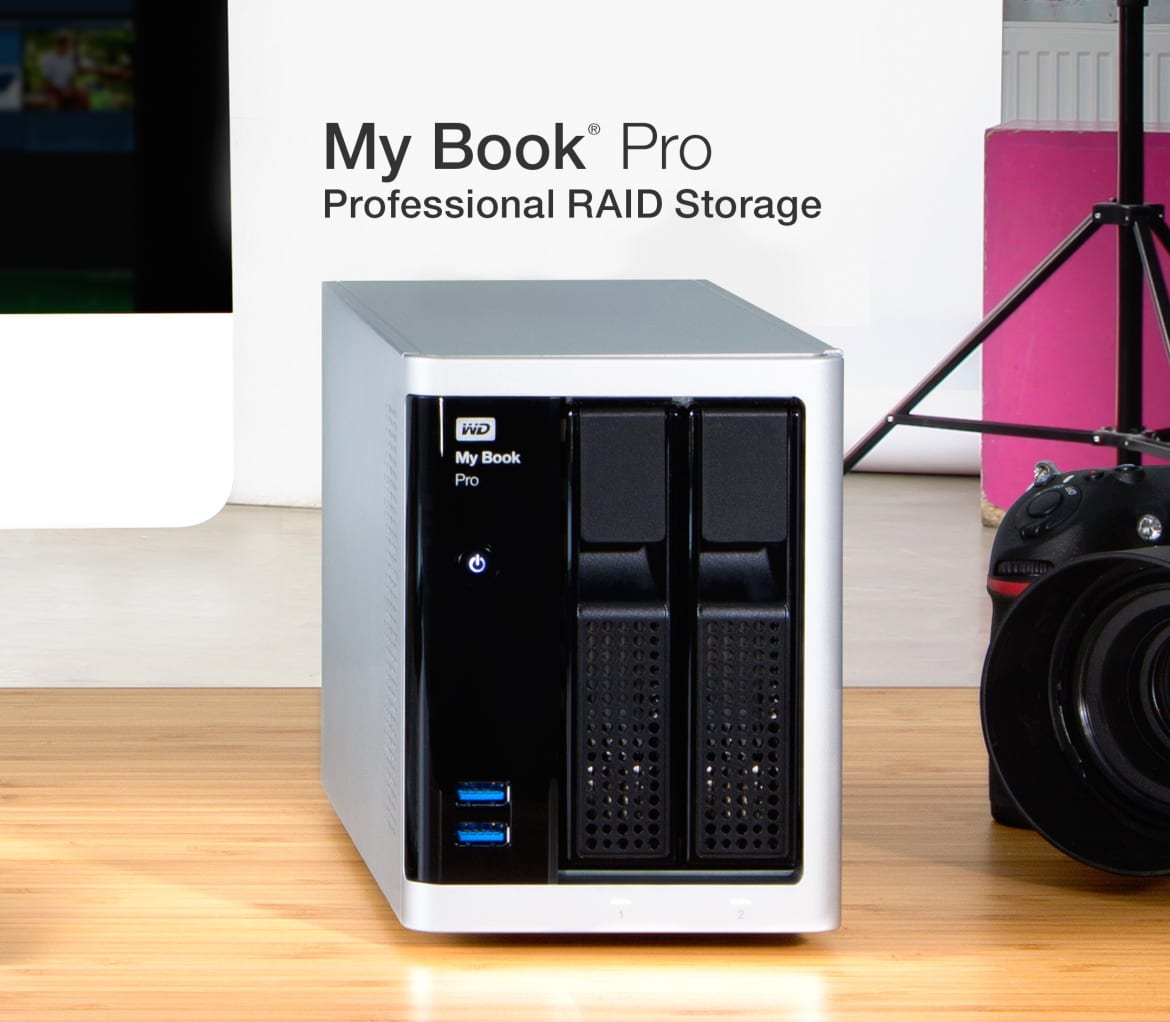
    Designed for professional content creators who need performance and capacity, My Book Pro storage combines the power of dual 20 Gb/s Thunderbolt 2 ports, USB 3.0 compatibility, the peace-of-mind of hardware RAID and the speed of two 7200 RPM WD drives to accelerate creative workflows. With the convenience of two front-access USB ports and the ability to daisy chain up to six Thunderbolt devices, users are able to charge and sync smartphones, tablets or cameras while simultaneously connecting 4K monitors or additional storage devices.

    At any point in time, one’s data could be at risk if not protected. Whether it’s a lost notebook or destructive virus, it’s critical to keep data safe and maintain a backup of important documents and valued content. With three customizable configuration options [RAID 0 (default), RAID 1 and JBOD] offered by the My Book Pro device for keeping content protected, data bottlenecks are reduced and throughput is improved with no impact to your computer’s CPU performance.

    The My Book Pro storage device is protected by a 3-year limited warranty and is available at select retailers and distributed by EA Global Supply Chains Solutions Inc. and Iontech Inc. in the Philippines. Manufacturer’s suggested retail price is P31,490 for the 6TB; P40,490 for the 8TB; P47,990 for the 10TB; and P53,990 for the 12TB variant.