Tag: duo

  • Google to boost sound quality in Google Meet, merge Duo

    Google to boost sound quality in Google Meet, merge Duo

    There are changes coming to Google Meet that will boost the sound quality of calls by introducing stereo separation. The guys at 9To5Google have found some strings of code related to binaural audio, and the aforementioned stereo separation in the latest version of the Google Meet and Gmail applications.

    Simply put, this means grabbing two separate audio channels and treating them individually. Google Meet will be able to get different audio channels for different people speaking during a meeting, and then blast them separately into the left and right speaker of the person listening.

    This will help people understand who’s speaking much more effectively, and intuitively – normally these conference call apps just use a mono audio channel, which makes everyone come through the same speakers.

    A couple of days ago, Google announced that it will be merging Google Duo with Google Meet, or more specifically – integrating some Google Duo features into Meet. There are again strings of code that show this is happening.

    With these changes in place, Google Meet will be able to carry out 1-to-1 calls the way Google Duo does, with the call tied to a phone number or Google account.
  • Google Duo update adds important new features,

    Google Duo update adds important new features,

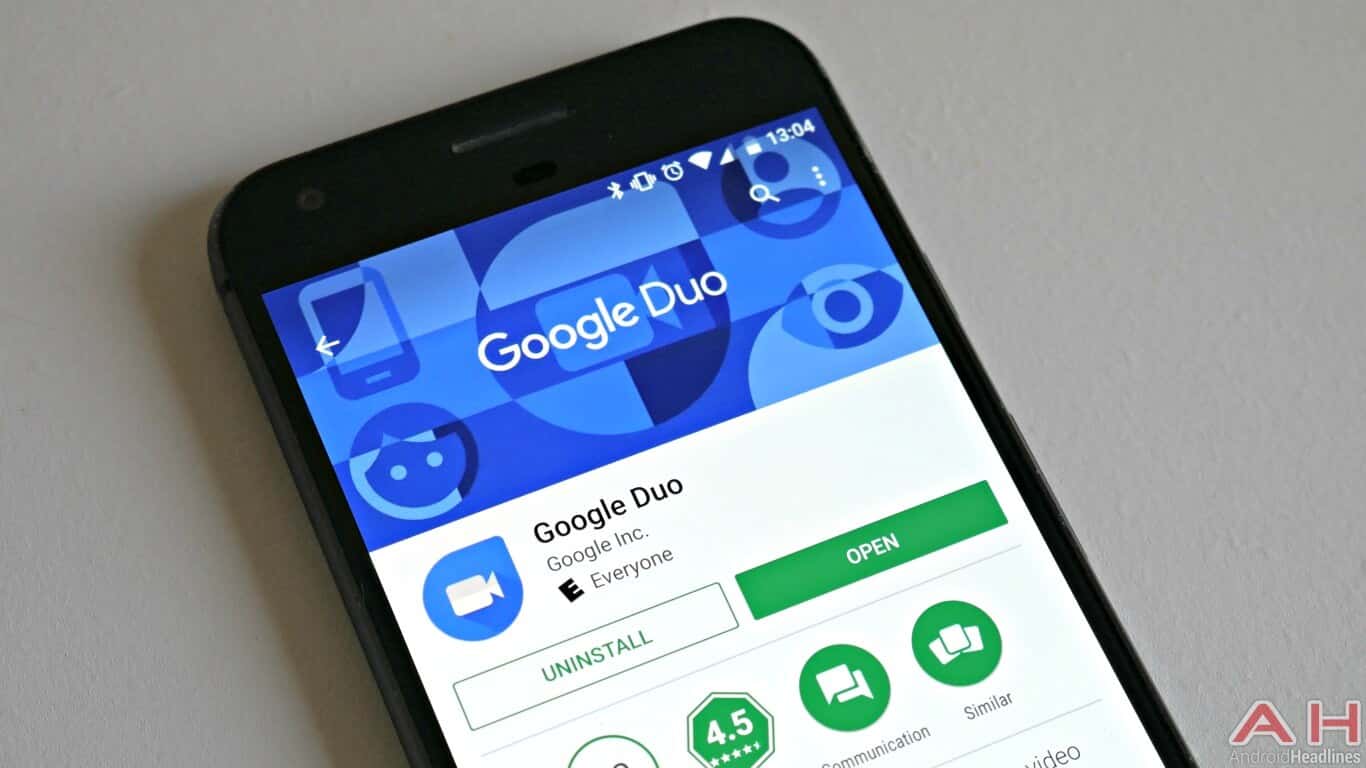
    Google Duo received quite a few updates in the last couple of months, a strong indication that Google has big plans for the app. The most recent Duo update brings a handful of new features that will help users connect with their loved ones during these difficult times.

    Of course, the highlight of the update is the new family mode, which lets Google Duo users doodle on video calls. Various fun effects and masks can be used during video calls. To take advantage of the new feature, simply start a video call, tap the menu icon, and choose Family to start doodling.

    The new family mode becomes available as soon as you sign into Duo with your Google account. And you don’t have to worry that someone else will hijack your conversations since calls on Duo are end-to-end encrypted and remain private between you and your family or friends.

    But the new effects and masks are not just available in the new family mode. Google confirmed that Duo users will be able to use them during one-on-one video calls on Android and iOS starting this week. Expect to see even more effects and masks in the coming weeks.

    Finally, if you’re using Duo on the web, you’ll be pleased to know that Google will be adding group calls in the coming weeks. They will first be available as a preview on Chrome, along with a new layout the enables you to see more people simultaneously. The app will also let you invite anyone with a Google account to join a group call via a link.

  • Google Duo group video calling goes live

    Google Duo group video calling goes live

    Google Duo, the video chat mobile app developed by the Mountain View company, received a couple of important updates in the last year or so. Among them, group video calling was added to the app less than a month ago, but it was only made available in a few countries.

    Starting today, Google has expanded the availability of the group video calling feature to more countries, including the United States, Canada, and India. Even Google seems to confirm the new feature is available in “select regions,” but no list of markets is available yet, so we’ll have to rely on reports coming from users.

    With group video calling, Google Duo users will be able to select up to four contacts that they can call simultaneously. Simply swipe down and press the “Create Group” option in order to start adding the contacts you want to call.

    Although the feature only supports four contacts in a group call, Google plans to slowly increase the number of people that you can call simultaneously with Google Duo, although no timeframe is available at the moment.

  • Google Duo’s update saves users from overages and throttled data speeds

    Google Duo’s update saves users from overages and throttled data speeds

    Google Duo is the company’s video chatting app that allows users to stream video, make audio-only calls, and send video and voice messages. The app is available for Android and iOS users. As you might imagine, engaging in a video chat uses plenty of data. So Duo users used to be able to toggle on a feature that would limit the amount of mobile data they consumed while employing Duo.

    An update to the app replaces the Limit Mobile Data toggle with Data Saving Mode, which is turned off by default. The new feature works to lower the consumption of both cellular data and Wi-Fi data when Duo is being used. After all, many wireless carriers and home Wi-Fi providers have data caps. Breaching these caps can result in overages or throttled data speeds, two punishments that no Duo user wants to receive.

    To lower mobile and Wi-Fi data consumption, Google drops the quality of a video chat to a lower resolution. Before you decide whether to use Data Saving Mode on a video chat, a preview will show you what the video chat will look like with the feature disabled (again, the default setting) and what it will look like in the lower resolution used when the feature is enabled. With Data Saving Mode toggled on, you won’t be the only one saving mobile and Wi-Fi data. That’s because the party on the other end of the video chat will also be viewing and sending videos in low resolution, helping to lower his/her mobile and Wi-Fi data usage as well.

    This new feature, found on version 51 of Duo, is being sent out via a server-side update. If you’re an impatient sort, you can find this version of the app offered on the Google Play Store.