Tag: google chat

  • Google Chat working on adding group audio and video call function within Gmail Spaces

    Google Chat working on adding group audio and video call function within Gmail Spaces

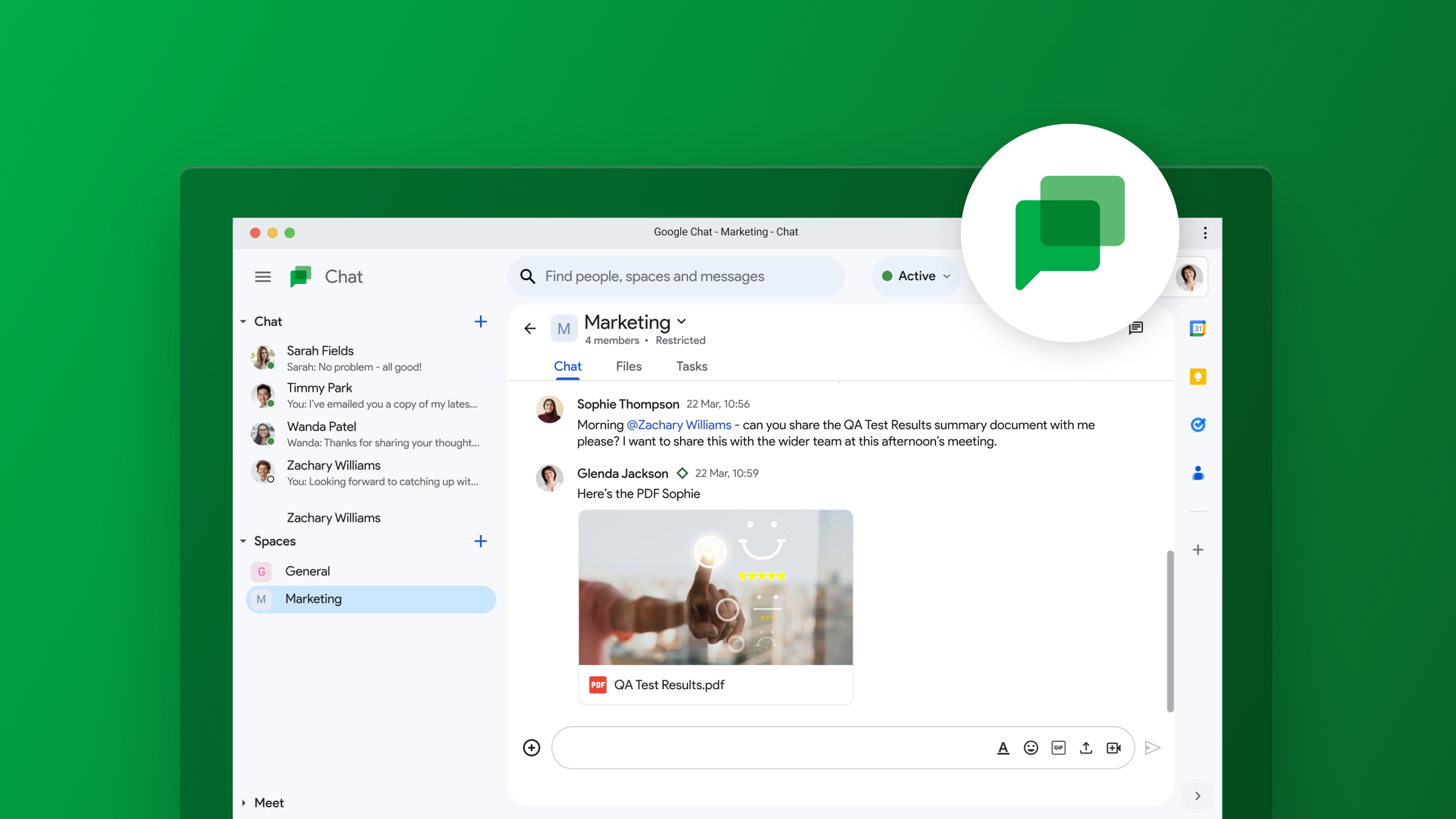
    Google Chat, which is part of Google Workspace, is not exactly one of the leading chat applications out there. However, it is popular in workplaces and businesses where Google Apps are highly used, justifying continued development and improvement of the app. To that end, there may soon be updates that will allow for easy audio and video calls directly within group Spaces, giving the app more functionality to those that make it part of their daily workflow.

    This info comes from a tip shared exclusively with PiunikaWeb by AssembleDebug, who found the feature hidden in Gmail version 2024.04.07.622678535. From the screenshots, it looks like Google is planning to add two new icons to the top bar of a Space: one for audio calls and one for video calls. To avoid accidental calls, you’ll likely have to confirm your intent to start the call with all group members after clicking either icon. Also, it appears that the “Active Threads” icon may get a visual refresh, changing from a message icon to a thread icon.

    This upcoming feature aims to make communication easier for project groups and teams using Google Chat Spaces. Currently, initiating a group call in Google Chat involves the extra task of generating and sending a Google Meet link. The new direct call feature, however, will remove this additional step, leading to a more efficient workflow.

    While the feature is not yet available, it is evident from the code that Google is actively working on it. Hopefully, this new call feature will be integrated into the standalone Google Chat app, and not be limited to just Gmail. Furthermore, a window offering “Suggested apps to enhance your space” may soon appear at the top of Spaces, suggesting useful integrations with other Google Apps for even more productivity, sort of how Gemini currently does it.
  • Google Chat finally gets voice message support

    Google Chat finally gets voice message support

    Google just announced a significant upgrade for its Google Chat app, with the introduction of voice messages on mobile devices. This a highly anticipated feature that has been present in other chat applications for some time.

    There are times when typing out a message simply isn’t the most efficient option, and this is where voice messages have come in to fill that gap. Using voice messages, particularly when on the go, offer several advantages. Aside from the obvious time-saving benefits, voice messages can also be extremely helpful when the nuances and tone of the message are important to keep intact. Additionally, for users with limited dexterity or visual impairments, voice messages can be a crucial accessibility tool.

    Although a bit late to the party, it’s good to see this feature being added to Chat, but Google isn’t stopping there. The company also promises that transcription for voice messages will also be added and will be rolling out to users in the coming months. This powerful addition will make voice message searchable and allow for easier consumption by users who prefer reading over listening.

    Users will be able to send and receive voice messages to direct messages, group chats, and spaces within the Google Chat Android and iOS apps. The ability to receive voice messages will also work on the web, but sending will not be possible through a browser just yet. There is also a huge caveat: This is a Google Workspace feature that will only be available to paid Enterprise users, specifically those on the Enterprise Essentials, Enterprise Essentials Plus, Enterprise Standard, and Enterprise Plus tiers. This makes the feature’s availability very limited, and we hope this eventually trickles down across all accounts.

    For the lucky ones who will get this feature, the process will be pretty straightforward: Open a direct message, group chat, or space, tap on the microphone icon, start speaking, and press send. Once sent, voice messages function just like text-based messages, allowing for quotes, reactions, and threaded replies.

    The enterprise rollout will happen gradually, with domains on the Rapid Release track getting the feature as early as March 26th, with a two-week window before it reaches all users. The Scheduled Release track will follow on April 15th, with the same two-week window until completion.

  • Google Chat expands its message bubbles to iPhones

    Google Chat expands its message bubbles to iPhones

    Google Chat is getting a visual upgrade with the introduction of message bubbles on iOS devices. This feature, which was previously available only on web and Android, makes it easier to differentiate between incoming and outgoing messages, leading to a more streamlined and intuitive messaging experience.

    With message bubbles now available on iOS, users will see each incoming message displayed in a standalone bubble aligned to one side of the chat window, with a solid color background. Outgoing messages, on the other hand, will appear in their own distinct bubble on the opposite side, using a different color background. This visual separation ensures clear and effortless differentiation between messages, enhancing the overall chat experience.

    Message bubbles not only enhance the aesthetic appeal of Google Chat but also promote improved message comprehension and reduced confusion. By clearly distinguishing between incoming and outgoing messages, users can effortlessly follow conversations and quickly identify their own contributions. This feature proves particularly beneficial for group chats, where multiple participants are actively engaging.

    The rollout of message bubbles to iOS devices will be automatic, requiring no action from admins or end users. The update will begin to show up for users today and will gradually roll out over the coming weeks — up to two weeks to be exact — ensuring a seamless transition for all Google Workspace customers and users with personal Google Accounts.

    Message bubbles in Google Chat are one way in which Google is expanding its app features that were previously only present on the Android and web apps, to iPhone. For example, just today Google also brought  its revamped Google Drive scanner and title suggestion capabilities to iOS as well. This expansion to iOS devices further solidifies Google’s commitment to providing a user-friendly and intuitive messaging experience across all platforms.

  • Google reveals seven new features for Google Chat

    Google reveals seven new features for Google Chat

    Google Chat was originally designed for businesses to keep their teams communicating internally. However, it can now be used by consumers for direct messages and group conversations. It also includes Spaces, which is a feature where tasks can be assigned and files shared. Chat can be installed on both Android and iOS. Found in the Google Play Store, the app can be downloaded by Android users by tapping on this link. Those using an iPhone can find the app in the App Store by clicking on this link.
    On Friday Google revealed seven new features coming to Google Chat including Smart Compose. This feature offers those typing a message contextually aware suggestions that are grayed out in the text bar. If you see a suggestion that you want to use, hit the tab button to add the suggested words to your message. Check out the video below to show you how Smart Compose works in Chat. Smart Compose is rolling out to Chat web users in English, French, Italian, Spanish and Portuguese.
    If you’ve ever sent a message and immediately realized that you left out a word, or typed something by mistake, Google Chat can use message editing to delete or edit a message by long-pressing on it. A toolbar will appear and you press on the Edit icon (which looks like a pencil), make your edit (or delete the entire message) and tap on Update. This feature is available to all Chat users.
    Another new feature in Chat will allow you to quote a previous message when sending a response. This allows the group to see exactly which message you are responding to without getting confused. Just tap on the message you want to quote and when the toolbox appears, tap on the icon that shows the “Enter” icon, and the message you want to reply to will be on the bottom of the screen. Type your response and send it.
    Sometimes, whether it is due to a poor internet connection or for some other reason, you might not know whether some or all of the group received your message. Already available for direct messages on mobile and web, you will get a read receipt on messages you send when the avatar of those who received your message appears underneath your post on the right side. Tapping on the avatars (or rolling over them with a mouse) will show the names of those who received your message. This will be coming to Chat later this month to group messages on mobile and web.
    Want to save yourself from adding a long URL to a message? Sure you do. If you want to link something to a group, you can select the text that you want to hyperlink, click on the insert link icon on the toolbar, and paste in or type the URL you want linked to the text. This will be available in the weeks ahead for Android users and those on the web.
    No one likes a messy and cluttered interface. So if you have more than 10 conversations or spaces, any that have been inactive for the last seven days will be hidden until a new message is posted. At that time, it will go straight to the top of the list. And if you need to view one of the hidden conversations or spaces before a new message is sent, tap the “More” button under the list of Chats. This feature is available to Chat users now.
    Lastly, in the coming weeks, Chat users will be able to install apps for their personal Chats and spaces. Google mentions Giphy to add GIFs, Asana to assign tasks and add to-do lists to group chats, and Zapier for custom notifications.
    Again, if you don’t have Google Chat on your iOS or Android device, we left some links at the top of this article to help you download the apps quickly.