Tag: google meet

  • Google Meet Zooms onto CarPlay: A Hands-Free Meeting Revolution Android Auto Can’t Join Yet

    Google Meet Zooms onto CarPlay: A Hands-Free Meeting Revolution Android Auto Can’t Join Yet

    Google has recently introduced its video meeting application to automobile dashboards, enhancing the in-vehicle experience for iPhone users. Now, through CarPlay, drivers can join Google Meet calls hands-free while commuting. However, it’s worth mentioning that this feature is not yet available for Android Auto users.

    Google Meet on CarPlay: An Audio-Only Experience

    Google has officially confirmed that Google Meet is now accessible on Apple CarPlay. The feature was launched on March 23rd and is expected to be available to all users within a fortnight.

    The operation is simple and user-friendly. Upon connecting your iPhone to a CarPlay-compatible vehicle, the Google Meet application automatically appears on your vehicle’s display. Users can view their upcoming meetings and join them with a single click, enjoying an audio-only call experience.

    By design, there is no video functionality in this setting. The camera remains off, and users will not see other participants’ video feeds. The interface is simplified to only include two buttons—one to mute the call and another to leave the meeting. For a comprehensive meeting experience, users are advised to park their vehicle and switch to their phones.

    A minor setback for Google is the lack of this feature for Android Auto users. The company has confirmed that an Android Auto version of Google Meet is underway but has provided no further details regarding its release.

    Significance for Commuters

    This new feature holds significant potential for millions of individuals who use Google Meet for work. Commuters with tight schedules no longer need struggle with their phones to join meetings. The real advantage lies in the calendar integration, which presents upcoming meetings directly on the vehicle’s display.

    This development aligns well with the broader evolution of CarPlay. As Apple continues to enhance the capabilities of CarPlay, the presence of Google applications on this platform bolsters its appeal and functionality.

    Questions & Answers

    What is the new Google Meet feature on Apple CarPlay?
    Google Meet is now accessible on Apple CarPlay, allowing users to join meetings with a single click and engage in audio-only calls.

    Is the Google Meet feature available for Android Auto users?
    Currently, the Google Meet feature is not available for Android Auto users. However, Google has confirmed that it is working on a version for Android Auto.

    What are the benefits of Google Meet’s integration with Apple CarPlay?
    The integration of Google Meet with Apple CarPlay simplifies the process of joining meetings for commuters. The calendar integration feature, which displays upcoming meetings on the vehicle’s screen, is particularly beneficial for users with busy schedules.

  • Google Meet Revolutionizes Video Calls With Ai-powered Makeup Filters

    Google Meet Revolutionizes Video Calls With Ai-powered Makeup Filters

    Google Meet, the popular online conferencing platform, has introduced a game-changing feature: AI-driven makeup filters. Users can now choose from 12 different styles, ranging from subtle to dramatic, that lend an instant touch of refinement to their on-screen appearance.

    Always Camera-Ready with Google Meet

    There’s no question that the prevalence of video conferencing has necessitated new ways to stay camera-ready, often at a moment’s notice. Google Meet’s latest upgrade is designed to meet this exact need. Building on their existing ‘Touch-up’ feature, they have added 12 new makeup filters powered by artificial intelligence.

    Notably, these filters are more than just standard overlays that are prone to flaws or glitches. Google assures that these AI-driven filters maintain a natural and consistent effect, regardless of whether you’re sipping coffee, touching your face, or moving around. Depending on your mood or preference, you can opt for a look that is professional and polished, or one that’s a bit more daring.

    While the feature is not activated by default, users can easily enable it and select their desired look on either the web-based platform or mobile application. The chosen look will conveniently be saved and applied for subsequent meetings, creating a seamless solution for users wanting to maintain their on-screen appearance.

    Keeping Pace with Competitors

    Google Meet is not the first video conferencing platform to venture into virtual makeup. Both Microsoft Teams and Zoom have previously integrated similar features. This trend underlines an acknowledgment from tech giants that virtual meetings are here to stay, and offering features to enhance these experiences is crucial.

    For individuals working remotely or in hybrid work environments, these kinds of features can be highly beneficial. They provide a quick and easy solution to appearing more professional and confident on camera, eliminating the need to get fully ready for each call. This can significantly affect how you present yourself professionally.

    Practicality Over Vanity

    While the introduction of makeup filters in video conferencing might initially be met with skepticism, their practicality soon becomes apparent. It isn’t so much about vanity as it is about convenience and confidence. For those with early morning meetings or days filled with back-to-back calls, the ability to click a button and instantly look presentable is undoubtedly advantageous.

    However, the use of this feature is optional, and it is deactivated by default. Users can activate and use it as required. Currently, this service is available to certain Google Workspace Business and Education tiers and to Google One and Google Workspace Individual subscribers.

    Questions & Answers

    What is Google Meet’s new feature?
    Google Meet’s new feature is an AI-driven makeup filter that users can apply to enhance their on-screen appearance during video calls.

    How can I enable the new makeup filter feature on Google Meet?
    The makeup filter feature can be enabled on the settings page of either the web-based platform or mobile application of Google Meet.

    Who can use the AI-driven makeup filter feature on Google Meet?
    Currently, this feature is accessible to certain Google Workspace Business and Education tiers and to Google One and Google Workspace Individual subscribers.

  • New Google Meet feature prevents distractions and can reduce data usage

    New Google Meet feature prevents distractions and can reduce data usage

    Recently Google wrapped up its plan to merge the consumer-oriented Google Duo app with the enterprise-focused Google Meet app to create a single app for all of your video needs called (drum roll, please) Google Meet. Just the other day we told you that Google is requesting that users delete the Meet (original) app from their Android and iOS devices. Google has now announced that it allows Meet users in a video conference to turn off the video feed from other participants during a meeting.
    Now why would someone want to do that? Well, perhaps you want to focus on certain participants in the video conference that you’re a part of. Maybe you want to listen to the guy (or gal) who is presenting the meeting, or another participant is distracting you from giving your full attention to what is being said and shown. Or maybe you are on a monthly data plan and you want to reduce the amount of data being consumed by a Google Meet video conference.
    You can shut down the video feeds from certain participants and the best thing is that they will never know (unless you tell them). This feature will be available on the desktop and mobile devices.
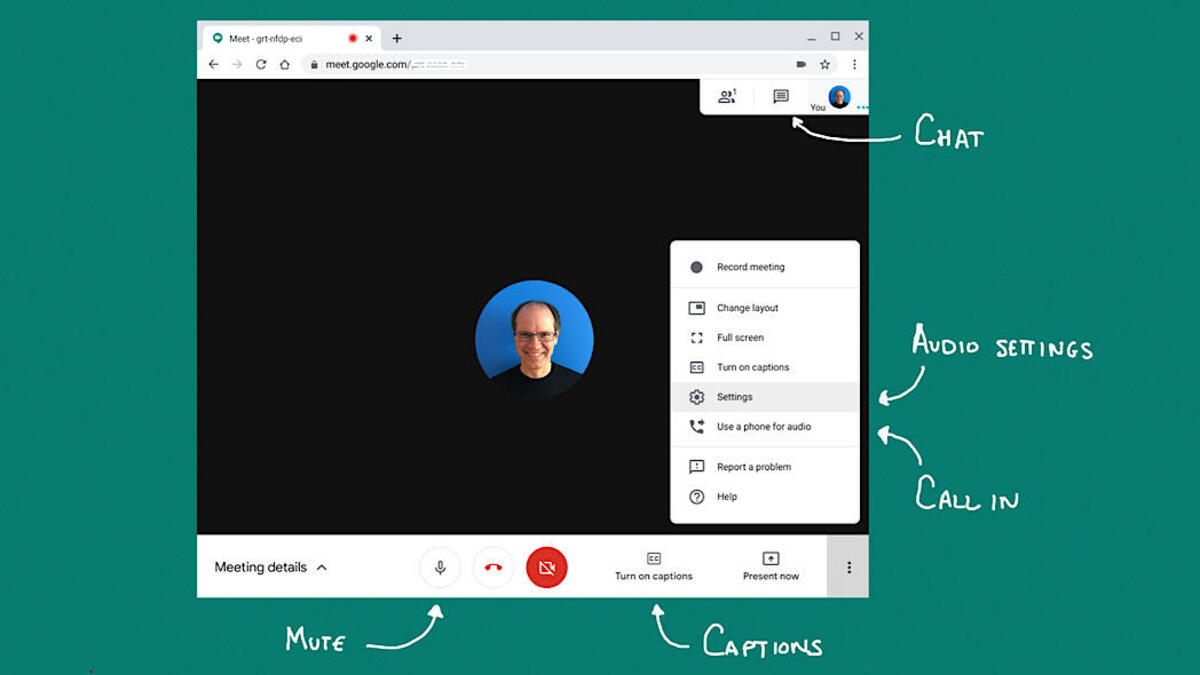
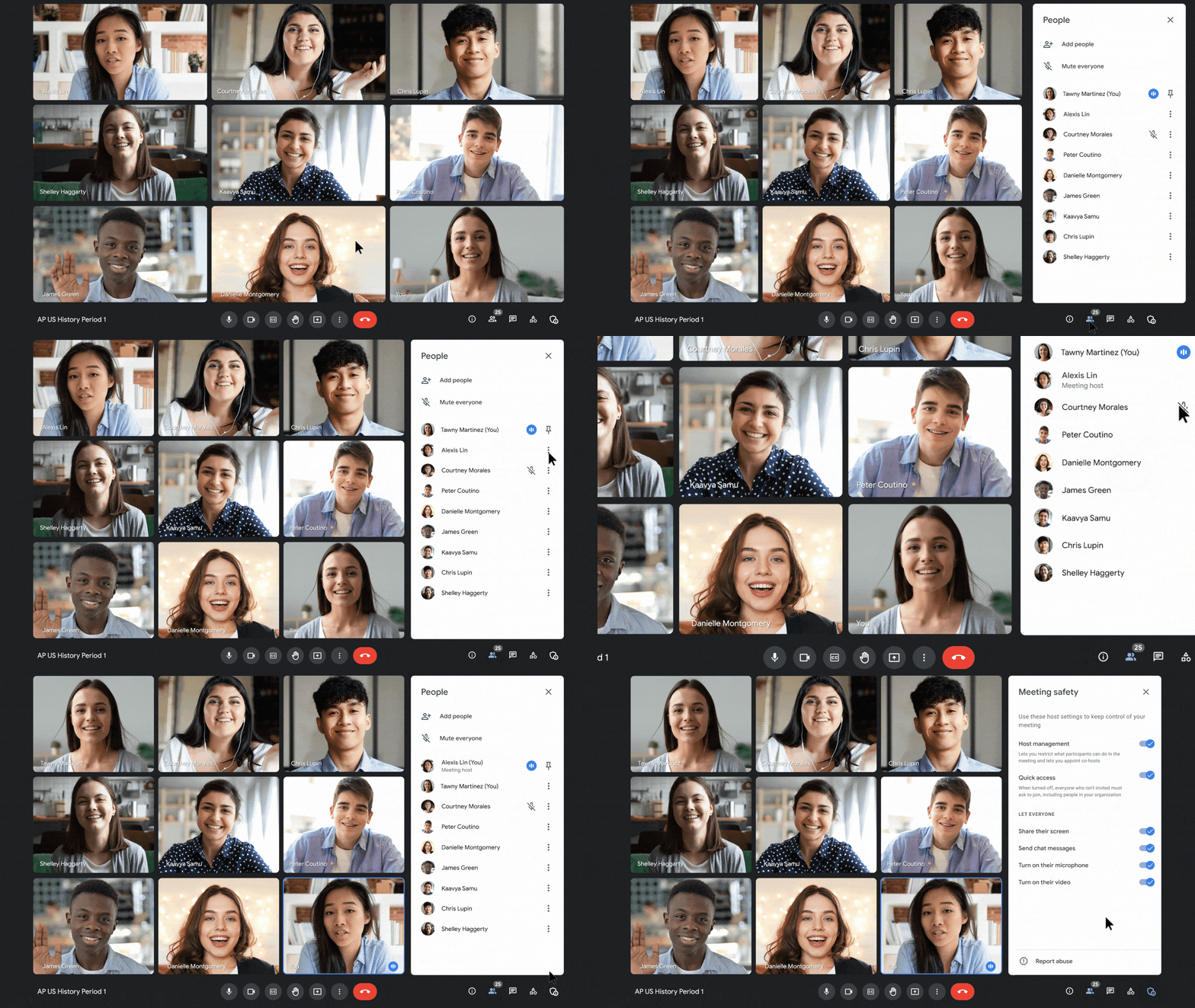
    If you’re joining a Google Meet meeting via a mobile device, by selecting “Audio only” all video feeds will be turned off except for those presenting content. On the desktop, you can select whose video feeds you want to turn off by following the following directions: In a Google Meet conference (again, on the desktop), open the People panel. Tap the three-dot menu next to a particular participant, and select “Don’t watch.” To turn the video back on, from the three-dot menu and select “Start Watching.”
    The new feature started rolling out yesterday and it is expected to take 15 days to complete.
  • Google to boost sound quality in Google Meet, merge Duo

    Google to boost sound quality in Google Meet, merge Duo

    There are changes coming to Google Meet that will boost the sound quality of calls by introducing stereo separation. The guys at 9To5Google have found some strings of code related to binaural audio, and the aforementioned stereo separation in the latest version of the Google Meet and Gmail applications.

    Simply put, this means grabbing two separate audio channels and treating them individually. Google Meet will be able to get different audio channels for different people speaking during a meeting, and then blast them separately into the left and right speaker of the person listening.

    This will help people understand who’s speaking much more effectively, and intuitively – normally these conference call apps just use a mono audio channel, which makes everyone come through the same speakers.

    A couple of days ago, Google announced that it will be merging Google Duo with Google Meet, or more specifically – integrating some Google Duo features into Meet. There are again strings of code that show this is happening.

    With these changes in place, Google Meet will be able to carry out 1-to-1 calls the way Google Duo does, with the call tied to a phone number or Google account.

  • Google Meet update adds important audio capabilities

    Google Meet update adds important audio capabilities

    Google Meet is getting a small yet important update this week, which adds noise cancellation capabilities to the app. The new feature is available to all Google Meet users starting today and there’s no need to make any adjustments to the app’s settings to benefit from noise cancellation.

    Google Meet users can take advantage of noise cancellation if they join a meeting using any Google Meet hardware devices. Also, the feature is available for the meeting organizer’s Google Workspace edition. It’s important to mention that if a user has noise cancellation, the feature will be active in all meetings regardless of whether the meeting organizer has noise cancellation or not.

    Google Workspace accounts that have noise cancellation enabled by default for their organizations in meetings with other people outside, they can also use the feature, but only during that meeting.

    The new feature is enabled by default for Google Workspace Business Standard, Business Plus, Enterprise Essentials, Enterprise Standard, Frontline, Enterprise Plus, and Workspace Individual Subscriber accounts. However, noise cancellation will not be on by default for Education Plus, and Teaching and Learning Upgrade accounts.

  • Google Meet improves Hand Raising features

    Google Meet improves Hand Raising features

    Earlier this year, Google announced a revamp of Google Meet, promising a smoother and easier conference call experience than ever. At the annual Google I/O event, we discovered that Meet is being integrated directly into Google Docs, Sheets, and Slides, and is also receiving some significant video and audio improvements.

    But Google wasn’t done, as we find out from a recent support note that was published on Google Workspace Updates. Google has just announced that over the course of the next few weeks, one particular Google Meet element is about to become even better: the Hand Raise feature.

    The ability to raise a virtual hand during online Google Meet calls was introduced in November 2020 and has drastically improved the call experience. The small bottom-left notification and hand symbol that pops up once anyone raises their hand gives every single participant in the meeting a voice, without causing any disruptions.

    But in a meeting with many people, the main speaker could easily miss a raised hand, or in the event of many people raising their hands, there was no way of knowing who should be addressed first.

    In order to make sure that anyone raising a hand is noticed, Google will now shift the hand-raising video tile forward, to make it more visible among the other faces in the grid.

    There will also now be an audio notification sounding every time there is a hand raised. If multiple hands are being raised at the same time, don’t worry: the meeting won’t be a complete cacophony. The primary goal of hand-raising is to avoid rude interruption, after all. Instead, only the first hand will trigger the sound, and those following will only see the visual pop-up appear on their tiles.

    And in order to keep track of the order of raised hands, there will be a clickable notification that the main speaker can open to view the queue of people waiting to speak.

    While previously, anyone who raises their hand had to wait for the host to manually “lower” their hand, this will no longer be necessary. Once the participant raising their hand speaks, the visual pop-up will now be automatically lowered.

    Along with these updates, the actual hand-raising animation and visual icon appearing on video tiles will be seeing an improvement as well.

    Once the Google Meet update reaches you, you won’t have to do anything to gain access to these features; they will be automatically available.