Tag: google tv

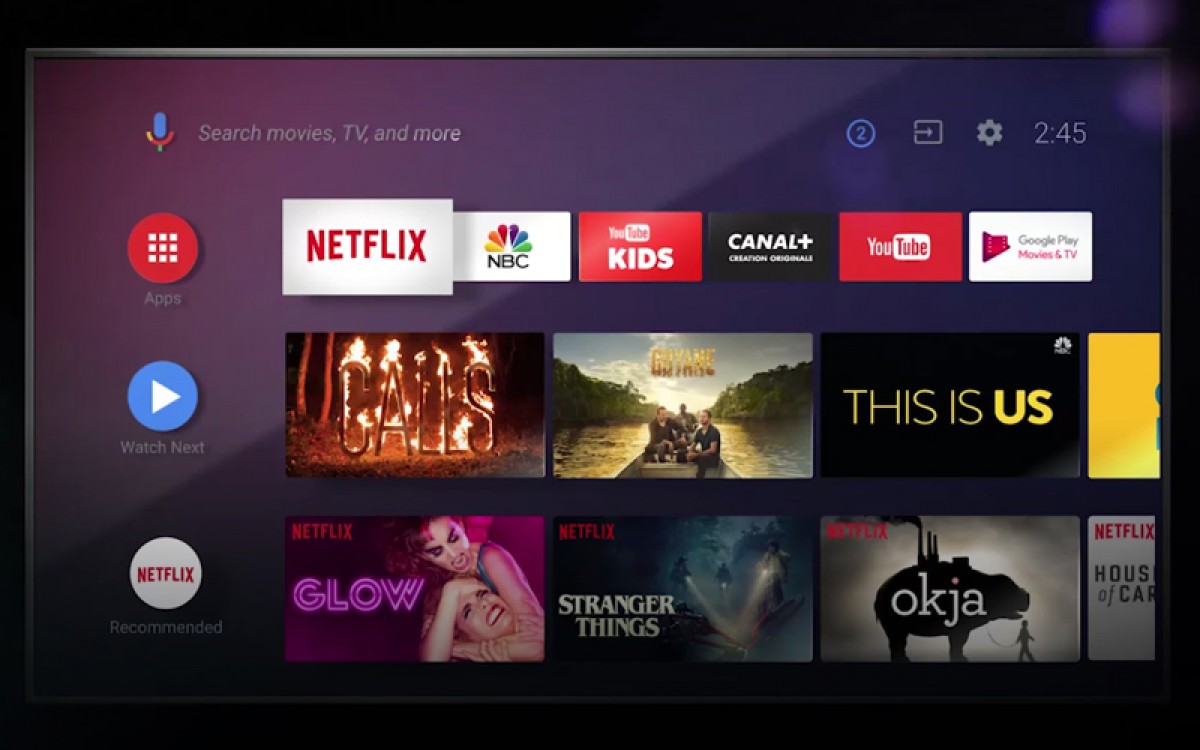
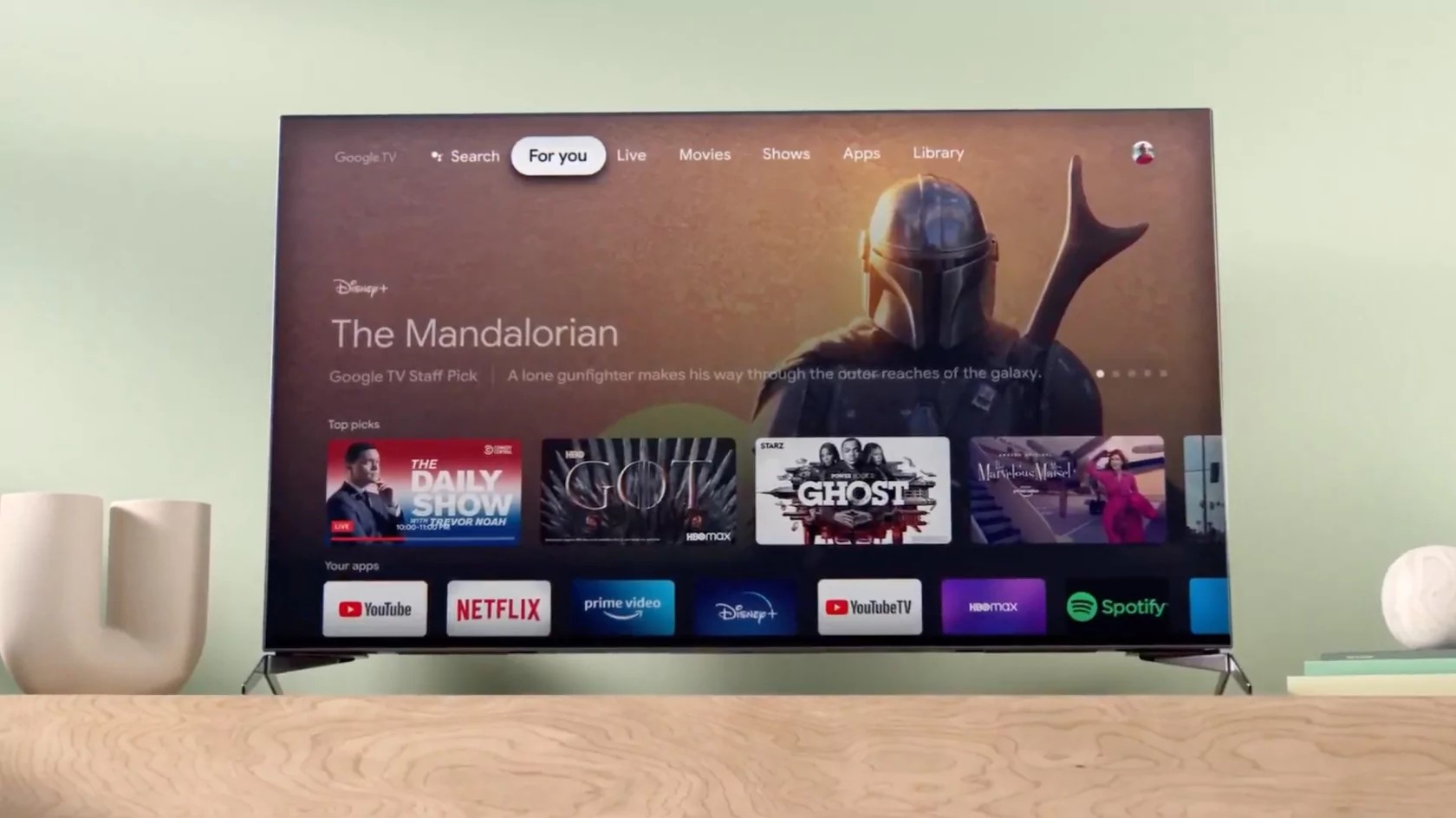
  • Google TV continues to expand its home screen banner ads

    Google TV continues to expand its home screen banner ads

    Google TV is rolling out a new ad format on its home screen, and it’s got some users raising their eyebrows. This isn’t exactly a surprise, as Google has been increasingly incorporating ads into the platform. They’ve even been surveying users about the number of ads shown, which hinted that more might be on the way.

    This new ad format is a banner that shows up underneath the “Continue Watching” row. It can be used to show different types of content, like ads for games. One example of how this new section is being used is an ad for the recently released Bethesda game, Indiana Jones and the Great Circle. This game, available on Xbox and through streaming services, is being heavily promoted across the Google TV platform. It’s featured in the “For You” row, has its own sponsored row with related content recommendations, and now, it’s showing up in this new banner section. The banner ad includes a brief description of the game, a link to watch gameplay on YouTube, and a QR code that users can scan for more details.

    This new banner is in addition to the ads that are already shown in the “For You” slider and in recommendation rows. It seems like Google is trying to find new ways to show ads, even though users already been asked about how many ads they want to see. While this new banner ad format isn’t immediately visible, it does contribute to the overall ad load on the platform. And let’s not forget that Google TV also recently started using those giant QR codes in ads.

    The new ad format is just one of the many changes that Google has been making to its TV platform. Recently, they also started using giant QR codes in ads. I’m not sure how I feel about all these changes. On one hand, I understand that Google needs to make money from its products. But on the other hand, I don’t want to see too many ads when I’m just trying to watch TV. I hope that Google finds a way to balance its need for revenue with its users’ desire for a good experience.
  • Google TV gets major upgrade: smart home controls, AI art, sports hub, more

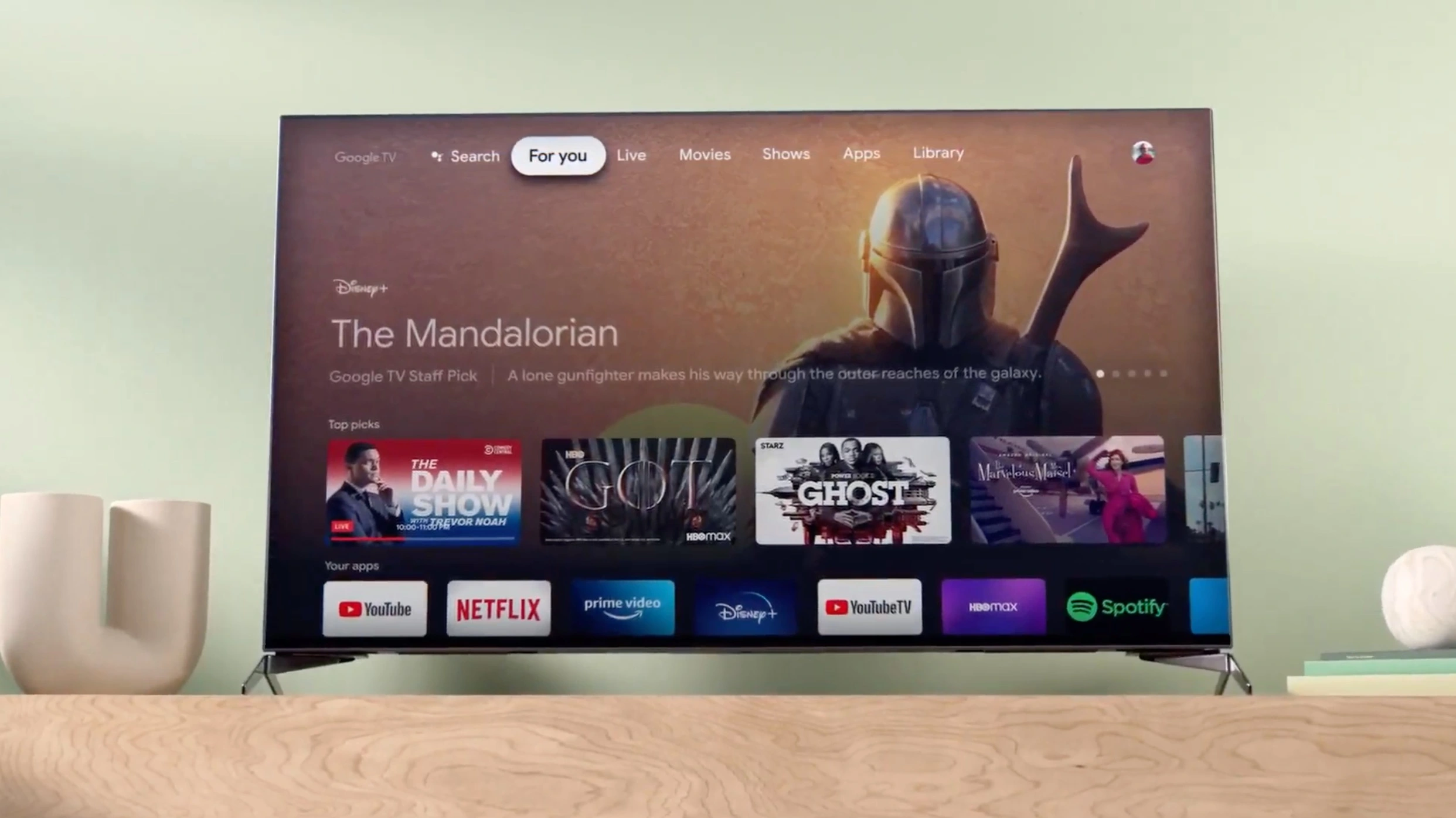
    Google TV gets major upgrade: smart home controls, AI art, sports hub, more

    Google is rolling out a significant update to its Google TV platform, bringing a host of new features to enhance your viewing and smart home experience. These updates will be available on all Google TV devices, including the upcoming Google TV Streamer set to launch on September 24th.

    One of the most notable additions is the new home panel on Google TV. This feature transforms your TV into a central hub for controlling all of your compatible smart home devices. From adjusting your thermostat to checking your security cameras, you can manage your entire smart home without ever leaving the couch. The new doorbell notifications also bring added convenience, allowing you to see who’s at the door without interrupting your viewing experience. If you can’t find the remote, Google Assistant voice commands have you covered, providing hands-free control over your smart home devices.

    When you’re not actively watching TV, Google TV now offers an improved Ambient screensaver that turns your idle screen into a personalized canvas. You can either create AI-generated designs based on your own descriptions or prompts, or relive your cherished memories by showcasing your favorite Google Photos. This feature leverages generative AI to craft unique images for your display, adding a touch of artistic flair to your living space.

    For sports fans, the new sports page within the For You tab consolidates all your sports content in one convenient location. You can quickly find live and upcoming games, catch sports commentary, browse YouTube highlights, and receive personalized recommendations to stay up-to-date on your favorite teams and leagues.

    Choosing what to watch can be overwhelming with the vast array of channels and subscription services available. To help you make informed decisions, Google is introducing enhanced overviews of top movies and shows powered by Gemini technology. These overviews provide comprehensive summaries, audience reviews, and season-by-season breakdowns, giving you valuable insights to guide your viewing choices.

    Last year, Google introduced free built-in channels on Google TV, offering a selection of live TV without the need for additional downloads or subscriptions. This service, known as Google TV Freeplay, now boasts an expanded channel guide with over 150 channels, making it easier to browse by genre and topic. New additions to the lineup include Heartland, The FBI Files, and ION Plus.

    The update also extends to Google TV’s hardware ecosystem. In addition to the upcoming Google TV Streamer, you can now find Google TV on a wider range of devices, including new art TVs from Hisense and TCL, as well as smart projectors from Vankyo, Epson, and XGIMI. Google is also expanding its reach by bringing Google TV to more countries, including Thailand, Indonesia, Vietnam, and the Philippines.

    I’m excited about these updates to Google TV. The integration of smart home controls directly into the TV interface is a game-changer, and I can see it definitely changing the way I interact with my connected TV. The AI-generated art for Ambient screensaver and the enhanced overviews for movies and shows are also great additions that personalize my viewing experience. Finally, as a baseball fan, I appreciate the dedicated sports page, which will make it easier to find and follow my favorite team.

  • Google TV experience gets major performance boosts, new updates

    Google TV experience gets major performance boosts, new updates

    Google improves the TV experience of its users all the time, and this year has been pretty big when it comes to the amount and quality of updates Google TV received. Obviously, there’s always room for improvement, so the Mountain View company is making sure that Google TV users know what to expect in the months to come.

    In a post published on its support website, Google has detailed its future plans regarding the Google TV experience. While some of the changes mentioned have already been rolled out to users, there are quite a lot that are waiting to be greenlit.

    After providing Google TV users with an important update earlier this year that boosted the app’s start-up time and reduced RAM usage, Google has found new ways to enhance your Google TV experience.

    For starters, Google has improved the response speed for many of the features on the home screen, including preloading rows of movies and shows before scrolling, optimizing the way tabs load, and ensuring results load faster when using search.

    Additionally, Google made changes to device setup to reduce the size of preinstalled apps that you don’t use. As a result, your device will have more room for the apps that you actually want to use.

    These optimizations and improvements to memory, speed, and storage are already rolling out to Google TV users.

    But wait, there’s more! The new and improved Live tab introduced back in April is getting a small upgrade. Two new categories will be available on the Live tab channel guide: Recents and Local news. Also, Google TV users will now see channels in a new “Free live news & opinion” row on the For you tab.

    Finally, Google announced it has added 14 new free channels to Google TV, including the Xumo Holiday Movie Channel, DraftKings, and Speedvision.

  • Google TV has just added 800 free channels to its offering

    Google TV has just added 800 free channels to its offering

    Google TV is trying to catch up with the competition and has just announced a massive expansion of its offering. Starting today, no less than 800 free channels will be available via the Google TV streaming service.

    The new offering comes with a new live TV experience allowing users to browse the new TV channels across multiple providers, organized in an easy-to-use guide in the Live tab. If you haven’t tried Google TV yet, you might want to know that starting today the streaming service includes access to free channels from Tubi, Plex, and Haystack News directly into the Live tab.

    In addition, Google TV has launched free built-in channels from the streaming service that can be watched without the need to download or boot up an app. Among the 800 free channels added today, Google TV offers access to news channels from NBC, ABC, CBS and FOX. Also, channels worldwide are available too, with programming in more than 10 languages, including Spanish, Hindi and Japanese.

    Long-time users will find that the new TV guide allows them to save their Favorites to the top for quick and easy access at their leisure. Although these are free channels, those with a premium live TV subscription from YouTube TV or Sling TV, or access to over-the-air channels, can now use the Live tab to watch their favorite content.

    Regarding availability, the Mountain View company announced that the new live TV experience will be released on all Google TV devices in the US, including Chromecast with Google TV and TVs with Google TV built-in from Sony, TCL, Hisense and Philips.

    Last but not least, Google TV confirmed plans to bring the new TV guide and free channels to eligible Android TV devices later this year.

  • Google TV adds new landing pages to simplify navigation

    Google TV adds new landing pages to simplify navigation

    Google announced today via a blog post a set of new improvements coming to the Google TV platform that will add four new landing pages in the United States to make it simpler for viewers to access their preferred forms of entertainment without having to switch between different applications. These updates were considered after recent research has found that the average household subscribes to more than five different entertainment apps.

    These new landing pages, which can be found directly below the row of apps on the “For you” tab, will give you quick access to the best entertainment in the categories of Movies, Shows, Families, and Spanish-language content, without requiring you to navigate from app to app, and make it easier to discover new things. Below are the details:

    The Family page is the new place to go for entertainment that is suitable for families, with content ranging from old favorites to recent releases. It is not difficult to find something suitable for the entire family to watch together if it has a PG or lower content rating. And there’s no need to worry, because even when your children watch their own shows on their own television, they’ll still have access to the kid’s profile where they can watch all of their favorites.

    The Español page is the new home for the best Spanish-language entertainment, including telenovelas, live TV, movies, and shows. You will also have access to well-known apps in Spanish, such as Pantaya and FlixLatino, in addition to a library of dubbed and subtitled movies and television shows. Google is striving to make it much simpler for you to watch the entertainment that you enjoy, regardless of whether you are a native speaker of Spanish, live in a bilingual household, or are simply someone who enjoys content that is presented in Spanish.

    The Movies page allows you to search through thousands of films based on their title, genre, or subject matter, all on one simple page. You will also receive personalized recommendations for films that you might enjoy, in addition to information on recently released films and films that are currently popular.

    It has never been simpler to watch back-to-back episodes of your favorite show, whether it’s “The White Lotus” or “Yellowstone.” You can get new releases from all of your subscriptions in one convenient location by visiting the Shows page, where you can also view popular shows and explore personalized topics. In addition, when one show is over, you will be given suggestions for other shows that you might like to watch afterward.

    Google also states that several improvements are being made to the navigation system, one of which is moving the profile switcher to the top left corner so that you can switch between profiles in a seamless manner. The search bar will also be relocated to the far right of the screen, and a new button for quick settings will be added. These updates will begin rolling out today globally on Chromecast with Google TV and other Google TV devices, such as those manufactured by Hisense, Philips, Sony, and TCL.

  • 50 free TV channels are coming to Google TV

    50 free TV channels are coming to Google TV

    Google TV is an app available for both Android and iOS devices. The app allows you to find movies and television shows that you can watch on demand from several platforms including Pluto TV, Tubi TV, Plex, Prime Video, Peacock, YouTube, and more. 9to5Google found code hidden in the latest version of an app that Google listed in the Play Store. One bit of code said, “Enjoy 50 channels of live TV without the need to subscribe, sign-up, or download.”
    That sure sounds good. The live television channels, unlike the platforms that Google TV offers today, do not require you to download a third-party app. The code reveals that there should be a variety of live programming including “news, sports, movies, and shows.” Even more interesting, 9to5Google unearthed a graphic showing 34 of the 50 live television channels.
    That list includes:
    • ABC News Live
    • America’s Test Kitchen
    • American Classics
    • The Asylum
    • Battery Pop
    • CBC News
    • ChiveTV
    • Deal or No Deal
    • Divorce Court
    • Dry Bar Comedy
    • FailArmy
    • Filmrise Free Movies
    • Hallmark Movies & More
    • It’s Showtime at the Apollo!
    • Kevin Hart’s LOL! Network
    • Love Nature
    • Maverick Black Cinema
    • MooviMex
    • Nature Vision
    • NBC News Now
    • Newsmax TV
    • Nosey
    • The Pet Collective
    • Power Nation
    • Reelz
    • Teletubbies
    • Today All Day
    • Toon Goggles
    • USA Today
    • World Poker Tour
    • Wu-Tang Collection TV
    • Xumo Crime TV
    • Xumo Movies
    • Xumo Westerns
    Again, these are just some of the 50 channels that will be offered to Google TV users. When this will roll out-if it does-is unclear. The app still has a long way to go to match the quantity of the content available on Samsung TV Plus which supports over 200 channels.
    Android users can download the app from the Google Play Store. Apple iPhone users can download the app from the App Store. Keep in mind that until the “Google TV channels” appear, the Google TV app is a way to manage those streaming third-party apps that you use to watch movies and television shows. The app also helps you find where your favorite movies and television shows are streaming, and by looking at the content that you give thumbs up or thumbs down to, Google’s algorithm will help recommend shows and movies for you to watch.
  • New Google TV app now available for iPhone and iPad users

    New Google TV app now available for iPhone and iPad users

    Google has just announced that one of its apps that was initially only available for Android users is finally coming to iOS. The Google TV app allows users discover what to watch with recommendations from across all apps installed, thus making it easy to start watching movies and shows.

    The Google TV app is available for iOS from the App Store, starting today. Both iPhone and iPad users who already have the Play Movies & TV app installed on their iOS devices will now be able to update it to the new Google TV app.

    Besides getting recommendations from across your apps, the Google TV app also allows you to create a Watchlist for your discoveries. Rating movies and shows within the app is also possible, so you can get even better recommendations based on your interests on both the app and your Google TV devices.

    Regardless of whether you’re using an iOS or Android devices, the Google TV app will enable you to use your phone as your remote. Of course, this feature will only work with a Google TV or other Android TV OS devices; just make sure to click the remote button in the app and connect to your TV to control it with your phone and use Google Assistant.

  • Google TV Android app update adds support for more streaming services

    Google TV Android app update adds support for more streaming services

    Great news for Google TV app users, as a new update is now making its way to Android devices in the coming days. Google has just announced that the TV Android app in the US is going to receive a new update this week and brings changes to the interface, better recommendations, and more ways to watch.

    The most important change included in the update is the addition of a new 16:9 widescreen movie and show posters. Also, Rotten Tomatoes scores have been added under each poster. Users will now be able to mark shows they have already seen by tapping the “watched” icon to get updated recommendations in their “For you” tab in their place.

    The update also introduces more rows of personalized recommendations that will allow Google TV users to browse for their next movie or show. Google also revealed that it made improvements to the app’s recommendation system to make it easier to find something that fits a user’s interests.

    Last but not least, the Google TV app now features support for even more streaming services, including Discovery+, Viki, PBS kids, and Boomerang. Also, support for on-demand content from live TV like YouTube TV, Philo, and fuboTV is available too.

    Keep in mind that the update will not remove the Watchlist feature, and all previously purchased movies and shows will still show up in your Library tab.

  • Google TV app will turn your phone into a remote control for Android TVs

    Google TV app will turn your phone into a remote control for Android TVs

    Android TV owners can already use their phones a remote controls thanks to the Android TV Remote Control app. However, that app hasn’t been updated forever, a sign that Google has other plans for the app and the functionality it offers.

    Those plans have been revealed today when 9to5google discovered code strings in the Google TV app (previously known as Play Movies & TV) that suggest Google is about to add the same remote control capability available in the Android TV Remote Control app.

    The strings refer to a directional pad, enter and back buttons, and the ability to pair a phone to an Android TV, which is exactly what a remote control would do. Unfortunately, the option to turn your phone into a remote control with the Google TV app is not yet functional, but at least we know that you won’t have to use a standalone app to do that.

    Judging by how fast Google is bringing new features to its apps, it won’t be surprising to see the new functionality arriving in just a couple of weeks. We’ll keep our eye peeled for any developments, so stay tuned.

  • Google launches Android 11 on Android TV

    Google launches Android 11 on Android TV

    Google is bringing Android 11 to Android TV devices, the search giant revealed today. Several performance enhancements and privacy improvements will be part of the new Android update, as well as a plethora of new features specifically designed for the TV.

    Among these improvements, Google mentioned enhanced memory management, one-time permissions, and support for Auto Low Latency Mode and low latency media decoding. Since gaming has become such a major part of the entertainment industry, Google is introducing extended gamepad support for Android TV.

    Also, silent boot mode for system updates, inactivity prompts, and OEM configurable wake keys are included in the upcoming Android 11 update for Android TV. All these and more should give users greater control over TV functions.

    And for those interested, testing on Android TV will be much easier with Android 11 thanks to the addition of the so-called “test harness mode,” a feature for third-party app developers that want to automate a device for a fleet of devices.

    According to Google, Android TV OEM partners should release and upgrade to Android 11 over the coming months, so the rollout hasn’t begun yet.