Tag: Googles

  • Chat with Your Inbox: Googles New Gmail Live Feature Set to Revolutionize Email Search

    Chat with Your Inbox: Googles New Gmail Live Feature Set to Revolutionize Email Search

    Google is currently in the process of testing a new feature for both iOS and Android known as Gmail Live. This innovative feature will allow users to engage in a conversational interaction with the Gmail application, particularly when seeking information from a specific email. This function is particularly beneficial for users like myself who have hundreds of emails crowding their Gmail inbox, providing a more efficient method to retrieve information rather than manually searching through the inbox.

    Understanding the Gmail Live Feature

    Upon opening the Gmail application and tapping the search bar, an option labeled “Ask Gmail” will be visible. This option represents the text version of the new feature wherein users can type in a natural language query and receive an AI Overview in response. If a user prefers to utilize voice commands, they can do so by tapping an icon situated within the search bar which resembles the Gemini Live icon, distinguished by a sound wave and a sparkle.

    Tapping this icon will present a full-page user interface (still in the testing phase), similar to Gemini Live, providing examples of prompts that can be used. For instance, if a user wishes to check the status of orders placed with Amazon, they could ask, “What are the updates on my latest orders?” This question is then transcribed on the screen and is subsequently answered after Gmail Live processes the question. The response is simultaneously displayed on the screen and read aloud.

    The Future of Gmail Live

    The Gmail Live feature, which is currently under testing for both Android and iOS, is set to be launched later this summer for Google AI Pro and Ultra subscribers. Subscribers to these Google AI services will discover the ability to interact with Gmail in a conversational manner.

    Google AI Pro is priced at $19.99 per month and is crafted for power users without the high costs associated with an enterprise subscription. It includes YouTube Premium Lite, 5TB of storage, and a $10 monthly credit for Google Cloud. Google AI Ultra, on the other hand, is priced between $99.99 to $199.99 per month, providing 20TB of storage, a full YouTube Premium subscription, and a $40 monthly Google Cloud credit.

    Questions & Answers

    What is the new feature that Google is testing?
    Google is testing a feature called Gmail Live which allows users to interact with the Gmail application in a conversational manner.

    How does the Gmail Live feature work?
    Users can either type a natural language query or use voice commands to ask Gmail a question. The question is processed, and an answer is provided both visually on the screen and audibly.

    Who can access the Gmail Live feature?
    The Gmail Live feature will be made available to Google AI Pro and Ultra subscribers.
  • Google Unveils Eye-catching Farsight Faces For Nest Thermostat: Aesthetic Appeal Meets Functionality

    Google Unveils Eye-catching Farsight Faces For Nest Thermostat: Aesthetic Appeal Meets Functionality

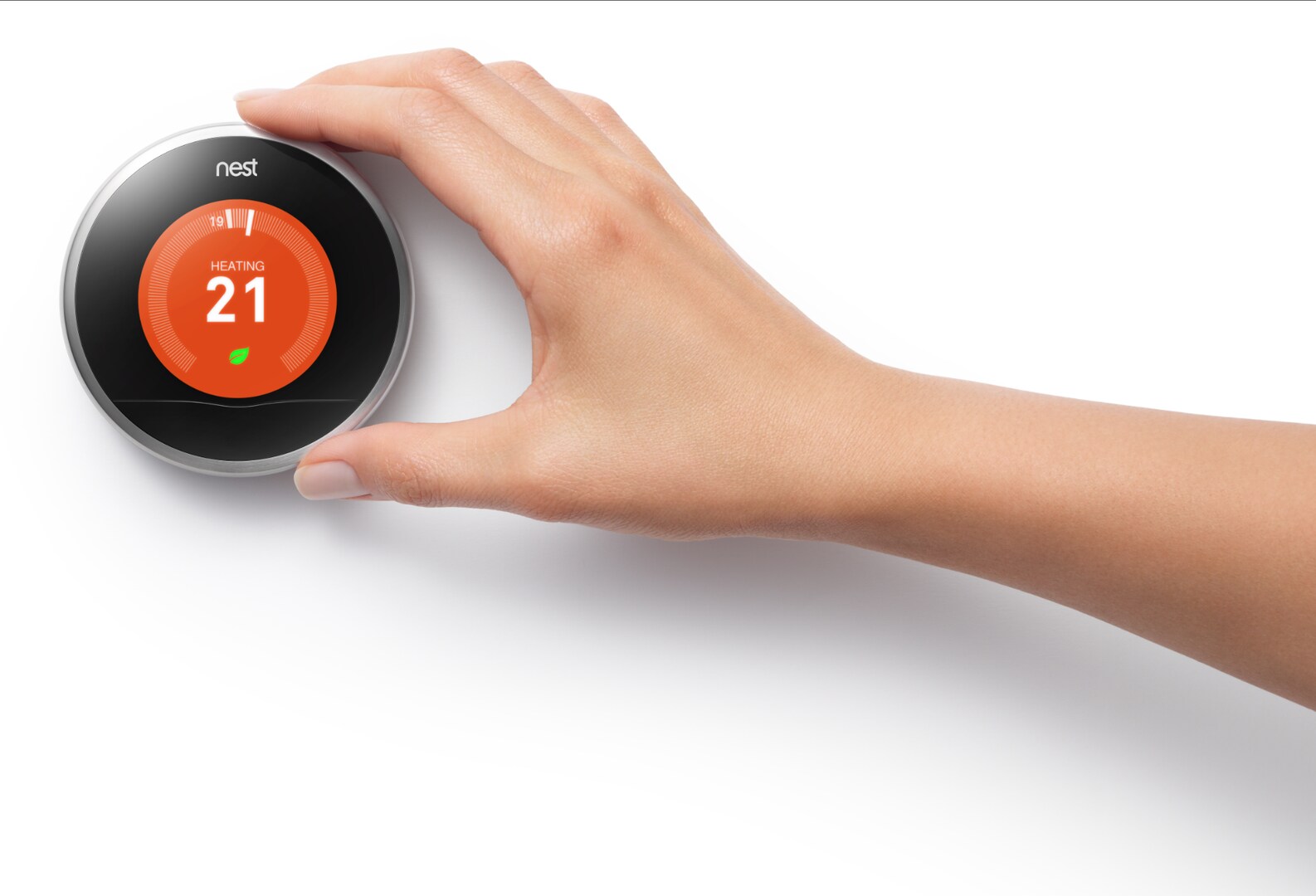
    Google recently released an aesthetically pleasing update for its 4th Gen Nest Learning Thermostat, debuting four new “Farsight” faces. The innovative designs are intended to transform the smart thermostat’s sleek, borderless screen into an eye-catching feature, allowing it to blend more seamlessly into home interiors.

    New Designs for Nest

    The refreshing update introduces four new Farsight faces:

    1. Mathilde Loubes Seasonal Face: A “living canvas” that changes every month, this face displays 12 unique, animated illustrations of flowers and fruits. The design is a collaboration with animated film artist Mathilde Loubes.

    2. Classic Nest Face: This design harks back to the original Nest face, serving as a nostalgic reminder for those who prefer the traditional look.

    3. Minimalist Face: An understated and elegant option for homeowners looking for a clean, minimalistic look.

    4. Temperature Controller: A straightforward, easy-to-read face that allows for quick temperature adjustments.

    More Than Just an Aesthetic Upgrade

    Google’s move to introduce these new faces is seen as a strategic step to leverage design, its key strength against competitors such as the Ecobee Smart Thermostat. While both thermostats excel at regulating home climates, they adopt fundamentally different design philosophies.

    The Ecobee is designed for data enthusiasts, featuring a utilitarian touchscreen that displays temperature, humidity, and readings from various remote sensors. It functions like a compact command center on your wall.

    On the contrary, the Nest has always emphasized its aesthetic appeal, prioritizing design over functionality. These new faces, particularly the artistic Mathilde Loubes Seasonal Face, further reinforce this positioning. Google believes that a smart thermostat should be discreet or aesthetically pleasing. For those who value aesthetics and want their technology to blend into their home decor, the Nest is the obvious choice.

    Personal Reflection

    The direction Google is taking with these thermostat faces is commendable. We invest significant time and effort in curating our home interiors, so it is counterproductive to clutter the walls with plastic gadgets. These updates make the Nest feel more like a tastefully designed piece of decor that also happens to be technologically advanced. The collaboration with an artist is especially noteworthy.

    Being a part of the Google Home and Nest ecosystem, it is heartening to see Google continuously improving its product line. If one were to consider investing in a smart thermostat, the Nest, with these updates, would be a strong contender.

    Questions & Answers

    What are the new features in the 4th Gen Nest Learning Thermostat?
    Google has introduced four new Farsight faces in the latest update to the Nest Learning Thermostat, enhancing its aesthetic appeal.

    What makes the new designs unique?
    The new faces are not just visually appealing but are also functional. The unique designs range from animated seasonal illustrations to clean and minimalistic interfaces, catering to diverse aesthetic preferences.

    How does the Nest Learning Thermostat compare to its competitors?
    While the Nest Learning Thermostat and its competitors, like the Ecobee, are equally efficient in managing home climates, they differ in design philosophy. The Nest emphasizes aesthetic appeal and aims to blend into home decor, while the Ecobee focuses on providing detailed data through a utilitarian interface.

  • Google Phone App’s Landscape Mode: Convenient Feature Or Nuisance?

    Google Phone App’s Landscape Mode: Convenient Feature Or Nuisance?

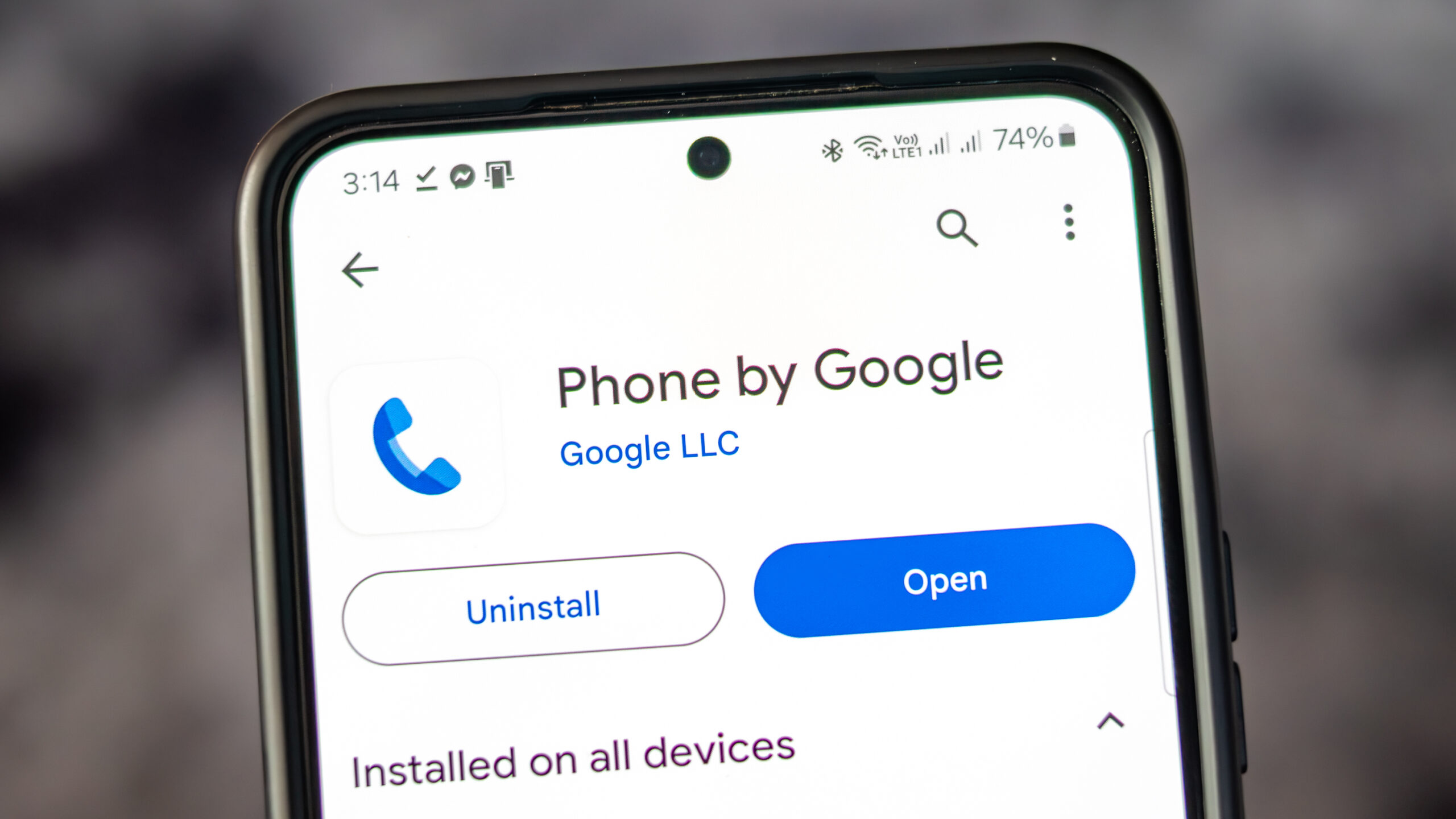
    The Google Phone application, available on all Pixel phones as well as select Motorola and OnePlus devices, provides users with a variety of convenient features. Alongside the standard dial pad, it includes access to contacts and call history. The app also has a call screening feature, filtering out unwanted robocalls and even waiting on hold on behalf of users.

    Former Features

    You may remember that earlier Pixel home screens had a feature which allowed for screen rotation into landscape mode when the phone was held horizontally. This was first seen in Android 7.1.2 in 2017 and was enabled via Home Settings. It allowed the home screen, app drawer, and overview screen to rotate into landscape orientation. However, Google began to phase out this feature with Android 10, removing it completely by Android 12.

    Although the Pixel home screens no longer support landscape orientation, the Google Phone application still allows for it. Users can turn their phones sideways before or during a call to rotate the screen. However, this feature has been met with mixed reactions, as some users find the changing screen orientation during calls inconvenient.

    A Reddit user voiced their frustration over this issue, stating that the app has been switching to landscape mode during calls, which is inconvenient when ending a call as the button is moved to the side. They expressed their desire to turn off this feature within the app settings, rather than disabling it for the entire device.

    Screen Appearance in Landscape Mode

    When using the Google Phone app in landscape mode, the dial pad is situated on the right side of the screen, with a green call button at the bottom. To the left of the dial pad are call suggestions, and on the far left are three icons for home, keypad, and voicemail.

    When a call is initiated and the app is in landscape mode, the Wi-Fi icon at the top indicates the use of a Wi-Fi call. The name and phone number of the person being called are displayed, along with their avatar or profile icon. Four buttons for keypad, mute, speaker, and additional options are to the right of the profile icon.

    Should Google Remove This Feature?

    There is some debate over whether Google should remove the landscape feature from their phone app. Some users have reported their screen being forced into portrait mode when initiating a call, which is not the universal experience. It is suggested that Google should consider providing an option for users to disable landscape mode within the app settings to accommodate those who find it inconvenient.

    As for myself, I find the landscape mode useful on my Pixel 6 Pro and would like its continuation in future Pixel phones. What needs to be addressed is the issue of accidental screen rotation during calls.

    Iconic Phones Project

    In other news, we are excited to announce the upcoming release of our passion project, “Iconic Phones: Revolution at Your Fingertips”. This coffee table book is a must-have for any technology enthusiast, chronicling the most significant technological advancements of the 21st century.

    Questions & Answers

    What features does the Google Phone app offer?
    The Google Phone app provides a dialer, contacts, call history, call screening, robocall filtering, and a hold feature.

    Does the Google Phone app still support landscape mode during calls?
    Yes, the Google Phone app does support landscape mode during calls, but the feature has received mixed reviews.

    Will the landscape mode be removed from the Google Phone app?
    While some users have expressed their preference for this feature to be removed or given an option to disable it, no official statement from Google regarding changes to this feature has been made.