Tag: hexnode

  • Hexnode Unveils Major Upgrade To Automate Module, Enhancing Endpoint Management And Patch Deployment

    Hexnode Unveils Major Upgrade To Automate Module, Enhancing Endpoint Management And Patch Deployment

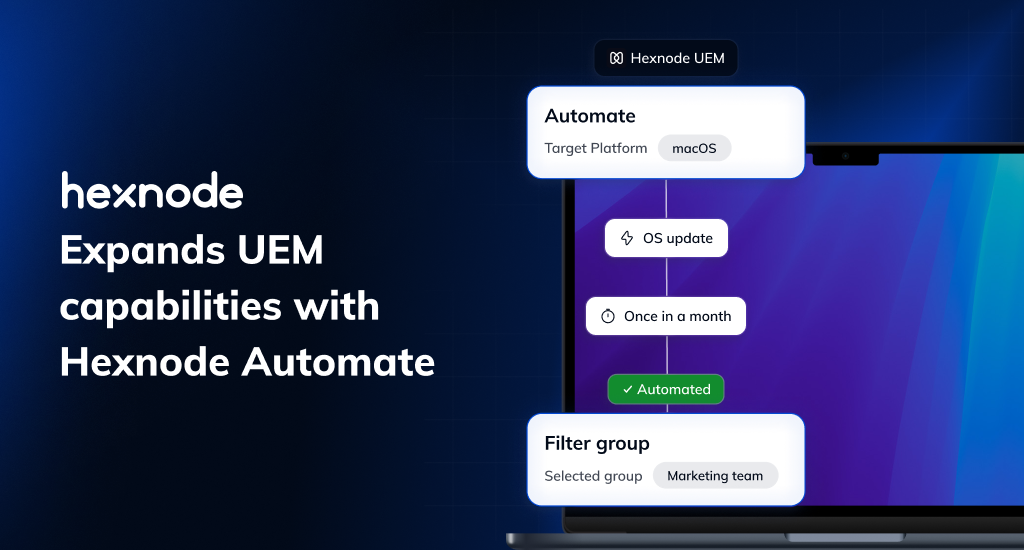
    Hexnode, the award-winning Unified Endpoint Management (UEM) solution by Mitsogo Inc., has announced a major upgrade to Hexnode Automate, its built-in automation module. This significant update expands Hexnode’s Endpoint Management capabilities, introducing more powerful and customizable automation capabilities that enable IT teams to create tailored workflows for managing everyday device tasks across their entire fleet. 

    Automate helps reduce repetitive work by simplifying the planning, triggering, and monitoring of routine actions from a centralized, user-friendly interface. The module also supports scheduled patch deployments, helping IT teams ensure timely updates across their device fleet while retaining control with manual patching options when necessary. 

    “Much of what we’ve developed in Automate is a direct reflection of the needs voiced by our customers, particularly IT seeking control over time-based actions and compliance-oriented workflows,” said Sahad M, Chief Technology Officer at Hexnode. “Our goal is to help teams offload the routine, so they can focus on what truly drives value.”  

    Optimizing Patch Management with Hexnode Automate 

    Keeping devices secure and updated is a continuous responsibility for IT teams, particularly when managing a large, diverse fleet. Relying solely on manual patching can be resource-intensive and may lead to delays or missed updates, increasing the risk of vulnerabilities and compliance gaps. 

    Hexnode Automate offers a more streamlined approach by letting IT schedule and deploy updates in alignment with their operational needs.     

    Key Patch Management Features in Hexnode Automate: 

    • Flexible Deployment Options 

    Hexnode Automate offers both manual and automatic patch rollouts. IT teams can schedule updates during designated maintenance windows, ensuring timely updates that preserves system integrity while easing day-to-day workload.  

    • Granular Targeting
      Admins can target patch deployments based on specific attributes like device type, user role, network, or compliance status, or based on the patch criticality, ensuring updates reach only the intended endpoints. 
    • Centralized Patch Visibility and Reporting 

    Monitor patch status through a unified dashboard showing missing updates, reboot requirements, and vulnerability insights. Generate detailed reports and receive failure alerts when scheduled patch actions don’t go as planned. 

    • Failsafe Deployment Options 

    Organizations can choose between forced, deferred, or manual patch rollouts, without missing critical updates. In the event of unexpected issues, rollback support enables swift reversion to a stable state, minimizing potential disruptions. 

    Enhancing Workflow Efficiency with Hexnode Automate 

    As organizations scale, IT often find themselves bogged down by repetitive tasks like running compliance checks, pushing updates, or rebooting unresponsive devices. While essential, these routine tasks can become time-consuming and limit the bandwidth for more strategic work. 

    Hexnode’s Automate simplifies this by allowing IT admins to schedule and execute routine tasks across platforms, ensuring devices remain compliant, secure, and optimized, without constant manual oversight. 

    • Rule-Based Triggers: Automate triggers actions based on predefined conditions tied to a device’s compliance status, such as its location, password settings etc. 
    • Preset Workflow Triggers: Create predefined workflows for common scenarios such as offboarding or lost devices. These workflows can be pushed on demand, ensuring a swift, standardized response.      

    With the introduction of Automate, Hexnode brings powerful task automation to all major platforms, including Windows, Android, Linux, ChromeOS, iOS, iPadOS, macOS, and tvOS. This cross-platform automation capability enables IT teams to streamline device management at scale – automating routine actions, reducing response times, and ensuring devices stay compliant and secure. 
  • Hexnode Enhances Support for Purpose-Built Devices with ChromeOS Kiosk Lockdown and Windows Digital Signage

    Hexnode Enhances Support for Purpose-Built Devices with ChromeOS Kiosk Lockdown and Windows Digital Signage

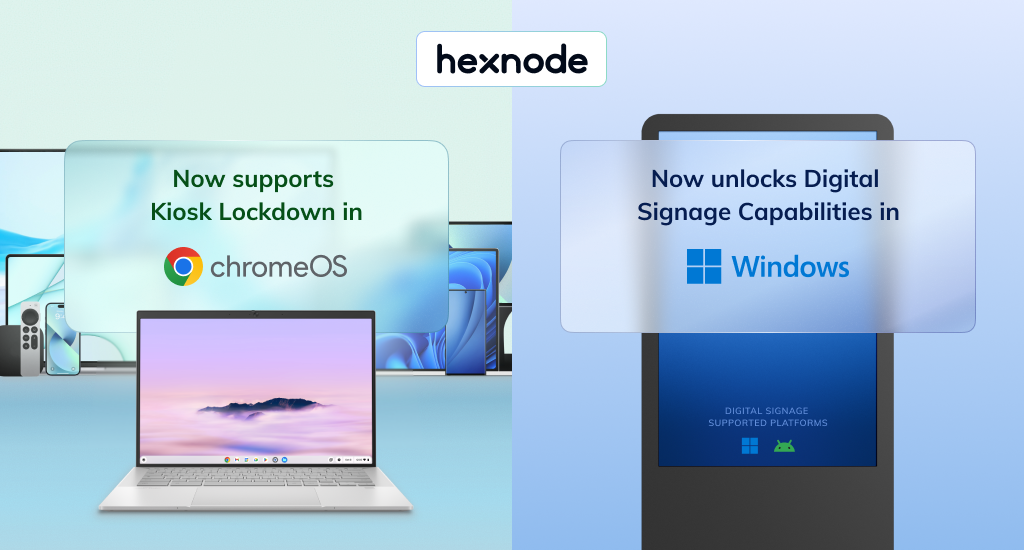
    Hexnode, the leading Unified Endpoint Management (UEM) platform from Mitsogo Inc., has announced the extension of Kiosk Lockdown support to ChromeOS and the addition of digital signage capabilities to its Windows kiosk management offering.

    These enhancements empower businesses to take better control of their single-purpose and customer-facing endpoints. By restricting access to unnecessary applications and streamlining content management, organizations can strengthen security and ensure displays remain relevant and up to date.

    “As businesses rely more on purpose-built devices for customer engagement, even brief downtime can disrupt operations and the customer experience,” said Sahad M, Chief Technology Officer at Hexnode. “Recognizing this, we are committed to providing reliable kiosk and digital signage tools that help businesses transform everyday devices into secure, easily manageable interaction hubs.”

    Transform ChromeOS devices into Interactive Kiosks

    ChromeOS is gaining ground as a preferred platform for kiosk deployments by offering an affordable, compact, and cloud-first design solution. Businesses using ChromeOS-powered kiosks have reported an increase in sales and efficiency, making it ideal for applications ranging from self-service kiosks to exam-ready student devices.

    Hexnode now offers several essential features for managing ChromeOS kiosks:

      • Single-App Kiosk Mode: Lock devices into a single app for a focused experience, ideal for self-ordering, check-ins, or wayfinding. Enhance security by disabling plugins and function keys, blocking browser extensions and shortcuts to prevent malicious actors from exploiting loopholes and exiting kiosk mode.

    Multi-App Kiosk Mode: Grant access to a curated set of apps while blocking distractions, ideal for environments that require flexibility without compromising security. This mode is particularly valuable in digital classrooms or healthcare environments, where users may have limited tech expertise, ensuring they can switch between essential apps easily.

    Power and Accessibility Settings: Configure power and battery settings to align with usage patterns, optimizing uptime and extending device longevity. Manage accessibility features like virtual keyboard and dictation, ensuring a user-friendly experience on shared or public devices.

    Remote Management: Quickly lock or wipe kiosk devices in the event of compromise or loss, and reboot devices when they freeze or malfunction, all without the need for on-site technician intervention.

    Turn Windows Devices into Engaging Digital Signage

    Windows remains a widely adopted choice for digital signage after Android, thanks to its long hardware lifespan, robust performance, and broad compatibility with signage software and peripherals. From retail chains to corporate campuses, Windows-powered signage is used to broadcast promotions, display dynamic menus, and relay internal communications. With digital signage shown to boost customer visits by 80%, delivering the right message at the right time has never been more crucial.

    Hexnode equips businesses to display content effectively through:

      • Content Deployment: Easily push promotional images, videos, or URLs to remote displays, making it perfect for keeping retail storefronts updated or synchronizing digital menus across multiple locations.

    Loop Video Mode: Auto-play content in a continuous loop, keeping customer engaged with uninterrupted video playback in high-traffic areas like malls or transport hubs.

    Full-Screen Display: Automatically adjust content to fill the screen, ensuring consistency and visual impact in environments like corporate lobbies or product showcases.

    With the latest addition of digital signage capabilities to Windows kiosk lockdown and newly expanded kiosk support for ChromeOS, Hexnode’s kiosk solutions now cover major platforms like macOS, iOS, Apple TV, Windows, Android, and ChromeOS. This unified approach empowers IT teams to seamlessly secure and manage interactive kiosks and digital signage displays across a diverse fleet of devices.