Tag: interface

  • Tesla Updates Mobile App With New User Interface & Features

    Tesla Updates Mobile App With New User Interface & Features

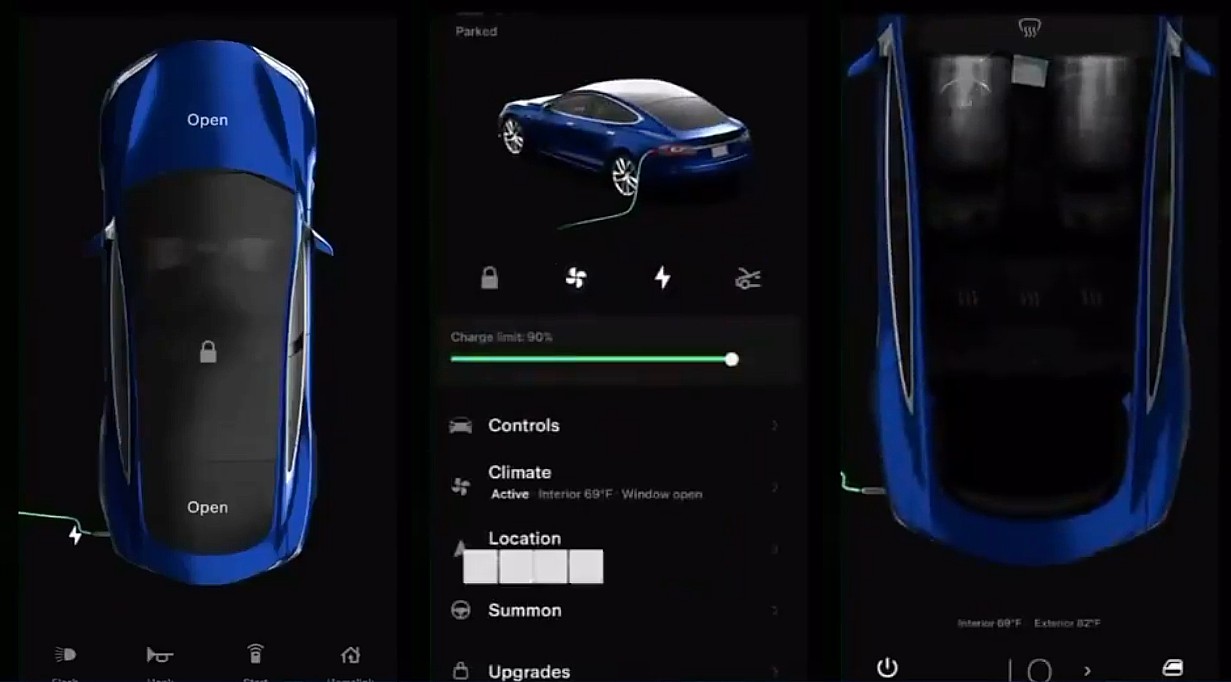
    Tesla has released version 4 of its mobile app which receives a massive overhaul of the user interface and adds a ton of new features. Users can unlock their vehicles using the app and remotely also manage the climate control system of the car apart from many other connected car functions. Version 4 is clearly the most comprehensive update to the app.

    Via the app users can also access the after-sales experience and book the car for servicing and repairs. It also lets users know the charge levels of the car remotely which is quite critical.

    Here are the new features that Tesla lists in its official release notes:

    — Refreshed vehicle and energy homepage
    — Streamlined Summon experience
    — Enhanced phone key support – vehicle no longer needs to be selected
    — Send commands to vehicle immediately upon opening app
    — Use Go Off-Grid to seamlessly disconnect your home from the Grid with Powerwall
    — Shop the Tesla catalog and view and manage your orders (available in select countries)
    — View Supercharging history and ability to pay outstanding Supercharging or service balance (available in select countries)

    Tesla is one of the first automotive companies to push over the air updates and has its own app.

    Tesla has also added support for widgets on iOS which was introduced in iOS 14 last year. Tesla has also added the supercharger billing experience in the app which comes at a time when the manufacturer is opening up the network to third-party vehicles.

    This update comes at a time when Elon Musk has said that it is close to rolling out its full self-driving software to users who opted for the package. Musk estimates after the release of the next beta, in 4 weeks the software update should be rolled out to users.
  • YouTube TV updated with new Features

    YouTube TV updated with new Features

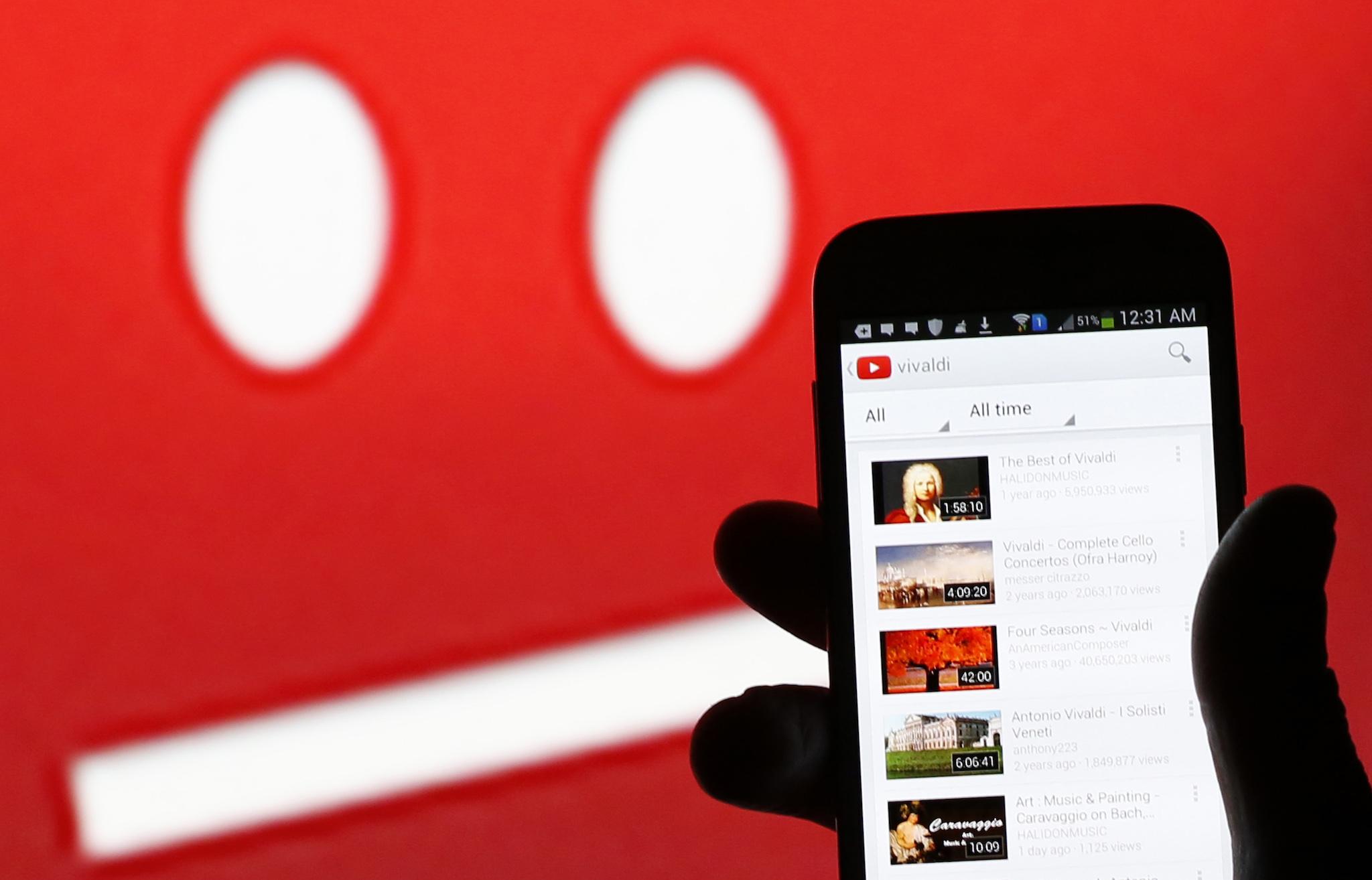
    YouTube TV is getting an important update this week, which brings a lot of visual changes that should be beneficial for the vast majority of users. The most important change is progressive fast-forward, a new feature that lets YouTube TV users to skip ahead when they tap and hold the fast-forward button.

    For starters, you’ll be able to skip a minimum of 15 seconds per second, and a maximum of 1 minute per second. Aside from the progressive fast-forward improvement, the latest update brings a much cleaner Now Playing user interface, larger thumbnails and better suggestions.

    According to YouTube, the update should be available for 50% of the users, but apparently, there’s a way for those who aren’t among those selected to get the update to benefit from the new improvements.

    The workaround requires users to uninstall the app and reinstall it to get a new visitor ID, which might enroll them in the experiment. And the beautiful part is that you can do that more than once until you finally get the update.

    Obviously, the new YouTube TV app is rolling out to all platforms, so regardless of what device you’re using for Google’s service, you should be eligible for the latest update.

  • Android Auto To Get A New Interface

    Android Auto To Get A New Interface

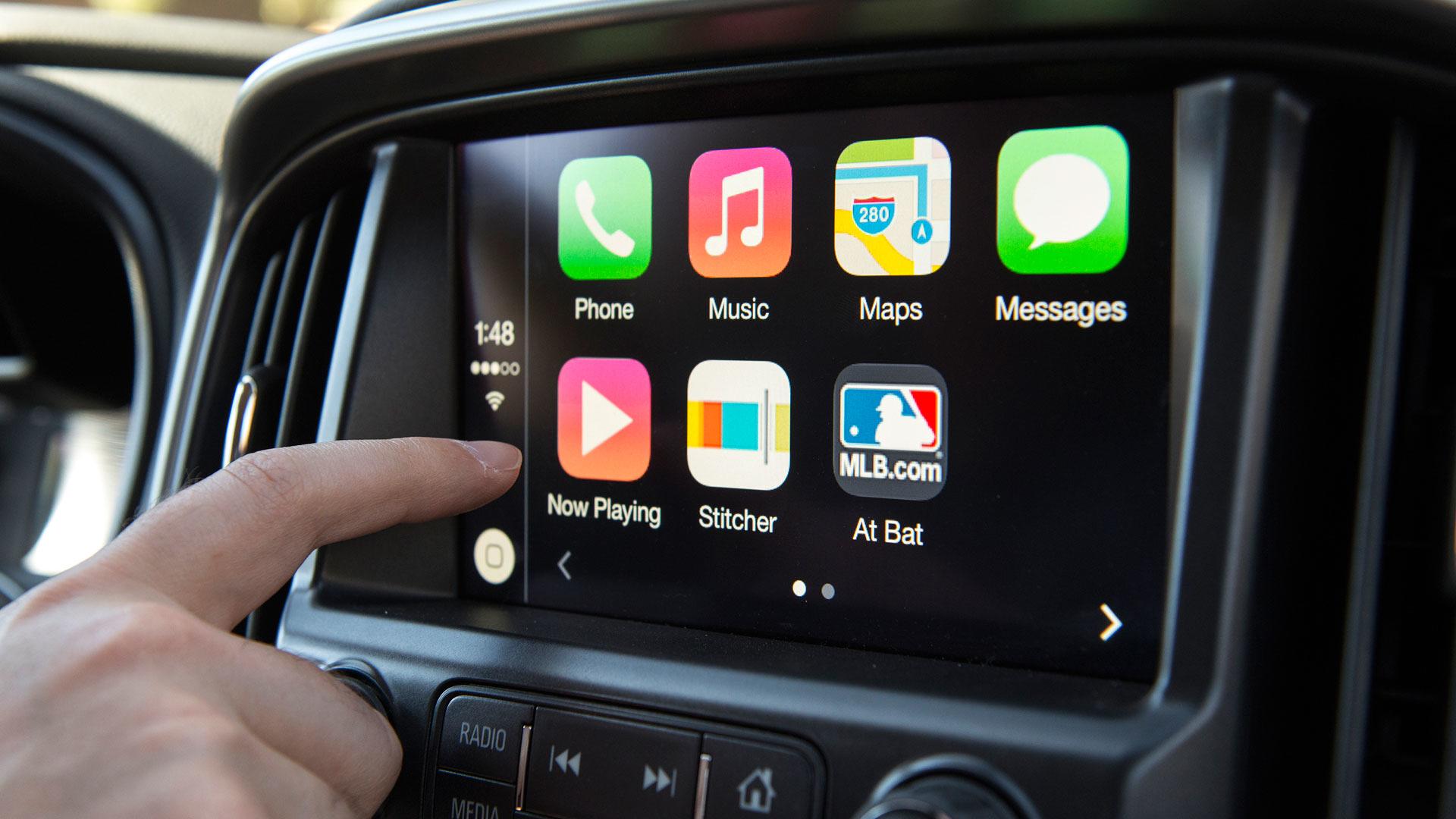
    With connected cars and inbuilt eSIM technologies coming in, chances are that smartphone connectivity in cars is the next big thing. However, Google is going the whole hog and is making Android Auto a lot more engaging. In a blog post, the company shared that Android Auto will be updated with a new interface and some added features will help simplify operations for users.

    The new interface will get a dark theme which will be coupled with colored accents and the fonts will be easier to read. It will also adjust automatically to the size of the display to show more information on the screen like next-turn indicators, playback controls, and ongoing calls. The new notification center will also cover a wider space to show calls, texts, and alerts. Android is also adding a new navigation bar which will show turn-by-turn directions and you will be able to use the rest of the screen for other apps. Moreover, along with resuming your song playlist as soon as you start the car, Android Auto will also suggest locations on your screen based on your commutes. You can also navigate to a new place using the “Hey Google” voice command.

    All in all, the new interface will make your experience even speedy and you will require lesser taps as the majority of the applications will be working simultaneously on the screen of your car along with navigation. Google says that the new dark theme has been made standard to go with the interior of new-age cars. Bigger fonts and lesser taps also allow drivers to focus on the road.

  • GateHouse Telecom developing universal satcom interface

    GateHouse Telecom developing universal satcom interface

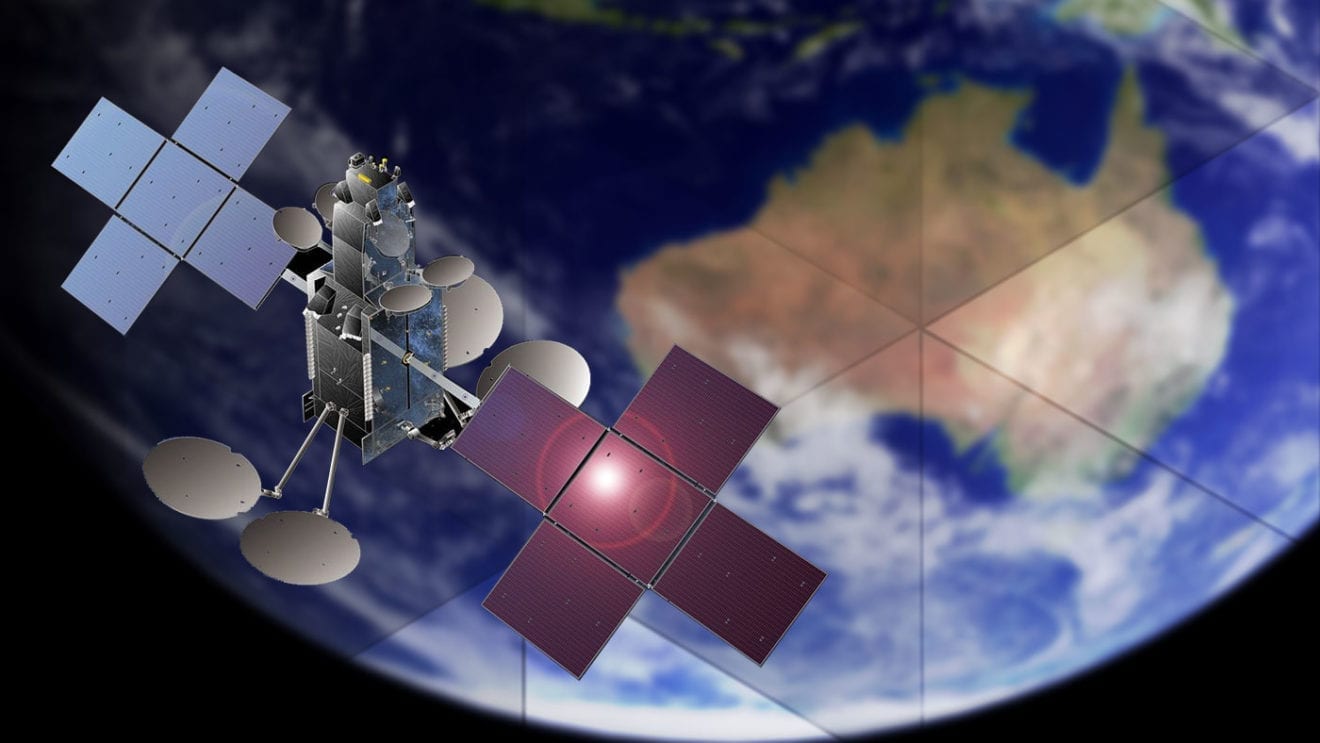
    Satellite industry software provider GateHouse Telecom has revealed it is developing a technology that will allow a single physical satcom terminal to use multiple satellite systems.

    The company is developing a new interface that will allow users to run the same satcom terminal hardware and interface on different satellite services.

    GateHouse Telecom product manager Svend Holme Sørensen said the project reflects the company’s belief that there is a need for a universal satcom application interface.

    “To stay connected, user terminals have to adapt to changes in data routing and frequent changes of satellites,” he said.

    “Our new software platform, when based on software defined radio hardware, combined with the increasing availability of multi-service antenna systems opens the possibility of operating terminals on several satellite systems.”

    He said such demand appeared to be reflected in discussions at this year’s SmallSat Symposium in Silicon Valley.

    “There seems to be a general wish to run satellite constellations using network management functions, for example, software defined networks. However, this kind of functionality goes beyond the existing protocol specifications used today.”

    Using the same hardware terminal for multiple satellite systems would allow developers and engineers to bring down user terminal costs by increasing volumes to improve business cases.