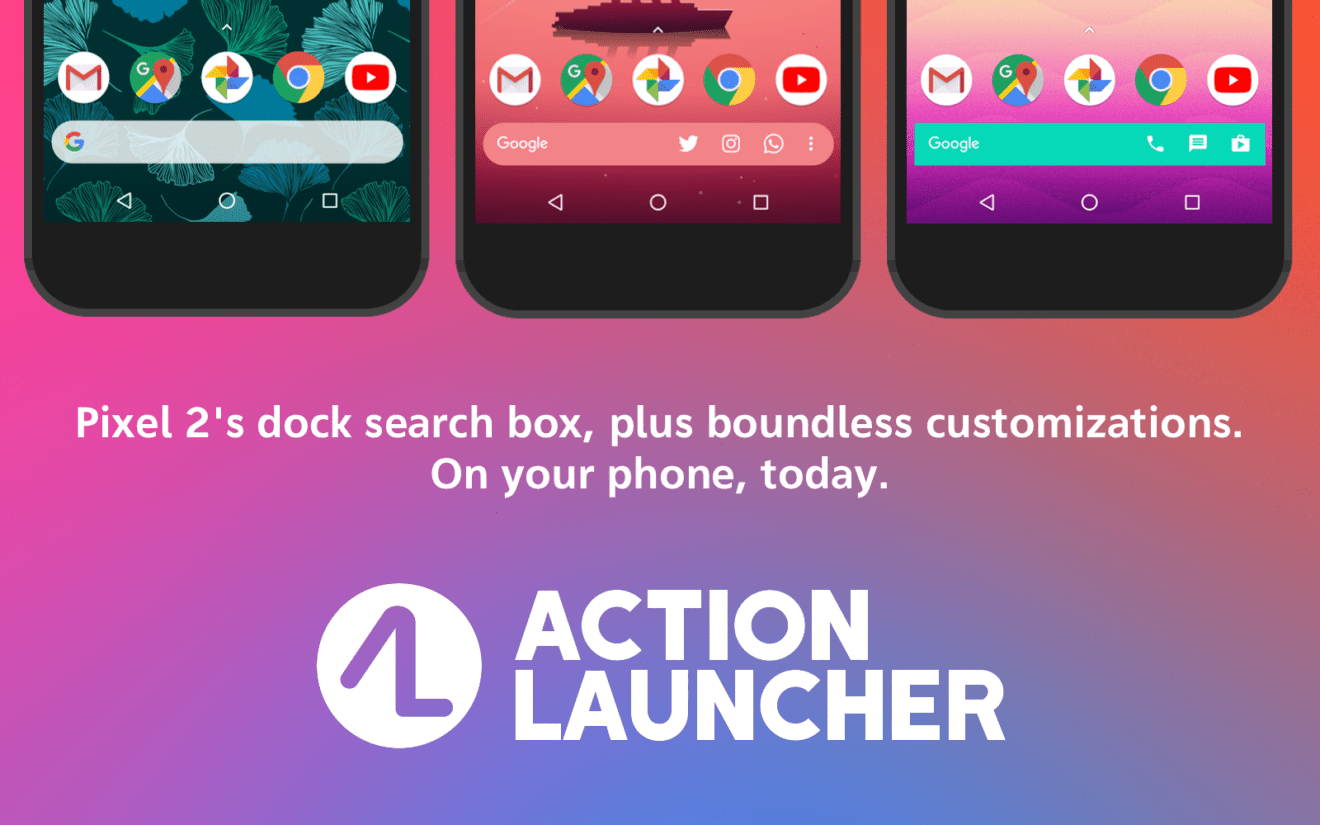
With more than 5 million download in the Google Play Store, Action Launcher is among the most popular Android launchers. Not only for that reason, developer Chris Lacy has just released a major update that brings Action Launcher to version 40 and introduces a new icon, along with many important improvements.
The first thing long-time Action Launcher users will notice is the new, colorful icon that’s meant to induce the ideas of customization and accessibility. Now that we’ve done with the design changes, let’s take a look of the more juicy stuff.
Action Search is a brand new feature that allows users to search across the web deeper than ever. You can now use the new feature to check through your in-app search history and Android and Action Launcher’s settings. Basically, you’ll be able to get to a specific system or Action Launcher directly from the home screen. More importantly, Action Search is available for all users, not just those who purchased the premium version of the app.
Along with Action Search, the update brings a brand new Action Web Search, which is a “custom built, externally hosted, Action Launcher themed web search solution,” which is meant to provide users with web, news, image and video search results.
Last but not least, Action Launcher 40 adds the ability to specify the app’s default search engine. So, besides Google and the newly introduced Action Web Search, native support for Bing and DuckDuckGo are now available for users.
Of course, many under the hood improvements have been implemented as well, including key bug fixes, improvements of app’s boot time, and addressing a major memory leak issue.
