Retail News CRM

Tag: message

  • Telegram update adds location-based chats

    Telegram update adds location-based chats

    What not as popular in the U.S. as it is overseas, the Telegram messaging app offers end-to-end encryption and no limits on the number of people you can chat with or broadcast to at one time. It’s no wonder that protesters of all types outside of the states love to use Telegram. And today, the company announced some changes that will be found in version 5.8 of the messaging app.

    You’ll notice that all new chats have a new button on the top of the screen that says “Add to Contacts.” This feature will allow you to quickly add to your Telegram contacts list a person who has sent you a message on the platform even without knowing their phone number. Another option also available at your fingertips will let you block someone who has sent you a message. And let’s say you’re at a party and want to add someone who you’ve just met to your contacts list. Going to Contacts > Add People Nearby will allow you to exchange information with another Telegram user as long as they are standing right next to you (and have the same feature open on their phone).

    The People Nearby section allows you to find location-based group chats and even create one. As Telegram notes, “This update opens up a new world of location-based group chats for anything from conferences, to festivals, to stadiums, to campuses, to chatting with people hanging out in the same cafe.” The latest version of the app lets you transfer ownership of a group or channel to another Telegram user and toggle on or off message previews for specific chats using the Notable Exceptions feature.

    Those using Telegram on an iOS device can now open the Appearance page to see what a new theme will look like before they apply them. After installing version 5.8, iOS users can choose which icon they want on the home page from four different options. And Telegram users with the iPhone or iPad can arrange to open chats hands-free using Siri shortcuts.

    The new update just hit the Telegram app on our Pixel, so keep your eyes peeled for version 5.8 rolling out now. Telegram can be found in the App Store for iOS or the Google Play Store for Android.

  • WhatsApp to end support for Windows Phone

    WhatsApp to end support for Windows Phone

    WhatsApp has just confirmed that it will end support for Windows Phone, as well as some older versions of Android and iOS. Starting from December 31, 2019, WhatsApp for Windows Phone will stop working, while next year the developer will no longer support devices running older versions of Android and iOS.

    In case you’re wondering why WhatsApp has decided to turn off support for Windows Phone ahead of 2020, it’s worth mentioning that this is consistent with Microsoft’s decision to end support for their mobile operating system.

    Concerning the other two operating systems, WhatsApp will stop working on devices running Android version 2.3.7 and older starting February 1, 2020. Also, devices powered by iOS 7 and older will no longer be compatible with WhatsApp effective February 1, 2020.

    However, since WhatsApp won’t be developing for these operating systems anymore, some features that are now available might stop working even before the deadline, so you might want to switch to a newer device if you want to continue to use WhatsApp.

    Moreover, if you’re using a device that runs these older Android and iOS versions, you won’t be able to create new accounts, nor reverify existing accounts, as of right now.

  • Android users should now have a better performing Snapchat

    Android users should now have a better performing Snapchat

    Snapchat disseminated a tweet today announcing that it has released its new Android app. The app was rebuilt from the ground up so that it could be faster for Android users. In rebuilding its Android app, Snapchat had to take into consideration the many different cameras and chipsets used on various Android handsets. The decision made to revamp Snapchat’s Android app came in 2017 when it became clear that the messaging app’s iOS version was superior.

    In early 2018, Snapchat staff realized that the Android app was always trying to run code in the background, leading it to act laggy. Thus, the decision was made to rebuild the Android app from scratch. The challenge facing Snap’s director of engineering, Gustavo Moura, was how to make the messaging app run the same on flagship Android devices and lower-end models alike. Eventually, the Snapchat development team was able to get it done and the app’s Android subscribers should see Snapchat run faster once the new version is installed. In addition, better performance should be seen on lower-end phones. To make sure that updates are running bug-free now and in the future, Snapchat is testing them on a larger number of Android-powered devices.

    “Android devices don’t all behave the exact same way, right? It’s very easy for us to build an Android app that will work well on flagship devices like the Pixel 3. It’s more challenging when you have to capture the whole ecosystem, especially when the camera works very differently from manufacturer to manufacturer.”- Gustavo Moura, Director of Engineering, Snapchat.

    Those installing the updated Snapchat app on their Android device won’t notice any changes to the UI. Instead, Snapchat concentrated on improving things under the hood so that the Android app could run as fast as its iOS app. And while the new version of Snapchat for Android has begun rolling out to some now, it won’t be fully available until the end of this year.

    Originally known for its self-destructing messages that would automatically delete after ten seconds, Snapchat developed the Stories feature in 2013. Users can post a series of images that remain on Snapchat for 24 hours to help them convey a story. In addition, the popular Snapchat Lenses feature uses AR to help add cartoonish features to a member’s selfie.

  • WhatsApp Business officially rolling out for iPhone

    WhatsApp Business officially rolling out for iPhone

    We reported two weeks ago that WhatsApp Business might be finally coming to iOS devices, as many users from several countries found the app listed in the App Store. Initially launched on Android, WhatsApp Business is now officially rolling out for iPhone, the company announced in a blog post

    Of course, the app is available for free via App Store, but you’ll have to create an account before you can take advantage of all the business-centric features it has to offer. Keep in mind that WhatsApp Business will first be available in Brazil, Germany, Indonesia, India, Mexico, the UK, and the United States, but WhatsApp said the app will be made available worldwide in the coming weeks.

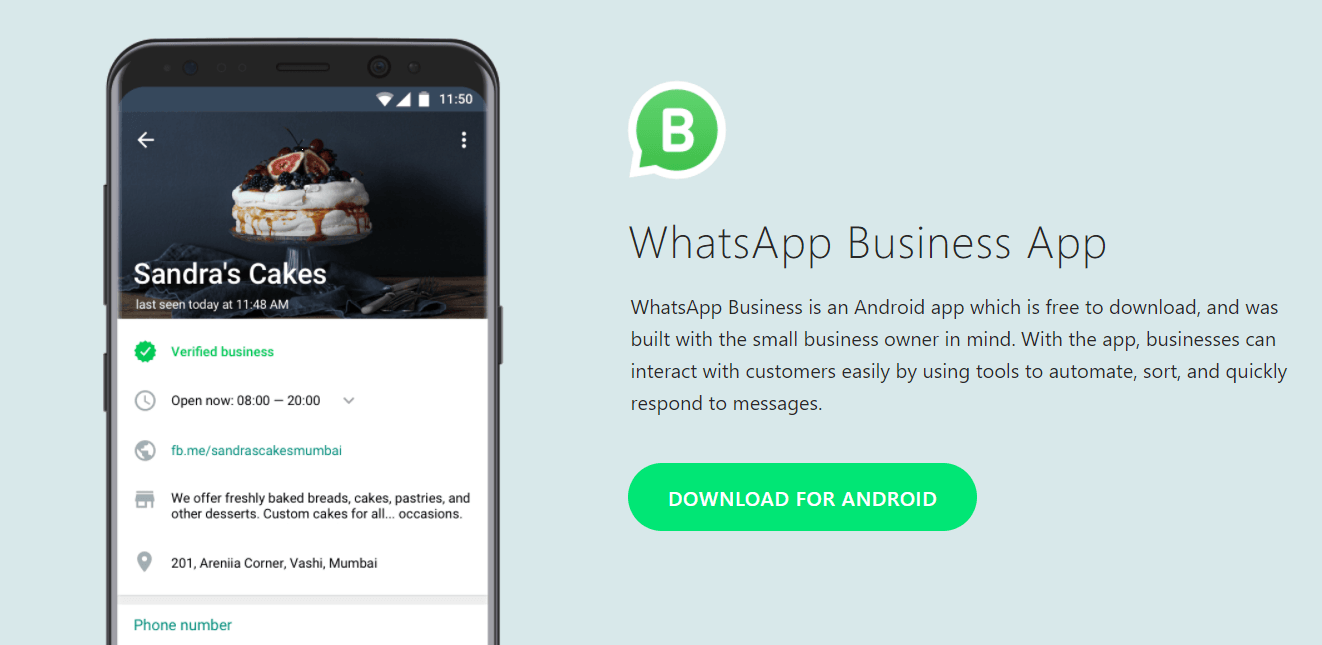
    With WhatsApp Business, you’ll be able to share useful information about your business, including its description, email and store addresses, as well as website. Also, thanks to the integrated messaging tools, you’ll be able to respond to customers very easy via quick replies, greeting messages, and away messages.

    Last but not least, WhatsApp Business is a cross-platform service, which means you’ll be able to chat from your desktop to manage conversations and send files to customers, not just from your iPhone or Android smartphone.

  • WhatsApp is now rolling out a renewed privacy feature

    WhatsApp is now rolling out a renewed privacy feature

    Groups are a vital part of WhatsApp, although as the Facebook-owned messaging platform has grown in popularity so has the number of unwanted group chats. But today, after testing them for a while on iOS, WhatsApp is rolling out new privacy settings which should help control this.

    Until now, group admins could add any WhatsApp user to a group without needing their consent – the only requirement being that the user is a contact in the admin’s phone. As part of this latest rollout, though, WhatsApp users will now be able to choose which people can add them to groups.

    In order to access the new feature, users need to simply head over to the Settings menu within WhatsApp and tap Accounts. Then a quick tap on Privacy and later Groups will present users with the choice of three options: ‘Everyone,’ ‘My Contacts,’ or ‘Nobody.’ Each one is pretty self-explanatory with ‘Nobody’ meaning users will have to approve every single group with ‘Everyone’ allows users to leave their group invitations completely open, as they are today.

    WhatsApp’s latest privacy feature will begin rollout out today to a select number of users before expanding globally across the coming weeks.