Tag: notifications
-

Gmail notifications on Android mare getting better
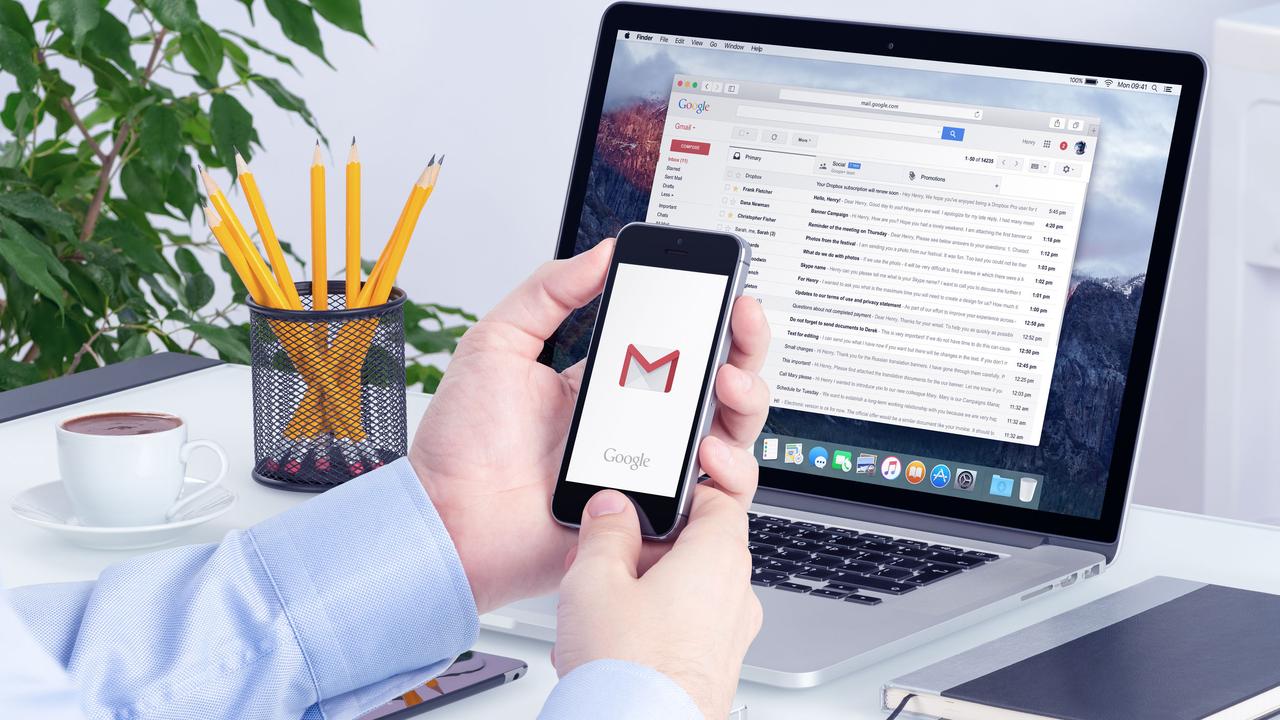
Google is finally getting around to putting dynamic theming in one of the last places on Android where it hadn’t before. We are talking about the Gmail app icon on the notification shade. Previously, when you pulled down the notification shade on your Android phone, the Gmail icon was red. That’s not a bad thing since the Gmail icon in that color certainly stood out and caught your eye. But the new dynamic theme color matching delivers a more pleasing aesthetic.If you have Version 2023.05.28.54044.3362 of the Gmail app (and we will show you how to find out which version you’re running on your Android phone), the tiny Gmail icon on the notification shade will match colors with those Quick Settings lozenges that have been enabled on your handset. And those Quick Settings indicators get their color theme from the wallpaper used on the device. So in other words, the Gmail icon on the notification shade will soon take its color theme from the handset’s active wallpaper.The version of Gmail on my Pixel 6 Pro running Android 14 Beta 3 does have the new feature as the Gmail icon on my notification shade is now one of the colors that has been pulled out of my wallpaper. To change the color theme based on your wallpaper, go to Settings > Wallpaper & style and under the preview of your wallpaper you will see color wheels. These colors are drawn from your wallpaper with the main color on top and accent colors on the bottom.After the update, the Gmail icon will match your phone’s color theme based on the wallpaper usedTap on one and you’ll see the main color fill in the Lock screen and Home screen pills at the top of the page. In addition, the image of your wallpaper on the bottom will have a box around it with a circle inside with a white checkmark. That circle will be filled with your main color theme.To change the color of your Android app icons, go to Settings > Wallpapers & style and press on Home screen in the upper right of the screen. Tap the color wheel you want to use (again, the main color is on the top of the wheel), scroll down to Themed icon (which is still considered a Beta), and toggle it on. Only compatible app icons will change color, but it will give your phone a refreshing new look.To see which version of Gmail you are running, go to System > Apps > See all xxx apps. Scroll to Gmail and tap on the listing. Scroll down to the very bottom to see the version you have installed.It’s just another way that Google allows Android users to customize their phones. -

Instagram removes some of its Daily Limit notifications time options
It seems like Meta is less keen on helping you keep on top of your social media usage, and more specifically, on Instagram. The company has quietly updated its “Daily Limit” feature, which was designed to let you receive a notification if you spend too much time on the app. Now, instead of adding more control to the feature, Meta has decided to reduce the time options for these notifications.
The Daily Limit notification feature was introduced back in 2018, and it allowed you to receive notifications on your Instagram usage after spending as little as 10 minutes per day on the app. It seems that Meta now thinks 10 minutes is just too little time to spend on Instagram and has now raised this limit to 30 minutes.
The setting interface has also been slightly redesigned, and it now shows the longer time options first in the list (the three hours one). Despite that though, you can still have a full-screen reminder to leave the app after 10 minutes through the “Take a Break” feature, but we can’t help but think that Instagram has made it harder for users to monitor their app usage and the time they spend on the social network.
The company has stated in a tweet that this little update is aimed at making the Daily Limit option less confusing for users, but this change does come after Meta’s Q4 2021 report. In the report, the company revealed it wasn’t making as much money and as consequence, its share value dropped significantly.
The thing is, spending more time on Instagram gives more opportunities to be targeted with advertisements. iOS users do have a workaround with iPhone’s Screen Time feature that allows you to set limits for any app anyways.
We reported recently about Meta’s Q4 2021 earnings report and the subsequent decline in Meta shares’ value, which seems to be continuing to go down and is now (at the time of writing) hit around $206.16. At the beginning of this month, the drop was quite significant and Meta dropped by a whopping $73.95 and was at $249.05.
For reference, on February 2, before the big drop in stock value, the company’s shares were $323. It seems for less than a month, Meta’s shares’ value dropped by more than $100.
Meta’s report on revenue indicated that Apple’s App Tracking Transparency (a feature that lets iOS users opt-out of third-party tracking for targeted ads), alongside other factors, had the company lose some money and caused it to reshape the way its ad tech worked, at least for iPhone and iPad users.
On the other hand, many of you may know that Meta is the new name for Facebook the company, and the company rebranded in October. It seems the company considers the metaverse to be the future of social media. The metaverse, for those of you who don’t know, is basically a virtual reality world where you can interact with others with avatars that represent you.
Despite the rebranding though, it seems Facebook has been struggling recently. Not long ago, there was a whistleblower named Frances Haugen who shared some concerning facts about how Facebook and Instagram chose profit over the safety of their users. Among the things the whistleblower disclosed, were some documents indicating the company was aware of how Instagram could impact young users’ mental health negatively but chose to ignore it.
Since then, Instagram got the “Take a Break” feature aimed at helping teenagers (or anyone really) to reduce their time on Instagram.
-

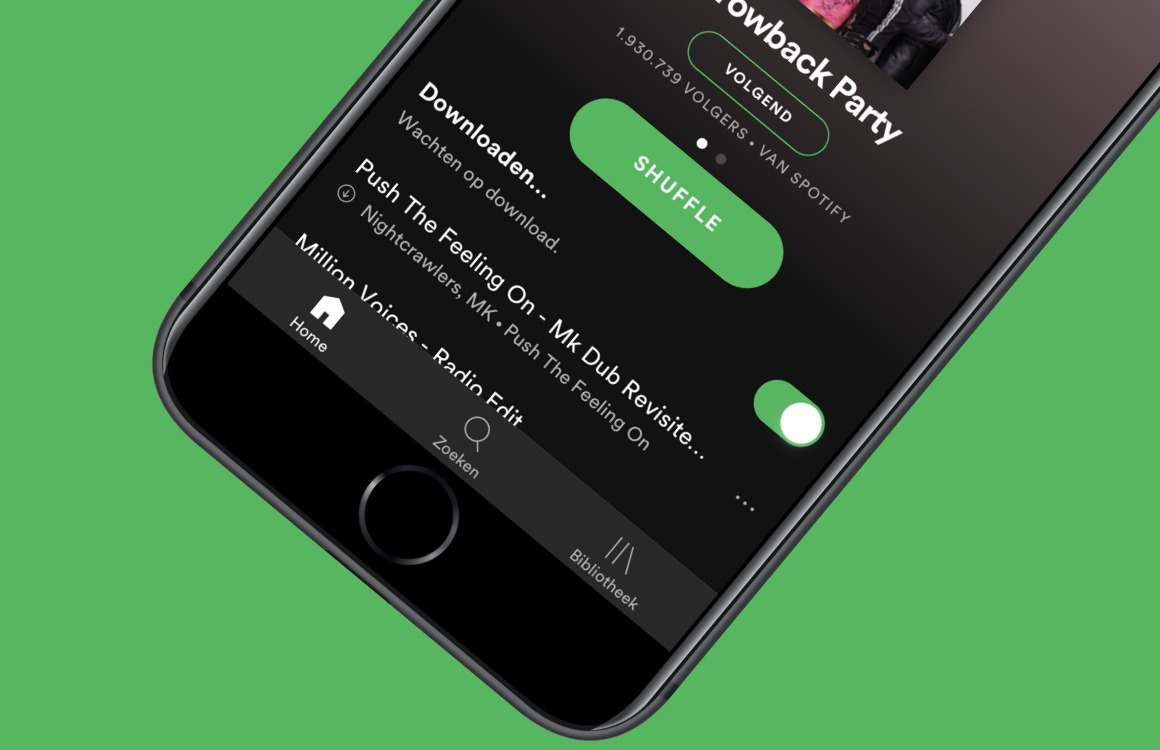
Push notifications for new episodes feature is finally coming to Spotify
Spotify is now finally adding a crucial feature to its podcasts section, making users finally able to get notifications for upcoming new podcasts they have followed. Now, thanks to a new update, users will be able to benefit from this feature.
It may seem evident for an app, supporting podcasts, to have notifications available if you would want to never miss a new episode of a show. However, at the launch of Spotify’s podcast section, and even months after that, Spotify did not offer this possibility to its users. In order to compete with the biggest in the podcast business, this is quite the necessary feature.
Although not everyone would want to get push notifications, there’s a good amount of people that actually want to be among the first to listen to a new podcast episode of someone they like. Now, in order to benefit from this feature, you need to, quite understandably, follow the podcast series you want to get notifications for and then enable the feature.
This new feature is available for both premium and free users of Spotify. The update is enrolling starting today for mobile devices, so you should be able to get it pretty soon.
-

Microsoft brings redesigned Apple Watch notifications for Outlook
A quick heads up for those of you who are using Outlook for iOS on a regular basis. It looks like Microsoft has decided to revamp the Outlook notifications for Apple Watch, so if own the wearable device, you should start seeing them after you download the latest update.
As per Microsoft’s announcement, the new notifications should allow Apple Watch users to see important emails, reminders, as well as detailed event information via Outlook calendar. It’s the only important change included in the update, at least according to the official changelog from the App Store.
This is the third Outlook update aimed at Apple Watch users that Microsoft releases this month, but that doesn’t mean that other platforms have been neglected.
Microsoft revealed last week important new features that will be coming to Outlook for Android and iOS soon, including the option to select favorite persons and notifications, Office Lens upgrades and a couple of other nifty improvements.
-

View Android Notifications on your Windows 10
Last month, we told you that Microsoft was testing phone screen mirroring between Windows 10 and a limited number of Android handsets. The feature uses Wi-FI and Bluetooth to allow Android apps to appear on your Windows 10 PC. Originally, mirroring apps was a function available only for the Samsung Galaxy S8, Samsung Galaxy S8+, Samsung Galaxy S9, and the Samsung Galaxy S9+. Microsoft said that it would expand the list, and they weren’t lying.
Before we tell you the additional handsets that now support this feature, we do need to tell you that it requires you to install the Your Phone Companion app from the Google Play Store. Microsoft says that the additional phones that now support the mirroring include the OnePlus 6, OnePlus 6T, the Samsung Galaxy S10e, Galaxy S10, Galaxy S10+, Galaxy Note 8 and Galaxy Note 9.
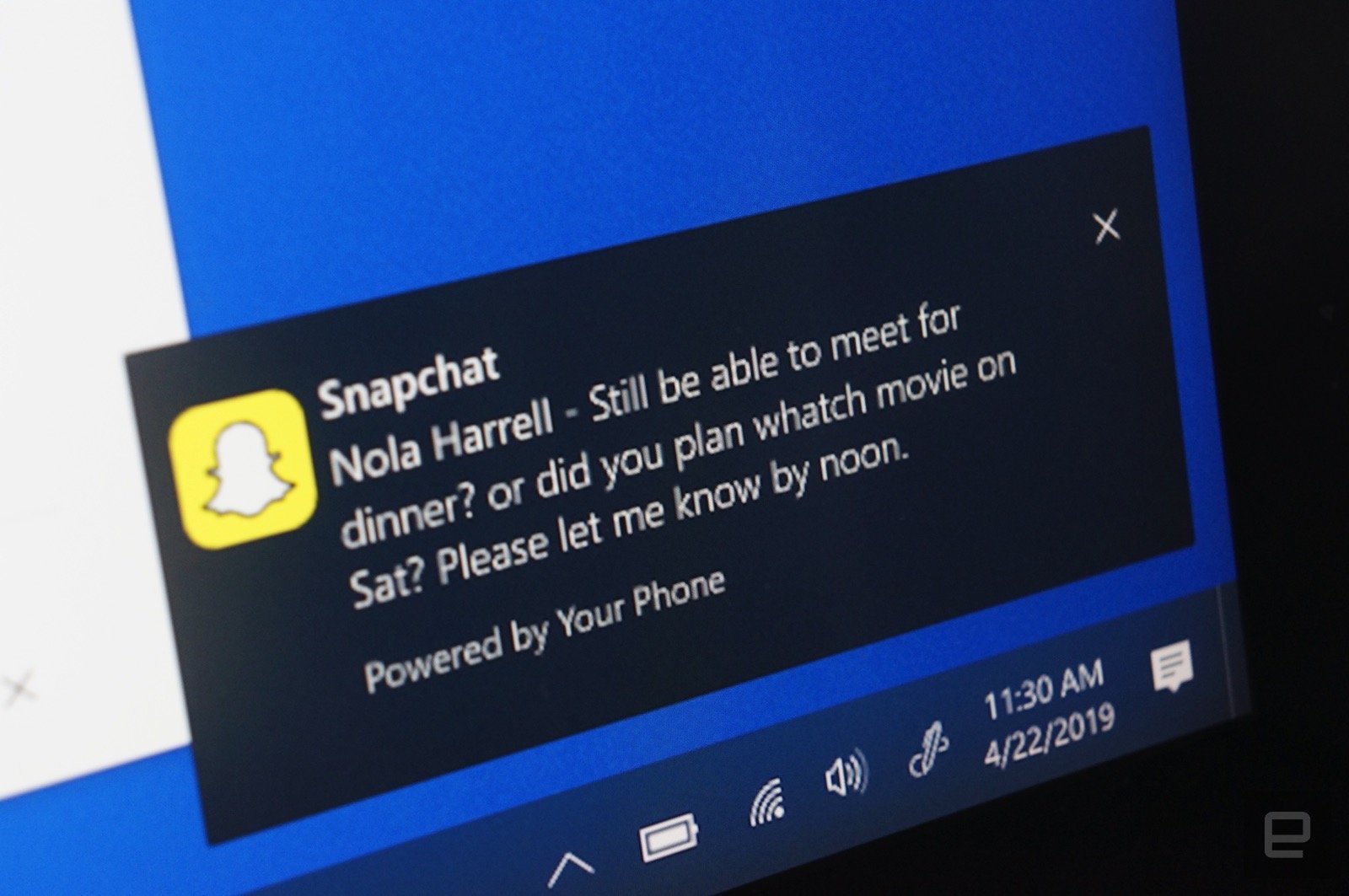
Besides the mirroring available with the aforementioned phones, the Your Phone Companion app allows your PC to get texts, documents, and photos from any phone running Android 7 and higher. And now, the app will allow you to see phone notifications on your PC screen. Microsoft says that insiders on the 19H1 build will soon receive a preview that brings these notifications from your phone to your desktop in real time. You can decide which apps you will see notifications from on the computer screen, and if you dismiss one from the desktop, it will also disappear from your phone. These new features also will soon appear in the Your Phone Companion app.
To see phone notifications on your Windows PC, your Android device running Android 7.0 or higher must have 1GB of RAM or more. and the Windows 10 PC must be using build 1803 (RS4) or newer. If notifications are disabled on the computer due to work policies, this feature will not work.
-

Sompo Japan to Release in Indonesia Weather Index Insurance for Farmers
Sompo Japan Nipponkoa Insurance will start selling insurance products that compensate farmers hit by drought in Indonesia as early as this autumn.
Earlier this month, Sompo Japan signed a memorandum to partner with BMKG, Indonesia’s meteorological bureau, to gather weather data. The Japanese insurer will provide weather index products that pay a certain amount to contract farmers when rainfalls drop below the forecast amount of the past three months.
Such technologies and services provided by companies in disaster-prone Japan are likely to become promising exports to Southeast Asia. With an insurance premium of 50,000 rupiah ($3.76), contract farmers will be entitled to recuperate up to 500,000 rupiah if a drought occurs.
Sompo Japan is narrowing down potential insurance agencies to partner with, such as local financial institutions. The company plans to test-run products in some areas as early as this autumn and go full swing in 2018.
Sompo Japan started selling weather index insurance products for banana producers in Thailand in 2010 and in the Philippines in 2014. The company plans to release policies in Myanmar as soon as it gets government approvals.
The company plans to boost its lineups of countries of sale and products to increase contracts fivefold to 30,000 in Southeast Asia by 2025.
In the wake of increasing damage due to drought caused by unusual weather patterns, governments in Southeast Asia are taking measures to improve infrastructure, such as building irrigation facilities and providing financial coverage for damage claims.
There are two major strategies for dealing with climate change. One is climate change mitigation, which is any action taken to reduce greenhouse gases such as carbon dioxide. The other is adaptation, which is the ability of a system to adjust to climate change to moderate any potential damage.
The Paris Agreement, an international framework implemented to slow global warming, requires countries to set a goal of cutting greenhouse gases and taking adaptation measures. Emerging and developing countries — which are often hit by drought and heavy rains — are showing interest in the adaptation route.
The United Nations Environment Programme, or UNEP, estimates the costs of adaptation could range from $140 billion to $300 billion a year by 2030, and between $280 billion and $500 billion a year by 2050.
The market for adaptation solutions is expected to spread globally with the help of multinational funds and local governments. Some companies have started offering products and services catering to these demands.
Japanese companies are well-positioned to help developing countries adapt to climate change, such as by contributing to better infrastructure, developing cultivation technologies so crops can withstand warmer temperatures, and increasing preparedness for power outages.
However, Mari Yoshitaka, chief consultant of Mitsubishi UFJ Morgan Stanley Securities, said many Japanese companies have not shown much interest in the global adaptation business. But focusing on environmental measures needed to cope with the situation presents business opportunities.