Retail News CRM

Tag: phone

  • Waze Unleashes Phone Access: Major Android Auto Hurdle Finally Overcome

    Waze Unleashes Phone Access: Major Android Auto Hurdle Finally Overcome

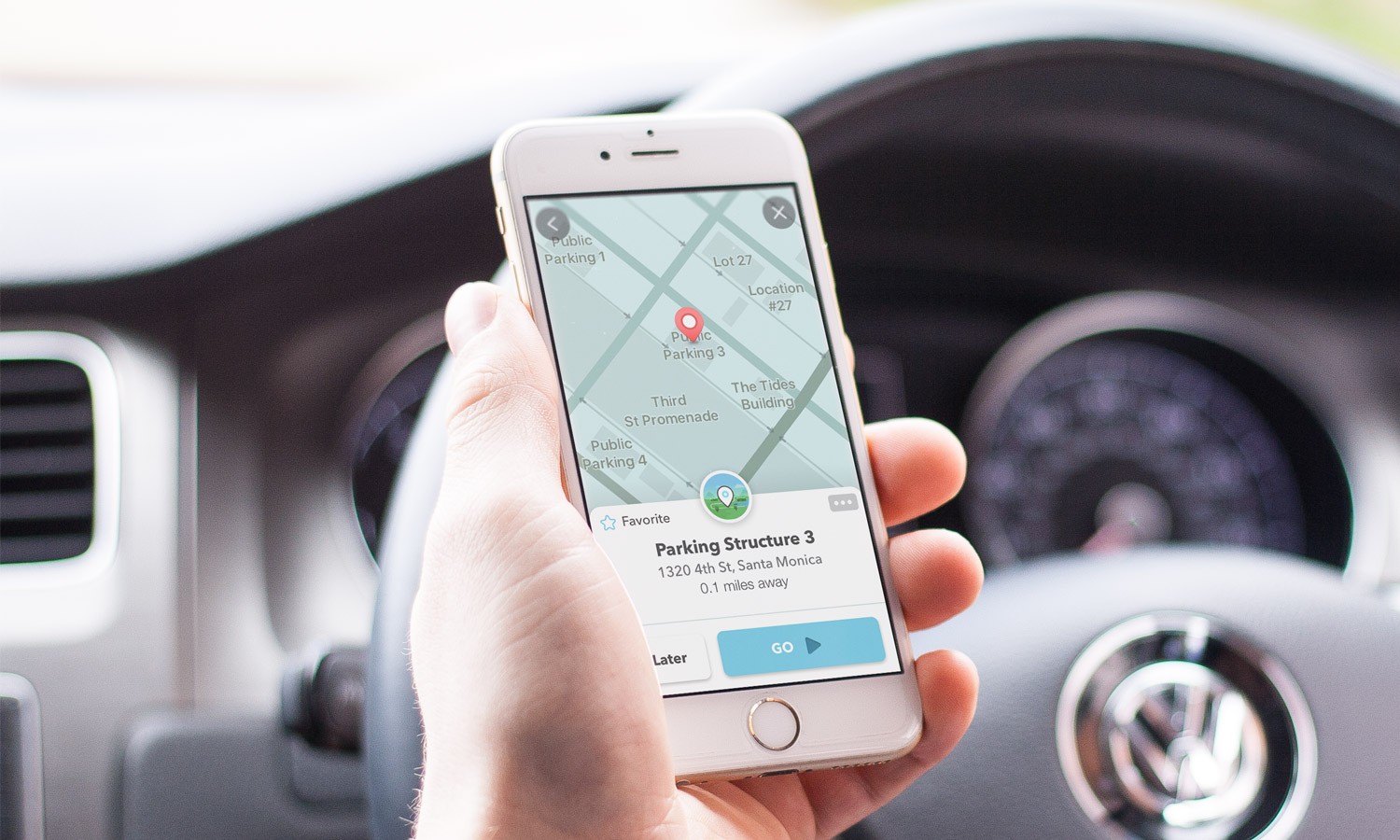
    Waze, the popular navigation application, is set to enhance its user experience on Android Auto by finally removing a significant hurdle that has been a point of frustration for many of its users. The app will now allow the use of phones while connected to the vehicle, aligning its functionality more closely with its direct competitor, Google Maps.

    Unlocking the User Experience

    Android Auto users who are fans of Waze have had a notably frustrating issue for some time. Upon connecting their device to their vehicle, the application would effectively freeze on their phone, often presenting a black screen or a banner urging the user to concentrate on the dashboard. This made the phone virtually impractical for entering directions. Fortunately, this source of exasperation is now being addressed.

    A widespread update is being rolled out that permits users to access and operate the Waze app on their mobile device while it concurrently runs on the car’s display. Although this feature has been seen in beta versions over the last few months, it now seems to be accessible to all in the stable builds.

    This enhancement has been anticipated for quite some time. Google Maps, a close cousin and rival to Waze, resolved this exact restriction back in 2023. Prior to this amendment, Maps users faced the same predicament of a ‘locked screen,’ a situation that was universally disliked.

    The Importance of This Update

    The significance of this update lies in the fact that in-car infotainment systems are often less responsive than smartphones. Inputting an address on a dashboard touchscreen can be clumsy, slow, and distracting. Older vehicles or specific models frequently rely on rotary dials instead of touchscreens, making the task of typing an address like ‘Main Street’ by scrolling through an alphabet wheel incredibly tedious.

    However, this alteration evens the odds. It enables a passenger to conveniently pick up the phone to add a stopover or check alternative routes without obstructing the driver’s map view on the larger screen. This update recognizes that the phone is often the superior input device, even though the vehicle may offer a better viewing experience.

    A Timely Improvement

    Many users, including myself, find themselves in a constant quandary over which of the two navigation behemoths – Google Maps or Waze – to choose. While Google Maps scores higher for its neater user interface and superior lane guidance, Waze is unmatched in its real-time police spotting and hazard alerts. Nonetheless, the inability to swiftly grab my phone and change a destination on Waze was a significant disincentive that often led me back to Maps.

    This update overcomes that obstacle. It makes Waze significantly less restrictive and considerably more contemporary. It’s a quality-of-life improvement that may sway me to consistently use Waze for my daily commute. If you are yet to see this feature in action, try force-stopping the app and reopening it while connected; this appears to activate the new pop-up.

    Questions & Answers

    What does the new Waze update entail?
    The update allows Waze users to access and operate the app on their phone while it’s simultaneously running on their car’s display.

    Why is this update significant?
    This update brings an end to the frustration of being unable to use the phone for navigation once connected to the car, a problem that had been a major issue for Waze users on Android Auto.

    Is this feature already available on Google Maps?
    Yes, Google Maps resolved this exact issue back in 2023, allowing users to operate the app on their phone while it’s connected to their vehicle’s infotainment system.
  • Google Phone App’s Landscape Mode: Convenient Feature Or Nuisance?

    Google Phone App’s Landscape Mode: Convenient Feature Or Nuisance?

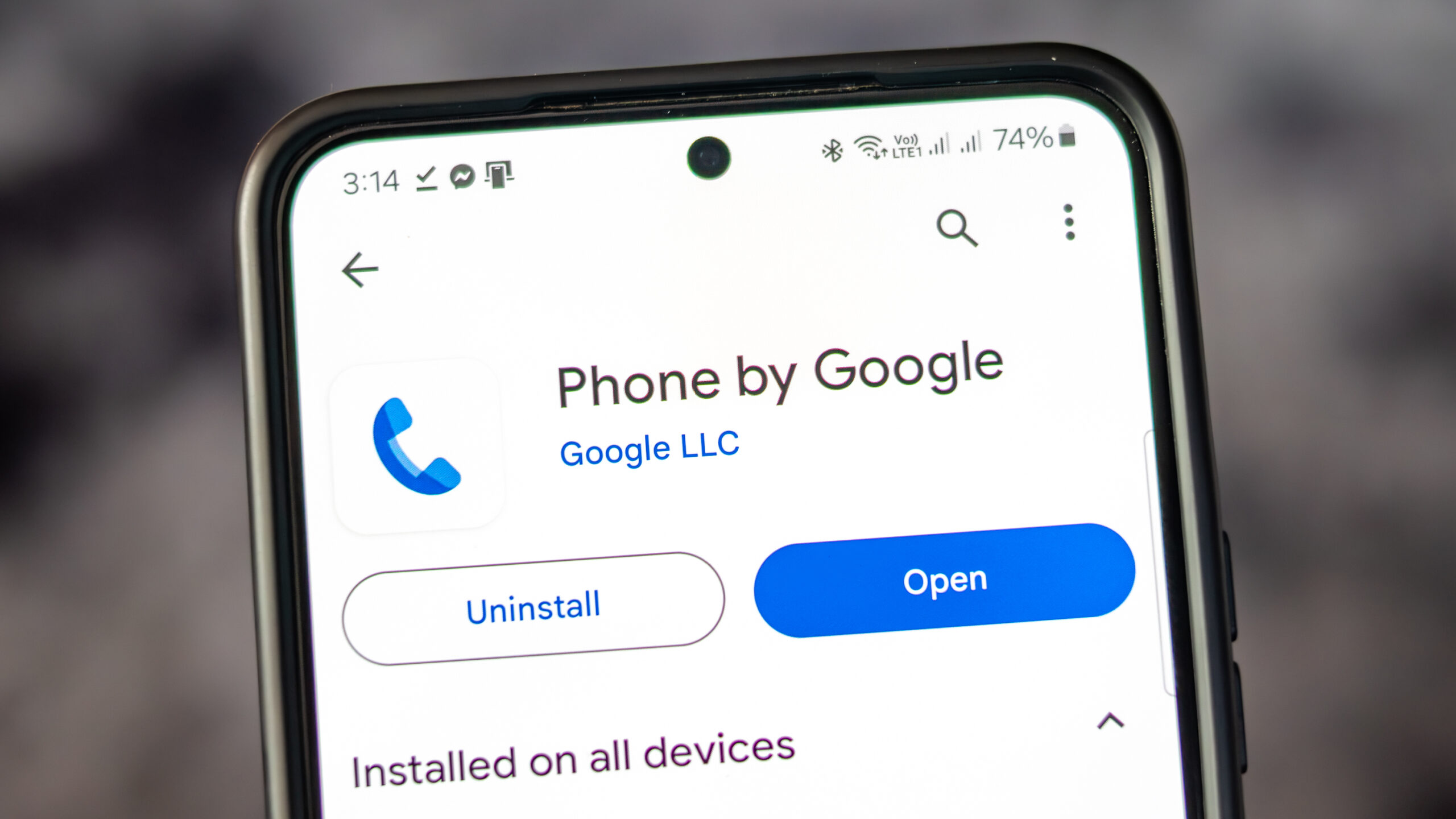
    The Google Phone application, available on all Pixel phones as well as select Motorola and OnePlus devices, provides users with a variety of convenient features. Alongside the standard dial pad, it includes access to contacts and call history. The app also has a call screening feature, filtering out unwanted robocalls and even waiting on hold on behalf of users.

    Former Features

    You may remember that earlier Pixel home screens had a feature which allowed for screen rotation into landscape mode when the phone was held horizontally. This was first seen in Android 7.1.2 in 2017 and was enabled via Home Settings. It allowed the home screen, app drawer, and overview screen to rotate into landscape orientation. However, Google began to phase out this feature with Android 10, removing it completely by Android 12.

    Although the Pixel home screens no longer support landscape orientation, the Google Phone application still allows for it. Users can turn their phones sideways before or during a call to rotate the screen. However, this feature has been met with mixed reactions, as some users find the changing screen orientation during calls inconvenient.

    A Reddit user voiced their frustration over this issue, stating that the app has been switching to landscape mode during calls, which is inconvenient when ending a call as the button is moved to the side. They expressed their desire to turn off this feature within the app settings, rather than disabling it for the entire device.

    Screen Appearance in Landscape Mode

    When using the Google Phone app in landscape mode, the dial pad is situated on the right side of the screen, with a green call button at the bottom. To the left of the dial pad are call suggestions, and on the far left are three icons for home, keypad, and voicemail.

    When a call is initiated and the app is in landscape mode, the Wi-Fi icon at the top indicates the use of a Wi-Fi call. The name and phone number of the person being called are displayed, along with their avatar or profile icon. Four buttons for keypad, mute, speaker, and additional options are to the right of the profile icon.

    Should Google Remove This Feature?

    There is some debate over whether Google should remove the landscape feature from their phone app. Some users have reported their screen being forced into portrait mode when initiating a call, which is not the universal experience. It is suggested that Google should consider providing an option for users to disable landscape mode within the app settings to accommodate those who find it inconvenient.

    As for myself, I find the landscape mode useful on my Pixel 6 Pro and would like its continuation in future Pixel phones. What needs to be addressed is the issue of accidental screen rotation during calls.

    Iconic Phones Project

    In other news, we are excited to announce the upcoming release of our passion project, “Iconic Phones: Revolution at Your Fingertips”. This coffee table book is a must-have for any technology enthusiast, chronicling the most significant technological advancements of the 21st century.

    Questions & Answers

    What features does the Google Phone app offer?
    The Google Phone app provides a dialer, contacts, call history, call screening, robocall filtering, and a hold feature.

    Does the Google Phone app still support landscape mode during calls?
    Yes, the Google Phone app does support landscape mode during calls, but the feature has received mixed reviews.

    Will the landscape mode be removed from the Google Phone app?
    While some users have expressed their preference for this feature to be removed or given an option to disable it, no official statement from Google regarding changes to this feature has been made.

  • Global eSIM Growth Soars, Fueled by Travel, Business, and IoT Innovations

    Global eSIM Growth Soars, Fueled by Travel, Business, and IoT Innovations

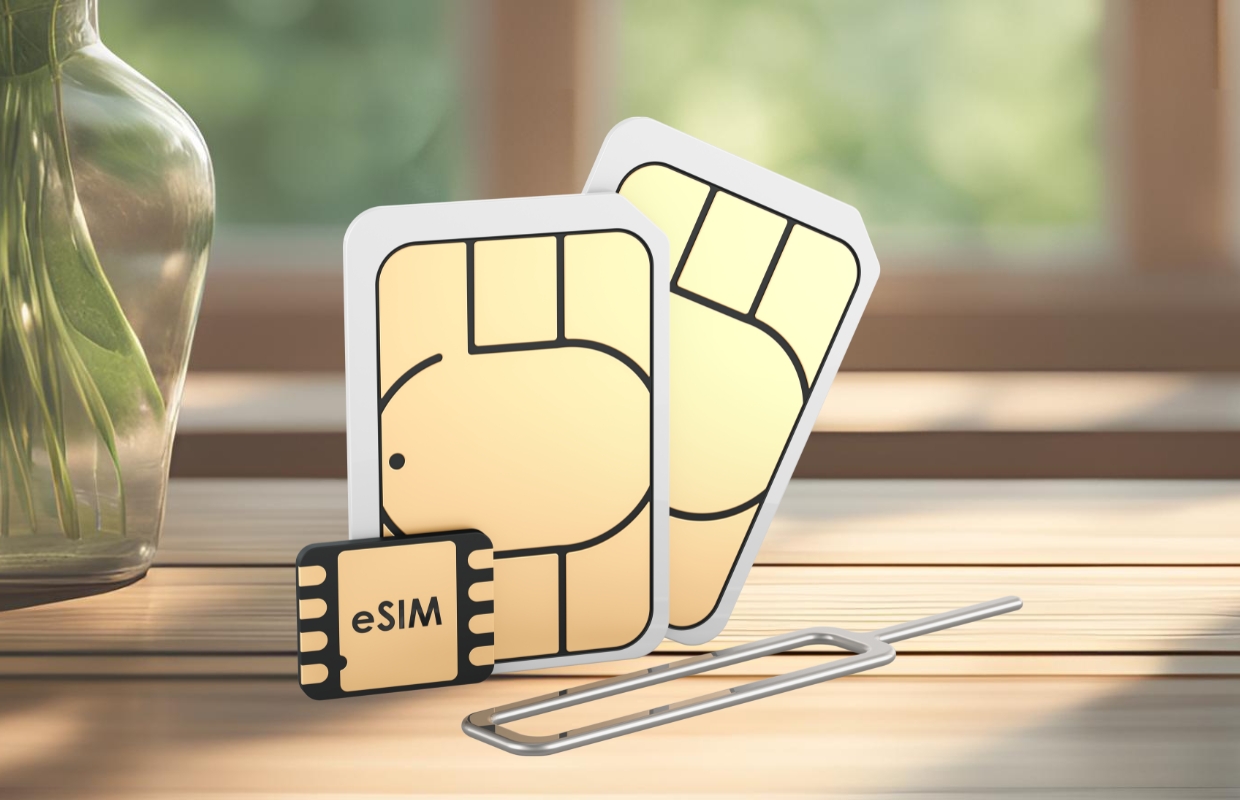
    Global eSIM adoption is witnessing a significant surge, propelled by the rising demand for travel services, innovative enterprise solutions, and the expansion of the Internet of Things (IoT), as highlighted in GSMA Intelligence’s latest report. This development paints a dynamic picture of how technology is reshaping our connectivity landscape.

    Travel Demand Fuels eSIM Growth

    Pablo Iacopino, Head of Research and Commercial Content at GSMA Intelligence, emphasized the momentum building among mobile network operators (MNOs). They are not only enhancing global travel services but also bolstering fixed wireless access (FWA) and strengthening wearable ecosystems while seamlessly integrating eSIM technology with 5G to meet the needs of business customers. In fact, travel eSIMs are currently the most significant catalyst for adoption, with many users in 11 major markets opting to activate the service while abroad. This shift is prompting a greater number of operators to roll out global offerings, a disruptive move that challenges traditional roaming revenue models.

    Beyond Travel: eSIM Expands Its Footprint

    But the story doesn’t end there; the adoption of eSIM technology is rapidly extending into connected devices and broadband services. By mid-2025, 161 operators across 78 countries are predicted to debut their 5G FWA services, a potentially game-changing development that could see household penetration levels exceeding 10% by 2030 in advanced markets like Australia, Germany, Japan, Saudi Arabia, the UK, and the US. Temporary connectivity is also gaining traction, providing agile solutions for events, broadcasting needs, and unexpected network outages — not unlike how a superhero swoops in to save the day.

    Smartphone Market: A Slow but Steady Rise

    On the smartphone front, the journey has been less straightforward. Despite remaining below earlier expectations, the growth of eSIM usage among smartphones is on the rise. As of 2024, only about 3% of global smartphone connections were utilizing eSIMs, far below the anticipated 15% made six years ago. Interestingly, nearly half of all eSIM users are in the United States, largely aided by Apple’s strategic shift to eSIM-only iPhones.

    Investment Surge Points to Bright Future

    The investment landscape surrounding eSIM technology is also flourishing, with 2025 poised to break records. According to GSMA, just over USD 300 million in funding was raised in the first half of 2025, identifying travel, enterprise, and IoT as the main drivers of this growth. As these sectors expand, the usage of eSIMs is expected to become increasingly mainstream, fundamentally transforming global mobile connectivity in the years to come.

    Questions & Answers

    What is currently driving eSIM adoption worldwide?
    The primary driver of eSIM adoption is the demand for travel services, with many users activating eSIMs while abroad, prompting mobile operators to innovate and launch global offerings.

    How are connected devices and broadband services contributing to eSIM expansion?
    eSIM technology is rapidly expanding into connected devices and broadband services, with projections suggesting significant adoption of 5G FWA services across multiple countries by 2025.

    What does the investment landscape look like for eSIM technology?
    Investment in eSIM technology is growing robustly, with over USD 300 million raised in the first half of 2025, indicating strong interest in travel, enterprise, and IoT as key sectors.

  • Phone scammers will soon lose a major advantage

    Phone scammers will soon lose a major advantage

    The Federal Communications Commission is taking aim at a key loophole that helps robocallers dodge detection systems meant to protect consumers. If you’re still getting bombarded with scam calls on your phone, this gap involving older network technology is a likely contributor. The FCC wants to ensure calls maintain their digital fingerprints even when passing through these older networks.  

    Modern phone calls over internet (IP) networks benefit from STIR/SHAKEN, a system the FCC champions for tracking, blocking, and warning about bad calls. It acts like a digital fingerprint to verify caller ID isn’t faked or “spoofed”. It’s crucial for spotting malicious calls before they potentially trick someone.  

    The problem is that when calls travel — even partially, through older, non-IP phone lines (think traditional landlines) — this STIR/SHAKEN verification often gets lost due to technical limitations of those networks. Scammers know this and actively exploit it by routing calls through these pathways, effectively erasing the digital proof of origin. This makes their illegal calls much harder for carriers to identify and block.  

    Patching the network hole

    The FCC’s new proposal directly targets this non-IP loophole. For the last four years, providers using these older networks faced delayed deadlines for implementing call authentication required by the TRACED Act. The FCC now wants to end these delays and get authentication solutions deployed.  

    This initiative stems from the TRACED Act, which is legislation designed specifically to bolster the fight against the flood of illegal robocalls. While STIR/SHAKEN on IP networks has certainly made a dent, billions are still lost annually to frequent phone scams related to everything from fake auto warranties to government impersonations, seriously damaging consumer trust. Addressing specific vulnerabilities like the non-IP gap is essential.

    Shutting down this specific loophole won’t magically stop all robocalls overnight, but it’s a necessary technical fix in the ongoing battle. Ensuring calls retain authentication across different network types makes it tougher for scammers to operate anonymously and hide their tracks. Ultimately, closing this gap should lead to fewer fraudulent calls getting through to consumers and hopefully increase the reliability of caller ID.