Retail News CRM

Tag: pixel

  • Google’s Gemini Vs Google Assistant: Exploring The Hotword Controversy On Pixel Phones

    Google’s Gemini Vs Google Assistant: Exploring The Hotword Controversy On Pixel Phones

    A loyal consumer recently expressed curiosity regarding Google’s decision to replace Google Assistant with Gemini, the new AI model, on Pixel phones. The user queried the need to continue using “Hey Google” as the activation hotword, despite the shift to Gemini. The question arises as even after replacing Google Assistant with Gemini, the hotword remains the same, causing some confusion among users.

    Exploring the “Hey Gemini” Hotword Debate

    The suggestion of a hotword change to “Hey Gemini” appears to be a reasonable request as it is more syllable-friendly in comparison to its predecessor. Even though it has more syllables (four) than “Hey Google” (three), users may find it easier to pronounce, eliminating the tongue-twister effect some experience with Google. This alteration could also minimize the cognitive dissonance created when activating Gemini but having to say “Hey Google.”

    Understanding the Current Assistant Activation

    For clarity, if you have set Gemini as your assistant on your Pixel, saying “Hey Google” will activate Gemini. Similarly, if you have the Google Assistant set, using the same hotword will activate Google Assistant. Switching between the two can be done through the Settings > Apps > Assistant pathway, followed by selecting your preferred digital assistant. Regardless of the choice made, the activation hotword remains as “Hey Google.”

    Alternate Activation Methods

    A potential solution to bypass the hotword confusion is the Quick Tap feature. This function allows users to activate their chosen assistant by double-tapping the back of the phone. To use this feature, one must navigate to Settings > System > Gestures > Quick Tap and activate the “Access your digital assistant” option. This way, users can avoid using the power button or saying “Hey Google” to activate their assistant.

    Disabling Power Button Activation

    If users find long-pressing the power button bothersome or confusing, this shortcut can be deactivated. This can be done through Settings > System > Gestures, with the Press & Hold power button toggled off. Users can then opt for a long press of the power button to open either the Power menu or the Digital assistant. The sensitivity of the long press can also be adjusted according to user preference.

    Impact of Google’s Shift to Gemini

    Regardless of the available activation techniques, the optimal way to access either Gemini or Google Assistant is no longer present on Pixel phones. Earlier models, such as the Pixel 2, featured an Active Edge function, which allowed users to squeeze the sides of their phone to activate Google Assistant. However, this feature was removed on later models, starting with the Pixel 5.

    The current debate emphasizes the need for Google to consider a hotword change for Gemini, perhaps to “Hey Gemini” or simply “Gemini.” As Google continues to substitute Google Assistant with Gemini on Android, this is likely to happen. Users are encouraged to make the switch to Gemini on their Pixel for a more seamless experience.

    Questions & Answers

    1. Why do users still have to say “Hey Google” to activate Gemini?
    This is due to Google not yet implementing a hotword change following the shift from Google Assistant to Gemini.

    2. What is the Quick Tap feature on Pixel phones?
    Quick Tap is a feature on Pixel phones that lets users double tap the back of their device to activate their digital assistant, bypassing the need to say the hotword.

    3. What was the Active Edge feature on previous Pixel models?
    The Active Edge feature allowed users to squeeze the sides of their Pixel phone to call up Google Assistant. However, this function was removed in later models, starting with the Pixel 5.
  • Google’s Pixel Watch 4: The Game Changer In Smartwatch Industry

    Google’s Pixel Watch 4: The Game Changer In Smartwatch Industry

    Google’s Pixel Watch has been a topic of discussion for several years now, but it has always fallen short of expectations. With each new iteration, the brand seemed to be on the brink of a breakthrough, yet something was always missing, preventing it from realizing its full potential. Issues ranged from incomplete features and charging discrepancies to battery drain problems. However, the Pixel Watch 4 is set to redefine the narrative.

    The Dawn of a New Era

    With the debut of the Pixel Watch 4, it’s clear that Google has transcended the teething troubles that marred its former models. This is the first Pixel Watch that exudes a sense of completion, thereby providing users with a comprehensive smartwatch experience. It is also the first model that could potentially ruffle the feathers of Apple Watch wearers.

    A Detailed Look

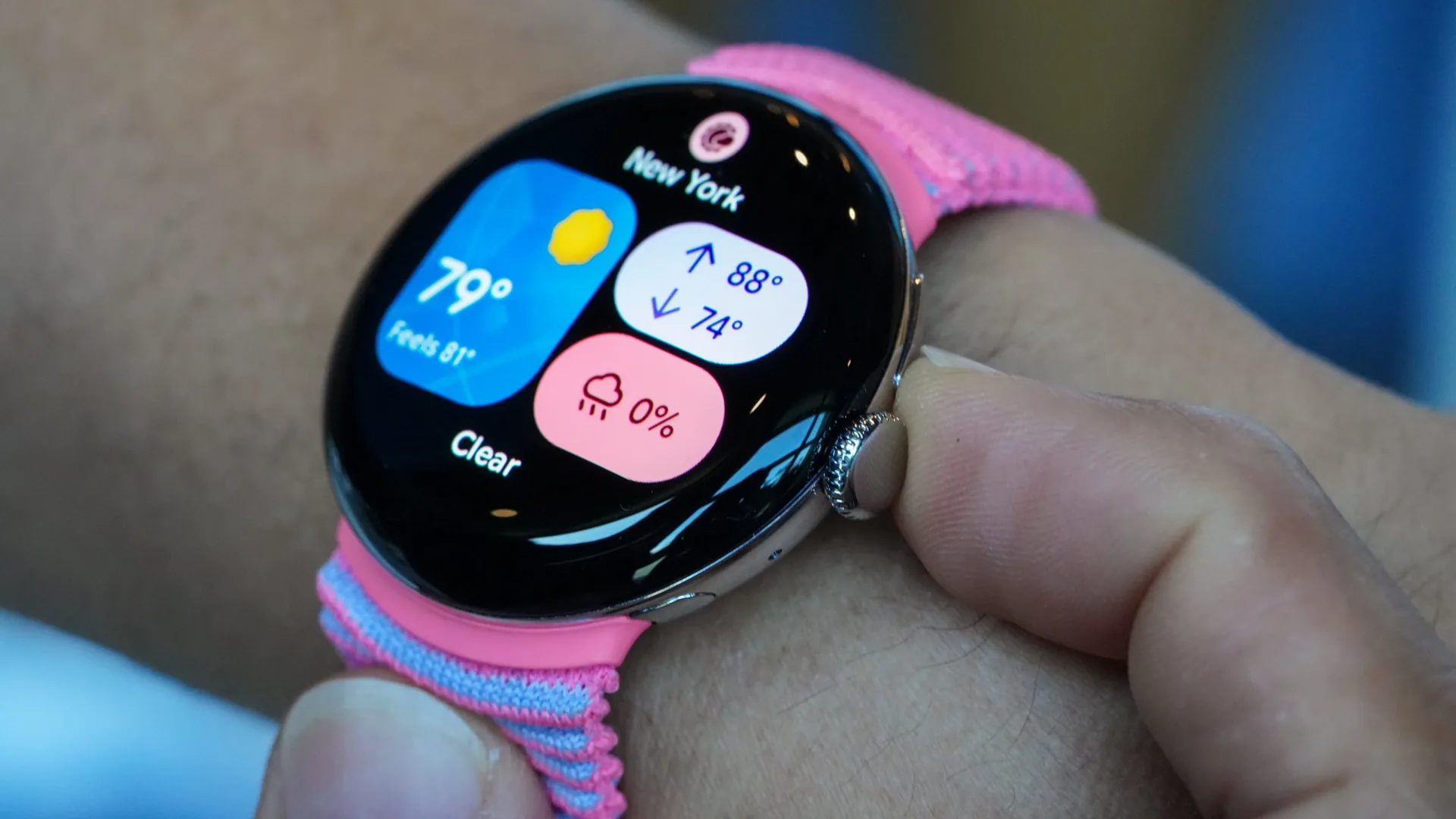
    At first glance, the Pixel Watch 4 retains the aesthetic charm of its predecessors. Its glass dome design and rounded body mimic the form of a smooth pebble, which is a signature style of the Pixel Watch line. However, a closer inspection reveals that this model is more than just a clone of its antecedents. It’s a true progression, a marked departure from mere replication.

    Features and Performance

    The Pixel Watch 4’s display boasts an output of 3,000 nits, a figure that matches the luminosity of the premium Apple Watch Ultra 3, but at a lower cost. The display renders vibrant hues and lucid text in any lighting situation, making the animated Wear OS interface and colorful tiles look exceptionally lively.

    Under the hood, the Snapdragon W5 Gen 2 processor works in tandem with Google’s new AI co-processor. The resulting combination powers a smartwatch that delivers remarkable speed. Whether it’s navigating the menu system, launching applications, or scrolling, the Pixel Watch 4 offers a fluid and seamless user experience. This level of consistent performance was previously unattainable in older Pixel Watch models.

    Battery Life and Charging

    The Pixel Watch 4 also boasts an improved battery life. The 45mm model can function for up to 40 hours with the display on and needs just 15 minutes of charging to reach 50% capacity. The smartwatch supports full-day operation, complete sleep tracking, and still manages to keep some power in reserve for the next day. This has finally resolved the panic that often ensued when users forgot to charge their devices.

    Questions & Answers

    What sets the Pixel Watch 4 apart from its predecessors?
    The Pixel Watch 4 stands out due to its complete features, improved battery life, high-speed performance, and an enhanced user experience that feels fully developed.

    How does the Pixel Watch 4 compare to the Apple Watch Ultra 3 in terms of display?
    The Pixel Watch 4 matches the Apple Watch Ultra 3’s display output of 3,000 nits, delivering vibrant colors and clear text in all lighting conditions.

    How long does it take to charge the Pixel Watch 4?
    It takes only 15 minutes of charging for the Pixel Watch 4 to reach 50% capacity, making it a convenient choice for those on the go.

  • Google Phone App’s Landscape Mode: Convenient Feature Or Nuisance?

    Google Phone App’s Landscape Mode: Convenient Feature Or Nuisance?

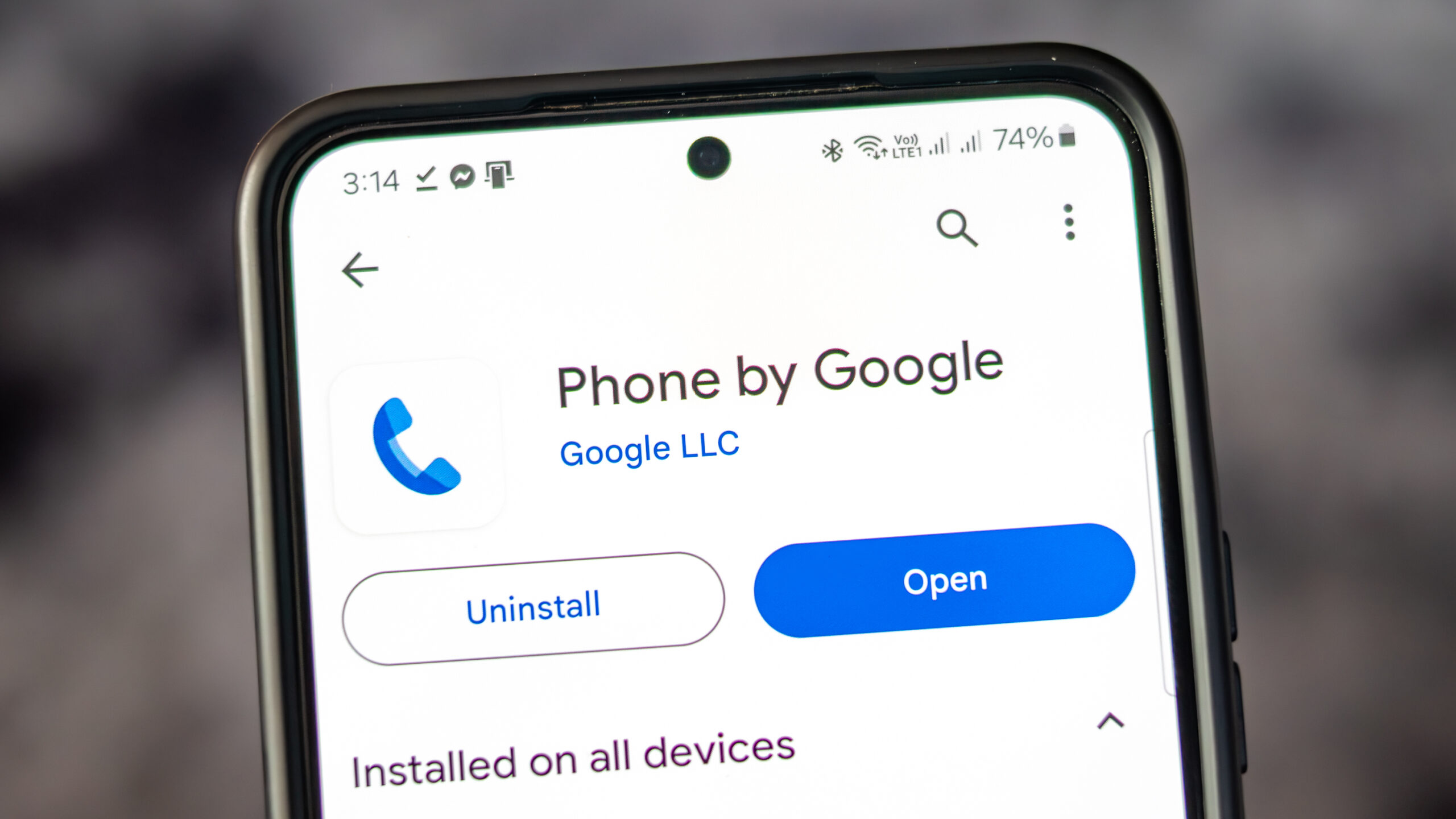
    The Google Phone application, available on all Pixel phones as well as select Motorola and OnePlus devices, provides users with a variety of convenient features. Alongside the standard dial pad, it includes access to contacts and call history. The app also has a call screening feature, filtering out unwanted robocalls and even waiting on hold on behalf of users.

    Former Features

    You may remember that earlier Pixel home screens had a feature which allowed for screen rotation into landscape mode when the phone was held horizontally. This was first seen in Android 7.1.2 in 2017 and was enabled via Home Settings. It allowed the home screen, app drawer, and overview screen to rotate into landscape orientation. However, Google began to phase out this feature with Android 10, removing it completely by Android 12.

    Although the Pixel home screens no longer support landscape orientation, the Google Phone application still allows for it. Users can turn their phones sideways before or during a call to rotate the screen. However, this feature has been met with mixed reactions, as some users find the changing screen orientation during calls inconvenient.

    A Reddit user voiced their frustration over this issue, stating that the app has been switching to landscape mode during calls, which is inconvenient when ending a call as the button is moved to the side. They expressed their desire to turn off this feature within the app settings, rather than disabling it for the entire device.

    Screen Appearance in Landscape Mode

    When using the Google Phone app in landscape mode, the dial pad is situated on the right side of the screen, with a green call button at the bottom. To the left of the dial pad are call suggestions, and on the far left are three icons for home, keypad, and voicemail.

    When a call is initiated and the app is in landscape mode, the Wi-Fi icon at the top indicates the use of a Wi-Fi call. The name and phone number of the person being called are displayed, along with their avatar or profile icon. Four buttons for keypad, mute, speaker, and additional options are to the right of the profile icon.

    Should Google Remove This Feature?

    There is some debate over whether Google should remove the landscape feature from their phone app. Some users have reported their screen being forced into portrait mode when initiating a call, which is not the universal experience. It is suggested that Google should consider providing an option for users to disable landscape mode within the app settings to accommodate those who find it inconvenient.

    As for myself, I find the landscape mode useful on my Pixel 6 Pro and would like its continuation in future Pixel phones. What needs to be addressed is the issue of accidental screen rotation during calls.

    Iconic Phones Project

    In other news, we are excited to announce the upcoming release of our passion project, “Iconic Phones: Revolution at Your Fingertips”. This coffee table book is a must-have for any technology enthusiast, chronicling the most significant technological advancements of the 21st century.

    Questions & Answers

    What features does the Google Phone app offer?
    The Google Phone app provides a dialer, contacts, call history, call screening, robocall filtering, and a hold feature.

    Does the Google Phone app still support landscape mode during calls?
    Yes, the Google Phone app does support landscape mode during calls, but the feature has received mixed reviews.

    Will the landscape mode be removed from the Google Phone app?
    While some users have expressed their preference for this feature to be removed or given an option to disable it, no official statement from Google regarding changes to this feature has been made.

  • Revolution In Audio Broadcasting: Expanding Auracast’s Compatibility And Real-world Applications

    Revolution In Audio Broadcasting: Expanding Auracast’s Compatibility And Real-world Applications

    In March, we introduced our readers to a Bluetooth technology known as Auracast. This innovative feature, designed for Bluetooth Low Energy (LE), empowers a singular audio source, such as a phone, to transmit a high-quality audio stream to a limitless number of Bluetooth receivers in proximity. Instead of the traditional one-to-one Bluetooth connection (e.g., your smartphone to a pair of Bluetooth earbuds), Auracast transforms your device into a broadcasting station capable of delivering a one-to-many signal.

    Auracast Support for Hearing Aids

    Six months ago, Google initiated support for hearing aids using Auracast with the release of the Pixel 9 series. This support featured several preset settings tailored to assist those who have hearing problems. Recently, Google expanded this list to include Sony headphones among the hearing aids and earbuds compatible with Auracast. Other notable inclusions in this list are the JBL Tour One M3, the Samsung Galaxy Buds 3 Pro, and the Sennheiser Accentum True Wireless.

    Phones with Auracast Capability

    Among the smartphones equipped with the ability to utilise Auracast for audio broadcasting are the Google Pixel 8 and later models, the Samsung Galaxy S23, S24, and S25 series, and the Galaxy Z Fold 5, Z Fold 6, and Z Fold 7. Certain Xiaomi and Poco phones unavailable via U.S. carriers are also outfitted with Auracast support.

    Practical Applications of Auracast

    Auracast proves to be particularly useful in public places, such as airports and train stations, where public announcements are common. It also offers a solution for shared listening experiences, like when you want a nearby friend to hear a song you’re enjoying. Instead of sharing an earbud, a practice some might find unsanitary, Auracast lets you transmit the song directly to your friend’s headphones, earbuds, or even a compatible hearing aid.

    Users can also share their audio with members of a nearby group equipped with compatible Bluetooth devices. Simply scanning a QR code or tapping their phone using Google’s Fast Pair allows these group members to tune into the broadcast.

    At present, this feature is available only on certain phone models and Bluetooth-enabled audio devices.

    Questions & Answers

    What is Auracast?
    Auracast is a feature for Bluetooth Low Energy (LE) that allows a single audio source to broadcast a high-quality audio stream to an unlimited number of Bluetooth receivers nearby.

    Which phones are compatible with Auracast?
    Phones that are compatible with Auracast include the Google Pixel 8 and later models, the Samsung Galaxy S23, S24, and S25 series, and the Galaxy Z Fold 5, Z Fold 6, and Z Fold 7. Certain Xiaomi and Poco phones also support Auracast.

    Where could Auracast be useful?
    Auracast could be particularly useful in public places like airports and train stations, where public announcements are common. It’s also handy for shared listening experiences, allowing you to broadcast a song you’re listening to a friend’s headphones, earbuds, or even a compatible hearing aid.

  • Google releases Android 12 beta 2 to compatible Pixel models

    Google releases Android 12 beta 2 to compatible Pixel models

    Pixel owners are another step closer to receiving Android 12 as said today that Google has started to push out Android 12 beta 2 to Pixel users. The update includes several of the new privacy features being added to the operating system with the new build including a 24-hour timeline showing which apps have accessed your phone’s camera, microphone, and location data.

    Another feature found in the new beta is a message that pops up to alert you when an app is reading your clipboard. Since users often copy important account numbers or passwords on their clipboards, it is important to know who is getting to read this data. The only time this message doesn’t appear is when the data on the clipboard that an app can read was copied from that very app.

    Similar to the Orange and Green dots found above the cell signal bars on an iPhone (which indicates when an app is using your handset’s microphone and camera respectively), Android 12 beta 2 users will see microphone or camera indicators when apps are using those two sensors.

    A new “Internet” tile in Quick Settings will show you your phone’s online connections including the name of your Wi-Fi network. Tapping on the Wi-Fi icon will allow you to quickly disable your Wi-Fi connection and will also show you a list of nearby Wi-Fi signals and give you the option to turn off/on your cellular network. The update also adds a GPay tile to Quick Settings to replace “Cards & passes.”

    To become an Android 12 beta tester for your Pixel, open the Android Beta Program site and tap the button that says “View your eligible devices.” Follow the directions and you’ll receive the Android 12 beta 2 update OTA. Once you receive notification that the update is on your phone, go to Settings > System > Advanced > System update.

    If your Pixel is your daily driver, you might want to wait for the final version of Android 12 before installing it. After all, the Android 12 beta 2 update is not stable and apps that you might need for work or play might not be working at full capacity during the beta testing.

  • Video from Google shows an unreleased Pixel smartphone

    Video from Google shows an unreleased Pixel smartphone

    An unreleased Google Pixel smartphone was spotted on the Instagram story of Made By Google, reports Android Authority. The story has now expired, but the outlet has shared a screenshot that shows the phone.

    The device in question appears to be a white variant of the Pixel 4a. Like the Clearly White Pixel 3a, it has an orange power button.

    The Pixel 4a was delayed by months due to the pandemic. At launch, only the Just Black variant was available. A few months later, a Barely Blue option was also released. Maybe Google had originally planned to release a white model as well but decided to drop it because of production challenges posed by the pandemic.

    The Pixel 4a is one of the best affordable phones around. We are unlikely to see the alleged Clearly White model as Google is now gearing up to launch the Pixel 5a, which will probably be announced in August. It will have a very limited release.

    The phone will apparently stay close to the Pixel 4a 5G and Pixel 5. It will reportedly also have the same Qualcomm Snapdragon 765G chip under the hood. Other details remain scarce at this point, but it appears that Google is disproportionately focused on the Pixel 6 and 6 XL – which are rumored to feature a 5nm in-house chipset and the Ultra-wideband tech, amongst other upgrades – and its first foldable handset.

  • Polestar 2 To Get Pixel LED Headlights

    Polestar 2 To Get Pixel LED Headlights

    Polestar 2 is already gunning to be a big player in the EV scene, come this winter solstice, the company revealed insights into the advanced lighting technology it’s using in the headlamps and the tail lights of the electric car.

    Reportedly, the Polestar 2 is fitted with Pixel LED headlights as a standard in the launch edition. These feature active high beam technology which allows drivers to leave their lights on high beam, to move forward in complete visibility, without blinding oncoming drivers or having to switch between modes.

    Each lamp on front of the compact EV has 84 individual LED pixels forming a matrix – within these clusters each LED is controlled individually both while driving and when the car is unlocked. This enables Polestar 2 drivers to leave the car on high beam while maneuvering in the dark to automatically shade when a car approaches without affecting the sight of other drivers.

    Per Polestar, this active high beam technology can accommodate up to five oncoming vehicles, working fully automatically. The front fog lights are also getting a twist – the LEDs in these lamps automatically activate at low speeds and light up on turning of the steering to further enhance visibility on curves and zig-zag stretches.

    At the rear, the Polestar 2 has an exciting lighting strip running across the trunk. The full-width wrap-around light bar comprises 288 LEDs featuring adaptive lighting – in the day the LEDs shine bright for optimal visibility and automatically dim by the night to prevent drivers in the tail from being dazzled.

    Interestingly, this Pixel LED tech is available in all markets where legislation allows – this excludes the States where regulations don’t permit such fancy lighting in cars. Polestar promises to push out the feature as an over-the-air (OTA) update, when and if the regulations change in the US and other markets where Polestar 2’s extravagant lighting show is not permitted currently.

  • Google launches app for the Pixel Buds

    Google launches app for the Pixel Buds

    Google announced that the long-awaited Google Pixel Buds are now available today from the Google Play Store. Unlike the first-generation version of the accessory, which was wireless but featured a cable connecting the left and right earbuds, the second-generation version has individual left and right earbuds. That makes the new Pixel Buds more in line with the Apple AirPods and the Samsung Galaxy Buds.

    One feature, Adaptive Sound, adjusts the volume of the Pixel Buds to compensate for new and louder sounds in the background and returns the volume to normal once that sound has ended. UX engineer Frank Li says that “It works kind of like auto-brightness on your phone screen: It momentarily adjusts to the world around you to make the experience of using your device a little simpler.” Basheer Tome, Senior Hardware Interface Designer says that “Adaptive Sound is perfect for those moments like when you’re steaming milk for a latte, or when you’re washing your hands or the dishes. Those noises can eclipse your audio experience for a bit, until the laundry or your dishes are done.”

    To improve the user experience, sensors inside Pixel Buds can detect when your jaw is moving which means that you are on a phone call (or chewing bubble gum). This helps the device know when you’re talking, and when combined with beamforming mics, it allows those using the Pixel Buds to hear the person on the other end of a phone call even when it is windy and noisy outside. And with so many people working from home, this is an important feature to have these days.

    Google Assistant can be activated on the new Pixel Buds by saying the “Hey Google” or “OK Google” hot word. The Assistant will control music streaming on the Pixel Buds and can also read your notifications. If you need to reply to a text, Google Assistant will do it for you; all you need to do is ask. And if you’re in a situation where a translator would be of some assistance, conversation mode provides translations in real-time. This is a big help when you’re on vacation or a business trip overseas.

    If you’re concerned about losing one or more of your Pixel Buds, Google has a way to find them as long as they are nearby and still paired to your phone. On the Pixel Buds app, you can elect to have the Pixel Buds ring. You can choose to ring one earbud at a time to help you find the missing one. The noise must be pretty loud because Google warns that if you have one or both Pixel Buds in your ear and choose to have the ring, it could lead to hearing damage. The ringing won’t stop until you touch the missing earbud.
    The Pixel Buds are now available today from the Google Store in Clearly White for $179 and will run for five hours on a single charge; with the carrying case, you can use them for up to 24 hours without running out of battery life. With an IPX4 rating, the accessory is protected from sweat and splashes.

    Google today launched a dedicated app in the Google Play Store for the Pixel Buds. The app allows users to toggle on or off certain settings including in-ear detection. The latter, when toggled on, will automatically play audio when the Pixel Buds are in the ear and pause it when the Pixel Buds are out of the ear. Other settings that can be customized in the app include controls for Google Assistant, Touch controls, and Adaptive Sound. The app also lists the battery level on each of the earbuds and the carrying case.

    The app can be installed on any device that is running Android 6.0 or higher and can be found in the Google Play Store.

  • Google sends $50 off code to Pixel 3a owners

    Google sends $50 off code to Pixel 3a owners

    Good news Pixel owners, as Google has decided that it’s time to sell even more Pixel 3a phones by sharing a huge number of discount codes for one of its most recent handsets. These codes are only sent to those who already own a Pixel 3a phone and it’s meant to be shared with friends.

    Multiple Pixel 3a owners report they have received $50 off discount codes in their email inbox, which they can share with their friends. According to the email, you and a friend both get $50 to spend in the Google Store when your friend buys a Pixel 3a using the code received, Droid-life reports.

    Although Google mentions that this is an exclusive Pixel 3a offer, it’s unclear whether or not it’s available outside the United States. But if you’ve bought your phone in the US, chances are you’ll be getting the $50 off code very soon.

    Once your friend buys a Pixel 3a using the code provided, you should be notified about the $50 credit from the Google Store. We also don’t know if the $50 off code can be combined with another discount on Google Store, but that’s easy to verify if you plan to purchase a Pixel 3a and already have a code.

  • Android Q may have a life-saving feature exclusive to Pixel phones

    Android Q may have a life-saving feature exclusive to Pixel phones

    At Google I/O this year, the company behind Android revealed many new and exciting things coming to the next iteration of the world’s most popular mobile OS. These include native support for foldable devices, system-wide Dark Mode, Smart Replies and Suggestions, and a handful of other features.

    But aside from those, savvy developers have uncovered something else that’s coming with Android Q, and it wasn’t mentioned at this year’s I/O. The folks over at XDA have found lines of code in the Android Q Beta 3, referencing a possible automatic car crash detection feature. The beta has an app called Safety Hub, and strings of code within the app suggest that automatic car crash detection is coming to Android Q, and that it may also be a Pixel-exclusive feature.

    Google is no stranger to introducing Pixel-exclusive features, though they’ve been more on the “bonus” side of things, so to speak. Two prominent examples are the excellent Night Sight mode, baked into the Google camera app, and unlimited Google Photos storage for original quality photo backups, available only to Pixel phone owners. However, more essential features have always managed to make their way into Android skins by other OEMs, so the upcoming car crash detection may start as a Pixel-exclusive thing and become more widely available thereafter.

    It’s currently unclear how Android Q will detect car crashes, though it’s likely going to happen by gathering data from various sensors on the phone. For example, Google could use GPS data to determine whether you’re driving, use the accelerometer to detect when a violent stop occurs, and even rely on the microphone to pick up the sound of the crash. After an accident has been detected, the Safety Hub app could automatically alert emergency services and/or select contacts.

    We have our fingers crossed that future Android Q betas will reveal more about this potentially life-saving feature, and that it won’t be Pixel-exclusive forever.

  • Google struggled to sell Pixel 3 smartphones

    Google struggled to sell Pixel 3 smartphones

    Apple, Samsung, LG, Sony, HTC… The list of smartphone manufacturers that have experienced a decline in sales at some point throughout the past year is already pretty long but today it grew by one.

    During Alphabet’s earnings call earlier today, the company’s Chief Financial Officer Ruth Porat revealed that Google experienced a year-on-year decline in Pixel smartphones sales during the first quarter of 2019. Specific numbers weren’t provided, but the negative results do appear to have dragged down the company’s hardware business as a whole.

    Regarding the cause of this drop, Google didn’t mention any concrete details but it did highlight the general “pressures in the premium smartphone industry” at the moment. Moreover, it noted the “heavy promotional activity” by competitors which have been struggling to keep sales up recently.

    Another factor that wasn’t mentioned but one that may have negatively affected Pixel 3 smartphone sales is design. Although Google’s smartphone cameras have once again received almost universal praise, the larger Pixel 3 XL has been heavily criticized since before it even launched due to the large notch and huge chin that it features.

    The Google Pixel 3 and Pixel 3 XL were also plagued with memory management issues, something that affected day-to-day use by prematurely closing apps running in the background.

    Despite the lack of Pixel sales, Google pointed out that it was pleased with the “momentum for Assistant-enabled home devices, particularly the Home Hub and Mini devices.” It also mentioned plans for hardware announcements on May 7th at Google I/O, essentially confirming the Pixel 3a’s debut at the event.

    The Google Pixel 3a and Pixel 3a XL, for those of you that don’t already know, are expected to represent Google’s first entries in the mid-range smartphone segment. Building upon the reputation of flagship Pixels, both Pixel 3a smartphones are expected to carry the same rear camera as the Pixel 3 and support software features such as Night Sight. But in order to keep costs down, a number of modifications have been made internally.

    Rather than utilizing Qualcomm’s flagship-level Snapdragon 845, the Pixel 3a duo is expected to include the Snapdragon 670 which will be paired with 4GB of RAM and either 32GB or 64GB of internal storage. This will then be accompanied by stock Android 9 Pie, eSIM support, Google’s dedicated Titan M security chip, and the Active Edge squeezable frame. The smartphones also look set to support 18W fast charging. Speaking of which, the 5.6-inch Pixel 3a will carry a 3,000mAh battery while the 6-inch Pixel 3a XL should feature a larger cell, although its capacity is yet to be specified.

    Pre-orders for the Google Pixel 3a and Pixel 3a XL are expected to commence immediately after their announcement at Google I/O next week. Regarding official pricing, US market details are yet to leak. However, previous information has pointed towards price points of $400/€450 for the Pixel 3a and $500/€550 for the Pixel 3a XL.

    In terms of availability, the devices were previously rumored to be Verizon exclusives. However, more recent reports suggest T-Mobile will also carry them. And for those of you out there that aren’t fans of carriers, the smartphones should be sold unlocked via the Google Store too.

    At the price points mentioned above, the Pixel 3a and Pixel 3a XL probably won’t become runaway successes. But with Google’s smartphone business currently struggling, a boost from the mid-range segment could be all it needs to get back on track.

  • Popular Pixel widget will gain new options

    Popular Pixel widget will gain new options

    The Pixel Launcher’s At A Glance widget shows the day, date and information related to the weather, including the temperature. Tapping on the day and date will open the calendar while tapping on the weather information will take you to Google’s weather app. The widget also alerts you to a calendar appointment, an upcoming flight (including the boarding time) and unusual traffic changes.

    Now, the At A Glance widget has some new features. Long press on the widget and tap on preferences and you’ll see all of the available information that the widget can display. This includes Calendar events, Upcoming flight information, and Traffic information along with two new features: Reminders and Intelligent tips. The former will show you the next upcoming reminder alerts. For example, let’s say you set a reminder to alert you when you can take Tylenol again; this will show up on the widget. The latter reveals intelligent tips powered by Google Assistant.

    We’re guessing that these are suggestions about what features available on your phone use should use in certain situations. Right now, both of these new features are not working even though they are listed as preferences for the widget.

  • Samsung sends out patch that improves the performance

    Samsung sends out patch that improves the performance

    Owners of the Samsung Galaxy S10 and Galaxy S10+ might have recently noticed an improvement to the in-display fingerprint scanner found on both devices. Reddit posters shared information recently about a 6.9MB update sent out to both models. The update is a biometrics security patch designed to improve the performance of the in-display ultrasonic fingerprint scanner used on the two handsets.

    Some of those who installed the update claim that the fingerprint scanner now works “instantly” to unlock their phone. Samsung didn’t include a changelog with the update, so we really don’t know how the fingerprint scanner has been improved. Those who do notice a difference say that they did not have to re-scan their fingers after the update was installed. However, if you load the update and don’t notice a change, you might want to consider rescanning your fingers.

    The Galaxy S10 and Galaxy S10+ both use an ultrasonic in-display fingerprint reader. This is a more accurate and faster technology than the capacitive readers used on most devices. The ultrasonic technology uses sound to produce a 3D map of a user’s fingerprints. As we pointed out last week, the ultrasonic fingerprint scanner on the Galaxy S10 and Galaxy S10+ can still be tricked into unlocking either phone. The capacitive readers feature circuits that capture unique information about a user’s fingerprint. The “more affordable” Samsung Galaxy S10e features a capacitive fingerprint scanner mounted on the right side of the device.

    Keep in mind that this is not a system update. Instead, it is an update to the fingerprint module in the Galaxy Store. There is no way to trigger it, so it is just a matter of being patient. Eventually, the notification will arrive to let you know that the update is ready to be installed.

  • Google confirms more Pixel tablets to Arrive

    Google confirms more Pixel tablets to Arrive

    The Android tablet market was once much riches with many more options than the iPad market, but as consumers shifted their attention to smartphones with big displays, many companies have decided to shrink their tablets portfolio or drop it altogether.

    Google has adopted the same strategy in the last couple of years. Even though the Pixel Slate was launched about six months ago, this is a 2-in-1 tablet and laptop rather than a pure Android tablet. The last such product Google released on the market is the Nexus 9, an Android tablet built in collaboration with HTC, which made its debut on the market back in 2014.

    Samsung on the other hand, along with a couple of other Chinese companies like Lenovo and Huawei, has continued to launch Android tablets on a regular basis. Of course, the same applies to Apple, as the Cupertino-based giant now owns an impressive iPads portfolio.

    All information coming from various sources painted a rather bleak picture for the Android tablets segment, as reported last month that even Google plans to move dozens of employees from its laptop and tablet division to other posts within the company.

    The report cites “roadmap cutbacks,” but also points out that team members have been advised to find new roles “temporarily” within Google or Alphabet. The fact that people working for the laptop and tablet division were supposed to find temporary roles in other teams suggests that Google may decide to boost staffing on these teams at any time.

    At the beginning of the week, at Cloud Next 2019, Google hosted a conference, suggestively named “Introducing Google Hardware for Business,” where it reiterated that a new device to help the workforce “be production on-the-go” might be launched soon.

    The tools they have aren’t really conducive to the lifestyle and work style that makes them maximally productive and excited about going to work every day. And we think there are some unique things we can do differently than the Pixelbook and Pixel Slate that are going to really help give them what they’re looking for when they’re working in this new modern cloud-first era.

    A Pixel Slate sequel is more likely rather than a traditional Nexus tablet. Google also mentioned that although it doesn’t have any announcements ready to go live regarding the upcoming laptop/tablet this week, such a product will certainly be revealed “down the road.”

    Although statements made during Google’s Cloud Next 2019 even allow us to make some predictions the company’s plans for the laptop and tablet division, it’s impossible to tell what the search giant wants to do “differently than the Pixelbook and Pixel Slate.”

    Interestingly enough, Steve Jacobs, Pixelbook Group product management leader, who stated the above, coordinates three different categories within Google’s Core Technology group: Pixelbook, Pixel Slate, and Emerging.

  • Google will allow Pixel owners to customize the icons

    Google will allow Pixel owners to customize the icons

    It appears that Pixel users will soon get more customization options for their phones. XDA opened the product image for the Google Pixel 3 XL in the Android Q Beta 2 update revealing that a future app called Pixel Themes will eventually be listed in the Google Play Store. The themes will allow users to change the colors, icon shapes and fonts used on Pixel handsets.

    Right now, Pixel Themes is a “stub,” or an empty shell of an app already pre-installed in the Google Play Store. This is done so that when the time is right, the app can be instantly launched in the Play Store. There was some code found in the stub that contains previews of what each theme will look like. Three different themes were discovered:

    • Anthony: Rounded or Squircle shaped icons, Black accent, Rubik font.
    • Johanna: Filled icons, Green accent, Arvo and Lato font.
    • Reiko: Circular/Teardrop shaped icons, Purple accent, Arbutus font.

    These are the customization overlays that will be available from the Pixel Themes app

    When the app is ready to launch, you’ll find it in the Google Play Store right here. Until that day comes, clicking on this link will show you nothing more than an error message. And we would be remiss if we didn’t point out that Pixel Themes will use overlays to make the changes based on the theme selected. It also appears that Pixel users will get a small selection of new wallpapers to choose from once this app officially is released.

    With the app, users will be able to change icon shapes in additional locations related to the Settings, SystemUI, and Android framework. That can be seen from the image below.