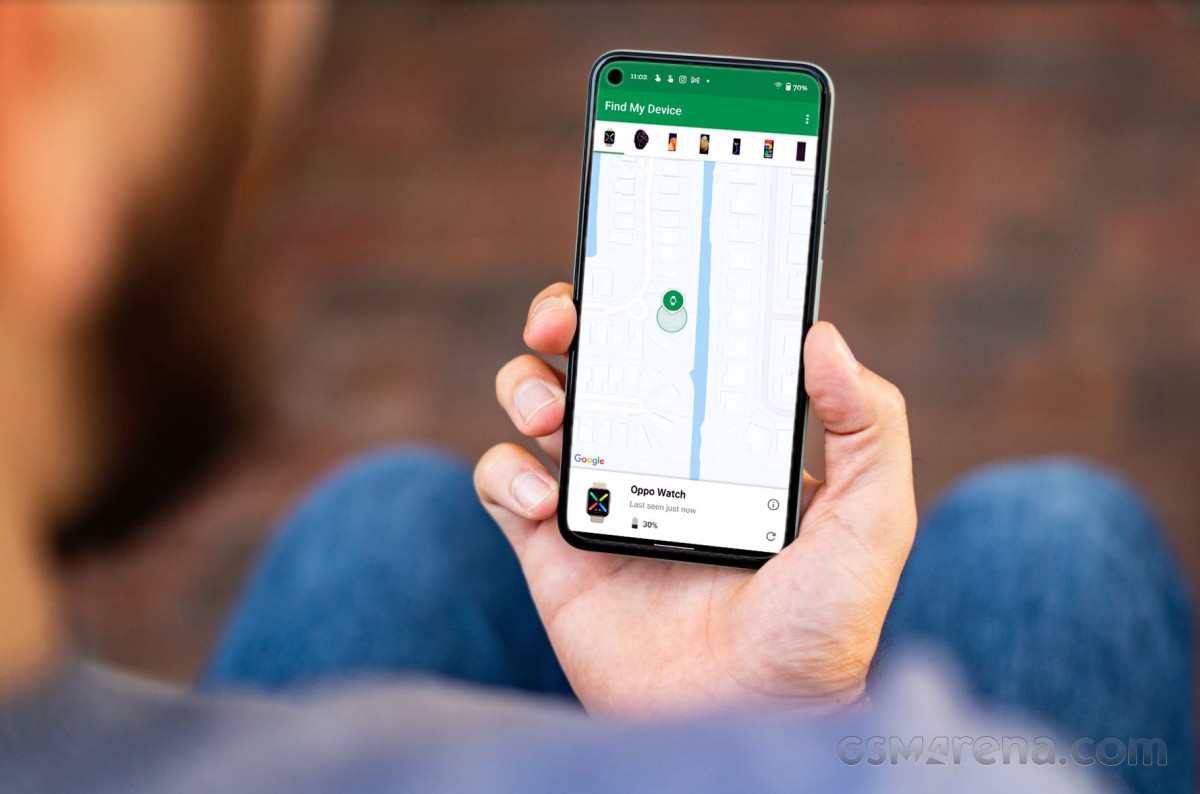
Google turned to Material You as its official design language back in 2021 and has since then been slowly updating all of its native apps. However, there is one app in particular that had been neglected and never did get its Material You overhaul until now, the “Find my Device” app.
Similar to iOS’ “Find my iPhone” app, Google makes the “Find my Device” app available to Android users who want to be able to track the location of their linked devices. Google has turned its attention to this app and is now pushing out an update to bring the new look to it.
As you can see from the above screenshots, the first two images show the outdated design the app has been using since it launched. However, after the installation of version 2.5.001 things start to look more refined and modern.
When opening the app for the first time after upgrading, a list of all compatible devices associated with your account will be displayed. Unlike the way it worked with the previous version, this actually makes it easier to choose which device you want to track.
In addition, there is support for a dark theme, which corresponds to the system theme. However, the app is still missing support for themed icons, joining the ranks of the YouTube Studio app, which has yet to be updated for some reason.
The new redesign appears to be part of this particular app version, not a server-side rollout. However, as it usually goes with any of Google’s apps or features, updates are usually staged and not everyone gets them simultaneously.
In the meantime, you can check if the update is available to you by checking the Google Play Store. If it doesn’t
