Tag: some

  • Apple’s Siri Upgrade Faces Delays And Doubts: Can It Compete In The Ai Race?

    Apple’s Siri Upgrade Faces Delays And Doubts: Can It Compete In The Ai Race?

    Anticipation and Concerns over the New Siri

    The unveiling of Apple Intelligence at the Worldwide Developers Conference in 2024 has left iPhone users anticipating an enhanced Siri digital assistant. Despite a number of delays, the upgraded Siri is set to launch early next year, unless unforeseen issues arise. However, there are doubts about whether the upgraded Siri will meet expectations.

    According to industry expert Mark Gurman’s Power On newsletter, there are already internal concerns at Apple regarding the performance of the new Siri. This comes as an unwelcome surprise, especially as competitors like the Galaxy S25 and Pixel 10, bolstered by Google’s Gemini, are making significant strides in AI.

    Chinese competitors, such as Xiaomi, are also outperforming Apple. They leverage heavily modified versions of contemporary AI models and are faring considerably better than the iPhone 17.

    Potential Impact of Further Delays

    Apple has already experienced significant delays in releasing the new Siri. The company’s current AI features lack the sophistication of their rivals, and this could potentially affect iPhone sales negatively. The iPhone 17 might face challenges in the impending months if these delays persist.

    Strategies to address these challenges have been numerous. Considerations have been made towards acquiring a third-party company like Perplexity AI, or even seeking assistance from Google. Presently, many Apple Intelligence features depend on OpenAI’s ChatGPT. However, efforts to replace it with Siri have not been successful.

    It is now crucial for Apple to make a decision. They can either allocate more resources to perfecting Siri, or allow another entity to take over the project. Apple’s delay in committing to AI advancements is now beginning to have consequences.

    The Urgency of Siri’s Release

    Regardless of the challenges, it is crucial for the new Siri to be released as scheduled next year. Apple cannot afford the luxury of time to achieve parity with Google’s Gemini, and it must rectify the perception that it lacks a clear strategy for Siri.

    Siri has been a subject of criticism for years before Apple decided to make improvements. The least the company can do now is to release the enhanced version that already exists, and then continue to refine and enhance it.

    Questions & Answers

    What is the current situation with the new Siri from Apple?
    There are internal concerns within Apple about the performance of the new Siri. The company has already faced numerous delays in its release, and it’s crucial for the new Siri to be launched next year to maintain competitiveness.

    How does Siri compare to its competitors?
    Competitors like the Galaxy S25, Pixel 10, and even Chinese brand Xiaomi are reportedly outperforming Siri. These competitors leverage advanced AI technologies, such as Google’s Gemini, and heavily modified versions of modern AI models, giving them an edge over Siri.

    What strategies is Apple considering to improve Siri?
    Apple is considering a number of strategies to enhance Siri, including potentially acquiring a third-party company such as Perplexity AI or seeking assistance from Google. Currently, many of Apple’s Intelligence features rely on OpenAI’s ChatGPT, and their attempts to replace it with Siri have not been successful.
  • Google Phone App’s Landscape Mode: Convenient Feature Or Nuisance?

    Google Phone App’s Landscape Mode: Convenient Feature Or Nuisance?

    The Google Phone application, available on all Pixel phones as well as select Motorola and OnePlus devices, provides users with a variety of convenient features. Alongside the standard dial pad, it includes access to contacts and call history. The app also has a call screening feature, filtering out unwanted robocalls and even waiting on hold on behalf of users.

    Former Features

    You may remember that earlier Pixel home screens had a feature which allowed for screen rotation into landscape mode when the phone was held horizontally. This was first seen in Android 7.1.2 in 2017 and was enabled via Home Settings. It allowed the home screen, app drawer, and overview screen to rotate into landscape orientation. However, Google began to phase out this feature with Android 10, removing it completely by Android 12.

    Although the Pixel home screens no longer support landscape orientation, the Google Phone application still allows for it. Users can turn their phones sideways before or during a call to rotate the screen. However, this feature has been met with mixed reactions, as some users find the changing screen orientation during calls inconvenient.

    A Reddit user voiced their frustration over this issue, stating that the app has been switching to landscape mode during calls, which is inconvenient when ending a call as the button is moved to the side. They expressed their desire to turn off this feature within the app settings, rather than disabling it for the entire device.

    Screen Appearance in Landscape Mode

    When using the Google Phone app in landscape mode, the dial pad is situated on the right side of the screen, with a green call button at the bottom. To the left of the dial pad are call suggestions, and on the far left are three icons for home, keypad, and voicemail.

    When a call is initiated and the app is in landscape mode, the Wi-Fi icon at the top indicates the use of a Wi-Fi call. The name and phone number of the person being called are displayed, along with their avatar or profile icon. Four buttons for keypad, mute, speaker, and additional options are to the right of the profile icon.

    Should Google Remove This Feature?

    There is some debate over whether Google should remove the landscape feature from their phone app. Some users have reported their screen being forced into portrait mode when initiating a call, which is not the universal experience. It is suggested that Google should consider providing an option for users to disable landscape mode within the app settings to accommodate those who find it inconvenient.

    As for myself, I find the landscape mode useful on my Pixel 6 Pro and would like its continuation in future Pixel phones. What needs to be addressed is the issue of accidental screen rotation during calls.

    Iconic Phones Project

    In other news, we are excited to announce the upcoming release of our passion project, “Iconic Phones: Revolution at Your Fingertips”. This coffee table book is a must-have for any technology enthusiast, chronicling the most significant technological advancements of the 21st century.

    Questions & Answers

    What features does the Google Phone app offer?
    The Google Phone app provides a dialer, contacts, call history, call screening, robocall filtering, and a hold feature.

    Does the Google Phone app still support landscape mode during calls?
    Yes, the Google Phone app does support landscape mode during calls, but the feature has received mixed reviews.

    Will the landscape mode be removed from the Google Phone app?
    While some users have expressed their preference for this feature to be removed or given an option to disable it, no official statement from Google regarding changes to this feature has been made.

  • Google Maps’ New Landmark Integration: A Step Forward, Yet ‘open Now’ Filter Lacks On Active Routes

    Google Maps’ New Landmark Integration: A Step Forward, Yet ‘open Now’ Filter Lacks On Active Routes

    Google Maps, the popular navigational app, continues to evolve, recently following the lead of Apple Maps by integrating landmarks such as traffic lights and stop signals into its directional commands. Previously only providing distance-based directions like “turn left in a quarter of a mile,” the app now incorporates more specific and intuitive landmarks. For example, it may instruct users to “make a left turn at the next stop sign or the second traffic light.”

    Serving Beyond Navigation

    Google Maps proves useful beyond mere navigation. Once users reach their destination, the app can assist in locating amenities like restaurants, accommodations, entertainment venues, gas stations and more. However, not all of its features have been well received. Recently, some Reddit users voiced their annoyance with a particular search filter in Google Maps.

    Currently, the app offers a “Open now” filter when users search for specific places like “UPS near me.” This convenient feature allows users to see only results for locations that are currently open. But, the problem arises when users are already on an active route and want to add a stop. In these instances, there is no way to access and apply the “Open now” filter.

    Driving to Closed Locations

    Imagine this scenario: You’re driving and suddenly realize you could use a coffee pick-me-up. You recall a coffee shop en route to your destination and decide to add it as a stop, even though it may extend your travel time slightly. Upon arrival, you find the shop dark and the doors locked. The sign in the window tells you it closed an hour ago, well before you added the address to your app.

    The challenge lies in the fact that while a search result in Google Maps typically displays the hours of operation, this crucial information can be easily overlooked or blurred by the pressure of real-time navigation. As a result, users may find themselves unknowingly navigating to closed locations.

    Questions & Answers

    Why is the “Open now” filter feature not available while on an active route in Google Maps?
    As it stands, Google Maps does not currently offer the feature to filter for locations that are “Open now” while the user is on an active route. This limitation could be due to technical challenges or simply an oversight in user experience design.

    What happens when you add a stop to your active route in Google Maps?
    When you add a stop to your active route in Google Maps, the app updates your route to include the new destination. However, it does not currently provide you with the option to filter for locations that are “Open now.”

    What is the potential solution to this issue?
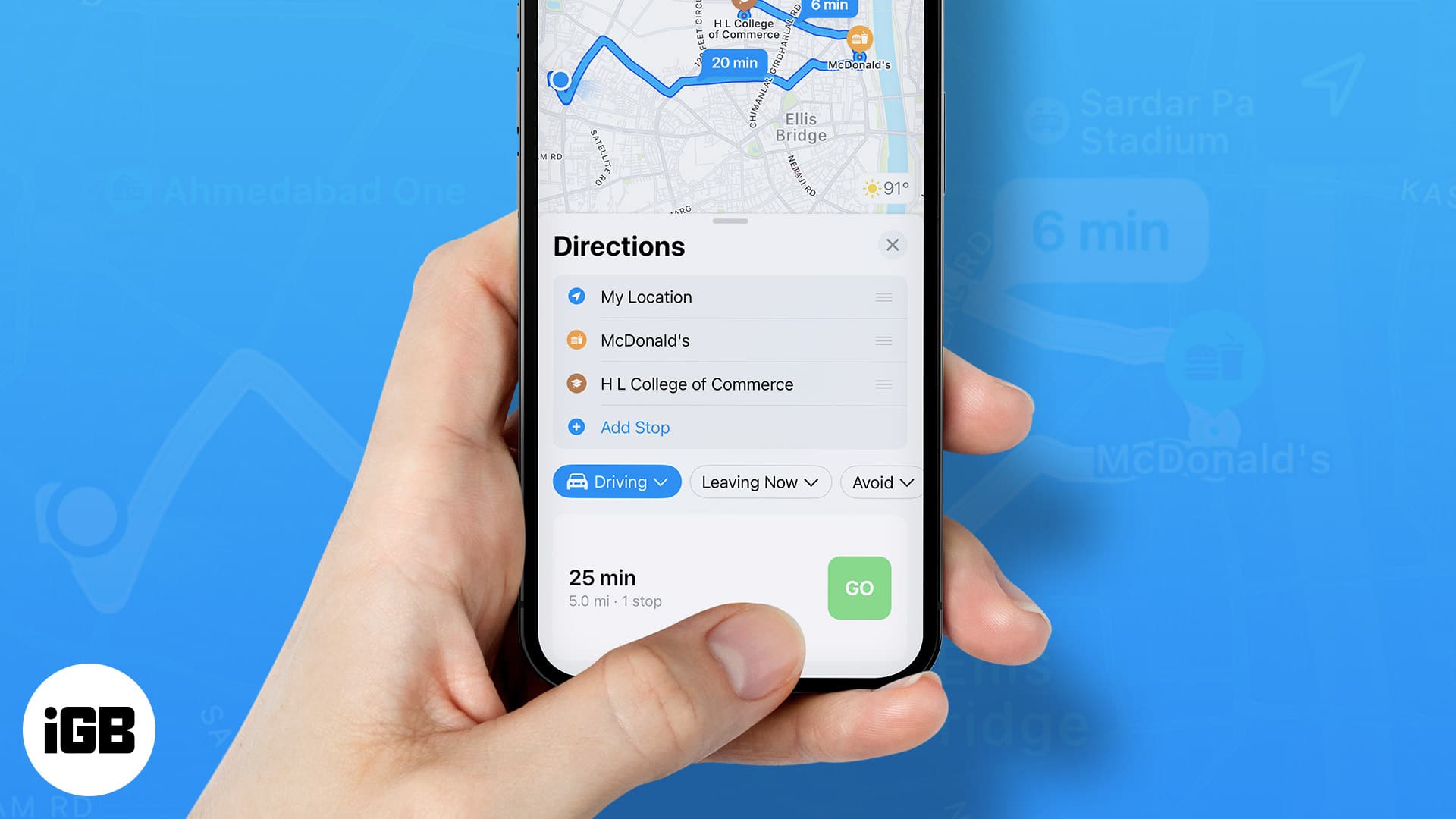
    A possible solution to this problem could be for Google Maps to make the “Open now” filter available and activated by default when users are on an active route. This would prevent users from inadvertently driving to closed locations and improve overall user experience.