Retail News CRM

Tag: translating

  • Transform Your Headphones into a Real-Time Translator with Google’s New Breakthrough

    Transform Your Headphones into a Real-Time Translator with Google’s New Breakthrough

    Google is elevating its game in language translation with an innovative beta experience that allows users to experience real-time translations through their headphones. Alongside this development, improvements have also been made to Google Translate, featuring superior Gemini-powered translations, as well as an expansion of language-learning features within the Translate app.

    Enjoy Real-Time Translations Through Any Headphones

    One of the most notable updates is the introduction of live speech translation. While this feature was once exclusive to Pixel Buds, Google Translate now makes it available for any pair of headphones, supporting more than 70 languages. The beta version is currently accessible and compatible with any Android phone using the Translate app, eliminating the need for specialized hardware such as Apple’s AirPods to utilize a similar feature.

    What sets this feature apart is not merely a mechanical, verbatim translation. Google has designed this feature with the intention of retaining the original tone, emphasis, and cadence of the conversation, thereby enabling users to properly comprehend and follow conversations.

    Whether you are engaged in a conversation with a foreign language speaker, attending an overseas lecture, or watching a foreign film, you simply have to open the Translate app, select the “Live translate” option, and the translation will be relayed in real-time.

    At this time, the beta version is available in the US, Mexico, and India. Google has announced plans to launch it for iOS in 2026, which indicates that Apple users will soon be able to benefit from this feature as well.

    Improved Translations with Gemini AI

    Another significant update is the enhanced translation capability powered by Gemini AI. This feature is particularly useful for translating phrases, idioms, and slang, where literal translations can often be misleading or nonsensical. By analyzing context, Gemini provides a translation that captures the true essence of the idiom, thereby significantly enhancing the overall translation.

    This smarter translation function is currently available in the US and India, facilitating translations between English and nearly 20 languages, including Spanish, Hindi, Chinese, Japanese, and German. Moreover, it operates across Android, iOS, and the web, providing convenience for users regardless of their preferred platform to use Translate.

    Questions & Answers

    What is Google’s new translation feature?
    Google has introduced a beta experience that allows users to hear real-time translations directly through their headphones. This live speech translation feature is not limited to a word-for-word translation but also maintains the tone, emphasis, and cadence of the conversation.

    What improvements have been made to the Google Translate app?
    The Google Translate app has been enhanced with advanced Gemini-powered translations and expanded language-learning features. Gemini AI improves translation accuracy, particularly for phrases, idioms and slang, by taking context into account.

    Who can use Google’s live translation feature and where is it available?
    Google’s live translation feature can be used by anyone with the Google Translate app on a compatible Android phone. Currently, the beta version is available in the US, Mexico, and India. It is also scheduled to be released for iOS in 2026.

  • Google Translate gets new design, new languages and new gestures

    Google Translate gets new design, new languages and new gestures

    Google announced a bunch of new features for its services and the first Android 14 preview the first Android 14 preview, all in just a few days. Google Translate is one of the apps that got some love from the Mountain View company, so if you’re using it regularly, you’ll notice some significant changes.

    In a time when AI has become more prevalent in our day to day lives, companies are trying to power some of their products with artificial intelligence. The most recent Google Translate update introduces many AI-powered features that further enhance the app’s functionality.

    For starters, thanks to the AI-related features added, Translate will now provide users with more contextual translation options with descriptions and multiple examples in the translated language. This will work with several languages, including English, French, German, Japanese, and Spanish, but don’t expect these improvements to be available for a few more weeks.

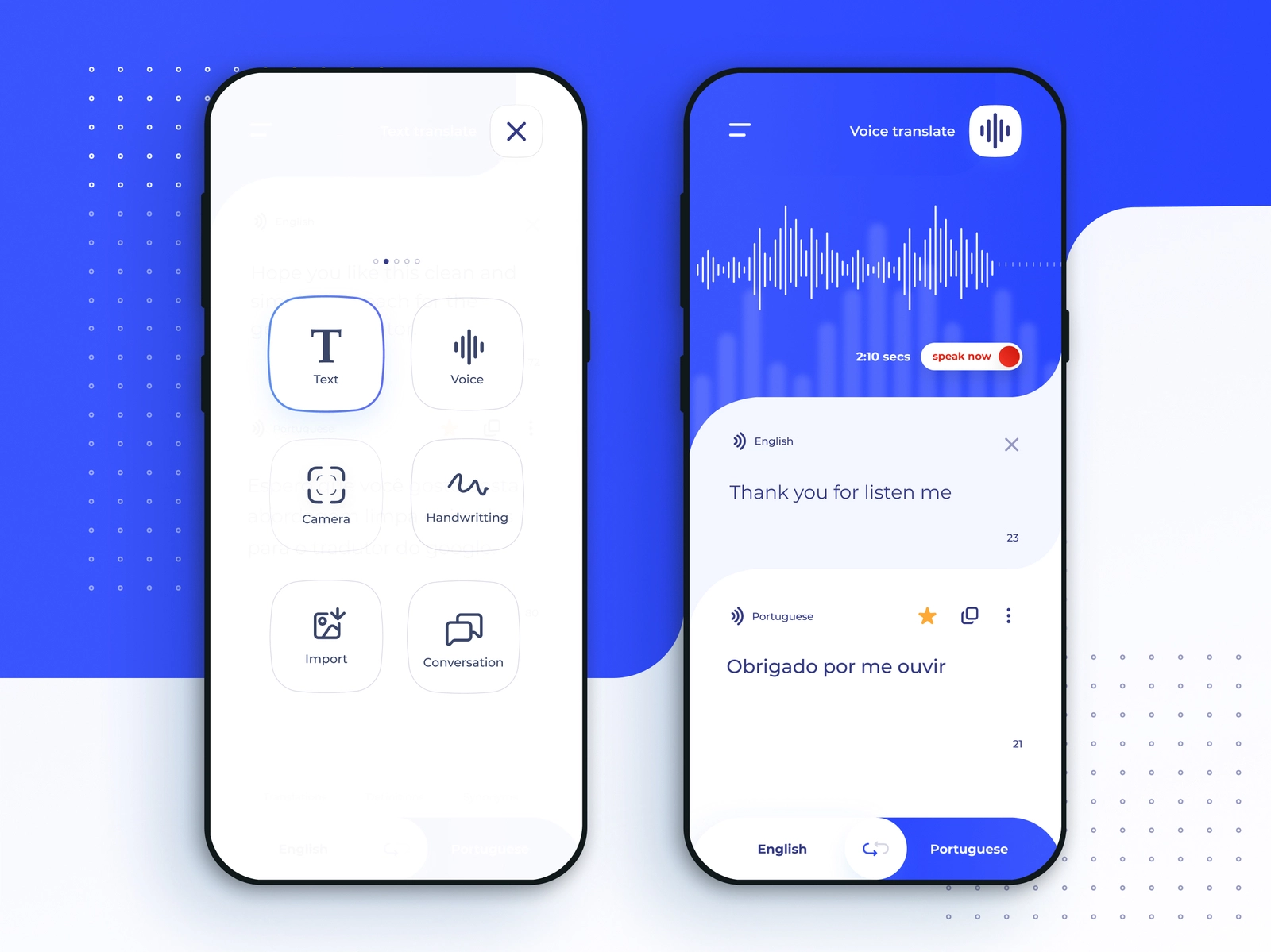
    The most obvious change revealed this week is the new design that Google Translate is getting. The Translate app on Android has just received a brand-new design, while the iOS version will be getting its own fresh look in just a few weeks. The redesign Translate experience includes larger canvas, voice input, as well as Lens camera translation.

    Another important part of the update is related to gestures. To make the app more accessible, Google has added new gestures such as the ability to select a language with fewer taps, holding the language button to pick a recently used language with a swipe, and swiping down on the home screen text area to bring up recent translations.

    Finally, the update expands the number of languages by an additional 33, which are also available on-device in the Translate app. The new languages include Basque, Corsican, Hawaiian, Hmong, Kurdish, Latin, Luxembourgish, Sundanese, Yiddish and Zulu, among others.

  • Google Translate gains a very convenient transcription feature

    Google Translate gains a very convenient transcription feature

    As handy as Google’s crazy popular translation tool has always been, there was something missing that could make all our lives even easier. We’re talking about a real-time transcription feature, which is now a thing on Android devices.

    This does a great deal more than simply turn speech into text on your mobile phone, also translating said text while a person is still speaking without requiring a lot of effort on your part. All you need is the latest version of the official Google Translate app from the search giant’s Play Store, with a dedicated “Transcribe” icon found on the home screen and the option to select your source and target languages located in the language dropdown at the top.

    For the time being, the groundbreaking AI-powered functionality is compatible with English, French, German, Hindi, Portuguese, Russian, Spanish, and Thai, supporting transcriptions in any combination of these languages while Google continues to work on expanding the list in the near future. The company also plans to enrich the Google Translate experience for iPhones and iPads at some point, although no iOS release schedule has been put together just yet.

    In the meantime, Android users should definitely take this feature for a spin once they receive the newest update for their Google Translate app. An internet connection is required for real-time transcriptions to work, allowing you to follow a lecture, for instance, without understanding the language that’s actually being spoken.

    Although you can’t upload an audio file and have Google Translate automatically and seamlessly transcribe it for you just yet, the extremely cool new feature does support pre-recorded audio, which you can play on your computer, as well as live audio sources.

    You can also easily pause and restart your transcriptions by tapping on the mic icon, as well as check out the original transcript before it’s translated, change the text size, and choose the newly released dark theme in the settings menu. In a nutshell, Google appears to have thought of pretty much everything right off the bat here.

  • Google Translate is getting an Important Update

    Google Translate is getting an Important Update

    Google Translate’s camera translation feature sounds very futuristic on paper, but in practice—so far, at least—it’s been more of a proof of concept. It’s still usable and gets the job done, but it’s far from polished and intuitive to interact with. In fact, one of the biggest hurdles of using camera translations is the fact that you need to pick the languages before initiating the camera, as there is no automatic language detection built in. This can get annoying, especially since there’s no way to change the source and target languages while looking through the viewfinder.

    All of this is soon going to change, however, and for the better. The lines of code in the latest version of Google Translate hint at a big upgrade coming to the app in the near future. Various suspected improvements include “better translation quality” and “more languages supported,” but the most important one, perhaps, is the automatic language detection that’s coming to camera translations.

    Currently, users need to pre-select their desired source and target language, initiate the camera, snap a picture, and highlight the text they want to be translated. In the future, however, this process will be more streamlined. First off, Translate will be able to automatically detect the source language as soon as you point the camera at a text, and you’ll have the ability to select the target language. Second, Google is working on an “Instant” augmented reality feature that will translate any texts immediately and display them as though they were written in the target language while you’re still looking through the viewfinder. Now that’s more like the future of seamless translation that Google has been promising for years!

    The new camera features are apparently present in Google Translate version 5.29, though they haven’t been enabled yet. This likely means that they’re dependent on a server-side switch on Google’s part. Expect them to go live in the coming weeks or months.