Tag: vault

  • Raffles City Unveils Exciting Second Edition of Its Beauty Vault Pop-Up Experience

    Raffles City Unveils Exciting Second Edition of Its Beauty Vault Pop-Up Experience

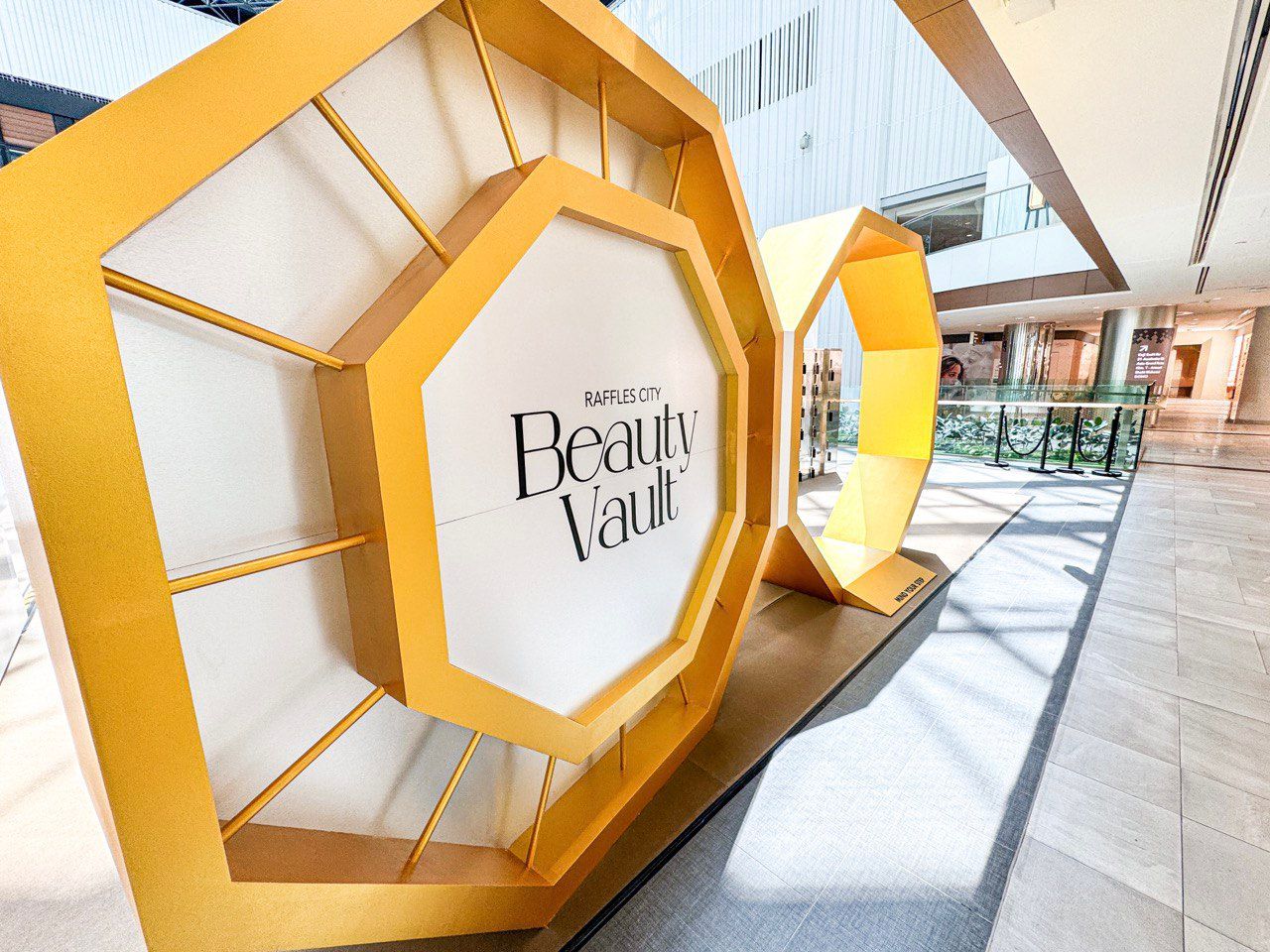
    Raffles City in Singapore is set to dazzle beauty aficionados once again with the return of its luxury beauty pop-up, Beauty Vault. Running from 8 May to 15 June 2025 at the Level 3 Main Atrium, this vibrant event will feature an impressive lineup of 21 premium brands.

    A Luxurious Lineup of Brands

    The Beauty Vault will spotlight both newcomers like Aesop, Armani Beauty, Diptyque, GUERLAIN, and YSL Beauty, along with fan-favorites such as Chanel, Dior, Gucci, and Maison Francis Kurkdjian. Shoppers will be treated to a series of rotating brand takeovers, ensuring fresh experiences with each visit.

    Engaging Activities Await

    Attendees can indulge in a plethora of exclusive experiences, including makeup masterclasses led by celebrity artists, skincare demonstrations from professional trainers, fragrance layering workshops, personalized color analyses, and holistic wellness solutions. But wait, there’s more—engage in lifestyle workshops on floral arrangement and cocktail-making, plus join in on sustainability talks and special in-store events designed to enrich your beauty journey.

    Exclusive Rewards and Highlights

    As an added incentive, Raffles City will reward its top spender with a luxurious trip for two to Paris, courtesy of Maison Francis Kurkdjian. Meanwhile, the Level 1 Fashion Walkway will transform into a glamorous beauty zone, showcasing seasonal must-haves that promise to elevate your beauty game.

    So, prepare your wallets and get ready for a beauty experience that’s anything but ordinary. After all, who wouldn’t want to look fabulous while learning to mix the perfect cocktail or arrange stunning floral displays?

    Questions & Answers

    What are the dates for the Beauty Vault event?
    Beauty Vault will be open from 8 May to 15 June 2025.

    Which premium brands will be featured at the event?
    The event will showcase 21 premium brands, including Aesop, Armani Beauty, Diptyque, GUERLAIN, YSL Beauty, Chanel, Dior, Gucci, and Maison Francis Kurkdjian.

    What unique experiences are offered at Beauty Vault?
    Visitors can enjoy makeup masterclasses, skincare demonstrations, fragrance workshops, and lifestyle classes on floral arrangements and cocktail-making, along with sustainability talks and more.
  • 1Password rolls out support for Passkeys in beta for browsers

    1Password rolls out support for Passkeys in beta for browsers

    Following its announcement that 1Password was all in on passkeys and were ready to say goodbye to the old-fashioned password, the company is now rolling out passkey support to its users. This initial roll out will only be available in beta, with some caveats.

    Just as major players such as Google, Apple, and Microsoft have joined the FIDO alliance in order to come up with a solution that can replace the use of passwords, and therefore make logins more secure, 1Password made the move last year to join as well. This solidified 1Password’s commitment to taking the next big step and provide passkey support in its very popular password manager.
    Today, the company announced that the day is here and that its users can now begin to save and sign in to online accounts using passkeys. This can only be accomplished using the beta version of the 1Password extensions for Chrome, Firefox, Edge, and Brave (on MacOS, Windows and Linux), and Safari on MacOS.
    Additionally, the 1Password apps for Mac, iOS, Windows, Android, and Linux have also been updated so that users can view, modify, move, share, and delete any passkey that have already been generated using the beta extensions. Also, 1Password’s Watchtower feature — which alerts you when a site has been hacked and recommends when you should change your password — has also been updated in beta to alert you when a site that you log in to has added passkey support.
    To get started with using passkeys on 1Password, you will first need to make sure you have installed the beta extension for the supported browsers mentioned above. Once installed and logged in to, you should be able to open a passkey-enabled website.
    If this is the first time you visit that site, you can create an account for it with the option to use a passkey instead of a password. However, if you are visiting a site you already have an account for, you can sign in as usual and then search for the passkey login option in your account settings and update/save your passkey credentials.