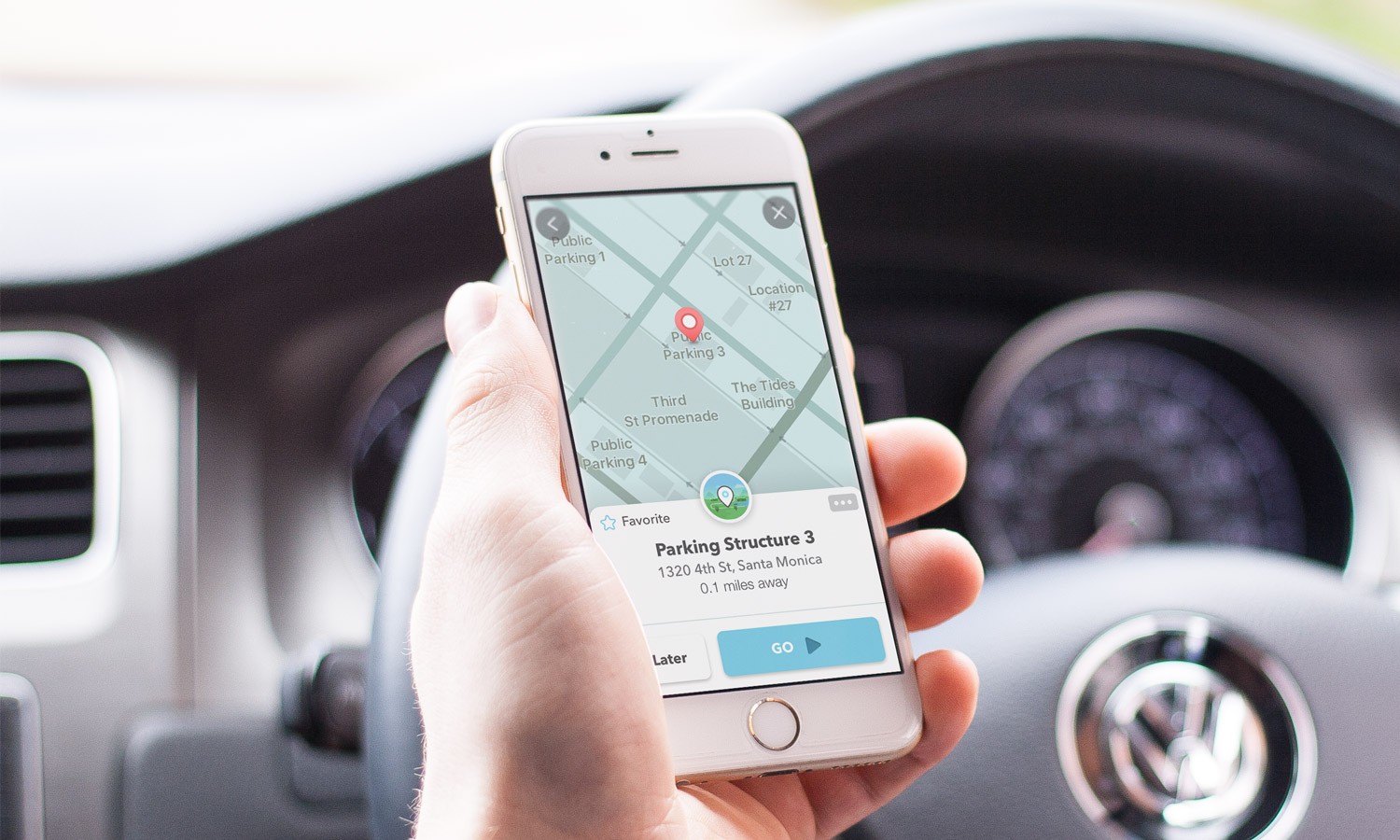
Back in 2013, Google purchased Waze for a reported $1.3 billion. While the company already owned the leading mobile navigation app in the world, over the years Google has taken some of the features that made Waze popular such as its crowd-sourced traffic information and used it to improve Google Maps. At last count, the app has over 134 million monthly active users worldwide and last year it was the second most popular mapping app in the world.
Waze makes money by running ads from 25,000 businesses that want to reach their customers locally. A company paying $60 per month will reach an estimated 30,000 Waze users while laying out $30,000 per month will allow a company to reach as many as 1.5 million Waze users.
Waze is rolling out an “alpha” version of the app with a full dark mode to a limited group of users; this is a special build of version 4.78 with a version of dark mode that the public doesn’t see. Currently, dark mode on Waze covers just the map itself. With the update, dark mode will cover all of the app including settings and the rest of the app.
Right now, the “alpha” version of the update is considered buggy which indicates that Waze and Google have a lot more work ahead before the final version of the update is disseminated. In dark mode, instead of using dark text on a white background, white text is used on a dark background. This keeps users from getting blinded by the piercing white background which can be dangerous when using the app at night while driving.
Google finally started disseminating a full dark mode update to Google Maps earlier this year after it had talked about it for a year. Thus, there is no reason why Waze couldn’t join its stablemate, and it will, once the bugs in the “alpha” build are exterminated.
If you want to enable dark mode on Google Maps, tap the profile picture in the upper right corner of the screen, tap on Settings, and underneath the USING MAPS heading, you’ll see Dark Mode. Tap on it and you’ll have three options: On, Off, or Same as device setting.
Waze says that it will not offer any setting that allows the maps to be dark and the UI light or vice versa. This news comes right after Waze launched what it calls the “headspace” experience designed to reduce stress while behind the wheel. Instead of the automobile icon, using this feature shows you in a hot air balloon as you listen to one of five different mood themes: Aware, Bright, Hopeful, Joyful, and Open.
Drivers will also be able to stream a customized Spotify playlist with music and content from Headspace. You won’t find that on Google Maps, nor will you see the community that Waze has built on other navigation apps. In the past, Google and Waze each have said that they do not share traffic data with each other and despite being owned by Google, Waze has pretty much acted as though it was still an independent company.
Waze has its own community forum where users can make suggestions. You can install the app on your iOS or Android phone by visiting the App Store or Google Play Store respectively.
Among the features seen on Waze that Google Maps users will soon see is one that will show the tolls that drivers will need to pay to cross bridges, and certain roads. Members of the Google Maps.