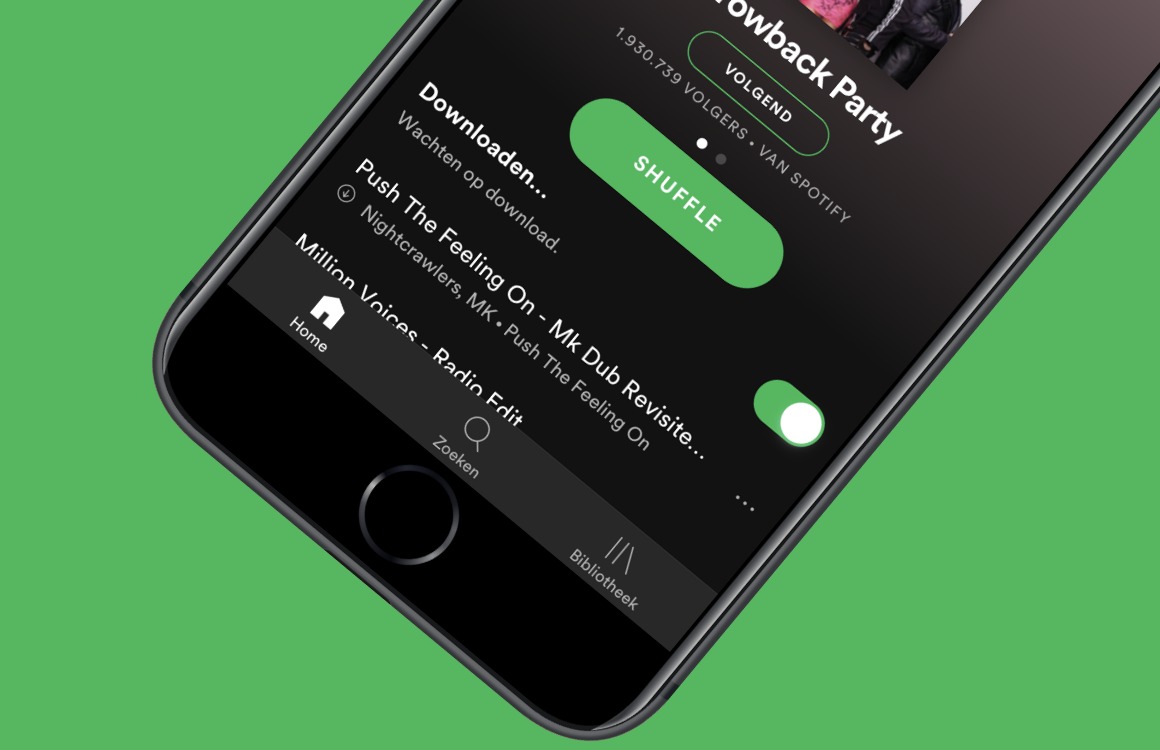
Tag: widget

  • Spotify added new ones for Android

    Spotify added new ones for Android

    Alright, let’s hear it. “Widgets suck!”, “they are archaic!” and “nobody uses them!”. Did I get that right? Well, mister-sir, if that was the case, then would one of the biggest streaming platforms — Spotify, which we all got installed on some of the best phones available today — update its widget selection for Android?

    “Ah, but manufacturers and developers are so outdated with people’s needs” you say? Well, then let me raise you this: what is one of the most used features on Spotify? Discover weekly, which allows you to find new artists and jams to rock out to.

    Now, can you guess what these new widgets are adding? That’s right: recommendations based on your listening habits, which is pretty much like an instant-discovery queue. But before I defend the concept of widgets further, let’s explain these new ones from Spotify.

    It took two years for Spotify to update its selection, so I don’t know how archaic the concept is, but I can certainly back up the statement that it is stagnant at times. Anyway, the new widgets total out at two types with both seeming really intuitive.

    First off we’ve got the new generic widget, which shows you what you are listening to, the song’s cover artwork — and now that’s what you call a complete package! — and, of course, media controls such as play, pause, next, etc.

    But then we’ve got the new widget, which incorporates all of the above, but also expands on the concept. It can go from a 3×2 size up to a 5×2, which allows for up to five personalized suggestions to show up beneath what is currently playing.

    And, yes, those can be anything from songs and albums to podcasts and audiobooks (where applicable). This new widget was announced last month in July, but it rolled out with version 8.8.50, which means that you may have a Spotify update pending right now.

    But beyond that, my last argument regarding widgets is this: imagine that you have a household tablet that you use for smart home and media controls. Now, wouldn’t having all necessary controls in a sleek and clean manner directly on your home screen just make sense?

    Hence, widgets can really be cool. Are they cool enough to make the transition from this theoretical tablet to your phone? That, in my opinion, depends on style. But it’s absolutely better that we have them still be a thing in 2023.
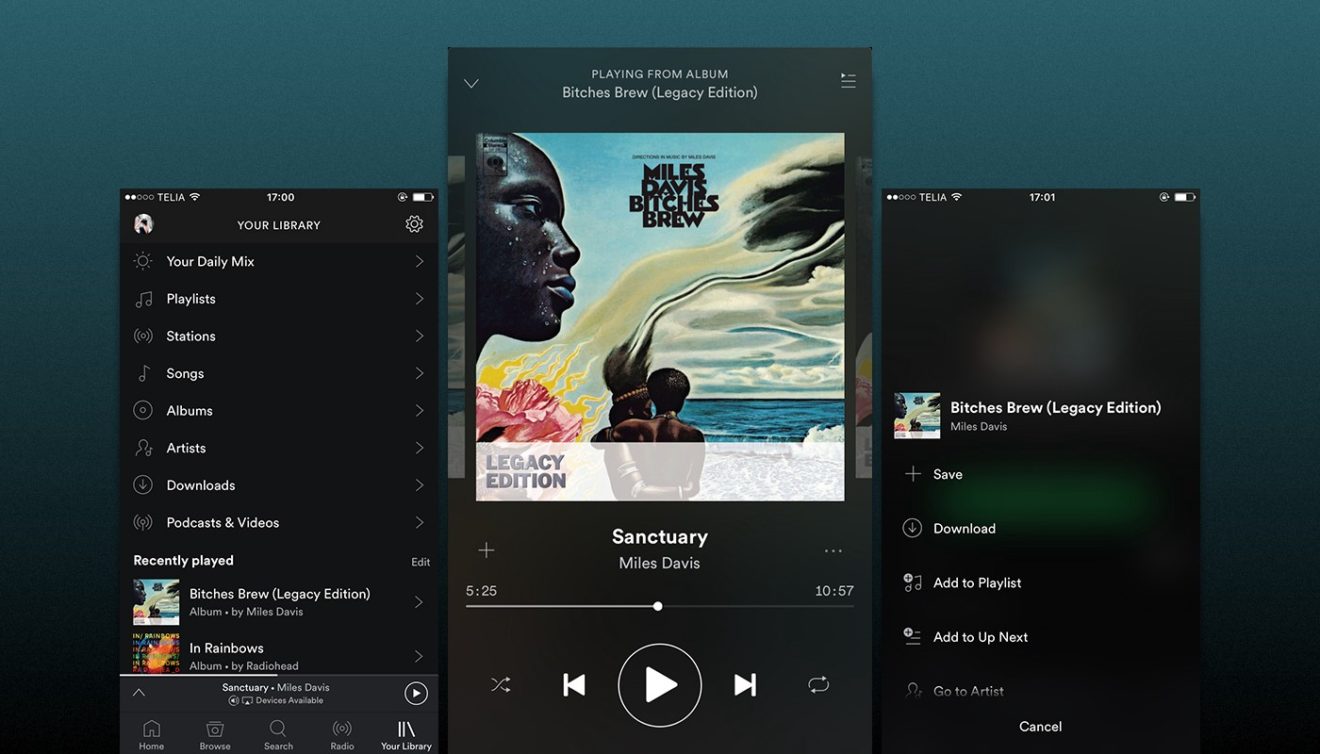
  • Spotify brings back the home screen widget for Android

    Spotify brings back the home screen widget for Android

    After removing the home screen widget for Android about a month ago, Spotify has decided to bring it back from the dead. Although the reason the feature was discontinued probably had something to do with it not being used by too many Spotify customers, it appears that people weren’t happy by the change.

    Spotify announced that following users feedback, it has decided to revive the feature and even make it better. Starting today, the Android Widget for Android is back, and it brings some improvements with it.

    The widget is now resizable, but some stability issues have been fixed as well. The Android Widget will show up on your home screen after you update to the latest version of Spotify. The new version of the app has already been released in the Google Play Store, so the Android Widget should be available to everyone now.

    If you’re on the latest version of the app, then Spotify will show in the widget menu on your device, so make sure to check the new feature after the update if you want to take advantage of the Android Widget.

  • Microsoft Launcher major update brings widget redesign

    Microsoft Launcher major update brings widget redesign

    Microsoft is making major changes to its Android launcher, many of which have been tested for about a month in the beta channel. Most of the new features and improvements are cosmetic, but there are some important under the hood enhancements included as well.

    Microsoft Launcher version 5.3 comes with a completely redesigned Time/Weather widget, which allows users to have multiple widgets for multiple locations. The detail page has been redesigned as well.

    The update brings many refinements to the app, but the most important are those made to the Home Screen, Dock and Search widget. If you’re a long-time user, you’ll most likely notice them once you start using the new version.

    Furthermore, the News tab now supports “Technology” as a news interest, while the Tasks card now features “My Day” and “Flagged Emails” features from Microsoft To Do. With the latest version of Microsoft Launcher, work profile users will be able to access their work apps fast and easy.

    Although it’s less important, you’ll probably want to know that the beta community link in Settings has been changed to Microsoft Tech Community. Microsoft Launcher 5.3 is already available for download via Google Play Store, so make sure to install the update to benefit from the latest improvements.