Retail News CRM

Tag: photos

  • Google Photos update makes photo editing on Android a breeze

    Google Photos update makes photo editing on Android a breeze

    The Pixel 5 and Pixel 4a 5G are not the only new products revealed today by Google. A couple of newsworthy information regarding Google-made software was announced as well, so if you’re using an Android smartphone, this is certainly for you.

    One of the most important software-related announcements made by Google today involves its Photos app. A new update is now rolling to Google Photos on Android, which makes the app’s photo editing features easier to use than ever before.

    All that is possible thanks to the new, more helpful editor that features smart suggestions and easy-to-use granular adjustments. The latest update adds a new tab in the editor that uses Google’s machine learning algorithm to offer users suggestions suitable to the specific photo they’re editing.

    Suggestions offered to users involve various photo editing features like Enhance, Color Pop, brightness, contrast, and portrait effects. However, in the coming months, Google plans to add even more suggestions to Pixel devices.

    Besides the smart suggestions, the update adds a new layout for the editor that makes it easier to take advantage of granular edits, including brightness, contrast, saturation, warmth, and more.

    A new Portrait Light editing feature will also be coming to Pixel 4a 5G and Pixel 5. This specific feature uses the same machine learning algorithms to further enhance the lighting on faces in portraits. Portrait Light can be added to regular photos too, not just to those captured in Portrait mode. Although it will first be available only on Pixel 4a (5G) and Pixel 5, Google plans to add the feature to more Pixel devices soon.

    As far as the new editor goes, Google Photos users can expect to get it as early as today. The new update is now rolling out to the app on Android, so make sure to download it via the Google Play Store.
  • Facebook Portal now has its own Android app

    Facebook Portal now has its own Android app

    If you feel that you don’t have enough Facebook in your life, you’re free to buy the company’s new smart display – Portal. Unlike Amazon and Google, Facebook had developed Portal with video calling in mind, so that’s pretty what you’ll probably want to do most of the time with it.

    The Portal, in case you didn’t know, offers Facebook users with a new way to video chat with their friends. If you don’t like texting through Messenger too much and rather talk to your friends, Facebook Portal is the perfect device for it.

    And now that Facebook has decided to launch a Portal standalone Android app, you’ll now be able to better manage photos and videos that you want to store on the smart speaker. Having the app installed on the phone will allow users to send photos directly to the Portal’s Superframe.

    Also, you can use the Portal app to call the smart speaker in your home and talk to household members. Or, you can add people in your home to your Portal so that they can use the smart speaker with their own Facebook accounts.

    It’s a nifty app that makes it easier to take advantage of Facebook’s smart speaker by adding new functionality to the device. The Portal app has already been listed in the Google Play Store and you can download it for free.

  • Instagram test hides an important Feature

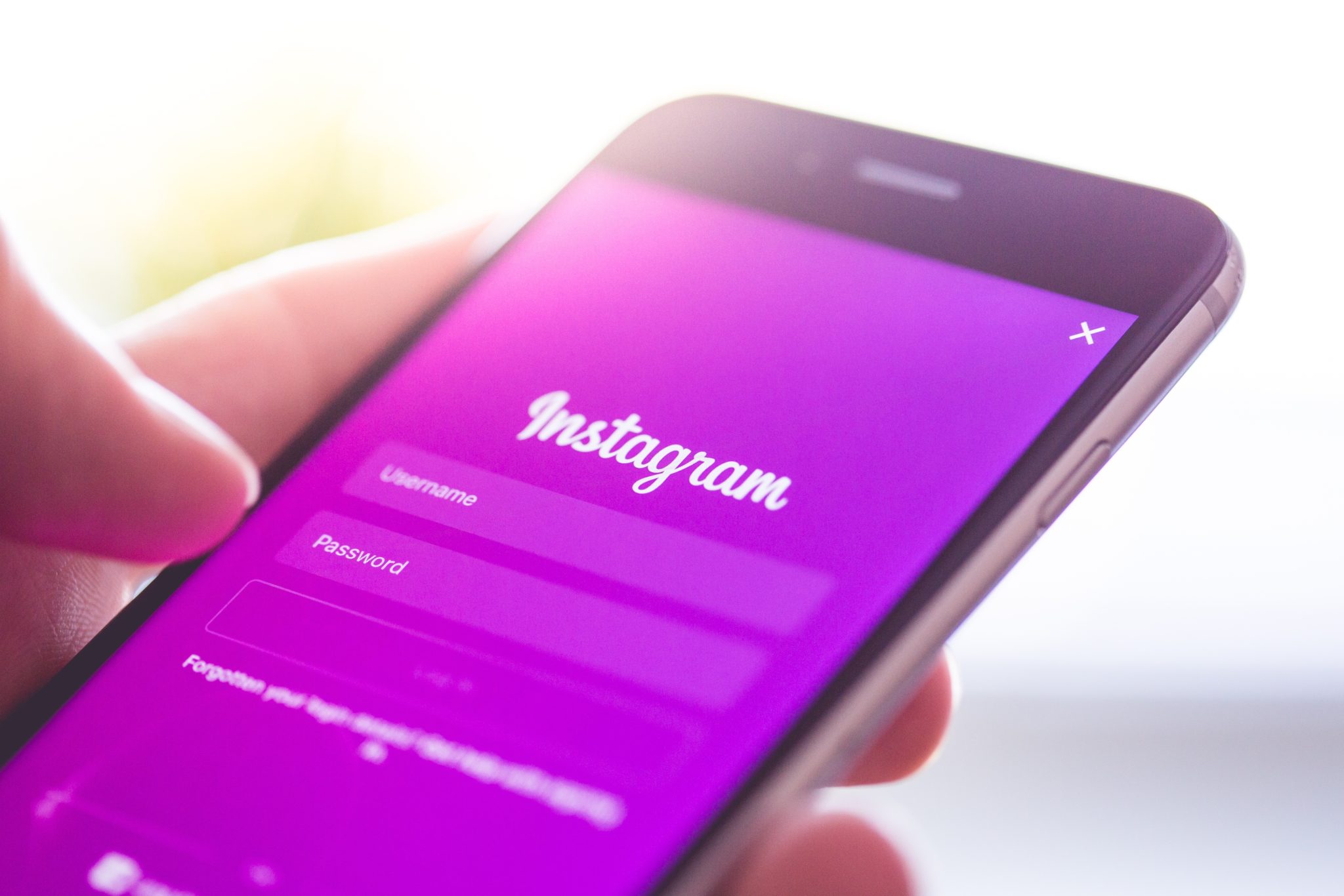
    Instagram test hides an important Feature

    Some Twitter and Instagram users read a lot into the number of Likes a certain tweet or post receives. For example, subscribers to both social media apps might decide to skip certain tweets or posts that don’t amass many Likes, considering them to be recommendations. Twitter CEO Jack Dorsey said last year that he is not a fan of the Like button, and Twitter says that users trying to write posts that generate a large number of Likes could be trying to gain approval from their fellow posters. This would be a form of social-media addiction. As a result, we could see Twitter eventually remove the heart-shaped icon that readers of a tweet tap to show that they Like a message.

    While neither Twitter nor Instagram is removing Likes just yet, Instagram is testing a new look that will prevent readers from seeing the number of Likes received by a post. The only one who will be able to get that number will be the person who actually wrote the message. This was discovered by the tireless Jane Manchun Wong (@wongmjane), who sent out a tweet with this information. Wong, who loves to “reverse engineer apps,” notes that Instagram writes, “We want your followers to focus on what you share, not how many likes your posts get.”

    Based on the comments that Wong’s tweet received, apparently many are upset about this, especially since they believe that Instagram is removing Likes completely. Again, users will still have the ability to Like a post, but the author of the post will be the only one who sees how many each message has received. And again, this is only a test and we have no idea when or if Instagram will eventually roll out this update to all of its users.

  • Update to the Google Camera app adds a new popular feature

    Update to the Google Camera app adds a new popular feature

    The update to version 6.2 of the Google Camera app comes with Dark mode and a few other changes, and it is rolling out to Pixel handsets via the Google Play Store. According to Android Police, the settings on the updated camera app will go into Dark mode when the Battery Saver is enabled. The report says that this works consistently with the Android Q beta installed, but not so much with Android 9 Pie.

    Since the camera app already uses a black background, why add this feature? Well, if you’re in a dark room or out at night and need to go into the Google Camera app’s settings, you’ll instantly be blinded by the white background used for that page. Why did Google have Dark mode enabled when the Battery Saver is turned on? Because if you have a phone with an AMOLED screen, a black background means fewer pixels need to be activated, which means that the phone will consume less battery power.

    Another change can be seen when moving between the camera, video, portrait, and panorama settings in the app. Previously, when a user switched between camera and video, for example, he would see a black transition screen with the icon of the selected setting in the middle. With version 6.2, when switching between settings, the screen no longer turns black and instead shows what your camera is looking at. There is also a zoom in and out effect while the selected setting’s icon remains in the middle of the screen. And there is one last change. When the flash is turned on for the front-facing selfie camera, the flash icon will appear on the display

    Remember, you need to have version 6.2 of the Google Camera app and a Pixel handset to enjoy all of these new goodies.

  • Google Photos update helps Android users capture receipts and documents

    Google Photos update helps Android users capture receipts and documents

    Google Photos, the popular photo sharing and storage service created by Google, is now getting a small but important update on Android. A lot of users are taking advantage of the app/service combo and capture documents or receipts and store them for later use.

    Up until now, if you wanted your picture to look nice and show just the document or receipt, you needed to crop it yourself. Of course, that could have been done very easily with the tools provided by Google Photos, but it took extra time.

    Starting this week, Google Photos will automatically crop receipts and documents for all Android users. Google has just announced that an update to the Android app is now rolling out to all users as we speak.
    Every time you capture a document or a receipt, you should see suggestions to crop them to remove the background and clean up the edges. Everything is done automatically, so you just need to press the “Crop & adjust” option and your pictures will look the way they should (hopefully).

    Naturally, you can further crop or adjust your pictures if the tool provided by Google doesn’t get it right, so this option is not going away. However, for those who just need to remove and/or rotate an image of a document, this update will save you a lot of time.

  • Microsoft app works in reverse sending content links to your Phone

    Microsoft app works in reverse sending content links to your Phone

    Instead of having to email content from your Android phone to your Windows PC, Microsoft’s Your Phone app automatically shares photos, texts and other content from your handset to that box on your desk. And according to MS Poweruser, you can send content links the other way from your PC to your phone. Doing this requires the use of the native share button on Microsoft Edge and Firefox.
    You will receive a notification when the link hits your phone. Tap it, and the content will open in the Microsoft Edge browser for Android. To arrange this, you need to install Microsoft’s Your Phone Companion app on your Android handset and the Microsoft Edge browser app. You then need to install the Your Phone app on your Windows 10 PC. Sign in using a Microsoft account, agree to some permission requests, and you have helped your PC and Android phone become friends.
    Suppose you were on your PC, watching one of our reviews on YouTube, and wanted to send a link to your phone so you can quickly find it later when you’re out. While the video is up on the PC, click on the three dot overflow menu on the right side of the address box. From there, tap on share and then Your Phone. You will receive the aforementioned notification on your phone. Tap on it, and the content will open in the Edge app on the handset.
    This setup will also allow you to send web pages from your desktop to your phone, along with some other content that you are viewing on the desktop Edge browser. And don’t forget that the original idea of the Your Phone hook up is to send texts and photos from your phone to your Windows 10 PC.
  • Twitter confirms it is testing a new feature improving user experience

    Twitter confirms it is testing a new feature improving user experience

    A few days ago, Twitter pushed out an update allowing users to swipe to the left for access to the camera to take photos or stream live video. The update also adds a feature that results in hashtag recommendations based on the user’s current location. According to Twitter user Jane Manchun Wong (@wongmjane), who likes to dig through apps looking for future features, Twitter is testing a way for its members to follow a conversation on the app without having to like or respond to a tweet.

    Jane says that the feature is called “Subscribe to conversation,” and if a Twitter member signs up for it, he/she will receive a notification whenever there is a new reply to a particular conversation. After Jane disseminated her tweet stating that Twitter is testing “Subscribe to conversation,” the official Twitter Comms account tweeted back “This is part of our work to make Twitter more conversational.”

    It might be some time before this feature shows up on your Twitter app, but when it does, you won’t have to like tweets that you really don’t like, follow someone that you don’t want to follow, or post a response that you don’t want to post just to keep abreast of a particular conversation on Twitter.