Retail News CRM

Tag: users

  • Revolutionizing Language Switch: Google Translate’s New Pinned Languages Feature for Android and iOS Users

    Revolutionizing Language Switch: Google Translate’s New Pinned Languages Feature for Android and iOS Users

    Google Translate, the language translation app that has become an essential tool for global travelers and multilingual professionals, is set to introduce a new feature that will streamline the process of switching between languages. Launched in 2011, Google Translate currently boasts a user base of one billion monthly active users worldwide, translating over one trillion words each month.

    Enhancing Language Access

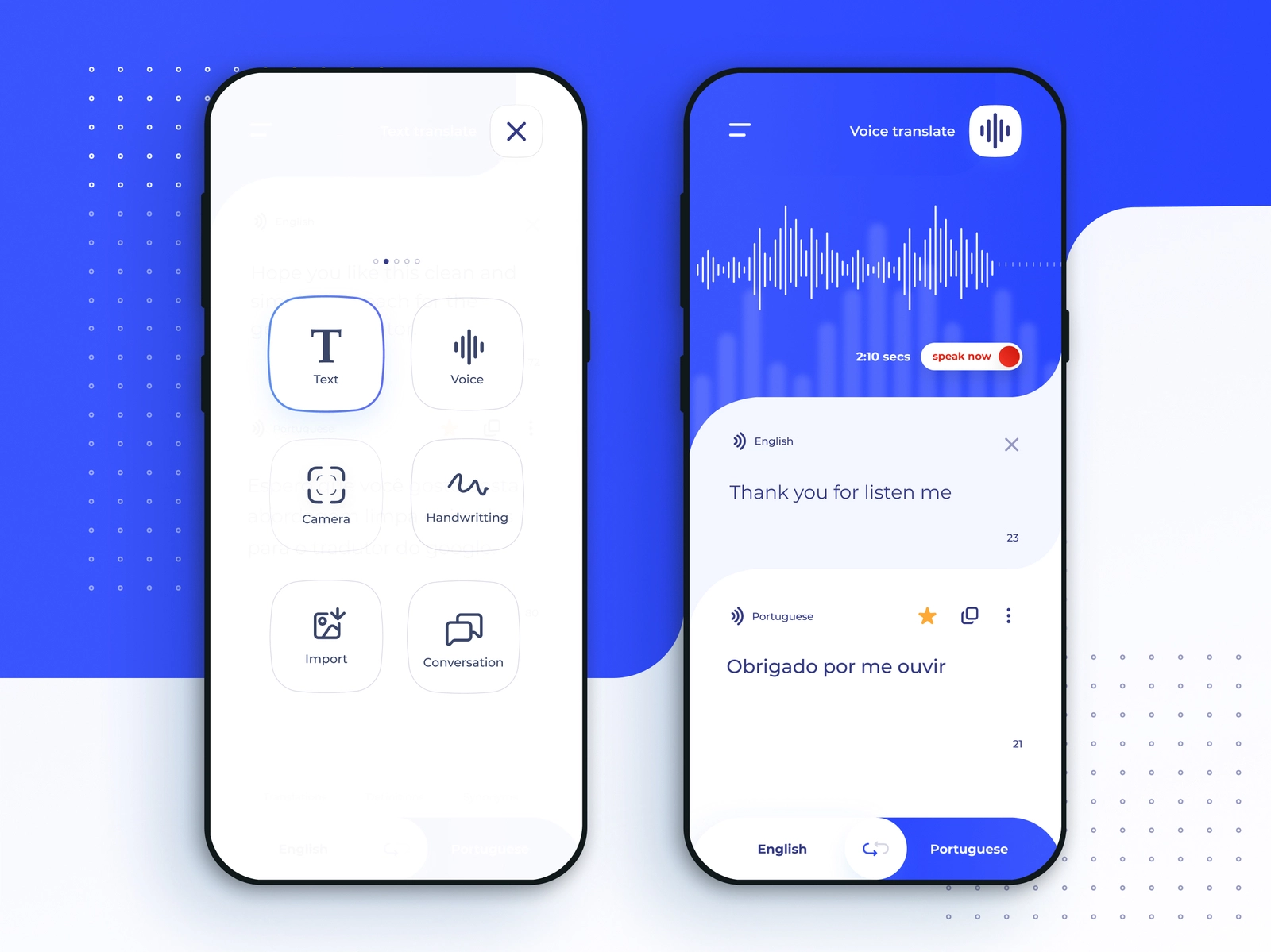
    The upcoming update of the Google Translate app (version 10.8.48.878519627.2) will introduce a feature that allows users to pin their frequently used languages to the language selection page. This feature will enable users to have up to 10 language options readily available for quick selection.

    Currently, the app offers a ‘Recent languages’ list, which displays up to nine recently used languages at the top of the screen. However, adding another language to the list causes one to be removed. The forthcoming ‘Pinned languages’ section, which will be positioned above the ‘Recent languages’ list, will allow users to keep up to 10 languages permanently visible on the screen.

    Though it may seem like a minor addition, for those who regularly switch between languages, this feature could significantly enhance the functionality of the app. For instance, when visiting a country with multiple prominent languages, users will be able to conveniently switch between them via the ‘Pinned languages’ section.

    Using the Pinned Languages List

    To pin a language, users should open the Google Translate app and tap the button on the left side, which showcases the language being translated from. Under the ‘Recent languages’ heading, users can select a language and swipe right to reveal a pin icon next to the language name. Tapping the pin icon will add the chosen language to the pinned section in the app. If users wish to unpin a language, the process is the same, but instead, an unpin icon will be displayed next to the pinned languages, which can be tapped to remove the language from the pinned list.

    Questions & Answers

    What does the new feature of Google Translate do?
    The new feature allows users to pin their frequently used languages to the language selection page, enabling quick and convenient language switching.

    How many languages can be pinned to the Google Translate app?
    Users can pin up to ten languages on the Google Translate app.

    How can a language be pinned or unpinned in Google Translate?
    In the app, under the ‘Recent languages’ section, users can swipe right on a language to reveal a pin icon. Tapping this icon will pin the language. Similarly, tapping the unpin icon next to a pinned language will remove it from the pinned list.

  • Uber Japan and Rakuten Drive Up Rewards: Users to Earn More with Rakuten ID Integration

    Uber Japan and Rakuten Drive Up Rewards: Users to Earn More with Rakuten ID Integration

    Rakuten Group, Inc., Rakuten Payment, Inc., Uber Japan Co., Ltd., and Uber Eats Japan, Inc. have revealed plans to augment their strategic alliance by incorporating Rakuten ID. This joint venture connects Uber, a prominent mobility and delivery platform in Japan, with Rakuten ID, an essential element of the Rakuten Ecosystem. The objective is to cultivate new value via Rakuten Points, one of Japan’s most substantial loyalty programs.

    Strategic Partnership and Loyalty Program Integration

    The Uber Japan mobility service and Uber Eats Japan delivery service will progressively roll out Rakuten Payment’s shared point service, known as Rakuten Point Online. This integration will enable users who associate their Rakuten ID with the Uber or Uber Eats app to earn a Rakuten Point for every 200 yen (excluding tax) they spend on these apps.

    Starting from April 2022 for Uber Eats and April 2023 for Uber, users have had the ability to use Rakuten Pay, a cashless payment service. Paying with Rakuten Pay enables users to earn up to 1.5% back in Rakuten Points. With the new integration, users can combine Rakuten Point Online with Rakuten Pay to earn up to 2% back in Rakuten Points. As inflation increases daily living costs, utilizing Uber’s services provides a more beneficial method of earning Rakuten Points.

    Subscription Benefits and Personalized Experience

    Moreover, by subscribing to Uber One, a 498 yen monthly membership, users can earn Uber One Credits equivalent to 10% of the fare amount when using Uber’s mobility service, adding another level of savings. This strategic alliance allows Uber to leverage Rakuten’s large data assets to offer more personalized recommendations and promotions for users.

    The companies collectively aim to offer new experiences that make daily meals and mobility more convenient and rewarding. To commemorate the launch, the companies will run the “Earn up to 1,000 Points by Linking Your Rakuten ID with Uber” campaign until December 22, 2025.

    Special Campaigns and Future Plans

    During this campaign, the first 500,000 users who link their Rakuten ID to the Uber or Uber Eats app and spend at least 1,500 yen (excluding tax) on Uber Eats will earn 300 Rakuten Points. Users who also spend at least 1,500 yen (excluding tax) on an Uber ride will receive 350 Rakuten Points on their first ride and an additional 350 points on their second ride, totaling 1,000 Rakuten Points when combined with Uber Eats benefits.

    Rakuten Mobile subscribers who link their Rakuten ID and pay on Uber or Uber Eats will receive 20 times the standard Rakuten Points. Furthermore, Uber One monthly members who have linked their Rakuten ID will be eligible to purchase the annual plan at a special 70% discount.

    Rakuten, Rakuten Payment, Uber Japan, and Uber Eats Japan are committed to continue strengthening their strategic partnership through the integration of Rakuten ID, expanding collaboration between the Rakuten Ecosystem and the Uber and Uber Eats platforms. The aim is to create new value by offering convenient and rewarding services that support users’ lifestyles and drive business growth for both companies.

    Questions & Answers

    What is the main aim of the strategic partnership between Rakuten and Uber?
    The main aim is to create new value by offering convenient and rewarding services that support users’ lifestyles and drive business growth for both companies.

    What benefits will users get from linking their Rakuten ID with Uber?
    Users will earn Rakuten Points for every 200 yen spent on Uber or Uber Eats, and they can earn up to 1,000 points through a special campaign. Rakuten Mobile subscribers will receive 20 times the standard points.

    What additional benefits do Uber One monthly members receive?
    Uber One monthly members who link their Rakuten ID can purchase the annual plan at a special 70% discount. They also earn Uber One Credits equivalent to 10% of the fare amount when using Uber’s mobility service.

  • Take Control of Your Feed: Instagram Empowers Users with AI-Powered Reels Algorithm Customization

    Take Control of Your Feed: Instagram Empowers Users with AI-Powered Reels Algorithm Customization

    The days when Instagram was simply a platform for checking in on friends and family are long gone. Nowadays, user feeds are filled with content that is supposed to align with their interests, however, this is not always the case. Meta, the parent company of Instagram, is aware of this and is providing Instagram users with a solution to optimize their algorithms.

    Controlling the Instagram Reels Algorithm

    Instagram has come out with a new feature that allows users to have a greater control over the type of videos that appear on their Reels feed. Named “Your Algorithm”, this feature provides users with details about the topics Instagram assumes they are interested in based on their past activity.

    The “Your Algorithm” settings can be adjusted by users to either add new topics or remove existing ones. This assists the app in determining the users’ actual video preferences. Instagram has stated that this feature is AI-based, although they have not provided further details about this functionality.

    Using this AI-powered feature, users now have the ability to view, personalize, and shape the topics that form their Reels, thus making the recommendations feel even more customized.

    More Customization Features on the Way

    According to Meta, these customizations are only the initial phase for Instagram. The company has future plans to introduce adjustable algorithms for the Explore tab and other parts of the app. Meta has also recently launched a feature on Threads, another of its platforms, that permits users to adjust the algorithm by tagging their posts with “dear algo”.

    Currently, “Your Algorithm” is available in the US and Meta has stated that it will soon be available worldwide in English. To utilize this feature, users need to:

    – Open a Reel video
    – Click on the icon with two lines and hearts at the top-right corner

    From there, users can view a summary of recommended topics and input the topics they want to see more or less of. They also have the option to share their list of interests via a story.

    While the new customization feature is a welcome addition, some users may desire even more control over their Instagram. For instance, after tailoring their Reels feed, some might prefer to remove them from their main feed and restrict them to the Reels submenu. Reshuffling features such as Direct Messages back to their original place before Instagram’s recent redesign is another potential request. While it may be a tall order, it’s certainly food for thought for the developers at Meta.

    Questions & Answers

    What is the new feature Instagram is rolling out?
    Instagram is launching a feature named “Your Algorithm” that allows users to fine-tune the type of videos that appear in their Reels feed.

    How does “Your Algorithm” work?
    “Your Algorithm” provides users with details about the topics Instagram assumes they are interested in based on their past activity. Users can then add new topics or remove existing ones to enhance their personalization.

    When and where will “Your Algorithm” be available?
    “Your Algorithm” is currently available in the US and will soon be available globally in English.

  • Spotify Rivals YouTube Music with an Exciting New Video Feature for Premium Users

    Spotify Rivals YouTube Music with an Exciting New Video Feature for Premium Users

    Spotify is set to introduce its music video feature to premium subscribers in the United States and Canada. This new beta feature will allow users to seamlessly transition between audio and video with a simple touch. Although the feature is currently in the beta testing stage with a limited song catalog, it represents a significant leap by Spotify to match its rivals.

    The Boom of Music Videos

    After successful trials in nearly 100 different international markets last year, Spotify has decided it’s time to grant North America access. Starting today, Spotify Premium subscribers in the US and Canada may notice a new feature in the app that enables them to view music videos directly.

    Here’s how to experience it:

    On your iOS, Android, desktop, or TV device, launch the Spotify app. Play a track that supports the new feature (works from artists such as Ariana Grande and Tyler Childers are included). Tap “Switch to Video” to effortlessly transition from the audio track to the official music video. To revert to background listening, tap “Switch to Audio.”

    Despite being in the beta testing stage, not all songs currently have a video available. However, Spotify assures its users that the video catalog will rapidly expand. For now, the selection consists of a curated list of popular and newly-released hits.

    This feature is viewed as Spotify’s attempt to compete with YouTube Music’s seamless audio-to-video switching feature, which has been a standout aspect since its inception. By introducing this feature, Spotify is directly challenging one of the few areas where Google’s platform was distinctly superior.

    More Than Just Staying Competitive

    The introduction of music videos is not only about keeping pace with YouTube. Apple Music also offers an extensive library of high-definition music videos. For quite some time, Spotify appeared somewhat static compared to these vibrant, multimedia-rich rivals. By incorporating video into the main feed, Spotify is evolving from a mere music player to a comprehensive entertainment hub.

    It undoubtedly feels long overdue to many users. It seemed rather peculiar to have to switch to YouTube to watch a music video when already paying for a music subscription. The implementation of a “Switch to Video” button that retains your spot in the song feels slick and precisely how it should function.

    Questions & Answers

    What is the new feature in Spotify?
    Spotify is introducing a new feature that allows Premium subscribers to watch music videos directly within the app.

    How does the new Spotify video feature work?
    Users can effortlessly switch between audio and video with a simple tap. They can simply play a track and tap “Switch to Video” to transition from the audio track to the official music video, and tap “Switch to Audio” to revert to background listening.

    Is the new Spotify video feature available for all songs?
    Not all songs currently have a video available as the feature is still in the beta testing stage. However, Spotify assures its users that the video catalog will rapidly expand.

  • Fitbit’s Exciting Redesign: An Exclusive Peek at the Modern Look and AI Coach for Premium Users

    Fitbit’s Exciting Redesign: An Exclusive Peek at the Modern Look and AI Coach for Premium Users

    The Fitbit application is undergoing a significant transformation, a move that has been anticipated by many. Some users are already experiencing the new updates, indicating that Google’s aim to give Fitbit a comprehensive Material 3 makeover is finally coming to fruition.

    Fitbit Receives a Visual Overhaul

    Last month, Google launched the Gemini-powered AI coach as a preview feature. Now, it has been reported that Fitbit Premium users in the US have gained access to the Material 3 Expressive redesign as part of a public preview. The new AI coach and the visual revamp are expected to be officially available to all users next year.

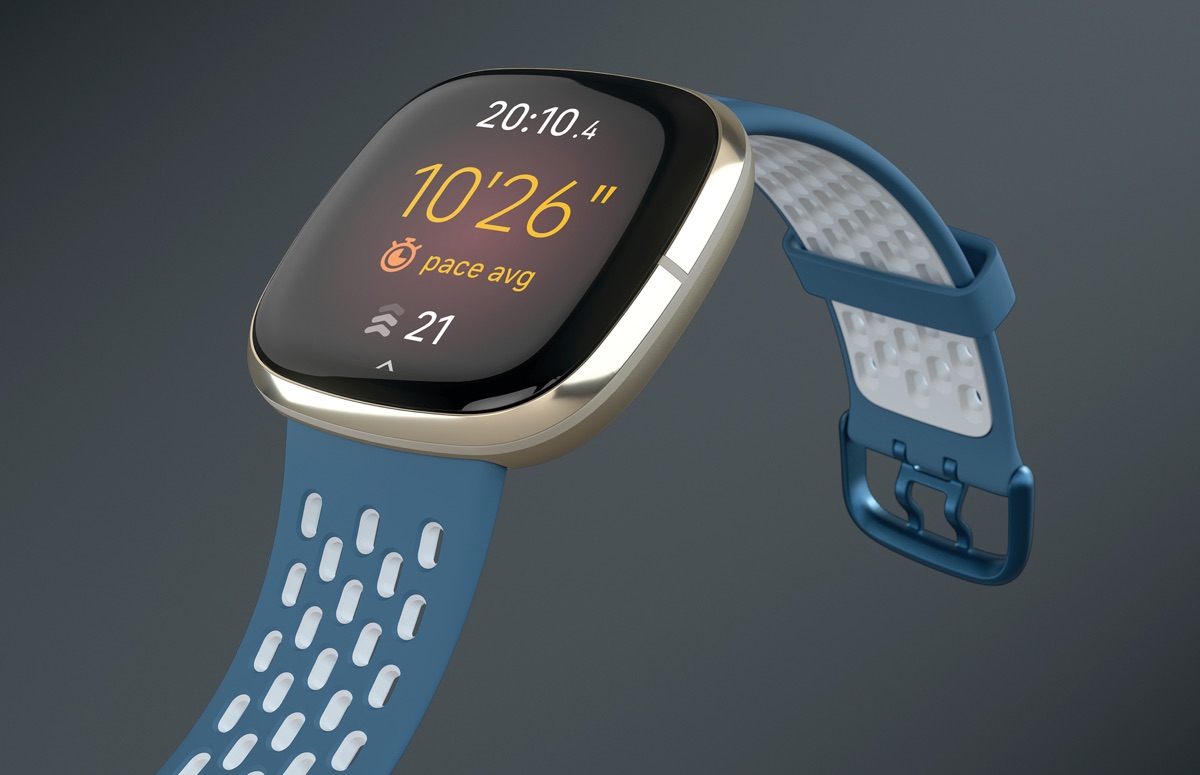
    The redesign incorporates Google’s Material 3 Expressive (M3E) style into the Android app, along with several navigation adjustments. The bottom bar has been made shorter, and synchronizing your Pixel Watch or Fitbit device is as simple as swiping down from any of the four tabs.

    When you do this, you’ll notice a circular loading animation cycling through the distinctive M3E shapes. Once the synchronization is complete, the “Fitbit Premium” label vanishes from the app bar and is replaced by a linear progress indicator.

    The new expressive shapes are also noticeable in various sections of the app, such as the checkmark animation that appears when you achieve a goal. Each metric view now features a floating toolbar with a floating action button (FAB) to switch between time frames. For statistics such as Steps and Sleep, you can switch between Day, Week, Month, 3 Months, or Year.

    Every pill-shaped bar includes a floating button that opens the personal health coach. The Today, Fitness, and Sleep sections now utilize a layered sheet-style design. The top statistics are displayed on a themed background, while the remaining content appears on a card layer that expands as you scroll. The distinct color themes – teal for fitness and purple for sleep – provide aesthetic separation.

    However, Dynamic Color is still absent. The bottom bar, toolbar, and FAB currently rely on Fitbit’s default blue accent.

    Google Delivers on its Promise

    Despite the redesign still being in preview stage, it’s encouraging to see Google fulfilling its promise to revamp Fitbit. The app plays a crucial role in the entire Fitbit experience. Whether using a tracker or smartwatch, it’s the hub for all health and fitness data. As such, giving it a design that aligns with other Google products is a positive development.

    From the preview screenshots, the layout appears a bit cluttered at the moment. However, this is an issue that can be easily resolved before the full release. For Fitbit Premium subscribers, it’s certainly worth exploring the update in its early stages. While it’s not perfect yet, it’s evident that Google is committed to making Fitbit more cohesive and modern.

    Questions & Answers

    What is the main aim of Fitbit’s redesign?
    The main goal is to modernize the Fitbit app, giving it a design that matches other Google products. This is part of Google’s effort to make Fitbit more cohesive and modern.

    What new features have been added as part of the redesign?
    The redesign incorporates Google’s Material 3 Expressive (M3E) style into the Fitbit app, along with several navigation adjustments. There’s a new AI coach, a shorter bottom bar, unique color themes for different sections, and new expressive shapes throughout the app.

    When can all Fitbit users expect to access these new features?
    The new AI coach and the visual revamp are currently in the preview stage but are expected to roll out officially to all users next year.

  • Google’s Ai Age Verification Expands, Sparking Privacy Concerns

    Google’s Ai Age Verification Expands, Sparking Privacy Concerns

    Google expanded its AI verification tool for YouTube users in August to a select few accounts. Recently, the tech giant has started to implement this AI age verification to an increasing number of accounts.

    Google Enforces Age Verification for More Users

    In February, Google declared its intention to trial an AI tool designed to ascertain if YouTube users were under the age of 18. Initially, this tool was intended for a “small group” of users, but the company subsequently announced plans to roll it out more broadly. It appears the time for wider implementation has arrived, as YouTube users with restricted accounts have been congregating on the r/youtube subreddit to voice their objections to being asked to verify their age.

    Subreddit users have posted screenshots of a pop-up alert that appears overlaid on videos on mobile and tablet apps, and the web version of YouTube. The alert informs users that certain account settings have been modified and provides an option for age verification.

    Google’s AI Guesses User Ages

    In a support article, Google clarified that the AI-fueled system employs different signals to assess if a user is younger than 18. Some of the factors the system takes into account include the user’s activity and the duration of the account. Interestingly, some users have reported that the pop-up alert has appeared on accounts older than 18.

    If the AI determines an account is being used by someone under the age of 18, YouTube enforces various restrictions, including blocking access to age-restricted videos, adjusting video recommendations, and only serving non-personalized ads.

    Google states that users have the option to verify their age if the AI’s age estimate is incorrect. Verification methods include producing a government ID or selfie or using a credit card. Currently, users in the US, UK, Australia, and Canada are impacted, but it is expected that Google will expand the system’s coverage to other countries.

    The Privacy Debate

    Most people, particularly those under 18, know how simple it is to create an online account and falsify their age. While children may disagree, there’s a valid reason to limit their access to various online content, including some potentially distressing videos on YouTube. For this reason, the concept of utilizing an AI system to estimate if an account is being used by a child can be seen as a positive move.

    However, online age verification is a controversial topic from a privacy perspective. Anonymity was a fundamental aspect of the early web, but it’s now increasingly challenging to keep one’s real identity separate from their online persona. This is just one of several reasons why individuals may have reservations about sharing their ID with Google or other major tech companies.

    Questions & Answers

    What is the purpose of Google’s new AI tool for YouTube?
    Google’s AI tool was designed to identify whether YouTube users are under the age of 18 and impose appropriate restrictions to protect minors from harmful or inappropriate content.

    How does Google’s AI tool verify a user’s age?
    The tool uses various signals such as user activity and account longevity to determine an estimated age. If the AI’s guess is incorrect, users can verify their age using a government ID, a selfie, or a credit card.

    Does the introduction of this AI tool pose a privacy concern for users?
    Online age verification is a contentious issue from a privacy perspective. It’s becoming increasingly challenging to maintain online anonymity, meaning the requirement to share identification with tech giants like Google is a cause for concern for some users.

  • Google Phone App’s Landscape Mode: Convenient Feature Or Nuisance?

    Google Phone App’s Landscape Mode: Convenient Feature Or Nuisance?

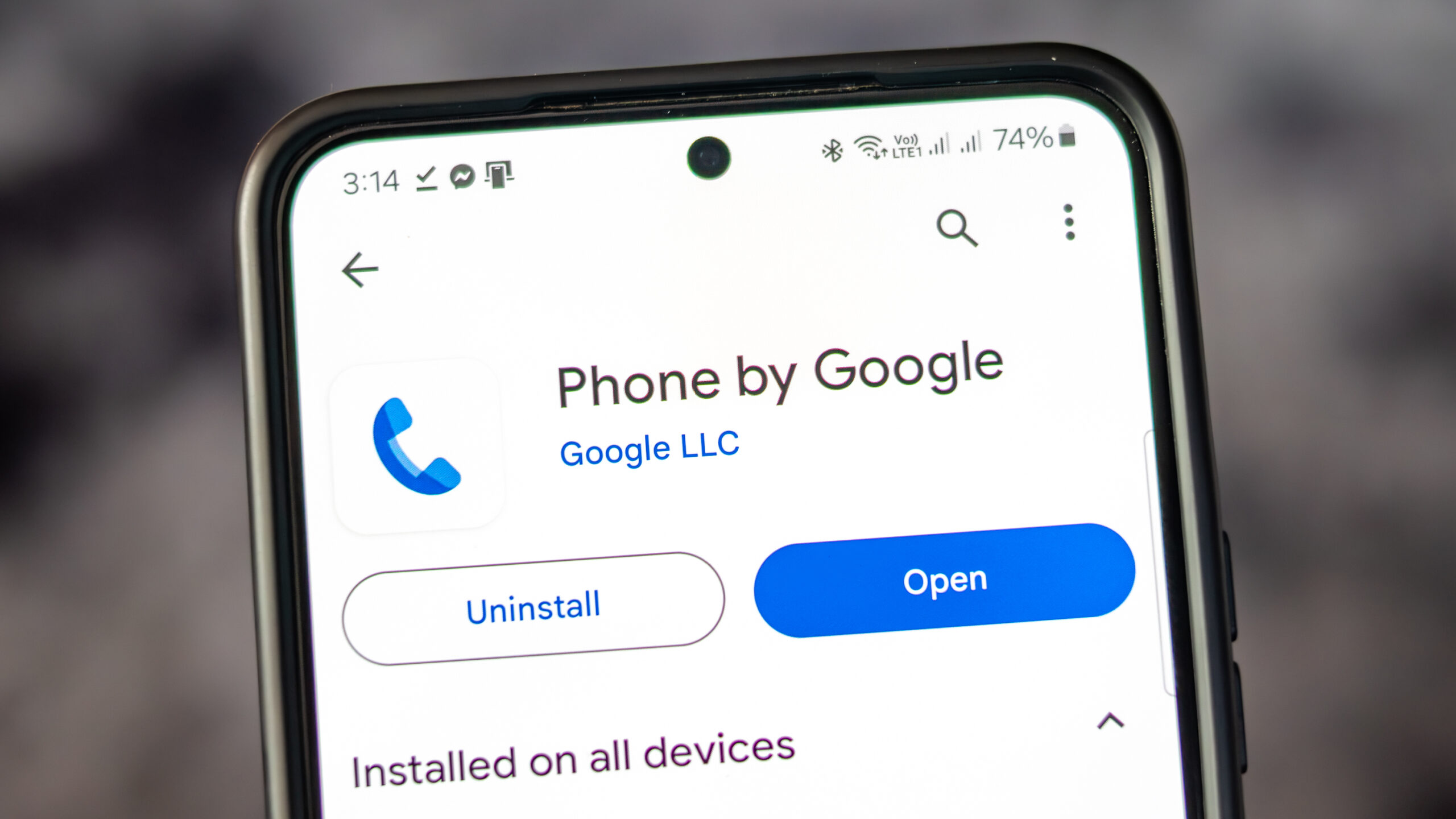
    The Google Phone application, available on all Pixel phones as well as select Motorola and OnePlus devices, provides users with a variety of convenient features. Alongside the standard dial pad, it includes access to contacts and call history. The app also has a call screening feature, filtering out unwanted robocalls and even waiting on hold on behalf of users.

    Former Features

    You may remember that earlier Pixel home screens had a feature which allowed for screen rotation into landscape mode when the phone was held horizontally. This was first seen in Android 7.1.2 in 2017 and was enabled via Home Settings. It allowed the home screen, app drawer, and overview screen to rotate into landscape orientation. However, Google began to phase out this feature with Android 10, removing it completely by Android 12.

    Although the Pixel home screens no longer support landscape orientation, the Google Phone application still allows for it. Users can turn their phones sideways before or during a call to rotate the screen. However, this feature has been met with mixed reactions, as some users find the changing screen orientation during calls inconvenient.

    A Reddit user voiced their frustration over this issue, stating that the app has been switching to landscape mode during calls, which is inconvenient when ending a call as the button is moved to the side. They expressed their desire to turn off this feature within the app settings, rather than disabling it for the entire device.

    Screen Appearance in Landscape Mode

    When using the Google Phone app in landscape mode, the dial pad is situated on the right side of the screen, with a green call button at the bottom. To the left of the dial pad are call suggestions, and on the far left are three icons for home, keypad, and voicemail.

    When a call is initiated and the app is in landscape mode, the Wi-Fi icon at the top indicates the use of a Wi-Fi call. The name and phone number of the person being called are displayed, along with their avatar or profile icon. Four buttons for keypad, mute, speaker, and additional options are to the right of the profile icon.

    Should Google Remove This Feature?

    There is some debate over whether Google should remove the landscape feature from their phone app. Some users have reported their screen being forced into portrait mode when initiating a call, which is not the universal experience. It is suggested that Google should consider providing an option for users to disable landscape mode within the app settings to accommodate those who find it inconvenient.

    As for myself, I find the landscape mode useful on my Pixel 6 Pro and would like its continuation in future Pixel phones. What needs to be addressed is the issue of accidental screen rotation during calls.

    Iconic Phones Project

    In other news, we are excited to announce the upcoming release of our passion project, “Iconic Phones: Revolution at Your Fingertips”. This coffee table book is a must-have for any technology enthusiast, chronicling the most significant technological advancements of the 21st century.

    Questions & Answers

    What features does the Google Phone app offer?
    The Google Phone app provides a dialer, contacts, call history, call screening, robocall filtering, and a hold feature.

    Does the Google Phone app still support landscape mode during calls?
    Yes, the Google Phone app does support landscape mode during calls, but the feature has received mixed reviews.

    Will the landscape mode be removed from the Google Phone app?
    While some users have expressed their preference for this feature to be removed or given an option to disable it, no official statement from Google regarding changes to this feature has been made.

  • Google Maps’ New Landmark Integration: A Step Forward, Yet ‘open Now’ Filter Lacks On Active Routes

    Google Maps’ New Landmark Integration: A Step Forward, Yet ‘open Now’ Filter Lacks On Active Routes

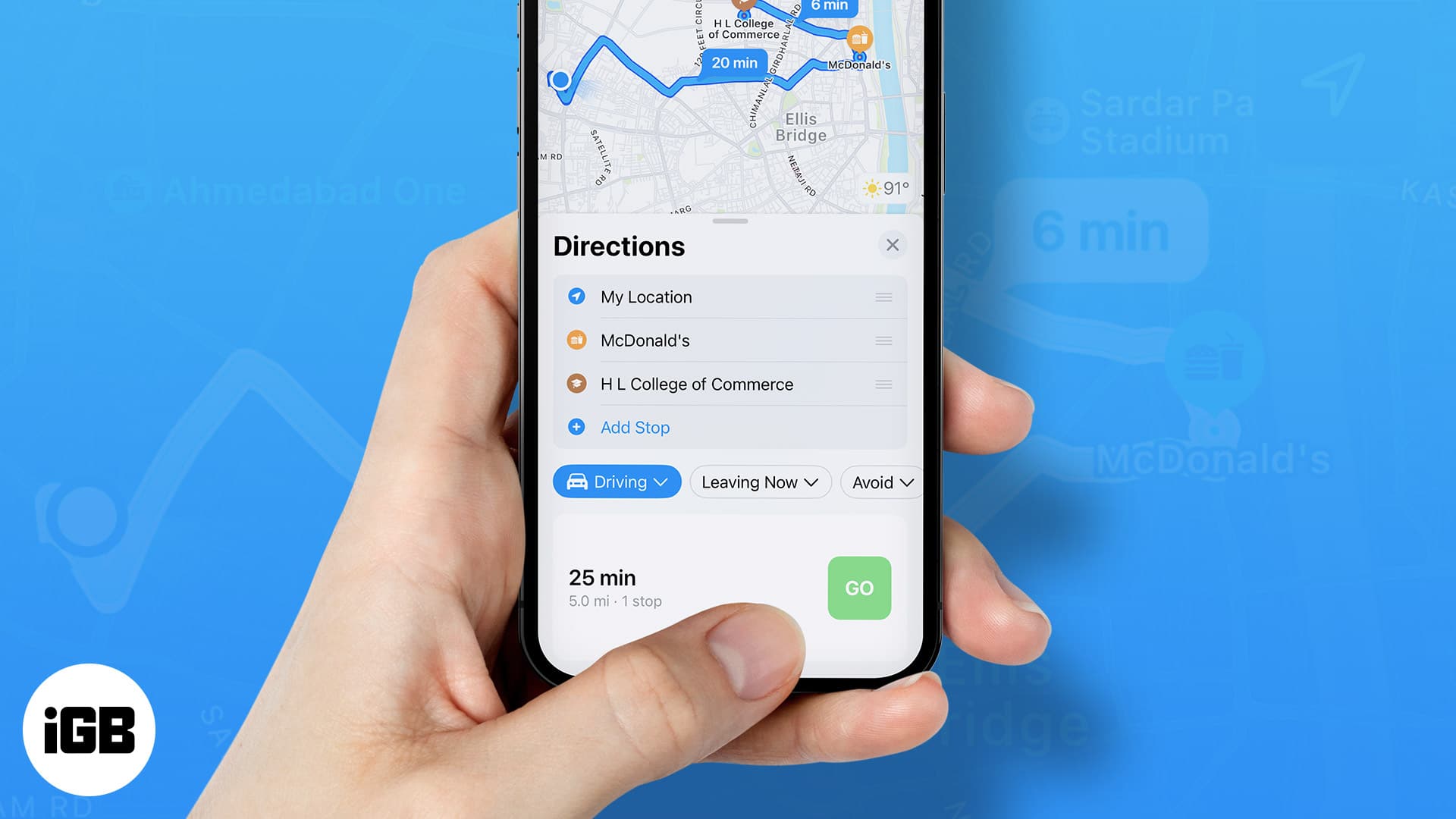
    Google Maps, the popular navigational app, continues to evolve, recently following the lead of Apple Maps by integrating landmarks such as traffic lights and stop signals into its directional commands. Previously only providing distance-based directions like “turn left in a quarter of a mile,” the app now incorporates more specific and intuitive landmarks. For example, it may instruct users to “make a left turn at the next stop sign or the second traffic light.”

    Serving Beyond Navigation

    Google Maps proves useful beyond mere navigation. Once users reach their destination, the app can assist in locating amenities like restaurants, accommodations, entertainment venues, gas stations and more. However, not all of its features have been well received. Recently, some Reddit users voiced their annoyance with a particular search filter in Google Maps.

    Currently, the app offers a “Open now” filter when users search for specific places like “UPS near me.” This convenient feature allows users to see only results for locations that are currently open. But, the problem arises when users are already on an active route and want to add a stop. In these instances, there is no way to access and apply the “Open now” filter.

    Driving to Closed Locations

    Imagine this scenario: You’re driving and suddenly realize you could use a coffee pick-me-up. You recall a coffee shop en route to your destination and decide to add it as a stop, even though it may extend your travel time slightly. Upon arrival, you find the shop dark and the doors locked. The sign in the window tells you it closed an hour ago, well before you added the address to your app.

    The challenge lies in the fact that while a search result in Google Maps typically displays the hours of operation, this crucial information can be easily overlooked or blurred by the pressure of real-time navigation. As a result, users may find themselves unknowingly navigating to closed locations.

    Questions & Answers

    Why is the “Open now” filter feature not available while on an active route in Google Maps?
    As it stands, Google Maps does not currently offer the feature to filter for locations that are “Open now” while the user is on an active route. This limitation could be due to technical challenges or simply an oversight in user experience design.

    What happens when you add a stop to your active route in Google Maps?
    When you add a stop to your active route in Google Maps, the app updates your route to include the new destination. However, it does not currently provide you with the option to filter for locations that are “Open now.”

    What is the potential solution to this issue?
    A possible solution to this problem could be for Google Maps to make the “Open now” filter available and activated by default when users are on an active route. This would prevent users from inadvertently driving to closed locations and improve overall user experience.

  • Bluesky user base soars to two million new members in just one week

    Bluesky user base soars to two million new members in just one week

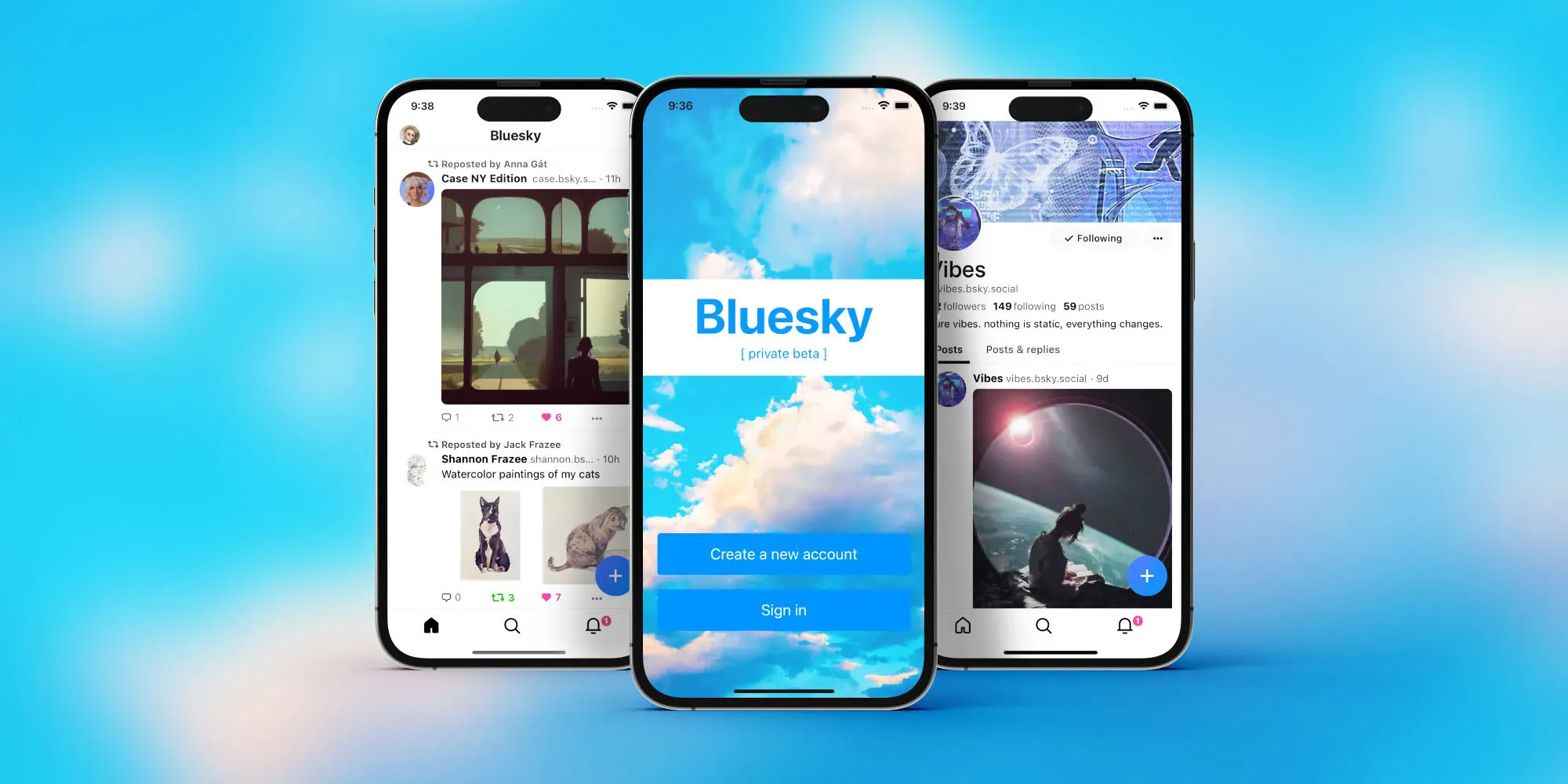
    Bluesky, the decentralized social network, has recently announced a remarkable surge in its user base, adding an impressive two million new members in just one week. This significant growth brings the platform’s total user count to around 8.4 million, marking a substantial increase in a short period. The announcement, which was also translated into Portuguese, suggests that a considerable portion of these new users might be from Brazil.

    Bluesky’s growth can be attributed to several factors. The platform has been actively introducing features that users seek, such as direct messaging, with plans for group messaging, media support, and end-to-end encryption in the pipeline. Additionally, Bluesky’s decentralized nature and focus on user control might be appealing to individuals looking for alternatives to traditional social media platforms.

    Of course, the elephant in the room is this: Is this incredible and sudden growth attributed to X’s ban in Brazil? Speculation seems to agree with this, considering the recent post on the platform’s blog in the country’s native language.

    While Bluesky may not yet match the feature set of more established platforms, it plans to introduce video functionalities in its next major update, which could further enhance its appeal and help retain its growing user base. The platform, founded in 2019 by Twitter’s Jack Dorsey, initially launched as an invite-only network but opened to the public earlier this year.

    Interestingly, Dorsey, who left Bluesky’s board in May, has since expressed concerns about the platform “repeating the mistakes” he made while running Twitter. Despite this, Bluesky’s recent surge demonstrates its growing popularity and potential to become a significant player in the social media landscape.

    Bluesky’s rapid growth points to a broader trend of users seeking alternative social media platforms that prioritize user control, privacy, and innovative features. As the platform continues to evolve and expand its offerings, it will be exciting to see how it shapes the future of social networking and whether it can sustain its current momentum.

  • Netflix to charge extra fees for extra users in 2023

    Netflix to charge extra fees for extra users in 2023

    The latest development in Netflix’s plans to dissuade account sharing has surfaced via a quarterly earnings letter. It reveals extra charges for each separate user on the account of the owner, that isn’t from the same household, starting 2023.

    While the final rates have not been officially announced, what we can infer from the document is that the charge will be up to a quarter of the initial basic rate. That would result in about a $3-4 charge per user outside of the household.

    Netflix began its crackdown on unauthorized account sharing earlier this year. What started with tests of account verification in the style of 2FA (2-factor authentication) and device count limitations ended with the creative workarounds as provided by the Internet.

    The tests had caught the attention of many users online, some of whom even shared their plans on how to circumvent the possible limitations via tricks as simple as “I’ll just text them the verification code”, while others provided their own take on solutions that Netflix should adopt.

    We can’t say if the Internet’s reaction had an impact on the decision, it was clear that a change of plans was needed. After all, Netflix’s estimated loss from account sharing is around the $6 billion mark, as per Citi analyst Jason Bazinet. From Netflix’s point of view, that is a sum that should flow in naturally from actual user subscriptions.

    While that does seem fair, let’s check in with Netflix’s competition:

    • HBO Max doesn’t have any limitations
    • Disney Plus limits the amount of devices connected to the account
    • Amazon Prime Video requires users of shared accounts to be within the same country or region

    How these will measure up against Netflix’s decision will become clear once we truly find out how the term “household” is defined and when the penalty is live.

    Netflix is still the major player on the market with over 220 million active users. Now, imagine if account sharing would cease? Those numbers would jump significantly, with a doubtless positive business effect, given Netflix’s recent financial troubles.

    It’s worth pointing out that the company is also making it easier to detach your profile from a shared account. Earlier this month, Netflix announced a profile migration tool, which allows users to keep their settings when creating their own subscription.

    Also, set to release in November, is a cheaper, ad-supported plan for $6.99. All of these announcements point to Netflix trying to gently nudge users into creating separate accounts, instead of sharing.

    Regardless of financial reports or planned actions, at the end of the day, Netflix are the trendmakers of the video streaming scene. Their actions are sure to stir up the market and it would be interesting to see how competitors react to Netflix’s decision.

  • WhatsApp users will soon be able to transfer their data from Android to iOS with ease

    WhatsApp users will soon be able to transfer their data from Android to iOS with ease

    We have good news for those WhatsApp users who are thinking of leaving the Android realm to join Apple’s ecosystem. Soon, the transition between the two platforms will be easier.

    The latest version of the Move to iOS app for Android will now check if you have a WhatsApp account on your Android phone, and if you do, it will open WhatsApp and offer you the option to transfer your data to your iPhone as an encrypted package. This will keep all of your messages and threads fully intact.

    However, don’t get too excited just yet. In order for the feature to work, it must be supported by both the “Move to iOS” app and WhatsApp. It is currently available in the former, but it is supported only by the beta version of the WhatsApp application. Presumably, it will be available in the public version soon as well. Also, for the feature to work, your Android phone must be running on Android 12, and your iPhone must be on the latest version of iOS.

    Mark Zuckerberg, Meta’s CEO, said in a statement that the ability to transfer your WhatsApp data from Android to iOS with ease was a “top requested feature.” WhatsApp users can already move data from iOS to Android, so it was only a matter of time until Meta added a feature to do the opposite.

  • Nike says to end run club app in China

    Nike says to end run club app in China

    Nike is deactivating its Run Club app in China, becoming the latest Western company to reconfigure its business in the world’s second largest economy.

    The US sportswear giant posted a notice to runners in mainland China, saying the app will “cease service and operation” there starting July 8. A Nike spokesperson said that it would roll out a “localized” platform for Chinese runners in future, and continue to invest in updating its digital platforms in China.
    “We are creating an ecosystem from China for China, specifically catered to the region’s unique consumer needs,” the representative said.
    China is one of Nike’s top markets. The company made nearly $8.3 billion in revenue in Greater China, which includes Hong Kong and Taiwan, in the last fiscal year, according to its most recent annual report. That was more than its sales in the rest of Asia Pacific and Latin America combined.
    China is also a key manufacturing hub for the brand, with about a fifth of Nike’s footwear and apparel being made there.
    Nike Run Club, which allows users to track their runs and perform challenges with friends, has more than 8 million users in China who have collectively covered more than 600 million kilometers (nearly 373 million miles), according to a company statement on the app.
    Local users will be able to export their fitness data, Nike said.
    The move is the latest in a series of changes big Western companies have made to their businesses in mainland China in recent months. Last week, Amazon announced the closure of its Kindle bookstore in the country, as well as the discontinuation of Kindle device sales to retailers.
    This summer, Airbnb will take down all its listings in the country and concentrate instead on outbound travelers. The company made the decision because of mounting costs that were worsened by Covid-19.
    Last October, LinkedIn said that it would shut down the local version of its platform in China, citing a “significantly more challenging operating environment” and compliance hurdles. The platform, which is owned by Microsoft has decided to introduce an all-new, even more localized service, called InJobs.
  • Twitter rolls back an update that angered many users

    Twitter rolls back an update that angered many users

    If you were one of the people who were upset by the recent change to Twitter’s timeline and were angry that you couldn’t easily see all of the latest tweets, you canrelax now because Twitter has restored its timeline to what it was before. Yes, Twitter ditched its latest timeline change, which displayed algorithm-based suggestions in your timeline by default. So you no longer have to go to a separate tab to see the most current tweets.

    In a tweet regarding its decision to roll back the change to the timeline, Twitter stated, “We heard you –– some of you always want to see latest Tweets first. We’ve switched the timeline back and removed the tabbed experience for now while we explore other options.”

    Twitter’s reverting to the previous state of the timeline is completely understandable. When Twitter divided chronological and algorithmic tweets into two tabs on its iOS app and announced that the change would be rolled out to the Android and Web versions of the platform soon, many Twitter users lashed out against the change to their timeline.

    According to many Twitter users, the change to their timeline meant that they would no longer be able to see the latest tweets easily. Furthermore, Twitter configured its app to display the algorithm-based suggestions first by default when you open the app. This meant that users had no control over what they would see when they launched Twitter’s app.

    Twitter stated in its tweet that it would “explore other options.” Let’s just hope that Twitter learned its lesson and won’t make the same mistakes again by introducing changes that will upset many of its users.

  • Vivaldi is world’s first mobile browser to introduce two rows of tabs

    Vivaldi is world’s first mobile browser to introduce two rows of tabs

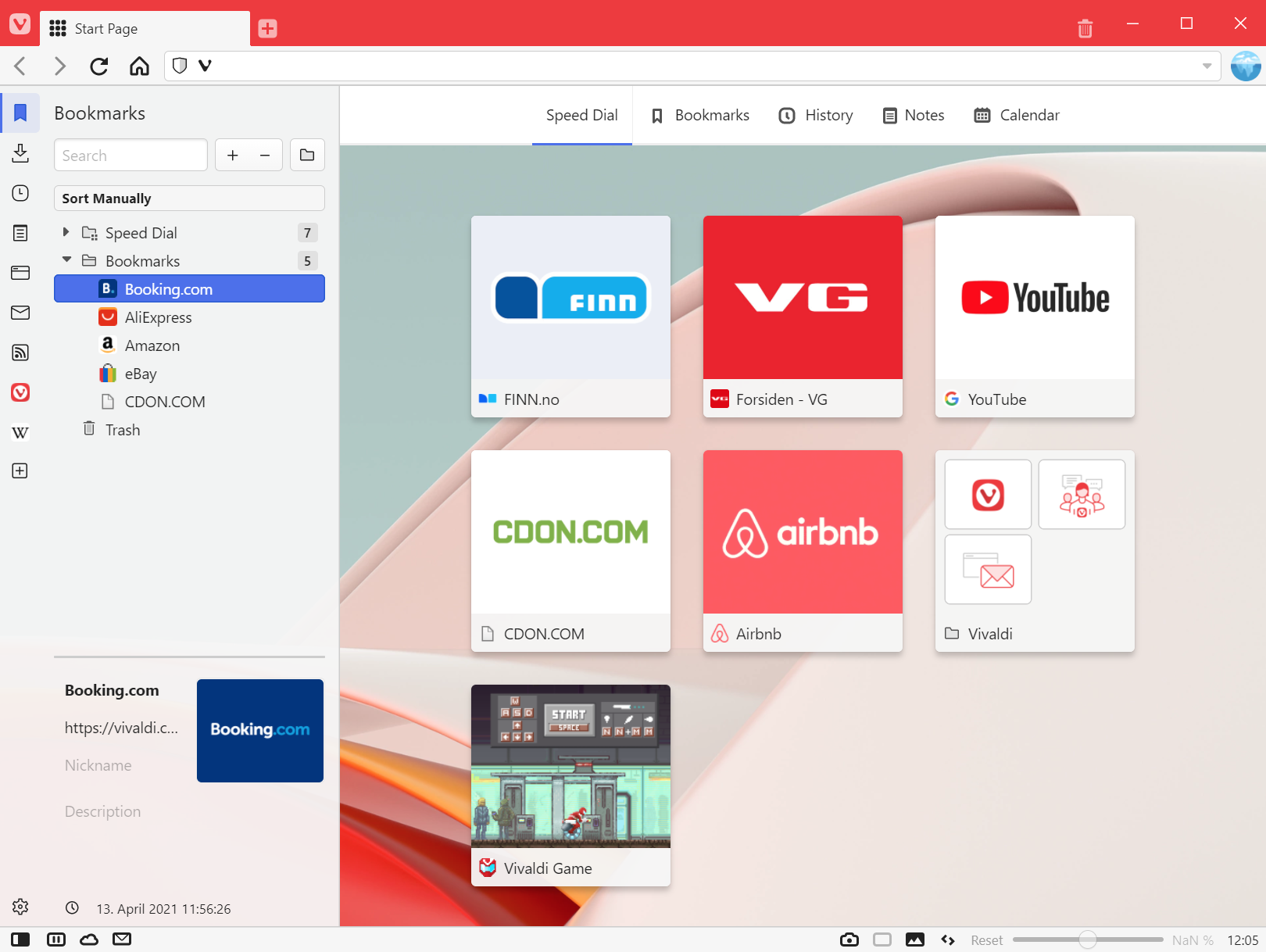
    Vivaldi is trying to appease as many Android users as possible, so the most recent update for the mobile browser brings a world premiere. Vivaldi 5.0 is the world’s first mobile browser to offer a “two-level tab stacks” solution. Additionally, Vivaldi’s Android browser brings built-in Panels on tablets and Chromebooks, another first.

    Back to the “two-level tabs stacks” solution, this has been launched on Vivaldi’s desktop browser earlier this year and allows users to manage multiple web pages smoothly and easily. Starting today, the same feature but designed for mobile devices, is available for Android users.

    To enable the new feature, simply long-press the New Tab button and select “New Tab Stack.” That should allow you to start using the new stack/group created, with the current tab and one new additional tab. There’s another way to make a group of tabs from the Tab Switcher: drag one tab on top of another to create a new stack.

    But this isn’t the only new feature included in the latest Vivaldi update. An improved tab interface and new ways to tweak the Tab Bar have been added too. The built-in Notes tool has been enhanced too so that Android users can quickly handle big chunks of text from a webpage to an existing note with an “Append to Note” option when highlighting text.

    Vivaldi 5.0 is also a big step up for tablet users, as developers have been working to optimize the browser for bigger screens. Apart from a new design, the new version of Vivaldi features a side Panel to make it easier for users to optimize their screen space better on tablets.

  • YouTube Music adds a new Recently Played widget for Android users

    YouTube Music adds a new Recently Played widget for Android users

    Google has been pushing its YouTube Music service hard in the past couple of months, adding new features and updating existing ones. Earlier in November, the platform received a useful “Play My Station” shortcut on Android, and a month prior to that Google announced that YouTube Music’s free version will be getting background playback – a feature normally reserved for premium users.

    Now there’s another update to YouTube Music and this time it’s a new “Recent Played” widget for Android. This feature was previewed back in October but now it is rolling out with version 4.55.55 of YouTube Music for Android, available on the Play Store.

    The widget takes 5×2 spaces on your home screen by default and it is divided into two main sections. The top part gives users the ability to play and pause songs, give them a “thumb up”, and it also shows the album art of the current song playing with some basic information such as the name and the artist.

    The bottom part is a grid layout shortcut that gives you “quick access to your recently played videos, albums, playlists, and more.” In the largest 5×4 configuration you can cram up 10 elements in that particular section, and you can also resize the widget to be 5×1 or 4×1 but doing so will hide the bottom element and will leave only the barebone play/pause part hiding the thumb button too.

    The Recently Played widget follows Android 12’s Material You design philosophy, supporting also the Dynamic Color feature. If you don’t see the widget after updating to version 4.55.55, force stop the app and relaunch again.