Category: General

Retail News Asia is committed to providing both local and global retailers with the latest General Retail news throughout the Asian market. This on a daily base.

  • WhatsApp testing scheduling feature for easier event management in Communities

    WhatsApp testing scheduling feature for easier event management in Communities

    A long-awaited WhatsApp feature that was in the headlines from October of last year seems to be finally making its way to beta testers, reports Android Police. We’re talking about a feature that allows you to schedule events within a WhatsApp CommunityThe feature seems to be available for some beta testers on the Android version of WhatsApp. The folks over at WABetaInfo have uncovered that the feature has finally made its way to testing. Usually, WhatsApp Communities could consist of tens or even hundreds of people, and the event scheduling feature will bring the organization to the next level.

    The option is found in WhatsApp’s attachment menu within a Community chat. You will also be able to generate and attach a WhatsApp call link, and you can select whether it will be a video or voice call.

    Community members will receive a notification about the event automatically, and, as such features usually work, each person will be able to review and accept the invite. The event creator can modify the event details later, and all invitees will receive a notification about the changes.

    On top of that, all Community events will be visible from the group info and the community pages. To wrap the feature in a little bow, WhatsApp will be sending you reminders for events, and you can add an event to your calendar with the Add to Calendar button.

    WhatsApp seems to also be looking into event scheduling for regular groups as well.

    For now, the feature is available for some WhatsApp beta testers with version 2.24.9.20 of the Android app. It seems to be a limited release at this point, and you may not have the feature yet even if you’re a beta tester on the required version. However, we expect it will soon propagate to more people before becoming official.


  • Google Maps to show alternate transit and walking directions along with driving routes

    Google Maps to show alternate transit and walking directions along with driving routes

    In an effort to get users to take a bus or train to get to their destinations instead of driving or better yet, use their own two feet, Google Maps is going to have a new feature. Next to the app’s driving routes, Google Maps will show users public transit and walking alternatives that will get the user to his destination without having to grip a steering wheel. These alternatives will appear “if travel times are comparable and practical.” Google announced this today in a blog post.< The alternative public transit and walking suggestions will appear on the bottom of the screen in a card that says, "Also consider" which will include a preview of the alternative actions recommended. The card will also let the user know if any of these alternatives are faster than driving. The goal is to find alternatives that use lower amounts of carbon. The feature will be available in 15 cities around the world over the next few weeks including Amsterdam, Barcelona, London, Montreal, Paris, Rome, and Sydney. Google Maps is also getting a feature that will, in Search, help users find more information about long distance train and bus routes. For example, if you search for "Boston to Philadelphia train," schedules and ticket prices will appear on the results page along with links that you can tap on to book your trip. This feature can be accessed for trains in 38 countries and for bus routes in 15 countries. Last year, Google added train route suggestions when you look for flights on Search. In the upcoming months, you'll see train route suggestions when you search for a flight using Google Flights. With the latter, you'll also see the estimated emissions for almost every flight and you can filter the results to show you the flights with the lowest emissions first. Google is trying to give people the information they need to choose the low-carbon alternative when traveling.

  • WhatsApp rolls out new chat filters to help you locate unread and group conversations

    WhatsApp rolls out new chat filters to help you locate unread and group conversations

    WhatsApp is always evolving to improve the way we connect with others, and its latest update is focused on enhancing organization and search within your chats. Following the recent update that gave us the ability to pin messages, Mark Zuckerberg has announced another exciting feature – dedicated chat filters

    These filters are designed to make it faster and easier to locate specific conversations within your chat history, especially when you have many of them going on. Currently, the below two filters are available:

    • Unread: Perfect for catching up on messages you might have missed. It displays all your individual chats that contain unread messages, helping you prioritize your responses and clear those notification badges.
    • Groups: Perfect for finding that important group conversation. With a single tap, you can see all your group chats in one place, allowing you to quickly access discussions with family, friends, colleagues, or any other group you’re a part of. This includes subgroups within Communities, ensuring you have a central location for all your group conversations.

    Previously, searching for unread chats involved using the search bar and filtering by message status. This process, while functional, required additional steps. The new dedicated “Unread” filter eliminates these extra steps, placing readily accessible filter options at the forefront of the chat list. This is a significant improvement for users who frequently juggle numerous individual chats and want a quicker way to identify conversations that require their attention.

    The “Groups” filter addresses another long-standing pain point for WhatsApp users. For those who participate in a significant number of group chats, navigating through the chat list to find specific groups could be time-consuming and cumbersome. The ability to filter group chats has been a particularly popular request from users, according to WaBetaInfo who first reported on this announcement.

    If you are ready to try out this feature, make sure you have the most up-to-date version of WhatsApp installed on your Android or iOS device, which you can grab directly from the App Store or Google Play Store. These filters mark a positive step in response to longstanding user feedback, so seeing them finally implemented is a welcomed treat.

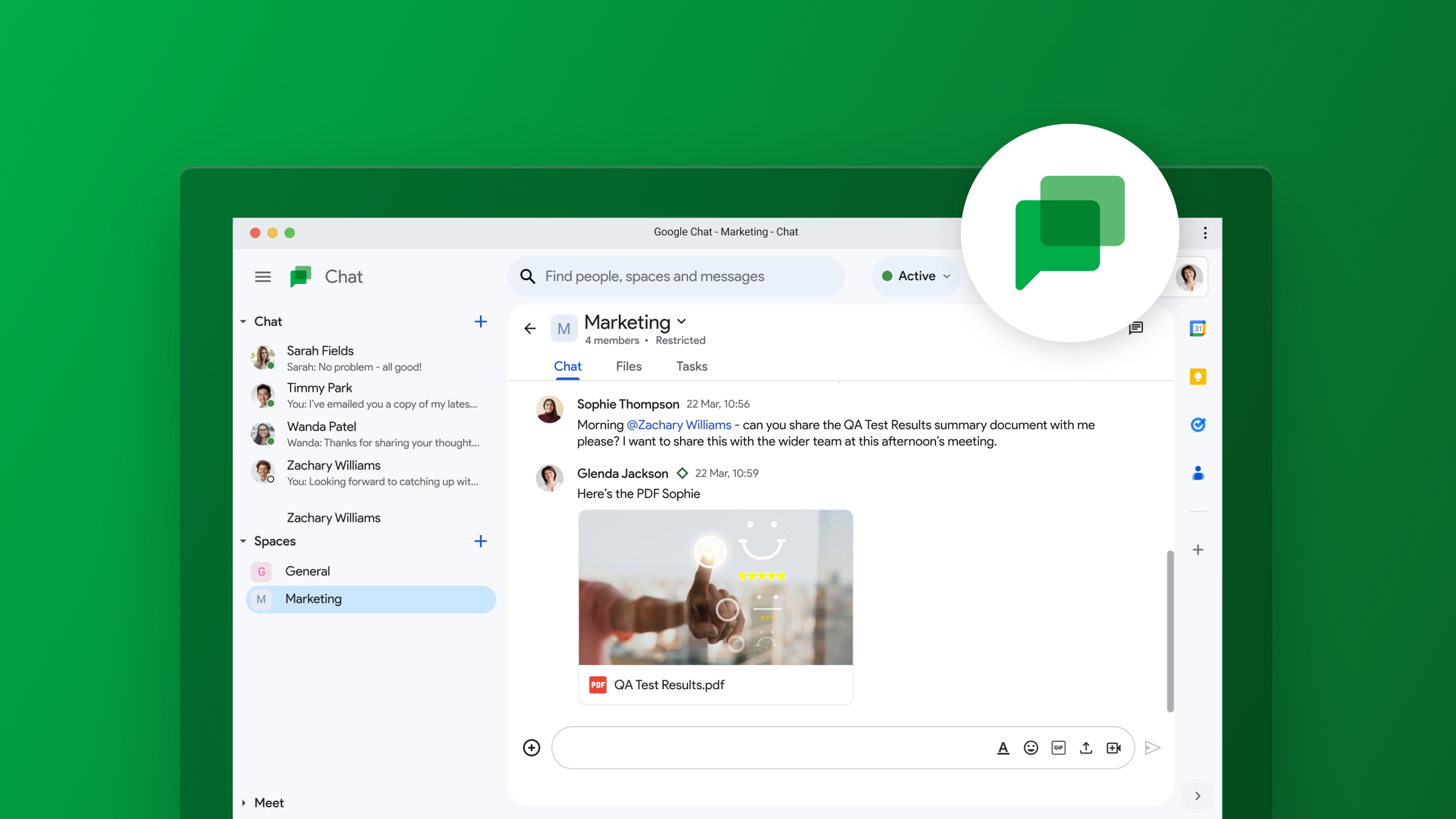
  • Google Chat working on adding group audio and video call function within Gmail Spaces

    Google Chat working on adding group audio and video call function within Gmail Spaces

    Google Chat, which is part of Google Workspace, is not exactly one of the leading chat applications out there. However, it is popular in workplaces and businesses where Google Apps are highly used, justifying continued development and improvement of the app. To that end, there may soon be updates that will allow for easy audio and video calls directly within group Spaces, giving the app more functionality to those that make it part of their daily workflow.

    This info comes from a tip shared exclusively with PiunikaWeb by AssembleDebug, who found the feature hidden in Gmail version 2024.04.07.622678535. From the screenshots, it looks like Google is planning to add two new icons to the top bar of a Space: one for audio calls and one for video calls. To avoid accidental calls, you’ll likely have to confirm your intent to start the call with all group members after clicking either icon. Also, it appears that the “Active Threads” icon may get a visual refresh, changing from a message icon to a thread icon.

    This upcoming feature aims to make communication easier for project groups and teams using Google Chat Spaces. Currently, initiating a group call in Google Chat involves the extra task of generating and sending a Google Meet link. The new direct call feature, however, will remove this additional step, leading to a more efficient workflow.

    While the feature is not yet available, it is evident from the code that Google is actively working on it. Hopefully, this new call feature will be integrated into the standalone Google Chat app, and not be limited to just Gmail. Furthermore, a window offering “Suggested apps to enhance your space” may soon appear at the top of Spaces, suggesting useful integrations with other Google Apps for even more productivity, sort of how Gemini currently does it.

  • Vietravel Airlines reports first profits in 3 years

    Vietravel Airlines reports first profits in 3 years

    Vietravel Airlines has reported a profit of VND10 billion (US$400,128) for the first three months of the year, achieving its first profitable quarter since its inception in 2021.

    As a subsidiary of the tour operator Vietravel, the airline announced first-quarter revenues exceeding VND491 billion, surpassing its initial target by 42%.

    The profits stemmed from increases in domestic airfare prices, which typically reach their peak during the two or three weeks around the Tet (Lunar New Year) holiday. This year, the holiday period was from February 7 to 14.

    Typically, airfare prices start to decrease gradually after Tet. However, this year, prices have not followed the expected post-holiday downturn and have remained elevated.

    Factors contributing to sustained high prices include rising operational costs and a shortage of aircraft, particularly as numerous airlines have been forced to ground A321 planes, commonly used for domestic flights, for engine maintenance.

    With a modest fleet of just three A321 aircraft, Vietravel Airlines is nevertheless setting ambitious goals, targeting VND1.05 trillion in revenues for the next quarter. The airline is expanding its network with new routes and increasing the frequency of flights both within Vietnam and internationally.

    Currently, Vietravel Airlines operates charter flights to Japan, connecting Ho Chi Minh City with Takamatsu and Da Nang with Fukushima, among others.

  • YouTube Music promises Podcasts will get better on the platform

    YouTube Music promises Podcasts will get better on the platform

    Google Podcasts is officially dead. That has been the case for a week now, and the designated replacement – YouTube Music – is just not cutting it yet. The YouTube Music podcasting experience is rough, and users aren’t holding back on the feedback.

    Thankfully, the YouTube Music Podcasts team seems to be listening. They took to Reddit to let us know they hear us and are “working on a lot more improvements,” but also shared a short list of things that have already been achieved for podcasts, such as:

    • Sorting options: You can now sort a podcast’s episodes from newest to oldest, oldest to newest, most popular, or default. It’s pretty puzzling that this wasn’t a day-one feature, though.
    • International love: Non-US users now get podcasts on their Home feed, including the new “Recommended shows” shelf that is already available to U.S. users, making new episode discovery a lot easier.
    • Search Tweaks: Improved search results, making it easier to find the podcasts you actually want.

    These tweaks are a start, but it’s shocking these weren’t ready before Google Podcasts was sunsetted. YouTube Music is currently missing core features that even casual podcast fans are going to notice.

    Many of the suggestions on that Reddit thread involve basic stuff that is still frustratingly absent. Having features like being able to search for an episode within a subscription, chapter navigation, and being able to mark episodes as played are some of the top ones.

    Even though the transition from Google Podcasts to YouTube Music was just officially announced last year, we’ve known for quite some time that was the plan all along. Considering that timeline, it is a wonder why so many features that were previously on Google Podcasts have yet to be ported to its replacement.

    Hopefully, Google takes the user feedback to heart and begin to implement these improvements as soon as possible. As users were left without an alternative, many could opt to flee to other platforms like Pocket Casts or Spotify, so it is of major importance that the experience be fixed expeditiously.

  • WhatsApp to roll out new photo library shortcut for faster sharing

    WhatsApp to roll out new photo library shortcut for faster sharing

    WhatsApp keeps rolling out new features regularly, and now it seems it is working on making it easier for everyone to open and share photos. According to WABetaInfo, a reliable source for WhatsApp updates, the Meta-owned messaging app is widely releasing a feature to quickly open the photo library.

    While the official changelog doesn’t offer much insight, the latest version of the iOS app, 24.7.75, has unveiled that this feature is now rolling out to all. Essentially, it’s a handy shortcut for swiftly accessing the photo library. Users can simply long-press the attach button within the chat bar, saving time by directly navigating to their photo library without any extra steps.

    If you haven’t got this feature yet, keep in mind that it may be gradually rolled out to some accounts over the next few weeks, even though it’s not mentioned in the official changelog. As mentioned, the Meta-owned app frequently introduces new features, so installing all the latest updates will ensure you have access to the latest features and enhance your overall user experience.

    On a different note, WhatsApp is gearing up to introduce a picture-in-picture option for videos. This means you will be able to watch videos while browsing through multiple chats or other parts of the app. Additionally, the app is set to receive a series of little tweaks, all aimed at enhancing the user experience.

    As an example, WhatsApp is currently testing a redesign for its calling screen to make it easier for users to know where to tap to hang up. Moreover, a new simplified “Like” button for reacting to status updates could be introduced in a future app update.

  • Google Messages will soon start to warn you when tapping on links sent by unknown senders

    Google Messages will soon start to warn you when tapping on links sent by unknown senders

    If you’re getting tired of annoying spam texts and shady links that often try to lure you into clicking them on your Messages app, you may be in luck. Found hidden in the code are signs that Google is stepping up security in its Messages app to give users an extra layer of protection.

    A new pop-up warning system could be coming soon to Messages. This feature is designed to make you think twice before clicking on links in messages from people you don’t know, whether they’re coming through RCS or standard old SMS.

    Imagine this: you get a text from an unknown number with some enticing link. Curiosity takes over, and you go to tap it. This new feature will immediately pop up a warning that says something like this: “Caution: this sender isn’t one of your contacts.” To open that link, you have to check a box acknowledging that there could be risks and then hit “Continue.”

    The idea is to make you think twice before clicking on links sent by senders you don’t know. This would hopefully snap us out of autopilot mode and make us consider twice whether those links are worth exploring.

    Google Messages already has some link warnings, but this new feature looks more robust. Currently, it’s easy to breeze past those messages. This new system adds a little friction, forcing you to stop and think before taking a potentially risky action.

    This feature popped up in a beta version of Google Messages, so we might see it rolling out to testers before landing in the main app. It’s yet another sign, on top of Google recently blocking RCS on rooted phones, that they’re taking security in the Messages app more seriously — and just in time for RCS to roll out for iOS devices, potentially giving the Google Messages app on Android a boost over third party solutions like WhatsApp.

  • Google’s “Find My Device” network reportedly launching in 3 days

    Google’s “Find My Device” network reportedly launching in 3 days

    Following the leak that Google’s “Find My Device” network settings were already appearing for some Android users, it looks like Google is ready to move to the next step. A small subset of users has already received an email that lets the cat out of the bag on when exactly the service would be officially launching.

    An email blast was sent last night to some users which included some official information on when the “Find My Device” network would be launching to the masses. Although the settings began to appear yesterday on Android devices for some users with the beta version of Google Play Services installed, the settings weren’t actually working. Now, it looks like we have a more accurate timeline on when the switch will be flipped.

    The email contained the following verbiage: “You’ll get a notification on your Android devices when this feature is turned on in 3 days. Until then, you can opt out of the network through Find My Device on the web.” Based on the date the email was sent, it’s looking like the service will likely launch on Monday, April 8th, as it is unlikely for Google to launch a new service over the weekend.

    In case you are out of the loop, last year, Google unveiled the Android Find My Device network to assist users in locating lost or stolen smartphones. However, concerns about stalking using tracking devices such as AirTags prompted Google and Apple to collaborate on a solution, delaying the launch of the Find My Device network. Now, with Apple getting ready to deliver these new anti-stalking features with the iOS 17.5 update, Google no longer has to wait.

    Considering that this email was only received by a very small number of users, it is possible it was never meant to be sent out. We don’t know if this means that the launch date on the email is incorrect, or if someone just pressed “send” by mistake. Either way, we are excited to see this finally come to pass and a proper “Find My Device” network finally be put in place for Android users.

  • Instagram, Facebook, Whatsapp users are reporting a “Major Disruption” worldwide

    Instagram, Facebook, Whatsapp users are reporting a “Major Disruption” worldwide

    Meta is having big-time problems today. As of 3:40 pm EDT, Downdetector lists Instagram, Whatsapp, Facebook, and Facebook Messenger as the top four apps/websites that are having issues based on the number of complaints received from users. For example, the number of Instagram users telling Downdetector about a problem with the app and website soared from 31 to over 5,700 in about 30 minutes. Meta is reporting this outage as a “Major Disruption” on its Business API Status page.

    Most of the complaints on Downdetector from Instagram users were from subscribers unable to see Stories that they had just posted. One user said that she had been trying to post a Reel on Instagram for over an hour. 67% of the complaints focused on the app, 28% had a problem with their feed, and 5% could not log in.

    Meta’s core four apps are down and dominate on the Downdetector website – Instagram, Facebook, Whatsapp users are reporting a “Major Disruption” worldwide

    A huge number of Whatsapp users, nearly 25,000, reported that they were having an issue with the app and website at around 2:22 pm. 68% of the complaints were about issues with the app, 26% were not able to receive messages, and 6% were having problems with the website. Users in countries are far apart as New York and Romania were complaining about the messaging platform being down.

    Meta is calling this a major disruption – Instagram, Facebook, Whatsapp users are reporting a “Major Disruption” worldwide (UPDATE)
    Meta is calling this a major disruption

    A far fewer number of Facebook users, 1,689, submitted a complaint to Downdetector by 2:27 pm EDT. 59% of those included a complaint about the app, 29% cited issues with the website, and 12% had problems signing in. As for Facebook Messenger, the number of complaints soared from 7 to 891 during a 45-minute period that ended at 2:19 pm EDT. Most of the platform’s users said that their messages were not going through.

    The outage is taking place worldwide with Meta saying that the issues began at 2:11 pm EDT. The company adds, “Our engineering teams are investigating the issue. We will provide another update within 4 hours or sooner if additional information is available.”

    When we learn more about the outage, we will update this story.

  • Google Chat may borrow this popular WhatsApp feature

    Google Chat may borrow this popular WhatsApp feature

    We all know the feeling – group chats can get crazy. That constant stream of messages can be distracting, especially when you’re juggling multiple projects. Well, it looks like Google Chat is taking on the chaos with a rumored new feature called “Announcements”.

    This sounds a lot like what we’ve seen on WhatsApp Channels and those X/Twitter Spaces. If you haven’t tried them, these features let a select few send messages to a big audience, kind of like a one-way megaphone.Looks like Google Chat spaces may soon have two flavors: the classic collaborative kind, and the new broadcast-focused “Announcements” stylIt looks like it will work this way: regular spaces are for brainstorming and teamwork, whereas the “Announcements” option is all about delivering updates without getting lost in a storm of replies

    The big question now is who gets to hold that ‘megaphone’ in an Announcement space? Will it be just the creator of the space, or maybe a few designated announcers? To really compete with all the broadcast messaging tools out there, Google Chat will probably need to offer some flexibility on this.

    When it comes to this feature, Google’s got some serious contenders to think about. WhatsApp, Discord, Telegram – they’ve all got this broadcast thing down. Then there’s the workplace side: heavyweights like Slack and Microsoft Teams could be in Google’s crosshairs. However, it does make sense for Google to implement this into Google Chat as it would have everything under one roof, especially with their business-focused Workspace tools.

    It sounds promising, but we’ll have to wait for the official launch to see if this “Announcements” idea really takes off. Will it be the tool that adds a bit of order to Google Chat messaging? And will it be enough to sway users to use Chat instead of other solutions already available? Only time will tell.

  • Google reveals when Apple will add RCS support to iPhone

    Google reveals when Apple will add RCS support to iPhone

    Back in November, Apple announced that it would add RCS (Rich Communication Services) support to the iPhone later this year. With this support, iPhone users will be able to view images and videos sent to them by Android users over RCS without having to deal with low-quality pictures and videos. Once Apple adds RCS support to the iPhone, iPhone users will be able to get read receipts when communicating with Android users, and see typing indicators. Messages will still be protected thanks to end-to-end encryption.

    Currently, when an iPhone user messages an Android user and vice versa, the chat takes place over the old-school SMS/MMS platform which is why videos shared look like crap as do  shared images. Because RCS and iMessage have almost the same features, iPhone users should have no problem using RCS when Apple does add support for it.

    The question is, when will this take place? When will Apple start supporting RCS? On the Android.com website, Google has published an updated landing page that reads, “Apple has announced it will be adopting RCS in the fall of 2024.” Apple actually said in November 2023 that the support would come “later next year” which means that we can call this “news.”

    The first day of fall this year will be September 22nd, 2024 which would dovetail with a possible release date for the iPhone 16 line and iOS 18. So there is a strong possibility that if Apple does say that support for RCS will take place in the fall, it will mean that RCS support for the iPhone will debut with the release of iOS 18 in September. If Apple adds it to the iOS 18 Developer Beta, iPhone support for RCS could be available to those installing the iOS 18 developer beta right after Apple unveils iOS 18 during the WWDC 2024 Keynote on June 10th.

    When Apple does add RCS support to the iPhone, you should be able to see whether you have an RCS connection by looking at the text field before you start typing a message. For example, after you tap on the name of the Android-using recipient you are sending a message to and you see RCS in the text field, it means that you will be chatting with the recipient using Rich Communication Services. On the other hand, if the text field says Text Message, you are messaging an Android user who doesn’t use RCS, or an RCS signal is not available. Thus, you’ll be chatting using SMS/MMS.

    Apple will no doubt make a big deal about adding RCS support as it gets closer to September, so stay tuned. We can tell you that Apple’s support for RCS will not add the blue bubble/green bubble rift.

  • WhatsApp will soon give you the option to send your media in HD quality by default

    WhatsApp will soon give you the option to send your media in HD quality by default

    WhatsApp is introducing a feature that finally gives its users the ability to choose the default media upload quality. This feature, now available to some beta testers on version 2.24.7.17, puts the power back on the user on how detailed they want their pictures and videos to look when they arrive at the other end.

    If you have used WhatsApp for any amount of time, or any messaging app for that matter, you surely have gone through the woes of sending an image or video that looks like a blurred mess. This can be quite frustrating, particularly when sharing what could very well be priceless family photos or pivotal moments you’ve captured on video. Thankfully, there will now be a solution to this problem.

    Although the quality of images sent via WhatsApp is currently not too terrible when compared to SMS, it is also not in high definition. This new setting option allows you to select between Standard Quality, which is optimized for a smaller file size and quicker sharing, or High Quality, which prioritizes image and video quality to be clearer, but uses twice as much storage. Once selected, this will be the default setting for sending media within the app, unless you use the “document” sharing option that keeps the content in its original quality without any compression.

    Accessible within the app’s settings, this option was originally spotted to be in the works in a previous version of the WhatsApp Beta app on the Google Play Store (v2.23.14.10). However, it is now finally available to more users in the latest beta. Unfortunately, gaining access to the WhatsApp beta program at this moment is close to impossible, as the program is always full to capacity.

    This is a major step forward in making your WhatsApp experience more personalized and smooth. As a long-time app user, I welcome the option to choose the quality I want my images to be sent in.

  • Google Messages testing a warning about losing features when logging out or switching accounts

    Google Messages testing a warning about losing features when logging out or switching accounts

    If you’re a Google Messages user with multiple Google accounts linked to your Android phone, you’ve probably experienced how seamless account switching is currently within the app. However, switching accounts or opting to use Google Messages without a Google account altogether can lead to some unexpected limitations. Google appears ready to address that with a new warning that appears when you want to ditch the Google account login.

    Google Messages is rolling out a new feature in beta that clearly outlines which features you’ll lose when either signing out of your account or switching to a different Google account within the app. Signing out entirely from your Google account will warn you that you’ll lose access to features like Magic Compose (those helpful AI writing suggestions) and Device Pairing.

    If you have Google’s Profile Discovery feature enabled, you’ll be prompted to disable it. This prevents others from seeing your profile picture and name in Google products, but also means people knowing your phone number might not easily connect with you on various Google services.

    If you are switching between accounts, you’ll also get a similar warning. Magic Compose and Device Pairing will also become unavailable, as these features are tied to your specific Google account. Both of these warnings were spotted by @Assembledebug from TheSPAndroid during his usual search for new features.

    Previously, Google Messages didn’t explicitly display the potential drawbacks of using the app without an associated account. However, adding this notification greatly improves transparency, letting users make informed choices about how they interact with Google Messages as it is not completely necessary to tie the app to a Google account. The feature seems to be rolling out gradually for those on the latest Google Messages beta, which is v.20240321_01_RC00 at this time.

  • Oft-requested feature is coming to Apple Maps with iOS 18 release later this year

    Oft-requested feature is coming to Apple Maps with iOS 18 release later this year

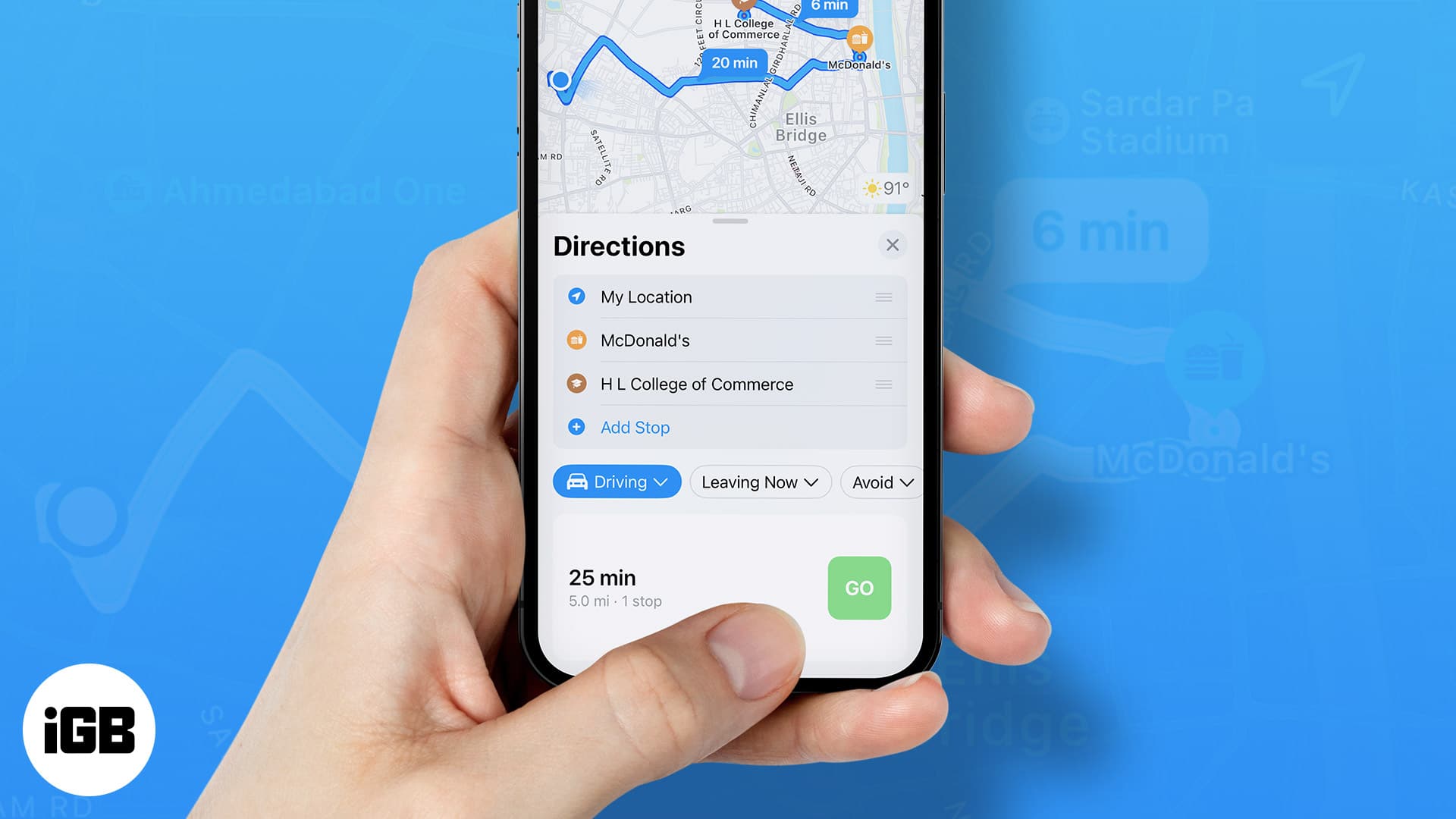
    With iOS 18 installed, Apple Maps users might be able to create their own custom routes, which they cannot do presently. Apple has pushed an iOS 18 file titled “CustomRouteCreation” to the back end of the Apple Maps app, and the title does give away plenty of information. But outside of the file name, all we know is that at launch, the feature will be limited to use in the U.S.

    Why would you want to create a custom route? Well, you might be used to taking a specific road and would prefer to travel on it, or a particular route might be more scenic or pass more bathrooms, or be near more shopping options or restaurants. Currently, Apple’s chief rival, Google Maps, has a process to allow users to create custom routes. This requires the user to employ his/her computer and then view this route on an iPhone. It sounds like Apple’s implementation is going to be much easier to use.

    It seems that iPhone users have been hounding Apple over the years to add this capability to Apple Maps. As far back as December 2020, Apple community member cowboyf16 asked in the discussions forum, “In Apple Maps, is there a way to create a custom route? For example, we like to drive scenic drives down multiple roads with no distinct destination.”

    We should get our first look at iOS 18 on Monday, June 10th during the WWDC 2024 Keynote. Shortly afterward, the public beta program for iOS 18 will start and you’ll have to decide whether to install it on your iPhone or wait until September when the final version of the software should be released. Keep in mind that beta releases are unstable and certain features that you rely on every day might not work at times if you install the iOS 18 beta.