Tag: microsoft

  • Microsoft reportedly not advertising on Facebook any longer but not for the reason you think

    Microsoft reportedly not advertising on Facebook any longer but not for the reason you think

    Microsoft has paused advertising on Facebook and Instagram, per a new Axios report. The outlet claims that US ad spending was suspended in May and Microsoft is now pulling out of marketing with Facebook on a global level. Axios is quick to note that the firm has not formally joined the #StopHateForProfit movement which is encouraging companies to halt spending on Facebook and Instagram to pressure CEO Mark Zuckerberg into taking a firmer stance to filter hate speech. Rather, Microsoft apparently has a problem with where its ads are displayed.

    According to an internal Yammer post, Microsoft CMO Chris Capossela said: Based on concerns we had back in May we suspended all media spending on Facebook/Instagram in the US and we’ve subsequently suspended all spending on Facebook/Instagram worldwide.

    While it’s hard to specifically point out what content the company found objectionable, the transcript refers to terrorist content, hate speech, and pornography.  Although the motive is somewhat similar to that of bigwigs like Coca-Cola, PepsiCo, Viber, and Starbucks, Microsoft has reportedly taken a much softer approach and is in talks with Facebook’s leadership to discuss its concerns and lay down the conditions that must be met in order for it to resume advertising.

    As things stand now, Microsoft expects the ad suspension to last through August.

    Facebook is surely feeling the heat. The company recently announced that it will start labeling posts that go against its rules, even if they are considered newsworthy. Previously, it did not touch posts that came from public figures like President Donald Trump.

    Facebook is financially too strong to be impacted by a boycott in the short term as much of its revenue is generated by small and medium-sized businesses, but its reputation can surely take a hit.

    In the long run, the financial situation could get messy too and the company’s shares have started tumbling already.

    Some brands had already stopped advertising on Facebook because of the pandemic and the new campaign will only make the matters worse. That said, some 8 million entities advertise on Facebook, and provided that ad pricing will likely reduce because of the current situation, other firms will likely step in to fill the gap and this will probably offset the financial loss.

    Some are also of the view that reduction in ad expenditure was already on the cards for many companies because of the pandemic and their support for the #StopHateForProfit campaign might very well be a PR stunt.

    Microsoft, on the other hand, supposedly likes to keep things private, something which Facebook will surely appreciate at a time when others are bailing on it publicly.
  • Skype update adds Android Auto support for text messages

    Skype update adds Android Auto support for text messages

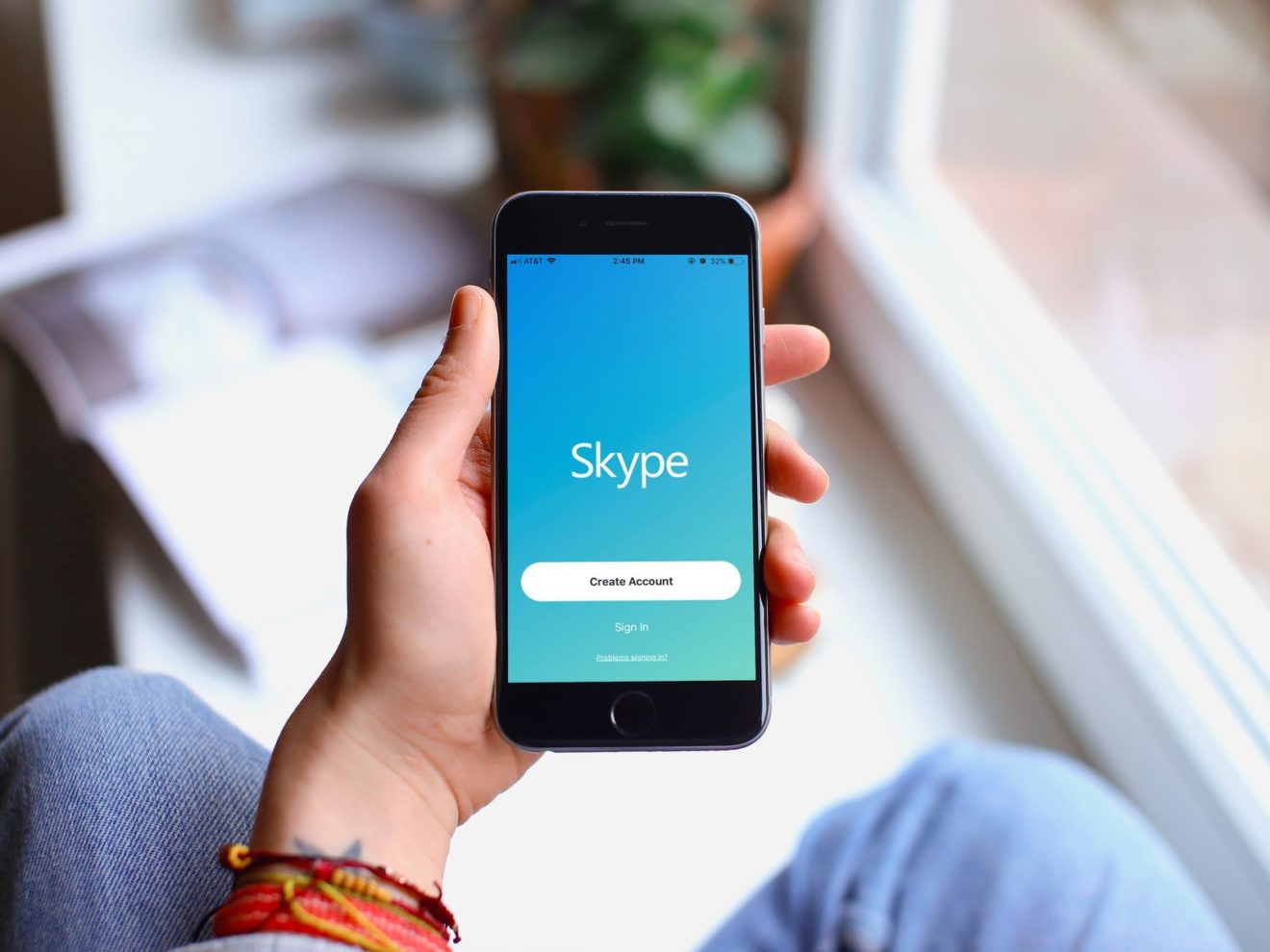
    Great news for Android Auto fans, as Microsoft recently confirmed that Skype now features support for the service. Both versions of Skype, Android and iOS, have been updated this week, but only the former received Android Auto support.

    More importantly, Skype’s Android Auto support is limited to text messages. Basically, this means that you will be able to see your text messages on the car’s display, but there won’t be voice or video calls support, at least not after the latest update.

    Microsoft also revealed that it fixed many notifications bugs in Skype for Android, especially some that prevented users from using Meet Now. And that’s about all the changes included in the latest version of Skype for Android.

    On the other hand, Apple fans have received a couple of improvements to their Skype app as well. After the latest update, iOS users will be able to change their camera background even on their iPhone and iPad. This specific feature is available on iPhone 7, iPad 2018, iPod Touch 2019 and iOS 12 or later.

  • Minecraft’s biggest update since launch is here

    Minecraft’s biggest update since launch is here

    Microsoft has been working on the so-called Nether Update for Minecraft for a very long time. But it makes perfect sense since this is one of the biggest and most important updates since Minecraft’s launch.

    Minecraft’s Nether Update is now available not just on Android and iOS, but also on all the other platforms the game was released, including PC, PlayStation 4, Xbox One and Nintendo Switch. The thing is depending on what platform you’re playing the game, you’ll get a different set of new features and improvements.

    The gist of the new update is that it brings an entirely new world with its own biomes, mobs, and blocks. In the new world, players will discover a powerful new material called Netherite, which is even harder than diamond.

    To access the new world, Minecraft players must get the “Way of the Nether” quest, which is available for free via the Minecraft Marketplace. Then, you’ll have to visit Poppy Isle and enter the dimensional rift that has just appeared to venture into the Nether.

    There are four new biomes (locations) included in the update: Crimson Forest, Warped Forest, Soulsand Valley, and Basalt Deltas. New mobs like Piglins and Hoglins have been added too, along with new bricks and wood galore.

    More importantly, the Nether Update fixes more than 300 bugs since the previous major update, Buzzy Bees. Also, new music and ambient sounds are now available in-game. There are also a lot of new gameplay features introduced such as Ruined Portals, Bastion Remnants, Blackstone, Respawn Anchor, Lodestone, and a lot more. Make sure to check out the full changelog for the Nether Update to learn more about what’s new.

  • Microsoft plans to add mouse and trackpad support to Office app on iPads

    Microsoft plans to add mouse and trackpad support to Office app on iPads

    Microsoft has decided to unify its Office apps on Android and iOS last year, so they’re now functioning under a single, smaller app. A couple of months ago, Apple revealed something that took many by surprise: cursor support for iPadOS.

    Now Microsoft wants to add a similar feature to its Office app for iPad. According to TechCrunch, Microsoft is already working to bring cursor support to Office for iPad, which the media outlet claims it’s “expected to ship in Office for iPad this fall.”

    However, a new report coming from The Verge mentions that Microsoft might add cursor support by the fall, which means it should arrive earlier than the original report claims. Unfortunately, beyond the new timeframe, Microsoft did not share other details about cursor support for Office on iPad.

    Since Microsoft will keep individual Office app like Word, Excel, and PowerPoint, in addition to the unified app, there’s a high chance that cursor support will come to each of these apps as well once the main Office app gets it.

  • Outlook’s anti-spam feature available on Android finally arrives on iOS

    Outlook’s anti-spam feature available on Android finally arrives on iOS

    It’s not unusual for developers to launch apps on multiple platforms with a different set of features. Microsoft is no exception, as many of its Android apps aren’t as well-developed as their iOS counterparts and vice-versa.

    For example, Outlook offers a feature called “Ignore Conversation” on just about every compatible platform except iOS. Ignore Conversation lets Outlook users avoid getting those spam or annoying emails that they don’t want in their inboxes.

    When used on an email that you received, Ignore Conversation will automatically reroute all emails to the deleted items folder instead of inbox. It will not delete the emails completely, but you’ll be able to focus on what’s important to you.

    The good news is Ignore Conversation is finally making its way to Outlook users on iPhones and iPads. The latest update for Outlook is now available for download on the Apple App Store. You can even check out the official changelog to learn more about the updated app.

  • Drag and drop files between a Samsung phone and Windows 10 via the Your Phone app

    Drag and drop files between a Samsung phone and Windows 10 via the Your Phone app

    Your Phone is a Windows 10 app that links text messages, photos, notifications and even phone calls between your smartphone and PC. Recently, Microsoft quietly made it non-removable from Windows 10, making it clear that the company has big plans for it, hoping to get their users to adopt it, as long as they own a compatible Android 7+ or iOS device.

    As announced by Microsoft, the newest Your Phone app update gives compatible Samsung phones and tablets the ability to drag and drop files to a PC, and the other way around. The files need to be no more than 512 MB in size, each, and 100 or less at a time.

    The feature is currently only available to compatible Samsung Galaxy devices which have the Link to Windows feature, version 1.5 or newer. Both the Galaxy device and the PC need to be connected to the same Wi-Fi network. Right now, WIndows 10’s latest insider build is also required, though the feature will be rolling out to all Windows 10 users eventually.

    On the Samsung device, transferring works similarly to how moving files around does. Inside of the Gallery or My Files app, press and hold a file until it gets selected, after which either select more or press and hold again to enable drag and drop. That’s when the selected file/s can be dragged into a folder on your PC. If transferring files that are already on the receiving device, duplicates will be made. Microsoft also notes that minimizing the Your Phone app on your PC will cancel any transfer processes.

    On Windows 10, simply select the files you’d like to transfer to your phone and drag them over the Your Phone app’s windows, after which the files will appear on the Samsung device’s Downloads folder.

    This partnership between Microsoft and Samsung was already rumored to happen earlier this year. There are no reports on when all other Android and iOS devices will get support for this feature.

  • OneDrive now supports Dark Mode on Android phones

    OneDrive now supports Dark Mode on Android phones

    Almost six months after bringing Dark Mode to OneDrive on iOS, Microsoft is enabling the visual option on the Android version of the app. With OLED displays becoming more common, darker themes and modes started to appear in many mobile apps, including Gmail, WhatsApp, Facebook Lite, Google Translate and more. OLED technology displays black by turning off individual pixels, so the darker the theme, the less energy the device consumes. Besides energy efficiency benefits, Dark Mode is also much easier on the eyes in low-light conditions.

    Microsoft is rolling out the new features with version 6.0.1 of the app with another little tweak in the Photos tab. Users will get a trip down memory lane with the option to revisit old photos taken on the same day in previous years.

    To activate Dark Mode in OneDrive, go to the Settings menu on the homes screen, and tap on the Theme option. You can then choose Light, Dark or System Default. The last one will use the Global theme settings of the device. This option is useful when you want to schedule different themes for different times of the day – Dark Mode activating at sunset, for example.

  • Chatbots aren’t going away any time real soon

    Chatbots aren’t going away any time real soon

    Much-maligned chatbots are not about to go away anytime real soon, suggests new research.

    Consumer retail spends via chatbots is likely to reach US$142 billion within four years, according to the Juniper Research report, “Chatbots: Vendor Opportunities & Market Forecasts 2020-2024”. It revealed that the industry can expect an average annual growth of 400 percent from last year’s total of just $2.8 billion as a result of software advances in natural language processing, which enable the bots to efficiently process human inputs and more accurately respond to user requests.

    That argument is backed by a senior Microsoft executive, Raj Raguneethan, regional business lead, retail and consumer goods, at Microsoft Asia, said that while the early generation of chatbots may have had their day the concept is not yet dead. He said while the standard chatbot “question-and-order queue format” is gone, advanced deployments of chatbot which can fully integrate into the whole call-centre back office and all the way online will take their place.

    According to the Juniper report, technological advances in the software will see more than 50 per cent of retail chatbot interactions completed successfully by 2024, without the need for human intervention. Eighty per cent of global consumer spend over chatbots will be attributable to discrete chatbots within this period, which are embedded directly into a retailer’s mobile app rather than accessed via a browser or messaging application.

    The research suggests that 70 percent of chatbots in 2024 will be attributable to the Far East and China, with more than $80 billion spent via chatbots in China. This will account for more than 55 percent of global chatbot spend in that year.

  • Microsoft’s Your Phone app possibly getting Drag and Drop

    Microsoft’s Your Phone app possibly getting Drag and Drop

    Microsoft’s Your Phone app has been growing in popularity over the past several years. The app offers a link between your Windows 10 PC and your Android smartphone (requires a phone with Android 7 or newer), providing useful features for managing your phone.

    Recently, Microsoft added support for RCS messaging for selected Samsung smartphones. Now, a Tweet by Aggiornamenti Lumia suggests that a new feature may be coming soon: Drag And Drop from your PC to your smartphone.

    We do not know whether the rumored Drag and Drop feature will be officially released or when, and whether it will be exclusive to selected Samsung devices.

    Other features of the Your Phone app include reading and sending text messages from your PC, as well as managing your notifications and calls. The functionalities available only for select Samsung devices are Content Transfer (copy and paste between PC and Android phone) and Phone Screen, which allows you to interact with Android apps and phone content while visualizing your smartphone’s screen on your PC.

    You can find whether your phone is supported on Microsoft’s Your Phone app help page which offers a list of supported phones for every referenced app function.

  • Microsoft’s Your Phone app possibly getting Drag and Drop

    Microsoft’s Your Phone app possibly getting Drag and Drop

    Microsoft’s Your Phone app has been growing in popularity over the past several years. The app offers a link between your Windows 10 PC and your Android smartphone (requires a phone with Android 7 or newer), providing useful features for managing your phone.

    Recently, Microsoft added support for RCS messaging for selected Samsung smartphones. Now, a Tweet by Aggiornamenti Lumia suggests that a new feature may be coming soon: Drag And Drop from your PC to your smartphone.

    We do not know whether the rumored Drag and Drop feature will be officially released or when, and whether it will be exclusive to selected Samsung devices.

    Other features of the Your Phone app include reading and sending text messages from your PC, as well as managing your notifications and calls. The functionalities available only for select Samsung devices are Content Transfer and Phone Screen, which allows you to interact with Android apps and phone content while visualizing your smartphone’s screen on your PC.

    You can find whether your phone is supported on Microsoft’s Your Phone app help page which offers a list of supported phones for every referenced app function.

  • Chatbots still have their place, according to Microsoft

    Chatbots still have their place, according to Microsoft

    The early generation of chatbots may have had their day – but the concept is not yet dead, says a senior Microsoft executive.

    Raj Raguneethan, regional business lead, retail and consumer goods, at Microsoft Asia, told Inside Retail Asia that the standard chatbot question and order queue format is gone.

    “But we have advanced deployments of a chatbot which can fully integrate into the whole call-center back office and all the way online. You can ask questions, it will connect back to your back office systems tell you when your order is going to be delivered, you can ask questions and it tells you that you can buy this product from this store, and here is a promotional offer for you.”

    Early renditions of chatbots often succeeded in only infuriating consumers with clumsy interfaces, irrelevant answers and being all-too-obviously artificial. The end result: consumers often consider old-style chatbots as insincere, an image unsurprisingly transferred to the brand itself.

    “We have seen customers continue to use them,” says Raguneethan. “It’s not so much chatbot, it’s about cognitive services which are fully integrated.”

    He explains that advanced cognitive services-based solutions that are connected to the same system used by customer call centres, can use chatbots that provide real service and assistance to shoppers.

    “So it’s how you deploy and how you leverage them that is the key. If you just deploy them for an FAQ, it’s probably not interesting. But if you really deploy them connecting into all the systems you have, then you are delivering a superior experience.”

    Raguneethan says new-generation chatbot technology should be able to provide customers with real-time, accurate information about the delivery status of a product they have ordered.

    “Or, I should be able to come in and say ‘I want to buy a shirt, I’m looking for this brand’, you should be able to tell me sorry it’s not here in this store, you can order online, or you can go to this store, or we will place an order for you to pick up from this store.”

    “If you deploy chatbot technology in those scenarios, you will definitely see a difference.”

  • Microsoft to update Outlook for iPhone with a host of new features

    Microsoft to update Outlook for iPhone with a host of new features

    Outlook for iOS is becoming better by the month, and the next wave of improvements is coming no later than this month. Microsoft revealed what new features Outlook users will get on their iPhones with the next update.

    Meeting Insights is one of the features that will be coming in the next Outlook update. Thanks to the new feature, all emails, and documents that are important to meetings or appointments will be included in the Calendar event description.

    Next, the Suggested Replies feature allows iPhone users to quickly reply to an email by tapping the suggestions offered by the app, much like the similar feature offered by Google’s Gmail. You’ll be able to edit your replies before the email is sent. The new feature appears at the bottom of an email, just above the reply box, and it’s only available in English, Spanish, and Brazilian Portuguese.

    Finally, Microsoft will allow iPhone users to create an Outlook.com account directly from the smartphone, something that’s not yet possible. Of course, you’ll be able to add iCloud, Yahoo!, and Gmail accounts as well if you have any of these.

    All the new features are already available to all Outlook Insiders on iOS devices, but they’re expected to arrive with the next update at some point this month.

  • Microsoft takes action against hackers from North Korea

    Microsoft takes action against hackers from North Korea

    In a recent blog post on the Microsoft website, the company detailed steps it has taken to take legal action against a cybercrime group and protect customer information.

    The security threat came from a group known as Thallium, which reportedly is based in North Korea. The group used a technique called ‘spear phishing’ to steal sensitive information, in which the group replicated the form and design of a genuine Microsoft security email while embedding dangerous links that, when clicked, would allow the group to extract sensitive account information.

    According to the Washington-based firm, the threat was focused on users affiliated with the government, universities, human rights groups, and other organizations, with most of the victims concentrated in the US, Japan, and South Korea.

    The particularly dangerous part of the scheme is that once Thallium takes control of an account in this way, it is possible for it to set up automatic forwarding in a way that gives the group access to any new emails the victim receives, even after the password is reset.

    The cybercrime group was able to use this method by using domains such as “rniscoroft.com”, which uses the combination of ‘r’ and ‘n’ to facsimile the authentic Microsoft domain. Thus, the Windows company filed a court case and was able to take control of 50 such domains in order to stop the attacks.

    Microsoft states that this is the fourth nation-state cybercrime group they have taken legal action against. The security threat has hopefully now been neutralized, but users are advised to be wary of suspicious emails and always check carefully before clicking email links or entering sensitive information.

  • Harvey Norman first to launch Microsoft Synchronized Shopping software

    Harvey Norman first to launch Microsoft Synchronized Shopping software

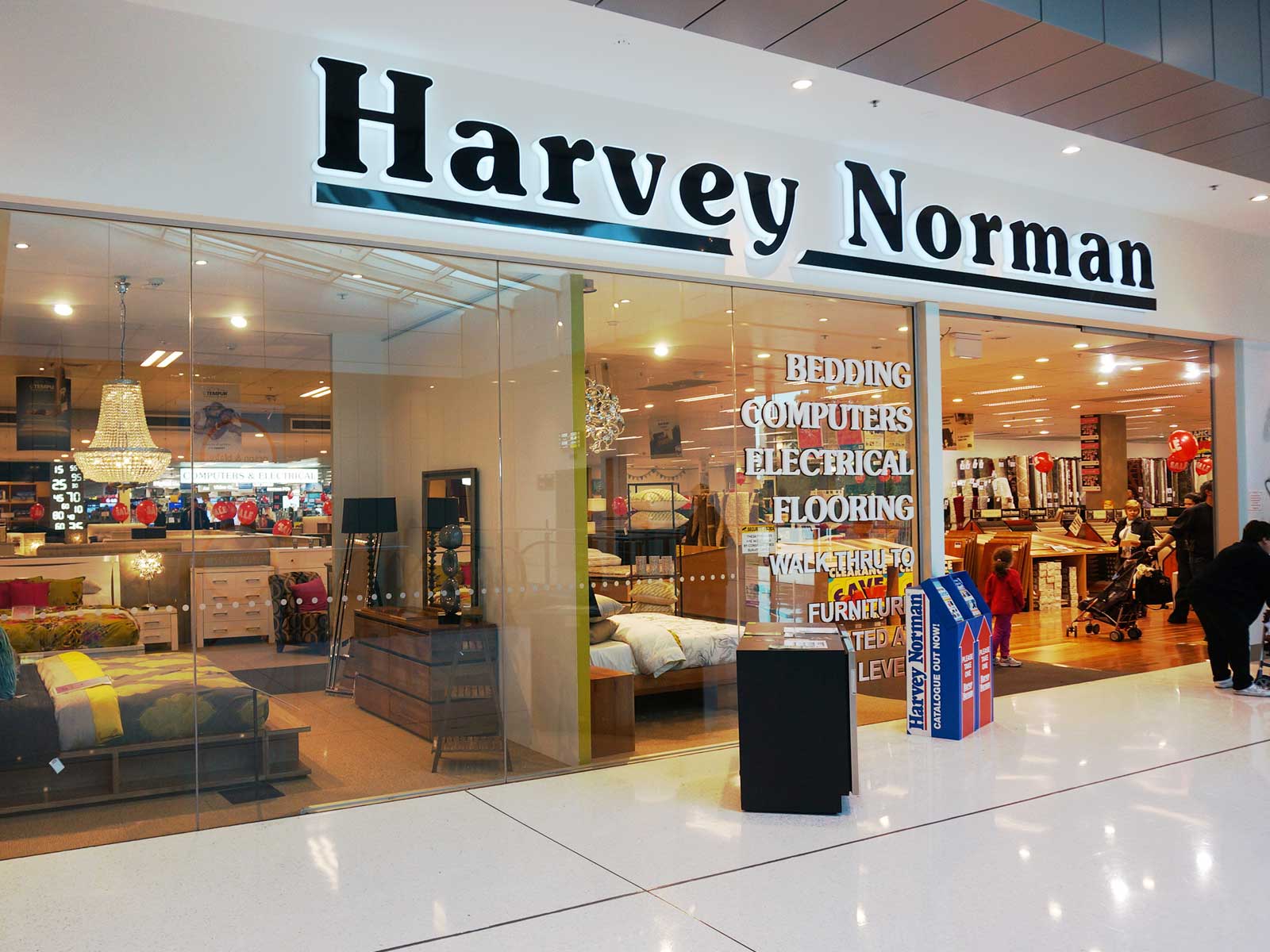
    Harvey Norman has become the world’s first retailer to launch a new AI-powered retail software concept the Microsoft Synchronized Shopping solution.

    Microsoft says its system, accessible via the retailer’s website, “empowers consumers to make informed purchase decisions amidst the myriad of options available online and offline”.

    Visitors to the Harvey Nomran website can use a customized, conversational AI-driven product advisor that asks a series of questions to identify the shopper’s needs, then recommends devices that best suits them. That might feature such as long battery life or storage capacity.

    Microsoft says product advisor results reflect devices that are on display in Harvey Norman, where customers can go to try them out.

    “The immersive and engaging experience starts when the shortlisted device(s) on the website creates a shopper pass on the mobile device with embedded geo-location services. When shoppers are in proximity of the store where the specific PCs are available, they get a phone notification, and once they enter the store are guided to the exact PCs that were recommended by the online advisor,” says Microsoft in a statement.

    “This simplifies the in-store experience, eliminating the need for shoppers to spend time navigating through all the choices in the PC aisle. In addition, it provides a seamless online-offline purchase journey tailored to their needs which is highly secure (and with no footprint of the user on any of the interacting devices).”

    Harvey Norman CEO Katie Page says she believes customers must be able to make decisions holistically, especially in a digitally connected world.

    “This has always guided how we curate our assortment of offerings, and it now shapes how we look at connecting online and offline channels seamlessly for our customers. Microsoft Synchronized Shopping is a major step in the right direction to help all of us live this ‘connected life’.”

    Microsoft says it created the solution to address the challenge faced by consumers of an online proliferation of options and the anywhere/anytime nature of shopping via mobile devices.

    Its research showed that 80 percent of consumers now begin their shopping journey online, and many end up delaying a purchase because they are overwhelmed by the number of choices.

    “Second, they find it difficult to choose the product that best meets their needs, without conducting extensive research, and often ends up buying a less-than-satisfactory device. This ‘choice paralysis’ inspired the design of Microsoft Synchronized Shopping.”

    Microsoft says its Synchronized Shopping solution is part of a broader “retail-reimagined strategy aimed at simplifying the consumer journey” by using intelligent cloud technology.

    It was developed in partnership with Microsoft Gold partner Popcornapps and is built on Azure cloud services, progressive web-apps and geo-location-based services.

  • Microsoft brings its SMS Organizer app to the US

    Microsoft brings its SMS Organizer app to the US

    The SMS Organizer app is one of the many projects that took shape under Microsoft Garage’s umbrella, but it’s only been available in India since release. Starting this week, Microsoft has expanded the availability of SMS Organizer to more countries, including the US, UK, and Australia.

    As the name suggests, SMS Organizer will sort all your incoming text messages into categories. Microsoft’s app is a bit more advanced when it comes to sorting text messages, as it uses machine learning to filter them into categories like personal, transaction, and promotional.

    But the app goes even further and prevents promotional messages from popping up on your phone’s screen. While you will find these on the promotional tab, you also have the option to automatically delete these messages every few days or weeks.

    On the other hand, whenever you receive text messages related to trains, flights or payments, SMS Organizer will notify you every time and even helps you keep track of your account balance. More importantly, you can use SMS Organizer to backup and restore chats to and from Google Drive.

    Unfortunately, SMS Organizer does not feature support for multimedia messaging (MMS), so it’s limited to standard text messages. If you want to use the app, which is available for download via Google Play Store, you must register using your phone number.