Retail News CRM

Tag: update

  • iOS 17 and iPadOS 17 are now available for download

    iOS 17 and iPadOS 17 are now available for download

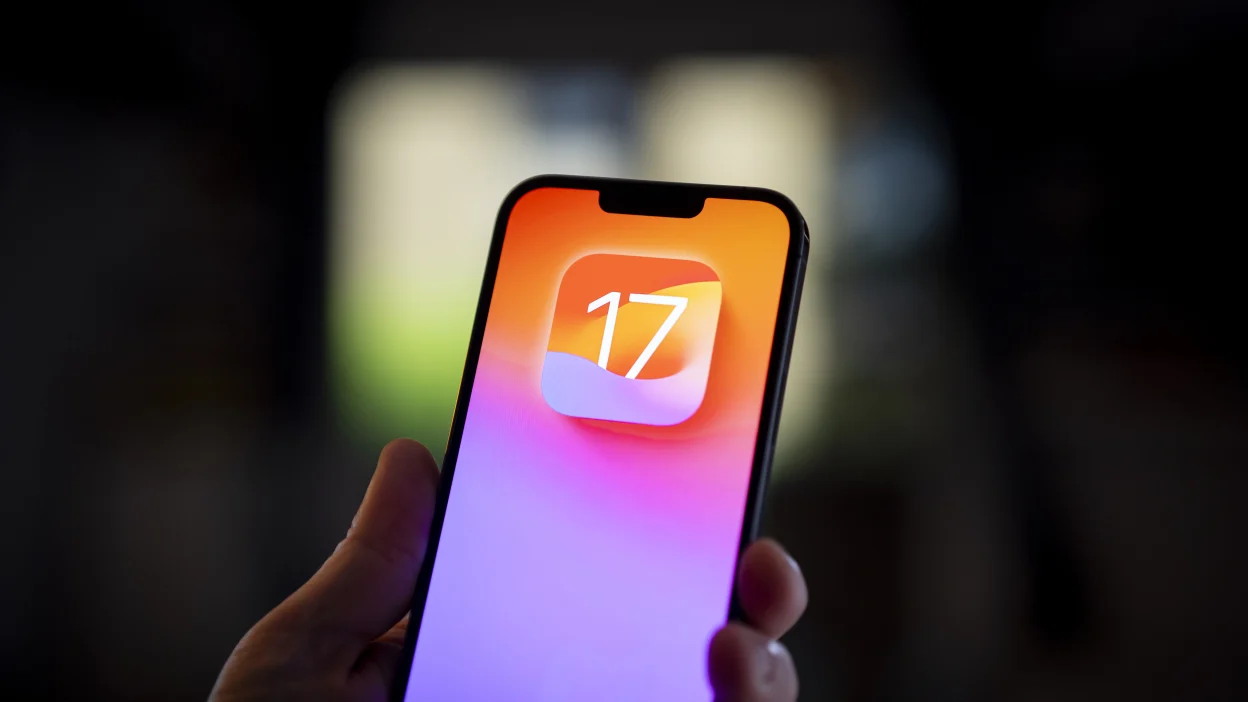
    Apple has delivered on its promise from the Wonderlust event, and iOS 17 and iPadOS 17 are ready for download. If you’re eager to upgrade to the latest iOS or iPadOS version, just follow these simple steps.

    Head over to Settings, tap on General, and select Software Update. From there, you can download the latest update. If you’re not in a rush to explore what iOS 17 and iPadOS 17 have to offer, you can simply let your iPhone or iPad handle the download in inactive hours, but make sure it’s while charging.

    If your battery is running low, it’s a good move to juice up your phone or tablet before diving into the update. Also, it’s a smart call to connect to Wi-Fi unless you want to be left wondering where all your mobile data went. After your iPhone or iPad gets that new OS update, it’s time to dive in and explore what’s new. But before you jump in, let’s take a quick peek at some of the coolest new features.

    iOS 17 brings in Contact Posters, which lets you decide how you want to show up on the other person’s screen when you call them. You can jazz it up by creating a full-screen calling card with a photo, emojis, and more.

    You can also explore Live Voicemail. When someone is leaving you a voicemail, their message gets transcribed to text on your lock screen in real time. After seeing what it’s all about, you get to decide if you want to answer the call.

    You can also leave a video message on FaceTime or quickly share contacts using NameDrop – bring your iPhone close to another iPhone. Plus, there’s an upgraded Private Browsing mode, better Autocorrect, and some fresh emojis thrown into the mix. For a full rundown of all the cool stuff iOS 17 has in store for your iPhone.

    Now, you can slap interactive widgets onto your iPad’s home screen, not just to peek at info but to play around with it too, right from those widgets. Plus, iPadOS 17 brings lock screen customization to your iPad, just like on the iPhone.

    The Health app is making its way to the iPad in iPadOS 17, making the most of that large screen and giving you a better look at all your health stats and data. If you’ve got an Apple Watch, sync it up with your iPad, and you’ll have all your health info right there on the bigger screen.

  • Apple releases iOS 16.6 to patch several software flaws some of which have been actively exploited

    Apple releases iOS 16.6 to patch several software flaws some of which have been actively exploited

    Apple has released iOS 16.6 for the iPhone and iPadOS 16.6 for, well, the iPad. The updates will patch several vulnerabilities including one that impacts the Apple Neural Engine. The latter delivers on-device natural language processing and image analysis faster and with more energy efficiency than the CPU or GPU. Apple says that an app might be able to  execute arbitrary code with kernel privileges which means an attacker could run any command on a targeted iPhone or iPad.

    This patch is heading to iPhone 8 and later, iPad Pro (3rd generation) and later, iPad Air (3rd generation) and later, and iPad mini (5th generation). A vulnerability on the Find My app could allow sensitive location information to be divulged via an app. This patch will be available to the iPhone 8 and later, iPad Pro (all models), iPad Air 3rd generation and later, iPad 5th generation and later, and iPad mini 5th generation and later.

    Several patches for the Kernel are part of the update. This is the core part of an operating system. With one flaw, Apple says it is aware of reports that the vulnerability has been actively exploited on versions of iOS released before iOS 15.7.1. With this vulnerability, “an app may be able to modify sensitive kernel state” allowing the attackers to manipulate how the operating system runs.

    Other possible attacks against the iOS and iPadOS kernels listed by Apple include one that could allow the attackers to elevate privileges giving them the ability to do more than standard users. Another flaw could lead to a denial-of-service attack that could prevent users from accessing the features and apps they want to use. And another vulnerability can give an attacker root privileges. This could allow an attacker to create a backdoor, add a trojan, or delete any information on an iPhone or iPad.
    There are two vulnerabilities listed for the WebKit browser engine including one that has been actively exploited according to reports that Apple has become aware of. With these security issues, it is a good idea to install the update now. Go to Settings > General > Software Update and follow the directions. Other updates available today include watchOS 9.6, macOS 13.5, and tvOS 16.6.
  • Android phones will soon try to entice users to install the latest update

    Android phones will soon try to entice users to install the latest update

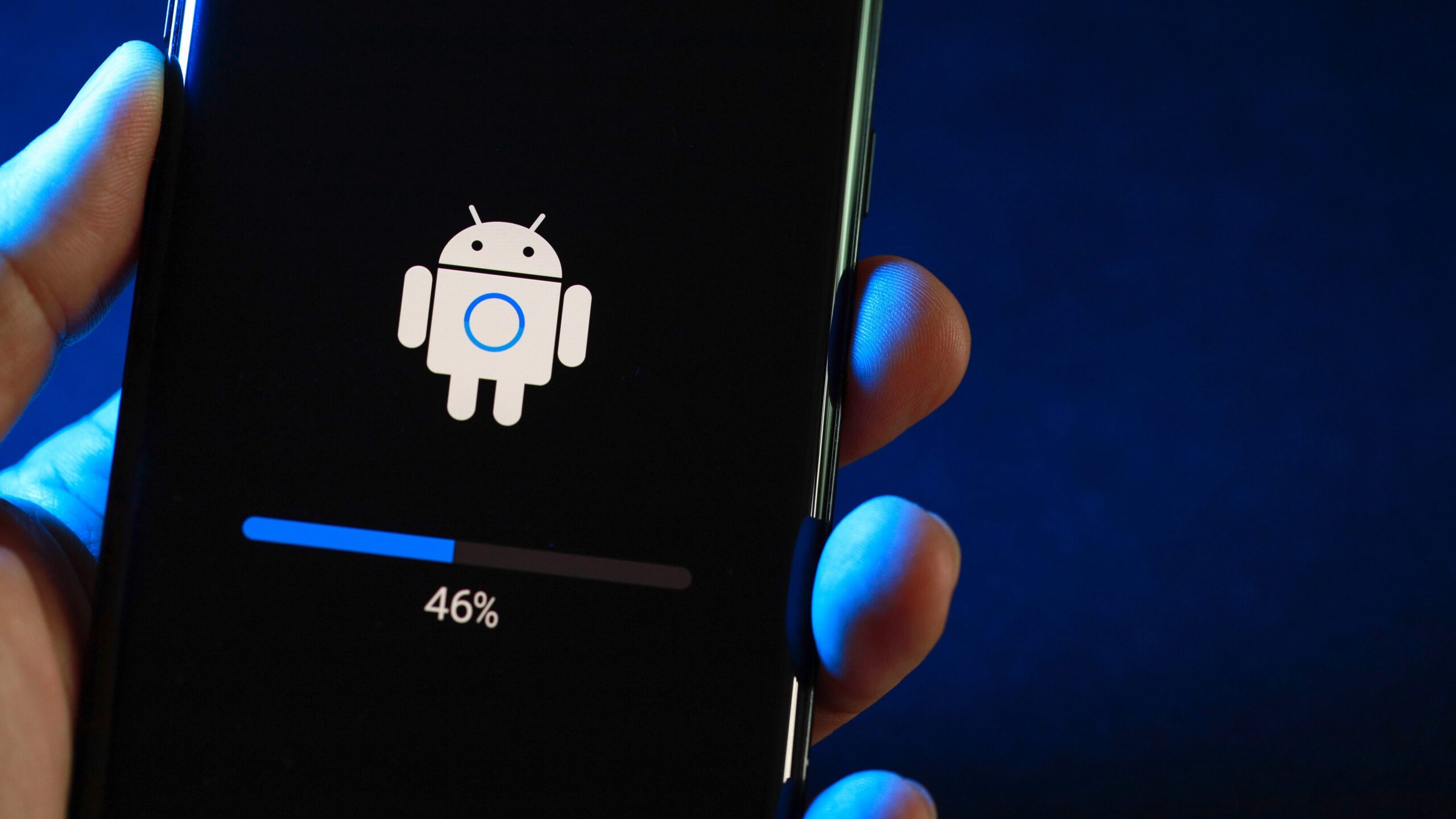
    Google really wants you to install the latest Android update whenever it is released. While the company can’t twist your arm, Google is asking Android phone manufacturers to add a new feature called Android Upgrade Invite to their phones. Google says that the Android Upgrade Invitation is a “user flow that showcases the key new features included in the current available major Android OS upgrade.” It is “intended to help convince users to upgrade their device to the latest OS version.”

    As noted, the invitation can be tapped on by Android users to show them the new features and capabilities they will receive by upgrading to a new version of Android. The update can even be installed from the flow. The user flow is the path taken by an app user to complete a task such as the steps taken on an app to complete the purchase of a product. In this case, the task is to get an Android user to install the latest version of the platform.

    The invitation can be sent out automatically when a major update is detected (available on Android devices that use Google’s OTA ‘over the air’ update services and have Google Mobile Services). Or, the invitation can be sent out manually by the manufacturer. The manufacturers will have the ability to remove features from the user flow that are not offered on their Android skin, change the text if necessary, and modify the animations and colors to match their branding.
    We really can’t say how much the Android Upgrade Invite will change the fragmented world of Android updates. As of May 30th, the latest stable version of Android, Android 13, was on only 14.7% of active Android devices. But this low number has more to do with the various number of Android manufacturers and devices that can be purchased in the marketplace. On the other hand, by reminding some Android users who might not be as knowledgeable about the platform that an update is available, the feature could hike the percentage of users running the latest build.
    One thing that the Android Upgrade Invite will do is give more users a better idea of what they can expect when installing the update instead of trying to decipher a changelist provided by Google.
  • Volvo’s Latest Apple CarPlay Update Brings Navigation, Call Details To Driver’s Display

    Volvo’s Latest Apple CarPlay Update Brings Navigation, Call Details To Driver’s Display

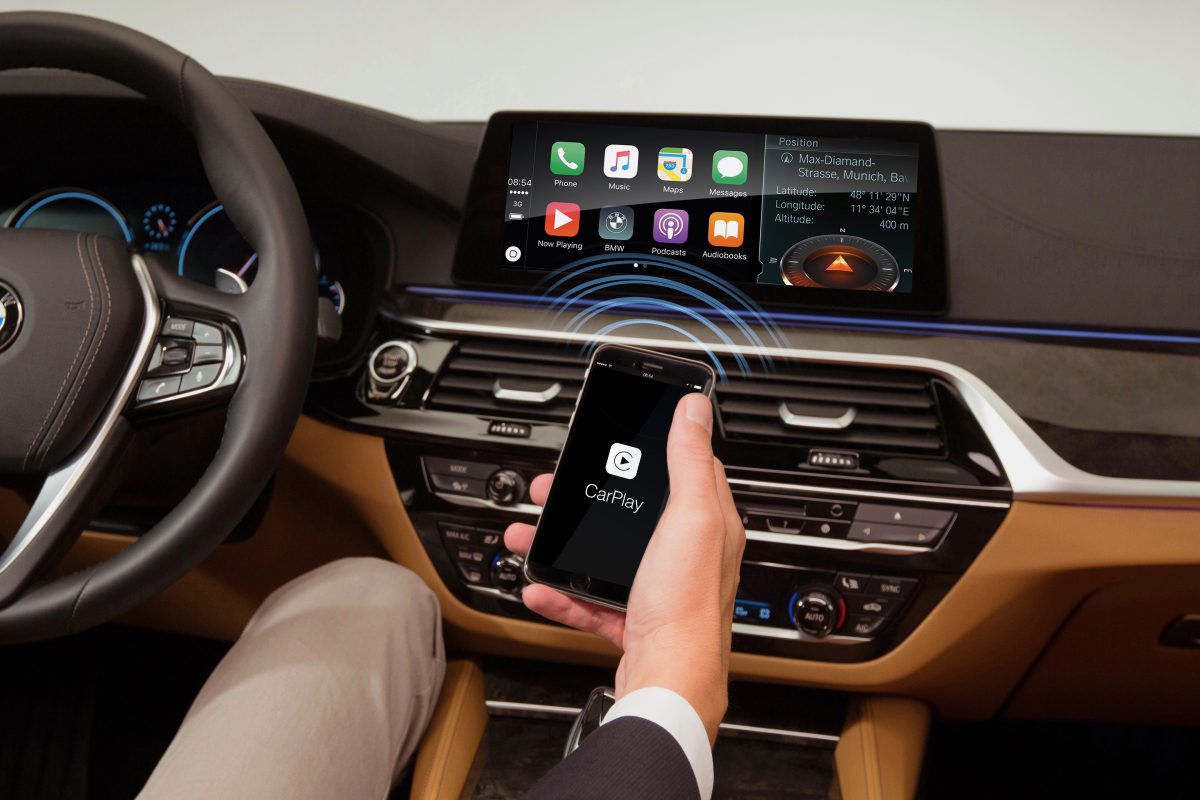
    Volvo Cars is rolling out an important update for Apple CarPlay users in its vehicles worldwide. The over-the-air software update enhances the infotainment system and brings significant improvements to the Apple CarPlay experience. A key enhancement is the integration of Apple Maps and other supported navigation apps directly into the driver display (instrument cluster). This integration allows drivers to access navigation information conveniently while keeping their eyes on the road, improving safety and convenience.

    The update also improves call management by displaying call information on the driver display. Drivers can answer, reject, and end calls using the steering wheel buttons. Additionally, the CarPlay tile in the centre display now provides media information, making it easier to control media playback functions like play, pause, and skip.information

    Speaking on the announcement, Alwin Bakkenes, Head of Software Engineering at Volvo, said, “The latest update on CarPlay features is an excellent example of how we continuously improve and add features and functions together with our technology partners, making our customers’ experience richer over time.”

    In addition to the CarPlay improvements, the update brings various changes to enhance the overall driving experience. Drivers can now switch between different driver support functions using the steering wheel buttons. There is also an option to choose whether the wing mirrors should fold when locking the car. Volvo also says that the update includes minor engine calibration optimizations and bug fixes as well.

    The over-the-air update will become available on Volvo cars with Google built-in.

  • New firmware update for the Apple AirTag is released

    New firmware update for the Apple AirTag is released

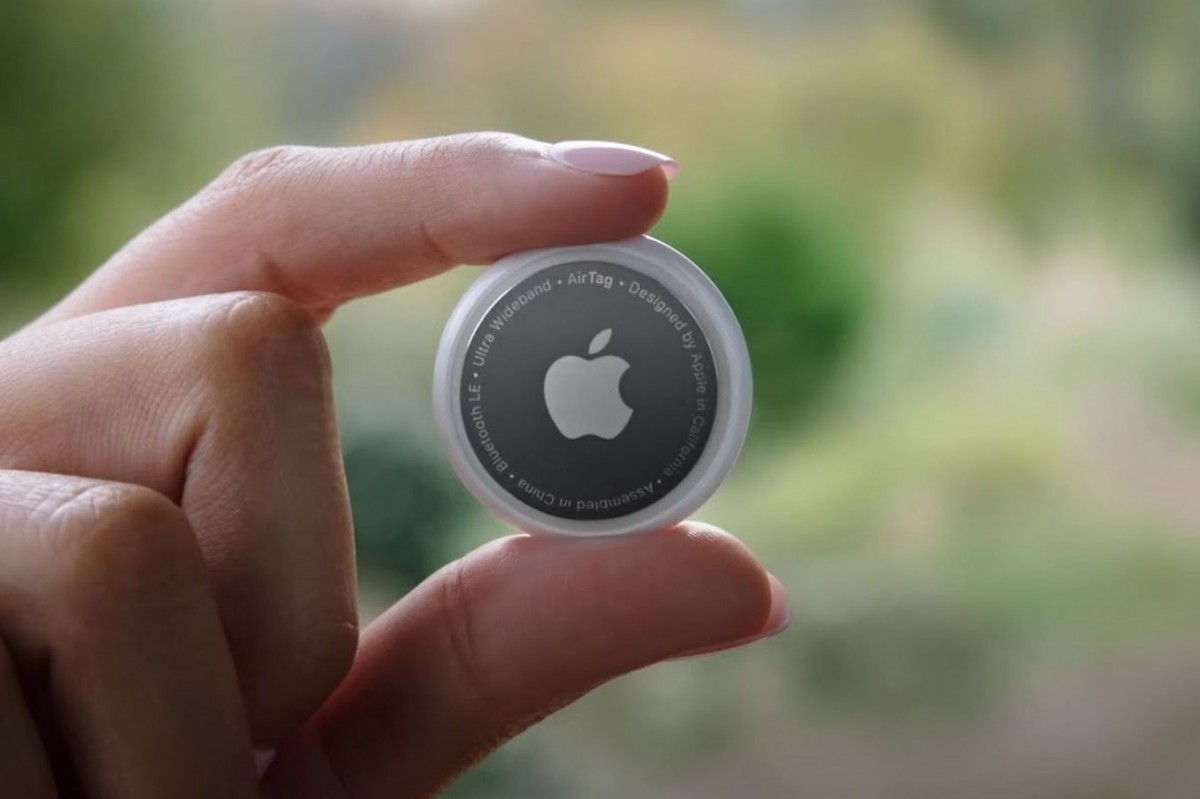
    Apple has started releasing its newest AirTag firmware update. Version 1.0.391, with the feature build number 1A301 succeeds the previous iteration that the company launched seven months ago.

    Concrete details on the recent firmware update are, for the time being, rather scarce. With iOS updates, one can easily identify the main tweaks by going over the official release notes. However, for firmware updates, Apple has never made the same effort to guarantee visibility.

    Nevertheless, with time, users will be able to find out for themselves what the new firmware update brings to the table. Last year, Apple released an Android app for the AirTag and made some adjustments to the anti-stalking features of the device. It is possible that this new update could also build upon the latter.

    In general, firmware updates do not always introduce new features. Most commonly, they tackle bugs and enhance performance. That being said, a novel feature is never completely out of the question. If one does come up, you can be sure that we at PhoneArena will have you covered.

    Users can, as of now, only check whether they are running the newest firmware version. Unfortunately, firmware updates happen automatically without the user being explicitly informed. Because there is no way to manually initiate an update, those that have not received the newest one will simply have to exercise some patience.

    In order to see which firmware version is being run on your AirTags, simply select your AirTag from the items section, tap on its name and compare. If the version is 1.0.391, you are good to go. If not, simply make sure to leave your AirTag close to your iPhone and hope for more than mere optimisation.

  • Google is still being unclear on support for the new Wear OS

    Google is still being unclear on support for the new Wear OS

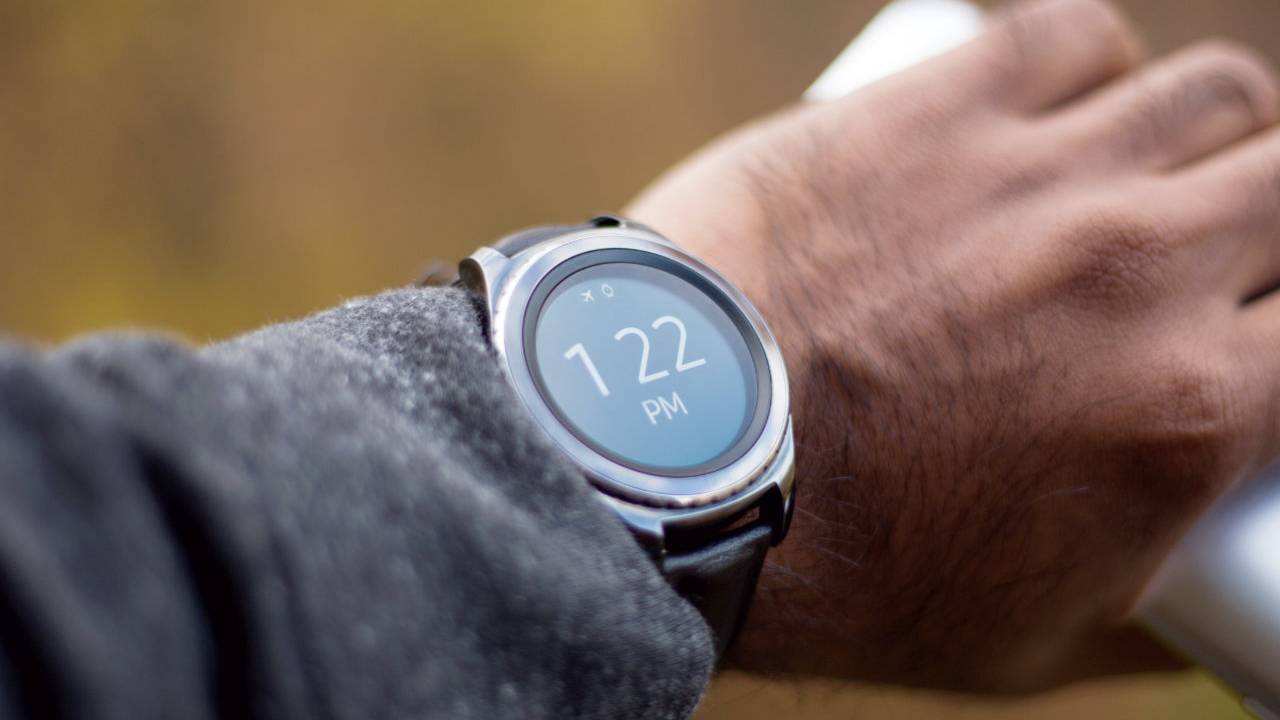
    It became clear how uncertain the future of current smartwatches is with the new Wear OS by Google and Samsung. We initially thought that the wearables we have now are not equipped with the horsepower to support the update.

    In a recent report from Qualcomm, however, we found out that is not the case. The chipset manufacturer confirmed the Snapdragon Wear 3100 and Snapdragon Wear 4100/4100+ have what it takes to run Wear OS 3.0.

    This then begs the question, why so many of the devices out now are not confirmed to receive it? One example is the Fossil Gen 5. The company recently opened up and stated that none of their intelligent timepieces will be getting the upgrade to the next version of Wear OS. Unfortunately, no further reasoning was given after that announcement which only arose further suspicion.

    On the other hand, wearables like the TicWatch Pro 3 have a decent chance to make the transition, as we got a leaked conversation with a representative from their customer support earlier this month. Although, given the source, the information does not carry much weight and leaves us with little reassurance.

    “User experience is a top priority for us. We have not confirmed eligibility or timeline on whether any Wear OS smartwatch will update to the new unified platform. There are many technical requirements in order to run the unified platform that ensures all components of the user experience are optimized.”

    If we translate this message, it seems Google has very politely disagreed with Qualcomm’s statement. The big G is basically saying there is no guarantee current Wear OS devices can comfortably handle it. Despite that, the tone and wording do leave room for possibility and dare I say… hope.

    Nevertheless, it seems Googe is being very tight with their plans and details on the topic. Your best course of action would probably be to wait a little while for the air to clear up if you are in the market for a new wrist buddy.

  • Apple will not force you to update to iOS 15 if you’re happy running iOS 14

    Apple will not force you to update to iOS 15 if you’re happy running iOS 14

    With the 2021 edition of WWDC (Worldwide Developers Conference) finally underway earlier today, all the media attention is naturally directed at the next versions of Apple’s many popular operating systems, set to be released in their stable form at some point in the fall.

    But in an unusual move, the Cupertino-based tech giant is keeping iOS 14 in the limelight after unveiling and fully detailing its sequel by… essentially taking a page out of Google’s book.

    Apple plans to make the iOS 15 update optional for every single owner of all current and previous-gen iPhones eligible to make the software leap starting in September. Obviously, no one was ever forced at gunpoint to install iOS 14 or any older OS builds as soon as they were made generally available.

    But until this year, if you wanted to keep your handset’s security up-to-date, you had to first embrace whatever major iOS version was latest. In other words, you could refuse to jump on the iOS 14 bandwagon, for instance, until you felt comfortable leaving iOS 13 behind, but from a security standpoint, it was pretty dangerous to hold off for too long.

    That will no longer be the case when iOS 15 rolls out to the masses, as said masses will be offered a real choice between “the latest features and most complete set of security updates” on one hand and slightly older features nonetheless combined with “important security updates” on the other.

    While that may feel like a no-brainer for many users, others will undoubtedly relish the opportunity to wait and see just how stable and smooth iOS 15 proves at launch before committing to an update. You can also hang onto your beloved iOS 14 if you fear your ancient iPhone 6s, 6s Plus, first-gen SE, or iPhone 7 will have trouble making the most of Apple’s “latest features.”

    Separately delivering major OS promotions and “important” security patches for the exact same devices, of course, is what Google and its mobile hardware-making partners have been doing since, well, forever. In the short run, Apple’s very uncharacteristic move is bound to impact the adoption rate of iOS 15, but after a while, we don’t expect many people to stick with the older version.

    Besides, something tells us the company is fully aware that this could lead to a mini-fragmentation problem of sorts, which probably means you will eventually need to get iOS 15 to continue receiving security updates.

  • Apple updates AirTags to fix major privacy issues

    Apple updates AirTags to fix major privacy issues

    Apple announced earlier today that an important update is rolling out to its new AirTags, which is meant to address privacy concerns raised by many users soon after the gadget’s market launch.

    It’s enough to slip an AirTag into someone’s backpack and you’ll be able to track the person for as long as it carries it. The privacy issue doesn’t affect iPhone users, since they will be notified if a stranger’s AirTag is moving with them for a certain period of time (usually several hours).

    Until now, Android users would only be notified after three days if they would be stalked/tracked by someone with the help of an AirTag. Thankfully, Apple announced that it’s now rolling out an update that addresses this privacy issue.

    Following up on our commitment to continue to improve AirTag’s privacy and security, starting today we will be updating the time period after which an AirTag that is separated from its owner will play a sound when moved. This time period is changing from three days to a random time between 8 and 24 hours.

    Obviously, Apple is referring to Android users who will now be notified if any AirTags are moving with them for up to 24 hours. In addition to the new update, Apple confirmed that an Android app that will be able to detect AirTags will be released soon.

  • Instagram gains new captions sticker for Stories in latest update

    Instagram gains new captions sticker for Stories in latest update

    Instagram users will be happy to know that the captions feature has been expanded to Stories. Previously only available in IGTV and the Threads app, captions have now been added to Stories and Reels to provide users with a better experience.

    You may not always be somewhere where you want your sound on, yet you still want to see what your friends and creators are posting. With captions, people can now express themselves in a more effortless yet still meaningful way, and their audience can watch and still engage.

    A new captions sticker is now rolling out to Instagram users on both Android and iOS users. The captions sticker automatically transcribes speech in videos, but it’s only available in “English and English-speaking countries” for the time being. However, the plan is to make captions available to other languages and countries, Instagram confirmed, although the social network didn’t offer an ETA.

    The text displayed in Stories can be customized by adjusting various aspects, such as the style and color. Users can even edit words if they find any spelling or punctuation mistakes. Unfortunately, the size of the captions can’t be adjusted at this time, but you switch to a different background sticker to make the text easier to see.

  • Firmware update kills bug draining Apple AirPods Max battery

    Firmware update kills bug draining Apple AirPods Max battery

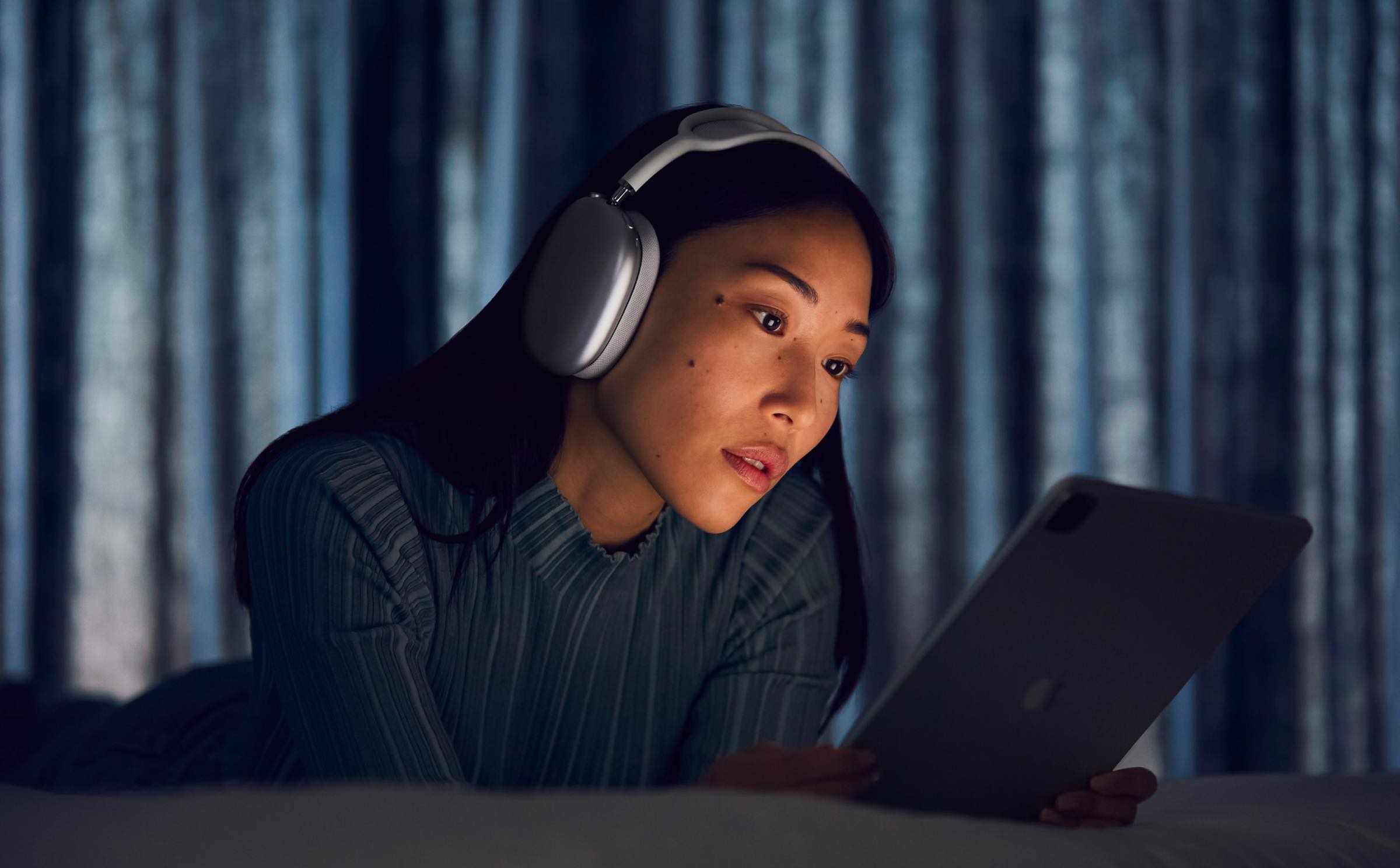
    The Apple AirPods Max is an over-ear headphone that turns on automatically when it detects that they are over the user’s ears. Each ear cushion uses memory foam to create a seal that Apple calls an important factor in creating immersive sound. The AirPods Max also borrows the Digital Crown from the Apple Watch to allow for precise volume control, to activate Siri, play or pause music tracks, and answer or end phone calls.

    This past Tuesday Apple released firmware version 3C39 for the AirPods Max. Since Apple did not include any release notes with the update, many were forced to blow the dust off of their Magic 8 Ball to find out what good the update did for their AirPods Max. Some believe that the update exterminated a bug that causes the battery to drain rapidly whenever the device is placed in its Smart Case.

    When the AirPods Max is placed in their Smart Case, they are supposed to go immediately into “low power mode” followed18 hours later by moving into “ultra-low-power mode.” But since the wearable was released in December, some users have complained that the battery life on their AirPods Max drops from 100% to 1%-or even down to 0%-overnight even when the device was sitting in the Smart Case all night. A pair of graphs depicting battery usage on the AirPods Max prior to and then after the update to 3C39 reveals that before the update, the AirPods Max battery was draining every 30-minutes. The graph covering the battery drain following the update showed a very little drop in battery life for the over-ear headphone every half-an-hour.

    The reason for the improvement can be traced back to one big adjustment. Prior to the update, with the AirPods Max in their Smart Case, it would take 18 hours for the “ultra-low-power mode” to kick in. However, after installing the firmware update, it takes only 30-minutes for the “ultra-low power mode” to start working. That means that the battery stops draining too fast 17 and a half hours earlier than before. The update also exterminates a bug that causes the AirPods Max to crash when connected to a device running iOS 14.5.

    So how can you install the firmware update on your AirPods Max. What would you say if we told you that it is not possible to do it manually? The headphones update automatically when connected to a power source while located right near your iPhone.

    It is always good to know exactly which firmware version your AirPods Max are running. To find out, open the Settings app on your iPhone and go to your Bluetooth menu. In the list of your Bluetooth-connected devices, look for the listing for the AirPods Max and tap on the i next to that listing. You will then see the firmware version of the Apple AirPods Max that your headphones are running. The most current version is 3C39. If this is the firmware version that shows up after following the above steps, you have nothing to change as your AirPods Max is completely up to date.

    The Apple AirPods Max are available in Space Gray, Silver, Green, Sky Blue, and Pink. If purchased from Apple, you can have the device engraved for free with a combination of emoji, text, and numbers. The price of the device is $549 or six monthly payments of $91.50.

    If you feel as though the battery is draining too rapidly on your AirPods Max, make sure that you install the new update. Allowing the “ultra-low-power mode” to kick in earlier could be the difference between having enough battery life to use the over-ear headphone with your iPhone and enjoying its Active Noise Cancellation.

  • Google unveils a fresh batch of important Android enhancements and features

    Google unveils a fresh batch of important Android enhancements and features

    Android 12 might not be ready for primetime just yet, but while adventurous users try out Google’s next big batch of mobile improvements and cool new features and the vast majority of the world’s smartphone owners continue to wait for a stable Android 11 update, the search giant is today taking the wraps off half a dozen smaller enhancements aimed at making handsets “more secure and convenient for everyone.”

    Small doesn’t equal trivial in this particular case, mind you, and perhaps more importantly, it’s definitely worth highlighting that these six fairly meaningful new features, just like the six unveiled back in December 2020, are not exclusively headed for owners of Android 11-running devices.

    Incredibly enough, you don’t even need Android 10 to enjoy Password Checkup functionality, be able to schedule your texts in the popular Messages app, “get more done hands-free” with Google Assistant, darken your Google Maps routes, spice up your Android Auto drives, or further improve the accessibility of the already extremely convenient TalkBack service.

    Arguably the most exciting new tool integrated into global devices powered by Android 9 and above starting today, at least for users perennially concerned about their online and mobile security, is Password Checkup. This has been a thing on the Chrome browser for more than a year now, expanding to support pretty much any app on your phone requiring login credentials.

    Google’s hugely popular Autofill feature will automatically check to see if said credentials are compromised, immediately alerting you when detecting a potentially stolen password and prompting you to choose a new one. Of course, you’re free to ignore Big G’s security warnings, but in the long run, it’s definitely wise not to do that. You never know when a compromised password publicly available for bad actors to use at their discretion will in fact be used against you in one of many and equally scary ways.

    While significantly less… dramatic, the second big new feature unveiled today may well appeal to an even larger number of users worldwide, aiming to make it easier to communicate with your friends and family from far away.

    Whether you live in a different timezone from someone you deeply care about or fear you might forget to wish your better half a happy birthday before everyone else, you can now “schedule send” messages on phones with Android 7 and up as long as you download or update the aptly titled Google Messages app to its latest version.

    253 million is a pretty lofty number, so it shouldn’t come as a big surprise that Google is paying very close attention to the extensive global community of blind and low-vision Android users, revamping the TalkBack experience with more intuitive gestures, a unified menu, a new reading control menu, and well, more, with some of these important accessibility changes showcased in the short video embedded below.

    Meanwhile, there’s not a lot to say about the imminent worldwide expansion of the Google Maps dark theme other than “finally!” This has been a very long time coming, and as you can imagine, its activation requires little to no effort… if you know where to look. Namely, in the “Theme” submenu of your navigation app’s “Settings” menu, where you can choose to use Google Maps “Always in Dark Theme”, as well as easily switch back to the light side.

    No Android update would be complete without some sort of a Google Assistant upgrade, and indeed, the AI-powered service is improving its convenience by displaying cards that can be read at a glance and perform more tasks than ever before sans requiring you to unlock or touch your Android phone.

    Last but not necessarily least, Android Auto is gaining the ability to keep you entertained during your long drives with a number of fun little voice-activated games, as well as new custom wallpapers to brighten your day and personalize your car display. These features will be available “in the coming days” on phones running Android 6.0 and up when connected to a compatible vehicle.

  • Google finally updates the Gmail for iOS app after three months

    Google finally updates the Gmail for iOS app after three months

    Google finally released an update for its Gmail for iOS app on Monday. As you might recall, many of Google’s iOS apps have not been updated for iOS and it is thought that this was done on purpose to avoid having to add App Privacy labels to its apps. Starting on December 8th, any app updated in the App Store has to include its App Privacy Label. Located near the end of each app’s App Store listing, the App Privacy Label shows the data that an app can collect including the data that can be linked to the user’s identity. In the case of Gmail, this data includes Purchases, Location, Contact Info, Contacts, User Content, Search History, Identifiers, Usage Data, Diagnostics, and Other Data.

    Google is reportedly being shy about having the App Privacy Label posted for its most popular iOS apps after seeing the criticism Facebook received for posting its longer than average App Privacy Label. Google denied all of this last month and said that it would be updating its iOS apps within weeks. But many of its iOS apps have gone without a recent update and the lack of an update for Gmail resulted in iPhone users being sent a warning earlier this month noting that their Gmail app is out of date. The message said, “You should update this app. The version you’re using doesn’t include the latest security features to keep you protected. Only continue if you understand this.”

    Before Monday, it had been about three months since the Gmail app for iOS had received an update; there are still some other Google apps that need to follow suit. But by bringing one of its most popular iOS apps up-to-date, Google has sent a message that says it is not afraid of the App Privacy Label and has started the process of updating its remaining iOS apps.

  • Android 12 update beta release date and new features

    Android 12 update beta release date and new features

    For the next, highly expected version of Android, Google is preparing to open the spigot not only on new features, but also on a long-overdue interface polishing, all indicators suggest.

    Not only did said new Android 12 interface leak out, indicating that this time around, Google may introduce Android 12 to devs this month and, unlike last year, showcase the beta at its I/O event in the spring, but that it is taking cues from the best out there, like Samsung’s One UI interface, and with a good reason. Here’s what to expect from Google’s next Android 12 version.

    Android 12 release date

    • September 2, 2021
    • Android 12 developer preview release date: February 17, 2021

    Google released Android versions 7 to 9 on Monday in the hot summer month of August, then it moved the launch to the first Tuesday of September for Android 10 and the current Android 11, releasing them on September 3 and September 8, respectively. In that train of thought, the Android 12 release date to manufacturers should be September 2.

    Needless to say, Google is likely readying a developer preview of its newest mobile operating system edition, where most of the new features will be prepped for testing and revealed for the general public later in the spring. Last year, the Android 11 developer preview was out on Wednesday, February 19, and by that logic, the Android 12 dev preview should be announced and released on Wednesday, February 17.

    New Android 12 features

    • App Pairs split-screen mode
    • App hibernation
    • Double-tap gesture command for the rear
    • New notification interface

    The new Android 12 UI

    Google’s design concept revealed that there will be a new notifications UI in Android 12 that replaces the current transparent look with a light beige opaque. The hue might change if Dark mode is enabled; the rounded corners of each notification is more easily viewable. Google did reduce the number of Quick Settings icons to four from six and these will surface when the notification panel is expanded.

    The icons are larger than usual because of the fewer number of icons used. The positions of the date and the clock have been swapped on the front of the display, and there are new privacy indicators in the upper right corner. Tapping on these icons will tell you exactly which apps are using the microphone and camera on your handset. A “Sensors off” icon in Quick Settings will allow the user to shut down and disable all sensors on his or her phone with a single tap; the Developer options menu will have to be enabled to see this icon.

    Moving on, a mandatory Conversations widget will show Android users messages, missed calls, and more. Due to its small size, the widget will only be able to show one item at a time. Also mandatory will be the use of camera and microphone icons on the front display which must be visible when the camera and the microphone are being used. You might recall that Apple added something similar with iOS 14.2. A small green dot on the upper right of an iPhone display means that an app is using the handset’s camera while an orange dot indicates that an app is using an iPhone’s microphone.

    New App hibernation feature in Android 12

    Climbing further the new Android 12 features ladder, Google might be working on a hibernation system for apps. The system allows apps to enter a hibernation state when they are not used and will help free up storage. Little is known about the new feature at the moment. It’s not clear how exactly this feature will work and how apps will be hibernated: whether this will be automatically determined, or users will be able to manually select apps for hibernation. Additionally, we don’t know yet the way Android will inform users of the hibernation if one happens automatically. The leaked code here also mentions storage optimization: it’s still unclear whether this optimization includes compression of the app packages or other app resources to free up storage on your Android phone.

    New Double-tap navigation gesture in Android 12

    The double-tap gesture that was rumored for Android 11, should now be making its way into Android 12, replacing the obsolete Active Edge squeeze feature that is not found on the Pixel 4a, Pixel 4a 5G and the Pixel 5. The double-tap would allow Pixel users to activate Assistant, take a screenshot, control media playback, bring down the notification bar, open recent apps view, and other programmable commands, or it can be disabled if not needed. Reportedly, the Double-tap gesture coming to Android 12 will be fine-tuned to towards a firmer tap to prevent executing it by accident.

    New App Pairs split-screen feature in Android 12

    Google is apparently also working on a split-screen mode rehash on a system level for Android 12. This will allow a better and more intuitive multitasking experience to Android users. Instead of opening one app, and then activating split-screen mode for that app via the Recents view, users will be able to group two apps in “tasks” and then quickly launch these pairs or switch between a pair of apps and a single app.

    Android 12 will also let people easily “pair” two apps right from the Recent view. When you use such a pair, the divider between the two apps will also get a bonus feature. Dragging the divider will still resize both apps but when you double-tap on it, the two active apps will quickly swap positions. Neat.
  • Time to update your Apple iPhone, iPad, and Apple Watch

    Time to update your Apple iPhone, iPad, and Apple Watch

    Apple today released several updates including iOS 14.4, iPadOS 14.4, and watchOS 7.3. With the iPhone and iPad updates, the “Find My” app adds a feature called “Find My Items.” This allows users to find misplaced accessories made by third-party manufacturers who build this capability into their products. The only compatible device available at the moment is Belkin’s SoundForm Freedom true wireless earbuds.

    In addition, the update allows smaller QR codes to be read by the iPhone’s camera, the ability to put Bluetooth connections into categories and headphone type in order to prevent eardrums from getting blown out with audio notifications and delivers a notification when the camera on your iPhone 12 series model cannot be verified as a genuine Apple camera. It also uses the U1 chip in the iPhone 11 series and iPhone 12 series to determine the distance between your iPhone and HomePod mini to allow an improved transfer of music between devices.

    The update also exterminates several bugs including one that allowed image artifacts to appear on photos snapped with an iPhone 12 Pro model using HDR. Another bug fixed by the update prevented the Fitness+ widget from including updated Activity data. One issue that the new iOS 14.4 update solves is one in which the keyboard would appear with the wrong language in the Messages app. A pair of bugs that prevented word suggestions from appearing on the keyboard and delayed the results of typing on the keyboard are both gone after the installation of iOS 14.4.

    The latest iOS build also eliminates an issue that prevented phone calls from being answered on the Lock Screen when Switch Control in Accessibility was enabled. And lastly, iOS 14.4 gets rid of a bug that did not allow stories from CarPlay’s News app to resume after being placed on pause to hear spoken directions or a response from Siri. The update is available to compatible iPhone and iPad models and can be received by going to Settings > General > Software Update. It weighs in at 344.3MB.

    Apple also pointed out that the iOS and iPadOS updates include security patches that eliminated three zero-day security flaws. Apple believes that these flaws might have been exploited in the wild. A Kernel flaw might have allowed attackers to give permission for the affected phone to run certain apps. A WebKit flaw could have allowed the hackers to make an iPhone do just about anything. The watchOS update rid the device of a security flaw that could have elevated privileges on a unit under attack.

    Apple also released watchOS 7.3 today which includes a new Unity watch face based on the colors of the Pan-African flag (Black, Red, Green, and the Pan-African colors which includes the prior three hues and yellow). The shapes of the colors change throughout the day as you move thus creating a unique look. Apple Fitness+ subscribers will receive the “Time to Walk” feature that plays inspirational audio in the Workout app as you walk. The electrocardiogram (ECG) monitor that checks for abnormal heart rhythms on the Apple Watch Series 4 and later is good to go in Japan, Mayotte, Philippines, Taiwan, and Thailand following the update. Those with abnormal readings in those countries will receive a notification. And a bug that makes the Control Center and Notification Center unresponsive when Zoom is enabled will be exterminated.

    To update your Apple Watch, open the Apple Watch app on your iPhone and tap on My Watch > General > Software Update and Install. The timepiece needs to be on the charger for the update to take place and the watch needs to be in the range of your iPhone connected to a Wi-Fi signal.

  • Google launches Android 11 on Android TV

    Google launches Android 11 on Android TV

    Google is bringing Android 11 to Android TV devices, the search giant revealed today. Several performance enhancements and privacy improvements will be part of the new Android update, as well as a plethora of new features specifically designed for the TV.

    Among these improvements, Google mentioned enhanced memory management, one-time permissions, and support for Auto Low Latency Mode and low latency media decoding. Since gaming has become such a major part of the entertainment industry, Google is introducing extended gamepad support for Android TV.

    Also, silent boot mode for system updates, inactivity prompts, and OEM configurable wake keys are included in the upcoming Android 11 update for Android TV. All these and more should give users greater control over TV functions.

    And for those interested, testing on Android TV will be much easier with Android 11 thanks to the addition of the so-called “test harness mode,” a feature for third-party app developers that want to automate a device for a fleet of devices.

    According to Google, Android TV OEM partners should release and upgrade to Android 11 over the coming months, so the rollout hasn’t begun yet.