Retail News CRM

Tag: update

  • These changes being added to Microsoft’s Outlook greatly improve the app

    These changes being added to Microsoft’s Outlook greatly improve the app

    Microsoft’s attempt to take on Siri, Google Assistant, and Alexa was not what you might call a rousing success for the software giant. In most head to head testing, Cortana finished behind all of its rivals including Siri, which is about as bad as things can get. Earlier this year, Cortana was removed from the Microsoft App Launcher. And Microsoft itself has said that at the beginning of next year it will pull Cortana out of the App Store and the Google Play Store.

    But this might not be the end of Microsoft’s digital assistant after all.  In an effort to revitalize its mobile apps, Microsoft announced some changes it is making to Outlook at the request of IT administrators who want to encourage their end-users to start using the iOS or Android version of the app. In a blog post, Microsoft explains that Outlook users will be notified from their desktop or browser that they can have the Outlook experience on their mobile device.

    The users then send a text to themselves containing a link that allows them to download Outlook mobile from the app stores. When they open the app, scanning a QR code will securely transfer their Microsoft credentials from the desktop version of Outlook to the app on their phone. This way they won’t need to enter their username and password when adding a work or school account.” As Microsoft says, “This experience provides a shortcut for both users and IT administrators. Users can easily get started and IT administrators can quickly and confidently know they can scale their deployments in a secure way using the services they already have.

    “Microsoft says that over the next several weeks, it will be adding shortcuts into Outlook for iOS and Android. For example, if suggested replies is enabled by the user and allowed by his or her organization when receiving a message for a get-together, Send Availability will allow the user to work out a time that works out the best for him or her. Tapping on Schedule Meeting will allow the user to create a new event on his Outlook Calendar.

    In the Android version of Outlook, users will be able to respond to email notifications in the app by choosing Archive, Reply, and Delete. Two out of the three can also be selected as responses along with Mark Read, Flag, Read & archive, or none. With Drag and drop, files, text and images can be added to Outlook emails. And those using the iOS 14 version of Outlook now have a widget shortcut to the Outlook Calendar.

    Those with the iOS or Android version of Outlook will be able to schedule a meeting, call contacts from Outlook with their phone, and quickly compose short emails using their voice. This is in addition to searching for people, emails, events, and files, or monitoring new posts in their inbox with help from Cortana.

    The weather is coming to the Outlook app as a way for users to see what the forecast is for later on the same day, the forecast over the next three days, or over the upcoming week. Lastly, AI-based text predictions are coming to the mobile version of Outlook. This makes it quicker to complete composing emails in the app. Swipe on the screen to accept the suggested text or keep typing to ignore it.

    Coming around the beginning of the New Year is Reactions. This feature will allow the Outlook user to add an Emoji quickly in reaction to a message that he or she has received. It helps the user express his view about an email without having to write another long-winded response.

  • Huawei says existing devices will continue receiving Android updates

    Huawei says existing devices will continue receiving Android updates

    Huawei has confirmed that its devices will continue to receive software and security updates, reports Huawei Central. Last year, Google stopped providing non-public software to the company to comply with a US blacklist.

    The company was provided a temporary relief which allowed it to provide software updates to its existing phones. Handsets launched after the trade ban come with an open-source version of Android and lack key services and apps.

    The temporary general license expired recently and this raised speculations that older Huawei and Honor phones would stop receiving Android updates from Google.

    Huawei says that phones that were released before it was put on the entity list have not been impacted and will keep getting updates.

    As for the new devices which do not feature Google Mobile Services (GMS), updates will be managed through Huawei’s AppGallery. Google had previously said it would keep providing updates as long as the government lets it do so. There is no indication from its side that it will continue sending out updates now that the temporary general license has expired.

    The Commerce Department recently said that the license will not be extended.

    The US shows no intention of letting Huawei off easily as is evident by a recent move that aims to make it even harder for the company to source chips. The company recently said it could no longer make its own chips because of restrictions imposed by the US government and that the Mate 40 will be its last phone to have a Kirin chip.

    Later this year, the manufacturer is expected to launch its first phone with Harmony OS, its own operating system.

  • Google Search gets dark mode settings toggle for iOS and Android

    Google Search gets dark mode settings toggle for iOS and Android

    A tweet from the Google SearchLiaison reveals that starting today and for the remainder of the week, Google will be disseminating an update for the Google Search app for Android 10, iOS 12, and iOS 13. By default, the app will follow the system-wide setting of your phone. So if your iOS or Android device is set on dark mode, that is how the app will appear by default.
    You can override the default settings.
    Let’s say that you have your Android phone set on dark mode system-wide but for some reason, you like the look of the Google Search app in light mode better. You can change this by going into the app’s settings to make the adjustment. On Android 10 or on iOS 12/13 you can open the Google Search app and tap the three-dot More tab at the bottom right corner of the screen. From there, tap on Settings > General, scroll down to Theme, and change the setting. This will not affect your system-wide settings. While our Pixel 2 XL received the update, it has not yet hit our Apple iPhone 11 Pro Max.
    Dark mode inverts the UI on the phone from dark text on a white background to white text on a dark background. It prevents the user and any passersby from having their retinas melted by the blaring white background light during the night or in a dark room. It also helps extend battery life a little on phones with an AMOLED display. That’s because such panels create the color black by turning off pixels in the appropriate location. Pixels that are turned off don’t use the phone’s battery, so the more black on the screen, the less energy the phone is consuming.
    If you haven’t received the update yet, check back in later during the week. Remember, Google says that it will be rolling out the update for the rest of the week.
  • Google updates Google app with a shortcut for Chrome incognito mode

    Google updates Google app with a shortcut for Chrome incognito mode

    The Google app’s default option for browsing incognito has been around for nearly a year. However, the feature contained one major flaw that made going incognito meaningless – when clicking on a search result from the incognito tab, the window that opens is not incognito and all activity is saved to your Google account’s history.

    However, according to Android Police, Google is going to provide a solution to this issue. Some users have noticed a new option added to the Google app – the possibility to open a new Chrome incognito tab.

    Apparently, the feature is a shortcut which reportedly will lead you to Chrome to browse in incognito there. When tapping on the option, you get the usual disclaimer for an incognito window, advising you that data might still be visible to carriers, websites and employers or schools.

    Unfortunately, this is another server-side update from Google, as the one for Google Photos, and it cannot be manually installed, even if you have a beta version of the Google app. So, we will wait and see when this feature will be rolled out to all the users.

  • Spotify major update intros redesigned Home, personalized shortcuts

    Spotify major update intros redesigned Home, personalized shortcuts

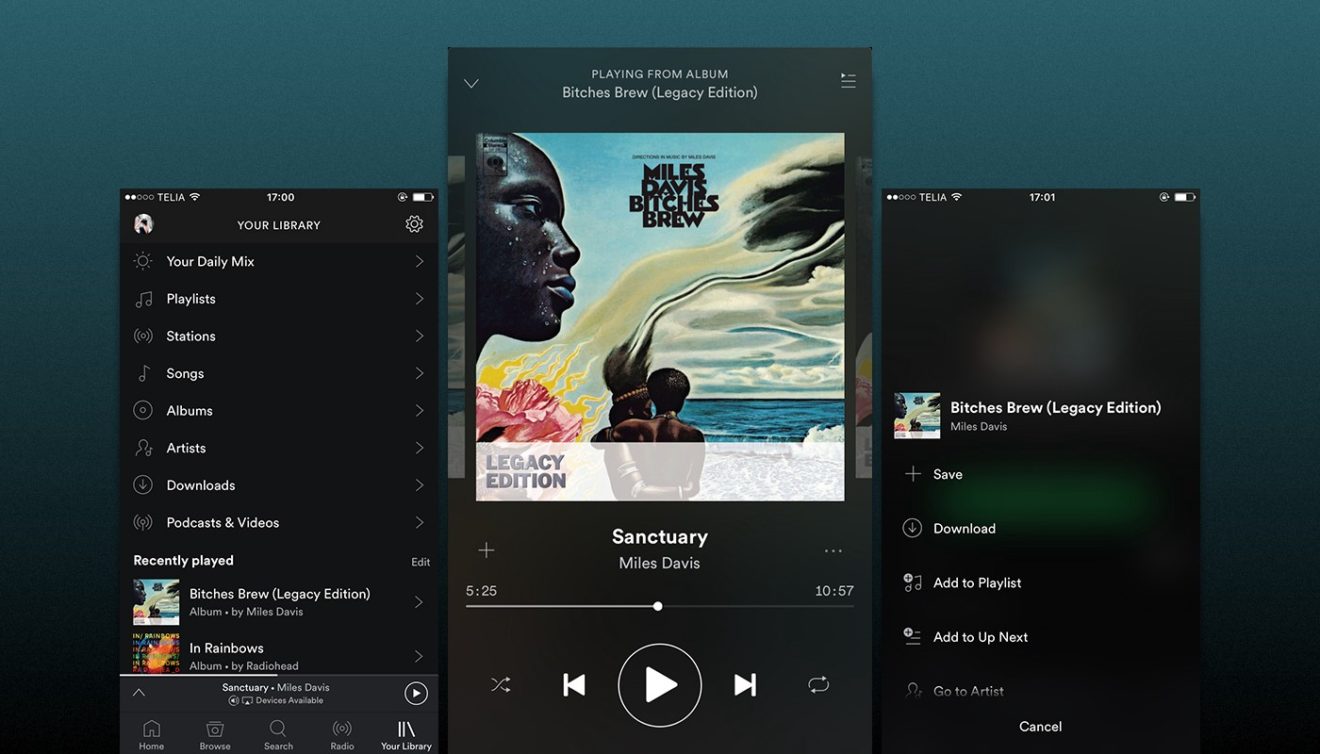
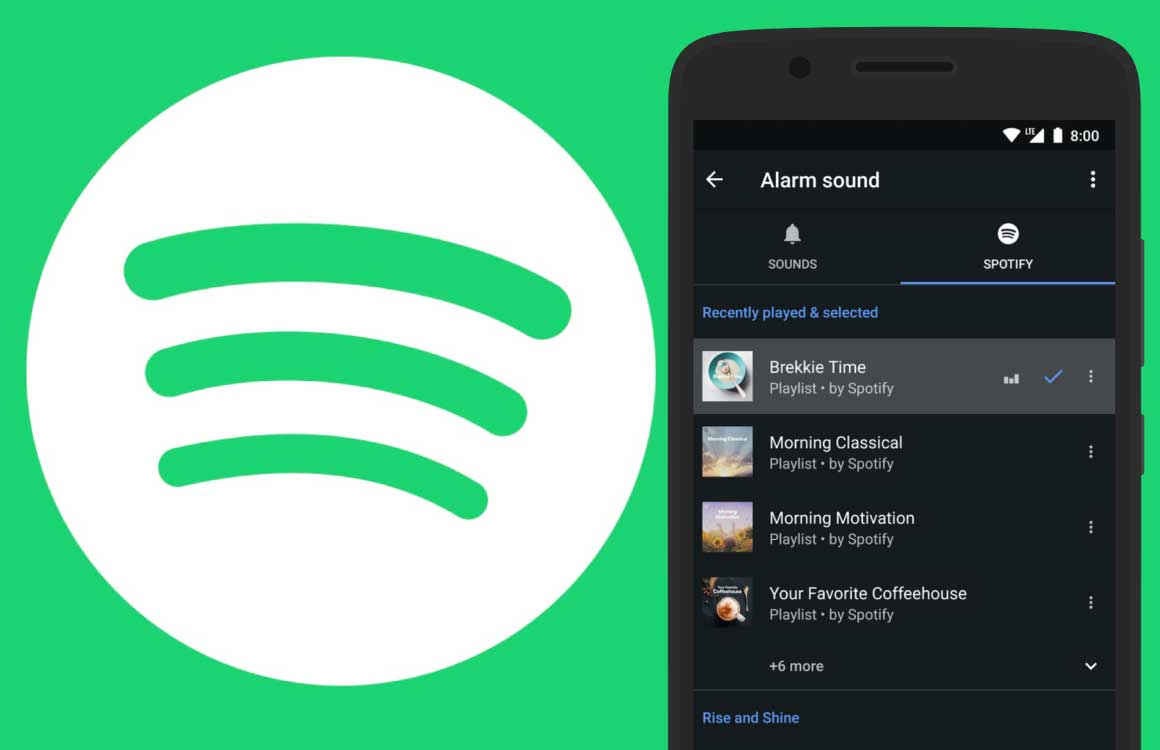
    Spotify is redesigning its mobile app again, although this time only the Home screen if getting a facelift. No matter what Android or iOS devices you’re using to listen to your favorite tunes – smartphone or tablet, the Home screens will look slightly different starting today.

    A refreshed user interface has been implemented to allow Spotify users to access familiar content easier than ever. You can now tap to access your favorite podcast, the playlist you listen to every morning, or the album you prefer during your workouts.

    Spotify’s Home screen has become a space where users can find their favorite content. Moreover, Spotify announced that the screen and content will change along throughout the day to fit the user’s schedule.

    Six recommended playlists will be positioned at the top of the Home screen, which will change according to the time of day. Below these six recommendations, Spotify will add your top podcasts, “made for you” playlists, recommendations for new discoveries based on your listening, and even more content.

    If you’re a new Spotify user, you might not see the new UI right away, but once you have 30 days of listening history, you should start to see these recommendations.

  • Instagram’s latest update brings some long-awaited new features

    Instagram’s latest update brings some long-awaited new features

    The launch of TikTok is forcing Instagram and other similar social network services to introduce new features meant to keep them relevant in the industry. Some of these features have been long-asked-for, so we probably have to thank the competition that they are finally coming.

    TechCrunch reports Instagram is adding a handful of new effects to Boomerang, its dedicated video loop creator. The new changes will allow users to edit videos and add effects like SlowMo, Echo blurring, and Duo rapid rewind, as well as adjust the length of the videos.

    The update, which is probably the most important for Boomerang, is available to all Instagram users starting this weekend. If you’ve already updated to the latest version of the app, you’ll find the new special effects by swiping left at the bottom of the screen’s shutter selector after you open the Stories composer.

    Four new effects can be used for Boomerang videos: SlowMo, Echo, Duo, and Trimming. As the name suggests, SlowMo allows users to reduce the speed of the videos to half so they play for two seconds in each direction instead of one second.

    Then, the Echo effect adds a motion blur effect, while Duo rapidly rewinds the video to the beginning with a digitized look. Last but not least, Trimming lets users adjust the length of their Boomerangs with similar controls to iPhone’s camera roll or the Instagram feed video composer.

    Of course, none of the new effects are innovative, but they can turn many Boomerangs into something really funny if used creatively. Hopefully, the new effects will be expanded to Instagram and won’t remain exclusive to Boomerangs for too long, although Facebook may want to add a few more before bringing them to a larger audience.

  • Update to Google Maps solves issue with gesture navigation

    Update to Google Maps solves issue with gesture navigation

    One thing that Android users are appreciative of is Google’s desire to keep tinkering with its apps. And once again, it is Google Maps that is the beneficiary of the latest update to come from Mountain View. The new Maps UI eliminates the side menu. Swiping to the right from the left edge will also no longer bring up the side menu, which is a boon to those who use gesture navigation on Android 10. That’s because opening the side menu can accidentally trigger the “back” gesture on the latest Android build. And the three-bar hamburger menu no longer appears on the left side of the search bar.
    The three tabs found on the bottom of Google Maps (Explore, Commute, For you) now number five and include Map, Commute, Saved, Post and Latest. Once your Google Maps app has been updated to the new UI (and it hasn’t yet on our Pixel 2 XL running Android 10), you can find the settings and some of the other options that were on the side menu by tapping on your avatar. A box will open that allows you to switch the account linked with the app, enable incognito mode (so that your travels and location searches won’t be recorded by Google), view the app’s settings and more.
    The latest version of the Google Maps app is 10.31.2, but even if you have just updated the app (as we did right as we started writing this article), there is no guarantee that the new UI will appear. Nope, you are going to have to wait since this is a server-side update that cannot be triggered by Android users.
  • Google Messages adds new feature that protects you from spam

    Google Messages adds new feature that protects you from spam

    In an attempt to make your conversations as safe as possible, Google is adding all sorts of security features. The last one comes is meant to protect you from spam and involves a new feature called Verified SMS that now rolling out to Messages app in several countries.

    The new feature adds another layer of security on top of Android’s Rich Communication Services (RCS) that Google tries to push out to all users. Anyway, it looks like with Verified SMS for Messages, the app will be able to confirm the true identity of the business that’s texting you.

    Yes, the new feature only works for businesses, but it greatly reduces the spam you received, so here is how it works. As the name suggests, Verified SMS will verify on a per-message basis that content is sent by a specific that that registered with Google. If it’s not, you won’t get the message, otherwise, you should see the business name and logo along with a verification badge.

    Google also revealed the first companies that are allowed to send messages with Verified SMS: 1-800-Flowers, Banco Bradesco, Kayak, Payback, and SoFi. Also, Google Pay India and verification codes from Google will be part of the Verified SMS program, but more businesses are signing up to use the new feature quite often.

    According to Google, Verified SMS for Messages is rolling out gradually in nine countries starting in the United States, India, Mexico, Brazil, the UK, France, Philippines, Spain, and Canada, but more countries will be added to the list in the future.

    In the same piece of news, Google announced that it’s adding Spam protection for Messages, a new feature that will warn Android users about suspected spam and unsafe websites it detects. This specific spam protection feature is now rolling out in the United States, but it’s been available in other countries for a while now.

  • Gmail update lets users send emails as attachments

    Gmail update lets users send emails as attachments

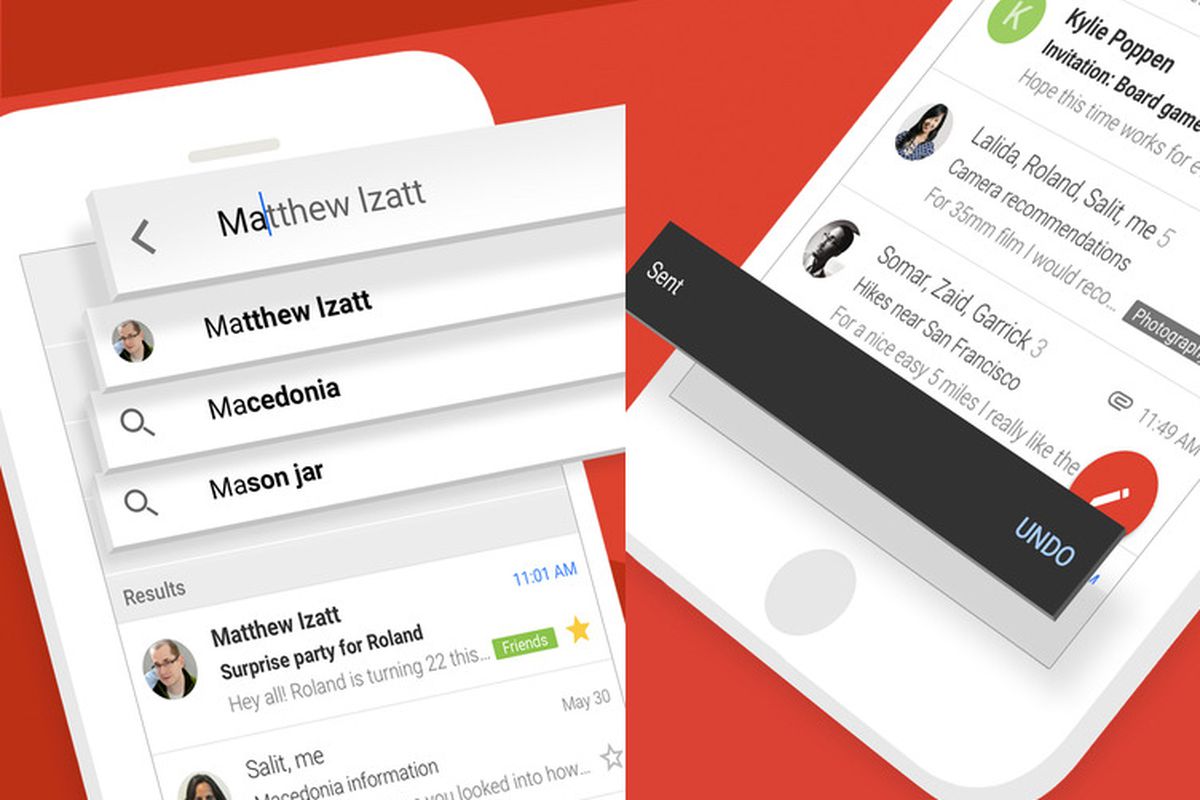
    Google is making it easier to forward emails to multiple recipients via Gmail. The latest update lets you attach emails to other emails in Gmail without having to download them. Simply drag and drop the email you want to forward inside your email. In fact, you can drag multiple emails into a new thread, which makes the new feature even more useful.

    Another method to insert emails in a new thread to select the emails from the Gmail inbox and then choose to “Forward as attachment” from the three-dot menu. You can even reply to an email by adding multiple emails in the compose window via drag and drop.

    There are a couple of important details that Google mentions in the announcement. First off, all attached emails become .eml files. Secondly, you can attach as many emails as you want. Last but not least, every attached email will open in a new window.

    The new feature revealed by Google today will be available to all Gmail users, not just Gsuite members. However, according to Google, the rollout may take up to 15 days starting on December 9, so everyone should get it by the end of the year.

  • Google updates Docs, Sheets, and Slides

    Google updates Docs, Sheets, and Slides

    A new look and feel are now available for Google’s Docs, Sheets and Slides app, the Mountain View company announced. Unfortunately, if you were expecting any new features or improvements, you’ll be disappointed. Google confirmed that there are no functionality changes whatsoever in this update, so the only things we’ll get are the visual improvements.

    The visual improvements mentioned by Google include a restyled document list, highly-legible typefaces, consistent controls, and updated icons all over the place. Google also announced that the redesign has already made its way to the latest versions of Docs and Slides for Android.

    On the other hand, the new design will roll out to Sheets on Android sometime today, so expect the new visual improvements to pop up very soon. The most recent Docs, Sheets and Slides Material redesign update is part of a larger effort to bring consistency to the look and feel of Google’s G Suite apps.

    Although these updates are now being rolled out globally to all Android devices, it will take up to two weeks to appear for everyone, so be patient if the changes aren’t yet available for you.

  • Instagram update brings dark mode in iOS 13

    Instagram update brings dark mode in iOS 13

    Instagram made many headlines in the last week or so, as the company is bringing new features to its audience and testing others before releasing them to the general public. After introducing a brand new Threads app and removing one of its most controversial features, Instagram is once again in the spotlight, but for a very different reason.

    The social network has just pushed out another update for its iOS app, which brings the highly-anticipated dark mode. The changelog published in the App Store doesn’t mention anything other than bug fixes and performance improvements, but The Verge confirms native dark mode support for iOS 13 is there.

    Still, you will not be able to turn the dark mode on or off within the application. Instead, the iPhone’s system-wide settings are the ones that dictate Instagram’s behavior, so if you choose to use the dark theme on your iPhone, the app will match it with its own.

    We’re not complaining, but it would have been nice to be able to switch it on and off directly from within the app. All in all, it’s great that another popular iOS app is getting important visual improvements like the dark mode.

  • Spotify update adds Siri support on iOS 13

    Spotify update adds Siri support on iOS 13

    Spotify quietly released a new update for its iOS app which brings important improvements and new features. The most important is Siri support on iOS 13, which means that you’ll be able to control your Spotify app on iPhone, iPad, Carplay, Airpods, and HomePode via Airplay.

    After applying the latest update, simply say “Play [artist] on Spotify” and your iOS 13-powered device should do the rest. Be sure to mention Spotify though, otherwise, Siri will start Apple Music by default.

    Another important new addition is Apple TV support, which means that you can now download the app via the tvOS App Store or enable “automatically install apps” in tvOS settings to install it.

    Last but not least, Spotify has introduced low data mode on iOS 13. Basically, this means that the app will now turn on Data Saver when your iOS device’s Low Data Mode is turned on.

    All the improvements added in the update should work with all the devices running iOS 13, but 9to5mac discovered that the HomePod does not recognize Siri song requests yet. The issue might be addressed in a future iOS update, so you might want to try again after iOS 13.2 gets released.

  • Android 10 release date confirmed: Here’s when Google will release it to Pixel phones

    Android 10 release date confirmed: Here’s when Google will release it to Pixel phones

    It seems that Android 10 will be officially released for Pixel phones on September 3, 2019. This will be the official debut of Android 10 on phones, but of course, it will take a bit longer for all the other Android manufacturers to update their devices.

    This piece of saucy info comes straight from the horse’s mouth – two independent Google Support agents have confirmed with us and a reader of ours that, yes, the next major software update will be released to Pixel devices in eight days’ time. Who knew that you could learn so much by simply asking…

    The update will most certainly arrive to all Pixel devices, including the Pixel 3/3XL, 3a/3a XL, as well as older troopers like the Pixel 2/2 XL. As a pleasant surprise, the original Pixel and Pixel XL, which were released all the way back in 2016, will also get Android 10 despite being outside of their two-year support window. That’s a neat bonus for the early adopters of Google smartphone lineup, which were promised two years of software updates and three years of security support.

    A change of heart at Mountain View

    It’s been merely a few days since we willy-nilly parted ways with Android’s sweet naming scheme of old. Forever gone are the dessert names that became a signature feature of the operating system. As a reminder, there have been a total of 14 dessert-theme Android releases. These are Android 1.5 Cupcake, Android 1.6 Donut, Android 2.0-2.1 Eclair, Android 2.2 Froyo, Android 2.3 Gingerbread, Android 3.0-3.2 Honeycomb, Android 4.0 Ice Cream Sandwich, Android 4.1-4.3 Jelly Bean, Android 4.4 KitKat, Android 5.0-5.1 Lollipop, Android 6.0 Marshmallow, Android 7.0-7.1 Nougat, Android 8.0-8.1 Oreo, and Android 9 Pie. Speculation about Android 10’s dessert name hit a wall as just few compatible sweets started with “Q”, the letter that was slated to grace 2019’s Android release.

    All we know about Android 10 so far

    Among the new features that will grace Android with the arrival of its next version are native support for foldable phones, 5G, Live Captions, Smart Reply, Suggested Actions, as well as improved security and privacy features. Other features that are worth mentioning are seamless background updates, improved suite of digital well-being and parental controls functionalities, and finally, the coveted dark mode.

    But when will my phone receive Android 10?

    As usual, it takes Android manufacturers some time to prepare the major Android software updates for their devices. Samsung, for example, usually takes three to four months to develop, test, and distribute the goods to its userbase. In case you’re using one of Samsung’s current or former flagships, then you’re in for a patient wait. Here’s when we expect some of the more popular Samsung phones to receive Android 10 with One UI 2.0:

    Galaxy S10+, S10, S10e Galaxy Note 10
    International Late December 2019 / Early January 2020 Mid-late January 2020
    US Unlocked February 2020 February-March 2020
    Verizon Late January 2020 February-March 2020
    T-Mobile Late January 2020 February-March 2020
    AT&T Late January 2020 February-March 2020
    Sprint Late January 2020 February-March 2020
  • Android Auto is getting a redesigned interface and Dark Mode

    Android Auto is getting a redesigned interface and Dark Mode

    Google last month announced an update for Android Auto that would change the way the app looks and works, and it is now finally rolling out to some regions. Google says that the refreshed interface was “built to help you get on the road faster, show more useful information at a glance and simplify common tasks while driving.”

    To streamline the experience and to make common tasks even easier to perform while driving, the latest Android Auto update introduces a redesigned bottom navigation bar. It allows users to control apps and media, manage incoming calls and notifications, and get directions on the same screen, with fewer taps required than before.

    The redesigned bottom bar also offers a way to better utilize screen real estate. Since Android Auto is a scalable experience, made to work on many types of displays with different sizes, aspect ratios, and resolutions, the UI design changes are aimed at making the app a consistent and well-optimized experience across the board.

    Speaking of UI changes, Dark Mode is also a thing now in Android Auto. It’s more of a visual change, rather than functional, but it should make using the app during the night a bit easier on the eyes. Google says that the new dark theme was designed to utilize more colorful accents and easier to read fonts to further improve visibility and reduce eye strain.

    The update seems to depend on a server-side switch, as is often the case with Google services, and not on the app version you’re running. Still, you can check if you’re on the latest version by heading to the Google Play Store.

    The new Android Auto update has started rolling out in the UK and US, so other regions where the service is available should start receiving the new features in the coming days/weeks.

  • New feature in iOS 13 could save money

    New feature in iOS 13 could save money

    Ever delete an app from your iOS device, not realizing that you’re still paying a monthly fee to use it? It appears that Apple feels your pain. In iOS 13, if you delete an app, you will see a pop-up reminder if you have an active subscription to that app. A screenshot taken from an iPad running the second beta preview of iOS 13; the pop-up reminder can be seen on the screen asking, “Do you want to keep your subscription for this app?”

    The reason why this feature comes in handy is because you might delete an app and forget that you re paying a monthly subscription fee to use it. If you don’t cancel the subscription, you’ll continue paying monthly for a service that you no longer want. And to make sure that you don’t get charged for another month, the pop-up message tells you the next date when your credit card will be automatically used to renew the subscription. Of course, you can cancel your subscription no later than the day before your renewal date. The reminder also notes that if you delete the app but keep the subscription, the service can still be used on other devices.

    So let’s say that you subscribe to Hulu, paying $5.99 a month. You’re going through your iOS device and decide to delete the app, forgetting that you’re making that monthly payment automatically. If Apple keeps this new feature, before you tap that button to uninstall the app, you will see the pop-up reminding you that if you’re really cutting ties with the service, you might want to cancel your subscription. And the reminder also includes a link that takes you to your iOS subscriptions.

    Even though the iPad will have its own OS later this year, we would imagine that this feature will most likely be available for both iOS and iPadOS.