Retail News CRM

Tag: android

  • Android version of Chrome app receives useful shopping tool

    Android version of Chrome app receives useful shopping tool

    If you’re the type of person that likes to browse for the lowest price before making a purchase, Google recently announced something that is going to be of interest to you. The price tracking feature found in the desktop version of the Chrome browser is now available on Chrome’s Android app.
    Google says, “Available starting in the U.S. on desktops and Android devices, next time you’re shopping, select “track price” in the Chrome address bar. You can manage the products you’re tracking through the side panel, or through the notifications you receive.”

    Using the mobile Chrome app for Android, eligible pages will display a lozenge-shaped button at the top of the screen that reads, “Track Price.” The left side of the button will show the price-tracking icon which is a bell with the “+” symbol to the upper right of the bell. This is the same setup that you’ll see on the desktop version of Chrome. Tapping on the icon will cause a popup on the bottom of the screen to surface; the latter includes a toggle switch for price-tracking that says “Get alerts if the price drops on any site.”

    If the price for an item you’re tracking drops, you will receive a notification from Google that not only includes the new, lower price but also states where you can find the item at that lower price. The tracker runs across multiple stores and websites so you won’t have to track the same item in several stores in order to get the best deal.
    Even though Google says that the new feature is available in the U.S. for Android users, so far this writer hasn’t seen it on my Pixel 6 Pro running Android 13 QPR2 Beta 1. It might be too late to use for this year’s holiday shopping season but it will be available for next year’s holidays and for all of the birthdays and other times that you’ll be shopping until then.
  • Google Play Store to make app installs easier with an always visible Install button

    Google Play Store to make app installs easier with an always visible Install button

    If you own an Android phone, you probably spend a lot of time in the Google Play Store, where countless apps and games are available to choose from. However, sometimes app listings can get so lengthy that the Install button can disappear, forcing you to scroll back to the top, which, to be honest, can be annoying. Well, an upcoming change to the Google Play Store aims to address this by making the Install button a permanent fixture on app listings.

    A recent report suggests that Google Play Store version 43.1.19 contains code hinting at a feature that will keep the header fixed in place on app listings. This means the Install button will remain visible as you scroll through the app details.

    The header is packed with essential info about the app, including its icon, name, developer, average rating from the Play Store, and whether it has ads. You’ll also spot the handy Install button for quick downloads right to your device, plus a dropdown that lets you install the app on your other gadgets. And the best part? This header sticks around, so you can always access it easily.

    The header with the Install button sticks at top while you scroll through the app listing. | Image credit – Android Authority/AssembleDebug

    It may seem like a minor tweak, but I think this change could really benefit app developers. Why? Well, while a lengthy app store listing does a great job of informing users, it unintentionally punishes developers for being thorough. When the Install button is stuck at the top, the more you scroll down, the more likely you will bounce instead of scrolling back up to hit that button.

    If the Install button had a fixed position, users could easily download the app after checking out the details, ultimately boosting conversions for developers who invest time in creating rich, informative listings.

    In other news from the Google Play Store, there’s chatter that it might soon spotlight tablet-optimized apps that are also compatible with cars. On top of that, the search feature is getting a new spot on Android tablets and foldable devices.

  • Chrome on Android now vibrates when you pull to refresh

    Chrome on Android now vibrates when you pull to refresh

    Chrome 128 for Android now has a small but useful feature: a subtle vibration when you pull-to-refresh a page. This adds a tactile element to the usual visual cues, like the spinning icon and loading bar. It’s a small detail that could make refreshing pages feel a bit more responsive.

    The vibration only happens when you pull down from the very top of the page, not when you use the refresh button in the three-dot menu. This seems like a good choice, as it helps distinguish between the two actions.

    So far, this feature has been spotted on Pixel and Samsung Galaxy phones. It’s not clear if other Android devices will get it too, but it seems likely.

    Besides the vibration feedback, Chrome is also expected to replace the Chrome Sync option with a simple Google Account sign-in. This will simplify the process of syncing all of your personal data, such as browsing history, cookies, passwords, or bookmarks and tabs, from your desktop to your Android device

    While the addition of haptic feedback for page refreshes might seem like a minor update, it’s part of a larger trend towards making our digital interactions more engaging and intuitive. Subtle cues like vibrations can provide valuable feedback and enhance the overall user experience.

    Chrome 128 itself is currently rolling out gradually through the Play Store. If you don’t have it yet, you might need to wait a bit. But it’s worth keeping an eye out for, especially if you’re the type who refreshes pages a lot.

    Of course, Chrome 128 is just one update in a long line. There’s always something new on the horizon, and it’ll be interesting to see what Google has in store for us next. For now, though, let’s enjoy the little things, like a gentle vibration when we refresh a page. It’s a small reminder that our phones are getting smarter and more intuitive all the time.

  • Chrome for Android will soon allow you to use your preferred password manager

    Chrome for Android will soon allow you to use your preferred password manager

    Google Chrome might be the default browser on many Android phones, but that doesn’t mean it’s the only – or even the best – option. Browsers like Firefox, with its expanded extension support, and privacy-focused browsers loaded with anti-tracking features, offer compelling reasons to switch. Now, Chrome is making a change that lessens one major reason for users to jump ship.

    Historically, if you wanted to use a password manager on Chrome for Android, you were stuck with Google’s solution. However, a new hidden setting finally lets you choose your preferred password manager. This means if you use a service like LastPass, Bitwarden, or 1Password, you can now integrate it seamlessly into Chrome on Android.

    This was spotted by Leopeva64 on X who shared his discovery while going through the code. According to him, this can be enabled right now on the Stable, Beta, and Canary builds of Chrome on Android, but the experimental flag “enable-autofill-virtual-view-structure” will need to be enabled first before the setting can show up. Once enabled, a new autofill option will appear within settings that will allow you to decide between the default (Google Password Manager) or other providers.

    This new feature is currently in development and not yet working as it should. For instance, attempts to save a new password after entering one failed, indicating that there is still work to do before the public can use it. The feature will likely undergo further testing and improvements before it no longer needs an experimental flag.

    Chrome’s lack of flexibility in this respect was a point of frustration for those who preferred a dedicated password manager. This integration, when released, will streamline your browsing and give you greater control over the password services you use. While a little more polish is needed, users now have more reasons to consider sticking with Chrome on Android.

  • Microsoft Copilot app can now be your next default assistant app on Android

    Microsoft Copilot app can now be your next default assistant app on Android

    Android users currently have a slew of options for choosing an assistant app on their devices. Where previously Google Assistant and Bixby were the ones that reigned, the rise of AI-powered chatbots saw these evolve as more than just text fields you can use on a browser. Currently, depending on the apps you have installed, you have fresh new options, and Microsoft’s Copilot is shaping up as one of them.

    As reported by Android expert Mishaal Rahman on X (Twitter), the newest beta version of the Microsoft Copilot app (v. 27.9.420225014) now gives you the ability to set it as your default assistant app. This makes the chatbot accessible from anywhere on your device with a simple swipe or button press.

    While this is a nice addition for Android users, don’t expect a seamless experience yet. Currently, activating Copilot mainly opens the app, meaning that it won’t immediately start listening like some other assistants, nor will it offer to analyze what is on your screen.

    However, this doesn’t mean that feature won’t be as helpful as Google Assistant or Bixby currently are, or perhaps even what Gemini could be. It’s still in beta, and Microsoft is likely to continue working on the app in order to make Copilot a truly integrated Android assistant. Microsoft has yet to officially announce this, but our guess is that by the time it moves on to the stable version of the app, more capabilities will be in tow.

  • Huawei to take on iPhone 16 line in China with the Mate 70 series this coming September

    Huawei to take on iPhone 16 line in China with the Mate 70 series this coming September

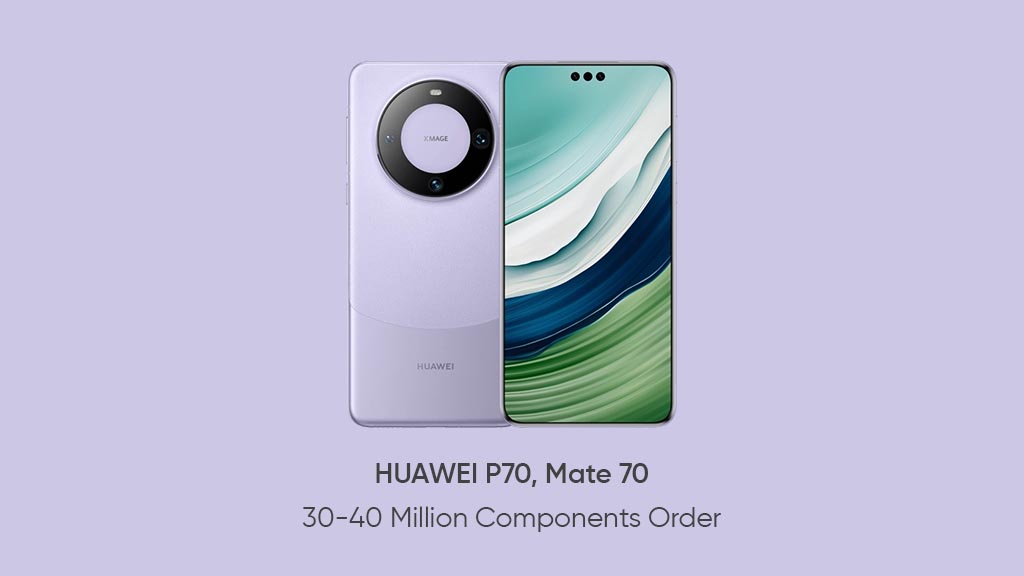
    Huawei shocked everyone last August when it announced the Mate 60 series, powered by the first 5G Kirin chipset in over three years. The component was produced by China’s largest foundry, SMIC, using its dated 7nm process node. Chinese consumers took the announcement as a sign that somehow Huawei and SMIC were able to defeat the sanctions placed on Huawei by the U.S. and this nationalism helped Huawei sell 30 million units of the series.

    The Mate 70 series will be released next September, timed to go up head-to-head with the iPhone 16 line, at least in China. Back in October, the iPhone 15 Pro Max was the best-selling smartphone in China with a 5% share of the market compared with the 4% share earned by the Mate 60 Pro and the iPhone 15 Pro. For the entire fourth quarter of 2023, Apple owned a leading 20.2% of the Chinese smartphone market while Huawei was third at 15.2% following a 71.1% year-over-year hike thanks to the Mate 60 series.

    For the whole year, Apple led with 17.3% of smartphone sales in the world’s top smartphone-buying country. Former Huawei sub-brand Honor was second with a 17.1% share. Huawei was not in the top five. Weibo blogger @SmartPikachu says that the Mate 70 line could be the most powerful handset series in the market later this year. That seems impossible unless Huawei is able to get access to cutting-edge application processors built using a 3nm process node. Currently, SMIC isn’t able to produce chips with a node under 7nm.

    Lower process nodes mean smaller transistors, meaning more can fit inside a chip. The higher a chip’s transistor count, the more powerful and/or energy-efficient a chip is. We could see a new Kirin chip power the Mate 70 line, but with SMIC unable to buy an extreme ultraviolet lithography machine from ASML, breaking the 7nm barrier will be extremely difficult for SMIC and Huawei.

    The next flagship series due from Huawei is the photography-based P70 line. Huawei is also said to be working on the Pocket S2, the second-generation clamshell foldable from the company. As for the Mate 70, @SmartPikachu says that the Mate 70 could sport a quad-curved display. It could also debut 5.5G technology and include a 1-inch type camera sensor, and a display with thinner and more uniform bezels.

  • Beeper halts iMessage integration after reported user bans on Macs

    Beeper halts iMessage integration after reported user bans on Macs

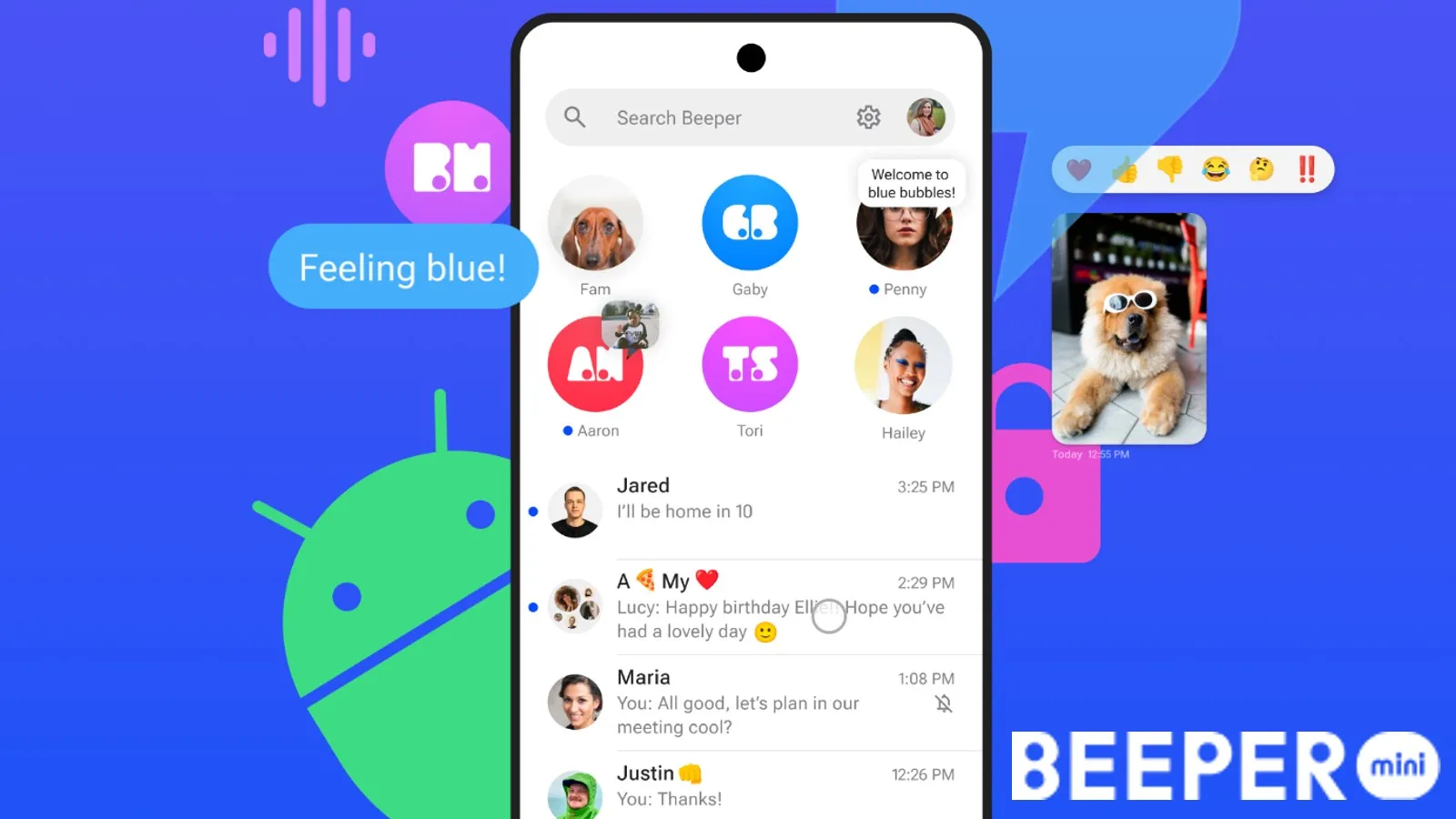
    In its ongoing dispute with Apple for access to iMessages, Beeper, the universal messaging app, appears to have given up. In a recent announcement, the company revealed their decision to disable new iMessage connections on their main app, Beeper Cloud. This move effectively marks the complete shutdown of the service, at least for now.

    Following user reports, it came to light that Beeper users that were using the workaround method of the connecting the “Cloud” or “Mini” app to iMessage via their Mac computers, were somehow being banned from using iMessage altogether. Despite this only affecting a minority of Beeper users (about 30 out of 3,500), the bans were enough to spark worries about Apple’s aggressive approach when it comes to unauthorized third-party access to its messaging service.

    According to Beeper, the bans began shortly after the app pushed an update last month, which coincided with the company’s transition from relying on its own servers and instead having users seek authorization using their owned Macs. This worked for a little while, but apparently Apple eventually caught on and reportedly banned some of these connections.

    Beeper effectively reached out to Apple directly, but never received a response or any explanation for the bans. Nevertheless, after receiving media attention from The New York Times, Apple seemingly quickly resolved the issue and lifted the ban on affected users within a span of two days. This was documented in great detail on an X/Twitter post the company published.

    Apple claimed that the bans were due to “spam,” but Beeper and the affected users argue that they did not receive any warnings or notice any suspicious behavior. As a result, Beeper has decided to disable new iMessage connections on its platform completely. While the company does not completely rule out the possibility of reactivating iMessage accessibility through Beeper in the future, the current situation effectively puts an end to it.

    Beeper had previously announced its intentions to refocus its efforts into improving their desktop and mobile apps, as well as adding support for more messaging services down the line. Beeper’s desktop and mobile apps (except Beeper Mini) remain fully operational, offering a convenient solution for multiple messaging services, and currently supporting an impressive range of 14 different platforms. This is what Beeper will become from now on, a universal messaging app, without iMessage, of course.

  • Newest version of Fitbit on Android allows you to manually log your body temperature

    Newest version of Fitbit on Android allows you to manually log your body temperature

    Fitbit has recently rolled out an update for its Android app, bringing it to version 4.06. This latest update introduces a new feature that enables users to manually record their body temperature readings using their thermometer.

    Users will now be able to tap the floating action button and find a new option for “Temperature” alongside Activity, Sleep, Food, Water, and Weight. The “Body temperature” card under “Health” in the Today feed will take you to a stats page that follows the new design style.

    Additionally, Fitbit has introduced a new feature that allows users to manage their manually logged entries easily. Now, you can specify a precise time for these entries and even delete them if needed. Users will also have the option to completely disable the card by accessing the “Customize Today” toggles page.

    This feature is a recent addition to the revamped Fitbit app. However, it is possible that it might have already been accessible in the previous version of the app if you owned a Fitbit tracker or smartwatch capable of measuring nightly skin temperature variations.

    Google Pixel 8 Pro is equipped with a temperature sensor that will soon be equipped with this functionality to measure body temperature — as soon as the US Food and Drug Administration grants the regulatory approval. Once the feature is available, users will be able to take a reading from the app and effortlessly save it to the Fitbit app. This could be extremely helpful to recognize ahead of time the onset of a possible illness or to track female reproductive health.

    The app can be downloaded or updated on Android from the Google Play Store, while iOS is currently on version 4.08. This latest addition to the Fitbit app is a welcome feature that empowers users to closely track their health and make well-informed decisions regarding their health.

  • Strava brings free messaging to iOS and Android

    Strava brings free messaging to iOS and Android

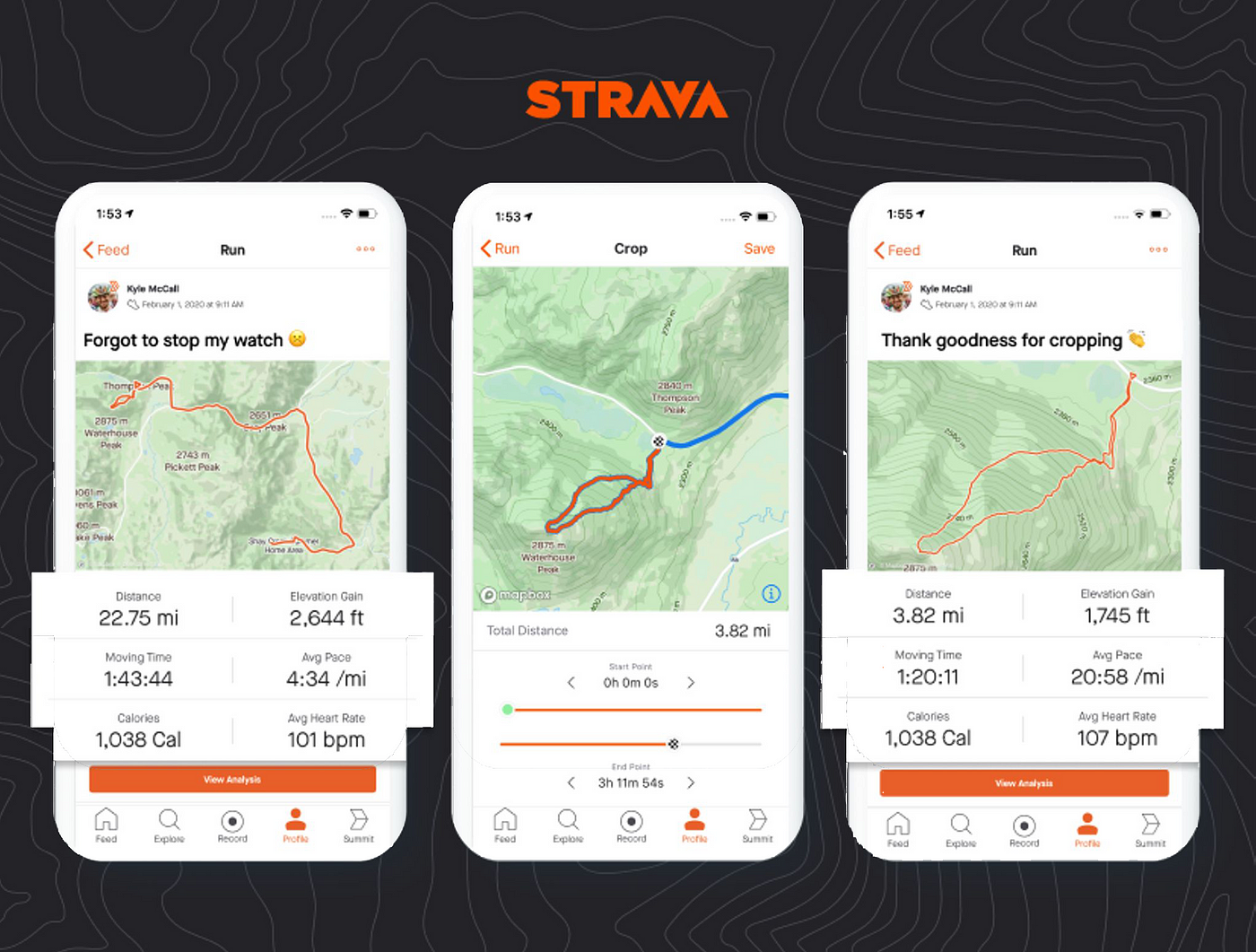
    Strava made an exciting move this week, announcing messaging for iOS and Android users. The popular mobile app for athletes revealed a new feature that will be available for free to all its users, Messaging.

    Launched this week, the new feature offers users two options: direct (one-on-one) and group messages. In addition to these key features, Strava’s messaging tool provides more functionality in the forms of even more features:

    • Easily share Activities and Routes to messaging to help assist in coordination and celebration.
    • Message creators can personalize the name of group chats for a more tailored experience.
    • Athletes can bring motivation, hype and even some friendly competition through message reactions, gifs, and replies.

    The Messaging feature on Strava can be customized based on the user’s desired experience on the platform. For starters, Strava users can set their preferences on who can invite them to a Group Message or who can message them directly.

    Also, the feature’s settings will be automatically set based on a user’s profile visibility, but it can be adjusted to receive messages to and from “Following,” “Mutuals,” or “No One,” under settings in the Strava app.

    To send a message, simply tap the corresponding button on the profile of the Strava user you wish to message. Remember that while you can send messages to Strava users who follow you, you may not be able to message to a user depending on their privacy controls.

  • Facebook and Instagram are testing themed icons for their Android apps

    Facebook and Instagram are testing themed icons for their Android apps

    The most recent Alpha and Beta versions of the Facebook and Instagram apps on Android now support Android’s themed icons. This supports recent rumors that Meta was working on finally adding this functionality to its apps’ icons, years after it became available throughout the operating system.

    Automatic theming, including themed icons, were introduced to Android with version 12 of the operating system. This feature extracted the dominant colors of your wallpaper and applied them throughout the interface, making for a more minimal and cohesive look.

    Initially, there were eight color palettes to choose from, but that eventually doubled with Android 13 and expanded even further with a monochrome option on Android 14. Still, as the adoption grew with popular app icons, there was always that one holdout — Meta.

    Fortunately, this is now changing as both the Instagram and Facebook icons support automatic theming on Android in their Beta and Alpha apps, meaning that this will likely be rolled out to their stable versions soon. This was spotted by users currently using these versions and reported by Mishaal Rahman on X.

    This is available right now in versions 307.0.0.0.42 (beta) of Instagram and 439.0.0.0.30 (alpha) of Facebook and signals a turning point to how Meta handles the implementation of new Android features. This was evident more recently by the limited rollout of a new Instagram layout for tablets, which can be tested now using a larger screen device, such as the Google Pixel Fold on Android 14 QPR1 Beta.

    For those that enjoy having matching icons on their Android’s home screen, support for a matching themed icon for both of these applications could finally stop the issue of having to hide them inside a folder or pushing them to a secondary stream (if not hide them altogether). Hopefully, this feature makes it to the stable channels sooner.

  • Google makes a small change to the Android version of the YouTube app

    Google makes a small change to the Android version of the YouTube app

    Google likes to fool around with YouTube like a person who can’t stop scratching an itch. Unlike changes made to Google Maps that are helpful, some of the changes made to YouTube appear to be done for no real reason. Recently, the web version of the video stream moved from square corners to rounded corners on the thumbnails and the video player, and the feedback from YouTube users was not exactly favorable.

    Now it appears that YouTube is making the same change to videos on the YouTube Android app. The result is a more blinding white light in the background which might lead some users to turn on Dark theme. Open the YouTube app on Android and tap the profile picture in the upper right corner. Next, tap on Settings > General > Appearance. A popup box will ask you to choose from using the device theme, Light theme, or Dark theme. Make your choice.

    Since the rounded corners extend to the video player on the web and not just the thumbnails, we can assume that this will be the case for the Android app as well. Right now, the new look hasn’t been pushed out to many Android devices and it has yet to appear on my Pixel 6 Pro using Android 14 Beta 5.3.

    On the YouTube website, the rounded corners do not appear when you are watching a video in full screen or in Theater mode. But once you return to Default view, they do return. Now we don’t know exactly when Google plans to roll this out more widely to Android users and whether it will follow through by rounding the corners on the iOS YouTube app.

  • Spotify added new ones for Android

    Spotify added new ones for Android

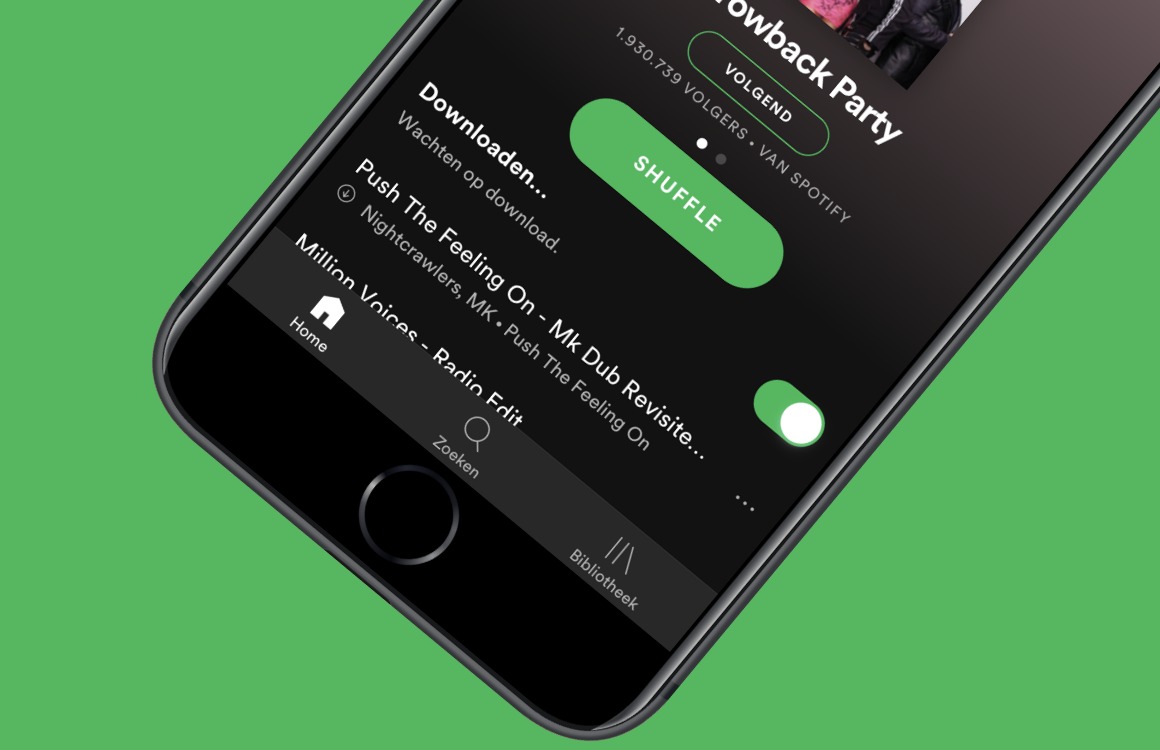
    Alright, let’s hear it. “Widgets suck!”, “they are archaic!” and “nobody uses them!”. Did I get that right? Well, mister-sir, if that was the case, then would one of the biggest streaming platforms — Spotify, which we all got installed on some of the best phones available today — update its widget selection for Android?

    “Ah, but manufacturers and developers are so outdated with people’s needs” you say? Well, then let me raise you this: what is one of the most used features on Spotify? Discover weekly, which allows you to find new artists and jams to rock out to.

    Now, can you guess what these new widgets are adding? That’s right: recommendations based on your listening habits, which is pretty much like an instant-discovery queue. But before I defend the concept of widgets further, let’s explain these new ones from Spotify.

    It took two years for Spotify to update its selection, so I don’t know how archaic the concept is, but I can certainly back up the statement that it is stagnant at times. Anyway, the new widgets total out at two types with both seeming really intuitive.

    First off we’ve got the new generic widget, which shows you what you are listening to, the song’s cover artwork — and now that’s what you call a complete package! — and, of course, media controls such as play, pause, next, etc.

    But then we’ve got the new widget, which incorporates all of the above, but also expands on the concept. It can go from a 3×2 size up to a 5×2, which allows for up to five personalized suggestions to show up beneath what is currently playing.

    And, yes, those can be anything from songs and albums to podcasts and audiobooks (where applicable). This new widget was announced last month in July, but it rolled out with version 8.8.50, which means that you may have a Spotify update pending right now.

    But beyond that, my last argument regarding widgets is this: imagine that you have a household tablet that you use for smart home and media controls. Now, wouldn’t having all necessary controls in a sleek and clean manner directly on your home screen just make sense?

    Hence, widgets can really be cool. Are they cool enough to make the transition from this theoretical tablet to your phone? That, in my opinion, depends on style. But it’s absolutely better that we have them still be a thing in 2023.

  • Android’s emergency satellite service could work in over 150 countries

    Android’s emergency satellite service could work in over 150 countries

    By a show of hands, let’s see how many of you think that the iPhone was the first smartphone offering emergency services via satellite connectivity. Wow, it’s going to be interesting to tell all of you with your hands up that you’re wrong. Actually, Huawei’s Mate 50 series introduced its version of this feature one day before Apple did. And now there is talk that Huawei’s Mate 60 line, due out later this year, will offer voice and image transmissions by satellite.

    With iOS and Harmony ahead of the pack, Google is supposed to dip its toes in the satellite water with the release of Android 14. One rumor last month said that the release of Android 14 was going to bring satellite connectivity to Pixel and Galaxy handsets at first. The rumor said that the Android 14 update will add the necessary software while phone manufacturers will have to deal with the hardware requirements.

    The Team Pixel FanClub, while not affiliated with Google, said that Pixel and Galaxy models will be the first Android devices to sport the necessary hardware required for satellite connectivity to work. And on Sunday, Neïl Rahmouni, who was nominated as a Top Google Developer Online Contributor in June, posted on X that it “Looks like Google Messages may use Garmin Response for the Satellite Emergency SOS. If true it could mean that Emergency Satellite messages would be available in 150+ countries.”
    This would instantly top Apple’s Satellite connectivity service which is available in only a handful of countries at the moment. Not that it hasn’t proven its worth as Apple’s Emergency SOS via Satellite has already saved numerous lives.
    Despite having his name all over the X message proclaiming that Garmin’s service might be used by Google Messages for its satellite connectivity feature, Rahmouni believes that we shouldn’t assume that the Google-Garmin tie-up is happening until Google makes the official announcement. At this point, we don’t know when the feature is expected to launch and more importantly, which Android devices will support it.
  • Netflix adds new feature to iOS, Android to help you quickly find content to watch

    Netflix adds new feature to iOS, Android to help you quickly find content to watch

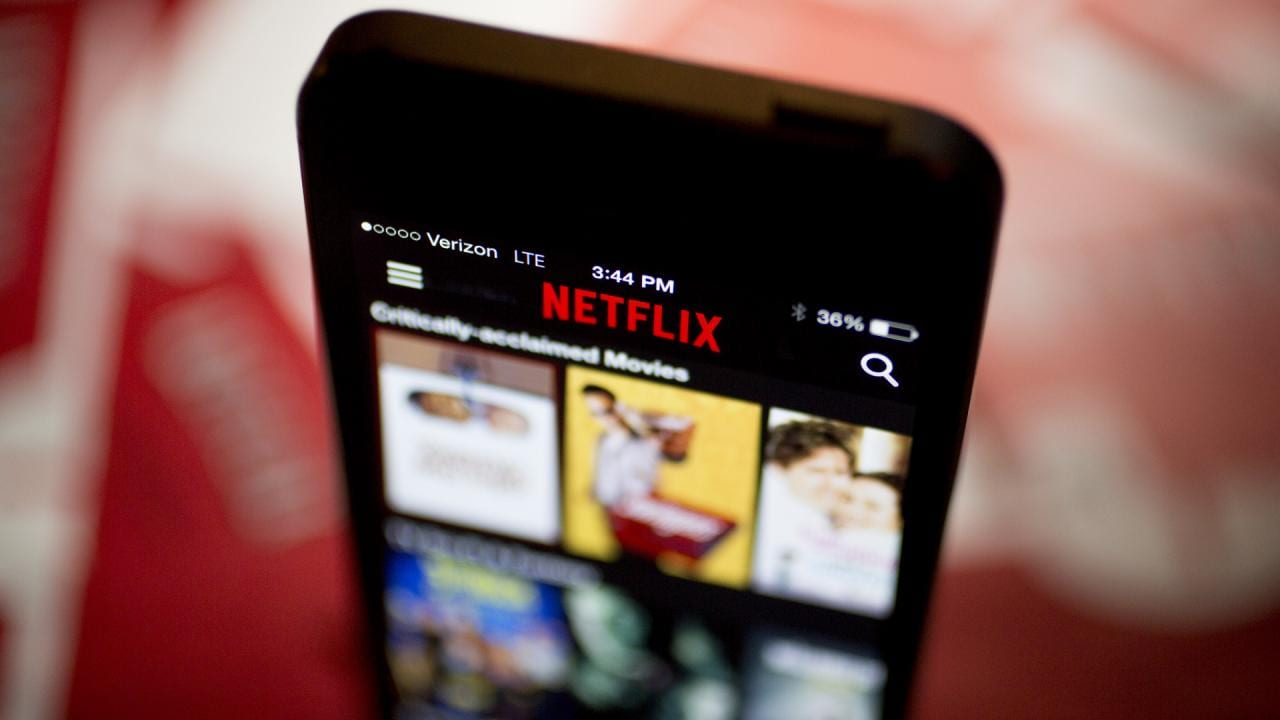
    Netflix announced today that it is adding a new feature to its popular mobile phone app. Called My Netflix, this is a one-stop shop for both iOS and Android users that features shortcuts to help you find something to stream on the platform. The new My Netflix Hub will show you the content you recently downloaded, the movies and television shows you gave a thumbs up to, shows and movies you’ve saved to My List, trailers that you’ve viewed, what content you’re in the middle of watching, content you’ve recently viewed and more.

    With the My Netflix Hub, you can check it out wherever you are to get ideas of what to watch next including shows and movies that you’re in the middle of watching, or content that you’ve downloaded to view at any time. Even with the capabilities of the My Netflix Hub, you can always visit your Home tab or other parts of the app to see the entire Netflix library.

    The My Netflix Hub learns more about you the more you use it. So if you save more medical dramas or give a thumbs up to every episode of Grey’s Anatomy, you’re apt to find more medical dramas in the My Netflix Hub. The Hub is rolling out today to iOS users and will be available on Android devices early next month. Check to see if the My Netflix Hub has arrived by opening the app and looking for the tab on the bottom right corner of the display.
    If the My Netflix Hub hasn’t been added to your iOS Netflix app, you can try to manually update the app by opening the App Store and tapping on the profile picture in the upper right corner. You’ll see a list of apps that are in a queue to be updated. Scroll down until you see “Netflix” (that is, if it appears on the list) and tap on “Update.” Wait for the app to be updated before you open the Netflix app to check whether the My Netflix Hub has arrived on your iPhone. I can tell you that the update has hit the Netflix app on my iPhone 11 Pro Max running iOS 16.6.
  • Android phones will soon try to entice users to install the latest update

    Android phones will soon try to entice users to install the latest update

    Google really wants you to install the latest Android update whenever it is released. While the company can’t twist your arm, Google is asking Android phone manufacturers to add a new feature called Android Upgrade Invite to their phones. Google says that the Android Upgrade Invitation is a “user flow that showcases the key new features included in the current available major Android OS upgrade.” It is “intended to help convince users to upgrade their device to the latest OS version.”

    As noted, the invitation can be tapped on by Android users to show them the new features and capabilities they will receive by upgrading to a new version of Android. The update can even be installed from the flow. The user flow is the path taken by an app user to complete a task such as the steps taken on an app to complete the purchase of a product. In this case, the task is to get an Android user to install the latest version of the platform.

    The invitation can be sent out automatically when a major update is detected (available on Android devices that use Google’s OTA ‘over the air’ update services and have Google Mobile Services). Or, the invitation can be sent out manually by the manufacturer. The manufacturers will have the ability to remove features from the user flow that are not offered on their Android skin, change the text if necessary, and modify the animations and colors to match their branding.
    We really can’t say how much the Android Upgrade Invite will change the fragmented world of Android updates. As of May 30th, the latest stable version of Android, Android 13, was on only 14.7% of active Android devices. But this low number has more to do with the various number of Android manufacturers and devices that can be purchased in the marketplace. On the other hand, by reminding some Android users who might not be as knowledgeable about the platform that an update is available, the feature could hike the percentage of users running the latest build.
    One thing that the Android Upgrade Invite will do is give more users a better idea of what they can expect when installing the update instead of trying to decipher a changelist provided by Google.