Tag: android

  • Google may soon enable Android to detect if you cough and snore while you sleep

    Google may soon enable Android to detect if you cough and snore while you sleep

    Google is allegedly working on introducing snore and cough detection into Android devices. Lines of code in the installation file of the Google Health Studies app reveal that the tech giant is currently conducting a study called “Sleep Audio Collection,” which is available only to Google employees.

    The tech giant explains, “You must be a Full Time Googler with an Android phone to participate in this study. Environmental conditions required for this study are to have no more than one adult sleeper in the same room who does not work for a competitor company.”

    With this experiment, Google is collecting the necessary data to validate, tune, and develop algorithms and an advanced suite of sensing capabilities that could then be made available on Android.

    These “Cough and Snore algorithms” will appear as a sleep tracking feature for you, the end user, and will monitor whether you cough or snore during your sleep. Google further explained that the function will work in a “privacy-preserving, on-device” manner, meaning that the collected information will be safely processed and stored locally on your phone. According to Big G, these new features will provide users with “meaningful insight into their sleep.”

    A snore detection feature has many advantages and will surely give you more information on how you sleep. For example, it can tell you if and in which cycle you snore. It can help people that are battling sleep apnea and other health issues track how diet changes and sleep schedules affect their quality of rest.

    Unfortunately, there is no word on how and when Google plans to implement the snore tracking feature or whether it will be available on all Android devices or just the Pixel phones. It is also possible for Big G to add this function to its fitness tracking app, Google Fit.

    Of course, there are apps out there like SnoreLab, SnoreClock, and Goodsomnia Lab that offer snore detection and which you can use right now.
  • Android TV 13 might reduce power consumption for smart TVs

    Android TV 13 might reduce power consumption for smart TVs

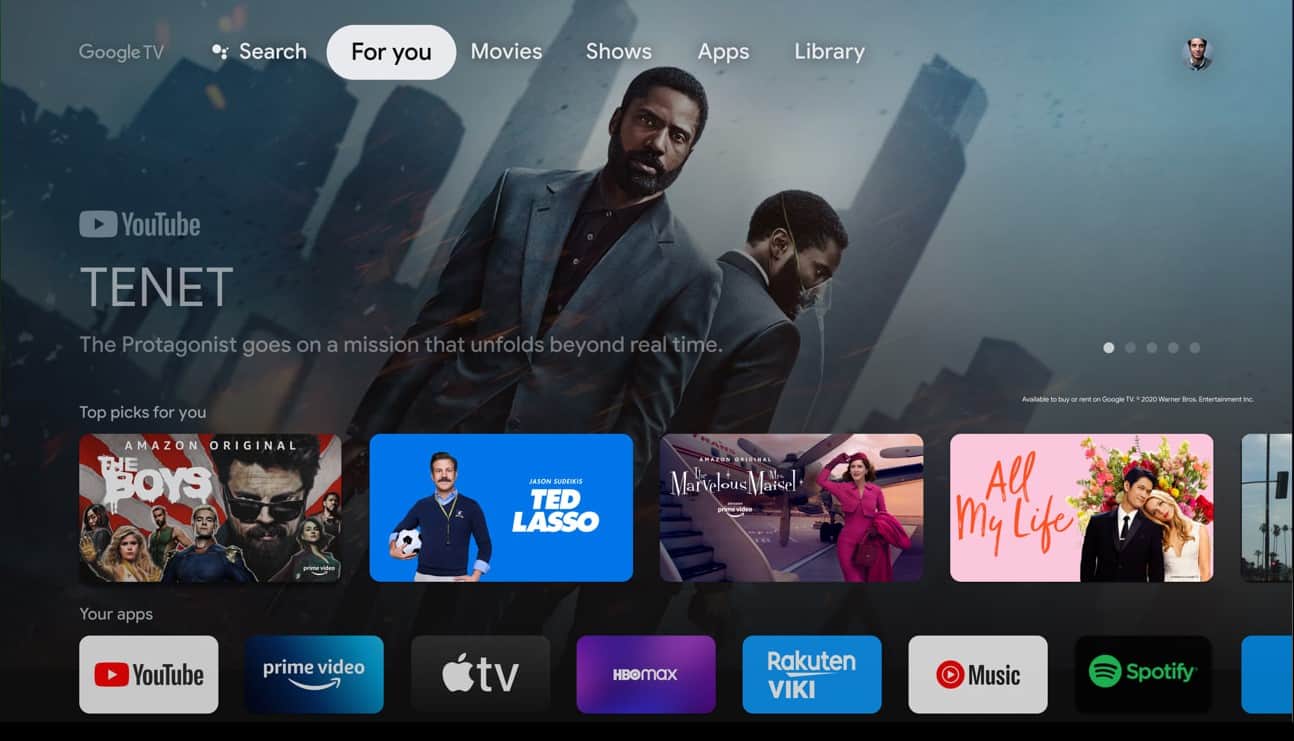
    With Android 13 on the way, we’re expecting many important new features to arrive on all devices that are part of the ecosystem, not just smartphones and tablets. Cars and TVs that use Google’s OS are likely to receive their fair share of improvements too, including some that might reduce consumption.

    Obviously, your car won’t consume less fuel or electricity for using Android Auto, but your smart TV might, at least according to a new report by Esper’s Mishaal Rahman. Apparently, Android TV 13 will include a new “low power standby” mode that will prevent some functions to keep running in the background when your smart TV is in standby mode.

    While the low power standby mode is enabled, wakelocks are disabled and network access is blocked. The feature will be disabled by default just in case you want to continue to receive notifications while your smart TV is in standby mode.

    In the same piece of news, the cited report highlights another interesting improvement that Android TV 13 is expected to bring to smart TVs: expanded Picture-in-Picture (PiP) mode. With Android 13 TV, PiP windows can be set to less than 1:2.39 or bigger than 2.39:1. Also, despite the fact that Android TV does not support multi-window features except from PiP, Android TV 13 might actually add a “pseudo-split-screen” mode with docked, expanded PiP windows.

  • YouTube Shorts are finally coming to iPads and Android tablets

    YouTube Shorts are finally coming to iPads and Android tablets

    Social media apps borrow features from each other all the time to keep up with the trends. Snapchat, Instagram, TikTok and YouTube have been adding new features that have similar functionalities for a long time, something that has become very common in the last couple of years for many other industries.

    Introduced back in 2020, Shorts, YouTube’s take on TikTok’s short-form videos, have amassed five trillion total views as of January 2022. The number includes all platforms where YouTube Shorts are available such as Android phones and laptops but does not include tablets, which don’t support the feature.

    However, YouTube fans will be happy to know that Shorts will soon be coming to Android and iOS tablets. Although they won’t be available on both platforms at the same time, at least we know YouTube plans to make them available on tablets too sooner rather than later.

    According to YouTube, the Shorts option should be rolled out on YouTube’s apps for Android and iOS tablets “in the coming weeks.” Once the new feature will go live, tablet users should see a Shorts tab within the YouTube app. More details about how to create a Short using a song from YouTube’s library are available on the support page.

  • New report says increasing number of iOS users seeing the value in being tracked

    New report says increasing number of iOS users seeing the value in being tracked

    With last year’s iOS 14.5 came Apple’s App Tracking Transparency feature that asks people whether they would like to be tracked by apps. Companies like Facebook which rely on this sort of tracking to serve personalized ads vehemently criticized the Cupertino giant for introducing this feature, but it’s not all doom and gloom, suggests a new report.
    Apple assigns a random device identifier called Identifier for Advertisers (IDFA) to devices like iPhones and iPads that let app makers track user activity across apps for targeted advertising. IDFA has now been made an opt-in feature, meaning users will have to consent to being tracked.
    Facebook has been a vocal critic of the feature and a recent report estimates that the company could lose $12.8 billion in revenue this year because of ATT. Snapchat, Twitter, and YouTube are also expected to be impacted, though they are projected to take smaller hits.
    The situation looks to be improving, per analytics platform Adjust. In May 2021, 16 percent of the users had opted-in to being tracked, and the number has now grown to 25 percent. The study is based on the 2,000 most popular apps in the firm’s database.
    The stats are even more promising for gaming apps, with an estimated 30 percent of users allowing businesses to track their activities for personalized ads. For some popular games, opt-in rates were as high as 75 percent.
    The outlet notes that a month after the launch of the ATT feature, only 4 percent of the users in the US had opted-in to it, so the latest report could be a beacon of hope for the likes of Facebook.
    Apple allows app developers to explain why users should allow tracking and it looks like many businesses have found ways to convince users to opt in to tracking. For instance, an app may say that personalized ads help the developer keep the app free or that it can help users save money.
    Adjust thinks that more users now “understand the value of opting in and receiving personalized advertisements” and expects the upward trend in consent rates to continue.
    Apple meanwhile continues to advocate for stronger privacy protections and is fighting hard to prevent legislation that would let users download third-party apps outside of the App Store.
  • Telegram update brings semi-transparent mode to Android, phone number links, new Download Manager

    Telegram update brings semi-transparent mode to Android, phone number links, new Download Manager

    Telegram has a new update that’s bringing a few quite useful features to the popular chat app. The app is now getting a redesigned interface for Android, a new Download Manager, phone links, and more.

    The update was announced in a Telegram blog post. One of the most noteworthy features that the new update brings is the new phone number links feature. Before this update, you could create a username on Telegram and share your t.me/username link with other people so that they can find you on the app without your phone number. However, such usernames are public and people can find you in a global search.

    With this new update, Telegram is bringing the possibility to share a direct t.me link with your phone number that instantly opens up a chat with you. The format for these links is t.me/phone number, and you have to use your full number in the international format, with the code of your country and a + sign in front of it.

    Pretty much, these links do not make you searchable by anyone while still allowing your friends to find you with your phone number more easily. Keep in mind that in order for this to work, you need to set your privacy settings so that others can find you on the app by your phone number.

    With this new update, when you download files, a new icon will appear in the search bar. You can tap on it or go to the “Downloads” tab in Search, where you can view, pause, resume, or prioritize downloads. On top of that, you can use it when sending multiple photos to see a preview of the album, rearrange photos, or remove some before sending it.

    But that’s not all. Telegram for Android is getting a new look, with a new transparency effect. The company calls it a semi-transparent interface for Android. In fact, it is a look that is seen in Night Mode. With this new look, panels and headers become subtly transparent, this way making chat backgrounds, stickers, and media files more noticeable. Another new thing coming to the Android app is a refined login screen which will now have smoother animations.

    Additionally, the update brings support for live streaming with other apps. So far, Telegram Groups and Channels support live video broadcasts with an unlimited number of viewers. However, now you will be able to broadcast from streaming tools like OBS Studio and XSplit Broadcaster, which adds overlays and multi-screen layouts easily. This way, any Telegram channel can be seamlessly transformed into a professional TV Station.

    And last but not least, this Telegram update brings a new look to the t.me link pages. This is the place where anyone can preview profiles, posts, or entire public channels in their browser. The web previews are now getting a new look with chat backgrounds and design elements from the Telegram Web client.

    Back in December 2021, Telegram had another big update that brought Telegram chat reactions with emoji, a feature that’s quite useful and fun to use in chat apps, as well as message translations.

    Additionally, the update back then brought spoiler alerts that can help you hide some text behind a blurry look. Of course, choosing to ignore the spoiler alert will let you tap on the message and view it anyway like it is on other popular platforms such as Reddit.

  • Android users will love this hidden Gboard trick for sharing images

    Android users will love this hidden Gboard trick for sharing images

    Android’s Gboard virtual keyboard is full of tricks and is quite versatile. You can even set it up to “float” all over the screen making it easier to type with one hand. There are several different ways you can set up Gboard and the one that this writer uses allows a long-press to type numbers and punctuation instead of having to open another keyboard.

    There is another Gboard “trick” that the app has up its digital sleeves that is perfect for those attaching an image to an email or a message. Gboard will allow you to make a copy of the image and keep it stored on Gboard until you need to paste it. It certainly is not time-consuming and could save you time and effort in the future.

    Ready? Here’s what you need to do to enable this feature. First, open Gboard by tapping on any text field that is open. On a Pixel, you can press the Google Search field at the bottom of the home screen. On other Android models, you can open the messages app and tap the text field as though you are going to send a new message.

    If there is a clipboard icon at the top row of the keyboard, press on it. If not, go to the three-dot menu icon on the right of Gboard’s top row. Tap it. Now tap on the small toggle switch on the top row of Gboard to enable the feature.

    The last step is to open the settings menu on Gboard. You can tap the settings “gear” icon on the top of the keyboard. Tap on Clipboard and you’ll see three toggle switches. Make sure that they are all toggled on.

    Okay, so now your Gboard app is all set. When you see an image on your Android browser that you want to share via an email or message, long-press on it and select the “Copy image” option. If you own a Pixel and you want to copy an image from an Android app that doesn’t offer a built-in copy option for images (such as Google Photos and Twitter), you can open the phone’s Overview area and long-press on any image to get an option to copy it.

    Next, open the messaging or email app you are using such as Gmail or Messages, and find the thread or message you want to place the image in. Gboard will usually show a recommended placement of the image in the top bar at the center of the email or message. This process will also work with screenshots.

    If Gboard doesn’t show a recommended placement for your image, tap on the clipboard icon in Gboard to retrieve your saved image. Tap that image while in Gboard and it will show up as an attachment on your email or message.

    If you find that you are sharing certain images often, you can pin them in Gboard and have them ready for a quick two-tap placement into your email and messages. To do this, copy the image or screenshot you want to share. Open Gboard by tapping on an open text field.

    Now, tap on the clipboard icon on Gboard’s top row or the three-dot menu on the keyboard. Select clipboard. Press and hold your finger on the image which will be on the top of Gboard’s clipboard list. From a menu of options, select “Pin.” The next time you open the clipboard, the pinned image will show up right under the most recently copied items.And that is all you need to do to more quickly and easily add images you want to share in your emails and messages!

  • WhatsApp’s latest update brings Focus mode support to iPhones and iPads

    WhatsApp’s latest update brings Focus mode support to iPhones and iPads

    Although WhatsApp typically rolls out updates simultaneously on both Android and iOS platforms, the latest update is one of the exceptions since it brings specific features aimed at iPhone and iPad users. Two important new features are now making their way to iOS users and are expected to be generally available over the coming weeks.

    The first one is the ability to pause and resume while recording voice messages. Surprisingly, such a nifty feature wasn’t available until the latest update, so if you’re downloading WhatsApp v22.2.75, you can try it out by swiping up to lock a recording and then tap the “pause” and “resume” buttons.

    Another important new feature rolling out to iOS users is support for Focus mode. This has been added in iOS 15 and allows selected users to message you when you have set a Focus mode. When this mode is enabled, you can set notification, call, and message filters, as well as auto-reply to others when you’re not available. Think of it as a more efficient Do Not Disturb feature.

    In other news, WhatsApp is gearing up for yet another important new feature for its users: the ability to transfer Android chats to iOS. However, the feature is still being tested internally, so it might take a while until WhatsApp will be ready to make it available to everyone.

  • Oppo’s first ever Android tablet leaks once again

    Oppo’s first ever Android tablet leaks once again

    Following rumors about OnePlus’ first Android tablet, sister company Oppo seems to have similar plans. Although nothing official has been announced yet, Oppo’s tablet has been recently spotted on Geekbench benchmark database.

    The listing uncovered by MySmartPrice reveals some of the tablet’s features like processor, memory and operating system, but the rest of the specs sheet remains a mystery. Apparently, Oppo has decided to pack a very powerful Qualcomm Snapdragon 870 processor inside its upcoming tablet.

    Tablets typically come in more than one version, so depending on the amount of memory/storage and type of connectivity, we might have more than one Oppo tablets, but we do know that at least one model will come with 6GB RAM.

    Unfortunately, the listing reveals the tablet runs Android 11, a real downside for such a powerful tablet. We’re really hoping Oppo will have a change of heart and ship its first ever tablet with Android 12 instead of an older version.

    The new Geekbench listing adds new information to a previous rumor that claims Oppo’s tablet will feature an LCD display with 120Hz refresh rate. The same report mentions a 13-megapixel main camera and a secondary 8-megapixel selfie snapper. Oppo’s Android tablet is expected to be initially launched in China, followed by a release in India in the first half of the year.

  • Android Auto is getting a trusty new companion and a bunch of exciting new features

    Android Auto is getting a trusty new companion and a bunch of exciting new features

    Despite technically skipping this year’s Omicron-infected Consumer Electronics Show, Google absolutely bombarded the tech world yesterday with exciting announcements originally designed for a large Las Vegas audience.

    We could even go so far as to say the search giant had one of its strongest CES presences ever… in its physical absence, unveiling (or rather teasing) a whole bunch of potentially groundbreaking, decidedly life-changing, or simply extremely useful features scheduled to hit every platform from Android to Wear OS, Chrome OS, Google TV, and Windows by the end of 2022.

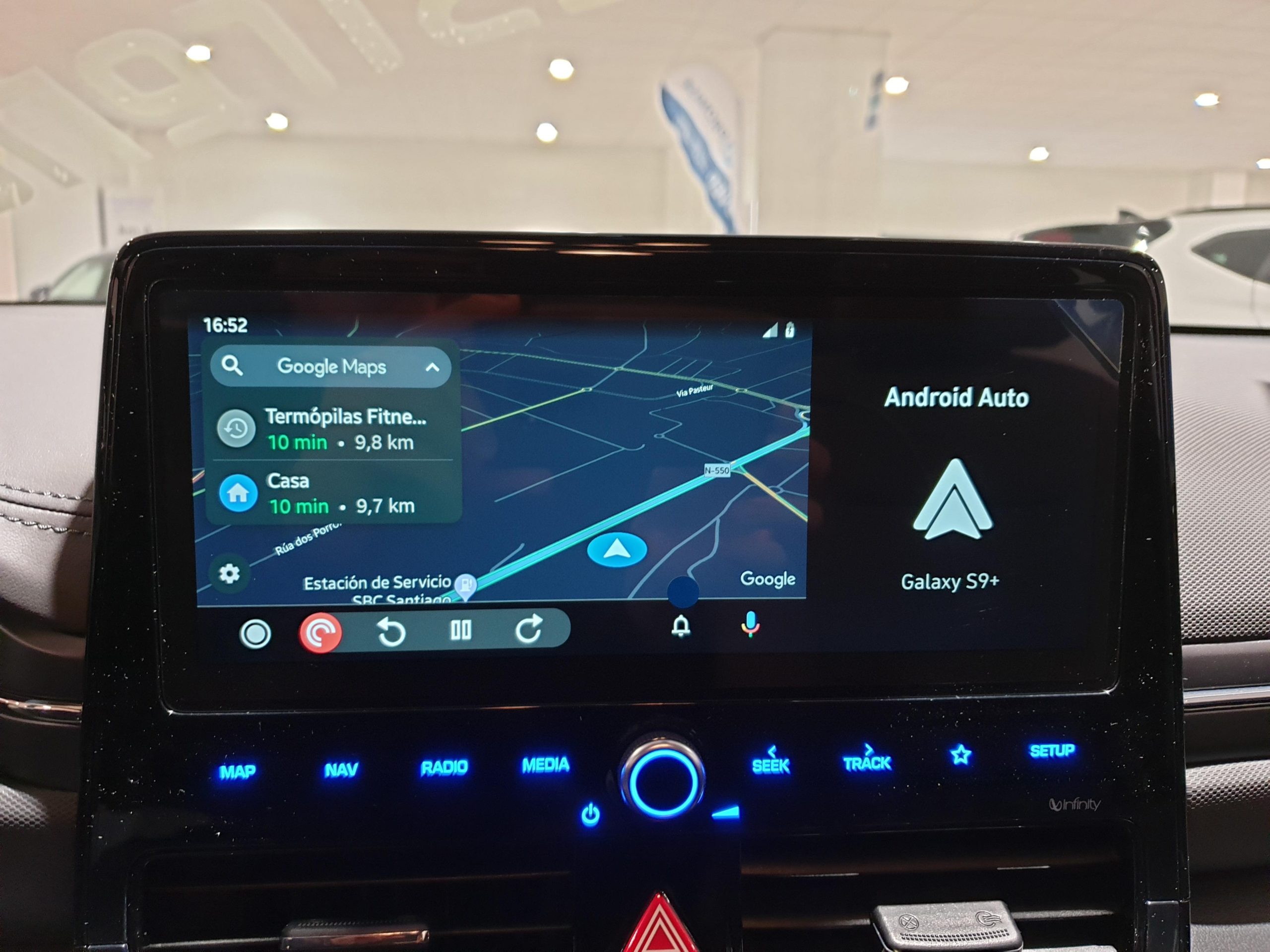
    While we already covered a large part of the company’s bold software plans for this year in fairly extensive detail, several big changes headed to Android Auto managed to escape our radar at first. Arguably the most important thing coming to Big G’s Apple CarPlay rival this very month is actually not developed or manufactured by Google itself, instead hailing from Motorola… licensee SGW Global.

    Although Android Auto can technically facilitate a wireless connection between your (Android 11 and up) phone and your car, the list of vehicles natively supporting the technology remains depressingly short, which means many drivers looking to get valuable assistance (and some much-needed entertainment) behind the wheel have to rely on a good old fashioned USB cable… in 2022.

    Starting January 30, however, you will be able to score a handy and seemingly easy-to-use alternative for this barbaric connection process at just $89.95.

    Enter the Motorola MA1 wireless car adapter, which aims to do exactly what you think and nothing more. Namely, “adapt” your USB-enabled Android Auto vehicle to wirelessly connect to your phone using Bluetooth every time you get into your car.

    Obviously, you will still need to rely on a USB port to activate wireless Android Auto functionality, but you can say goodbye to your trusty cables and maximize the in-vehicle freedom of your handset.

    Just remember to keep your eyes on the road and register your interest in the non-Motorola-made MA1 dongle on the Motorola website to ensure your place at the front of the line. Naturally, it’s unclear how many units that little-known SGW company will manage to manufacture and deliver to early adopters around the world, and you might not want to miss your chance here.

    As for exactly what Google is preparing to deliver on the auto front this year, we should probably kick off our little roundup today with Android Auto’s upcoming Lyft and Kakao Mobility driver apps aiming to make life easier for, well, everybody who uses the two services.

    Then you have a bunch of extremely cool stuff coming (relatively) soon to vehicles with built-in Google technology, starting with “select” Volvo cars. Among other things, those bad boys will allow you to download a multitude of popular apps ranging from Sygic and Flitsmeister to ChargePoint, PlugShare, SpotHero, and ParkWhiz from a special version of the Play Store baked into the infotainment systems of said cars right from the factory.

    Even more… unusually, the same vehicles will be capable of playing YouTube content without you having to lift a finger while also letting you adjust and activate various settings and features like lane keeping assist sans pressing any buttons or doing anything that doesn’t involve your voice.

    Speaking of voice assistance, Google is also partnering with Volvo to make it easy to remotely control your car directly from your smart home. While you obviously won’t be able to drive your vehicle from a distance, your voice will be enough to lock, unlock, warm up, and cool down your car without getting anywhere close to it.

    Pretty much like everything else, these game-changing remote actions are set for a limited launch in the foreseeable future and an expansion to more cars and car brands at some point down the line.

  • WhatsApp adds more options for disappearing messages on iOS and Android

    WhatsApp adds more options for disappearing messages on iOS and Android

    WhatsApp introduced disappearing messages last year. The feature was further improved not long ago with the option to make photos and video disappear immediately after being viewed once. Today, WhatsApp announced a new set of control options for those using disappearing messages.

    Starting this week, iOS and Android users will be able to control their messages and how long they will remain visible thanks to two new features: default disappearing messages and multiple durations.

    The latest version of WhatsApp adds the option to turn on disappearing messages by default for all new chats. This means that all individual chats will be set to disappear at your chosen duration. Furthermore, WhatsApp added a new option when creating a group chat that lets users enable default disappearing messages for groups. Obviously, this is an optional feature that’s not enabled by default.

    Also, the update includes two new durations for disappearing messages – 24 hours and 90 days, in addition to the existing option of 7 days. You can set durations for disappearing messages from the Privacy settings and choose “Default Message Timer.”

  • Vivaldi is world’s first mobile browser to introduce two rows of tabs

    Vivaldi is world’s first mobile browser to introduce two rows of tabs

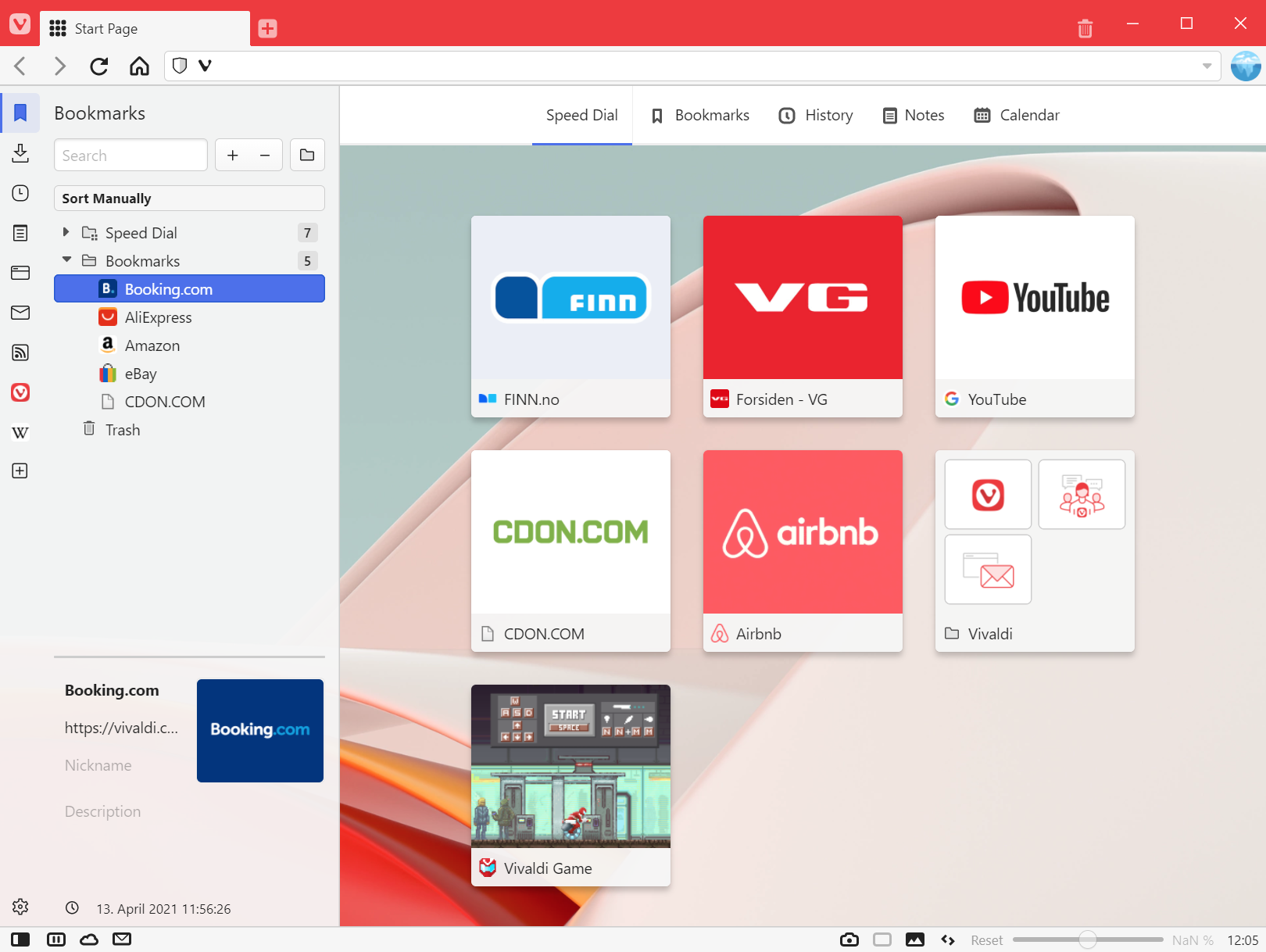
    Vivaldi is trying to appease as many Android users as possible, so the most recent update for the mobile browser brings a world premiere. Vivaldi 5.0 is the world’s first mobile browser to offer a “two-level tab stacks” solution. Additionally, Vivaldi’s Android browser brings built-in Panels on tablets and Chromebooks, another first.

    Back to the “two-level tabs stacks” solution, this has been launched on Vivaldi’s desktop browser earlier this year and allows users to manage multiple web pages smoothly and easily. Starting today, the same feature but designed for mobile devices, is available for Android users.

    To enable the new feature, simply long-press the New Tab button and select “New Tab Stack.” That should allow you to start using the new stack/group created, with the current tab and one new additional tab. There’s another way to make a group of tabs from the Tab Switcher: drag one tab on top of another to create a new stack.

    But this isn’t the only new feature included in the latest Vivaldi update. An improved tab interface and new ways to tweak the Tab Bar have been added too. The built-in Notes tool has been enhanced too so that Android users can quickly handle big chunks of text from a webpage to an existing note with an “Append to Note” option when highlighting text.

    Vivaldi 5.0 is also a big step up for tablet users, as developers have been working to optimize the browser for bigger screens. Apart from a new design, the new version of Vivaldi features a side Panel to make it easier for users to optimize their screen space better on tablets.

  • Netflix brings three new mobile games to its subscribers

    Netflix brings three new mobile games to its subscribers

    Netflix’s games program doesn’t work like traditional games services since it doesn’t require users to pay a monthly subscription. However, you do have to be a Netflix subscriber to have access to several mobile games in its library.

    When it launched early last month, the program offered to Netflix subscribers a pretty short list of mobile games they could play for free: Stranger Things: 1984, Stranger Things 3: The Game, Shooting Hoops, Card Blast, and Teeter Up.

    Less than two weeks ago, Netflix added two new games to the lineup: Gameloft’s Asphalt Xtreme and Bowling Ballers. Today, three new games are added to the roster: Dominoes Café, Knittens, and Wonderputt Forever.

    Although these might not be as appealing as the previous titles, they’re free to play and don’t include ads, additional fees or in-app purchases. If you want to play any of the games offered by Netflix and you’re using an Android device, you can do so via the dedicated games row and games tab.

    On the other hand, members on an iOS device will see a dedicated games row where they can select any game to download.

  • YouTube Music adds a new Recently Played widget for Android users

    YouTube Music adds a new Recently Played widget for Android users

    Google has been pushing its YouTube Music service hard in the past couple of months, adding new features and updating existing ones. Earlier in November, the platform received a useful “Play My Station” shortcut on Android, and a month prior to that Google announced that YouTube Music’s free version will be getting background playback – a feature normally reserved for premium users.

    Now there’s another update to YouTube Music and this time it’s a new “Recent Played” widget for Android. This feature was previewed back in October but now it is rolling out with version 4.55.55 of YouTube Music for Android, available on the Play Store.

    The widget takes 5×2 spaces on your home screen by default and it is divided into two main sections. The top part gives users the ability to play and pause songs, give them a “thumb up”, and it also shows the album art of the current song playing with some basic information such as the name and the artist.

    The bottom part is a grid layout shortcut that gives you “quick access to your recently played videos, albums, playlists, and more.” In the largest 5×4 configuration you can cram up 10 elements in that particular section, and you can also resize the widget to be 5×1 or 4×1 but doing so will hide the bottom element and will leave only the barebone play/pause part hiding the thumb button too.

    The Recently Played widget follows Android 12’s Material You design philosophy, supporting also the Dynamic Color feature. If you don’t see the widget after updating to version 4.55.55, force stop the app and relaunch again.

  • WhatsApp to add built-in sticker maker on the web

    WhatsApp to add built-in sticker maker on the web

    WhatsApp is always improving in order to remain competitive. Although new features aren’t always coming to all platforms, sooner or later all WhatsApp users get to benefit from them. The most recent improvement added to the messaging app, a built-in Sticker Maker, is only available on WhatsApp’s web version.

    It will allow WhatsApp users to quickly create stickers directly within the app, thus removing the need to use third-party apps. The new Sticker Maker can be accessed via the paperclip icon. Simply select Sticker and choose an image to upload.

    The images uploaded can then be edited to your heart’s desire. The picture can be cut and cropped, but you can also add emoji, text, as well as more WhatsApp stickers on top of the ones you create.

    Of course, Android and iOS users must continue to use third-party apps to make their own stickers. Keep in mind that the built-in Sticker Maker announced today won’t be available on the web until next week.

  • Twitter makes it easier to search through subscribers’ tweets on iOS

    Twitter makes it easier to search through subscribers’ tweets on iOS

    A new search icon has been discovered by XDA on the iOS version of the Twitter app. Tapping the magnifying glass icon at the top right corner of a subscriber’s Twitter page will search through the tweets posted by this person or account. It also can be used to go through your own tweets.

    Using the new feature is a snap. Tap on the magnifying glass to reveal the search bar, and simply type in the terms of the search. In the example that we did below, our search term was TikTok.

    That brought up a tweet that we posted late Friday night related to a story about a 16-year-old girl who used a hand gesture that she learned from watching TikTok. The gesture alerted someone in an automobile behind the one that the girl was a prisoner in, that something was not right and that the teen was in distress. Thanks to the hand gesture, the cops were alerted and used a traffic stop to arrest the 61-year-old driver.

    The new feature is actually a shortcut for a feature that Twitter users running the iOS app can already do. By tapping the search icon at the bottom of the screen and typing in From:Username Term (which in the above example is PhoneArena TikTok), you’ll get the same results as if you had used the new tool.