Tag: android

  • Spotify updates Android and iPhone apps to improve accessibility

    Spotify updates Android and iPhone apps to improve accessibility

    With 365 million users around the world, Spotify is now one of the biggest music streaming services. Such a title always comes with certain responsibilities, especially when it comes to accessibility.

    Spotify introduced many changes to improve the experience of its users while they’re enjoying their favorite songs and podcasts. The most recent updates for Spotify on iOS and Android introduce three accessibility improvements to the user experience: buttons with increased readability features, options for text resizing, and a beta for podcast transcripts.

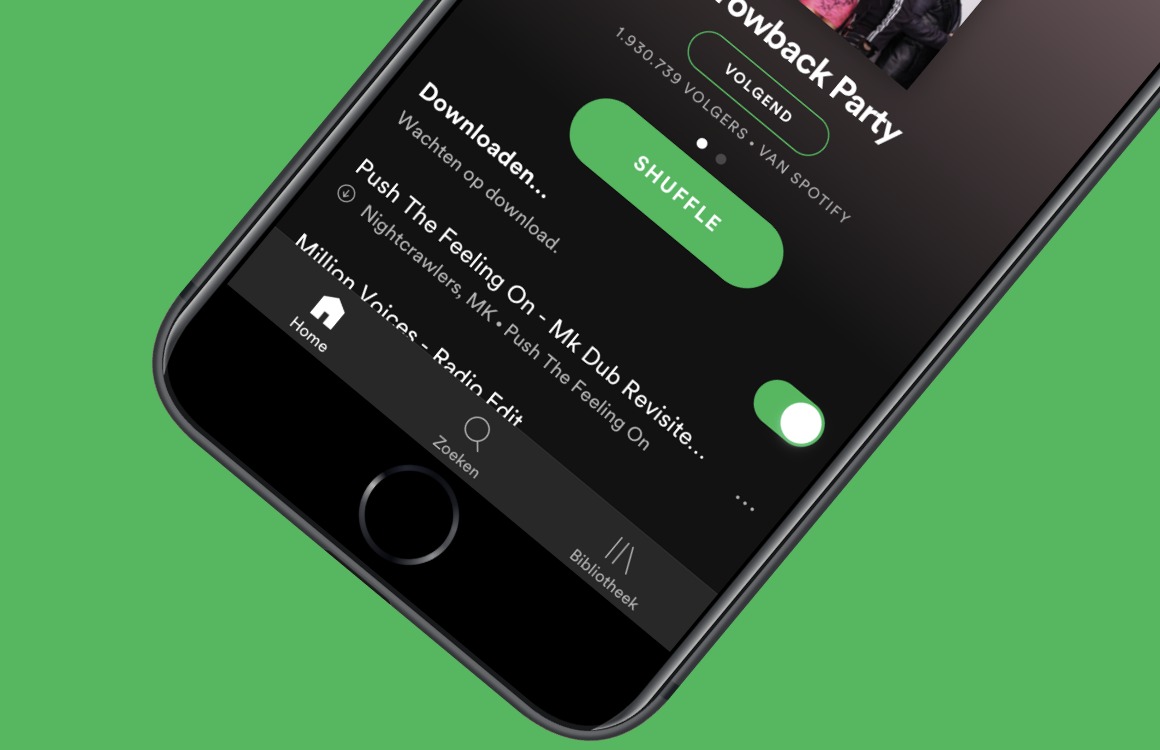
    Once the update makes it to your phone, you should notice changes to buttons in terms of color, text formatting, and size. These are meant to make it easier for low-vision and visually impaired users to take advantage of various features like shuffling playlists or start listening to a session. Moreover, the update will also help users in situations where there’s low lighting or high screen reflections.

    The next major change introduced today is the option to resize Spotify’s text inside Android and iOS apps. This can be done from the Settings menu on your iPhone:

    • On your phone, head to Settings > Accessibility, then select “Display & Text Size.”
    • Tap “Larger Text” for larger font options.
    • Drag the slider to select the font size you want.

    Last but not least, Spotify is rolling out auto-generated podcast transcripts, which will automatically generate transcripts for Spotify Original and Exclusive podcasts across iOS and Android. The new feature will make it easier for users to read text of the specific podcasts on their phones either with or without sound.

  • Android Automotive Will Be In 10 Cars By End Of 2021

    Android Automotive Will Be In 10 Cars By End Of 2021

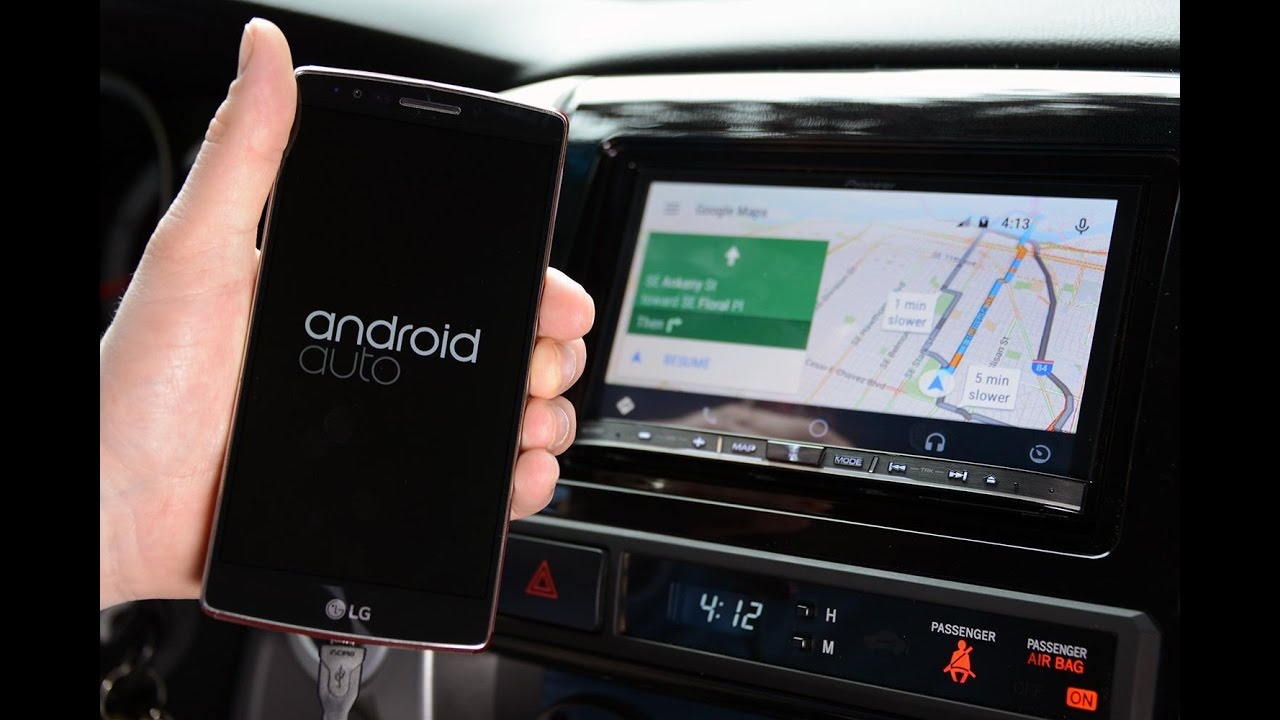
    Google has already announced at wireless Android Auto is soon going to be going to a legion of cars by mainstream manufacturers. At Google IO 2021, it also announced a new digital car key feature that works via NFC and ultra-wideband. It is also saying that we will see 10 new models based on its Android Automotive operating system by the end of the year. Android Auto and Automotive are different. Android Auto is a technology that basically allows the user to beam and mirror the smartphone interface and features using the infotainment system onto the car, while Android Automotive is a full car operating system based on Android.

    Google has partnered with GM and Renault in addition to its existing partnership with Volvo and its electric subsidiary Polestar. It has also added Nissan and Ford to the list. Overall there will be more than 10 car models. This means the new GM Hummer EV — yes, it will be based on Google’s new car operating system.

    After facing a strict fine in Italy, Google is also making it easier for third-party app developers to bring their navigation, EV charging, parking and media apps directly to the car interface. Android for Cars App Library is being extended to support the Automotive OS. This way developers can make one app that works both with the core Android OS for gadgets like phones and tablets and Android Auto. It also means that one app can work across different makes and models. This wasn’t possible earlier which added friction to the process of bringing new apps to Android Automotive.

    Google is working with a bunch of  Early Access Partners — Parkwhiz, Plugshare, Sygic, Chargepoint, Flitsmeister, SpotHero and many more to bring their apps to Android Automotive. Already third-party apps like Spotify support Cars App Library for Android Auto, now with that being extended to Automotive, that app should be presumably coming to cars using Android Automotive.

    Android itself is based on Linux and 2 years ago, Google modified it further to work on cars as an alternative and more scalable option to Android Auto which was running on the phone but the interface of the phone was being beamed on to the car using a USB connection or a combination of wifi and Bluetooth. This mean core Google features like Maps, and Assistant were embedded inside the car on a system level.

    The first cars based on this system were the Polestar 2 and the Volvo XC40 Recharge which is also coming to India later this year.

  • Clubhouse for Android beta now in the Play Store

    Clubhouse for Android beta now in the Play Store

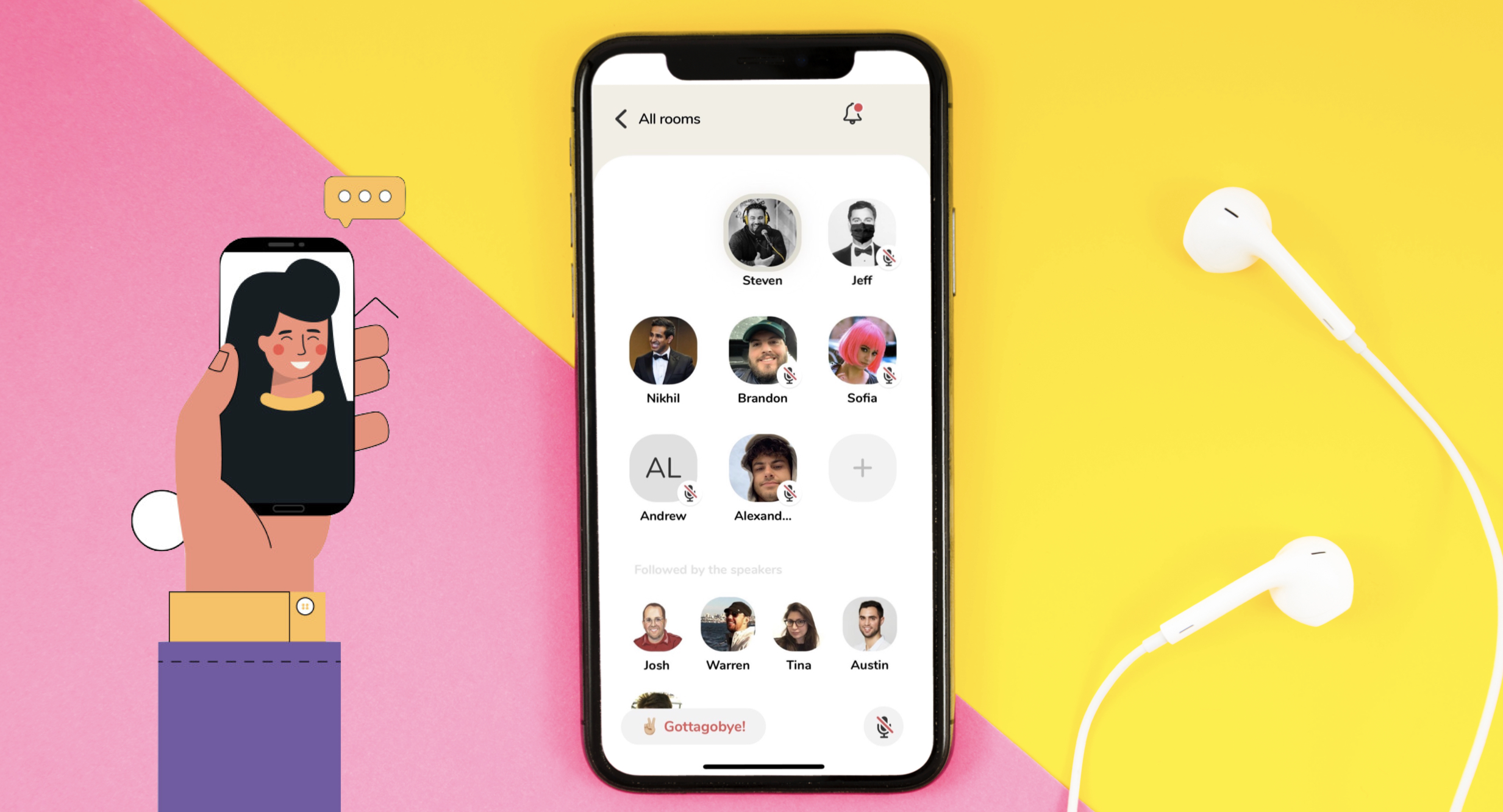
    Audio-only group chat app Clubhouse was extremely popular at the beginning of the year. At the time, the app, which requires an invitation to join, was only available in the Apple App Store. In late March, Clubhouse founder Paul Davison said that an Android version of the app was still months away, but today Clubhouse announced that a beta version of its Android app has become available on the Google Play Store.

    The app certainly needs the boost that will occur from being available on the platform that the vast majority of smartphone users around the world have installed on their devices. Consider that in February, the app was installed 9.6 million times worldwide with 2.7 million installs rung up during the following month. But in April, that number dropped to 922,000 downloads globally.

    Without the necessary invitation, all you can do with the Android app is reserve your username and get put on a waiting list. Eventually, the invitations will disappear and Clubhouse will be open for anyone to join. But at the moment, without an invite, you are not getting into the clubhouse regardless of the platform you are using.

    “With Android, we believe that Clubhouse will feel more complete. We are so grateful to all of the Android users out there for their patience,” co-founders Davison and Rohan Seth wrote in a company blog post. “Whether you are a creator, a club organizer, or someone who just wants to explore, we are so excited to welcome you to the community.”

    The early success of Clubhouse has spawned a number of copycats including Twitter’s Spaces. It seems that all of the big social media names want to have a presence in this space so the competition is going to continue to pick up. Clubhouse still has the advantage of being first although its invitation system might feel like a big turn-off to those who would love to be using the app right away.

    Still, this has been Clubhouse’s plan from the beginning. As it pointed out in today’s blog post, “We’ve always taken a measured approach to growth, keeping the team small, building in public, and getting feedback from the community along the way. When you scale communities too quickly, things can break. So we started Clubhouse on a single platform and have expanded gradually through an invite model.”

    Being placed on the waiting list can help you snag an invite, or if you know an existing user, you can ask him or her for one. The app is launching today in the U.S. followed by other English-speaking countries, and then the rest of the world. Clubhouse says that over the next few weeks, it plans to ask for feedback from the community, fix issues, and add new features such as “payments and club creation.”

    As for the invitations, Clubhouse says that it will keep “growth measured” by continuing the current system although it will open up some more during the summer. It expects millions of of more iOS users to join the more than 10 million iOS users who have already installed the app.

    You can now install the Clubhouse for Android beta from the Google Play Store, but be careful. There is already an app called Clubhouse that has nothing to do with the one we are looking for. So make sure that you search for Clubhouse: Drop-in Audio Chat. To save you some time, simply tap right here. The iOS version of Clubhouse, also using the title Clubhouse: Drop-in Audio Chat, can be installed from the Apple App Store.

    It will be interesting to see what the future holds for Clubhouse and for the format of audio-only group chat.
  • 40% of Android phones have modem vulnerability allowing an attacker to listen in to your calls

    40% of Android phones have modem vulnerability allowing an attacker to listen in to your calls

    A vulnerability discovered by security firm Check Point Research could allow a malicious app to skip the usual security features giving it access to call and text history. It also gives an attacker the ability to record conversations. The Qualcomm Modem Interface (QMI) software is normally impossible for third-party apps to access, but if key aspects of Android are hacked, the QMI vulnerability can be used to listen in and record an active phone call, and as we already pointed out, steal call and SMS records.

    QMI is used on as much as 40% of Android handsets including those made by Google, Samsung, OnePlus, LG, Xiaomi, and more. Check Point kept certain information out of its report to make sure that the attack can not be easily copied. There is no indication that the attack has been used by a malicious hacker.

    Check Point revealed all of this to Qualcomm last October calling it a high-rated vulnerability. The chipmaker told the phone manufacturers that use Qualcomm’s modem chips. So far, the vulnerability has not been fixed and we can only hope that Qualcomm and Google will patch this in a future security update.

    However, Qualcomm says that it did make fixes available to “many” Android phone manufacturers last December and that these firms passed along security updates to end-users. The vulnerability will be part of the June Android bulletin.

    Qualcomm issued a statement today that said, “Providing technologies that support robust security and privacy is a priority for Qualcomm. We commend the security researchers from Check Point for using industry-standard coordinated disclosure practices. Qualcomm Technologies has already made fixes available to OEMs in December 2020, and we encourage end-users to update their devices as patches become available.”

  • Twitter users will no longer see cropped images on Android and iOS

    Twitter users will no longer see cropped images on Android and iOS

    After adding support for 4K quality images, Twitter announced earlier today that Android and iOS users will no longer see cropped images posted on its social network. Starting today, Twitter features support for full-sized images, an important upgrade that many users asked for a long time.

    Up until now, Twitter users had to crop pictures they wished to tweet to a 16:9 format, otherwise, the system would do it for them so it could preserve the timeline uniformity. Last month, Twitter confirmed that it has started to test a new feature that would no longer require users to crop their images before tweeting them online.

    It looks like the testing process was fruitful, as Twitter revealed today that it’s now introducing “bigger and better images on iOS and Android,” a feature that’s now available to every one according to the company.

    Long story short, images with 2:1 and 3:4 aspect ratios will now show in full on Twitter, so you won’t need to crop them yourself before posting them. Here is hoping the quality of the videos posted on Twitter will be improved too, although we doubt that will happen any time soon.

  • New guidelines from Google aim to fix listings of Android apps in the Play Store

    New guidelines from Google aim to fix listings of Android apps in the Play Store

    In a post published today on the Android Developers Blog, new guidance has been created to help developers give the Play Store the information it needs to make sure that their apps get attention from Android users. Images, video, descriptions and even the app name itself play an important role in determining whether an app stands out from among the millions of apps and games available in over 190 countries.

    Google says, “Google Play is increasingly showing more of your assets front and center, surfacing graphic assets and descriptions right on Apps and Games home. To make sure that the store listing assets are giving users ensure that your store listing assets can help users anticipate your in-app or in-game experience and drive meaningful downloads, we are pre-announcing a policy change for app metadata and introducing new guidelines on Store listing preview assets.”

    The changes being made to app metadata will limit the title of an app listed in the Play Store to 30 characters. Google also does not want graphic images and texts to promote an app’s ranking in the Play Store. For example, an icon that says “#1 stock market app” is a no-no. Text and graphic elements can not be used to promote a deal, and capitalized letters are out unless it is part of how a company stylizes its name.

    There are also new preview asset guidelines for feature graphics, screenshots, videos, and short descriptions. Google says it wants to know whether the preview assets accurately represent the app or game and whether they deliver enough information to help users reach a decision about installing the app. The preview assets cannot use buzzwords like “free” or “best,” and must focus on “providing meaningful information” about the things that make your app or game unique.

    The guidelines will be valid starting in the second half of the year. Google says that “Assets that don’t meet our guidelines may be ineligible for promotion and recommendation on major Google Play surfaces like Apps and Games home.”

  • Snapchat’s improved Android app has paid off big time

    Snapchat’s improved Android app has paid off big time

    Starting back in 2018, messaging app Snapchat started revising its Android app and the results have been amazing. For the first time, during the first quarter of 2021, the number of the app’s Android users exceeded the number of its iOS users. Snapchat’s Android app was slow and the update made it run faster while improving key features like Lenses.<

    Also helping the Android version of Snapchat gain traction, parent company Snap added more content geared toward certain countries and started to support more languages outside the U.S. where Android users handily exceed those using an iPhone. Snap CEO Evan Spiegel called the swap between Android and iOS users "a critical milestone that reflects the long-term value of the investment we made to rebuild our Android application."

    Additionally, for the first time since going public, Snap recorded a quarter with positive cash flow ($126 million versus negative cash flow of $95 million during the same quarter last year).

    In March, Snapchat launched "Phone Swap India" on its Discover section. That is where original programming and shows created by the app's media partners can be found. The number of Daily Active Users (DAU) rose to 280 million in Q1, a 22% annual hike, and 4.7 million users above analyst expectations of 275.3 million.

    Revenue during the period from January through March 2021 rose a stunning 66% to $770 million topping Wall Street estimates of $743 million. Snap's net loss came to $286.9 million from $305.9 million during the same quarter last year. The first-quarter net loss was 19 cents a share improving slightly from the 21 cents a share of red ink Snap reported during last year's first quarter.

    For the current quarter which ends in June, Snap Chief Financial Officer Derek Andersen says to expect a revenue gain of 80% to 85% with 290 million DAUs. CEO Spiegel said in a statement that "Augmented reality remains one of our biggest opportunities as we look to the future." Just last month the company purchased Fit Analytics, a company that uses AR to determine virtually if clothes will fit.

    Snap's shares soared on Friday, the day after the report was released. The stock closed at $61.30 up 7.39% or $4.22. A year ago, Snap was trading under $17.

  • Google accidentally spills the beans about its Guacamole feature for Assistant

    Google accidentally spills the beans about its Guacamole feature for Assistant

    A new feature for Google Assistant called “Guacamole” is coming to Android. At first, it wasn’t clear what the “guac” will add to the digital helper, we now have an idea of what this feature does. It allows users to perform “time-sensitive quick tasks” such as silencing their alarms or answering their calls without having to say “Hey Google.”

    Interestingly, Guacamole appears only in version 12.5 of the Google app beta running on Android 11, not on the Android 12 Developer Preview. While Google wasn’t exactly forthcoming with information, it originally released a description about “Guacamole”: “Quickly get things done with Guacamole.”

    The feature accidentally was discovered in the main Assistant settings under “Guacamole” where it says “Skip saying Hey Google” for help with quick tasks. For example, you can cancel a ringing alarm by saying “Stop,” or “Snooze.” Handling an incoming call is as easy as saying “Answer/Decline the call” without having to say “Hey Google.”

    These settings were not meant to be viewed by non-Googlers.

    Google was testing Guacamole internally and the Assistant menu that accompanies this story was not meant for viewing by non-Googlers. A toggle switch can be used to enable the feature under Voice shortcuts.

  • Twitter adds option to upload and view high-quality images on Android and iOS

    Twitter adds option to upload and view high-quality images on Android and iOS

    Twitter is racing Facebook for the title of the world’s most toxic social network, not just because of the lack of features that would prevent many of its users to be mean to others, but also because it rarely punishes users who break ToS (Terms of Service).

    Last month, Twitter announced that it has started to test a new feature that would allow Android and iOS users to upload high-resolution images. The feature was only available to select users, randomly chosen by Twitter, and enabled them to choose when to load or upload high-quality images on their phones: cellular or Wi-Fi.

    More than a month after the original announcement, Twitter confirmed that that the option to upload and view 4K images on Android and iOS is now available for everyone. To start using the new feature, make sure to adjust your preferences in “Data usage” settings, especially if you’re on a capped data plan.

    You’ll probably have to wait for Twitter to roll out the new option to your phone, or you could try updating the app via Google Play Store or App Store. Once you see the option in the Data usage settings, you’ll be able to view and upload images at resolutions up to 4096 x 4096 on Twitter’s mobile app.

  • Google’s redesigned Play Store could be on your Android device right now

    Google’s redesigned Play Store could be on your Android device right now

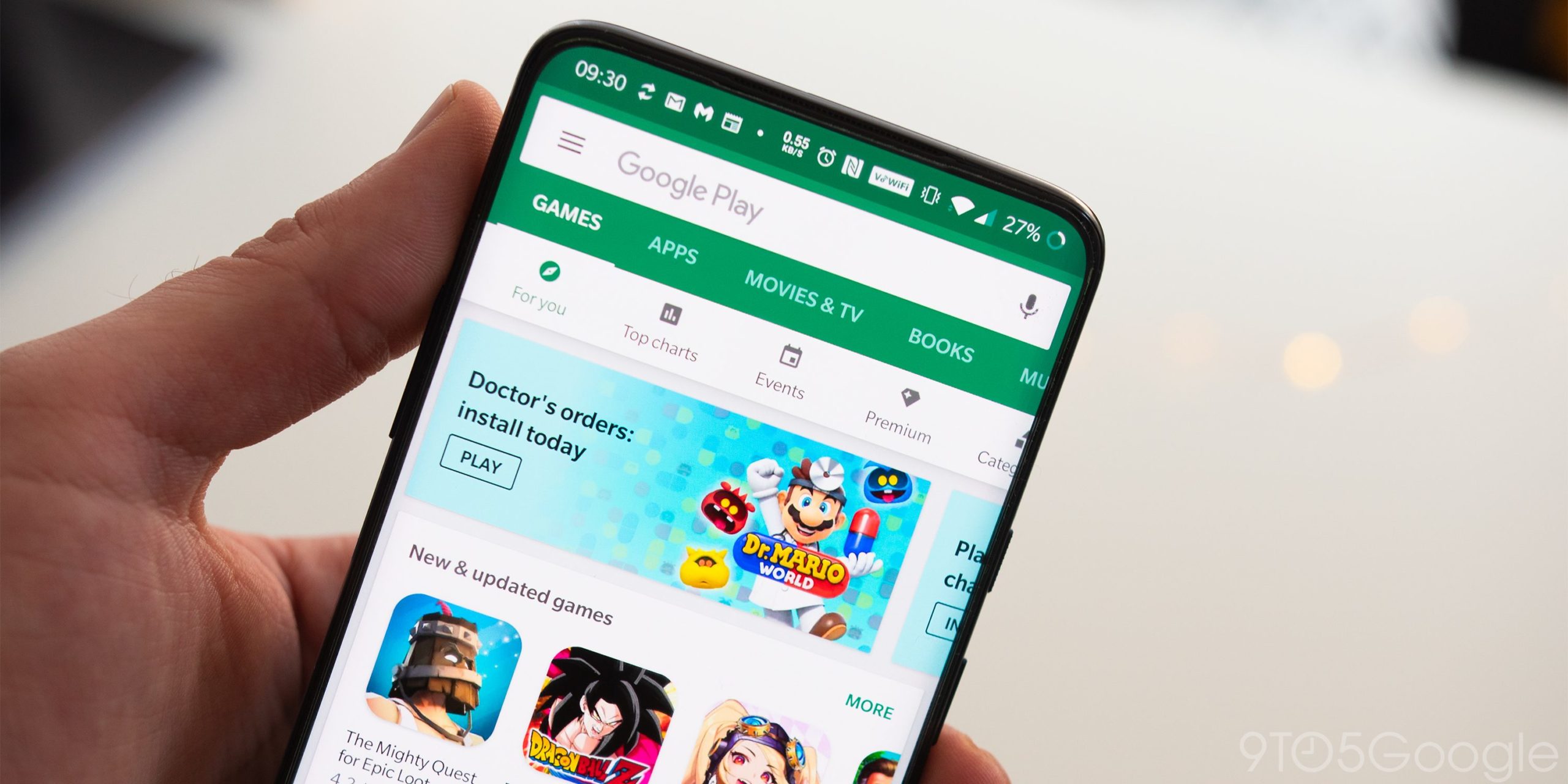
    Google has started to disseminate the next major redesign of the Google Play Store. The big change is the removal of the hamburger menu to the left of the search bar. Tap the profile photo in the upper right corner and you’ll see a menu that gives you access to your apps, games, payment methods, Google Play points and more.

    The settings menu is now broken up into four different categories such as General (information pertaining to your account, auto-update, auto-play video options, and a lot more different preferences you can choose from), User Controls (fingerprint controls and purchase authentication), Family (parental control and a parent guide), and About. The latter gives you information like the version of the Play Store installed on your device.

    Google has been rolling out the redesigned Play Store for weeks and the distribution of the new design is getting wider. If for some reason you don’t have the new version, you can try and force the issue by long-pressing on the Play Store app on the home screen to get the App info page. Tap on “Force Stop” and the next time the Play Store app is opened, it should feature the new design.

    Yesterday, we learned that Google I/O will once again be a streamed affair. The event will take place May 18th through the 20th and we should learn then about what Google has up its sleeve for Android 12.

  • Google Play Music’s last update helps users get rid of the Android app

    Google Play Music’s last update helps users get rid of the Android app

    Google’s Play Music service is officially dead, but it seems that the Android app needed one last update that will allow users to completely get rid of it. Even those who have already migrated to YouTube Music are required to download the update since this is the only way to permanently hide the app.

    Most likely the last update for the Play Music app enables users to hide the app and all data associated with it. Many Android smartphones come preinstalled with the Play Music app and Google still hasn’t found a way to let people uninstall it, even though the service has been discontinued.

    If you don’t own a smartphone that doesn’t allow you to uninstall the Play Music, then this update is of no use since you probably already removed the app after switching to YouTube Music. The rest of you who can’t do that though should update the Play Music app and then tap the “Hide app” and/or “Delete all local data” options.

    Once both options are selected, the Play Music app should no longer appear in the app drawer. On top of that, you will no longer be able to run the app on your Android phone.

  • Google brings back a nifty feature to Maps users on Android

    Google brings back a nifty feature to Maps users on Android

    Google adds new features to its mobile apps all the time, but sometimes, they remove the ones they don’t think are up to the challenge. We never know what’s behind these decisions, but we can definitely say that some features don’t deserve to be removed.

    That didn’t seem to interest Google’s Maps team when they decided to remove a very useful feature from the Android app, the compass widget. Last month, developers revealed many of the improvements that the Maps app will receive in the coming weeks but left one out from the initial announcement.

    Long story short, Google announced today that after removing the compass from Maps for Android in early 2019 “in an effort to clean up the Navigation screen,” it decided to bring it back after receiving overwhelming feedback in its favor.

    The compass will show you which direction is north via a red arrow. Just like it was implemented two years ago, the widget will be positioned on the right side of the screen. The “new” compass widget is now rolling out to all Google Maps for Android users globally, so as long as you have version 10.62 (or higher) installed, you should be able to use it.

  • Google has a plan to make app updates feel faster on Android

    Google has a plan to make app updates feel faster on Android

    Google would like Android users to have their apps installed faster on their Android devices. We discovererd something new in the Google Play Store called “App install optimization” that would use crowdsourced information to make this happen. As Google explains, “When you turn on App install optimization, Google can tell which parts of an app you use the first time you open it after installation. When enough people do this, Google can optimize the app to install, open, and run faster for everyone.” And even though crowdsourcing is used to make this work, no personal data such as your name and email address is shared.

    The crowdsourced feature also “doesn’t look at anything outside of the app, such as other apps or content on your device. It also doesn’t collect information about content uploaded or downloaded in the app, such as images in a social feed, or rankings on a leaderboard.” What Google does is combine your data with data from other users in order to “find trends and identify which parts of the app are most important to everyone.” This information, Google says, will speed up the time it takes to install apps from Google Play, lower the amount of time it takes to open and run a particular app, and reduce the strain on your device’s CPU, battery, and storage.

    Let’s look at an example, shall we? Let’s say that after installing Instagram on your phone, you spend the first ten minutes creating your profile and finding friends. If Google discovers that most people follow the same routine when installing the app from the Play Store, Google will make sure that the first parts of Instagram that get installed from the Play Store deal with profile creation and finding friends. The story viewer and the files needed to post on the app will remain uninstalled until you try to use them or your signal gets stronger. And instead of opening the entire app into RAM at once, Your phone might load only those parts of the app you use the most lowering the amount of RAM being used while reducing the stress on your phone’s processor.

    Android users not happy with App install optimization will be able to opt-out of the feature although this will simply stop your data from being used in the crowdsourcing. You will still benefit from the faster install times created when other Android users’ data is collected by Google. Version 25.5.13 of the Google Play Store makes a reference to the feature which means that we could see it hit the Google Play Store soon.

  • Chrome OS introduces a Phone Hub for Android devices

    Chrome OS introduces a Phone Hub for Android devices

    Chrome OS is celebrating its 10th birthday with some new features. The desktop OS’ latest version is introducing a Phone Hub which connects the user’s Android device to their laptop and synchronizes different data between the devices. The Phone Hub’s goal is to make moving between Android and ChromeOS devices easy.

    The Phone Hub shows different data from the user’s phone like its battery percentage and network reception. It also allows the user to access different phone features and settings from their Chrome OS device, such as enabling their Wi-Fi hotspot or switching to vibrate or silent modes. The different Chrome tabs opened on the user’s smartphone will also show up in this new hub.

    The Phone Hub feature will work wirelessly, as long as the two devices are connected two the same Wi-Fi network. Wi-Fi Sync has also been expanded so if only one of the devices has the network password, it is able to sync it with the other one.

    There are also other new features introduced with the anniversary update of Chrome OS. A new Screen Capture tool is featured in the Quick Settings menu, allowing users to take precise screenshots and screen recordings without using keyboard commands. The Quick Settings menu has also added media controls and pinning files with both these tools appearing in the menu when in use.

    Another new addition to Chrome OS is the ability to add a school account for children. This is managed with the company’s Family Link feature. With Family Link, a parent can automatically generate a school account for their child when signing them up to the Chrome OS device and then supervise them while they write their homework.

    Other smaller improvements in the new version of Chrome OS are found in the Desks app and Select-to-speak feature.

  • Microsoft appears ready to add Dark Theme to its Office suite apps for Android

    Microsoft appears ready to add Dark Theme to its Office suite apps for Android

    Microsoft is adding Dark Theme to its Microsoft Office suite apps for Android. Dark Theme replaces the standard black text on a white background with white text on a black background. This reduces the strain on the user’s eyes, especially at night or in a dark room. And Dark Theme also can help save some battery life on a phone using an AMOLED panel. That’s because unlike LCD displays, AMOLED does not use a backlight and each pixel can be controlled individually.

    The color black is created on an AMOLED screen by turning off a pixel and such pixels don’t draw power from the battery. So with a black background, enough pixels are shut down to make a difference in how much power is being used by the screen.

    Paluzzi disseminated a tweet that included screenshots of Microsoft Word in Dark Theme. The tipster said that the same look will be used for PowerPoint and Excel. There will be three options for users to select, Light theme, Dark theme or System Default. The Light theme is the traditional white background with black text, Dark theme is the inverse, and System Default uses whichever theme you have set for your phone. A blank sheet in Word is white, even in Dark Theme. But Paluzzi says that this might change to black when the feature is rolled out.

    Microsoft had already added Dark Theme to several of its Android apps including OneDrive, Edge, Outlook, OneNote, and Remote Desktop, so it is no surprise that this capability is being rolled out for its Office suite app.