Tag: android

  • Google unveils a fresh batch of important Android enhancements and features

    Google unveils a fresh batch of important Android enhancements and features

    Android 12 might not be ready for primetime just yet, but while adventurous users try out Google’s next big batch of mobile improvements and cool new features and the vast majority of the world’s smartphone owners continue to wait for a stable Android 11 update, the search giant is today taking the wraps off half a dozen smaller enhancements aimed at making handsets “more secure and convenient for everyone.”

    Small doesn’t equal trivial in this particular case, mind you, and perhaps more importantly, it’s definitely worth highlighting that these six fairly meaningful new features, just like the six unveiled back in December 2020, are not exclusively headed for owners of Android 11-running devices.

    Incredibly enough, you don’t even need Android 10 to enjoy Password Checkup functionality, be able to schedule your texts in the popular Messages app, “get more done hands-free” with Google Assistant, darken your Google Maps routes, spice up your Android Auto drives, or further improve the accessibility of the already extremely convenient TalkBack service.

    Arguably the most exciting new tool integrated into global devices powered by Android 9 and above starting today, at least for users perennially concerned about their online and mobile security, is Password Checkup. This has been a thing on the Chrome browser for more than a year now, expanding to support pretty much any app on your phone requiring login credentials.

    Google’s hugely popular Autofill feature will automatically check to see if said credentials are compromised, immediately alerting you when detecting a potentially stolen password and prompting you to choose a new one. Of course, you’re free to ignore Big G’s security warnings, but in the long run, it’s definitely wise not to do that. You never know when a compromised password publicly available for bad actors to use at their discretion will in fact be used against you in one of many and equally scary ways.

    While significantly less… dramatic, the second big new feature unveiled today may well appeal to an even larger number of users worldwide, aiming to make it easier to communicate with your friends and family from far away.

    Whether you live in a different timezone from someone you deeply care about or fear you might forget to wish your better half a happy birthday before everyone else, you can now “schedule send” messages on phones with Android 7 and up as long as you download or update the aptly titled Google Messages app to its latest version.

    253 million is a pretty lofty number, so it shouldn’t come as a big surprise that Google is paying very close attention to the extensive global community of blind and low-vision Android users, revamping the TalkBack experience with more intuitive gestures, a unified menu, a new reading control menu, and well, more, with some of these important accessibility changes showcased in the short video embedded below.

    Meanwhile, there’s not a lot to say about the imminent worldwide expansion of the Google Maps dark theme other than “finally!” This has been a very long time coming, and as you can imagine, its activation requires little to no effort… if you know where to look. Namely, in the “Theme” submenu of your navigation app’s “Settings” menu, where you can choose to use Google Maps “Always in Dark Theme”, as well as easily switch back to the light side.

    No Android update would be complete without some sort of a Google Assistant upgrade, and indeed, the AI-powered service is improving its convenience by displaying cards that can be read at a glance and perform more tasks than ever before sans requiring you to unlock or touch your Android phone.

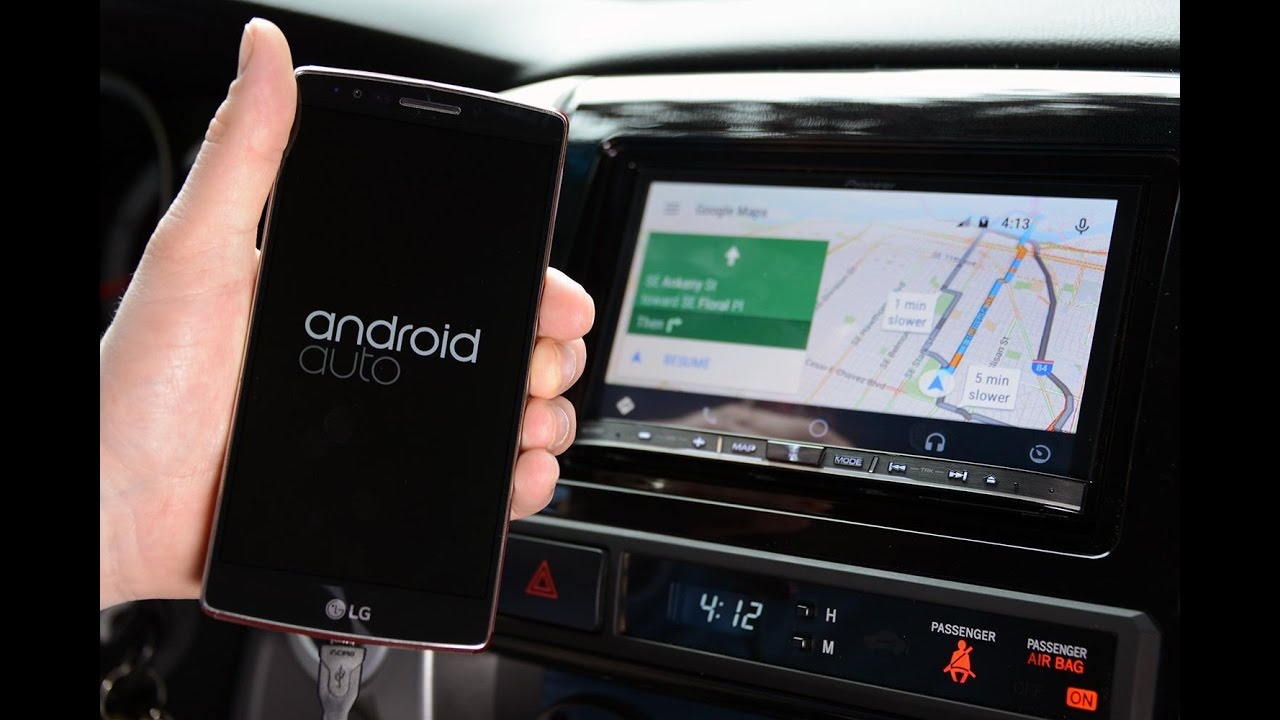
    Last but not necessarily least, Android Auto is gaining the ability to keep you entertained during your long drives with a number of fun little voice-activated games, as well as new custom wallpapers to brighten your day and personalize your car display. These features will be available “in the coming days” on phones running Android 6.0 and up when connected to a compatible vehicle.
  • Android 12 Developer Preview hints that a 5G Pixel 6 XL is coming

    Android 12 Developer Preview hints that a 5G Pixel 6 XL is coming

    The first Android 12 Developer Preview was released last week, it carries a hidden UI that is similar to Samsung’s One UI. For those unfamiliar with One UI, the software is designed to bring interface elements like buttons, toggles, checkboxes, icons, sliders, progress bars, and more closer to the bottom of the screen. This way, users won’t have to perform calisthenics with their fingers in order to tap one of these elements in the upper reaches of the display.

    By enabling a hidden “Silky home” feature flag, new system settings UI surfaces with elements placed near the bottom of the display. Go to adb shell settings put global settings_silky_home true. The version of the UI with the flag enabled has the content moved lower toward the bottom of the display in order to make one-handed use possible.

    There is no guarantee that the “Silky home” mode will be part of the stable version of Android 12. More exciting though is the possibility that catering to a larger-sized Android screen like this feature does, is a sign that Google is going to be offering a Pixel 6 XL model this year. So far there is no indication that this is in the cards, and there are other large-screened Android phones that could use a UI with more reachable elements. But many of these are Samsung models already served by Samsung’s One UI. Eliminate Samsung from the equation and the odds improve in favor of a Pixel 6 XL.

  • Android 12 update beta release date and new features

    Android 12 update beta release date and new features

    For the next, highly expected version of Android, Google is preparing to open the spigot not only on new features, but also on a long-overdue interface polishing, all indicators suggest.

    Not only did said new Android 12 interface leak out, indicating that this time around, Google may introduce Android 12 to devs this month and, unlike last year, showcase the beta at its I/O event in the spring, but that it is taking cues from the best out there, like Samsung’s One UI interface, and with a good reason. Here’s what to expect from Google’s next Android 12 version.

    Android 12 release date

    • September 2, 2021
    • Android 12 developer preview release date: February 17, 2021

    Google released Android versions 7 to 9 on Monday in the hot summer month of August, then it moved the launch to the first Tuesday of September for Android 10 and the current Android 11, releasing them on September 3 and September 8, respectively. In that train of thought, the Android 12 release date to manufacturers should be September 2.

    Needless to say, Google is likely readying a developer preview of its newest mobile operating system edition, where most of the new features will be prepped for testing and revealed for the general public later in the spring. Last year, the Android 11 developer preview was out on Wednesday, February 19, and by that logic, the Android 12 dev preview should be announced and released on Wednesday, February 17.

    New Android 12 features

    • App Pairs split-screen mode
    • App hibernation
    • Double-tap gesture command for the rear
    • New notification interface

    The new Android 12 UI

    Google’s design concept revealed that there will be a new notifications UI in Android 12 that replaces the current transparent look with a light beige opaque. The hue might change if Dark mode is enabled; the rounded corners of each notification is more easily viewable. Google did reduce the number of Quick Settings icons to four from six and these will surface when the notification panel is expanded.

    The icons are larger than usual because of the fewer number of icons used. The positions of the date and the clock have been swapped on the front of the display, and there are new privacy indicators in the upper right corner. Tapping on these icons will tell you exactly which apps are using the microphone and camera on your handset. A “Sensors off” icon in Quick Settings will allow the user to shut down and disable all sensors on his or her phone with a single tap; the Developer options menu will have to be enabled to see this icon.

    Moving on, a mandatory Conversations widget will show Android users messages, missed calls, and more. Due to its small size, the widget will only be able to show one item at a time. Also mandatory will be the use of camera and microphone icons on the front display which must be visible when the camera and the microphone are being used. You might recall that Apple added something similar with iOS 14.2. A small green dot on the upper right of an iPhone display means that an app is using the handset’s camera while an orange dot indicates that an app is using an iPhone’s microphone.

    New App hibernation feature in Android 12

    Climbing further the new Android 12 features ladder, Google might be working on a hibernation system for apps. The system allows apps to enter a hibernation state when they are not used and will help free up storage. Little is known about the new feature at the moment. It’s not clear how exactly this feature will work and how apps will be hibernated: whether this will be automatically determined, or users will be able to manually select apps for hibernation. Additionally, we don’t know yet the way Android will inform users of the hibernation if one happens automatically. The leaked code here also mentions storage optimization: it’s still unclear whether this optimization includes compression of the app packages or other app resources to free up storage on your Android phone.

    New Double-tap navigation gesture in Android 12

    The double-tap gesture that was rumored for Android 11, should now be making its way into Android 12, replacing the obsolete Active Edge squeeze feature that is not found on the Pixel 4a, Pixel 4a 5G and the Pixel 5. The double-tap would allow Pixel users to activate Assistant, take a screenshot, control media playback, bring down the notification bar, open recent apps view, and other programmable commands, or it can be disabled if not needed. Reportedly, the Double-tap gesture coming to Android 12 will be fine-tuned to towards a firmer tap to prevent executing it by accident.

    New App Pairs split-screen feature in Android 12

    Google is apparently also working on a split-screen mode rehash on a system level for Android 12. This will allow a better and more intuitive multitasking experience to Android users. Instead of opening one app, and then activating split-screen mode for that app via the Recents view, users will be able to group two apps in “tasks” and then quickly launch these pairs or switch between a pair of apps and a single app.

    Android 12 will also let people easily “pair” two apps right from the Recent view. When you use such a pair, the divider between the two apps will also get a bonus feature. Dragging the divider will still resize both apps but when you double-tap on it, the two active apps will quickly swap positions. Neat.

  • Waze adds Audible integration on Android and iOS devices

    Waze adds Audible integration on Android and iOS devices

    Last year, Waze added Amazon Music integration and Google Assistant support to its navigation app. Starting this week, yet another major streaming service makes its way to Waze’s Audio Player, Audible.

    Today, Waze announced that Audible has joined its Audio Player Program, thus allowing drivers to listen to their favorite audiobooks, podcasts, as well as more than 600,000 Audible Originals. Audible members can start listening on Waze by opening the app and tapping the music note icon to select Audible as their audio player.

    Naturally, Audible members will also receive next turn directions from Waze inside the Audible app, a nifty feature to have while driving. According to Waze, the new Audible integration will begin rolling out from today, so Android and iOS users should check for a new update to get the new features on their phones.

    Currently, Waze offers integration with multiple streaming services, including Spotify, YouTube Music, iHeartRadio, and Amazon Music. You’ll just have to select whichever audio player you prefer if you’re subscribed to more than one strea

  • Ford Is Going All In On Android Automotive Starting In 2023

    Ford Is Going All In On Android Automotive Starting In 2023

    If it often befuddled you why carmakers like Ford were developing their own car infotainment system software, then that’s about to change. Ford has stated that starting in 2023, it will be turning to Google’s Android Automotive platform for the operating system of its vehicles and this will not be a one-off thing but rather millions of vehicles will be equipped with the software.

    This will give Ford’s vehicles access to core Google services like Maps, Google Assistant, and other apps without needing an Android smartphone. Currently, via Android Auto users can mirror the features of their phones onto the infotainment system of their cars.

    This integration will be deeper than what is possible via Android Auto. For instance, users will be able to summon the Google Assistant and say “okay Google” “make it warmer”. This will also enable OTA updates for adding features or addressing maintenance issues.

    Ford is making a system that will still retain compatibility with Apple’s CarPlay and Amazon’s Alexa as options too. This will scale to millions of vehicles under the Ford and Lincoln brands, except in China where Google’s services are banned.

  • New app allows Apple’s iMessage to run on an Android phone

    New app allows Apple’s iMessage to run on an Android phone

    While there are Android users who are always putting down iOS for its notification system, Siri’s aggravating weak points, and for other issues, one thing that is off-limits for discussion is the iOS iMessage app. Even those who have updated to Google’s Rich Communication Service (RCS) based Message platform still would prefer Apple’s messaging system instead. A new app launching today called Beeper can make it happen. It isn’t a streamlined process as you will see. But it does deliver iMessage capabilities to Android users while at the same time creating a unified inbox that covers a number of messaging apps.

    For example, Beeper will create one in box with all of the unread messages from apps such as:

    • Whatsapp
    • Facebook Messenger
    • iMessage
    • Android Messages (SMS)
    • Telegram
    • Twitter
    • Slack
    • Hangouts
    • Instagram
    • Skype
    • IRC
    • Matrix
    • Discord
    • Signal
    • Beeper network

    All of the messages look the same since the idea is to use a single interface for all of your chats. And yes Virginia, Beeper says that it can connect with Apple’s iMessage even if you are using an Android phone. But for this to take place, you need to use an Apple device as a bridge. This can be done using one of two options. One method requires that you keep a Mac awake and continually connected to the internet. Using the Beeper Mac app, your Android phone can be connected to iMessage. With the other method, Beeper will send you a jailbroken iPhone 4s with the Beeper app installed to connect you with the iMessage app. “This is not a joke,” says Beeper’s website.

    Using Beeper will cost you $10 per month and with the last update received by the iPhone 4s taking place 17 months ago, you have to wonder how secure your iMessages will be. If you’re trying to figure out how Beeper got iMessage to work on Android and Windows, here is the response:

    “This was a tough one to figure out! Beeper has two ways of enabling Android, Windows and Linux users to use iMessage: we send each user a Jailbroken iPhone with the Beeper app installed which bridges to iMessage, or if they have a Mac that is always connected to the internet, they can install the Beeper Mac app which acts as a bridge. This is not a joke, it really works!”

  • Uncertified Android phones will lose support for an important app in March

    Uncertified Android phones will lose support for an important app in March

    The latter is making changes to its Messages app that will prevent some devices from receiving texts. One group of Android users that won’t be able to receive new texts will be those who own one of the latest Huawei models. Starting this coming March, Android phones considered to be “uncertified” will not be allowed to install and use the Messages app; this will affect millions.<

    Because of its placement on the U.S. Commerce Department's Entity List (due to its alleged ties to the Communist Chinese government), Huawei is not allowed to access its U.S. supply chain. That means that its phones cannot use Google software including the licensed version of Android. Because recent Huawei models like the P40 series and the Mate 40 series no longer feature security permissions from Google, the latter considers those Huawei models to be uncertified. Certified Android models are allowed to have Google's Android apps installed along with the Google Play Services ecosystem.

    Uncertified Android handsets are hard to find. But in the case of Huawei, the manufacturer's newer models are impacted by the firm's placement on the Entity List. If you install the latest listing of Google Messages from the Play Store (which is version 7.2, by the way) on an uncertified device, a message will appear that reads, "On March 31, Messages will stop working on uncertified devices, including this one." The warning is intended to prevent Huawei owners from sideloading Google Play Services onto their device which could allow them to install Google Messages on it despite any ban. The Messages app is not preinstalled on most Android phones and must be downloaded from the Play Store.

    Google might have decided to make this change because of the end-to-end encryption that has recently been added to the Messages app. Android phones without certification, including newer Huawei devices that have Play Services sideloaded, have not been able to have their security vetted. Thus, users who think that messages they are sending to friends, family members, co-workers and others using an "uncertified" device are protected by encryption, could actually be disseminating secrets that strangers are viewing.

    While there has been some hope that the punishments received by Huawei might be reversed under the Biden administration, so far there has been no word from the new president about his intentions vis-a-vis Huawei.

  • HTC has reported revenue growth for the second consecutive month

    HTC has reported revenue growth for the second consecutive month

    It’s that time of the month when we review HTC’s latest revenue numbers and brace for disappointment. But in an unexpected twist, this time the Taiwan-based brand has positive news to report.

    For the last month of 2020, HTC reported NT$615 million ($21.96 million) in unaudited consolidated revenue. That’s a small increase of 1.02% versus the same period a year earlier, much better than the median decline of 42.03% experienced throughout 2020.

    The impact of the all-important annual holiday season was visible in HTC’s latest numbers too. In comparison to November, the company’s monthly sales numbers climbed a decent 10.68%.

    As a direct result of these results, December has become the second-consecutive month that HTC has posted both month-on-month and, more importantly, year-on-year growth.

    The last time HTC reported two consecutive months of year-on-year revenue growth was four years ago, specifically February and March 2017 before the launch of the flagship HTC U11.

    Whether or not these positive trends continue into 2021 will remain to be seen. But at the moment, it seems HTC is mostly focused on its lineup of VR products rather than the smartphone segment, despite the occasional launch.

  • Google announces major news for Android users

    Google announces major news for Android users

    Google has announced that Android phones starting with the ones powered by the upcoming Snapdragon 888 Mobile Platform will support four years of Android system updates instead of the typical two to three that Android phones offer. While the actual number of updates that an Android phone supports is up to the manufacturer of that handset, today’s news indicates that newer Android models will have the ability to be updated as many as four times before losing support. That would include an extra year of OS and security updates.

    Unlike Apple, which allows an iPhone model to continue to receive iOS updates until the hardware no longer can do justice to the software, Google typically ends Android support for handsets after three years. Apple has an advantage in that it not only develops iOS itself, it also is behind the design of the phone running the operating system. Google, on the other hand, does develop Android but there are quite a number of individual companies that manufacture Android phones.

    To reiterate, most Android phones can be updated for as long as three years compared to approximately five years for an iPhone model. Google’s announcement today cuts that advantage from two years to just one. But before Android users start getting giddy about that extra year of support, it will be up to Android phone manufacturers to determine whether or not to allow their phones to receive four years of Android updates.

    Extending the number of years that an Android phone can receive an OS update to four will reduce the number of times that an Android user is forced to buy a new phone just to receive the latest version of the Android OS.

  • Google Steps into the VPN Market — Starting with Android

    Google Steps into the VPN Market — Starting with Android

    Google Steps into the VPN Market — Starting with Android

    With the size and dominance technology companies like Apple and Google have, it can be a surprise when there isn’t a service they offer, or, at least, one that isn’t closer to being well known. The VPN industry is a thirty-billion-dollar industry, but Google, Apple, nor Facebook have a mainstream product available. That changes with Google announcing an Android-based VPN.

    But, considering the fact that VPNs are nothing new, and plenty of ‘mainstream’ internet users are currently deploying them for professional and personal use, why has Google chosen to advance on this tech now? Read more below.

    Changing Priorities

    The issue of online security for the average internet user is growing more profound every year. The world is continuing to foster an ever more versatile approach to internet use, with public Wi-Fi spaces continuing to open up digital spaces and make public usage easier than ever before.

    Google’s decision also coincides with the broadening scope of the gaming industry. Cloud gaming services are increasing the industry’s sway over the hardware and software that goes into creating our phones. We will be using them in public spaces more than ever before, and need to ensure that our connections are safe.

    This is in line with the ongoing changes within the gaming industry. Consumer trends demand better features in support of safe and efficient gaming, and this has placed the onus on the developers to ensure that they are keeping up with the player’s priorities. In response to widespread fears over security, for instance, the online casino industry needed to ensure that the steps in using free spin bonuses were able to strike the perfect balance between efficiency and safety — all while appearing attractive enough to draw in players.

    Similarly, large scale developer Zynga, for instance, experienced a significant (and highly public) breach that put millions of users at risk. Their efforts were out of a necessity simply to continue to compete against other developers whose track records were more appealing to players.

    For Subscribers

    Google’s VPN is nestled into a subscription for their 2TB cloud storage. This isn’t exactly committing to a mainstream rollout of a Google VPN yet. Their cloud storage service has 100GB, 200GB, and 2TB tiers.

    The 2TB is the premium one which offers 10% back on Google store rewards, Pro sessions (which means users can schedule a meeting with Google experts to learn more about one of their services, features, or products), gold status on Google play points (which automatically promotes users to the third tear of the Google play points system, meaning users can earn more points to spend in the store), as well as the VPN, for seven dollars a month more than the 200GB. These perks are also available in the higher tiers for higher prices. If someone is sitting in a Starbucks, using the free Wi-Fi to send work emails or to play Call of Duty: Mobile, they can rest assured the VPN will protect them.

    Google has had a VPN-enabled system for a while now: Google Fi. This is their carrier service. How it works is that a user’s phone, in the United States and if it’s designed for Fi, will be able to connect to T-Mobile, Sprint, and U.S. Cellular towers, switching between them for whichever offers the best signal. Additionally, the device will constantly be looking for available Wi-Fi. It has a database of reliable networks which it will prefer, but it will connect whether the Wi-Fi is known or not. Enter the VPN. When connecting to Wi-Fi, it will automatically run it through Google’s VPN, ensuring their safety.

    Mainstream release?

    The Google cloud-storage VPN must be enabled. It isn’t like the Google Fi VPN which is automatically running when it connects to Wi-Fi. There is a separation. Everything is ready for a wider release.

    Google are treating the cloud-storage VPN as part of the process of rolling out into the more mainstream market. Subscribers are guinea pigs. Or, as the market is quite competitive at the moment – even if it’s lucrative – Google might be keeping it simple and exclusive, using VPNs as an added incentive to use their cloud storage services.

    Google do, however, have a business security option but isn’t a VPN – though it is something similar.

    Business Security

    In the 1990s, the original VPN technology wasn’t developed with wider use in mind. It was for businesses. They wanted their different offices spread over countries or continents to be able to access their company’s data and share files securely. As such, it was imperative to secure the connection between various terminals, as opposed to the terminals (which is what anti-virus attempts to achieve).

    Google has developed this business-use VPN technology further, without the need for a VPN itself. It’s called BeyondCorp Remote Access. It offers exactly the same service as a VPN, in that employees from untrusted networks can access their company’s sensitive data securely. Sunil Potti and Sampath Srinvias wrote in a blog post how VPNs, for businesses and organizations, might increase risk because it increases their network perimeter and assumes everyone with it can be trusted. However, their new system enables policies to be set and, therefore, access can be better managed.

    Google will always be – either through in-house innovation or acquisitions – on the forefront of technological development. As for its market interests, they might look at the business, VPN-less, remote access market as something which is better suited to their long-term goals.

  • Samsung launches improved version of Galaxy S20 FE 5G

    Samsung launches improved version of Galaxy S20 FE 5G

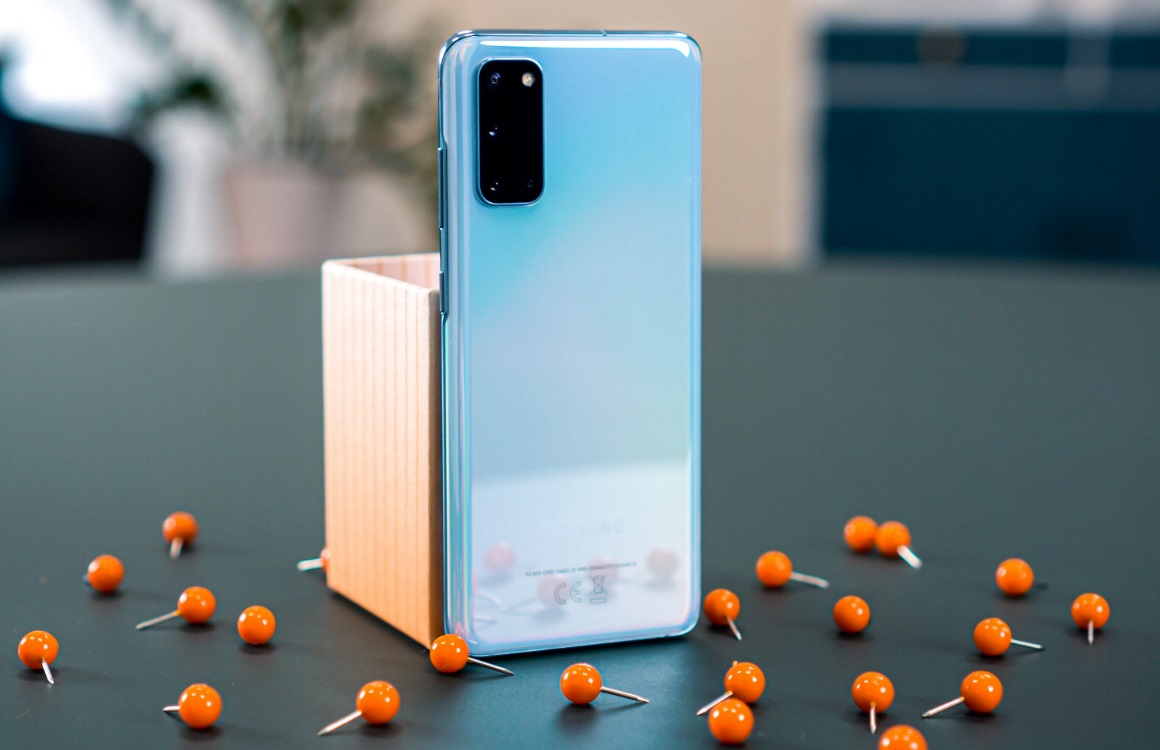
    Samsung fans who haven’t yet caved and bought a Galaxy S20 FE are given another alternative if they’re still in the market for one. The South Korean giant has just revealed an improved version of the Galaxy S20 FE that will go on sale this week.

    The new Galaxy S20 FE announced today packs 256GB storage, as opposed to the original model that offers just 128GB of internal memory. Apart from the fact that it comes with double the memory, the new Galaxy S20 FE retains all the features of its twin brother.

    The Galaxy S20 FE 5G with 256GB of storage will be available for purchase starting November 6 for $770. It will go on sale in Cloud Navy at select carriers, but Samsung will also offer the smartphone unlocked through its online store.

    Customers who choose to buy the unlocked version from Samsung can get it for $320 or $13.34 a month with eligible trade-in value up to $450. According to Samsung, this is a limited time offer, so those of you looking to grab one might want to hurry.

  • Apple Music update brings some iOS 14 features to Android devices

    Apple Music update brings some iOS 14 features to Android devices

    Apple briefly tested some iOS 14 features for its Music app for Android devices last month, but they were only available for those able to access the beta version of the app. Starting this week, just about all the important changes that were spotted last month are now making it to the stable version of the Apple Music app.

    If you’re using Apple’s music streaming service on an Android phone, here is what you’ll get in the latest update. First off, the update adds Listen Now, a new section that replaces the For You tab, a brand-new search experience, which involves relocating the search icon to the bottom bar, and, finally, an enhanced playback experience.

    Under the “enhanced playback experience” tag, you can include important new features like Autoplay, Crossfade, as well as the possibility to share on Instagram, Facebook, and Snapchat Stories. All of these new features are now available to all Apple Music users on Android devices.

    Besides the most obvious stuff, Apple mentions that the update also improved the app’s performance, which means a lot of under-the-hood changes were made too. To get the most out of your Apple Music app, you can download the latest update right now via the Google Play Store.

  • Android 11 bug blocks users from seeing important parts of the screen

    Android 11 bug blocks users from seeing important parts of the screen

    Android 11 is over a month old having been released on September 8th and already there are several complaints from users about apps that are supposed to go full screen but are not able to. And even when these apps are in full-screen mode, the status bar and the navigation bar aren’t disappearing like they are supposed to. For example, games and certain apps like YouTube are supposed to fill up the whole screen with content when full-screen mode is enabled. But ever since Android 11 launched, some Android users have discovered that these apps no longer fill up their phones’ displays entirely.

    As a result, game players, many of whom hold their devices in Landscape mode, are discovering that some elements of a game are being cut off by the status bar or the navigation bar making gameplay impossible. While Android users shared this problem with Google and others on the Google issue tracker site during the time when the Android 11 betas were being released, Google did nothing with the information because it allegedly was unable to replicate the problem. But considering that the issue is beginning to garner attention once again, we’d be surprised if Google didn’t take another look at this bug. Especially since last month, Google admitted that the problem is a product feature issue, not a developer feature.

    Some Android users who have been experiencing the issue say that by closing the apps and restarting them, they are able to fix the problem. If you are having this issue, you might want to give this solution a whirl. We can save you some time and aggravation by letting you know that wiping your Android device will not solve the problem. Hopefully, Google will disseminate an update shortly that will exterminate this bug.

  • Google makes Gmail Go available to all Android users

    Google makes Gmail Go available to all Android users

    Just like many other popular mobile apps, Gmail has its own lighter version, which is mostly recommended for those using low-end smartphones. Gmail Go has been available to a certain category of Android users in select regions for quite a while, but that’s about to change starting today.

    Google released Gmail Go in the Play Store so that anyone can download and use it. Gmail Go offers the same email experience as the full-fledged app, it’s just that it does away with some visual elements.

    For starters, it doesn’t have the “Meet” button at the bottom of the screen. Also, the overall aspect of the app is slightly “cleaner” in the sense that it doesn’t make use of shadows. Truth be told Gmail users can set up their app’s UI so that the Meet button won’t appear at all, but that’s another discussion.

    The bottom line is if you want to try out a lighter version of Gmail, supposedly optimized to work on devices with less RAM, you should be able to download Gmail Go via the Google Play Store right now.

  • Twitter begins testing new grouped follow feature on Android

    Twitter begins testing new grouped follow feature on Android

    Twitter is constantly testing out new features across its mobile apps. Most recently it made some changes to its automated cropping feature and started testing a ‘read before sharing’ prompt on iOS.

    Today, the social media platform has announced another test.

    Available to a select number of Twitter for Android users, the latest Twitter feature involves a suggestion to follow a group of relevant accounts on the profile page of someone you’ve just followed.

    The accounts can all be followed at once with a simple tap, or users can choose to remove the ones they aren’t interested in. Twitter’s algorithm presumably generates the list of accounts based on what content each one shares.

    The feature replaces the existing suggestion box which lists three users and provides the option to see more relevant accounts.

    Twitter has provided no further information about the test, but if it proves popular among users the feature could eventually makes it way over to iOS through testing before expanding to all users.