Tag: Google

  • Google updates Docs, Sheets, and Slides

    Google updates Docs, Sheets, and Slides

    A new look and feel are now available for Google’s Docs, Sheets and Slides app, the Mountain View company announced. Unfortunately, if you were expecting any new features or improvements, you’ll be disappointed. Google confirmed that there are no functionality changes whatsoever in this update, so the only things we’ll get are the visual improvements.

    The visual improvements mentioned by Google include a restyled document list, highly-legible typefaces, consistent controls, and updated icons all over the place. Google also announced that the redesign has already made its way to the latest versions of Docs and Slides for Android.

    On the other hand, the new design will roll out to Sheets on Android sometime today, so expect the new visual improvements to pop up very soon. The most recent Docs, Sheets and Slides Material redesign update is part of a larger effort to bring consistency to the look and feel of Google’s G Suite apps.

    Although these updates are now being rolled out globally to all Android devices, it will take up to two weeks to appear for everyone, so be patient if the changes aren’t yet available for you.
  • Google Maps’ Incognito Mode is being tested for those who don’t want their whereabouts known

    Google Maps’ Incognito Mode is being tested for those who don’t want their whereabouts known

    Google Chrome has an Incognito Mode that allows users to browse the web privately. Even someone else that you might share the same device with won’t be able to discover that you’ve been checking out the latest news about the Google Pixel 4 because you plan on pre-ordering one. Not only will your browsing history be protected from prying eyes, but any forms that you fill out while incognito will also remain private. To go incognito on Chrome, tap on the three-button overflow menu on the right-hand corner of the screen. Go to Settings > New incognito tab. You can tell you’re in this mode when you see the Walter White like image of a man wearing hat and glasses to the left of the web address.
    Believe it or not, YouTube also offers an Incognito Mode. To activate it, open up the YouTube app and tap on your profile picture in the upper right-hand corner of the screen. Click on Turn on Incognito. With the Mode on, your Boston Red Sox-loving’ girlfriend will never know that you’ve just watched highlights of the recent New York Yankee game. Or when your conservative father-in-law borrows your phone, he won’t be able to notice that you’ve been watching Stephen Colbert clips every night. When the man wearing hat and glasses appears where your profile picture normally shows up, you know that you’re in Incognito Mode.
    Now, Google is testing an Incognito Mode for Google Maps. This would allow you to search for directions to a place that you don’t want anyone to know you’ve visited. Those who are part of the test group received an email today from Google. If you are one of the lucky ones who were able to update to the preview of Maps version 10.26, open the app and tap on the profile picture which is-wait for it-in the upper right-hand corner of the screen. Select “Turn on Incognito mode.” You’ll notice that the locator marker will turn colors from blue to a dark gray.
    If you’re not part of the test group, you might have to wait a few weeks for Google to disseminate this feature to all eligible Android users. Until then, anyone you share your phone with can look at the addresses you’ve looked up directions for.
  • Google Fi announces its first Unlimited Plan

    Google Fi announces its first Unlimited Plan

    Google Fi is getting its first Unlimited Plan, which should offer subscribers everything in unlimited quantities. Well, that’s not how it really works in the United States, at least when it comes to data.

    Since the carrier’s launch in 2015, only one plan was available for customers, the Fi Flexible plan. Starting today, Fi is adding a second plan, a Google Fi Unlimited Plan. It will be available for $70 for a single line, but the more people you’re sharing it with, the less it will cost. So, for two lines, the Unlimited Plan is priced at $60, while three lines cost just $50 per line. Finally, if you add between four and six lines, you’ll be paying $45 per individual user (taxes excluded)

    Google Fi’s Unlimited Plan offers 22GB of unthrottled data per line, after which your data speed will be limited. Also, Google mentions that it “may optimize video streaming quality to 480p to extend customers access to high-speed data before they hit 22GB.”

    Besides data, you’ll get unlimited calls and texts, including international calls. Google says that the plan covers free international calls from the US to 50 countries and territories, as well as unlimited data and texting abroad in 200 destinations at no extra charge.

    To make things even more appealing, the Unlimited Plan comes with a Google One membership with 100GB of cloud storage and extra benefits such as expert support across Google, discounts on Google products, and much more.

  • Google’s Daydream VR platform is probably dead

    Google’s Daydream VR platform is probably dead

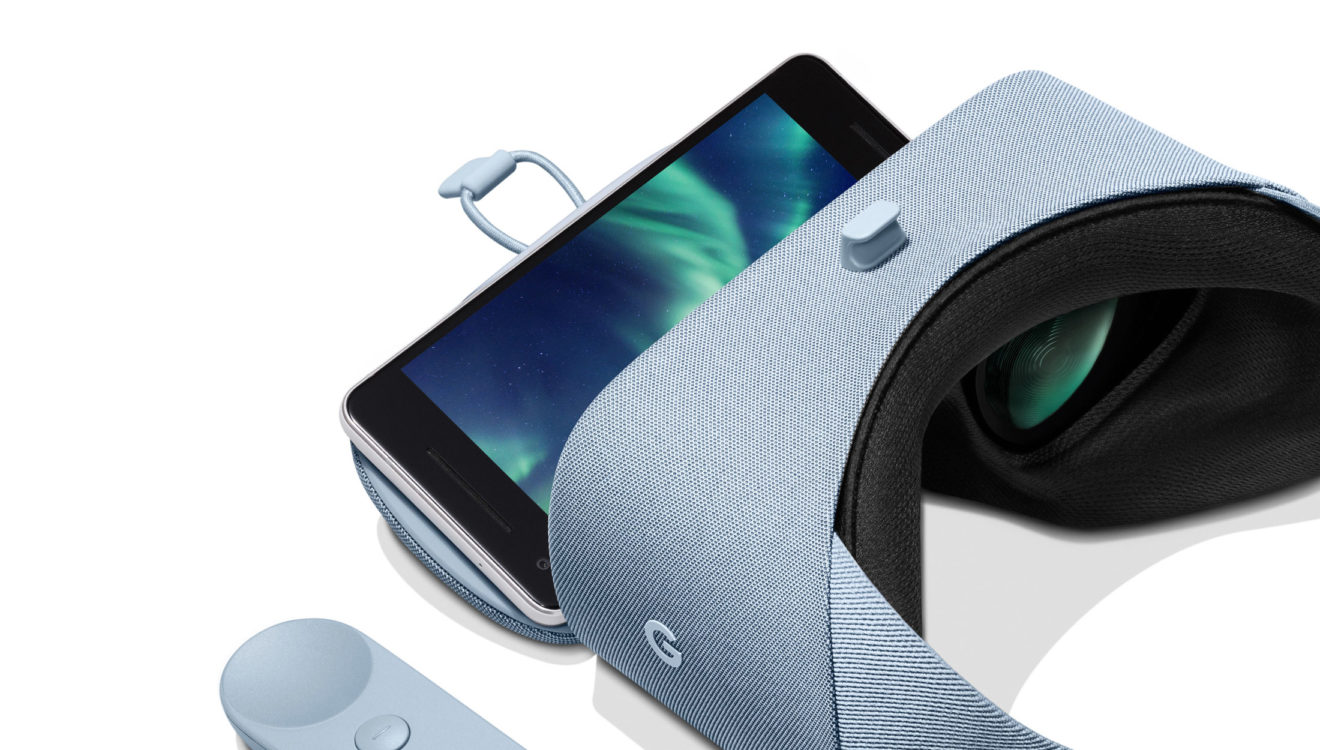
    The Daydream VR platform doesn’t seem to be as popular as Google expected. The Mountain View company has acknowledged the problem and has started to redirect resources to other projects. After shutting down the Play Movies and TV app a few months ago, Daydream VR platform is losing more content providers.

    Variety reports Hulu confirmed it has removed Daydream support from its Android app in recent weeks, so if you’re wondering why you can access Daydream VR content any longer, that’s the reason.

    There’s a workaround that will allow Daydream VR users to continue to watch Hulu content, but that requires them to downgrade to the previous version of the Android app if they’ve already updated to the latest iteration.

    The VR experience with Google Daydream is no longer supported for Android mobile devices running version 3.55 or newer of the Hulu app. That said, it is still available on Daydream-capable Android devices running version 3.54.1 or older of the Hulu app.

    One of Google’s original partners for Daydream VR, Hulu still offers VR content on other headsets like Oculus Go, Samsung Gear VR, Oculus Rift, and PlayStation VR. It’s also worth mentioning that Hulu is the second major video streaming service that drops support for Daydream VR after HBO Now and HBO Go VR.

  • Google One paid storage service gets more phone backup features

    Google One paid storage service gets more phone backup features

    If you don’t have a Google One membership yet, you might consider one after the latest improvements the paid storage service has just received. The Mountain View company has just announced that Google One is now getting additional phone backup features on Android devices.

    Google has taken the standard Android backup, which includes texts, contacts, and apps, and improved with additional features like automatic phone backup. On top of that, Google One subscribers will be able to back up original quality photos, videos, and multimedia messages (MMS).

    Furthermore, users will be given the option to manage their backups directly from the Google One app. The storage service will allow users to get everything they need to be restored when they set up their next Android phone.

    Google One subscribers should expect the new automatic phone backup feature to become available to them this week. Simply open the Google One app and head to the “Device Backup” section to check out the new improvements.

  • Google Assistant adds new WhatsApp integrations

    Google Assistant adds new WhatsApp integrations

    WhatsApp is the most popular messaging app in the world, although in the U.S. it is third. No matter how you slice it, the Facebook-owned app is extremely popular. And so is Google Assistant. The virtual digital assistant can send text messages through WhatsApp (just say “O.K. Google, send WhatsApp message”) which comes in handy if you are sending a message that you want encrypted. Of course, the recipient of your message must be a WhatsApp member.

    But suppose you want to make a video or voice call using Assistant? Well, it used to be that video calls would automatically go through Duo or even Hangouts. Voice calls simply go through your carrier’s network. But as we pointed out, WhatsApp has a lot of pull. Remember, Facebook paid $21 billion for the messaging app in a deal that closed in 2014. So today Google announced that Assistant will now make voice calls and video calls through the WhatsApp Android app.

    To make a video call through WhatsApp, you can say “Hey Google, WhatsApp video John.” Google didn’t say how to initiate a voice call, but we would guess that it would go something like “Hey Google, WhatsApp call John.” Unfortunately, Google doesn’t go into great details about this with its announcement today, and neither WhatsApp video calls or voice calls worked for us. It could be that Google jumped the gun and let the cat out of the bag too early, or the new WhatsApp integrations are slowly rolling out to Android phones. Regardless, it is the little touches like this that help make Google Assistant the most useful of smartphone-based virtual helpers.

  • Contacts is the latest Google app allowing you to switch accounts

    Contacts is the latest Google app allowing you to switch accounts

    Google has been making it easier for users with multiple Google accounts to quickly switch between them on several of its apps. Google Maps and Drive both allow you to swipe up or down from the avatar in the top right-hand corner (with your photo or initial) to quickly change to the next Google account in queue. So instead of tapping on the avatar to see the different accounts you can choose from and then selecting one to switch to, you can save time by using the new gesture.

    This feature is now available on version 3.8.3 of Google Contacts, and after swiping through each of your Google accounts, it will give you the opportunity to see the contacts from all of your accounts in one list. This shows up as an avatar that looks like two pawns from a chessboard. When you swap between accounts on Maps, the only thing that changes is the avatar. On Drive and with Contacts, the appropriate menu slides out from the side as the avatar changes.

    Truthfully, you will save some time by switching between accounts this way. This is another example of Google not sitting back on its laurels and looking to improve Android and its apps with every chance it gets.

  • Android users can now silence Google Assistant

    Android users can now silence Google Assistant

    Do you cringe when Google Assistant starts verbally running off at the mouth with an answer to your question? While it might be information that you need to know, it also might be a good time for a silent response. Thankfully, Google has come up with a solution.  A new section has been added to the support page for the Google Assistant that tells users how to turn off its speech output.

    Turning off the speech output will not affect the answers that you get from Google Assistant. You will see the responses on your phone, but they won’t be read out loud. To turn off the speech output of Google Assistant, touch and hold the home button on your Android device or say “OK Google” or “Hey Google.” When the Assistant box comes up from the bottom, tap on the compass icon on the bottom right of the screen. After that, tap on your profile picture or initial in the upper right corner of the display. Go to Settings > Assistant. From there, go to “Phone” and then “Voice and speech.” Tap Speech Output and a box will appear with two options. To shut Google Assistant up, select “Hands-free only.” To get the digital assistant’s voice to return, follow the above instructions again and when you get to the last box, select “On.”

    Apparently, many Android users are not able to find the “Voice and speech” section on Assistant. Well, first of all, the support page was just updated today so we assume that the update is only now rolling out. We were able to find it on our Pixel 2 XL running Android 10 beta 6. We should point out that Google did not note in the support page that this is a feature limited to Android 10, so if you’re running Android 9 or even Android 8, there is no harm checking to see if you can silence Google Assistant.

    Since typing in a question for the Google Assistant always results in a non-verbal response, the new feature comes into play only on inquiries that are spoken to the virtual digital helper.

  • Google Pay update brings dark mode to Android users

    Google Pay update brings dark mode to Android users

    Google continues to push dark themes to its apps and service, a more than welcome feature that Android users have been requested for a long time. Pay is the next Google app that is getting the long-awaited dark theme, although we’re not yet sure if the update that brings the new feature is rolling out to everyone.

    A certain version of Google Pay (2.96.264233179) has the new dark theme, but it’s only showing up for some users on the Google Play Store. You can download the APK file from the source if you don’t want to wait for Google to release it in your country.

    If you’re lucky to get the updated version of Google Pay, the app will automatically switch to dark mode if the battery saver is enabled, but you can also manually set the app to use dark theme whenever you want.

    Once Android 10 gets released, the system-wide dark mode will take over, so it makes sense for Google to want to add this feature to as many of its app as possible until the new OS update hits compatible devices.

  • Just google Amazon fire

    Just google Amazon fire

    The rainforest is burning. So much so, that it can be seen from space and people are starting to get worried over the unprecedented forest fire spread, just like in Siberia or Alaska this year, which is shaping up to be the hottest on record.

    The thing with Brazil’s rainforest, however, is that it not only gobbles vast amounts of greenhouse gases, but also serves as a vast cloud highway that helps maintain the global climate balance. You’ll hear varying opinions on the level of disaster in our divided society – either that July and August are the typical forest fire months and the intensity is actually below average, or that the scale is unprecedented, and 85% higher than last year.

    In any case, we are not here to argue about climate change but to note one amusing fact that happened around South America’s fires. The most famous natural wonder there is undoubtedly the amazonian rainforest, so, naturally, people who were interested to read more on the matter keyed into Google the words “Amazon fire” as one does.

    With Google, Facebook and Amazon occupying nearly 80% of the online advertising space and budgets, however, the first and subsequent search results were about the Amazon Fire tablet. The law of unintended consequences kicked in for Amazon, and it must have sold a boatload more of its budget slates than usual in this back-to-school month.

    Google quickly fixed that wrong, and when you search for Amazon fire now, that’s exactly what comes up as the first result – information about the flames running through the rainforest, as well as various musings whether they are caused by climate change.

    The Amazon Fire tablet and various Bezos-endorsed gadgets, however, are still strong in the news search as you can see from this current snippet below – oh, the world we live in!

  • Google Hangouts transition for G Suite gets delayed until 2020

    Google Hangouts transition for G Suite gets delayed until 2020

    Google confirmed back in December that it will replace Hangouts with Chat and Meet, and announced that the transition will start in October 2019. However, the search giant revealed that the transition for G Suite has been postponed and that the new deadline is June 2020.

    According to Google, the decision to delay the move is based on the feedback received from many Hangouts users, who apparently need more time to migrate their organizations from classic Hangouts to the new Hangouts Chat.

    That being said, Google has officially postponed the final transition date to no sooner than June 2020, which means that it could happen later, but definitely not sooner. In the meantime, Google will continue to improve the transition experience of classic Hangouts group conversations, and add new Chat features like Read receipts.

    In case you need a more definitive date, Google said that it will provide advance notice once it figures out when it’s the right time to start the final transition of classic Hangouts to Hangouts Chat.

    Also, for those who want to migrate sooner, Google has already kicked off the Accelerated Transition Program, so simply request an invitation and the classic Hangouts will be disabled and you’ll be migrated to Hangouts Chat.

  • Google thinking to remove the ability to message directly on YouTube

    Google thinking to remove the ability to message directly on YouTube

    Google has confirmed it will kill off another of its obsolete chat service – YouTube messages. The decision is probably related to the fact that not many people are using the ability to message directly on YouTube.

    Although it’s a relatively old feature having been launched back in 2017 after one year of testing, Messages on YouTube will no longer be available after September 18. The announcement mentions that since the feature was launched two years ago, YouTube focused on public conversations with updates to comments, posts, and stories.

    Unfortunately, that was not enough to convince users to take advantage of the feature as often as YouTube would’ve wanted. After re-evaluating its priorities, Google has decided to discontinue the messaging option hidden inside YouTube and start focusing on improving public conversations instead.

    Even though the ability to direct message on YouTube will no longer be available after September 18, you will still be able to share YouTube videos by heading to the video watch page, clicking Share, and then tapping the “social network icon” from which you want to share a video.

  • Google Play Music subscription gifting removed

    Google Play Music subscription gifting removed

    It looks like Google no longer allows users to gift Play Music subscriptions via Android. The move is far from being surprising as the app rarely received updates and those that were pushed out added minor improvements and very few new features.

    The messages someone gets when trying to gift a Play Music subscription reads: “Important – Google Play Music subscriptions can no longer be purchased as gifts.” However, if you really want to gift someone a Play music subscription, there’s a workaround, but it involves using an older version of the Android app or simply gifting it through the web app.

    It’s unclear whether or not Google plans to bring back the feature in some other form, so, for now, you can only use the web app or the workaround mentioned above to gift someone a Play Music subscription from an Android device.

    Reports about Google phasing out Play Music and replacing it with YouTube Remix have been running around since April, so this might be one of the first steps towards its demise.

  • Google brings new spelling and grammar correction capabilities to Gmail app

    Google brings new spelling and grammar correction capabilities to Gmail app

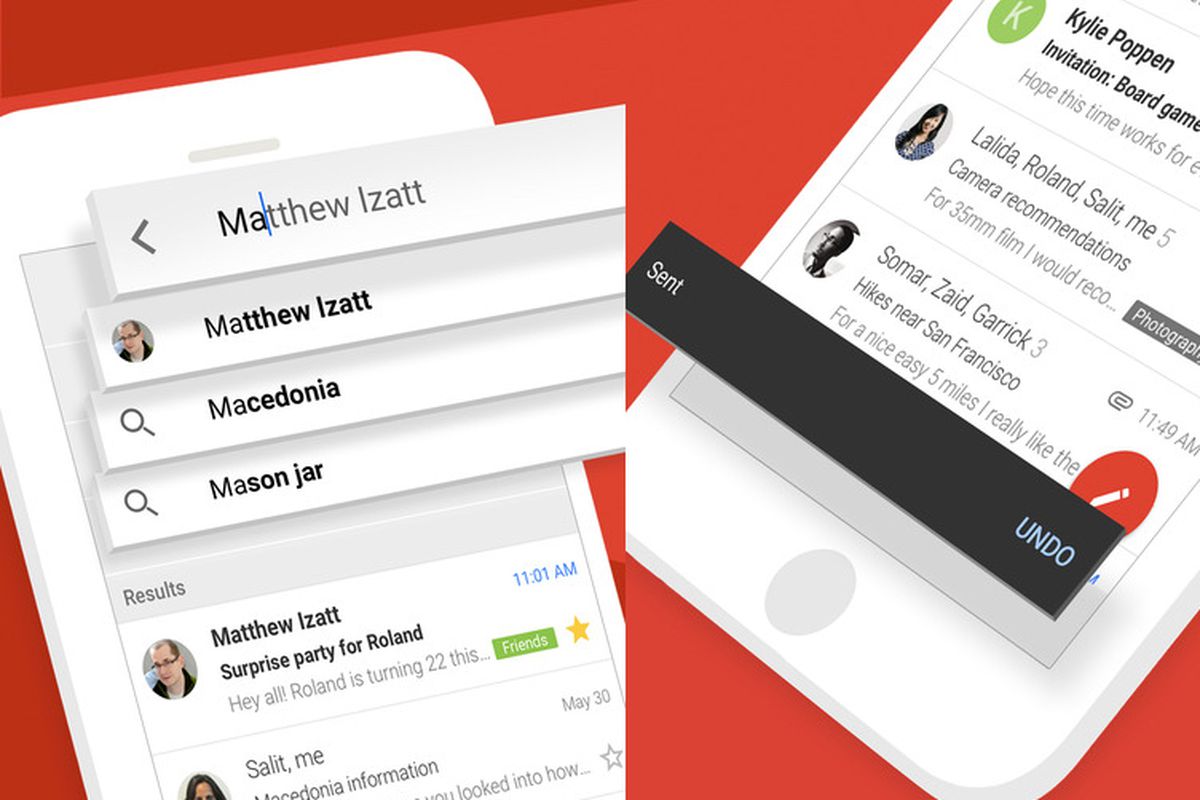
    Google has announced a couple of nifty features will soon be rolled out to Gmail on all platforms. Although the app does feature predictive text, users are still prone to typos or grammar mistakes.

    To correct that issue, Google announced it will introduce new spelling and grammar correction capabilities for Gmail which are meant to help users with G Suite accounts compose emails faster.

    The new capabilities will trigger ones you start typing a message and will use artificial intelligence to make smarter spell-check suggestions while detecting potential grammar issues at the same time. Moreover, Google mentions that it has added as-you-type autocorrect.

    Google says these new features will be rolled out gradually to all G Suite accounts starting today, but the full deployment will last until mid-September. Unfortunately, the new features are not yet available for regular users, although we can safely assume they will be made available to all Gmail users at some point, just like it happened with the Smart Compose function.

  • Google shuts down service that helped carriers provide better coverage

    Google shuts down service that helped carriers provide better coverage

    Google has shut down a service that was aimed at helping carriers around the world improve their coverage, by providing them with aggregated data from Android devices. The closure comes at a time of heightened concerns about data privacy across the industry.

    Google’s Mobile Network Insights service was launched in 2017 as a free tool for wireless providers around the world that allowed them to see weak spots in their network coverage. The service was “essentially a map showing carriers signal strengths and connection speeds they were delivering in each area.”

    Thee data shared by Google were aggregated and anonymized, meaning that carriers didn’t get information about individual users, but it was still a valuable tool for providers, as they could see stats about the performance of their network in different regions. The platform also displayed stats relating to competitor services, which were not identified by name.

    The data for Google’s Mobile Network Insights was sourced from devices running Android, which totals to about 75% of the world’s smartphones, but was limited only to users who had “Location History Sharing” and usage and diagnostics enabled on their Google accounts. Despite this, Google opted to discontinue the service in April, without citing any formal reasoning behind the decision. Carriers around the world were simply notified of the closure.

    A Google spokeswoman has confirmed for Reuters that the service is now, indeed, discontinued and that changing “product priorities” was the main driving factor behind the decision. However, people with knowledge of the decision claim that Google’s move was motivated by “concerns about data privacy,” and possibly to avoid further scrutiny from lawmakers.