Retail News CRM

Tag: ios

  • Google warns iOS, Android users about an upcoming change to location data

    Google warns iOS, Android users about an upcoming change to location data

    Google is warning both iOS and Android users about estimated photo locations. This feature, which is used with photos stored in the Google Photos app, looks at the background of photographs and videos you’ve taken with your phone’s camera and using landmarks visible in the image, tries to figure out where the picture or video was taken. While Google no longer uses your Location History to figure out where you snapped a photo or recorded a video, it works around this by using other methods.

    Google’s alert pops up in the Photos app and says, “Photos locations come from multiple sources, including locations estimated by Google Photos. We stopped using Location History to estimate photo locations, but we’ll continue estimating using other sources when ‘Estimate missing locations’ is on.” The alert also asks whether you want to keep any existing estimated locations or have them removed.

    As Google notes, “Choosing ‘Keep’ means you can use existing estimated locations to organize and find photos.” If you choose to delete them, you will get a message that says, “Deleting estimated photo locations based on Location History may result in permanent loss of those estimated locations. Your photos will be kept.”

    You might have estimated photo locations toggled on by default. To check, open the Google Photos app and tap on the profile picture in the upper right corner of the screen. Tap on Photos settings > Location > Location sources. There is a toggle for  “Estimate missing locations.” If it bothers you that Google is using landmarks in your pictures to take an educated guess about where you were, make sure that this setting is toggled off.

    You can also edit or remove an estimated location from a picture stored in the Google Photos app by opening the app, and tapping on the picture or video. Tap the three-dot overflow menu and “Edit” (with the pencil icon). Add or select a location from your recent locations or tap Remove location to have any location associated with a picture or video deleted. Pictures that have a location added by your phone’s camera cannot be edited.

    Google Photos users on iOS or Android will have the option of keeping or removing estimated locations before May 1st. If you don’t make a decision before then, Google will automatically remove the existing estimated locations from your Photos app on or after that date.

  • Update to iOS version of WhatsApp adds multitasking feature already available on Android

    Update to iOS version of WhatsApp adds multitasking feature already available on Android

    Back in December of last year, we told you that WhatsApp was conducting a beta test involving a Picture-in-Picture (PiP) feature for video chats on iOS. Now, according to 9to5Google, we can tell you that version 23.3.77 of the iOS variant of the WhatsApp app is available, allowing users in the middle of conducting a video call to access another app without having to pause or disconnect the video call that is in progress.

    The PiP works like this. When you are engaging in a video call and want to multitask by opening another app, exiting WhatsApp will minimize the video chat and allow it to float above other apps. You can move it around the screen with your finger while the video chat continues and the other app you want to open is underneath it. The feature might not work right away and WhatsApp says it will disseminate it over the coming weeks.

    The update to version 23.3.77 also includes new features, including adding captions when sending documents to contacts in personal or group chats. You will also be able to use longer group subject names and descriptions when describing a WhatsApp group. Following the update, these names and descriptions can be as long as 2,048 characters which is a huge increase from the prior 512 characters allowed.

    Stable-mates Facebook and Instagram allow users to create personalized avatars and now WhatsApp users can do so as well. To create your own avatar, open the WhatsApp app and go to Settings > Avatar > Create Your Avatar. Follow the directions and tap on Done. That’s just the first step. To make your new Avatar the profile picture on WhatsApp, open the app and tap on your profile picture. Then tap on Edit > Edit.

    Again, this update is for iOS only since Android users already have Picture-in-Picture capabilities for video chat on WhatsApp. If you want version 23.3.77 of WhatsApp for iOS right away, you can install the version of WhatsApp from the App Store since it already includes the aforementioned features including PiP for video chat.

  • Apple releases software updates for three mobile devices

    Apple releases software updates for three mobile devices

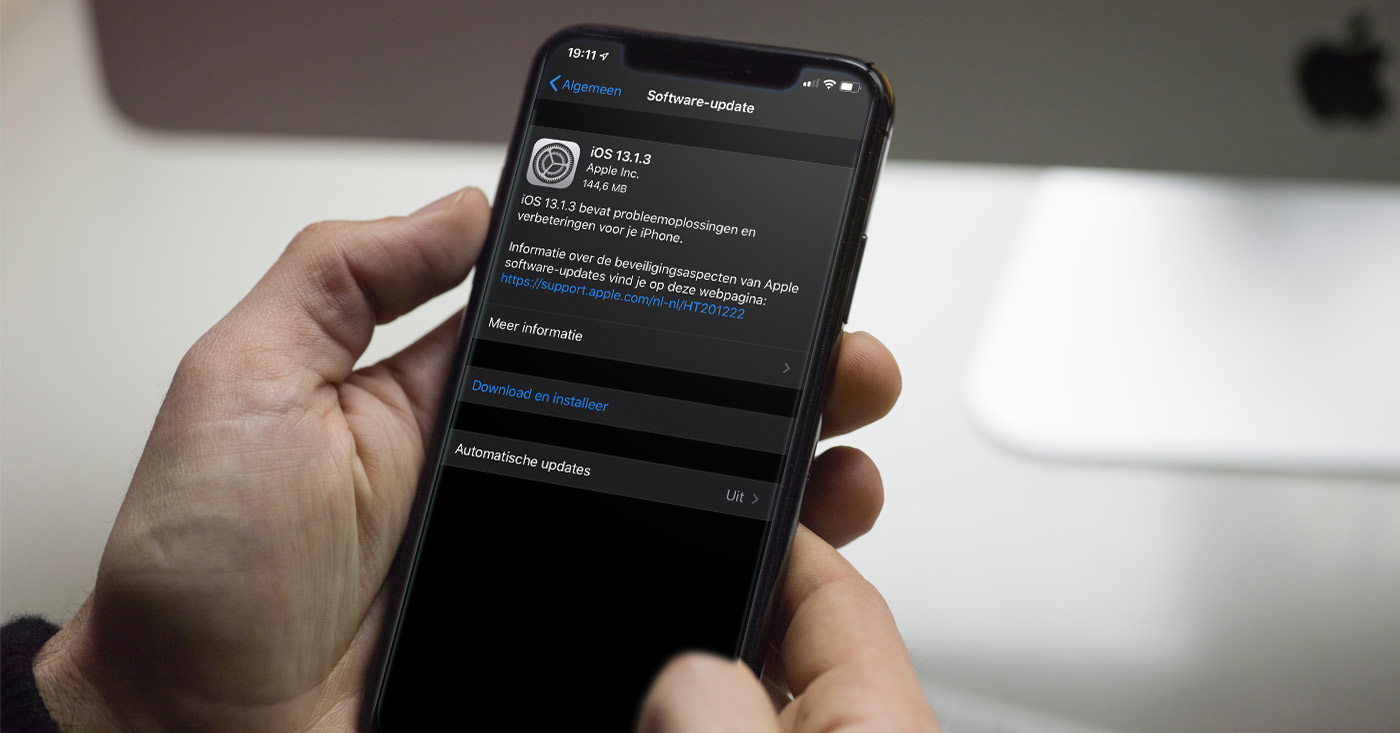
    Apple released updates for some of its mobile devices today including iOS 16.3.1 for the iPhone, iPadOS 16.3.1 for the iPad, and watchOS 9.3.1 for the Apple Watch. Which should we start with? Let’s begin with iOS 16.3.1. Apple’s release notes indicate that the update will exterminate a bug that caused iCloud settings to be unresponsive. Another issue fixed by the update is one that prevented Siri users requesting the Find My app from having that app open on the screen.

    The iOS 16.3.1 update also adds some optimizations to Car Crash Detection on the iPhone 14 Pro and iPhone 14 Pro Max. Hopefully, this will stop the feature from getting set off by roller coaster riders, skiers, and others experiencing sharp movements unrelated to a car accident. Car Crash Detection uses sensors in the iPhone to detect when there has been an accident and rings an alarm. If the user fails to respond to the alert, Emergency SOS is triggered and emergency help is summoned.

    To download and install iOS 16.3.1, go to Settings > General > Software Update and follow the directions.
    Next, let’s take a look at the iPadOS 16.3.1 update. The changelist here includes a couple of the bug fixes included in iOS 16.3.1:
    • A bug that caused iCloud settings to be unresponsive is exterminated.
    • An issue that prevented Safari from opening the Find My app is fixed.
    To download and install the update on your compatible iPad, go to Settings > General > Software Update.

    Lastly, we now take a look at the watchOS 9.3.1 update for the Apple Watch. There isn’t much to discuss since the changelist merely says, “bug fixes and important security updates for your Apple Watch.” What bug fixes? Apple doesn’t say. What security vulnerabilities were patched? Again, we don’t know.

    To download and install the update directly from your timepiece, go to Settings > General > Software Update. If a software update is available, tap install and then follow the  instructions on-screen.
    Or, you can open the Apple Watch app on your phone. Tap My Watch, go to General > Software Update, then, if an update is available, tap Download and Install.
    Even though there aren’t any amazing features being added to your iPhone, iPad, and Apple Watch, it’s always good to have the latest versions of the appropriate operating system installed.
  • Netflix app has just become more fluid on iPhone

    Netflix app has just become more fluid on iPhone

    Netflix has made headlines quite a few times in the last couple of months, but we’ve mostly talked about the company’s attempts to prevent password sharing and its new ad-based plan, which might or might not be as popular as it was expected.

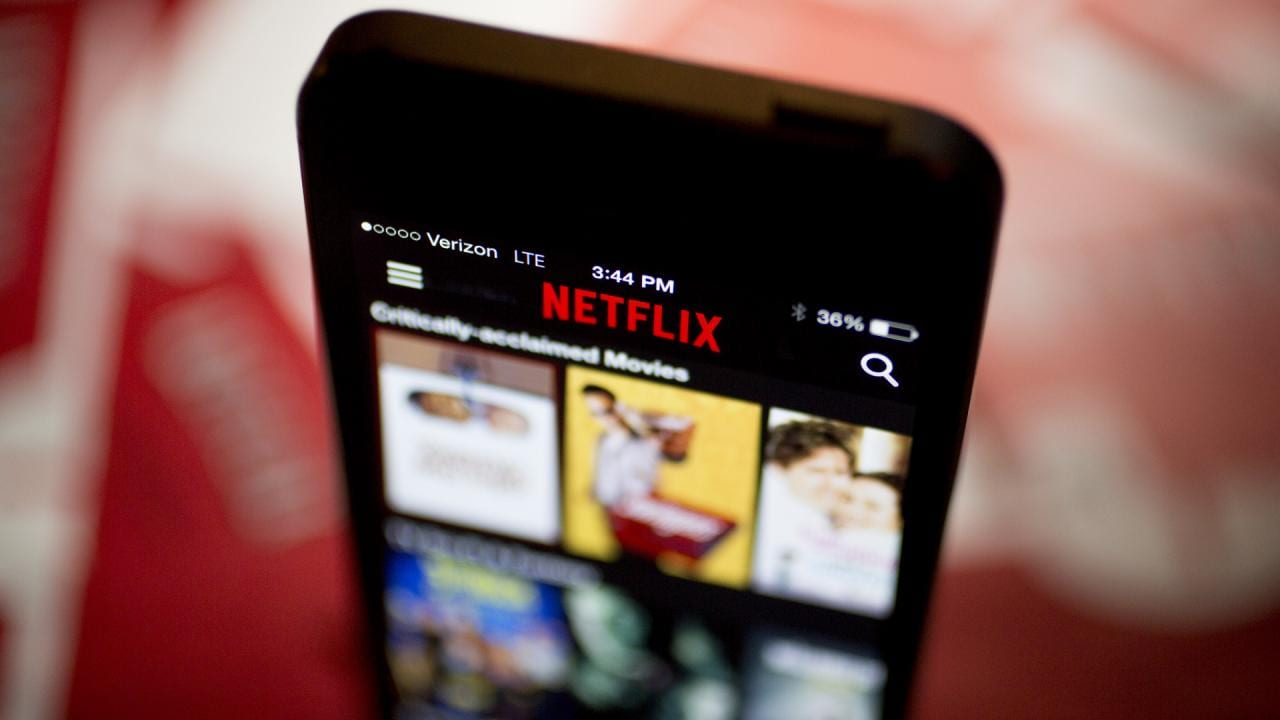
    Today’s headline is about the Netflix app, the gateway to the service’s library of entertainment and the first thing customers see before diving deep into their favorite TV shows and movies. This is why the app is getting updates all the time, some adding new features, while others simply improving already existing perks.

    Early this week, a new update for the Netflix app dropped, although it’s limited to iOS. The good news is the update is supposedly making the app more fluid, as seen in the video embedded below. Also, former Netflix UI designer Janum Trivedi revealed some of the changes he worked on last year before leaving the company.

    Here are some of the most significant changes included in this update, besides the under-the-hood improvements that make the app run more fluid than ever:

    • New billboard layout responds as you move your device, with a subtle lighting effect
    • Beautiful wallpaper gradients that are created on-the-fly from the art
    • A new card transition that’s fully interruptible/interactive
    • New launch/profile animations, haptics, and more

    Meanwhile, Netflix’s new Basic plan with ads is available for customers in the United States, Australia, Brazil, Canada, France, Germany, Italy, Japan, South Korea, and United Kingdom. Depending on how well the adoption among customers will go, we’ll probably see the new ad-based plan introduced in other territories.

    Surprisingly, Netflix’s cheapest plan doesn’t work on Apple TV yet, regardless of location. Perhaps that will change in the future, but we currently have no explanation as to why it doesn’t work yet.

  • Google will soon allow Messages users to react using any emoji

    Google will soon allow Messages users to react using any emoji

    If you are messaging a fellow Android user who, like you, uses the Rich Communication Services (RCS) platform that is part of the Google Messages app, you can exchange longer messages, share larger video and image files, get a read receipt, enjoy end-to-end encryption, see a typing indicator, and more. Like Apple’s iMessage, none of these features will work when someone using another platform (like iMessage) is part of a group chat.
    But one thing that Google Messages users can do when talking among themselves, or even texting an iOS user, reacts to a message by sending one of seven emoji: thumbs up, smiley face with heart-shaped eyes, laughing with tears, surprised look, sad face with a tear, frowning face, and thumbs down. While those seven emoji will allow you to respond to many different messages, wouldn’t you prefer a wider range of possible options?
    Before we continue, let’s explain how Android users with the Google Messages app can respond to an RCS or Text message with an emoji. Long press on a chat bubble and you’ll see a pill-shaped popup containing the seven emoji mentioned above. Just tap on the one that best expresses how you react to a comment.

    For example, this writer is a beta tester for the Google Messages app yet the new feature is not showing up on my Pixel 6 Pro. If you are unable to access the emoji picker on your Android phone, don’t worry. Eventually, it will roll out for all Google Messages users.

    You can constantly check for an update by opening the Play Store app. Tap your profile pix or avatar or initials found in a circle on the right of the search bar at the top of the screen. From there, go to Manage apps & device and tap on the green See recent updates link. That takes you to a list of recently updated apps. At the top of the display, there is a tab reading Updates available. Tap on it and then tap on the Update all button.
    Google might end up using a server-side update which means that the company itself will flip the switch and you’ll never know until after it happens. We have no idea when you will receive the update containing the new feature but we have a gut feeling that it won’t be terribly long. Unless, of course, it is.
    You might recall that during the summer Google tried to pressure Apple into supporting RCS in a bid to stop the green bubble bullying that goes on when an Android user joins what was an all iOS group chat. When an Android user joins an all-iOS chat, many of the features of iMessage are no longer available and text bubbles turn green instead of blue. The interesting thing is that the same thing applies to iOS users who join an all RCS group chat on Android.

    The only difference seems to be that Android users don’t insult and bully those iPhone users who join their group chat which disables the RCS features in the same way that an Android user can disable iMessage features.

  • UK carrier Vodafone launches new refurbished phone range

    UK carrier Vodafone launches new refurbished phone range

    As many of us know, premium smartphones are powerful and, at least in theory, last longer. But one huge downside is that they also come with a premium price tag, which not everyone can afford. So, if you want an expensive phone but don’t want to spend a lot of money on a handset, and you live in the UK, you can now buy a phone from Vodafone’s latest refurbished range, which the carrier just recently launched. As the mobile operator stated in its announcement, its new offerings can help “price-conscious customers get the phone they want for less.”

    For example, clients can get a refurbished iPhone SE (2022) 64GB for £261 on a 36-month payment contract. The regular price of the phone is £451, so by buying a refurbished model, you are saving £190.

    As for the other phones that Vodafone is currently offering, you can buy a refurbished model of the iPhone 13, the iPhone 12, the iPhone XR, the iPhone 11, the Samsung Galaxy S21, and the Samsung Galaxy S20 FE. Furthermore, the carrier is offering a two-year warranty on every Pay Monthly refurbished phone. According to the announcement, Vodafone is the only major UK mobile operator to offer such a warranty.

    If you hesitate whether to buy a renewed phone or not, Vodafone assures that its refurbished handsets are in “Great” or “Pristine” condition. Also, every phone has passed a visual and diagnostic check, which ensures that all devices work without issue. Vodafone also stated that these phones have been deep cleaned and securely data wiped, and if there is any problem, you can take advantage of Vodafone’s 14-day no-quibble money-back guarantee.

    However, if you want to get a brand new phone with a great discount, you should check out our best Vodafone phone deals. Or, if you are rolling with another carrier, you can visit our top Virgin Media phone deals, best O2 phone deals, three phone deals, and EE phone deals.

  • Apple announces iOS 16 release date and it’s nearly here

    Apple announces iOS 16 release date and it’s nearly here

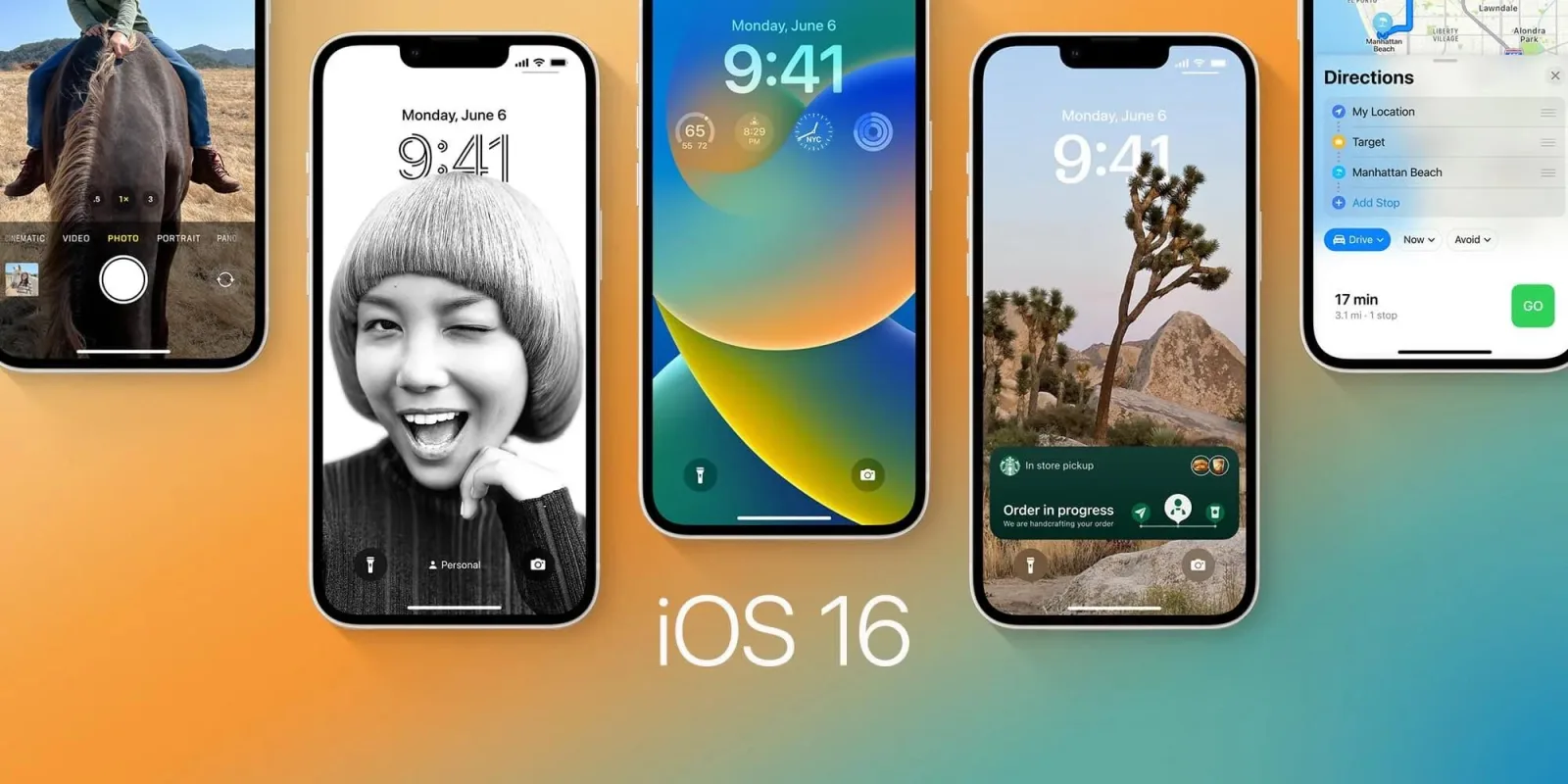
    The highlights of iOS 16 are new customization features and more convenient ways to communicate with others. The Lock Screen can now be personalized with widgets that quickly let you see information like the date, time, weather, and alarm; images, and customized font styles. There is also a super helpful Live Activities feature that will let you keep track of activities like food orders in real-time from Lock Screen.

    You will also be able to set up a shared library to make it easier for multiple people to share images from the camera automatically but the iCloud Shared Photo Library feature has been delayed for now.

    Another useful iOS 16 feature is the ability to edit a sent message so that you won’t have to add countless asterisks or explain what you actually meant and it will also be possible to unsend a recent message. You will also be able to mark a message as unread if you plan to get back to it later.
    You will also be able to collaborate with people on stuff like notes and presentations through messages and Apple also says it has improved mail search.
    iOS 16 will also make it easier to copy video text and lift a subject from an image. It will also be a breeze to switch between voice and touch to enter text. The Health app now has a new Medications feature to help you manage medications.
    There is also a Safety Check feature to help people in toxic relationships revoke the access they had granted to abusive partners.
    The change that caused the most stir online is the return of battery percentage to the status bar.
    Only the iPhone 8 and newer models are eligible for the iOS 16 update. You will be informed once it becomes available.
  • WhatsApp adds ability to transfer chat history and more from Android to iPhone

    WhatsApp adds ability to transfer chat history and more from Android to iPhone

    Switching from an old phone to a new one has become a very mundane process in the last several years, but things are a bit more hectic when it comes to switching platforms. Ever since Android and iOS existed, both Google and Apple have done everything they could to make switching from one platform to another as painful as possible. Very subtly, of course.

    Since many of us want to keep as much of the information we have stored on a phone as possible when we buy a new one, it’s very important for apps like Messenger, Telegram and WhatsApp to provide users with a hassle-free way to transfer their data not just between phones, but also between ecosystems.

    WhatsApp announced this week that it’s now making it much easier to migrate data from an Android phone to an iPhone and vice versa. Regardless of what phone you’re switching to, you’ll now be able to transfer your account information, profile photo, individual chats, group chats, chat history, media and settings.

    However, you will not be able to transfer your call history or display name if you’re moving from an Android phone to an iPhone. The same goes for peer to peer payment messages, although personal messages can be transferred from an Android phone to an iPhone.

    It’s important to mention for iPhone users that transferred data won’t go to cloud storage after migration, at least not until you specifically create an iCloud backup.

    As far as Android users go, the data transferred will remain on the Android phone unless WhatsApp is deleted or you completely wipe your phone. Here what the full process of migrating your data from Android to iPhone looks like:

    • Open the Move to iOS app on your Android phone and follow the on-screen prompts.
    • A code will be displayed on your iPhone. When prompted, enter the code on your Android phone.
    • Tap Continue and follow the on-screen prompts.
    • Select WhatsApp on the Transfer Data screen.
    • Tap START on your Android phone, and wait for WhatsApp to prepare the data for export. You’ll be signed out from your Android phone once the data is prepared.
    • Tap NEXT to return to the Move to iOS app.
    • Tap CONTINUE to transfer the data from your Android phone to your iPhone and wait for Move to iOS to confirm the transfer is complete.
    • Install the latest version of WhatsApp from the App Store.
    • Open WhatsApp and log in using the same phone number used on your old device.
    • Tap Start when prompted, and allow the process to complete.
    • Finish activating your new device and you’ll see your chats waiting for you.

    Make sure you meet the requirements

    To successfully migrate date between Android and iPhone and vice versa, your phone must run Android 5/iOS 15.5 or above, Move to iOS app installed your Android phone, and the latest version of WhatsApp. Also, your iPhone must be factory new or reset to factory settings to pair with the Move to iOS app and move data from your Android phone.

    Finally, both devices must be connected to the same Wi-Fi network. Another option would be to connect the Android phone to an iPhone’s hotspot. Of course, you must use the same phone number as your phone on your new device to be able to transfer your data.

    Every process that involves more than 10 steps would probably not be considered convenient, but the alternative would be to remain stuck with a phone and OS that you no longer love, or risk losing all your WhatsApp data. Despite requiring a little bit of knowledge before attempting to migration process, this is actually a very cool feature that will probably be fine tuned in the years to come.
  • WhatsApp may soon let you hide your activity status

    WhatsApp may soon let you hide your activity status

    Sometimes, you might not want your friends on social media to know when you’re online. You probably don’t want to be disturbed, or you are a very privacy-oriented person and just don’t want others to know when you are on your socials. This is why apps like Messenger and Instagram have an option to hide your activity status, and soon, WhatsApp will have a similar feature as well.

    As spotted by WABetaInfo, WhatsApp is working on a way to let you hide your online status. From the screenshot below, we can see that the new option will probably be situated in the Last Seen section in the Privacy settings menu of the app.

    Most likely, you will be able to choose between hiding your activity status from everyone or concealing it only from those selected in the “Who can see my last seen” section.

    Although the screenshot was taken from the iOS version of the WhatsApp beta, the new “Who can see when I’m online” feature will most likely come to the Android and Desktop WhatsApp versions as well. However, keep in mind that this option is still under development, and some things might be changed when it is publicly released.

    Nevertheless, for quite some time now, many WhatsApp users have wanted an option to choose who can see their activity status. So, it’s great that the people behind WhatsApp have listened and decided to finally introduce such an option to the platform.

  • Data shows an iOS 15 adoption rate close to 90%

    Data shows an iOS 15 adoption rate close to 90%

    With Apple’s Worldwide Developers Conference (WWDC) set to kick off on Monday, we will soon get a look at what to expect from the newest builds of Apple’s operating systems such as iOS, iPadOS, watchOS, and the others. Speaking of iOS, 250 days after the release of iOS 15, we have the latest look at the operating system’s adoption rate from business analytical company Mixpanel.

    The data shows that close to 90% of those with an iPhone that supports iOS 15 have indeed installed the software on their handset. Over the last ten weeks, iOS 15 adoption has risen 10%. Keep in mind that Mixpanel gets the data it uses by keeping track of the number of visits made to apps and websites that use its analytical software development kit (SDK); thus the figures discussed are not official numbers computed or released by Apple.

    The latest official iOS 15 adoption numbers were released by Apple in January of this year and it showed that 72% of iPhone models launched over the previous four years were running iOS 15. At that time, 26% were running iOS 14 and 2% had an earlier OS build installed.
    When iOS 15 was first released on September 24th of last year, there were quite a few bugs including one that falsely told users that their storage was almost full. Some had issues with audio when iOS 15 was first launched. The bugs kept some iPhone users from updating their handsets to iOS 15. Eventually, many of these iPhone users did make the switch.
    Some of the new features found on iOS 15 include Focus which is designed to allow iOS users to focus on work and the task at hand without getting distracted by the phone. Live Text allows phone numbers printed on a business card or scribbled on a note to be recognized and a call to that number can be made. Similarly, Maps will be able to show you directions to an address found on a business card, written on a post-it note, or seen on a street sign.
    According to Bloomberg’s Mark Gurman, iOS 16 will feature new widgets that might allow users to customize them. There also will be new ways for users to interact with the operating system, possibly a refresh to the look of Apple’s own iOS apps,” and a new updated notifications system.
    WWDC starts Monday, June 6th, at 10 am PT (1 pm ET) and you can stream it on YouTube, view it via the Apple Developer app in the App Store, or watch it from the Apple.com website on your browser.
  • New Google TV app now available for iPhone and iPad users

    New Google TV app now available for iPhone and iPad users

    Google has just announced that one of its apps that was initially only available for Android users is finally coming to iOS. The Google TV app allows users discover what to watch with recommendations from across all apps installed, thus making it easy to start watching movies and shows.

    The Google TV app is available for iOS from the App Store, starting today. Both iPhone and iPad users who already have the Play Movies & TV app installed on their iOS devices will now be able to update it to the new Google TV app.

    Besides getting recommendations from across your apps, the Google TV app also allows you to create a Watchlist for your discoveries. Rating movies and shows within the app is also possible, so you can get even better recommendations based on your interests on both the app and your Google TV devices.

    Regardless of whether you’re using an iOS or Android devices, the Google TV app will enable you to use your phone as your remote. Of course, this feature will only work with a Google TV or other Android TV OS devices; just make sure to click the remote button in the app and connect to your TV to control it with your phone and use Google Assistant.

  • YouTube Shorts are finally coming to iPads and Android tablets

    YouTube Shorts are finally coming to iPads and Android tablets

    Social media apps borrow features from each other all the time to keep up with the trends. Snapchat, Instagram, TikTok and YouTube have been adding new features that have similar functionalities for a long time, something that has become very common in the last couple of years for many other industries.

    Introduced back in 2020, Shorts, YouTube’s take on TikTok’s short-form videos, have amassed five trillion total views as of January 2022. The number includes all platforms where YouTube Shorts are available such as Android phones and laptops but does not include tablets, which don’t support the feature.

    However, YouTube fans will be happy to know that Shorts will soon be coming to Android and iOS tablets. Although they won’t be available on both platforms at the same time, at least we know YouTube plans to make them available on tablets too sooner rather than later.

    According to YouTube, the Shorts option should be rolled out on YouTube’s apps for Android and iOS tablets “in the coming weeks.” Once the new feature will go live, tablet users should see a Shorts tab within the YouTube app. More details about how to create a Short using a song from YouTube’s library are available on the support page.

  • New report says increasing number of iOS users seeing the value in being tracked

    New report says increasing number of iOS users seeing the value in being tracked

    With last year’s iOS 14.5 came Apple’s App Tracking Transparency feature that asks people whether they would like to be tracked by apps. Companies like Facebook which rely on this sort of tracking to serve personalized ads vehemently criticized the Cupertino giant for introducing this feature, but it’s not all doom and gloom, suggests a new report.
    Apple assigns a random device identifier called Identifier for Advertisers (IDFA) to devices like iPhones and iPads that let app makers track user activity across apps for targeted advertising. IDFA has now been made an opt-in feature, meaning users will have to consent to being tracked.
    Facebook has been a vocal critic of the feature and a recent report estimates that the company could lose $12.8 billion in revenue this year because of ATT. Snapchat, Twitter, and YouTube are also expected to be impacted, though they are projected to take smaller hits.
    The situation looks to be improving, per analytics platform Adjust. In May 2021, 16 percent of the users had opted-in to being tracked, and the number has now grown to 25 percent. The study is based on the 2,000 most popular apps in the firm’s database.
    The stats are even more promising for gaming apps, with an estimated 30 percent of users allowing businesses to track their activities for personalized ads. For some popular games, opt-in rates were as high as 75 percent.
    The outlet notes that a month after the launch of the ATT feature, only 4 percent of the users in the US had opted-in to it, so the latest report could be a beacon of hope for the likes of Facebook.
    Apple allows app developers to explain why users should allow tracking and it looks like many businesses have found ways to convince users to opt in to tracking. For instance, an app may say that personalized ads help the developer keep the app free or that it can help users save money.
    Adjust thinks that more users now “understand the value of opting in and receiving personalized advertisements” and expects the upward trend in consent rates to continue.
    Apple meanwhile continues to advocate for stronger privacy protections and is fighting hard to prevent legislation that would let users download third-party apps outside of the App Store.
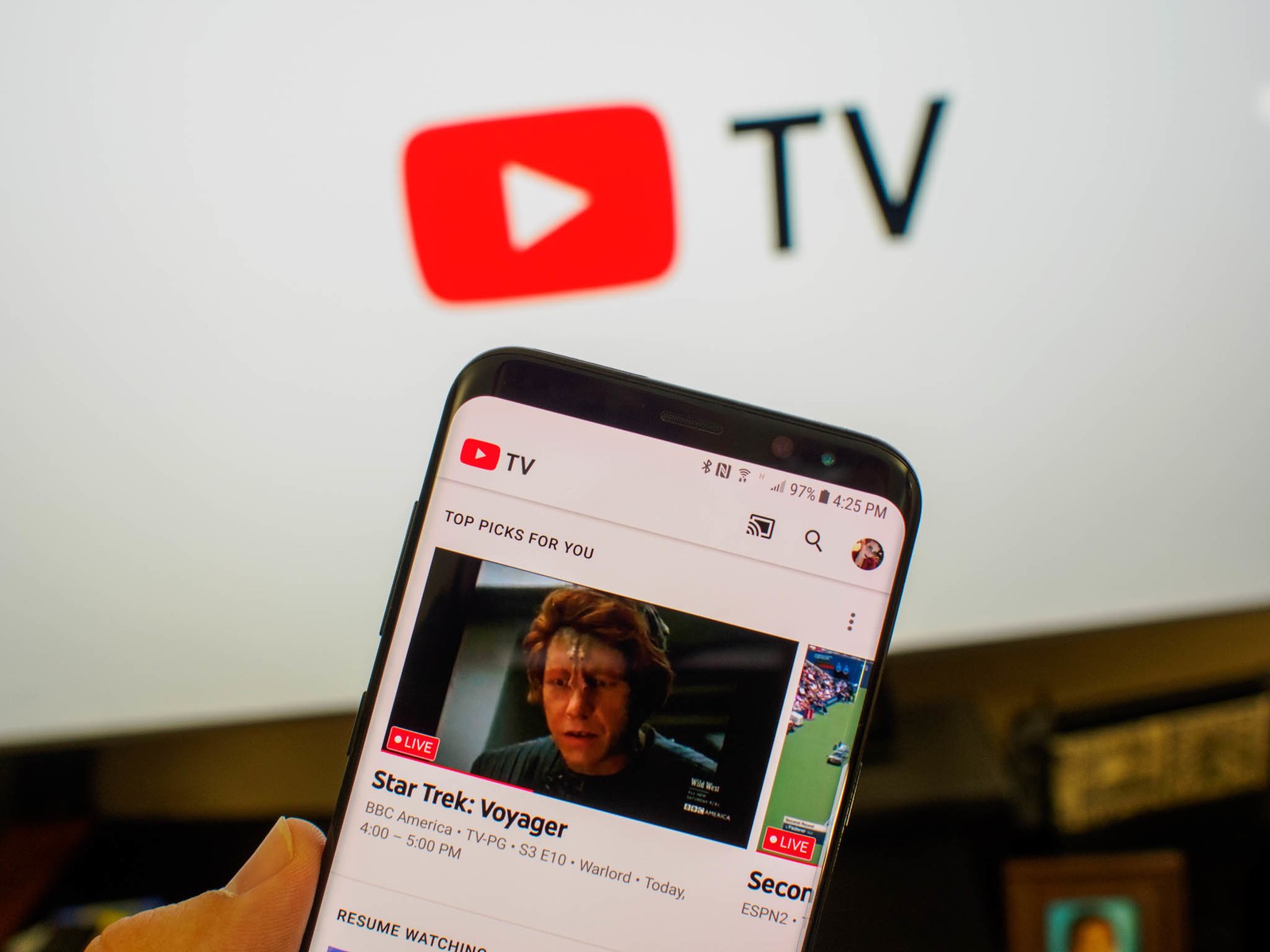
  • YouTube TV brings picture-in-picture (PiP) feature to devices running iOS 15+

    YouTube TV brings picture-in-picture (PiP) feature to devices running iOS 15+

    YouTube confirmed back in February that it will bring picture-in-picture to YouTube TV on iOS devices. At that time, YouTube’s officials didn’t provide an ETA nor any details about what devices will be available with PiP.

    One month after the initial announcement, YouTube TV confirmed that picture-in-picture is now rolling out to iOS 15+ devices. As to why this feature is only available on iOS 15+ devices, your guess is just as good as ours, but since Apple typically keeps all its iPhones and iPads up to date, it’s only the older devices (older than iPhone 6s) that won’t have access to this specific feature.

    Picture-in-picture works with both on demand and live TV content, so you won’t have to worry about that. To use it, simply select a video that you wish to watch and swipe up from the bottom of the screen to return to the device’s homepage. As soon as you do that, the video will scale down and move across the screen.

    It’s unclear if the feature is available right now to everyone or YouTube TV has decided to go for a staged rollout. Either way, iOS users should start seeing picture-in-picture on their phones and tablets very soon.

  • Apple’s new iOS 15 privacy features have advertisers on edge

    Apple’s new iOS 15 privacy features have advertisers on edge

    After Apple created chaos in the advertising industry last year with the App Tracking Transparency (ATT) feature, experts in the field are concerned that Apple will continue offering more privacy features and put a larger crimp into the business of selling products to consumers who depend heavily on their mobile devices.

    Two recent features that advertisers are concerned about are Private Relay and Hide My Email, both released in iOS 15. The latter allows you to create a random email address that will automatically forward emails to your personal inbox. You can read and reply to those emails but your personal email address will be hidden by the randomly created address.

    Apple points out that it doesn’t read any of the content in emails that go through Hide My Email except to filter out spam. Apple says that it needs to do this to “maintain our status as a trusted email provider.” All email messages going through the Hide My Email platform are deleted from Apple’s relay servers after they are delivered to you, a process that usually takes only seconds.

    Hide My Email tricks advertisers who normally collect your email address from online forms you’ve filled out and then send spam to that address. However, with Hide My Email, the marketers no longer have access to your real email address.

    To enable Hide My Email, go to Settings > Tap your name at the top of the screen. From the new screen, go to iCloud > Hide My Email. From there, go to Create New Address. A random address that ends with @iCloud.com will be created which will forward to your personal inbox. If you’re not happy with the random address, you can press the button that says  “Use Different Address to see a new one.” If you’re happy with the address, tap on “Continue.”

    The next screen will allow you to create a note next to the new address so that you can remember what you used it for. Hit “Next” in the upper right corner and it’s all over; you’ve created your fake email address. To delete it, go to Settings > iCloud > Hide My Email to see a list of your randomly generated email addresses and where mail to that address is getting forwarded to.

    To delete any of those addresses, tap on Deactivate Email Address at the bottom of the screen. A pop-up screen will ask you to confirm which address you want to 86, Tap on it and press the “Deactivate” button. That’s it.

    What we should tell you is that for you to sign up for Hide My Email, you must subscribe to a premium iCloud tier of service. This doesn’t have to put you in the poorhouse as 50GB of additional cloud storage is only 99 cents a month. 200GB of iCloud storage is $2.99 per month, and a whopping 2TB of iCloud storage will cost you $9.99 monthly.

    Another feature scaring Ad executives is Private Relay which also requires an iCloud subscription. It acts like a VPN blocking your IP address while encrypting traffic on the web. To turn it on, go to Settings > Tap your name at the top of the screen > iCloud > Private Relay.

    Private Relay blocks workarounds developed by companies to get around ATT and Hide My Email prevents online marketing firms from knowing the real email addresses of their customers preventing them from being targeted for follow-up purchases. Both features are devastating to marketers who have been using IP addresses (blocked by Private Relay) and email addresses (hidden by Hide My Email) to workaround App Tracking Transparency.

    Grant Simmons, a vice president at ad performance tracking firm Kochava, says of Apple’s continued war against third-party marketers, “It’s got the industry holding their collective breath.”