Tag: ios

  • WhatsApp for iOS has a new Contact Info page in the works

    WhatsApp for iOS has a new Contact Info page in the works

    Okay, WhatsApp is looking for ways to further enhance the user experience in its app, and there are many changes coming to the app sooner or later (many of which are currently in beta testing).About one such change the app will be bringing: a revamped Contact Info page, coming to WhatsApp for iOS.

    The redesigned Contact Info page is currently only for WhatsApp on iOS, and it has been rolled out to beta testers. The page is similar to what the app did with Business accounts, but now, it is for personal accounts. The changed Contact Info page was spotted by WABetaInfo with version 22.6.0.73 for WhatsApp for iOS.

    As we already mentioned, this look is still in beta, so it is not available to the general public as of now. Usually, WhatsApp takes its time to release new features, but currently, there isn’t an official timeline as to when this update will be made available to everyone.

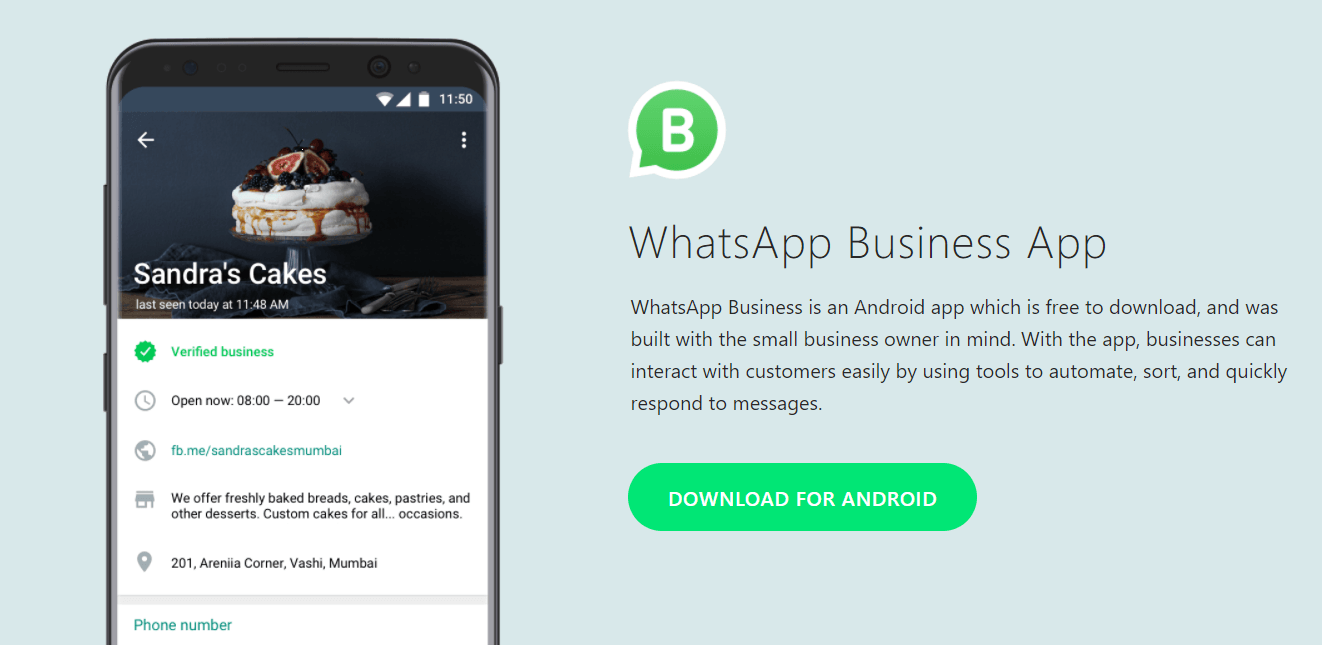
    The new Contact Info page brings larger buttons for calls, as well as a new search message shortcut. For Business accounts, there is also a page dubbed Business Info there, which is, quite understandably, not available for personal WhatsApp accounts.

    Interestingly enough, according to WABetaInfo, some users can get access to the revamped Contact Info page even if they are not a part of the beta testers, which means, that for some, it is available on the stable version of the app (including WhatsApp Business users).

    Another useful feature that WhatsApp is planning to implement, specifically for Businesses, is called “Businesses Nearby”, and as its name suggests, it will be able to help you find nearby businesses such as restaurants, grocery stores, shops for clothes, and others.

    And on top of that, WhatsApp is also currently working on its Community feature, something that was previewed by WABetaInfo in November of last year. It is basically a new place where group admins will have control over WhatsApp groups, pretty much helpful if you have many WhatsApp groups and want to have a more simple way to group them together and organize them.

    The company has been working on a lot of new features recently, which are aimed at adding value to the popular chat app. Of course, as the name suggests, the poll feature will allow you to create polls (we don’t know with how many options as of yet), in order to check out the group’s opinion on something or just carry out a regular voting session.

    The poll option will be available only for WhatsApp groups, and it will be end-to-end encrypted, including the answers the other users give to it. As many of you may probably know, end-to-end encryption is something WhatsApp is quite popular with, and it will be present for the poll feature as well. This pretty much means only the people in the group will be able to get access to the poll and its results.

    And as this is a feature in its beta testing period, an official release date is not announced for it yet. As usual, beta testers will get to see how this feature works first, as WhatsApp works to get rid of any bugs and improve on it before it launches it for the general public.
  • iOS users spend more than double on subscriptions compared to Android users

    iOS users spend more than double on subscriptions compared to Android users

    A new research report has shown that subscriptions made from the App Store are more than double in terms of payment versus Google Play Store. In other words, this means iPhone and iPad users generally tend to spend more on subscriptions and buy more subscriptions in comparison to users on Android phones.

    The information comes from a Sensor Tower report that showcases subscriptions revenue for 2021. In numbers, the App Store subscriptions have generated $13.5 billion in revenue, while Google Play subscriptions — $4.8 billion, despite the fact that Google Play spending is growing at a fast rate.

    Overall, the App Store sees the most money spent on apps and subscriptions, as well as in-app purchases, compared to Google. The record-high $13.5 billion spent us for the top 100 non-gaming subscriptions globally.

    Subscription spending on the App Store grew 31% since last year when it was $10.3 billion. On the other hand, Google Play saw a whopping 78% growth to reach this $4.8 billion mark.

    These are the global numbers. However, US numbers are not that different though. The report is also giving some information on US-only spending, and the App Store has recorded $6 billion, while the Google Play Store, $2.5 billion.
    In terms of specific apps, Alphabet (Google’s parent company) is at the top of the charts with YouTube on the App Store and Google One on the Google Play Store. According to the report, YouTube generated 1.2 billion globally and $566.5 million in the U.S., while Google One achieved $1.1 billion globally and $698 million in the U.S. in 2021.
  • iPhone 12 Pro, Pro Max out of stock in Vietnam

    iPhone 12 Pro, Pro Max out of stock in Vietnam

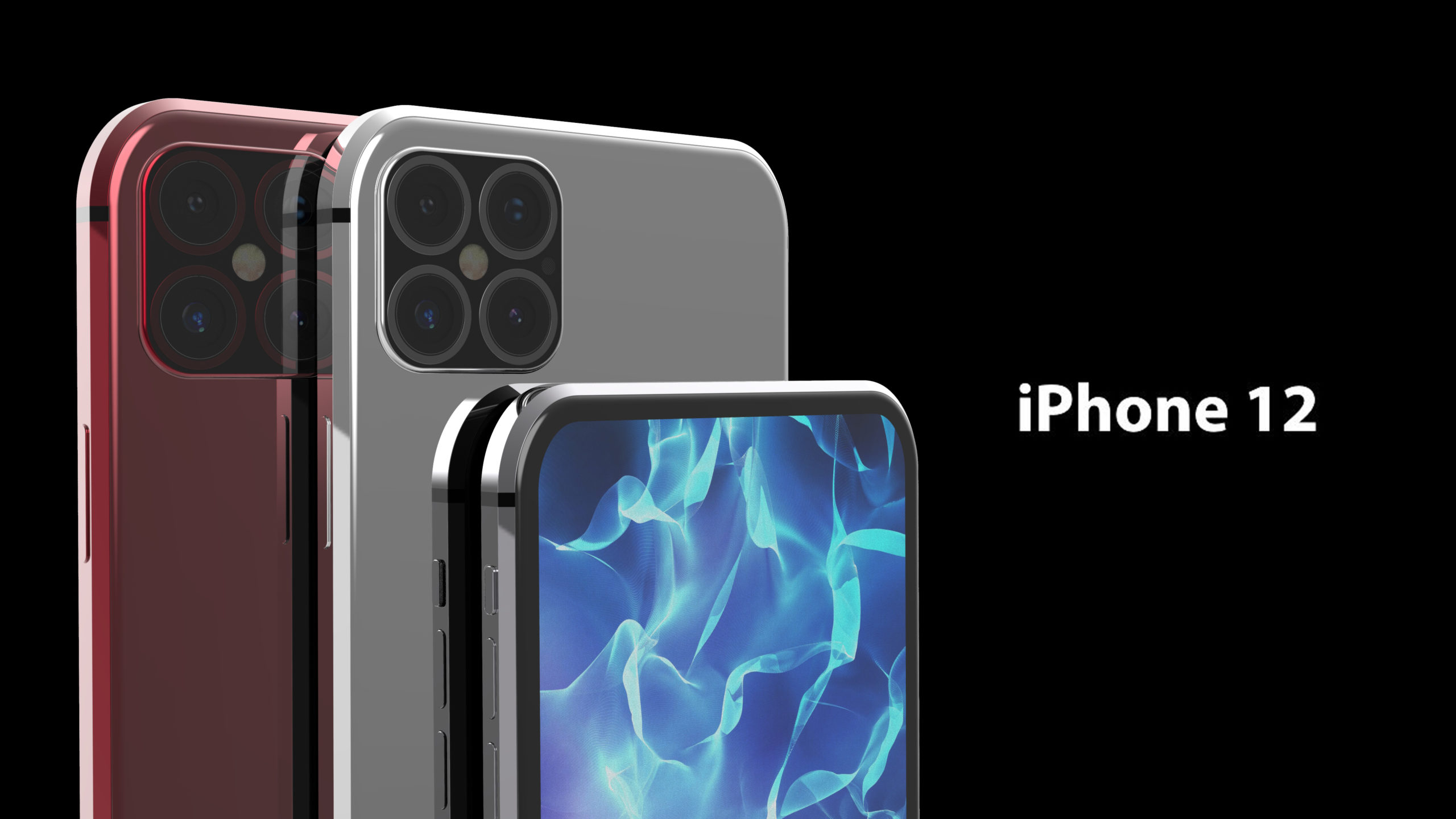
    Major iPhone authorized resellers in Vietnam have stopped importing iPhone 12 Pro and Pro Max models, seeking to boost iPhone 13 sales.

    “Most retail chains told me iPhone 12 Pro and Pro Max are out of stock. Some chains still sell them but in only a few stores,” said Que Chi in Hanoi.

    The salespeople she talked to all referred her to the new iPhone 13 models, which are readily available.

    iPhone 12 Pro Max, the best-selling iPhone model in Vietnam last year, is now marked as “out of stock” on the websites of major retail chains.

    A media representative of FPT shop said iPhone 12 Pro and Pro Max are sold out and the chain does not plan to import more.

    The same comment was given by other chains like ShopDunk and Minh Tuan Mobile.

    Although there is still high demand for these products in Vietnam, most buyers now only have the option to buy used phones or pay more for the latest iPhone 13, a media representative of Minh Tuan Mobile said.

    Nguyen Lac Huy, the media representative of CellphoneS, said the chain still has iPhone 12 Pro and Pro Max but in low quantity.

    “We cannot buy more as Apple does not have plans to continue production of these models.”

    iPhone 12 Pro Max with a storage of 128 gigabytes is being sold at around VND28.5 million, while the iPhone 13 Pro Max with the same storage is on sale for just VND2 million higher, which explains why distribution chains are focusing on the newer model.

  • WhatsApp’s latest update brings Focus mode support to iPhones and iPads

    WhatsApp’s latest update brings Focus mode support to iPhones and iPads

    Although WhatsApp typically rolls out updates simultaneously on both Android and iOS platforms, the latest update is one of the exceptions since it brings specific features aimed at iPhone and iPad users. Two important new features are now making their way to iOS users and are expected to be generally available over the coming weeks.

    The first one is the ability to pause and resume while recording voice messages. Surprisingly, such a nifty feature wasn’t available until the latest update, so if you’re downloading WhatsApp v22.2.75, you can try it out by swiping up to lock a recording and then tap the “pause” and “resume” buttons.

    Another important new feature rolling out to iOS users is support for Focus mode. This has been added in iOS 15 and allows selected users to message you when you have set a Focus mode. When this mode is enabled, you can set notification, call, and message filters, as well as auto-reply to others when you’re not available. Think of it as a more efficient Do Not Disturb feature.

    In other news, WhatsApp is gearing up for yet another important new feature for its users: the ability to transfer Android chats to iOS. However, the feature is still being tested internally, so it might take a while until WhatsApp will be ready to make it available to everyone.

  • Serious Safari bug reveals iPhone, iPad, and Mac users’ personal data

    Serious Safari bug reveals iPhone, iPad, and Mac users’ personal data

    Security firm FingerprintJS published a report on Friday about a bug found in the iOS 15 version of the Safari mobile browser. The report states that this bug “lets any website track your internet activity and even reveal your identity.” A bug found in an Application Programming Interface (API) used and supported by most browsers could be used by attackers to find out many things about you.
    An API is used by programmers to connect parts of the software to other software making it easier to develop programs. One such API, called IndexedDB, is supported by most major browsers and holds what the report calls “a significant amount of data.”

    The bug in the iOS 15, iPadOS 15, and macOS allows random websites to know what other sites a user is visiting on other windows and tabs. That is possible because sites like YouTube, Google Calendar, and Google Keep use “unique user-specific identifiers” in their database names. As a result, authenticated users can be identified as the aforementioned sites create databases that include the  Google User ID belonging to the user, and databases are opened for all the accounts being used.

    The Google User ID leads an attacker to a wealth of personal data. Each one can be used to identify a specific Google account and in combination with Google APIs, it can, at the least, reveal your profile picture to a hacker. It also could help the attacker grab much more personal information and unravel “multiple separate accounts” owned by the same user.

    Unfortunately, learning your personal information doesn’t require you to perform any specific action as the report states “A tab or window that runs in the background and continually queries the IndexedDB API for available databases, can learn what other websites a user visits in real-time. Alternatively, websites can open any website in an iframe or popup window in order to trigger an IndexedDB-based leak for that specific site.”

    FingerprintJS checked with Alexa’s top 1,000 visited sites and found that 30 interact with indexed databases right on their homepage, without any interaction or authentication required by the user. Even if a person is using the private mode in Safari, if he visits multiple websites using the same tab, all databases interacted with are leaked to the sites the user subsequently visits.

    There isn’t much that a Safari user can do if he is running iOS 15 or iPadOS 15. One suggestion is to block all JavaScript by default and only allow it on sites that are 100% trusted. Mac users can switch browsers to escape this bug, but this is not a solution on iOS 15 or iPadOS 15. We should point out that the bug was submitted by FingerprintJS to the WebKit Bug Tracker on November 28, 2021, as bug 233548.

    If you want to check this out on your iPhone or iPad, open Safari and point it at safarileaks.com and follow the simple directions. Quickly (too quickly), the name of the last site you visited appears (if it was one of the sites listed on the Demo page) and your unique Google User ID can be accessed.

    Frankly, the only solution that you have is to wait for Apple to update the iOS and iPadOS software and make sure to install it as soon as it is released. Again, if you’re using a Mac, changing browsers is a valid option although that is not the case with iOS and iPadOS. And keep in mind that users don’t need to perform any specific action in order to set off the bug.

  • Apple releases minor iOS, iPadOS updates along with second beta of iOS and iPad 15.3

    Apple releases minor iOS, iPadOS updates along with second beta of iOS and iPad 15.3

    Not every iOS update is chock full of features. Today, Apple released iOS 15.2.1 and iPadOS 15.2.1 to fix a couple of minor issues. The update fixes a bug that caused Messages not to load photos sent via an iCloud link. It also exterminates a bug that prevented third-party CarPlay apps from responding to inputs.

    To update your iPhone or iPad go to Settings > General > Software Update. If you’re a member of the Apple Beta Software Program, you will also receive a link to download and install the second betas of iOS 15.3 and iPadOS 15.3. It’s been three weeks since the first beta versions of iOS 15.3 and iPadOS 15.3 were released, and about a month since iOS and iPadOS 15.2 were dropped by Apple.

    Thus far, it isn’t clear what we might expect from the upcoming iOS 15.3 update although there are some new features that are expected from Apple such as the ability to put Digital IDs in the Wallet app. States (in alphabetical order) that have agreed to offer this include: Arizona, Georgia, Connecticut, Iowa, Kentucky, Maryland, Oklahoma, and Utah. Florida is reportedly in talks to be included.

    Apple first discussed putting Digital IDs inside the Wallet app back at WWDC seven months ago. This feature was not found in both beta 1 and beta 2 of iOS 15.3 and iPad OS 15.3

    Another feature that could come to iPadOS 15.3 is called Universal Control. This allows iPad and Mac users to control their devices using the same keyboard and mouse. It is now scheduled to be released this spring following a delay.

    Apple originally called for a fall 2021 release of Universal Control but had to push back the release date. With that in mind, we might not see this surface on a stable release until iPadOS 15.4 is pushed out by Apple.

    This update is too minor to join the Apple Beta Software Program for, but anytime you don’t want to wait to try out an upcoming iOS feature, you can enter the program and receive beta updates OTA. Remember though, most beta updates are not stable and you could find that your most important iOS capabilities are incapacitated. Or, you might find that the beta update has your device drinking battery juice like Andy Capp consumes ale.

    If you can’t wait for the stable update to be disseminated, you can quit the beta program and install a backup that you created in iTunes before entering the beta program. You’re still going to lose the data created since you made the backup. Another option is to factory reset your device which is one thing that this writer compares to the sound of scratching nails on a blackboard.

    Or, you can join the beta program, install the beta software, and simply quit the beta program when the next stable build of the software is released to the public. For example, let’s say you must have (for some reason) iOS 15.3 while it is still being tested. So you go to the Apple Beta Software site and install iOS 15.3 beta 2. And you sit through beta 4 and by beta 5 the battery life of two hours and twenty minutes (just an exaggeration because we don’t know what the battery life will be on beta 4 and beta 5 or even if there will be a beta 4 and beta 5) is driving you batty.

    As we said, if you have a fairly recent backup to load, things might not be so bad. But if you forgot to create a backup and don’t feel like performing a factory reset, you can stay in the beta program until the next public version of iOS is available which in this scenario would be iOS 15.4.

    If that is your game plan, you can quit the beta program and install iOS 15.4 by going to Settings > General >Profiles & Device Management. Select iOS 15 & iPadOS 15 Beta Software Profile, and tap on Remove Profile. Once that is complete, you would update to the next stable release (iOS 15.4 in this example).

  • Send Read Receipts can’t be turned off in Messages for some users

    Send Read Receipts can’t be turned off in Messages for some users

    It’s sometimes useful to see whether someone has read your message or not but then again some people find this functionality a bit much. And it’s true, waiting to see if your precious message has reached its recipient can encourage obsessive and stalking behavior.

    Now, it seems that a nasty bug is preventing some users from turning this feature off on their iPhones and iPads. Apple offers the option to turn on and off Send Read Receipts in Messages in iOS, iPadOS, and macOS, and if your devices are synced to the same iCloud ID, this feature will be toggled on or off on all of them.

    This can be done by going to Settings > Messages and then toggling the Send Read Receipts switch (iOS and iPadOS), or going to Settings > Preferences > iMessage and checking or unchecking “Send read receipts” for Mac users.

    However, toggling Send Read Receipts on or off does nothing for some users, and people can still see when they read messages. The same issue was present briefly on previous iOS and iPadOS releases but now the problem can be seen in the latest software releases.

    Apparently, there’s no resolution at this time, although there’s a workaround. Some people found that restarting their iPhone or iPad does the trick temporarily. And while we wait for a fix to be released, share your experience with Messages. Can you turn off Send Read Receipts?

  • WhatsApp is crashing on iOS

    WhatsApp is crashing on iOS

    Several tweets on Twitter today were about issues that some iPhone users were having with the WhatsApp app. Those suffering from this bug just could not open the messaging app on their iOS-powered handset as it would crash immediately after the icon was tapped on their iPhone home screen. With no recent WhatsApp updates to speak of, and with the beta version of the app crashing on Test Flight, the problem could be Facebook’s fault (the company is the parent of WhatsApp, Instagram, and Facebook Messenger).

    While some users made a connection between the bug and yesterday’s release of iOS 15.2, WhatsApp has been having problems with previous iOS versions putting the kibosh to that theory. Regardless of what is causing it to crash on iOS, WhatsApp hasn’t even made a public statement of any kind regarding the app’s inability to stay open for iPhone users. The bug is affecting both the regular version of WhatsApp and WhatsApp Business.

    With end-to-end encryption maintaining your privacy, WhatsApp sends texts through your phone’s internet connection similar to how Apple’s iMessages and Google’s Rich Communication Service (RCS) works. The ability to send larger video files and messages, support for large group chats, Read Receipts, and more features have made WhatsApp the most popular messaging app in over 100 countries. The app has been installed over 5 billion times.

    While Facebook doesn’t break out financials by individual apps, “experts” believe that WhatsApp helped generate between $5 billion and $10 billion in revenue for Facebook last year. It is estimated that the app has 2.3 billion daily active users (DAU), second behind parent Facebook’s 2.9 billion daily active users. As of this past July, the number of Monthly Active Users on WhatsApp was calculated at 2 billion.

    If you’ve been experiencing these same problems with WhatsApp on your iPhone, let us know by dropping your comment in the comment box below.

  • Apple Music Voice Plan to go live in iOS 15.2

    Apple Music Voice Plan to go live in iOS 15.2

    Designed exclusively for Siri, Apple Music’s Voice Plan is likely to be available for users in the United States this month, after being officially unveiled back in October. The new subscription service for Apple Music offers access to a catalog of 90 million songs, thousands of playlists, and Apple Music Radio via Siri for $4.99.

    The Voice Plan is so integrated with Siri that even the subscribing process must can be done through Apple’s voice assistant. Those who wish to subscribe to the Apple Music Voice Plan must say “Hey Siri, start my Apple Music Voice trial.” Of course, another option would be to simply sign up through the Apple Music app.

    The service allows users to request music be played across all Siri-enable devices, including HomePod mini, AirPods, iPhone, or any other Apple device, and even when using CarPlay.

    The new tier subscription service was mentioned in release notes for the upcoming iOS 15.2 software update and seeing that Apple has just released the fifth iOS 15.2 beta software update, it’s very likely that the stable version will be made available in December.

    Unlike the standard Apple Music subscription tier that cost $9.99 per month, the Siri-controlled tier doesn’t allow subscribers to manage the service with the Music app. Also, Spatial Audio, lyrics, and the ability to save music offline aren’t supported by the Voice Plan. However, Apple Music subscribers have all the features offered by the Siri-oriented plan included.

  • WhatsApp adds more options for disappearing messages on iOS and Android

    WhatsApp adds more options for disappearing messages on iOS and Android

    WhatsApp introduced disappearing messages last year. The feature was further improved not long ago with the option to make photos and video disappear immediately after being viewed once. Today, WhatsApp announced a new set of control options for those using disappearing messages.

    Starting this week, iOS and Android users will be able to control their messages and how long they will remain visible thanks to two new features: default disappearing messages and multiple durations.

    The latest version of WhatsApp adds the option to turn on disappearing messages by default for all new chats. This means that all individual chats will be set to disappear at your chosen duration. Furthermore, WhatsApp added a new option when creating a group chat that lets users enable default disappearing messages for groups. Obviously, this is an optional feature that’s not enabled by default.

    Also, the update includes two new durations for disappearing messages – 24 hours and 90 days, in addition to the existing option of 7 days. You can set durations for disappearing messages from the Privacy settings and choose “Default Message Timer.”

  • Apple releases iOS 15.2 beta 4 for developers and the public

    Apple releases iOS 15.2 beta 4 for developers and the public

    Apple has started sending out iOS 15.2 beta 4 (build: 19C5050b) to both developers and public beta testers who are subscribed to Apple’s beta program. Also dropping today for developers and public beta testers are iPadOS 15.2 beta 4 (build: 19C5050b), watchOS 8.3 beta (build: 19S5050c) and tvOS 15.2 beta.

    As we get closer to the final build of iOS 15.2, you might recall that it refreshes the Notification Summary feature, which allows you to avoid being interrupted by notifications from your apps filling up your display. Instead, all of your non-urgent notifications are bundled together in a summary that is sent to you at a scheduled time. Direct Messages (DMs) and Time Sensitive messages are always sent immediately, so keep that in mind.

    With iOS 15.2 installed, the Notifications Summary no longer appears as a list, but is seen as separate blocks on your Lock Screen.

    The latest iOS and iPadOS builds will introduce the App Privacy Report which will show users which data is being accessed by Apple and third-party apps via privacy permissions granted by them. These permissions may allow apps to access their iPhone’s location, camera, contacts, camera, microphone, and photos.

    The iPhone 13 Pro models have a feature called Macro Mode which automatically turns the ultra-wide camera into a Macro camera for taking extreme close-ups whenever the device is placed within 10 cm (3.94 inches) of an object. Macro photography will help you shoot photos of insects, flowers, and other subjects that are no closer than 2 cm (.79 inches) away. Apple is adding a toggle in iOS 15.2 that will allow users to disable Macro Mode.

    And iOS 15.2 will also make iPhone users feel safer by allowing users to scan their surroundings for AirTags and other devices used with the Find My app that can track them without their knowledge. The feature is found in a new section of the Find My app that will appear when iOS 15.2 is installed on an iPhone and is called “Items That Can Track me.” Any nearby items that do not belong to you but do contain Apple’s tracking technology will surface under this section.

    Additionally, any AirTags that are away from its owner for 24 hours and longer will make a warning sound. This helps alert iPhone users that they are potentially being tracked by an AirTag that doesn’t belong to them.

    And if you come across an AirTag tracked item that does not belong to you, the renamed “Help Return Lost Items” will give you information about how to contact the owner of the item so that it can be returned. The previous name of the feature was “Identify Found Item.” This is perfect for all of you good samaritans who don’t feel that the universe is okay unless every misplaced item has been returned to its rightful owner.

    If you want to get in early on iOS updates, you can join the iOS Beta Software Program by tapping on this link. Keep in mind that Beta versions of iOS are unstable (like that little old lady with the 55 cats that lives next door) and certain features and apps might not work when you have a Beta build installed. Additionally, battery life could be diminished until the final version of the build is released.

    These things might not bother you, but it is something you need to concern yourself with if you plan on joining the iOS Beta Software Program. Once you install a beta version of iOS on your iPhone, you can leave easily if the phone is running an official version of the software. To do that, go to Settings > General > Profile & Device Management. Select the iOS Beta Software Profile, then tap on Delete. Confirm your decision and that is it.

    Now it is a little tougher to leave if your phone is currently running a beta version of iOS. If that is the case, we recommend waiting for the next official version of iOS to arrive, and then you should follow the directions above. Otherwise, you will have to restore to an older backup version of the operating system using your PC or Mac. And that means losing all the data added since your last backup.

    By the way, if you already are a member of the iOS Beta Software Program, you can install iOS 15.2 beta 4 by going to Settings > General > Software Update.

  • WhatsApp to add built-in sticker maker on the web

    WhatsApp to add built-in sticker maker on the web

    WhatsApp is always improving in order to remain competitive. Although new features aren’t always coming to all platforms, sooner or later all WhatsApp users get to benefit from them. The most recent improvement added to the messaging app, a built-in Sticker Maker, is only available on WhatsApp’s web version.

    It will allow WhatsApp users to quickly create stickers directly within the app, thus removing the need to use third-party apps. The new Sticker Maker can be accessed via the paperclip icon. Simply select Sticker and choose an image to upload.

    The images uploaded can then be edited to your heart’s desire. The picture can be cut and cropped, but you can also add emoji, text, as well as more WhatsApp stickers on top of the ones you create.

    Of course, Android and iOS users must continue to use third-party apps to make their own stickers. Keep in mind that the built-in Sticker Maker announced today won’t be available on the web until next week.

  • Update to Shazam makes the app more useful

    Update to Shazam makes the app more useful

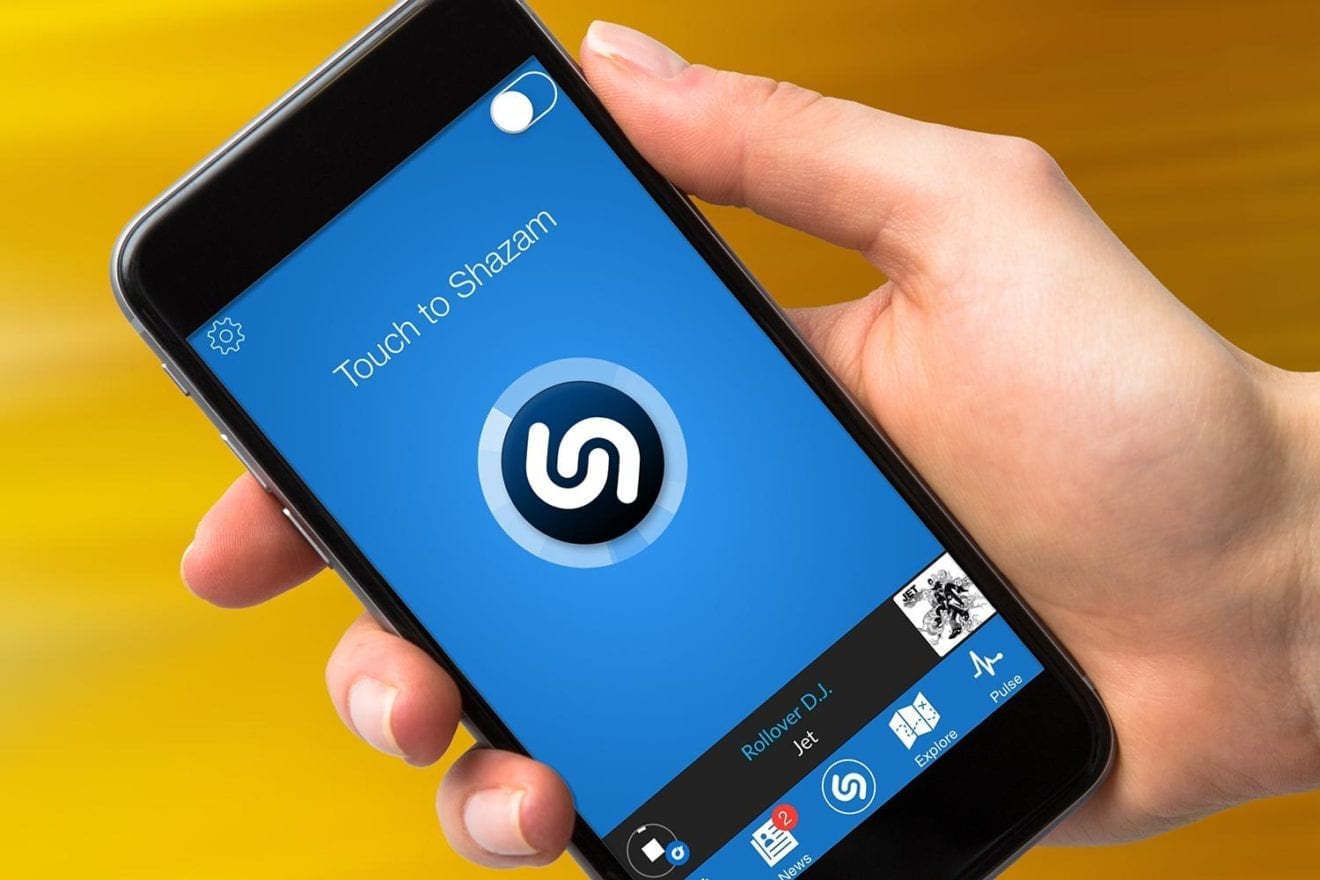
    It is hard to believe that nearly four years have passed since Apple paid a reported $400 million for the music recognition app Shazam. Whether this was a move made by Apple to compete with Pixel’s Now Playing feature is unknown. At the time that the deal was announced, Apple said that it ” has exciting plans for Shazam which was one of the first apps in the App Store.

    Apple did add Shazam to the iOS Control Center in iOS 14.2, which is not really exciting. In iOS 14, Apple added a feature allowing Shazam to recognize music playing inside an app. Again, excitement is in the eye of the beholder and we’re not sure that this would qualify as such. We noticed that Shazam had received an update that will, according to the release notes, allow the app to listen “longer” and “harder.”

    Apple says that by working harder, Shazam will find more songs. The company stated, “Shazam now finds more songs by trying harder, for longer. Tap to Shazam to give it a go.” While Shazam is supposed to be able to match just a few seconds of a song with that tune’s title, sometimes the app can be stumped at first and that is why hearing just some additional seconds of a tune could make the difference between being unable to learn the name of that song you just heard or Shazam finding out the name of that song you can’t get out of your head, and the artist.

    You might have been unaware that Apple offers a widget for Shazam. Depending on which size widget you choose, you could see up to four songs recently discovered by Shazam. To add the widget, long-press on an empty space on your iPhone screen. That puts the phone into “jiggle mode.”

    While in “jiggle mode,” tap the “+” button in the top-left corner and search for the Shazam widget which showed up first when we looked for the widget (see accompanying photo). Select which size widget you want and tap on “Add Widget.”

    Apple is currently running a promotion now through January 31st. Simply visit this website and use the camera on your iPhone to scan the QR code and redeem the offer. The five free months are available to new Apple Music subscribers only.

    The Shazam app is also available for the Apple Watch.

  • Twitter makes it easier to search through subscribers’ tweets on iOS

    Twitter makes it easier to search through subscribers’ tweets on iOS

    A new search icon has been discovered by XDA on the iOS version of the Twitter app. Tapping the magnifying glass icon at the top right corner of a subscriber’s Twitter page will search through the tweets posted by this person or account. It also can be used to go through your own tweets.

    Using the new feature is a snap. Tap on the magnifying glass to reveal the search bar, and simply type in the terms of the search. In the example that we did below, our search term was TikTok.

    That brought up a tweet that we posted late Friday night related to a story about a 16-year-old girl who used a hand gesture that she learned from watching TikTok. The gesture alerted someone in an automobile behind the one that the girl was a prisoner in, that something was not right and that the teen was in distress. Thanks to the hand gesture, the cops were alerted and used a traffic stop to arrest the 61-year-old driver.

    The new feature is actually a shortcut for a feature that Twitter users running the iOS app can already do. By tapping the search icon at the bottom of the screen and typing in From:Username Term (which in the above example is PhoneArena TikTok), you’ll get the same results as if you had used the new tool.

  • Apple releases iOS 15.1 with hot new features

    Apple releases iOS 15.1 with hot new features

    Apple has released iOS 15.1 this morning which adds some new features for iPhone users. The first feature is SharePlay which allows users to share experiences with others over FaceTime. You can stream television episodes, movies, and even listen to streaming music while connected over FaceTime with your pals.

    For example, let’s say that you and your friends are big fans of The Voice. You can stream episodes over Hulu, sharing the fun of watching the show together with your friends over FaceTime. You can also share the experience of streaming music via FaceTime as well. Not all streamers are compatible with the feature, but so far Disney+, ESPN+, HBO Max, Hulu, MasterClass, Paramount+, Pluto TV, TikTok, and Twitch will work with the platform.

    With Share Play, which Apple calls a “new way to share synchronized experiences in FaceTime,” each user has controls allowing him/her to pause, play, rewind, or fast forward content. And when someone starts to talk, an electric shock is sent to shut that person up a feature called Smart Volume automatically reduces the volume of the streaming television show, movie, and music.

    The update also adds the ProRes feature to the iPhone 13 Pro and iPhone 13 Pro Max. This is a feature that compresses video into small files without losing much of the image quality. It is used for editing videos and supports video resolution up to 8K. And with iOS 15.1, if you’re among those who don’t like how the ultra-wide cameras on the iPhone 13 Pro models turn Macro Mode on automatically when moving in close to take a photo or shoot a video, the update will allow you to disable this feature.

    With the iOS 15.1 update, you can keep your COVID-19 vaccine card in the wallet app so that it will always be with you (assuming that you always carry your iPhone in your pocket). The devices receiving the update include: iPhone 13, iPhone 13 mini, iPhone 13 Pro, iPhone 13 Pro Max, iPhone 12, iPhone 12 mini, iPhone 12 Pro, iPhone 12 Pro Max, Phone 11, iPhone 11 Pro, iPhone 11 Pro Max, iPhone XS, iPhone XS Max, iPhone XR, iPhone X, iPhone 8, iPhone 8 Plus, iPhone 7, iPhone 7 Plus, iPhone 6s, iPhone 6s Plus, iPhone SE (second-generation) iPhone SE (first-generation) and the iPod touch seventh-generation.

    To update your iPhone to iOS 15.1, go to Settings > General > Software Update. Following those directions will also allow iPad users to update to iPadOS 15.1.

    Apple has also released watchOS 8.1. The update features enhanced algorithms to detect falls during workouts. Following the installation of the update, you’ll also be able to enable fall detection during workouts only. You must have an Apple Watch Series 4 and later to add this health-related feature. With fall detection, the Apple Watch detects when the user has suffered a hard fall and can summon emergency help while leading them directly to your location.

    The Wallet app on your Apple Watch will show proof that you’ve received your COVID-19 vaccination just like the Wallet app on the iPhone will show the same information after you’ve installed the iOS 15.1 update on the handset. WatchOS 8.1 will give Fitness+ subscribers the opportunity to invite up to 32 people to work out together through a FasceTime call using iPhone, iPad, or Apple TV.

    The update also exterminates a bug that caused the Always-On feature to display the wrong time when users’ wrists are down. This bug was found on the Apple Watch Series 5 and later (excluding the Apple Watch SE). To install the update, make sure that the Apple Watch is connected to its charger. It also needs to be in the range of users’ iPhone models. The handsets must also be connected to a Wi-Fi signal.