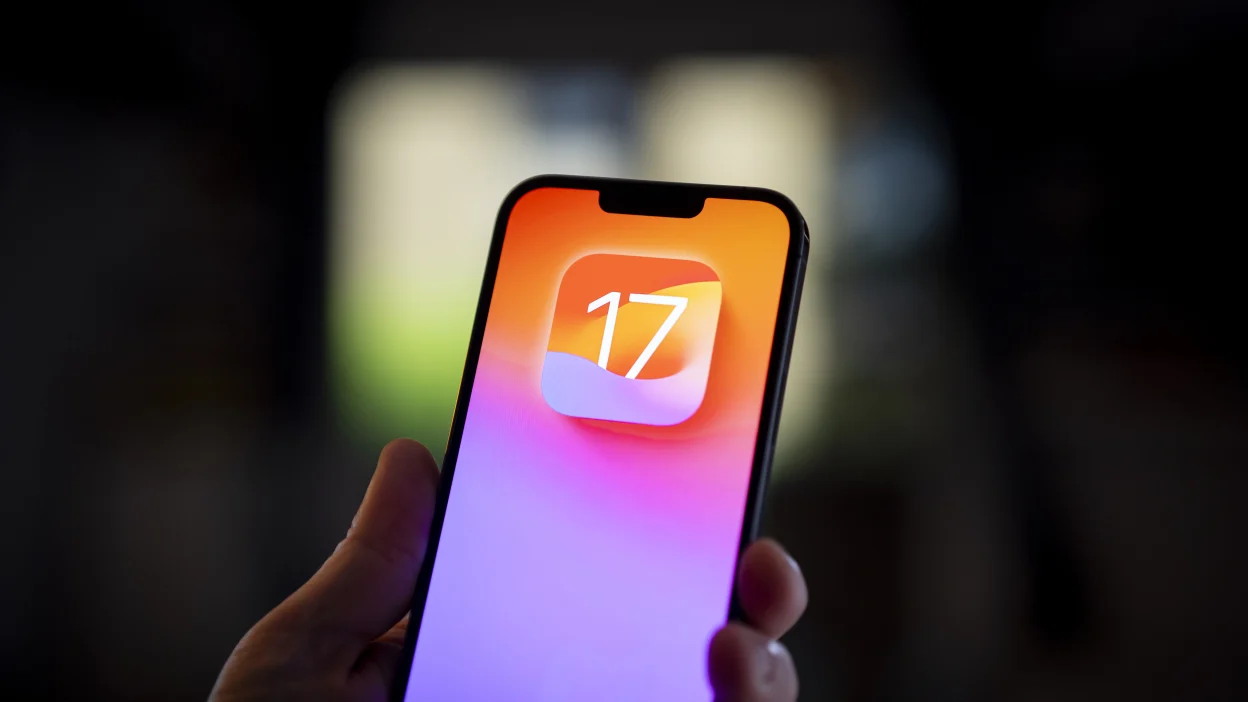
Now that Apple released iOS 17.2, the first iOS 17.3 developer beta has been released and includes a new feature that might frustrate iPhone thieves. Stolen Device Protection uses certain tools to prevent criminals from employing a stolen iPhone passcode to have the run of an iPhone that is at a location normally not associated with the owner of the device. If an iPhone is at such a location and Stolen Device Protection is enabled, the handset will require that Face ID or Touch ID be used before allowing certain actions to be made.
Actions that require either Face ID or Touch ID when an iPhone is in an unusual location include viewing passwords stored on the device and wiping the phone. A one-hour delay will be called for when creating a new Apple ID password. After the hour, Face ID or Touch ID will still be required to change the password. The delay is essentially buying time for the owner to report his phone stolen.
Apple adds another layer of biometric protection to the iPhone in iOS 17.3; Image Credit Beta Profiles.
Other actions that require biometric approval when Stolen Device Protection is enabled and an iPhone is away from the user’s usual locations include applying for an Apple Card, turning off Lost Mode, and accessing and using payment methods stored in Safari. If Face ID or Touch ID fails and Stolen Device Protection is enabled, the user cannot use his/her passcode to sign in.
The following actions will require Face ID or Touch ID when Stolen Device Protection is enabled:
- Viewing/using passwords or passkeys saved in iCloud Keychain
- Applying for a new Apple Card
- Viewing an Apple Card virtual card
- Turning off Lost Mode
- Erasing all content and settings
- Taking certain Apple Cash and Savings actions in Wallet
- Using payment methods saved in Safari
- Using your iPhone to set up a new device
The following actions require Face ID or Touch ID and the final action is delayed by one hour:
Leave a Reply