Tag: android

  • Google adds dynamic email support to Gmail on Android and iOS

    Google adds dynamic email support to Gmail on Android and iOS

    Google Docs is not the only app the Mountain View company is improving this week. As the title says, Gmail, Google’s email app is getting important upgrades on both Android and iOS platforms.

    The highlight of the latest update is dynamic email, new functionality that is now rolling out to Gmail on Android and iOS. Dynamic email lets Gmail users take action directly within a message. For example, you can respond to a comment, RSVP to an event, or manage subscription preferences directly within the email.

    Another advantage of having support for dynamic email is that the functionality can be kept up to date so that when you open an email you’ll see the most up-to-date information about the subject.

    Now, according to Google, the rollout is starting today, but it may take more than two weeks for everyone to see the functionality on their Android and iOS devices. It’s also worth mentioning that dynamic email support will be turned on by default when the functionality arrives on a compatible device.
  • WhatsApp makes changes to privacy controls on Android devices

    WhatsApp makes changes to privacy controls on Android devices

    WhatsApp has just announced it’s making some changes to the privacy settings for groups that it rolled out back in April. Several months ago, WhatsApp added new privacy settings for groups, which would give Android users more control over the group messages they receive.

    To enable it, you’ll have to go to Settings in WhatsApp, then tap Accounts / Privacy / Groups and select one of three options: Everyone, My Contacts, or My Contacts Except. Well, the third option has been added today and replaces the “Nobody” option which was originally added back in April.

    The changes are based on feedback from users during WhatsApp’s initial rollout to give them even more control over the contacts that they don’t want to receive messages from. The new My Contacts Except option lets users choose to exclude specific contacts or “select all.”

    WhatsApp announced that the update that contains the new changes is rolling out to Android users worldwide this week, so if you’re seeing a new version of WhatsApp in the Google Play Store, then you should have the new feature available after you update.

  • Two variations of Dark theme are reportedly being developed for the iOS version of WhatsApp

    Two variations of Dark theme are reportedly being developed for the iOS version of WhatsApp

    Whether you’re using Android or iOS, Dark theme is all the rage these days. Both Android 10 and iOS 13 feature system-wide Dark theme settings and more and more apps are including such an option. Why? for a couple of reasons, really. At night, or in a darkened room, the usual white background (with black text) can strain the user’s eyes and annoy innocent bystanders. In Dark theme, the black or gray background with white text isn’t as offensive to one’s eyes.

    Besides saving your eyesight, there is another reason to toggle on Dark theme; for phones sporting an AMOLED display, using Dark theme can save some battery life. That’s because OLED panels create the color black by turning off all pixels in the appropriate area of the screen; pixels that are turned off do not draw energy from the battery. But keep in mind that to save battery life, the version of Dark theme used by an app must have a black background, not a dark gray one.

    Now you might recall that back in March, the beta version of WhatsApp for Android received a Dark theme feature, but only on the settings page. Because this configuration used a version of Dark theme with a gray background, those testing it did not score any additional battery life. And in fact, Android users with the public version of WhatsApp have yet to receive the feature at this point in time. As for iOS users who employ WhatsApp, they could end up with one of two different versions of Dark theme according to WABetaInfo.com. For those of you unfamiliar with WhatsApp, it is one of the most popular messaging apps in the world and is owned by Facebook.

    It seems that when Apple released the system-wide Dark theme for iOS 13, WhatsApp’s developers went back to the drawing board and came up with a new version of Dark theme from scratch. WABetaInfo.com says that two different configurations are being developed. One uses a dark black background while the second configuration uses a lighter gray. The first variant would seem to offer the best battery life savings. Both versions have the same configuration for Dark bubbles.

    While it isn’t clear which one will be found on the iOS version of WhatsApp, the first configuration is the one that Facebook has decided to use for Instagram. The report does speculate that the app itself might choose from the two options depending on the settings of the iOS device that has the app installed.

    Apparently, the Dark theme feature for WhatsApp is still being developed so it might be sometime before iOS and Android users get the opportunity to try it out on the public version of the respective apps.

  • Yahoo launches new Mail app for Android and iOS

    Yahoo launches new Mail app for Android and iOS

    Yahoo is desperately trying to become relevant once again. We’re not sure how many people still own a Yahoo email account, but it looks like the company has just unveiled a brand new logo and a new Yahoo Mail app.

    The new app is available for Android and iOS users starting today and brings some important changes over the previous one. First off, it will allow users to customize their push notification to highlight the type of mail they want to be alerted of, as well as personalize the Yahoo Mail inbox with custom color themes and sounds.

    The new Yahoo Mail app comes with a new view that lets users access all their attachments, including travel documents, tickets, photos, and essential files. There’s another view for subscriptions that allows users to browse shopping emails and unsubscribe from any newsletter with a single tap directly within the app.

    Also, you’ll now have three separate types of deal that you can view in different tabs: Deals View, Location View (iOS only) and Grocery View. Finally, the app will highlight timely updates like package tracking, travel info, or a deal that’s close to expiring (iOS only).

    If you still trust Yahoo to keep your emails, you can now download the new Mail app for iPhone and Android via App Store and Google Play.

  • Twitter’s darker Dark mode for Android is delayed

    Twitter’s darker Dark mode for Android is delayed

    Back in March, Twitter introduced Lights Out, a revised version of its native Dark mode option. Instead of the dark blue background with white text that it was using with its Dark mode, Lights Out features a true dark black background and white text. Not only does the dark black look better than the blue, but it also saves battery life on phones with OLED screens. That’s because these displays create the color black by turning off the appropriate pixels thus lowering the demand for power from the battery.

    The Lights Out feature launched on iOS back in March. To enable it, users go to Settings > Display and sound > Dark Mode > Lights Out. The old Dark mode option with the blue background is now called “dim.”

    When Twitter announced Lights Out back in March, it had yet to disseminate a timeline for its appearance in the Android app. Last week, Twitter’s VP of Design and Research, Dantley Davis, sent a tweet with an update for the Android version of Lights Out. Davis wrote, “The feature is coming soon, but has been delayed a bit as we work on polishing the experience. Here’s a screenshot of the current build (we’ve included it below). Looking forward to getting this much-anticipated feature to Android users. We appreciate your patience.”

    While waiting for Lights Out to hit the Android version of Twitter, users can still use the current version of Dark mode which can be enabled by going to Settings > Display and sound > Dark mode. On Android, users can select to turn Dark Mode on or to have it activated automatically at sunset.

  • Spotify brings back the home screen widget for Android

    Spotify brings back the home screen widget for Android

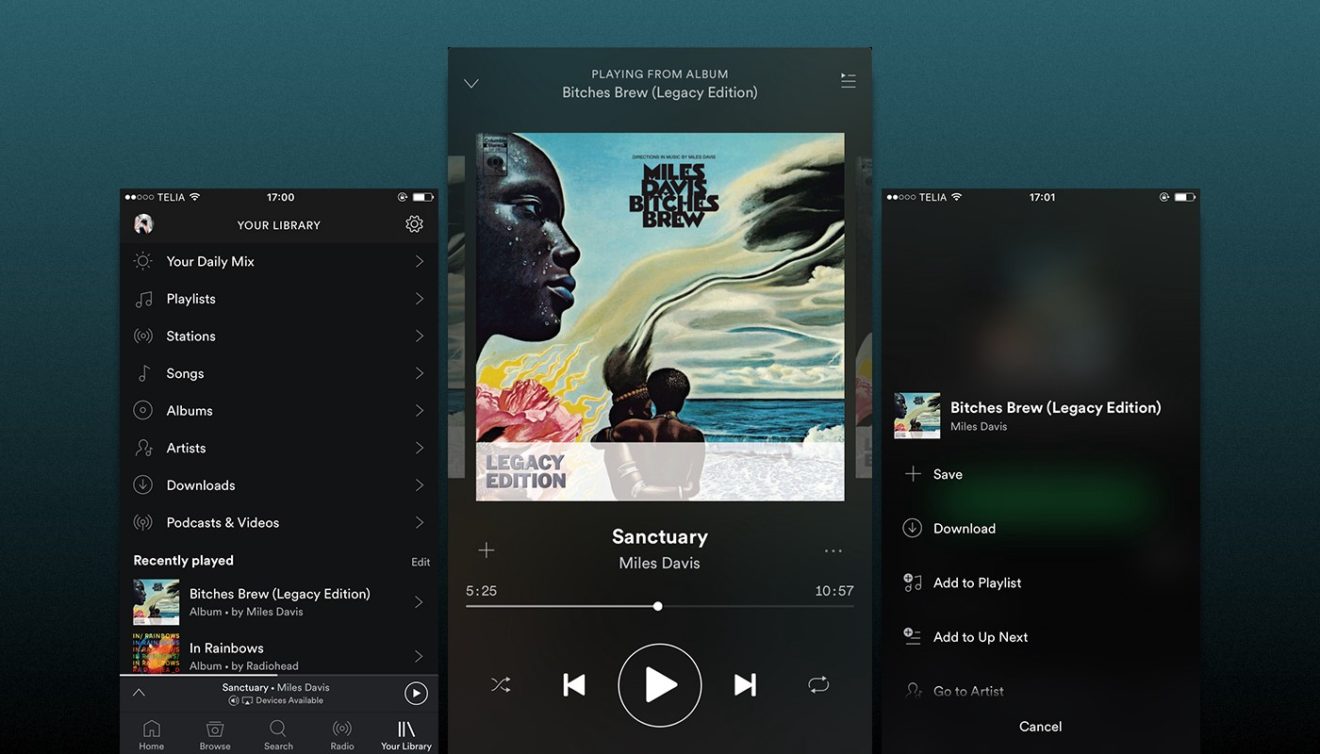
    After removing the home screen widget for Android about a month ago, Spotify has decided to bring it back from the dead. Although the reason the feature was discontinued probably had something to do with it not being used by too many Spotify customers, it appears that people weren’t happy by the change.

    Spotify announced that following users feedback, it has decided to revive the feature and even make it better. Starting today, the Android Widget for Android is back, and it brings some improvements with it.

    The widget is now resizable, but some stability issues have been fixed as well. The Android Widget will show up on your home screen after you update to the latest version of Spotify. The new version of the app has already been released in the Google Play Store, so the Android Widget should be available to everyone now.

    If you’re on the latest version of the app, then Spotify will show in the widget menu on your device, so make sure to check the new feature after the update if you want to take advantage of the Android Widget.

  • Samsung PlayGalaxy Link for Android now available for download

    Samsung PlayGalaxy Link for Android now available for download

    Samsung is advertising Galaxy Note 10’s gaming features just like it did with the previous Note series phone. This time, however, some of these features were not available at launch. The PlayGalaxy Link is a game streaming app that allows users to connect to their PC over Wi-Fi or mobile data and stream their library of games on a Samsung phone or tablet.

    The PlayGalaxy Link app must be installed on a PC and Android smartphone to make the game streaming work, but it wasn’t available along with the Galaxy Note 10 at launch. The good news is Samsung announced gamers can now download the PlayGalaxy Link app if they want to start streaming their games.

    The app supports third-party Bluetooth controllers, mice, and keyboard, but players can also use on-screen controls if they don’t want to attach any peripherals to their phones. Of course, downloading and using PlayGalaxy Link is completely free, although you will only find it in the Galaxy Store.

    The PlayGalaxy Link game streaming app is still in beta and, for the time being, it’s only available in the United States and South Korea. You can download the PC version directly from the PlayGalaxy Link website, while the Android app can be downloaded via Galaxy Store on your Samsung smartphone.

  • Samsung Galaxy Fold launched

    Samsung Galaxy Fold launched

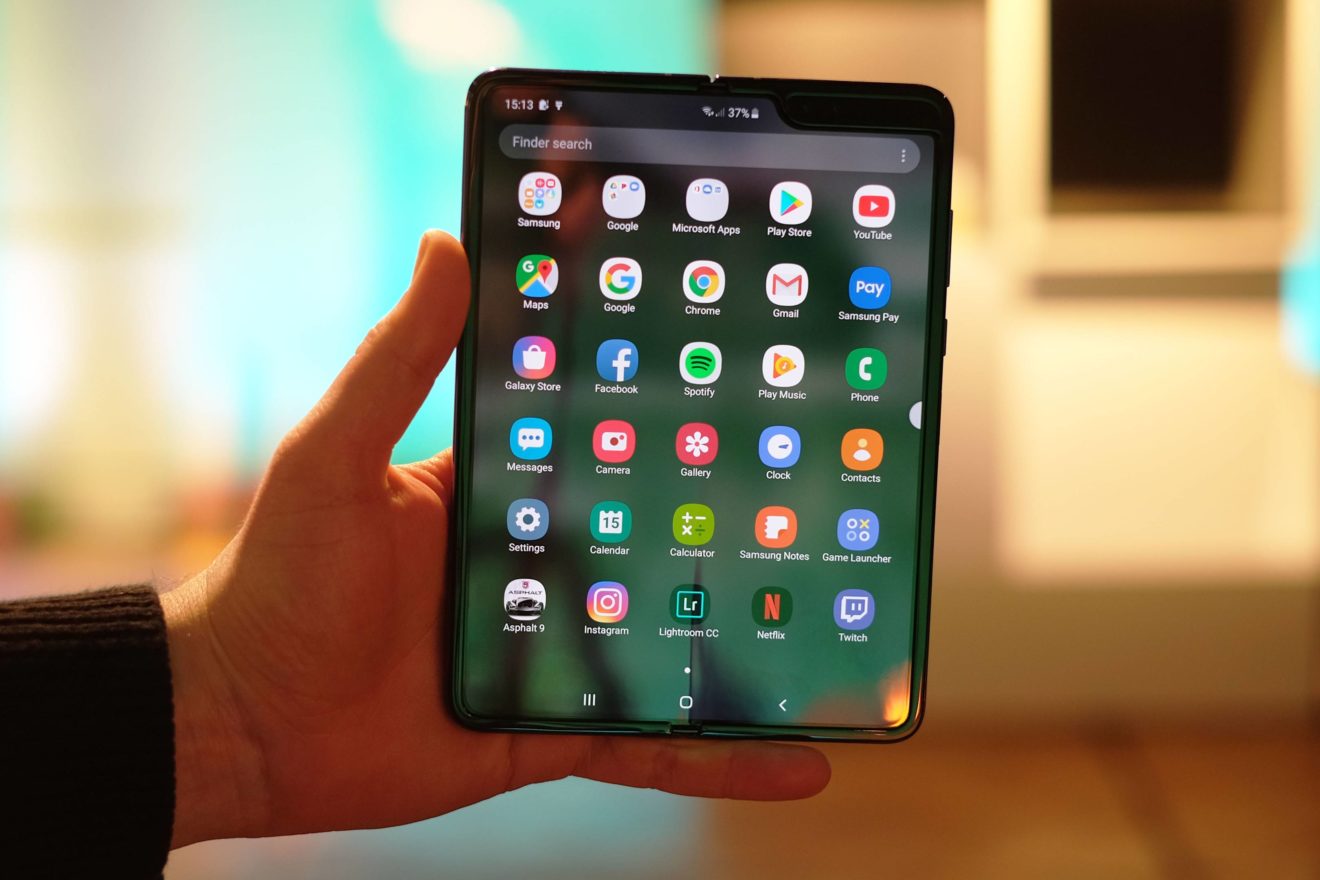
    Samsung confirmed that the Galaxy Fold will be launched on the market in September, but it didn’t reveal an exact release date. Although reports pointed to a rather late September launch, it looks like Samsung has decided to greatly advance the launch schedule.

    The Korean media reports Samsung is ready to launch the Galaxy Fold on September 6, the first day of IFA 2019 trade fair. Even though pre-registrations for the foldable smartphone recently opened in China, South Korea will be the first country to get the Galaxy Fold.

    The same report claims Samsung Galaxy Fold will be released in September in the United States and China, although an exact release date hasn’t been unveiled yet. Samsung expects to sell around 20-30,000 Galaxy Fold units in South Korea by the end of the year.

    A Samsung official responded to the report by saying that “the specific launch schedule is not yet confirmed,” but if the information is accurate, we’ll learn more about the Galaxy Fold availability in less than a week from now.

  • Skype brings a handful of new features to its app

    Skype brings a handful of new features to its app

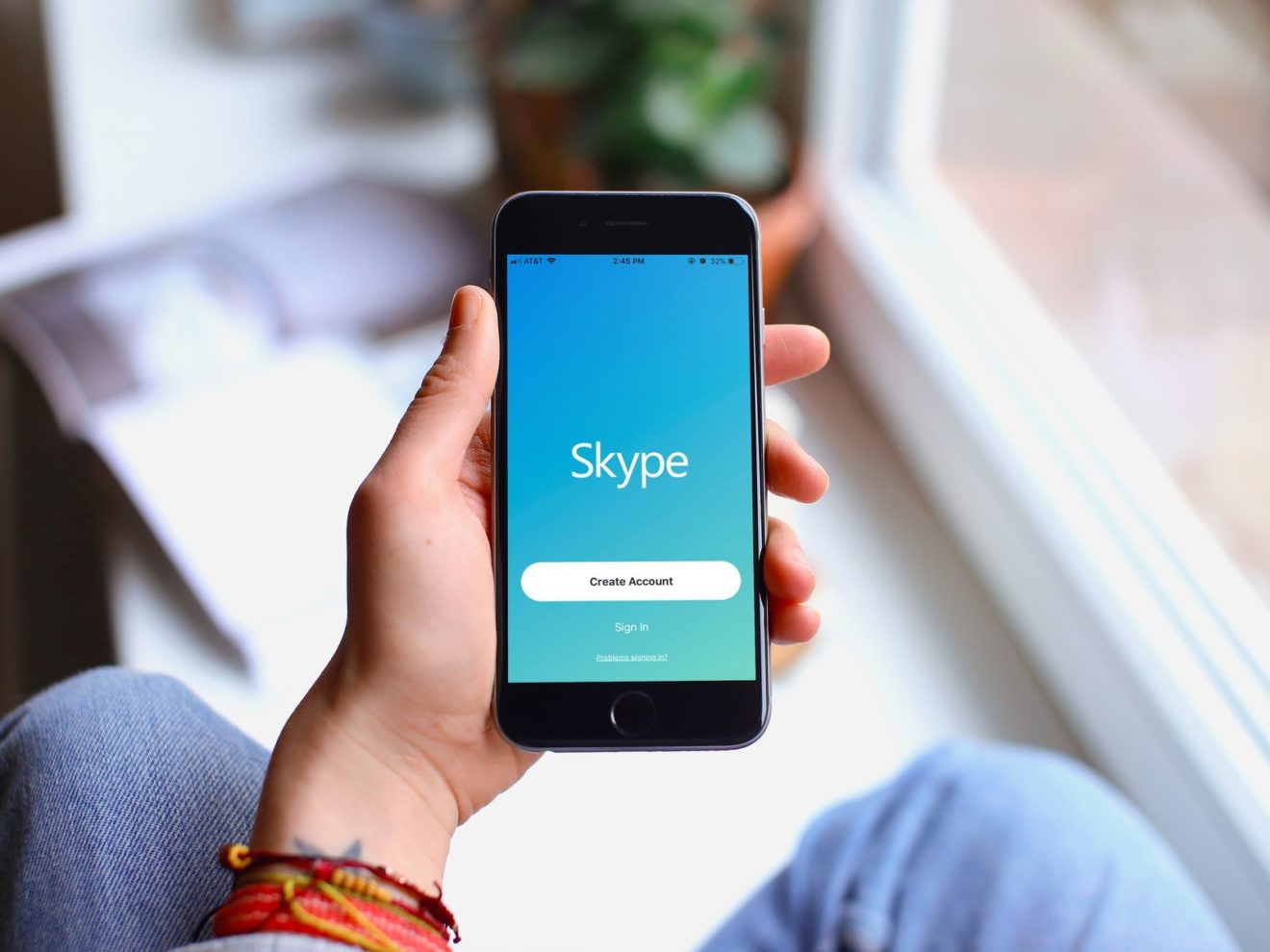
    Skype’s messaging app might seem a bit obsolete for some due to the lack of many features, but that’s about to change. The developer announced a new set of improvements are coming to Skype in the coming days.

    The newest update brings message drafts, a much-needed feature that allows Skype users to save any messages they didn’t send in the corresponding conversation. Skype also says that messages saved as drafts are even available when you leave and come back to the Skype app, but we don’t think adding this feature in any other way would be useful.

    Message bookmarks is another important addition in this update. It will allow Skype users to bookmark any message in conversations by simply right-clicking or long-pressing the message and tapping Add bookmark. The message will be saved in the Bookmarks screen with other bookmarked messages.

    Furthermore, the update brings the option to preview photos, videos, and files that you want to share before sending them. You can even add a message that will be sent along with the files if you want to write an explanation or description for what you’re sending.

    Also, a new way to display multiple photos or videos sent at once. You’ll now see an album in the chat history with all the photos combined, but you can also check them out individually by clicking between the photos or videos in the album.

    All the new features announced today will be available on the latest version of Skype across all platforms, so expect to see them soon on your phone.

  • Hulu launches new iOS app, Android version coming later on

    Hulu launches new iOS app, Android version coming later on

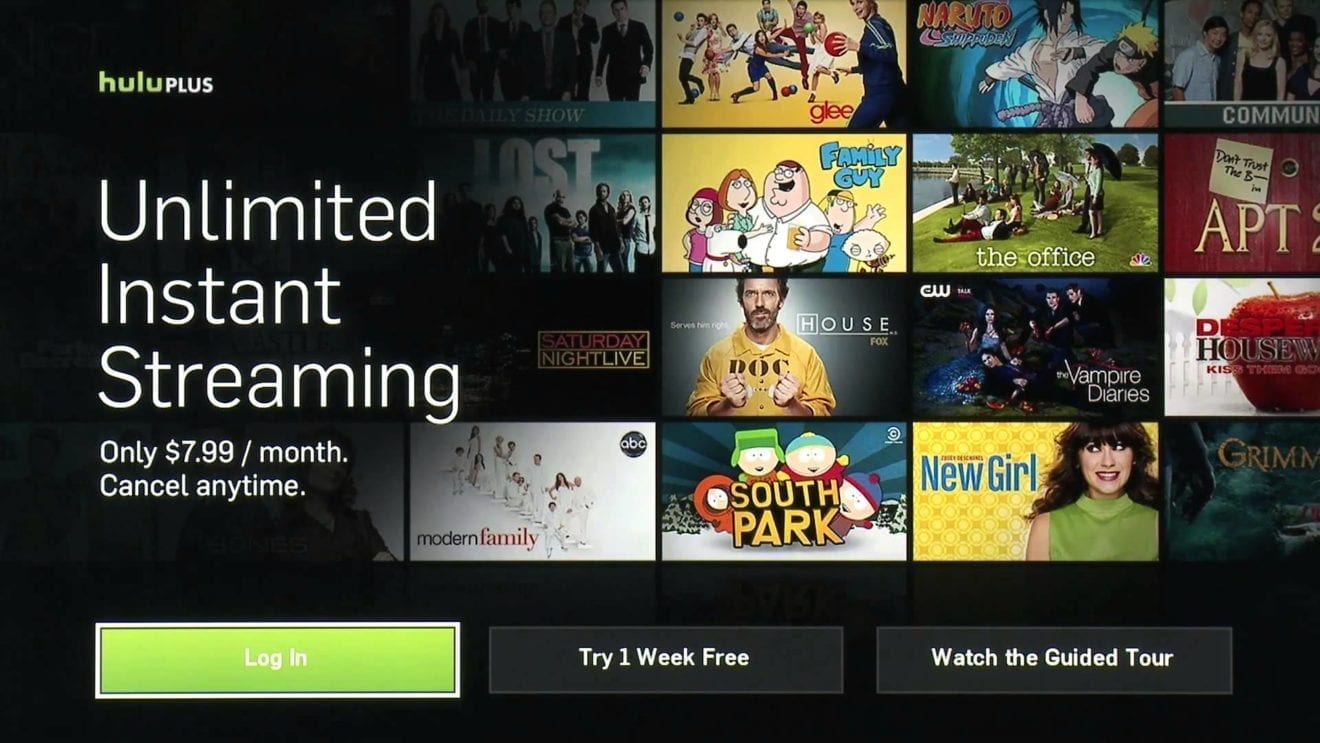
    After surpassing Netflix when it comes to the number of subscribers in the United States, Hulu revealed plans to rehash its user interface in an attempt to make it less confusing for users. Well, it looks like that time has come, as Hulu is now rolling out a new version of its app to iOS users.

    Although the company hasn’t made any announcements yet, TechCrunch reports Hulu confirmed a major update is now pushed out to mobile devices. Hulu also mentions that the update is coming to Android as well, but at the moment it’s only tested internally.

    As far as the changes go, the most important tweak is the complete removal of the Lineup landing page, which is replaced with Hulu Picks. The latter features content that’s curated by Hulu staff, and it’s not populated based on the algorithms derived by user viewing habits.

    If you swipe down, there’s more content available at first glance, as you’ll be able to see two items at a time. For example, on the iPad, you’ll be able to see two rows totaling 6 cards on the app’s main screen when in landscape mode.

    Every page in the app takes advantage of this format, including Live Now, Unwatched in My Stuff, My Channels, as well as genre-based sections like Sports, News, TV, Movies, Kids, and Hulu Originals.

    These seem to be the only visible changes in the new Hulu app for iOS devices, which is a bit surprising considering the company revealed plans for more improvements like expanded metadata next to content and the ability to mark content as “unwatched.”

  • Official roadmap shows when your Nokia phone will receive Android 10

    Official roadmap shows when your Nokia phone will receive Android 10

    Now that we know the name of the next version of Android, the next question you have is “when will my phone receive it?” If you own a Nokia phone (made by HMD Global under license from Nokia), we can give you that information right now, straight from the manufacturer’s mouth. Nokia has released a roadmap giving us a quarter-by-quarter look at its schedule for updating its Android phones. Keep in mind that there could be changes made along the way; in the past, we’ve seen manufacturers regret that they released any type of schedule for software updates. Disappointed Android users are an angry group, but HMD Global apparently feels confident enough to release the roadmap.

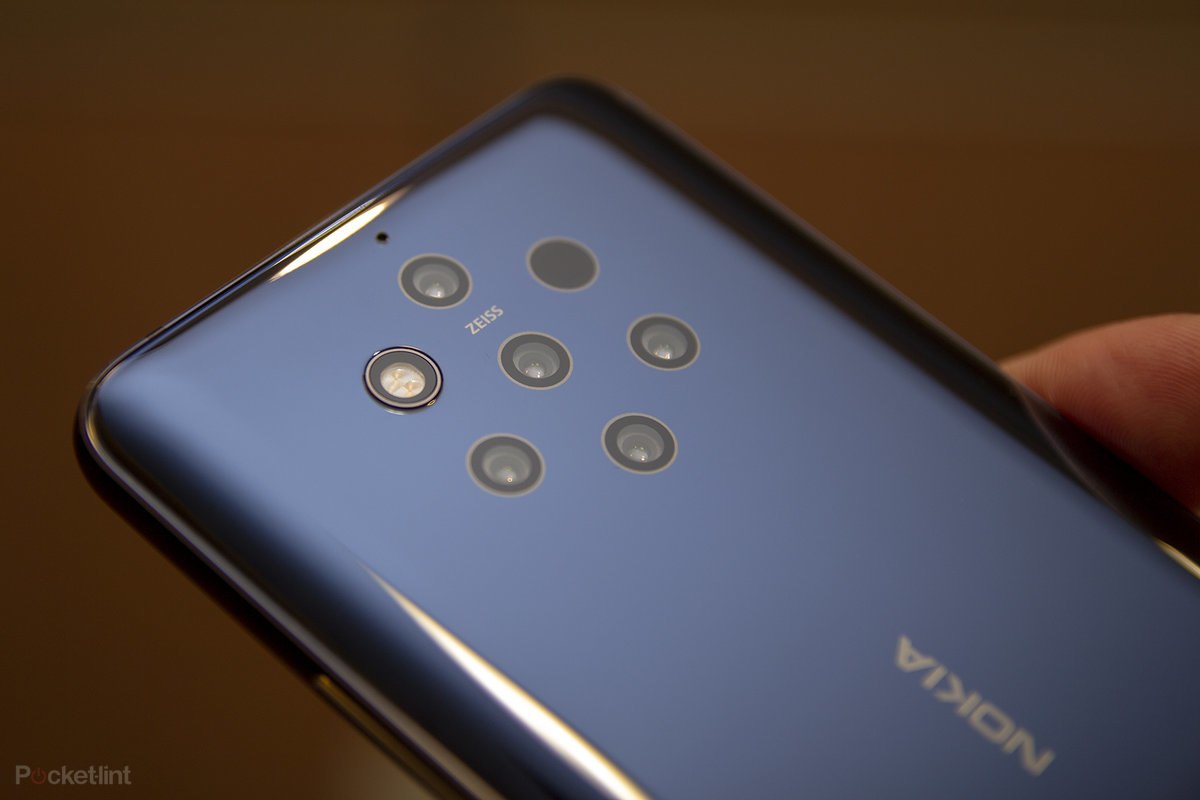
    During the middle of the fourth quarter of this year (approximately sometime in November), Nokia plans on disseminating Android 10 to the Nokia 7.1, Nokia 8.1 and the Nokia 9 PureView.  That will be followed with an update to the next group of phones early in January 2020. That batch includes the Nokia 6.1, Nokia 6.1 Plus and the Nokia 7 Plus. Early in the first quarter (which runs from January through March), Android 10 will be sent out to the Nokia 2.2, Nokia 3.1 Plus, Nokia 3.2 and the Nokia 4.2. A few weeks after those phones are updated, the latest Android build will be pushed out to the Nokia 1 Plus, Nokia 5.1 Plus and the Nokia 8 Sirocco. And four phones will be updated during the second quarter of 2020 (April through June. Those models are the Nokia 2.1, Nokia 3.1, Nokia 5.1, and the Nokia 1.

    HMD Global has been pretty good about updating its phones and even kept its promise to bring Android 9 Pie to the 2017 version of the Nokia 6 back in February. The latter is powered by a Snapdragon 430 chipset and has 3GB of memory.

    Android 10 features a new gesture system for navigating through the UI, system-wide dark mode, Focus Mode for Digital Wellbeing allowing users to mute notifications from distracting apps, Live Captions, improved notification settings and more.

  • Samsung unveils the new Galaxy A50s and A30s

    Samsung unveils the new Galaxy A50s and A30s

    Samsung continues to add tons of new smartphones to its Galaxy A series and the latest additions, Galaxy A30s and A50s, promise upgraded essential features, made even more powerful. Their main selling points are the triple-camera and big battery, but that doesn’t mean the rest of the features aren’t top-notch for a mid-tier phone.

    Unfortunately, there’s no information about price and availability yet, but Samsung announced they will come in four colors: Prism Crush Black, Prism Crush White, Prism Crush Green, and Prism Crush Violet.

    On paper, the Galaxy A30s seems to be the cheapest of the two, but probably not by much since the phones share many of the specs. For example, both phones boast massive 6.4-inch Super AMOLED Infinity-V displays, but the one on the Galaxy A30s has HD+ resolution, whereas the Galaxy A50s’ offers full HD+ resolution.

    Furthermore, Samsung Galaxy A30s packs an impressive triple camera (25MP+5MP+8MP), a secondary 16-megapixel selfie snapper, a 1.8GHz octa-core processor, either 3GB or 4GB RAM, 32GB/64GB/128GB expandable storage, and a huge 4,000 mAh battery.

    As mentioned earlier, the Samsung Galaxy A50s features similar specs, but it’s got a better triple camera (48MP+5MP+8MP), a larger 32-megapixel selfie shooter, a more powerful 2.3GHz octa-core processor, either 4GB or 6GB RAM, and 64GB/128GB expandable storage.

    Also, both Galaxy A series phones feature on-screen fingerprint, 15W fast charging support and USB Type-C port. However, it’s just the Galaxy A50s that comes with a dedicated Bixby button. Naturally, the Galaxy A30s and A50s will ship with Android 9.0 Pie right out of the box.

  • Samsung has responses for Android users to send to green bubble haters

    Samsung has responses for Android users to send to green bubble haters

    Apple iPhone, iPad, Apple Watch and even Mac users know that when they are using the Messages app to communicate with others using the Apple ecosystem, they are sending and receiving iMessages. This is signified by the blue bubble that the conversations are housed in. And iMessages are encrypted from end-to-end.
    But when someone using an Apple device sees their conversation in a green bubble it means that the person on the other side of the chat is probably using an Android device. The green bubble means that the conversation is being handled as a SMS or a text message. Besides the lack of encryption, the special features offered for those chatting via iMessage (such as Animoji) cannot be used. And that doesn’t sit well with many iPhone, iPad, Apple Watch or Mac users.
    If you use an Android device and are sick and tired of getting scolded by your Apple wielding buddies in the middle of a group or individual chat simply because they can’t use iMessage, Samsung has your back. The manufacturer has created a GIPHY page containing more than 30 GIFs that you can use to send back a salvo after taking a hit from a green bubble hater.
    Perhaps one day in the future, people won’t be discriminated against simply because they create a green text bubble instead of a blue one on a device screen. Would Apple ever offer iMessage to Android users? We wouldn’t hold our breathe.
  • OnePlus reveals the name of its upcoming Android TV

    OnePlus reveals the name of its upcoming Android TV

    OnePlus has been dropping hints that it is working on a smart TV since last year. We had nothing concrete on the TV, up until it was listed on Bluetooth SIG, revealing that it will come in a big variety of sizes (from 43 all the way up to 75 inches) and have an LED panel.

    Little else was known, beside this, but just recently, a community representative took to the OnePlus forums and actually confirmed what the TV will be called, sharing alongside a (supposedly) final logo for the device. And, you guessed it, it’s called the OnePlus TV… wait, what did you expect? It’s the most logical naming scheme, and the company thought as much:

    “Yes, we are going to call our very first smart TV product “OnePlus TV” – simple yet to-the-point – as we believe there’s no other name that can best represent our value, vision and pride than naming it with our own brand.”

    The forum thread also reveals the official logo for the OnePlus TV (pictured above), which consists of the OnePlus logo with the letters TV next to it. Again, what else did you expect?

    Out of all the Bluetooth SIG listed OnePlus TV sizes, only the 75-inch version is said to be US-bound. Smaller OnePlus TVs will be launched in other parts of the world, with the 43-inch version, which is the smallest of the bunch, being an India-exclusive.

    Additional 55-inch and 65-inch OnePlus TV models appear on Bluetooth SIG as well, though it’s unclear where they will be released. Although OnePlus filed 40 model numbers for certifications on Bluetooth SIG, not all of them are different OnePlus TVs. These model numbers are merely indicators about the size and region where they will be launched.

  • Spotify removes Android homescreen widget

    Spotify removes Android homescreen widget

    Spotify has announced that it will remove the home screen widget from the Android app at some point this week. Spotify users will still be able to access the same playback features and information about what is playing through the app’s playback notification and device lock screen.

    Even though the company confirmed the Spotify Widget for Android will be going away, there’s a small chance that the feature will make a comeback in the same or slightly different form. Apparently, Spotify has introduced a new Live Idea feature that will allow users to vote to show their support for adding a widget.

    For the time being, the idea is tagged as “Not right now,” but if the number of voters will increase to a certain level, it might consider adding the widget back. Still, don’t get your hopes too high, even though there are a few thousand votes for the home screen widget.

    Anyway, going forward, you’ll be able to access the playback controls on Android by simply swiping down while you are using Spotify to access the controls.