Tag: Google

  • Google Chat gets a new mobile redesign with bottom navigation bar on Android and iOS

    Google Chat gets a new mobile redesign with bottom navigation bar on Android and iOS

    Google Chat is rolling out a new bottom navigation bar to its Android and iOS apps, making it easier for users to access key features and stay organized on the go. The new navigation bar provides quick access to Home, Direct Messages, Spaces, and Mentions views, streamlining the overall user experience. Here’s how each of the new views work:

    The Home view serves as a central hub for all conversations, allowing users to effortlessly stay up-to-date on important threads. A dedicated filter lets users focus on unread messages, ensuring they don’t miss critical information.

    • The Direct Messages view concisely overviews all one-on-one and group conversations, with pinned conversations conveniently placed at the top for easy access.
    • The Spaces view similarly displays a condensed list of all spaces, along with pinned conversations at the front.
    • The Mentions view acts as a personal notification center, highlighting all messages from conversations and spaces where the user has been mentioned. This feature ensures that users are always aware of relevant discussions and can quickly respond to inquiries or participate in ongoing conversations.
    • The new bottom navigation bar will automatically appear on Android and iOS devices for both admins and end users, eliminating the need for any manual intervention. The rollout will be gradual, taking up to 15 days for all users to receive the update.

      Additionally, the new bottom navigation bar is available to all Google Workspace customers and users with personal Google Accounts. The gradual rollout will commence today for Rapid Release and Scheduled Release domains on Android and iOS devices.

      These updates follow the expansion of the app’s message bubbles to iOS yesterday, which provide a more cohesive messaging experience across all platforms. Now, with the introduction of the new bottom navigation bar, we see how Google is focused on simplifying navigation and enhancing user productivity within the app as well.

  • Google Chat expands its message bubbles to iPhones

    Google Chat expands its message bubbles to iPhones

    Google Chat is getting a visual upgrade with the introduction of message bubbles on iOS devices. This feature, which was previously available only on web and Android, makes it easier to differentiate between incoming and outgoing messages, leading to a more streamlined and intuitive messaging experience.

    With message bubbles now available on iOS, users will see each incoming message displayed in a standalone bubble aligned to one side of the chat window, with a solid color background. Outgoing messages, on the other hand, will appear in their own distinct bubble on the opposite side, using a different color background. This visual separation ensures clear and effortless differentiation between messages, enhancing the overall chat experience.

    Message bubbles not only enhance the aesthetic appeal of Google Chat but also promote improved message comprehension and reduced confusion. By clearly distinguishing between incoming and outgoing messages, users can effortlessly follow conversations and quickly identify their own contributions. This feature proves particularly beneficial for group chats, where multiple participants are actively engaging.

    The rollout of message bubbles to iOS devices will be automatic, requiring no action from admins or end users. The update will begin to show up for users today and will gradually roll out over the coming weeks — up to two weeks to be exact — ensuring a seamless transition for all Google Workspace customers and users with personal Google Accounts.

    Message bubbles in Google Chat are one way in which Google is expanding its app features that were previously only present on the Android and web apps, to iPhone. For example, just today Google also brought  its revamped Google Drive scanner and title suggestion capabilities to iOS as well. This expansion to iOS devices further solidifies Google’s commitment to providing a user-friendly and intuitive messaging experience across all platforms.

  • Google Calendar will soon drop support for devices

    Google Calendar will soon drop support for devices

    Google Calendar is a popular app that millions of people use to manage their everyday lives. It allows users to create events, schedule meetings, and set reminders. However, if you are still holding on to an older Android device running Nougat 7.1 or below, your days of using this app on your device are numbered.

    The change was first noticed by AssembleDebug from TheSpAndroid who discovered a new flag in the newest version of the Google Calendar app (v 2023.46.0-581792699-release) called “UnsupportedOperatingSystem__enabled,” which is used to display a message to users who are running an unsupported operating system. The particular message found within this flag informs users that they need to update their device to Android Oreo (8.0) or higher in order to continue using Google Calendar.

    The reason for dropping support for older Android versions is likely due to security concerns. Older versions of Android are more vulnerable to hacks and data loss, and Google wants to make sure that its users are protected. Additionally, newer versions of Android offer a number of new features and improvements that are not available on older versions. As a result, Google is encouraging users to update their devices to the latest version of Android.

    Google announced a similar change earlier this month for Chrome both on desktop and Android, stating that Chrome version 119 on Android would be the last version supported on devices running Nougat and lower. Chrome 120 on Android no longer supports Android Nougat.

    It is important to note that this will most likely not be the last of Google’s apps that will undergo this change. Android Nougat 7.1, released in 2016, is now a seven year old version of the operating system. Although Google has not yet officially announced dropping support for Android Nougat for Google Calendar, the evidence found in the flags suggests that this change is imminent. As a result, users with older devices should start planning to update their devices to newer versions of Android.

  • Google Messages widely rolls out quick capture camera icon shortcut for faster photo sharing

    Google Messages widely rolls out quick capture camera icon shortcut for faster photo sharing

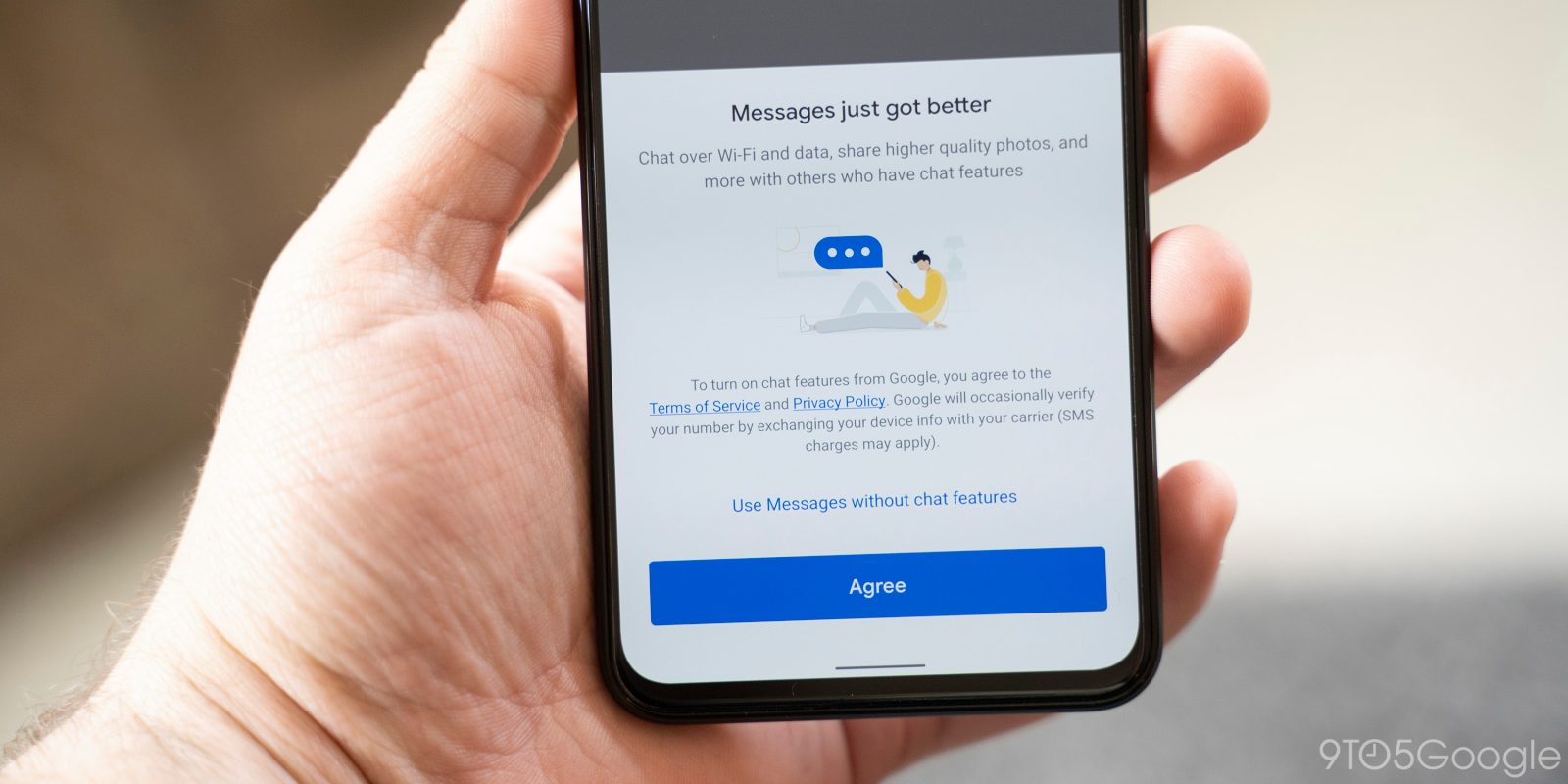
    After a recent revamp that removed the top search bar from the app, Google Messages was set to receive another UI tweak that would make it easier for users to send photos. As reported last month, this update would introduce a camera icon directly on the Messages home screen, streamlining the process of sending photos. This UI change is now rolling out widely.

    Previously, sending photos using Google Messages involved either accessing the conversation and attaching the photo from the “Add” button or capturing the photo separately in the camera app and then selecting it from the conversation. Now, the easy-to-access camera icon lets you start the process of sending a photo from the beginning if you intend to capture and send a quick photo instead of forwarding one from the camera roll.

    As you can see in the screenshots above, the camera icon is placed adjacent to the search icon on the top right of the app. Tapping on it, opens the camera app UI and viewfinder, allowing you to capture a quick photo. Once the photo has been taken, Messages then prompts you to select a recipient and attach the photo in a new message to the chosen recipient — while still giving you the control to add additional text and send at your leisure.

    This new feature joins other experimental additions that Google Messages has been exploring, such as an animated emoji, an updated voice recorder, and Google Account login capabilities for the web version. Meanwhile, as new features continue to be rolled out, old ones seem to have suddenly gone missing from the app without explanation, most likely due to a bug.

    The camera shortcut was previously in a limited rollout phase, with only a small group of Google Message users accessing it. That said, while the old method was relatively straightforward, this new shortcut strives to make the process even more effortless —  facilitating seamless photo sharing.

  • Google Messages loses Reminder and Google Photos integration features

    Google Messages loses Reminder and Google Photos integration features

    Google Messages, the default messaging app for many Android users, has recently lost two key features: message reminders and Google Photos integration. These removals have been met with confusion and frustration from users, who are hoping that the features are simply bugs and not intentional changes.

    Some users — both on stable and beta versions of the app — have reported that the alarm clock icon, used to set reminders for messages, is no longer visible in the toolbar when selecting a message. While the “Remind 1 hr” shortcut in incoming notifications still works, the full reminder functionality seems to be missing. This is a strange occurrence considering the feature was introduced back in 2019 and has since then become a popular feature among users.

    Additionally, the Google Photos integration that allows users to upload videos to the cloud and send them as links, is also missing. This feature was particularly useful for sharing high-quality videos without the limitations of SMS/MMS. However, this feature is now completely missing from the Messages app settings, when it would normally appear right above the aforementioned “Remind 1 hr” setting.

    The removal of these features has led many users to believe that they are intentional decisions by Google. However, it is more likely that these are bugs or glitches rather than planned changes, likely due to the recently planned upgrades currently in testing— such as noise cancellation and markdown text support.

    The selective removal of reminders and the complete disappearance of the Google Photos integration are not likely to be permanent or deliberate actions when considering how popular and helpful these features are. However, it is essential to note that this isn’t the first time a helpful feature has disappeared from the Messages app, such as has been the case with the “View messages by category” feature that filters personal from business messages.

    Google has not yet addressed the missing features in Google Messages. Hopefully, the company quickly fixes these issues and restores the functionality that users have come to rely on sooner rather than later.

  • Google Messages could be getting “Profiles” to share your information with other users

    Google Messages could be getting “Profiles” to share your information with other users

    Google has been reportedly working on a Profiles feature for its Messages application for several months. This feature appears to be a way for users to have their desired name, photo and other information attached to their contact card within the application.

    The “Profiles” feature was spotted in an APK teardown by 9to5Google, which helped identify more details on what it could do. According to this teardown, code was found in the latest beta version of Google Messages (v20231106_01_RC00) which describes Profiles as a way for users to “Choose your profile name & picture so people can recognize you.”

    The feature is still under development, but it appears that users will be able to create a profile with their name, photo, and other information. This profile could then be shared with other Messages users, so that they can easily identify each other in conversations.

    “Profiles” was originally spotted back in January as a preferences page in Android system settings, although the toggle was not functional when turned on. This suggested that Profiles could be a standalone feature that is managed by Google Messages, rather than being part of RCS.

    If Profiles are implemented, it is likely that they would appear at the top of conversations in Google Messages. I would speculate that tapping on a profile name or photo could then open a profile page with more information about the user that other users could then save to the corresponding contact card.

    Google has not yet announced a release date for the Profiles feature. However, given that it has been in development for several months and is now appearing in beta versions of the app, it will likely be released shortly.

    Google Messages Profiles have the potential to be a significant new feature that would improve the messaging experience for users. It will be interesting to see how Google implements Profiles and how it integrates them with other Messages features, such as RCS and group chats.

  • Google Wallet will soon allow users to digitize their workplace IDs

    Google Wallet will soon allow users to digitize their workplace IDs

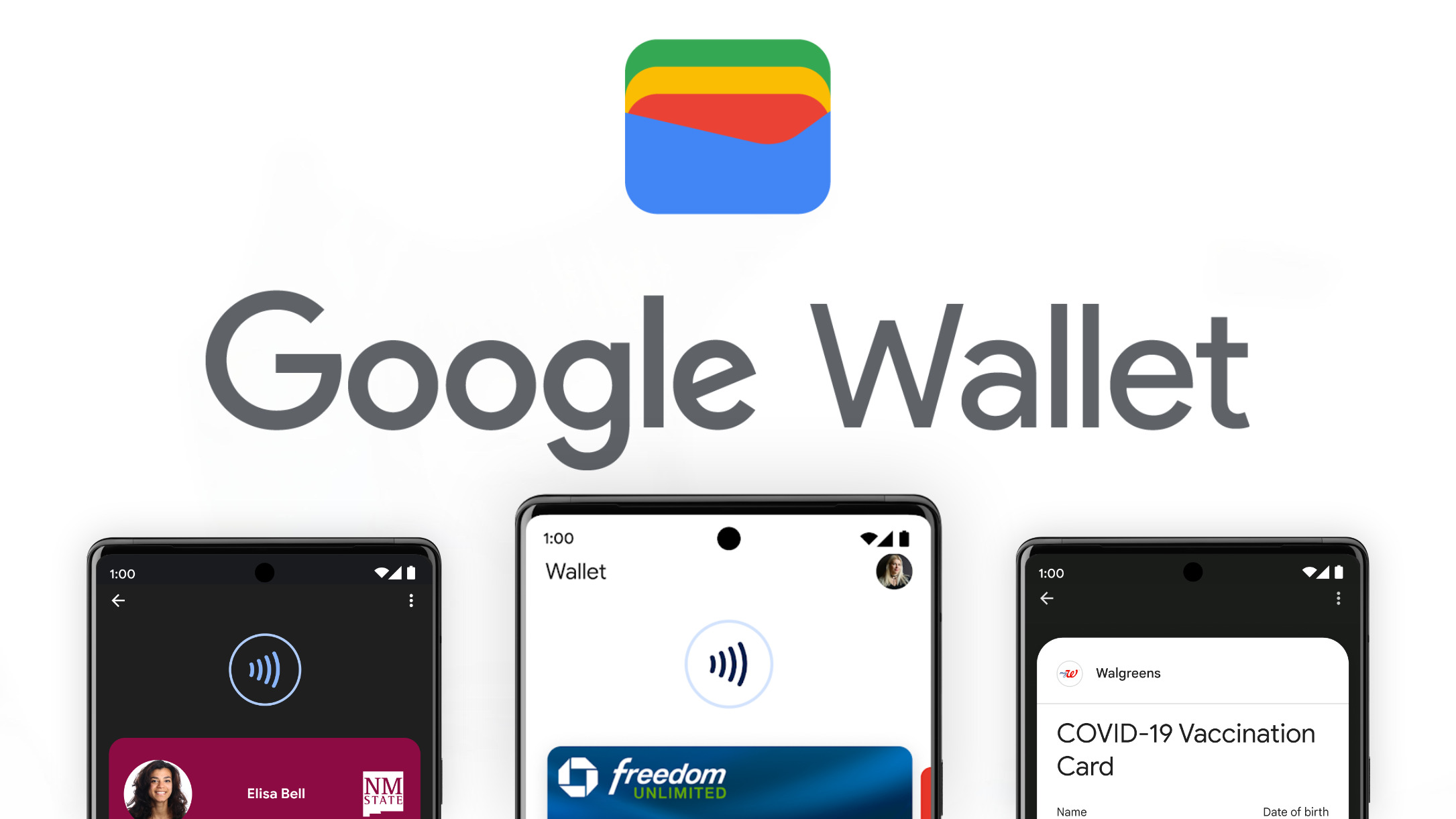
    In June, Google announced a series of new features that would slowly make their way to the Google Wallet app to make it a more comprehensive digital wallet solution. Most of these features have already launched, and one in particular was quietly added in a recent Google Play Services update.

    We are referring to the ability to add your workplace ID cards to the app, effectively eliminating the need to carry a physical ID or lanyard. This means that, unless your workplace insists that physical identification needs to be shown at all times, you may finally be able to leave your ID at home and use your phone to access your workplace facilities.

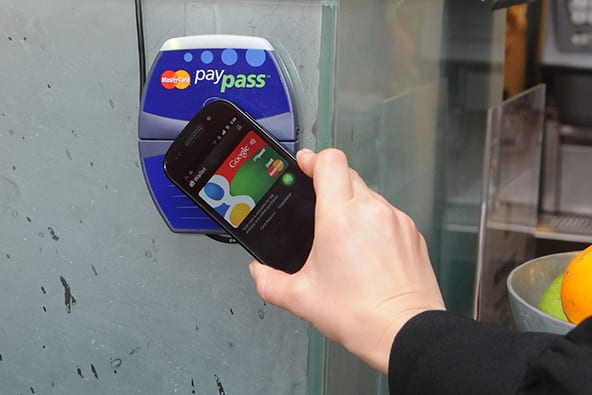
    As spotted by Android Police, the addition of workplace ID card support is part of a flurry of recent additions to Google Wallet. In the past few months, Google has added support for government-issued IDs in new states, easier tap-to-pay systems for commuters, and support for sharing passes. You can also digitize all the unsupported documents and passes, like library cards and gym memberships.

    This new capability is part of the Google Play Services app update to version 23.44 that began to roll out yesterday, as detailed in the app’s changelog. However, it doesn’t seem to have reached all users yet, not even those using the app’s beta version, which is now at version 23.44.14. Once rolled out, the feature will appear alongside the current options for adding a digital ID, such as a state driver’s license.

    In its June announcement, Google never specified a rollout timeline for the workplace ID card support, except for “later this year.” Hopefully, this means that it should start reaching users soon, making it easier for them to set up digital IDs for reliable use.
  • Gmail accounts inactive for two years are about to be deleted by Google

    Gmail accounts inactive for two years are about to be deleted by Google

    You might recall that back in May, Google said that Gmail accounts that have been inactive for two years would face deletion and get wiped off the face of this earth. Before making this announcement, Google used to erase the content stored in these seemingly forgotten accounts but would still allowed the Gmail account to remain active. Now, Google might be concerned with the extra security risk that accompanies abandoned Gmail accounts.

    Using an abandoned Gmail account to send and receive gmail containing personal data is not a good idea which is why Google would rather delete these accounts fully instead of wiping out the content and letting users continue to use the accounts. Per Android Authority, Google will begin deleting these accounts starting next month.

    While the clock is ticking down toward December, it is not too late to save an inactive Gmail account that you have. Otherwise, it will be tossed in the trash as though you never created it at all. To save your inactive Gmail account all you have to do is sign in and, well, use it. Here are some suggestions for things you can do to keep your Gmail account alive if you’re closing ion on two years of inactivity:

    • Watch YouTube.
    • Read an email.
    • Use Google Drive.
    • Use Google Search.
    • Use your Google sign-in to log into a third-party app.

    Speaking of YouTube, Google does have a process that it will use to delete the abandoned Gmail accounts and one thing that it will not do at this time is delete an unused Gmail account that has a YouTube video currently active. What it will do is start with Gmail accounts that were created and never used again.

    Google is only removing inactive personal Gmail accounts. Abandoned accounts belonging to companies or schools will not be deleted. Remember, those Gmail accounts that have withered on the vine for two years are the ones that Google is deleting.

  • Google Assistant will now default to use Keep for your notes and shopping lists

    Google Assistant will now default to use Keep for your notes and shopping lists

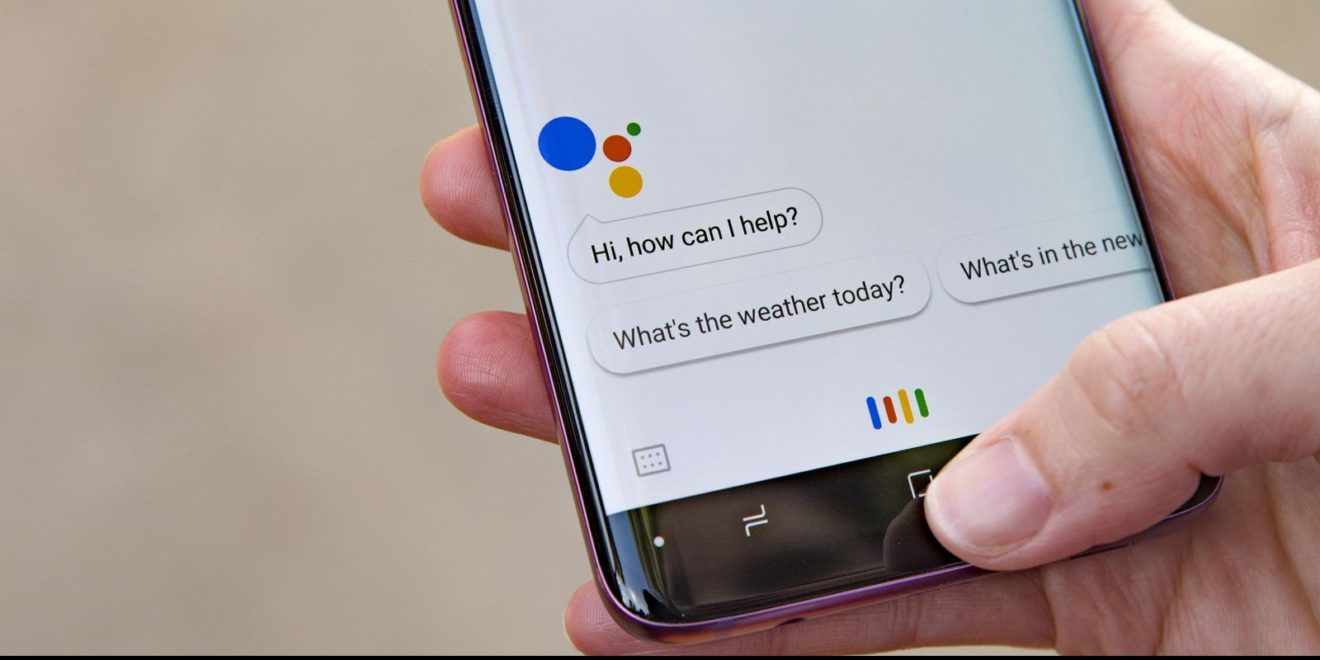
    Google Assistant will now use Google Keep as its default (and only option) for new notes and shopping lists. This replaces the legacy note and list system the Assistant used in the past and the company already has a migration plan in place.

    Google updated an FAQ support article covering the subject, the migration process should be fairly straightforward, with no action necessary on the users’ part. This process will begin in November 2023, after which point Google Shopping List will redirect to Google Keep.
    This means that you will no longer be able to access your notes and lists from assistant.google.com/lists/mainview or shoppinglist.google.com. Instead, you must use Google Keep to access new and old lists created with the Assistant.
    However, there are a few edge cases where your notes and lists might not be moved, such as family notes created on Smart Displays that have a large amount of items or characters. In these rare cases where the notes or lists are not moved automatically, Google will have this data available for users to download through Google Takeout until May 1, 2024. Note that after this date, the data will be automatically deleted from Google’s servers.
    The migrated data will be available within the Google Keep app or site and will be noted by a chip that identifies them as notes or lists that were previously in the legacy system. You will also be able to use Google Assistant to manage your Google Keep data, but you will need to explicitly give the Assistant permission to do so. These permissions can be set from within the Google Assistant settings on your iOS or Android device where you will be able to designate Keep as your notes and lists provider.

    This change is part of Google’s ongoing effort to clean up old Assistant functionality and integrate it with Google Keep. Earlier this year, Google moved reminders to Google Tasks. Google also discontinued third-party Notes & Lists integration.

  • Google Search can now help you ace that math or science homework

    Google Search can now help you ace that math or science homework

    Google Search is launching some new features to help you with math and science problems. These features include the ability to search for math and physics problems by typing them into the search bar or taking a picture of them using Google Lens.
    You can now add this to my list of things I wish were a thing when I was going to school: Google is now making Search and Lens even more helpful when it comes to solving word, geometry, and physics problems. Additionally you will be able to explore interactive 3D diagrams of biology, chemistry, physics, and astronomy topics.
    By just typing in your math problem into Search, you can now take advantage of Google’s new advanced math solver. Don’t know how you can even type in that intricate equation? No problem, because you can opt to instead use Lens to take a picture of it from your textbook or worksheet using Lens. Not only with Google solve it for you, but will actually teach you how to do it with step-by-step instructions.
    Another new feature is the ability to get help with word problems and geometry problems by using Google’s language models. Word problems can be particularly difficult for students, but Google Search can now solve them and throw in interactive diagrams and animations in the process.
    Finally, Google Search is now launching interactive 3D diagrams of biology, chemistry, physics, and astronomy topics. These diagrams allow users to explore complex scientific concepts in a more interactive and engaging way. For example, users can rotate and zoom in on 3D diagrams of molecules, cells, and planets.

    These new features are a significant step forward for Google Search, as they make it easier for people to find the information they need about math and science. Additionally, they are designed to help students get some extra help getting some assignments done more interactively and engagingly.

  • Google Maps update brings Immersive View for routes to select cities

    Google Maps update brings Immersive View for routes to select cities

    Google continues to upgrade key features of its app with the help of the AI. Previously announced at Google I/O this year, the AI-powered feature called “Immersive View for routes” is now available in select cities on both Android and iOS devices.

    With Immersive View for routes, Google Maps users will be able to see every segment of a route before they start driving, walking or cycling. Google’s new feature uses AI “to fuse billions of Street View and aerial images together to create a rich, digital model of the world.”

    Instead of seeing a flat route on your screen, you’re now immersed in a multidimensional experience that not only allows you to visualize every segment of a route, but also bike lanes, sidewalks, intersections, as well as parking.

    Starting today, Immersive View routes is available in the following cities around the world: Amsterdam, Berlin, Dublin, Florence, Las Vegas, London, Los Angeles, New York, Miami, Paris, Seattle, San Francisco, San Jose, Tokyo, and Venice.

    In addition to bringing Immersive View for routes to select cities, Google announced deeper Lens integration for more accurate navigation. Maps users can now tap the Lens icon in the search bar and lift their phone to find information about nearby ATMs, transit station, restaurants, coffee shops and stores.

    Starting this week, deeper Lens integration is coming to more than 50 new cities including Austin, Las Vegas, Rome, Sao Paolo and Taipei.

    Last but not least, EV drivers on Android and iOS will now see more helpful charging station information starting this week. That includes whether a charger is compatible with their vehicle and whether available chargers are fast, medium, or slow. This feature will start rolling out globally on Android and iOS this week wherever EV charging station info is available.

  • Google Wallet adds Driver’s License and Digital ID support for more U.S. States

    Google Wallet adds Driver’s License and Digital ID support for more U.S. States

    Back in June, Google announced some forthcoming features for Google Wallet that we are just now seeing roll out. One of these was the ability to add a state ID or Driver’s License to facilitate TSA checkpoint procedures at select airports.
    However, when this feature launched, not all U.S. states were on board with the program. At the time, Maryland became the first state to support it, with the state ID literally becoming the poster child for the rollout, as can be seen in the marketing materials.
    Meanwhile, support for additional states was promised for a later date, with Arizona, Colorado and Georgia listed as the next ones slated to join the Digital ID program. Surprisingly, and without much fanfare, that day has arrived sooner than we thought.
    Google has quietly rolled out support for these three states already, joining Maryland in the Google Wallet app. You can already see these states pop up when attempting to add an ID Card on the app. Considering there hasn’t been a versioned update to the Google Wallet app since October 3rd, we are inclined to think that this is a server-side push.
    The setup process requires a photo scan of the front and back of your physical ID or Driver’s License, followed by a short video verification process. Once setup has been completed, the digital ID will be themed with artwork that represents the issuing state — such as a peach to represent Georgia.
    This update brings Google Wallet’s digital ID compatibility up to par with Apple Wallet, where the ability to have a mobile Driver’s License has been available in some states since last year. Samsung has also announced that this would be coming to Samsung Wallet later this year, and Google previously stated that more functionality will be added to digital IDs in the future, such as the ability to verify online accounts.
  • Google Chat’s smart replies feature expands to groups and spaces

    Google Chat’s smart replies feature expands to groups and spaces

    Smart replies have been added to Google Chat a long time ago, but they were only available for direct messages. However, that’s about to change, as Google has just announced Chat’s smart replies will expand to group messages and spaces on the web.

    Powered by Google’s machine learning, smart replies are the perfect tool to respond quickly to a message when you’re on the move, or you just want to avoid typing long messages.

    According to Google, the new feature is available now for all users, including Google Workspace customers and users with personal Google Accounts. There’s no need to change your Google Chat app, as the feature will appear automatically.

    Once it’s been added to your Chat app, you will be able to select one of three response options that pop up in a chat or customize your reply before sending it.

    It’s important to add that Google Chat’s smart replies are only available in English, French, Portuguese, and Spanish. Those who want to turn off smart replies for whatever reason can do so by clicking Settings and unchecking the Smart Reply box.

  • Google Wallet now rolling out option to digitize physical cards

    Google Wallet now rolling out option to digitize physical cards

    Google Wallet is finally rolling out a previously announced feature that lets you digitize your physical passes, like transit passes, gym memberships cards, parking passes, and library cards. The feature is currently only available on Pixel phones, but will hopefully be rolled out to other Android devices in the future.

    This feature was originally teased by Google back in June, among a list of “coming soon” features for Google Wallet, as a way to save passes from an image. This opened up the possibility of digitizing a number of items you couldn’t before, however, it isn’t to be confused with the ability to digitize ID cards, or the option to use a QR code to pay on phones without NFC that rolled out in some countries.

    It is important to note that this method of adding passes requires a photo of the physical pass (or screenshot), and for it to contain a barcode or QR code. For example, I was able to add my gym membership card, but only because I was able to capture a screenshot of it from the gym’s app and this screenshot contains the QR code I usually scan to gain entrance. You will receive an error explaining the issue if you attempt to add an image that does not contain the aforementioned requirements.

    According to Android Central, this feature is just now rolling out to Pixel devices after getting pushed back to become part of the September 2023 Pixel feature drop. This means it might take a while to reach all Pixel users as so far it has only been spotted on the Pixel 8 series and the Pixel Fold.

    Additionally, there is one more design element that is making its way to Pixels as part of this update. This minor design tweak adds a toggle to enable or disable “Success animations,” which appear after completing a transaction. These fun little animations were themed and, according to some, a time-waster when trying to purchase something quickly. Thankfully, Google now allows us to completely disable them within Google Wallet’s settings.

    The new feature is a convenient way to keep all of your passes in one place and a more secure way to carry your passes. You no longer have to worry about losing physical passes or have to fumble to through different apps in order to use them.

  • Tax collections from Meta, Google, TikTok soar

    Tax collections from Meta, Google, TikTok soar

    Sixty-seven cross-border digital platforms, including Meta, Google, TikTok, and Microsoft have paid taxes of VND5.8 trillion (US$241.7 million) so far this year compared with VND3.5 trillion for 2022.

    The General Department of Taxation said it would urge other foreign service providers who have yet to declare and pay taxes to do so, and upgrade its electronic information portal to facilitate online payment.

    As of Sept. 18 some 350 e-commerce platforms had provided tax authorities with information about 191,000 organizations and individuals that did a total of VND44.5 trillion worth of business through them.

    Tax collections in the first nine months stood at VND1,050 trillion, down 5% from the same period last year, according to the department.

    Taxes on crude oil were down 20% at VND46 trillion.