Tag: Google

  • Google Joins Swiss Open Banking Initiative

    Google Joins Swiss Open Banking Initiative

    Switzerland’s Openwealth initiative gains momentum as one of the world’s largest cloud providers becomes a member.

    Google Cloud becomes the latest addition to the Openwealth Association, joining as an API service provider, the organization announced on Thursday.

    The application programming interface (API) allows third-party providers to dock with IT platforms, in this case, banks and wealth managers. As a leading cloud provider, Google Cloud will allow Openwealth to disseminate the API standard globally.

    Apigee, Google’s API management platform, is one of the most widely used open API publishing software solutions in the world, used by many OpenWealth members, it said.

    The Swiss industry initiative aims to standardize the interfaces of a wide range of institutions and simplify data exchange between custodian banks and portfolio management system providers and custodian banks themselves.

    Google joins UBS, Credit Suisse, Julius Baer, ZKB, and SIX, among others, in the industry initiative.

  • Google introduces ads in YouTube Shorts

    Google introduces ads in YouTube Shorts

    We live in a time when, thanks to TikTok, the short-video form factor is crazy popular and has extreme potential for monetization. Naturally, every social media platform wants a piece of that pie. We have Instagram and Facebook with their version — Reels — and we have YouTube with its Shorts.

    As Bloomberg first reported, YouTube wants to increase its earnings from Shorts and has begun experimenting with ads on its short videos. Currently, the ads you will see in Shorts are mainly the app-install ones, but there may be other promotions sprinkled in as well.

    It looks like the experiment is going well for the platform. Philipp Schindler, Google’s chief business officer, told investors, “While it’s still early days, we’re encouraged by initial advertiser feedback and results.”

    But why now, Google? After all, the tech giant introduced YouTube Shorts in 2020 and needed two years to add advertisements to its short videos. A possible reason could be that, for the first quarter of 2022, YouTube’s ad revenue growth was 14%, which is lower than what was expected by the analysts. It received $6.87 billion in revenue, compared with an expected $7.4 billion.

    Also, the tech giant has noticed a decrease in direct response ads, like app-install campaigns. And since Shorts now receives 30 billion daily views, Google is leveraging that to increase YouTube’s ad revenue and simultaneously the direct responses of its ads.

    The tech giant has noticed a decrease in direct response ads, like app-install campaigns. That’s why it decided to leverage the 30 billion daily views that the Shorts platform gets to boost specifically those types of advertisements.

  • Woolworths launches compostable produce bags in SA

    Woolworths launches compostable produce bags in SA

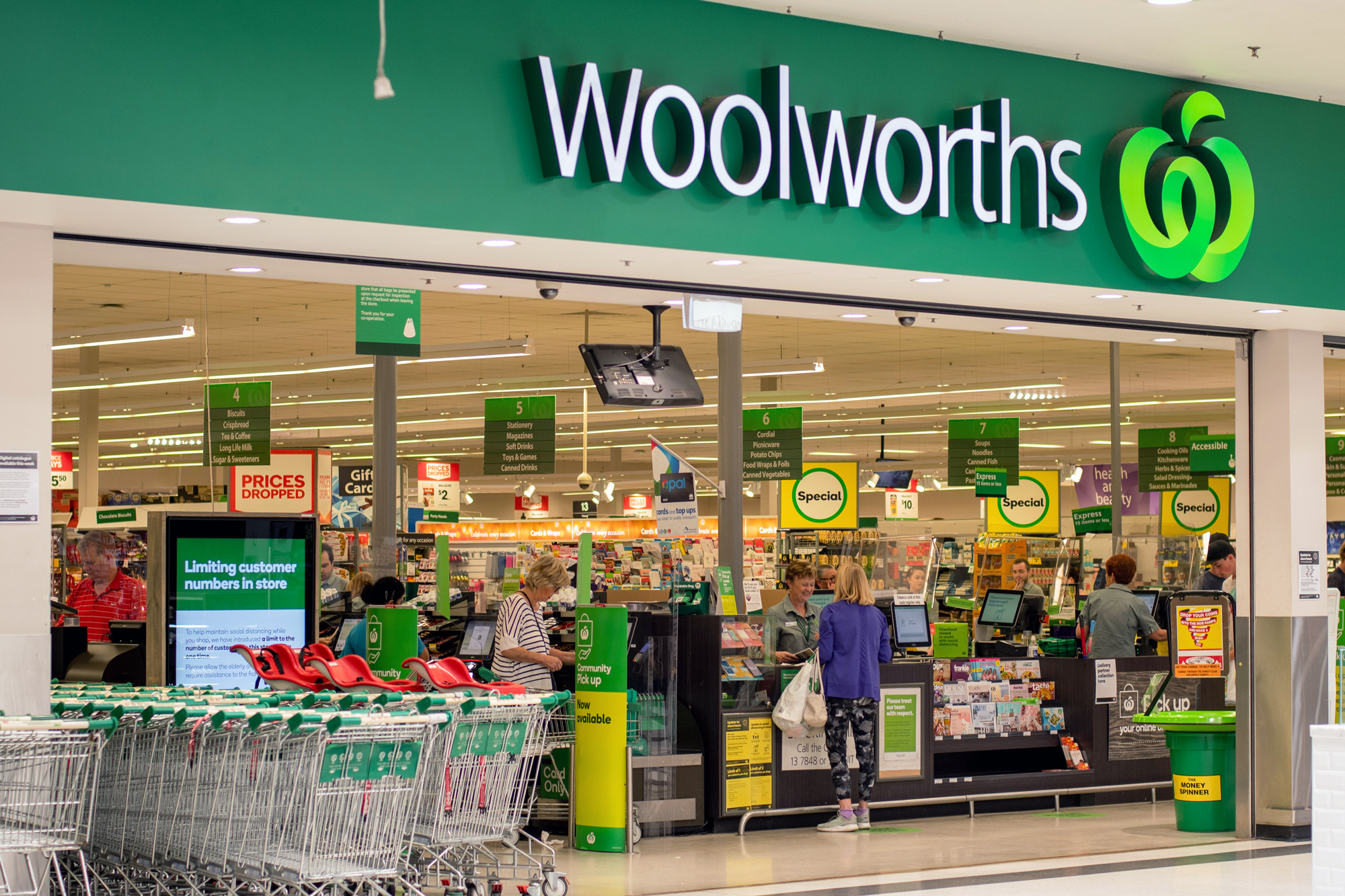
    Woolworths has unveiled locally made compostable fruit and vegetable bags across its stores in South Australia.

    The business believes the switch can help divert 70 tonnes of plastic waste from landfills each year. The compostable bags can be discarded in home DIY compost pits or in the council-provided green bins for garden waste.

    The organic bags are made in South Australia by Biobag and will be available across the retailers’ fruit and vegetable departments along with reusable nylon bags, available in three packs. The bags can also be used as liners in council-provided scrap ‘kitchen caddies’.

    Woolworths South Australia assistant state manager Elisha Moore says this shift represents ‘a big breakthrough’ in sustainable shopping for customers in the state.

    “South Australia leads the nation in household access to council-provided composting, so it’s a great place to launch sustainable initiatives like these new bags,” said Moore.

    Deputy Premier of South Australia and Environment Minister, Susan Close welcomed the initiative and said South Australia was a ‘logical choice’ for Woolworths.

    “All our metropolitan councils in Adelaide accept food waste in their green bins and so do many regional and country councils. No other state in Australia has this level of waste and recycling available to households,” she said.

    The retailer is also working to make 100 percent of its own-brand packaging recyclable, reusable and compostable by the end of next year.

  • Google is allegedly resurrecting Google Wallet, but not the way we think

    Google is allegedly resurrecting Google Wallet, but not the way we think

    Google Wallet could be making a comeback, but it won’t be the way we think On Twitter, Esper’s Senior Technical Editor, Mishaal Rahman, posted that Google Wallet is coming back from the dead, not as a standalone app, but as a “Wallet” interface within Google Play Services. The goal of the change is to provide a way to access and manage your payment, transit, and other cards that are part of your digital wallet.

    But wait, isn’t Google Pay already doing that? Yeah, it does. According to Rahman, you will continue to use Google Pay to make payments, and Wallet will be where you will keep your cards.

    But how will you access this Wallet interface? From Rahman’s screenshots, we assume that the new UI will be accessible directly from the Google Pay app. Also, one of the screenshots says, “learn how passes in your Wallet will appear across Google.” This may mean that the cards stored in Wallet could be accessible on other Google services as well.

    In 2011, Google created Google Wallet to function as an NFC payment app and as a place to store your digital cards. But in 2018, it combined Google Wallet and Android Pay and created Google Pay. From there on, Google Pay became the app for making NFC payments and the place from which you can manage your digital wallet.

    So, if Google Pay already does this, then why bring Wallet back? It seems like a branding choice to make it more obvious which UI does what. Google Pay would be strictly the service we use for payments. And there will be the Google Wallet, where we can manage payment cards, loyalty cards, vouchers, and tickets.

    This push to bring back the Wallet branding may also indicate that Google is planning to enhance its functionality — who knows, maybe support for driver’s licenses a-la Apple Wallet?

  • AirAsia powers Super App with Google Cloud

    AirAsia powers Super App with Google Cloud

    AirAsia has unveiled a five-year strategic collaboration with Google Cloud to advance Super App capabilities through cloud-based co-innovation across Southeast Asia.

    Central to such efforts will be the combination of core competencies to nurture technology talent, the co-creation of software tools for “open innovation” and the delivery of data-driven intelligence targeting micro-, small- and medium-sized enterprises (MSMEs) on the platform. This is in addition to improved accessibility for diverse users in cities and rural areas.

    Operating as a, forming part of Capital A’s digital pillar alongside AirAsia as a multinational airline.

    The platform offers flight and hotel bookings, e-commerce, food and parcel delivery, ride-hailing, financial and health services and on-demand education among others, supported by an integrated rewards program and mobile wallet.

    Since launching in 2020, Super App has become one of three unicorns headquartered in Malaysia, according to Credit Suisse, and currently houses 51 million users across ASEAN.

    “Five years ago, when I decided to move our digital journey to its next stage, I was looking for a partner to help us reach that nirvana, much like how Airbus and General Electric helped us grow from a little two-plane operation to become the fourth-largest airline in Asia,” said Tony Fernandes, CEO of Capital A.

    “I went around the US looking for that partner, met Diane Greene from Google Cloud, and the journey started. With Thomas and his team, we are now on the road to disrupting the digital platform arena in the same vein as we did airlines.”

    Despite acknowledging that Capital A is “late in the game” from a digital perspective, Fernandes said Super App now operates at the “centre of our ecosystem” of e-commerce, logistics and fintech.

    “We are determined to give all 700 million people in ASEAN inclusivity, accessibility and value,” he added. “With Google’s help, our ecosystem will not only be transactional, but be about building community, and enriching that community – not just the customers but partners like restaurants, airlines, hotels, and drivers. What we are doing is not evolutionary, but revolutionary. I’m going to enjoy the ride with Google.”

    To help create an “agile culture and co-innovation talent engine”, Super App and Google Cloud will establish a Cloud Centre of Excellence (CCoE) consisting of AirAsia Allstars and Google Cloud technologists.

    The move is designed to “embed an agile culture” across all Super App business units to “accelerate product development velocity” and up-skill talent, supported by access to Google Cloud’s Site Reliability Engineering (SRE) and MLOps best practices.

    “To benefit everyone across Southeast Asia’s heterogeneous communities, the Super App must be simple and easy-to-use while underpinned by inclusive design, interoperability and personalisation,” outlined Amanda Woo, CEO, Super App.

    “It’s therefore crucial that we leverage Google’s rich experience in building global platforms and ecosystems to equip and engage more talent, entrepreneurs a
  • MVNO Google Fi cuts its pricing for unlimited data

    MVNO Google Fi cuts its pricing for unlimited data

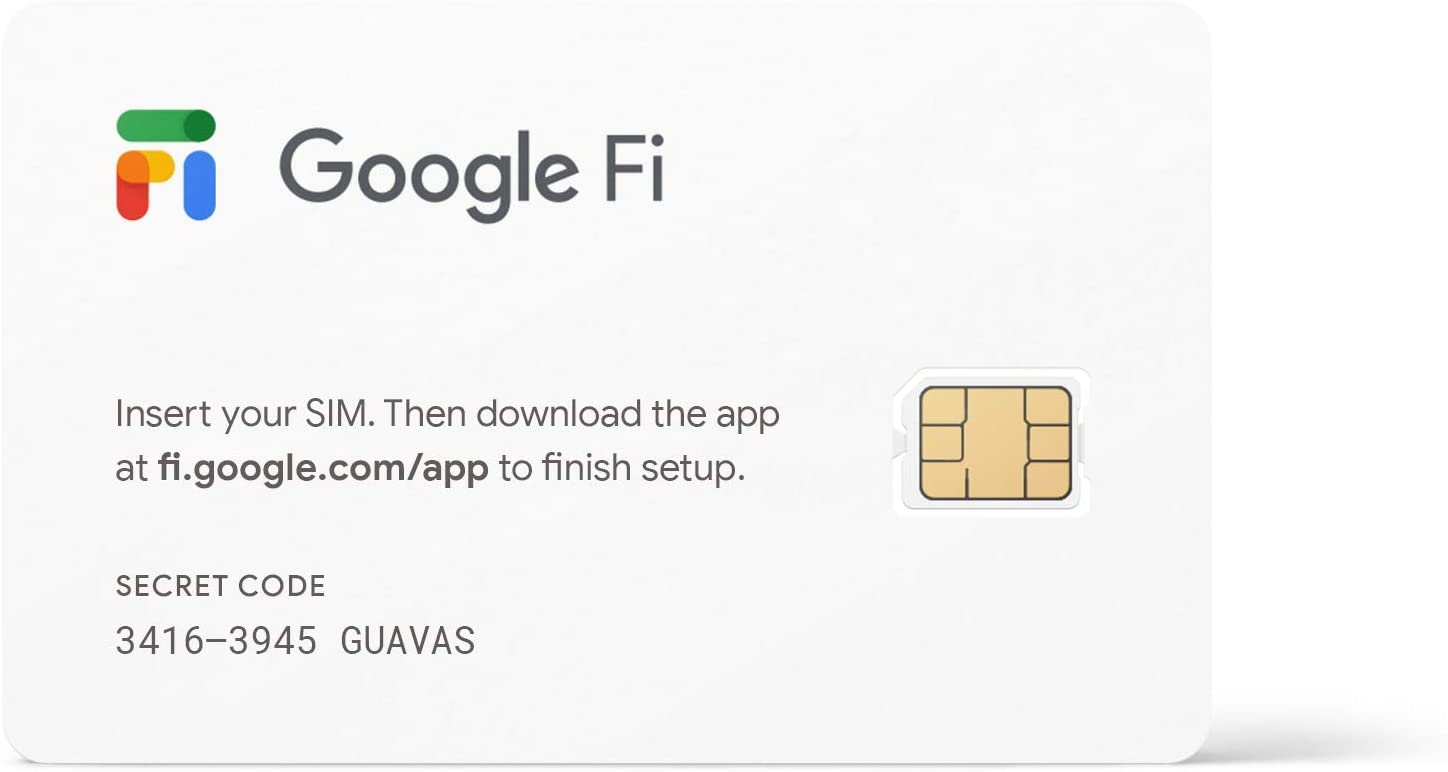
    Originally known as Project Fi, Google Fi debuted in April 2015 and was offered by invitation to owners of the Nexus 6. A year later, the Pixel and Pixel XL were added and in February 2018, the service was rebranded as Google Fi.
    Google Fi is an MVNO (mobile virtual network operator) which means that while it does offer you wireless service, Google Fi itself does not own any cell towers and pays for the right to use network capacity from T-Mobile and U.S. Cellular. The carrier you will be using on Google Fi at any given time is the one offering a stronger signal at your current location.
    Pricing changes are being made to Fi’s service tiers except for the Flexible plan. With that plan, you pay $10 for each GB of data used and $16-$20 for unlimited calls/text (depending on the number of people on the plan).
    While pricing hasn’t changed for this plan, you can now get “unlimited calling within Canada and Mexico at no extra cost.” Previously, calls from the U.S. to Mexico and Canada were free but by replacing the word “from” to “within,” Google has expanded coverage for Fi users. Allowing subscribers to make unlimited calls within Canada and Mexico is now offered on all three plans (Flexible, Simply Unlimited, and Unlimited Plus) although you’ll pay $10 for each GB of data used on the Flexible plan.
    The Simply Unlimited plan (which is such a Googley name for this tier of service) is celebrating its first birthday with a nice price cut. It is designed to be an affordable unlimited plan for those who like to use plenty of data but don’t like the idea of paying for it. It also doesn’t include a lot of the extras that Google Fi offers to entice you to join its premium service.
    For four or more lines of Simply Unlimited, you now will pay $20 per subscriber each month, down from $30. For three lines, you’ll now pay $25 per subscriber each month, also down from $30. Two lines are now $40 per subscriber each month (down from $45) and the monthly price for a single line has been sliced to $50 from $60.
    Simply Unlimited includes unlimited data in the U.S., Canada, and Mexico with data speeds throttled to 2G (256 kbps) after consumption of 35GB of data, up from 22GB. The plan includes 5GB a month of hotspot tethering.
    Google Fi has also lowered the pricing on its most premium plan which it calls Unlimited Plus. For four or more lines, the price of this plan has been reduced to $40 per subscriber each month from $45. Three lines are now priced at $45 per subscriber per month, down from $50. Two lines are priced at $55 per month for each subscriber (down from $60), and a single line will cost $65 monthly, down from $70.
    With the Unlimited Plus plan, subscribers now receive 50GB of high-speed data which can be employed for hotspot tethering and used internationally. Data can be used on tablets and other devices besides a phone, and there is 100GB of Cloud Storage using Google One. Calls from the U.S. are free to over 50 destinations, and data while traveling outside of the U.S., Canada, and Mexico is free in over 200 destinations.
    Regardless of which plan you choose, Google Fi delivers:
    • Unlimited calls & texts.
    • No contracts or activation fees.
    • Built-in VPN and spam blocking.
    • Contact controls & data budgets.
    • 24/7 customer support.
    And to celebrate the updated pricing, you can save up to $500 on the purchase of certain handsets. If you bring your own phone, you will get a Fi bill credit of $100 if you subscribe or add a line.
    While Google Fi does support the majority of Android handsets, iPhone users will only see 4G data speeds if they subscribe to the MVNO.


  • Google should have won a “Best use of technology” Oscar for this moving ad

    Google should have won a “Best use of technology” Oscar for this moving ad

    Besides Will Smith slapping comedian Chris Rock across the face for making a joke about Jada Pinkett Smith’s shaved head (she suffers from alopecia, an autoimmune disease that can lead to hair loss), another takeaway from last night’s Academy Awards telecast was Apple’s “CODA” becoming the first movie from a streaming service to win Best Picture.

    But Google had its moment too. During the show, it advertised an app called “Look to Speak.” The app, which was released in 2020, helps those with debilitating conditions, such as Lou Gehrig’s Disease, communicate. The app uses a phone’s front-facing selfie camera to track a user’s eyes as they move from left to right selecting words and phrases that the phone reads aloud.

    Google’s 60-second ad, titled “A Look Can Say A Lot,” starts by focusing on the eyes of various people including an infant. “A look can be honest and true,” Google says, adding that “A look can speak for you.”

    The ad then shows the app and how it works. There are two sentences on the display, one on the left and the other on the right. Looking to the left, the phone will say “It’s great to see you.” Looking to the right, the phone will say, “How are you?” Again, the user determines which of the two sentences are read by the phone by moving his eyes to the left or the right.

    The app is shown to a woman named Antoinette Fernandes who has speech and motor impairments due to ALS. The look on her face when she realizes that she can use the app and her eyes to communicate what she wants to say is priceless.

    You can download the app from the Google Play Store on any Android handset running Android 9 or later. For those who feel the need to put down technology or think that smartphones are a waste of time and money, just take another glimpse at the look on Antoinette’s face as she realizes that despite her physical condition, she can communicate with other people.

    Another video that had been released last November titled “Look To Speak” takes us through Antoinette’s story. In 2019 she was diagnosed with ALS. Unable to communicate, she was feeling suicidal according to her daughter who is her caregiver. The daughter used to say letters and when she hit upon the right one, Antoinette would confirm by making noise and this method allowed her to get her thoughts across albeit in a slow, time-consuming way.

    Apple might have won Best Picture, but Google takes the Oscar for best use of technology. If you know someone with ALS or has trouble communicating, tell them about the free “Look to Speak” app.

  • Google will soon allow you to book a healthcare appointment using search

    Google will soon allow you to book a healthcare appointment using search

    Google announced today that it is making it easier and faster to find appointments for healthcare providers. A new feature will allow users to check the availability of appointment openings at certain medical facilities and book an appointment. Google says that it is in the early stages of rolling out this feature and is working with its partners which include quick care provider MinuteClinic at CVS.

    Google says, “We hope to expand features, functionality, and our network of partners so we can make it easier for people to get the care they need.” Imagine how fast and easy it will be to use your phone to look up MinuteClinic in your city and tap on the Appointments tab. That will bring up a list of appointments available for certain conditions that you can book immediately from the display.

    Today is Google’s second annual Health event that it calls The Check-Up. Teams from Search, YouTube, Fitbit, Care Studio, Health AI, Cloud and Advanced Technologies and Projects will be making presentations about their latest healthcare initiatives. For example, starting this week in Japan, Brazil, and India, YouTube is adding health source information panels on videos to help viewers differentiate between real factual medical information and made-up phony misinformation that you see on social media.

    Also involved is the Fitbit team. During today’s event, Fitbit co-founder James Park explained how wearable devices can help those with chronic conditions including heart problems such as atrial fibrillation (AFib). A study conducted by Fitbit has been able to identify undiagnosed AFib 98% of the time.

    Google has submitted its algorithm to the FDA for review and going out on a limb here, we would imagine that this algorithm could end up on a Fitbit wearable helping ordinary consumers learn whether they have AFib. This algorithm also could make its way to Wear OS in the future.

    So if you’re fed up playing phone tag with your doctor’s office, or are not feeling well enough to sit on hold and listen to muzak so bad that even elevators can’t stand hearing these tunes, relief is on the way from Google.

  • Google watches over Maps to protect bad actors from contributing fake reviews

    Google watches over Maps to protect bad actors from contributing fake reviews

    A few days ago Google published a blog post about how it keeps information on Google Maps “reliable.”  Google writes, “In a world that’s constantly changing, it’s important for Google Maps to give you the freshest, most up-to-date information possible — so you can know whether the restaurant down the street from you reopened or if your neighborhood grocery store has curbside pickup. One way we do this is through contributed content.”

    Every day, Google receives 20 million contributions from Maps users who are willing and eager to tell Google about changes to businesses’ hours of operations, phone numbers, and other important information that helps Maps users find out when they can visit a particular business and how to get in touch with the company. Google also receives photos and reviews among the contributions that Maps users send it daily.

    Of course, Google needs to be alert to make sure that the contributions being received are accurate. After all, 20 million contributions a day is a logistics nightmare and one incorrect phone number or bogus review posted on Google Maps could negatively impact a company. And some of the 20 million contributions that Google receives daily are bogus or faked on purpose, possibly by a company’s competitors, or by some malicious users.

    Google wrote, “As with any platform that accepts contributed content, we have to stay vigilant in our efforts to fight abuse and make sure this information is accurate. Thanks to a combination of machine learning and human operators, we continue to decrease the amount of content seen on Maps that is fraudulent or abusive – in fact, it’s less than one percent of all the content that is viewed on Maps.”

    Last year, Google was able to update information for 30% more business than the number it revised the year before. Using Machine Learning tools it blocked over 100 million fraudulent edits from going live by using ML technology to find malicious bots and abusive edits.

    That includes 7 million totally fake business profiles it removed and 12 million fake Business Profiles it took down. In addition, it stopped 8 million bad actors (and we don’t just mean those that didn’t win an Oscar) from claiming Business Profiles that weren’t theirs. Google added, “Thanks to continued improvements in our machine learning, our technologies and teams disabled more than 1 million user accounts due to policy-violating activity, such as online vandalism or fraud.”

    Earlier in this article, we mentioned how competitors could potentially post negative comments and reviews to damage a targeted store or business. Google itself alludes to this in his blog post by stating, “We also saw individuals and groups attempt to use fake reviews as a tactic to hurt local businesses — oftentimes spurred by public attention on differences in opinions.” So after detecting abuse and suspicious activity, Google protected 100,000 business from getting attacked on Google Business Profiles.

    Google also blocked or removed more than 95 million reviews that violated its policies. It also took down 1 million reviews that were reported to it and blocked over 190 million photos and 5 million videos that were blurry, low-quality, or violated Google’s content policies.

    As Google notes, “Local knowledge that our global community contributes is a huge part of what makes Google Maps more than a navigation tool. We’ll continue to invest in keeping this information fresh and reliable so you can discover information about the world around you.

    An app like Google Maps attracts bad actors because of its reach and the number of people that use it. For example, more than one billion people use Google Maps each month. And some companies that demanded that customers wear masks were the recipient of fake reviews posted by anti-maskers as a way to get back at them. Luckily, Google stands guard to make sure that these fake commends and ads are taken down.

  • Google improves its search criteria for product reviews

    Google improves its search criteria for product reviews

    You’ve probably been in a situation where you’ve been looking to buy a new smartphone and have been constantly searching for reviews in order to decide if this phone is worth your hard-earned cash. Apparently, Google understands how important product reviews are to potential buyers. It recently improved its search engine to display more relevant reviews for potential buyers to easily decide if they want to buy a product or not.

    From now on, for Google Search to show reviews as search results, Google will be looking to see if product reviews meet certain criteria. According to a blog post from Google, Google Search will now look for product reviews to:

    • Include detailed information that will assist potential consumers in understanding all of the product’s pros and cons.
    • Come from people who have really used the products they’re talking about and can show what the product looks like and how to use it.
    • Include additional helpful information that manufacturers don’t provide, such as additional photos, audio, or links to other content that shows the reviewer’s experience with the product.
    • Include product comparisons or explain how a certain product differs from its rivals.

    Google’s new search criteria for product reviews currently only work if you search in English. But Google stated that it would expand these new criteria to other languages as well. In this regard, Google said, “Ultimately, our goal is to help people find trustworthy, reliable advice when they come to Search — no matter what they’re looking for.”

  • Google Meet update adds important audio capabilities

    Google Meet update adds important audio capabilities

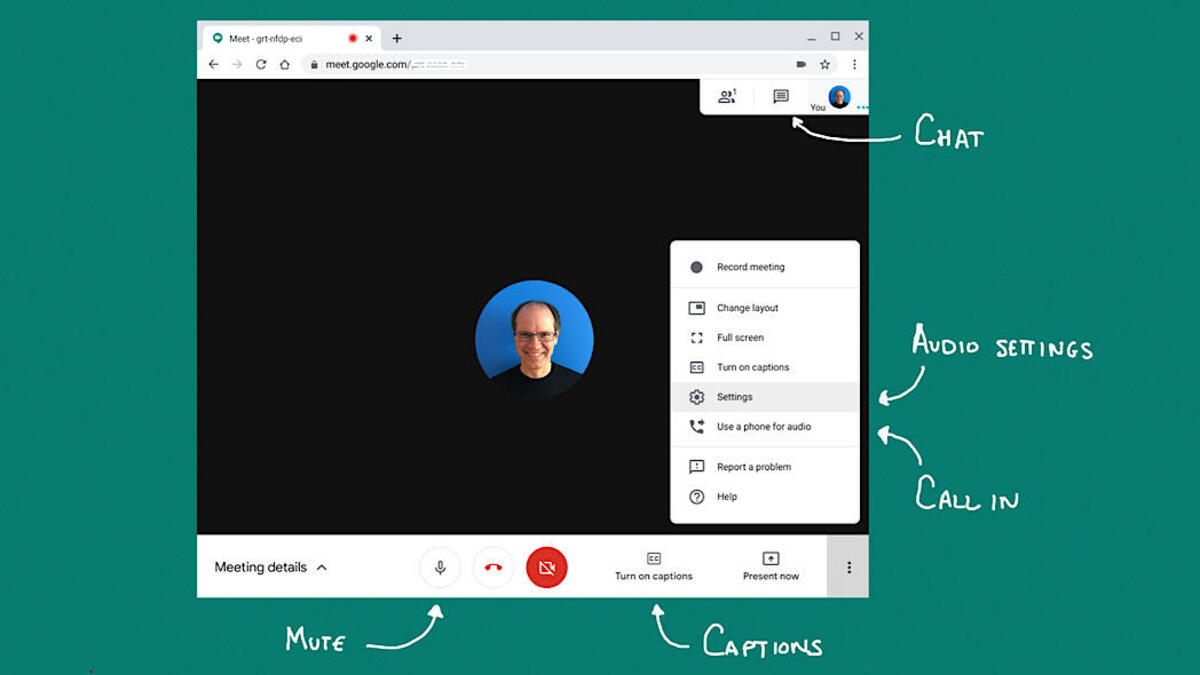
    Google Meet is getting a small yet important update this week, which adds noise cancellation capabilities to the app. The new feature is available to all Google Meet users starting today and there’s no need to make any adjustments to the app’s settings to benefit from noise cancellation.

    Google Meet users can take advantage of noise cancellation if they join a meeting using any Google Meet hardware devices. Also, the feature is available for the meeting organizer’s Google Workspace edition. It’s important to mention that if a user has noise cancellation, the feature will be active in all meetings regardless of whether the meeting organizer has noise cancellation or not.

    Google Workspace accounts that have noise cancellation enabled by default for their organizations in meetings with other people outside, they can also use the feature, but only during that meeting.

    The new feature is enabled by default for Google Workspace Business Standard, Business Plus, Enterprise Essentials, Enterprise Standard, Frontline, Enterprise Plus, and Workspace Individual Subscriber accounts. However, noise cancellation will not be on by default for Education Plus, and Teaching and Learning Upgrade accounts.

  • Google tests new feature for Gboard that delivers sticker recommendations based on text

    Google tests new feature for Gboard that delivers sticker recommendations based on text

    More than two years ago Google introduced Android users to the Emoji Kitchen. This feature delivers sticker recommendations that are the combination of two different emojis. Think of it this way, the emotions from one emoji are combined with the characteristics from a second emoji.

    The combinations are created by Google and are played strictly for laughs. What is interesting is how your Android phone decides which delicacies to serve you. These Emoji fusion stickers are based on the text you have been tapping out along with any emoji you selected for your missive.

    Now, Google is testing another new Gboard feature that presents users with sticker suggestions based on what they are writing. This time, the color and style of suggested stickers are based on the words and emoji you are entering into your text. Some Reddit users spotted the feature back in November but it remains in beta.

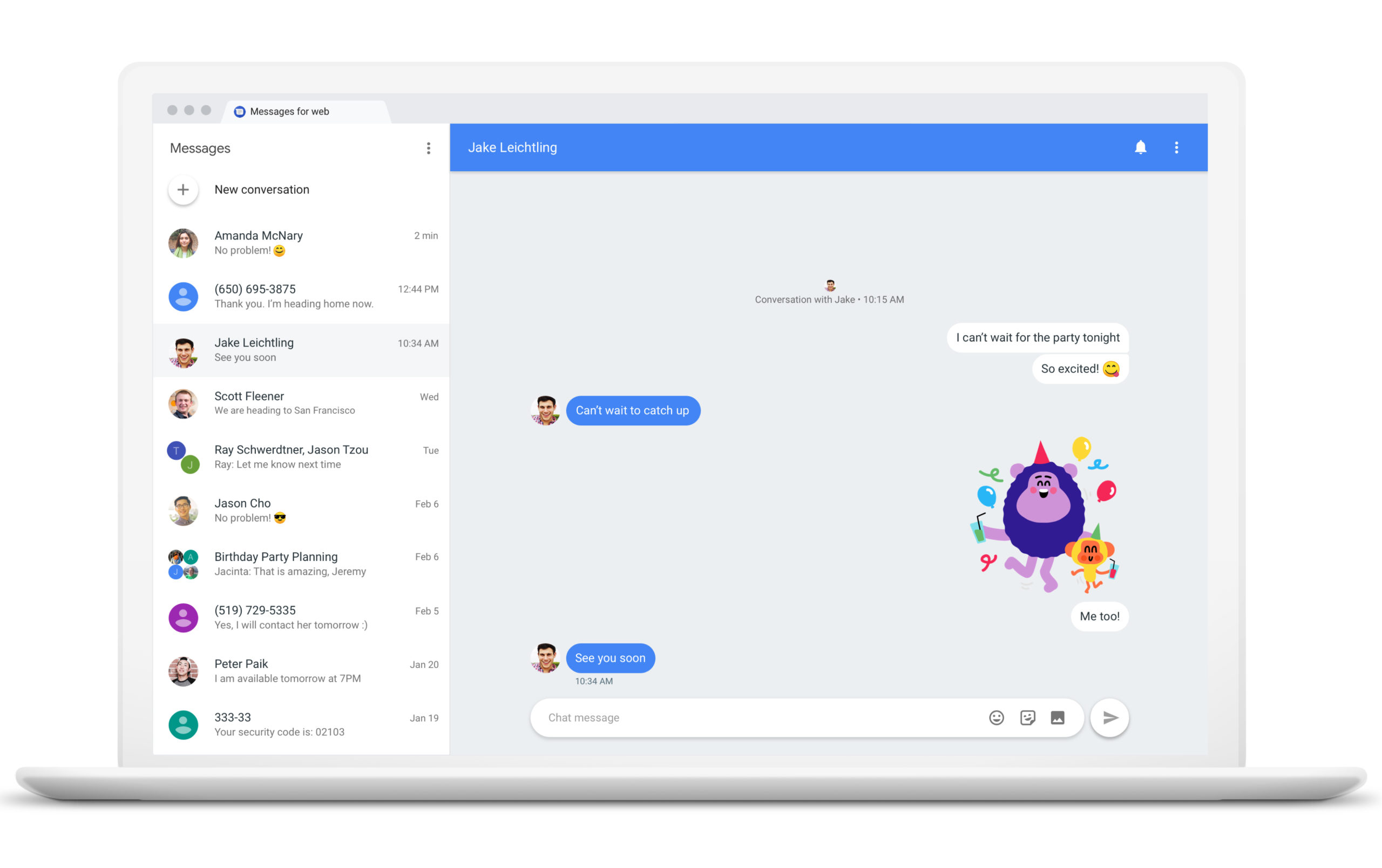
    Examples show a text exchange between spouses with one writing to the other “See you soon ” with a heart emoji. Underneath that field, where suggested words are, well, suggested, you will see a sticker. Tap on it and in that same location, horizontal scrolling sticker options will appear. Some have the exact text that you typed while others might not show any text at all.

    These contextually-based stickers appear to be available only when using this feature and do not show up when looking at the full library of emoji and stickers on your phone. With, the feature still in beta, if you’re using the public stable version of the app, you will not be able to use this feature yet.

    If you want to join the Gboard beta and get access to this feature now, you can Google “Gboard beta” and you should see a page that will allow you to join the beta program. You can leave the beta at any time by repeating the directions above and tapping on the box at the lower right corner that says “Leave The Program.”

    If you enjoy testing out new features for apps before the rest of the Android users on your block get to use them, Google has options for you. For a more comprehensive way to join the beta versions of all Android apps, go to the Google Play Store and tap the profile icon in the upper right corner. Tap on Manage apps & devices and then Installed. Tap on an app to get to its detail page and under “Join the beta,” tap on “Join” and then “Join.”

    If you don’t see an option to “join the beta,” it means that the developer is not offering public beta testing for that particular app. To return to a public or stable version of the app, open the Play Store and tap the profile icon. Go to Manage apps & devices and then Beta.

    Tap on the app whose beta program you want to leave to see its detail page and you’ll see a notice that you are a beta tester. Under the “You’re a beta tester” notice, tap on “Leave.” But that isn’t the end. If you want to continue using an app’s public version on Android after leaving the beta, uninstall the app and reinstall it from the Google Play Store.

    The point of offering beta tests is for the developer to get feedback from users before a new feature is disseminated to all users of a particular app. So if you do have feedback to share with a developer, once again you open the Play Store and tap on the profile icon followed by Manage apps & devices and then Beta. Tap on the app you want to provide feedback on to see its detail page.

  • Google Maps traffic triples in Ukraine

    Google Maps traffic triples in Ukraine

    Google’s Transparency reports are designed to show “how the policies and actions of governments and corporations affect privacy, security, and access to information online.” And the policies and actions of the government in Russia, by invading Ukraine, are having an effect on the demand for information available online in the latter country.

    Maybe it shouldn’t come as a surprise considering what is going on in Ukraine, but usage of Google Maps nearly tripled in that country over the last few days as many families have been taking to the roads trying to get over the Ukrainian border to Poland. Television reports show hours-long waits at service stations and heavy traffic on the roads leading to the border.

    The impact on Google Maps usage in Ukraine can be seen graphically thanks to the charts tweeted by Damian Menscher, who is the Security Reliability Engineer responsible for DDoS defense at Google. Menscher tweeted a graph showing how the online traffic from inside Ukraine to Google Maps rose from a score of 55.239 on February 23rd, to 157.275 the very next day, peaking at 186.983 on February 24th.

    That’s only half the story. Menscher included in his tweet a graph showing the declining traffic from Ukraine to Google Docs and Google Sheets as businesses are not running as usual in the country thanks to the invasion. Traffic to both sites from Ukraine declined by about 3x during the same time period.

    Gmail, Search, and YouTube traffic from Ukraine did not significantly budge since the invasion. We’ve heard reports of Ukrainians seeking shelter in the subway watching YouTube to catch the latest news on the War and to pass the time. This might have propped up YouTube’s numbers inside the country since we’re sure that most Ukrainians are not interested in watching cat videos at this time.

  • Google quietly adds new information to mobile Play Store app listings

    Google quietly adds new information to mobile Play Store app listings

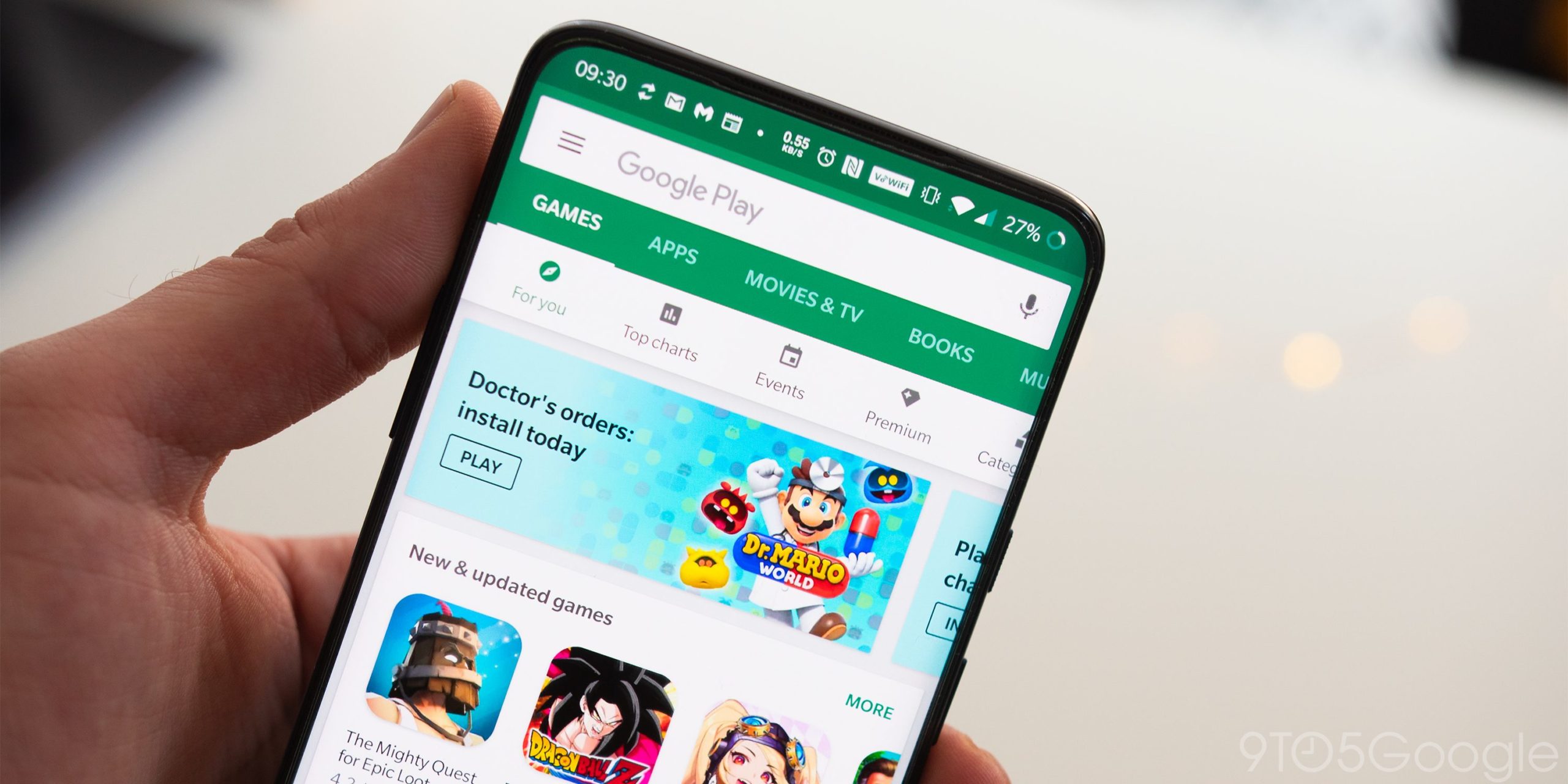
    Google has added in the listing of each app the version of Android required to download said app on a mobile device. Previously, this information was only posted on the web version of the Play Store but it can now be easily found on an Android phone.

    Let’s look at some random apps. The Chess-Play and Learn app has been downloaded more than 10 million times and has a 4.7-star rating. If you look at the listing on your phone, go to the “About this game” listing and tap the arrow on the right side of the screen to open a page that goes into great detail about the app.

    Now scroll down to the bottom and you’ll see a heading titled “Game info.” Look for an entry called Android OS which shows the required version of Android needed to install this game, which happens to be Android 5.0 in this example. That means that anyone who wants to install this game must be using a phone running Android 5.0 or higher.

    One last example. Let’s look at CNN. Go to the Play Store and search for the CNN app (which has over 50 million downloads and a 4.5-star rating). When you see the listing for it, find the “About this app” heading and tap on the arrow at the right of the screen. That takes you to the About this app page.

    Scroll down to the App info section and look for the Android OS entry. There you will see that to install the CNN app on your Android phone, it needs to run Android 6.0 and up. Those who use the play.google.com website have probably seen the Requires Android entry on the listing of an app in the web version of the Play Store.

    Why Google decided to add this information to the mobile Google Play Store is unknown since any app that has a minimum requirement newer than the Android version you are currently using should not appear on your screen. For example, using the CNN app once again, since it requires that the user own a phone running Android 6.0 or higher, phones that are running Android 5.0 or lower will not see the CNN listing on the Play Store app.

    The update including this change was just disseminated on Friday and is version 29.2.13. We are not sure how many Android users would go through the trouble of looking up this information since it is not necessary, but perhaps Google has something under its sleeve that we are not privy to.

    Earlier in the week we told you that Google has released a new app icon installation feature to 14 games in the Play Store and in the process borrowed the circular progress bar used with iOS. For example, if you install an app on iOS 15.3.1 from the App Store, a circular progress bar shows you the pace at which the app you chose to download is being downloaded and installed on your iPhone. While the new Android app icon installation feature is not exactly the same, you are sure to spot the similarities.

    When you install an app from the Play Store, a circular progress bar circles the icon of the app you are downloading on the home screen. When finished, the progress bar around the icon starts anew for the installation of the app. When that is finished, you are left with the icon of the app on the home screen of your Android device. You can open the Google Play Store listing of the app at anytime if you decided not to download the app before it is finished installing on your device.

  • Make Google Assistant respond faster by following these simple directions

    Make Google Assistant respond faster by following these simple directions

    Did you know that if you set up Google Assistant on other devices, even those that you don’t use anymore, the speed at which the digital helper receives your requests and responds to them can be slowed down? But there is good news as Google offers a way for you to remove the Assistant from those older phones, tablets, smart speakers, smartwatches, and any other product you own that sports it.

    According to XDA, a support page posted by Google says, “Get a faster Assistant by removing devices that haven’t been used in 3 months or more. This means your other Assistant devices won’t be able to communicate with the devices you removed. To add a device back, just use your Assistant on that device.”

    To remove Google Assistant from your older devices, you need to open the Google app. Make sure that you have the latest version installed. Once you open the app, tap the profile picture in the upper right corner and tap on settings. Scroll down to the highlighted listing for Devices and tap it. On the bottom of the next page, you will see a heading that reads, “Remove unused devices” and tap on it.

    This will bring up a list showing the model numbers of older devices you owned with Google Assistant installed. Get ready for a blast of nostalgia when you look up on Google the model number of each device. Each device listed has not been used for three or more months and the oldest model on this writer’s list was for the Moto Z Droid which hasn’t been used in many years.

    You can choose to remove each listed device individually or select all of them at one time. And for some reason, you find yourself in need of a replacement for the phone, tablet, smart speaker, and smartwatch that you currently employ, simply use Google Assistant on the older device and it will return to the list of your Assistant devices.

    Once you complete the process listed above, you should see an improvement in Google Assistant’s response time. You can let us know if you notice a difference after clearing out your unused devices by leaving us a comment in the box below.

    Google Assistant is arguably the most accomplished of the three major voice assistants, a list that includes Amazon’s Alexa, Apple’s Siri, and Google’s Assistant. Previous tests have shown that not only does Google Assistant have the capability to understand what the user is asking much better than the other two, it also is the smartest when it comes to answering queries.

    Apple had the early lead in digital assistants when it unveiled Siri on the iPhone 4s in 2011. Apple promoted the feature by showing how useful Siri could be with calendar entries, tying a bow tie, finding a locksmith when locked out of the house. But Google charged ahead because the reach of Android is wider and Google has a plethora of information (including personal data) that it can easily tap into.

    Google’s investments in AI and speech recognition have paid off big time when it comes to Assistant and with Google essentially everywhere, it can provide users with direct responses that Siri might outsource to the internet. From personal experience with both, there are many times that when asking a question about Apple, Siri will direct you to a third-party website while Google Assistant responds with the correct answer without forcing you to navigate somewhere else to get the answer that you seek.