Tag: Google

  • Making the most of Shopify in Google Search

    Making the most of Shopify in Google Search

    Getting organic traffic is something that every eCommerce store owner dreams about. Targeted traffic coming to your site for free sounds like a pipe dream, but it is exactly what millions of website owners do every day. Now, it is a little more difficult for an eCommerce site to get that kind of traffic.

    This is why some platforms that your store could be built upon are better than others. Shopify, for instance, has a lot of built-in features that make it much easier to take care of your SEO. Any kind of help you can get from your platform should come very welcome. SEO is complicated and there are a lot of moving parts to keep track of.

    That’s why there are agencies dedicated strictly to SEO because it can be very difficult to do on your own. In this article, however, we will give you several Shopify SEO tips to help you bring in a lot of organic traffic.

    Optimize your site structure

    There are a few situations in which site owners, and even SEO experts, focus a lot on what Google wants and ignore the users. Luckily, when it comes to site structure you are killing two birds with one stone.

    Your site should be structured in a way that allows Google to crawl your site effectively and understand what the topic is. The more easily Google can access the relevant content then the better it can know where to rank your pages.

    On the other side of the coin, a site that is well structured is easy for a visitor to navigate. A good user experience is then had and they are more likely to stay on the site and convert from there. Whether your conversion goals are for them to sign up for a newsletter or to make a purchase, they are not likely to hit the mark if the site is hard to navigate.

    It all comes together when they stay on your site, look at lots of pages, and don’t bounce back to the SERPs. This sends a signal to Google that the site satisfied their search and that the content is good. This helps raise your site in the rankings as it will be seen as an authority on the topic.

    The best way to structure it is to break it down into categories and have each category in the menu bar that is easily seen. Then, make sure to have a lot of your relevant pages interlinked within the content.

    Make sure it’s responsive

    As more and more people use their phones as a computer, it makes sense that your site needs to be mobile-friendly. In fact, Google has stated that it is a major goal to create a system in which sites that are mobile-ready and have few of the issues associated with responsive pages will be rewarded over sites that are not.

    When your site has been online for a while and you have access to the analytics, you will surely find that most of your traffic is coming from mobile and tablets. Desktops are being used less and less.

    Luckily, this is not something you have to worry about since Shopify templates come responsive out of the box. You do need to keep a few things in mind.

    For instance, links that are too close together will be difficult for people to press since they are using their finger and not a mouse. Google will take note of these things.

    Use content marketing

    Even with all the features built into Shopify for SEO you still need content. It is the content that will bring people in, to begin with, and is what keeps them on your site. Just working on technical SEO is not enough. In fact, many content marketers will tell you that content marketing is better than technical SEO.

    The way it works is that you build authority by using various channels with lots of content. All of the content should be curated according to what your ideal user’s needs. It starts with using organic SEO and writing content on your site to rank on Google. This involves using the keywords that your audience is actively using in search and then crafting good content around those keywords. Which means having a blog on your store site.

    Then, make sure to have a consistent presence on social media. Your ideal customer is likely using just one or two platforms so it’s important to figure out which ones they are most likely using and focus there. This means that if your target audience is gamers under 25 then you shouldn’t deal with Facebook as they are not hanging out there. If your ideal customer is a middle-aged housewife then Facebook is the ideal place to focus.

    To shore up your authority create a podcast and Youtube channel. On these channels make sure to be creating content that is helpful to people so they will keep coming back for more. Over time you will be seen as a trusted source of information and head over to your site to buy your products.

    Not only are you going to be bringing in traffic through these sources, but Google will also take notice that a lot of traffic is coming in this way and use social proof to give you more authority. And more authority means better rankings.

    Use structured data 

    I mentioned how important content marketing is and that it is more important than technical SEO. Well, one way that technical SEO is crucial is to make sure to use structured data on your site.

    There are predefined formats for different types of features on your site. This is the structured data and it helps Google understand what is happening on your site. For instance, if you have a FAQ section then there should be some structured data that allows Google to know that this is what the section is. The same goes for a recipe or a how-to list.


  • Google brings back a nifty feature to Maps users on Android

    Google brings back a nifty feature to Maps users on Android

    Google adds new features to its mobile apps all the time, but sometimes, they remove the ones they don’t think are up to the challenge. We never know what’s behind these decisions, but we can definitely say that some features don’t deserve to be removed.

    That didn’t seem to interest Google’s Maps team when they decided to remove a very useful feature from the Android app, the compass widget. Last month, developers revealed many of the improvements that the Maps app will receive in the coming weeks but left one out from the initial announcement.

    Long story short, Google announced today that after removing the compass from Maps for Android in early 2019 “in an effort to clean up the Navigation screen,” it decided to bring it back after receiving overwhelming feedback in its favor.

    The compass will show you which direction is north via a red arrow. Just like it was implemented two years ago, the widget will be positioned on the right side of the screen. The “new” compass widget is now rolling out to all Google Maps for Android users globally, so as long as you have version 10.62 (or higher) installed, you should be able to use it.

  • Google Maps driving directions are going green

    Google Maps driving directions are going green

    Google has been hard at work keeping its Maps app top-notch these days, as it continues to compete in the neck-to-neck battle with Apple Maps. It’s been adding all sorts of features over the years, constantly improving your commuting experience—especially if you exploring a new city. Among many other things, it can now help you find great places to eat, sleep, and hang out, and even plan group get-togethers at a favorite joint.

    CNET has revealed that Google is rolling out a brand new feature to its driving directions function, this time aimed to help us live a little greener.

    Google Maps has announced it will be adding carbon emission minimization in its calculations for optimal driving directions. If there are two similar routes a driver could take, Google will now be able to take into account road inclines, traffic jams, and other factors in order to choose the least wasteful option. If the greener choice would significantly prolong the trip length, however, Google will let you know so that you can make the choice for yourself.

    Another upgrade Google Maps will be giving us is an improvement to its “Live View” alternate reality feature. Introduced in 2019, Live View superimposes virtual arrows onto the real world through your phone screen while you are walking, pointing you in the right direction. As of the new update, Google Live View will be available indoors in Westfield shopping centers across the U.S, including San Francisco, Chicago, and Los Angeles. The company has promised to bring Live View to Zurich and Tokyo airports eventually as well.

    Alongside these updates, Google is also trying out grocery pick-up options in a partnership with Fred Meyer (a division of the Kroger grocer) to encourage social distancing and safety amidst the COVID pandemic. This feature is currently being tested in Portland, Oregon, and Google will be sure to let us know will let us know if it goes nationwide.

  • Google adds another “Memories” collection to the Photos app

    Google adds another “Memories” collection to the Photos app

    Just a few days ago, we told you that Google had added a new collection of photos for the Memories feature on the Google Photo app. These photographs all included images of beer; beer in glasses, beer in cans, beer in bottles and more. The photos show up in a collection called “Cheers.” The latest Memories collection is named “In the spotlight” and it shows photos containing stages and crowds. So those photos you took at the Billie Eilish concert you attended (before the pandemic, of course) will probably show up.

    To check out this feature, open the Google Photos app and tap on Photos at the bottom of the screen. At the top of the display, you’ll find images collected in Memories. As we told you last week, you can customize the Memories that appear in the carousel by opening the Google Photos app. At the top right of the display, tap your profile picture or initials and go to Memories > Featured memories. You’ll be able to enable or disable the receipt of photos taken in the current week years ago, photos from recent weeks, and photos about people, places, or things.

    The Memories feature on Google Photos appears to be giving users a look back at those carefree days before the pandemic when a trip to the pub wasn’t a big deal, and going to see your musical idols in concert was normal. And while it might make you feel sad when the “Cheers” and “In the spotlight” collections appear, it should also bring back those happy feelings and help you strive for the return of your normal, pre-pandemic life.

    Whether you see such photos in your Google Photos app has everything to do with the images that Google scans. And even if you do have photographs that meet the definition for the new category, keep it mind that it can take up to two weeks for them to noticed by Google’s servers.

  • “Memory” feature for Google Assistant is being tested

    “Memory” feature for Google Assistant is being tested

    Some new features are being created by Google for the latter’s Assistant virtual helper. While the original version of Assistant was designed to work with voice commands, eventually smart display-styled visuals were included and now Google wants Assistant to take advantage of the smartphone’s form factor to help improve the virtual assistant. Google is reportedly working on a feature for Assistant called “Memory.”

    Memory is “an easy, quick way to save and find everything in one place” says Google and the tech giant gave four examples of what this feature brings to the table. Any screen content can be saved to “Memory” including links to original sources. Additionally, real-world stuff such as objects, posters, and handwritten notes can be saved to Memories along with thoughts and reminders. And all of this information can be found over and over again in the same place offering smart search and organization.

    Google says that “Memory can save: articles, books, contacts, events, flights, hotels, images, movies, music, notes, photos, places, playlists, products, recipes, reminders, restaurants, screenshots, shipments, TV shows, videos, and websites. You store things using a verbal Google Assistant command or home screen shortcut. Memory will be smart about preserving the surrounding context. For example, it can include screenshots, URLs, and location.”

    Afterward, everything is viewable in a new “Memory” feed that is found alongside Snapshot. There are special cards that surface when you save content from Google Docs, Sheets, Slides, Drawing, Forms, Sites, and other uploaded Drive files.

    As Google notes, “Memory is an easy, quick way to save and find everything in one place.” Saved in reverse chronological order, Google will display cards with “older memories” and memories from “today.” Swiping inward from either bottom corner will open Assistant. And thanks to a shortcut, Memory is always just a tap away.

  • Google has a plan to make app updates feel faster on Android

    Google has a plan to make app updates feel faster on Android

    Google would like Android users to have their apps installed faster on their Android devices. We discovererd something new in the Google Play Store called “App install optimization” that would use crowdsourced information to make this happen. As Google explains, “When you turn on App install optimization, Google can tell which parts of an app you use the first time you open it after installation. When enough people do this, Google can optimize the app to install, open, and run faster for everyone.” And even though crowdsourcing is used to make this work, no personal data such as your name and email address is shared.

    The crowdsourced feature also “doesn’t look at anything outside of the app, such as other apps or content on your device. It also doesn’t collect information about content uploaded or downloaded in the app, such as images in a social feed, or rankings on a leaderboard.” What Google does is combine your data with data from other users in order to “find trends and identify which parts of the app are most important to everyone.” This information, Google says, will speed up the time it takes to install apps from Google Play, lower the amount of time it takes to open and run a particular app, and reduce the strain on your device’s CPU, battery, and storage.

    Let’s look at an example, shall we? Let’s say that after installing Instagram on your phone, you spend the first ten minutes creating your profile and finding friends. If Google discovers that most people follow the same routine when installing the app from the Play Store, Google will make sure that the first parts of Instagram that get installed from the Play Store deal with profile creation and finding friends. The story viewer and the files needed to post on the app will remain uninstalled until you try to use them or your signal gets stronger. And instead of opening the entire app into RAM at once, Your phone might load only those parts of the app you use the most lowering the amount of RAM being used while reducing the stress on your phone’s processor.

    Android users not happy with App install optimization will be able to opt-out of the feature although this will simply stop your data from being used in the crowdsourcing. You will still benefit from the faster install times created when other Android users’ data is collected by Google. Version 25.5.13 of the Google Play Store makes a reference to the feature which means that we could see it hit the Google Play Store soon.

  • Chinese manufacturer will reportedly use Huawei’s ecosystem in case it too loses access to Google

    Chinese manufacturer will reportedly use Huawei’s ecosystem in case it too loses access to Google

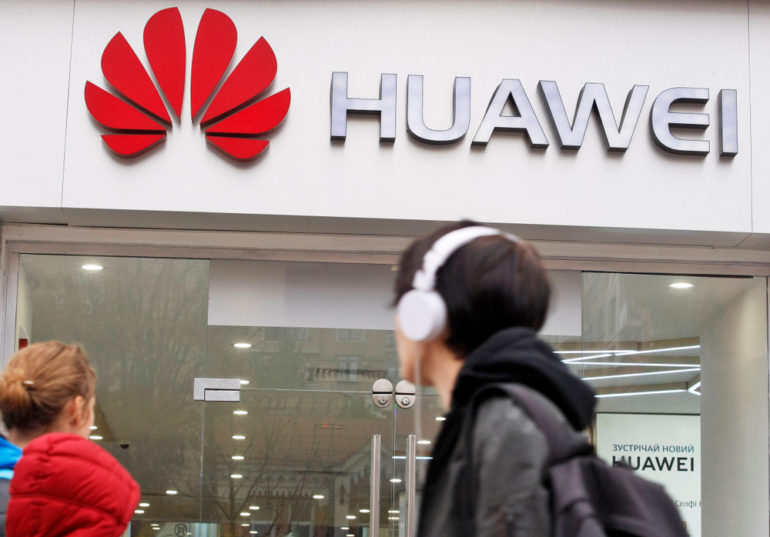
    In May 2019, the U.S. placed Huawei on the Entity List. Not only did this ban Huawei from accessing its U.S. supply chain, it also banned Huawei from using Google’s Android apps on Huawei handsets. Not that this really mattered since many of these apps such as YouTube, Search, Google Maps, Drive, and others were already banned from the Chinese versions of Huawei’s phones by the government. Google’s apps were allowed on the international versions of Huawei’s phones.

    Huawei’s Entity List placement means that Google Mobile Services is not allowed on Huawei handsets and had to be replaced. Huawei developed its own ecosystem called Huawei Mobile Service (HMS). As of last December, HMS covered 500 million monthly active users in over 170 countries; the buzz around the water cooler is that a non-Huawei handset will soon be available with HMS pre-installed (more on this below).

    Huawei also had to replace the Google-licensed version of Android with the open-source version of Android and will now switch to its homegrown HarmonyOS. The company’s first 2021 flagship, the camera-centric Huawei P50 series, could be the first smartphones to run HarmonyOS. According to Huawei staff member Akiba Ziluo, Chinese smartphone manufacturer Meizu will have the first non-Huawei handset to support HMS Core through the Huawei Mobile Service. According to Huawei, “HMS Core offers a rich array of open device and cloud capabilities, which facilitate efficient development, fast growth, and flexible monetization. This enables global developers to pursue groundbreaking innovation, deliver next-level user experiences, and make premium content and services broadly accessible.”

    Each Chinese phone manufacturer has a secret fear; they worry about becoming the next Huawei and ending up in a similar predicament. That is why many of them are looking for Chinese technology that could be used in a jiff to replace American software in case they are banned from using U.S. technology like Huawei is.

  • Google Drive update adds new ways to view and manage notifications on mobile

    Google Drive update adds new ways to view and manage notifications on mobile

    Google Drive is slowly becoming an excellent app and it’s not just the desktop version that it’s getting improvements. Google announced earlier today that it’s now rolling out new features to the Android version of Drive.

    The new update is meant to allow Google Drive users on Android devices to keep track of important notifications easier than before. For that to happen, Google added new ways to view and manage notifications in the Google Drive app for Android.

    That being said, with the latest version of Google Drive, Android users will be able to see all their notifications in one place, and that doesn’t require you to enable notifications. On top of that, Android users can now choose filters to control the types of notifications they receive.

    Also, the updated app will show more file information directly from the notification and will allow users to take actions such as share files directly from the notifications they receive. Last but not least, you’ll be able to delete and dismiss any notification that you don’t want on your phone.

    The new features are rolling out to all Google Drive users on Android as we speak, although it will take up to two weeks for these improvements to become visible to everyone. Simply open the app, head to Priority, and find the Notifications tab on the top part of the screen to browse through your notifications.

  • Samsung To Develop Autonomous Driving Chip For Google’s Waymo

    Samsung To Develop Autonomous Driving Chip For Google’s Waymo

    Samsung Electronics recently won a project for Google parent Alphabet’s autonomous driving unit Waymo to develop chips for next-generation self-driving cars, South Korean media reported on Monday.

    Samsung will develop a chip that computes data collected from various sensors installed in autonomous vehicles or centrally controls functions by exchanging information with Google data centers in real-time, South Korean newspaper Herald Business reported, citing an unnamed industry source.

    The project is expected to be carried out by Samsung’s logic chip development division System LSI’s Custom SOC Business Team, it added.

    Samsung Electronics declined to comment regarding client company matters. Alphabet did not have an immediate comment.

  • Google makes small but useful change to Gmail

    Google makes small but useful change to Gmail

    Google’s Gmail app is the leading email app in the world. But that doesn’t mean that the app is perfect. A change made to the Android version of Gmail makes it easier to copy and paste an email address. With the change being made by Google, Android users will tap on an email address in the To, Cc, or Bcc Compose text fields, and that email address will appear along with two new options: “Copy” and “Remove.” The former will copy the text and the latter will remove the address from the field.

    The old way to do this required that the user long-press on an email address which in turn delivered a pop-up that included a copy button. Sure, the new method is not going to save you a lot of time, but if you do copy and paste email addresses often when using Gmail, this new process might be a little more streamlined. And it also won’t cover up the text of the email as the old method did. The email address you’ve copied ends up on the clipboard from where it can be pasted to other fields outside of Gmail on your phone.

    Google appears to be pushing out this change to devices with Gmail for Android v2021.02.05.357775197 installed. Not everyone with this version of the Gmail app has the new feature which suggests that Google is disseminating it using the A-B process it is known for. It did show up on our Pixel 2 XL running Android 11, which is the source of the screenshots above.

  • Judge rules that Google secretly collects personal data even in ‘Incognito Mode”

    Judge rules that Google secretly collects personal data even in ‘Incognito Mode”

    Google is facing a class-action lawsuit filed by consumers who claim that the company continues to collect personal data from users even when the users browse using the incognito mode designed to keep their personal data private. The plaintiffs allege that even with data collection turned off in Chrome, Google has other options that can be used to collect information. Google asked that the court throw out the case, but a federal judge on Friday denied that request.

    The judge was none other than Lucy Koh, who became known for her handling of the original Apple vs. Samsung patent infringement case in which she originally awarded Apple close to a billion dollars. That amount was eventually reduced to $539 million and eventually, a settlement between the two firms was announced. In Koh’s ruling on Friday, she wrote that “The court concludes that Google did not notify users that Google engages in the alleged data collection while the user is in private browsing mode.” Google spokesperson Jose Castaneda said in an emailed statement that “We strongly dispute these claims and we will defend ourselves vigorously against them. Incognito mode in Chrome gives you the choice to browse the internet without your activity being saved to your browser or device. As we clearly state each time you open a new incognito tab, websites might be able to collect information about your browsing activity during your session.”

    Back in June, three Google users filed a complaint claiming that the firm runs a “pervasive data tracking business.” In that complaint, the plaintiffs said that Google collects data like a user’s browsing history and other activity on the web even after using “safeguards” to block their personal data from being used such as the Incognito private browsing mode. Google says that the plaintiffs agreed to Google’s privacy policy which explains explicitly how it collects personal data.

    The court filing (aka the “complaint”) says, “Google knows who your friends are, what your hobbies are, what you like to eat, what movies you watch, where and when you like to shop, what your favorite vacation destinations are, what your favorite color is, and even the most intimate and potentially embarrassing things you browse on the internet — regardless of whether you follow Google’s advice to keep your activities “private.”

    “Google also makes clear that ‘Incognito’ does not mean ‘invisible,’ and that the user’s activity during that session may be visible to websites they visit, and any third-party analytics or ads services the visited websites use,” according to a court filing submitted by Google. For your legal eagle types (you know who you are), the case is called Brown v. Google LLC, 20-3664, U.S. District Court, Northern District of California (San Jose).

  • Google TV app will turn your phone into a remote control for Android TVs

    Google TV app will turn your phone into a remote control for Android TVs

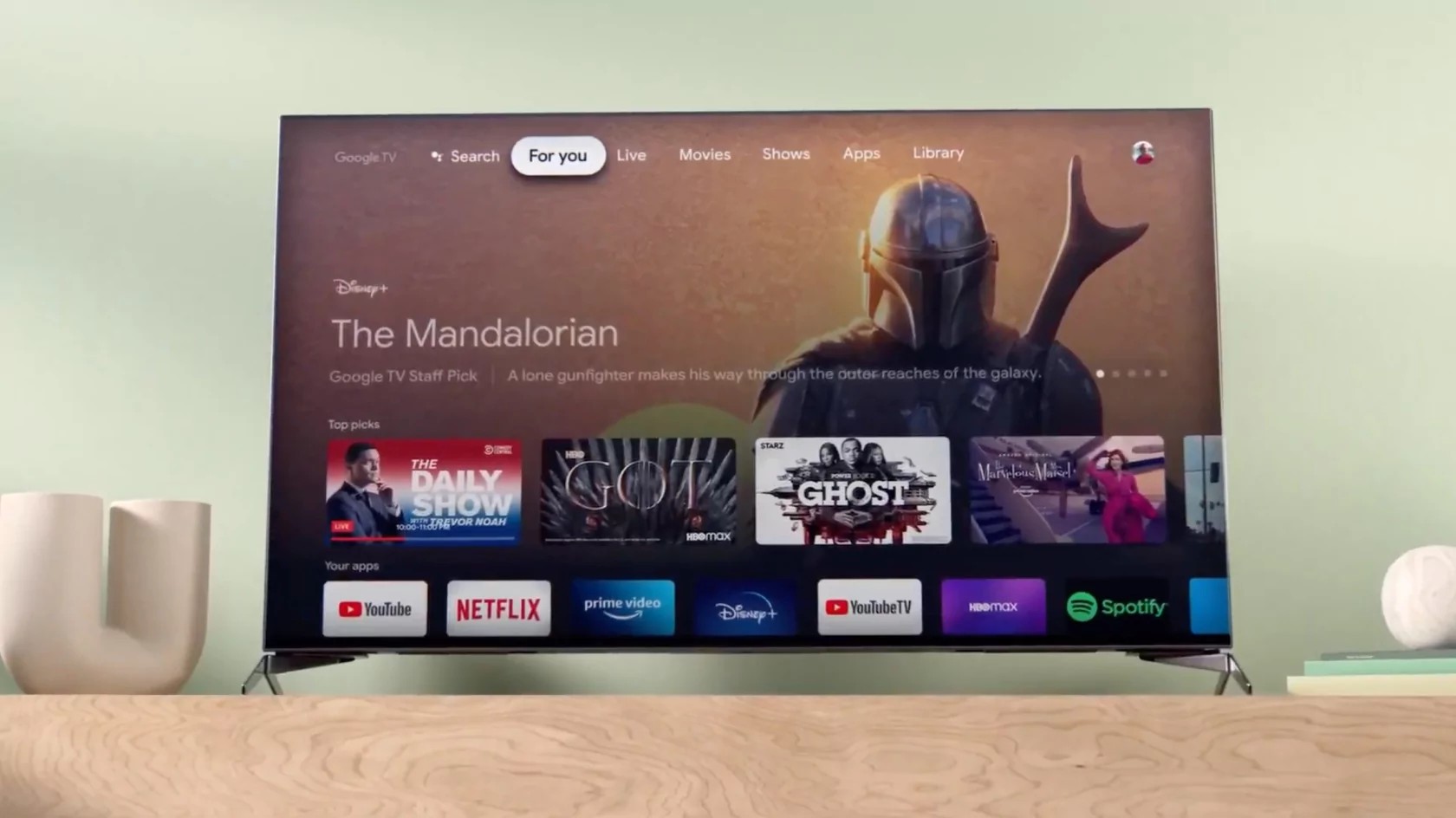
    Android TV owners can already use their phones a remote controls thanks to the Android TV Remote Control app. However, that app hasn’t been updated forever, a sign that Google has other plans for the app and the functionality it offers.

    Those plans have been revealed today when 9to5google discovered code strings in the Google TV app (previously known as Play Movies & TV) that suggest Google is about to add the same remote control capability available in the Android TV Remote Control app.

    The strings refer to a directional pad, enter and back buttons, and the ability to pair a phone to an Android TV, which is exactly what a remote control would do. Unfortunately, the option to turn your phone into a remote control with the Google TV app is not yet functional, but at least we know that you won’t have to use a standalone app to do that.

    Judging by how fast Google is bringing new features to its apps, it won’t be surprising to see the new functionality arriving in just a couple of weeks. We’ll keep our eye peeled for any developments, so stay tuned.

  • Google Maps adds another useful feature from Waze

    Google Maps adds another useful feature from Waze

    Back in June 2013, Google bought Waze for a reported $1.1-1.3 billion. Since then, Google has handpicked some of Waze’s best features and added them to Google Maps. Features such as speed limit warnings, incident reports, and a speedometer have become part of Google Maps over the years. Another feature from Waze is coming to Google’s mapping and navigation app.

    Rolling out gradually to Google Maps users is a notification warning them that they are approaching a railroad crossing. The notification appears at the bottom of the screen and says “Expect Delays” because of the crossing. The map shows the location of the railroad crossing by denoting it with a round yellow icon with railroad tracks. It isn’t clear whether Android, iOS, or users of both platforms will get the railroad crossing notification first. It should be seen in the U.S. to start with the feature expanding to more countries over time.

    Some Google Maps users are starting to receive notifications when they approach a railroad crossing.

    It should be pointed out that Google has yet to announce this new feature. Often, when the company is adding multiple new features to Maps, Google will write a lengthy blog post that discusses the app’s new capabilities.

    Besides helping users navigate from point “A” to point “B” with turn-by-turn directions, Google Maps has matured to become a guide helping people visiting a strange city find places to eat, things to see, where they can stay the night, and much more.

  • Google finally updates the Gmail for iOS app after three months

    Google finally updates the Gmail for iOS app after three months

    Google finally released an update for its Gmail for iOS app on Monday. As you might recall, many of Google’s iOS apps have not been updated for iOS and it is thought that this was done on purpose to avoid having to add App Privacy labels to its apps. Starting on December 8th, any app updated in the App Store has to include its App Privacy Label. Located near the end of each app’s App Store listing, the App Privacy Label shows the data that an app can collect including the data that can be linked to the user’s identity. In the case of Gmail, this data includes Purchases, Location, Contact Info, Contacts, User Content, Search History, Identifiers, Usage Data, Diagnostics, and Other Data.

    Google is reportedly being shy about having the App Privacy Label posted for its most popular iOS apps after seeing the criticism Facebook received for posting its longer than average App Privacy Label. Google denied all of this last month and said that it would be updating its iOS apps within weeks. But many of its iOS apps have gone without a recent update and the lack of an update for Gmail resulted in iPhone users being sent a warning earlier this month noting that their Gmail app is out of date. The message said, “You should update this app. The version you’re using doesn’t include the latest security features to keep you protected. Only continue if you understand this.”

    Before Monday, it had been about three months since the Gmail app for iOS had received an update; there are still some other Google apps that need to follow suit. But by bringing one of its most popular iOS apps up-to-date, Google has sent a message that says it is not afraid of the App Privacy Label and has started the process of updating its remaining iOS apps.

  • Tata Communications partners Google Cloud India for public cloud services

    Tata Communications partners Google Cloud India for public cloud services

    Tata Communications, a global digital ecosystem enabler, announced its partnership with Google Cloud to drive cloud adoption and transform Indian businesses. With this partnership, Tata Communications has further expanded its managed public cloud services portfolio to include capabilities for Google Cloud.

    The partnership between Tata Communications and Google Cloud India will enable organizations to deploy and access Google Cloud services through Tata Communications’ IZO™ Managed Cloud while providing them ease-of-use coupled with end-to-end services, including cloud architecture planning, workload migration and ongoing operational support.

    As a Google Cloud India Partner, Tata Communications will support organizations with services across infrastructure modernization, data center transformation, application modernization, smart analytics, multi-cloud deployments and more.

    Tata Communications IZO™ Managed Cloud provides the right expertise, infrastructure, and support services to drive business growth and improve performance. Tata Communications’ IZO™ Cloud Command portal offers a single-pane-of-glass orchestration tool that integrates different enterprise IT environments into a single dashboard and simplifies the management and orchestration of the IT estate, offering a unified cloud experience. It provides a comprehensive view of IT resource utilization (across on-premise, private, Google Cloud), thus enabling greater control for the customer, resulting in cost efficiencies and improved productivity.

    With the current global scenario, there is wider recognition for business resilience and agility that cloud enables; most businesses are now beginning to explore a cloud-first model. DevOps, a set of practices that combine software development and IT operations, has become an important requirement for enterprises. To make applications future-ready, businesses are modernizing them by leveraging Containers and Kubernetes (an open-source platform for container orchestration), as they offer businesses the scalability and portability they need to be agile and build a competitive edge, enabling self-service provisioning and capacity-on-demand with ease.

    Tata Communications’ services can manage Kubernetes on Google Cloud platform that can enable application modernization seamlessly, which is an essential need as enterprises graduate in the hybrid multi-cloud environments.

    According to an IDC survey, more than 60 percent of Indian organizations plan to leverage cloud platforms for digital innovation, as they re-strategize their IT spending plans. Tata Communications and Google Cloud India together have market-leading capabilities across a spectrum of services for customers looking to reframe their business blueprint.

    “The current demands on enterprises to manage and optimize their cloud solutions has never been more important, especially in the wake of COVID-19 and our increasing reliance on cloud infrastructure,” says Rajesh Awasthi, Global Head of Cloud and Managed Hosting Services at Tata Communications. “As organizations migrate to Google Cloud, they need a partner that will support them across their entire IT ecosystem and deliver a unified cloud management platform that offers greater transparency, control and security of their data and applications.”

    “The true test of 2021 will be how organizations adopt a cloud-first approach. Through our partnership with Tata Communications, we will be able to provide our customers with a unified, end-to-end experience that will remove the complexity in cloud management and help them transform at speed and scale”, said Amitabh Jacob, Head of Partners and Alliances at Google Cloud India.