Tag: Google

  • Luxury Market Growth Anticipated to Taper Off in 2025 Amid Economic Shifts

    Luxury Market Growth Anticipated to Taper Off in 2025 Amid Economic Shifts

    The luxury goods sector, a dazzling stalwart of economic growth that typically thrives at about 7% annually, is bracing for a slowdown in 2025, according to insights from Morgan Stanley. This promising world of high-end fashion and lavish accessories is finding itself tangled in a web of challenges—rising macroeconomic pressures, constrained pricing power, and plummeting demand from vital markets threaten its golden sheen.

    Challenges from Major Markets

    After a spectacular sales jump of over 80% between 2019 and 2024—boosted by COVID-era savings, U.S. stimulus, and an influx of new consumers—the luxury market is now facing a more uncertain horizon. Key consumer markets such as China, the U.S., and Europe, which cumulatively represent a staggering 75% of the industry’s spending, are showing signs of weakening demand.

    The Post-Pandemic Reality Check

    The industry is grappling with the normalization of growth post-pandemic, compounded by U.S. tariffs, soaring interest rates in Western nations, and widespread expectations of a slower global economy. “We are in a very different environment today,” asserts Edouard Aubin, Morgan Stanley’s Head of European Luxury Brands Research. “Luxury pricing power has eroded following steep price increases after the pandemic, and Chinese demand is likely to remain stagnant at best this year.”

    Shifting Consumer Sentiment

    The once-vibrant spending habits of Chinese consumers, who are typically the biggest patrons of luxury goods, have significantly dialed back. A recent Morgan Stanley AlphaWise survey of over 2,000 Chinese shoppers conducted in April reveals that 60% plan to cut back on spending in the coming six months due to job instability and income worries stemming from new U.S. tariffs.

    Fading Hopes for Recovery

    The outlook for U.S. consumers stepping in to fill the gap appears dim, with hopes for a 2025 rebound rapidly diminishing after a brief surge in April fueled by seasonal buying and pent-up demand. While some companies managed to evade tariff repercussions by shipping their products early, Morgan Stanley warns that the looming risk of recession and declining consumer confidence is a far greater threat to the sector.

    In the short term, demand is projected to remain lackluster, with a flicker of hope that recovery might materialize if U.S. markets continue their climb or if stability returns to China’s beleaguered real estate sector. As the luxury industry faces these turbulent waters, it’s a reminder that even the glitziest of markets must sometimes contend with unpredictable tides.

    Questions & Answers

    What is Morgan Stanley predicting for the luxury goods industry in 2025? They forecast a slowdown in growth, citing rising macroeconomic pressures and weakened demand from key markets.

    Which markets are contributing to the decline in luxury spending? Major consumer markets such as China, the U.S., and Europe are experiencing softer demand, collectively responsible for 75% of the industry’s spending.

    What factors are affecting consumer behavior, especially in China? According to a survey, 60% of Chinese consumers plan to reduce spending due to concerns about job stability and income levels influenced by new U.S. tariffs.
  • WorkJam Brings Next-Gen AI to the Frontline Workforce with Google Cloud

    WorkJam Brings Next-Gen AI to the Frontline Workforce with Google Cloud

    WorkJam Brings Next-Gen AI to the Frontline Workforce with Google Cloud

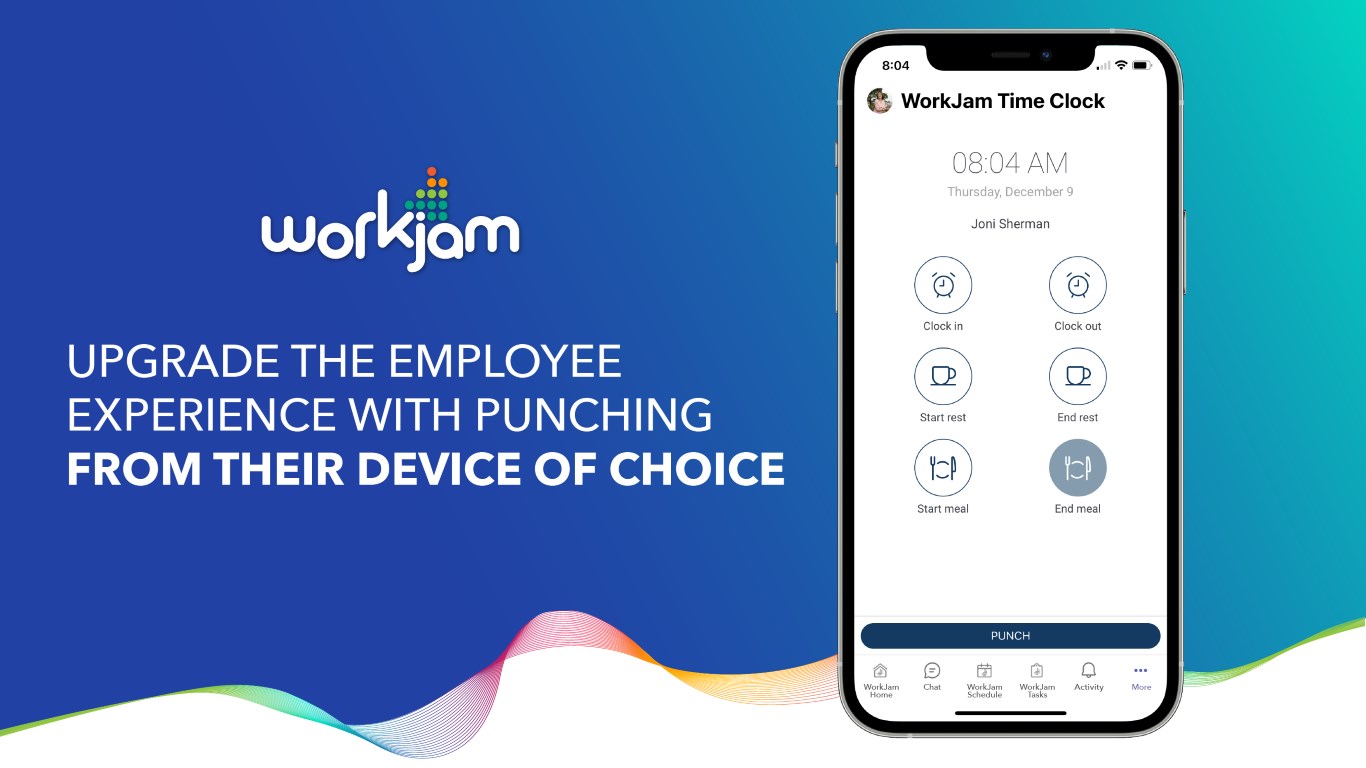
    WorkJam, the world’s leading digital frontline workplace, today announced an expansion of its strategic collaboration with Google Cloud to deliver enterprise-ready AI solutions built specifically for frontline teams. WorkJam already offers AI Agent, powered by Google’s Gemini models and cloud infrastructure, which is revolutionising how frontline organisations operate—bringing intelligent automation, productivity, and engagement to a new level and this feature will be the first of an innovative road map that will be AI-driven.

    Built on Google Cloud’s Industry-Leading AI Infrastructure

    WorkJam’s AI roadmap is engineered on Google Cloud, providing unmatched scalability, performance, and global reliability. With built-in enterprise-grade security and compliance, it is ready to meet the demands of complex industries such as retail, healthcare, logistics, and manufacturing.

    Powered by Google’s Gemini Models: Multimodal Intelligence for Real-World Impact

    Leveraging Google’s Gemini models, WorkJam delivers intelligent and conversational AI that understands text, voice, and visual inputs—creating more natural, intuitive user experiences for frontline employees. From task automation and knowledge retrieval to in-the-moment support, WorkJam’s AI Agent supercharges productivity and reduces friction in everyday operations.

    An AI Vision for the Future of Frontline Work

    WorkJam’s vision is to continue to transform the frontline experience by integrating Google’s Gemini models to deliver real-time intelligence, automation, and intuitive support directly into daily workflows. By combining voice, text, and visual understanding, WorkJam empowers frontline employees with instant access to knowledge, adaptive training, and seamless task execution—regardless of language or role. This reduces friction, streamlines operations, and unburdens managers to focus on high-value work. AI will enable intelligent labour utilisation, and ensure the right people are deployed at the right time, maximising productivity, engagement, and customer impact for every customer.

    A Collaboration Driving Innovation

    This collaboration enables WorkJam to co-innovate alongside Google Cloud, gaining early access to AI advancements and accelerating delivery of cutting-edge capabilities to global customers.

    Steven Kramer, CEO, WorkJam said, “By integrating the powerful reasoning capabilities of Google’s Gemini models into the WorkJam platform, we’re redefining labour utilisation for frontline teams across the APAC region. This isn’t just about smarter scheduling—it’s about giving managers and employees real-time support to make better decisions, balance workloads, and drive productivity. With Gemini models, WorkJam ensures the right people are in the right place at the right time, improving operational efficiency while creating a more engaging and productive work environment.”

    About WorkJam

    WorkJam was founded in 2014 to improve the lives of frontline workers. As the world’s leading digital frontline workplace, WorkJam combines communication, task management, scheduling tools, learning, and more – all on one app. It is the only complete and unified system designed to revolutionize the way HQs and their frontline work together, boosting efficiencies and productivity. Available in 50 languages with in–line translations, the app helps organizations bridge language barriers and create a more inclusive working environment for all. WorkJam introduces Total Workforce Orchestration®. To learn more, visit WorkJam.com or follow us on LinkedIn.

  • Samsung announces important changes to Galaxy A series

    Samsung announces important changes to Galaxy A series

    Samsung has just announced that through a partnership with Google it will bring one of the most popular AI features to Galaxy A series devices. Samsung Galaxy S series can already activate Gemini AI through the side button, but this feature will soon expand to Galaxy A series phones.

    Thanks to the latest update, Galaxy A series users will be able to enjoy smarter AI experiences, such as launching Gemini, Google’s AI-powered assistant, by simply pressing and holding the side button.

    Samsung and Google have been working together to deliver seamless, intuitive and meaningful AI experiences, making the latest technology more accessible for more users. We’re excited that Galaxy A series users will now be able to activate Gemini faster and more naturally through a simple gesture that brings intelligent support into the flow of daily tasks.

    According to Samsung, the first Galaxy A series to enjoy the new AI feature are those phones it launched in the last two years. Below is the full list of Galaxy A series phones that have been confirmed to receive this update that will allow users to activate Gemini AI through the side button:

    Samsung Galaxy A series users will soon be able to activate Gemini from the side button | Image credit: Samsung

    It’s important to mention that the update that’s supposed to bring the new AI-oriented feature will be available only after the phones above have received their One UI 7 upgrade, which is scheduled to begin rolling out in May.

    Naturally, availability and supported features may vary by market, carrier and device model, which basically means that not everyone may get the update at the same time and not everyone’s phone might offer the same new functionality after the update.

    Three of the phones in the list will most likely be among the first to receive the new update because they were launched with One UI 7, so there’s no need to wait for that update to arrive. These phones are the Galaxy A56 5G, Galaxy A36 5G, and Galaxy A26 5G.

  • A big change is coming next month to file sharing on Samsung laptops

    A big change is coming next month to file sharing on Samsung laptops

    If you’re using a Samsung laptop and rely on Google’s Quick Share for moving files around, get ready for a change. Samsung is taking the reins for the Quick Share experience on its own Windows machines starting May 28, 2025. This move consolidates the file transfer feature under Samsung’s control for its PC and laptop users.

    One app to rule them all

    This shift means the standalone Quick Share app provided by Google will be phased out on Samsung laptops (and PCs). According to the release notes for the latest Quick Share app update from Google (version 1.0.2180.0), come May 28th next year, attempting to use the Google version on a Samsung laptop will prompt you to install Samsung’s own Quick Share application instead.

    Google has already updated its app, paving the way for this transition. The application has been renamed from “Quick Share from Google” to simply “Quick Share”, and crucially, compatibility with Samsung’s version has been added.

    Streamlining the sharing process

    This move aims to streamline the file-sharing experience for users within the Samsung ecosystem. For a while now, there have been two “Quick Share” experiences floating around: Google’s Nearby Share (which was rebranded to Quick Share early last year) and Samsung’s own Quick Share feature, which predates Google’s widespread adoption of the name. This created some confusion, especially when sharing between Samsung phones, non-Samsung Android devices, and Windows PCs.

    Google and Samsung announced plans to merge these experiences back in early 2024, aiming for a unified file-sharing solution similar to Apple’s popular AirDrop feature that works seamlessly between iPhones, iPads, and Macs. Other alternatives like Microsoft’s Phone Link also offer ways to bridge phone and PC, but Quick Share focuses specifically on rapid, direct file transfers. This upcoming change on Samsung laptops is the next logical step in that consolidation effort, ensuring Samsung users have a consistent experience managed directly by Samsung across their Galaxy phones and Galaxy Book computers.

    Handing control over to Samsung for its own laptops makes a lot of sense. It should reduce confusion and hopefully lead to a more integrated and seamless file-sharing process for people invested in Samsung’s hardware. While swapping apps might involve a quick download and potentially getting used to a slightly different interface, having a single, manufacturer-managed Quick Share application on Samsung PCs is ultimately a positive step. It moves towards a less fragmented experience when you just want to send a photo or document from your phone to your laptop quickly, simplifying a common task.

  • Google might have to sell off some of its businesses after a judge makes a critical ruling

    Google might have to sell off some of its businesses after a judge makes a critical ruling

    A ruling made by a US federal judge this morning could help the Justice Department decide to force Google to break up its online advertising businesses. District Judge Leonie Brinkema, of the US District Court for the Eastern District of Virginia, ruled that Google illegally dominated two markets for online advertising that combined to generate billions in revenue for Alphabet last year.

    Judge Brinkema said that Google was liable for “willfully acquiring and maintaining monopoly power” in the online publisher ad server market, and in the ad-exchange market that connects ad buyers with ad sellers. “Google further entrenched its monopoly power by imposing anticompetitive practices on its customers and eliminating desirable product features,” the judge added in her decision.

    Google did score a moral victory when the judge ruled that the DOJ failed to present enough evidence for her to rule that Google had a monopoly in the advertiser ad networks segment of the online advertising market. Google jumped on that victory to claim a partial win and said that it would challenge the rest of the judge’s rulings.

    “We won half of this case and we will appeal the other half. The Court found that our advertiser tools and our acquisitions, such as DoubleClick, don’t harm competition. We disagree with the Court’s decision regarding our publisher tools. Publishers have many options and they choose Google because our ad tech tools are simple, affordable and effective.”

    In her 115-page decision, Judge Brinkema agreed with the DOJ that Google, by tying its ad server and ad exchange businesses together, was able to “establish and protect its monopoly power in these two markets.” Publisher ad servers are a platform used by publishers to manage and control their inventory of ads. The ad exchange business is a digital marketplace that connects ad sellers like publishers with potential ad buyers like advertisers. It can be compared to an online stock exchange where ads and ad space are bought and sold instead of equities.

    The DOJ has argued that the court should force Google to sell off its digital advertising products including Google Ad Manager which includes the ad exchange and the publisher ad server. On Wall Street, shares of Google parent Alphabet (GOOG-NASDAQ) slipped slightly on the news with the stock down 1.3% or $2.01 to $153.49. The 52-week high is $208.70 while $142.66 is the 52-week low.

    Google’s legal issues continue. Next week, a court in Washington will hold a trial with the DOJ attempting to force Google to sell its Chrome Browser and take other steps to reduce its dominance in the search engine market.

    Some consumer watchdogs took to their social media platforms to declare victory over Google. Sacha Howarth, executive director of the Tech Oversight Project, said, “This ruling is an unequivocal win for the American people that will help lower prices, increase competition, and lead to a better internet for everyone.”

  • Google Wallet now brings even more notifications to your lock screen

    Google Wallet now brings even more notifications to your lock screen

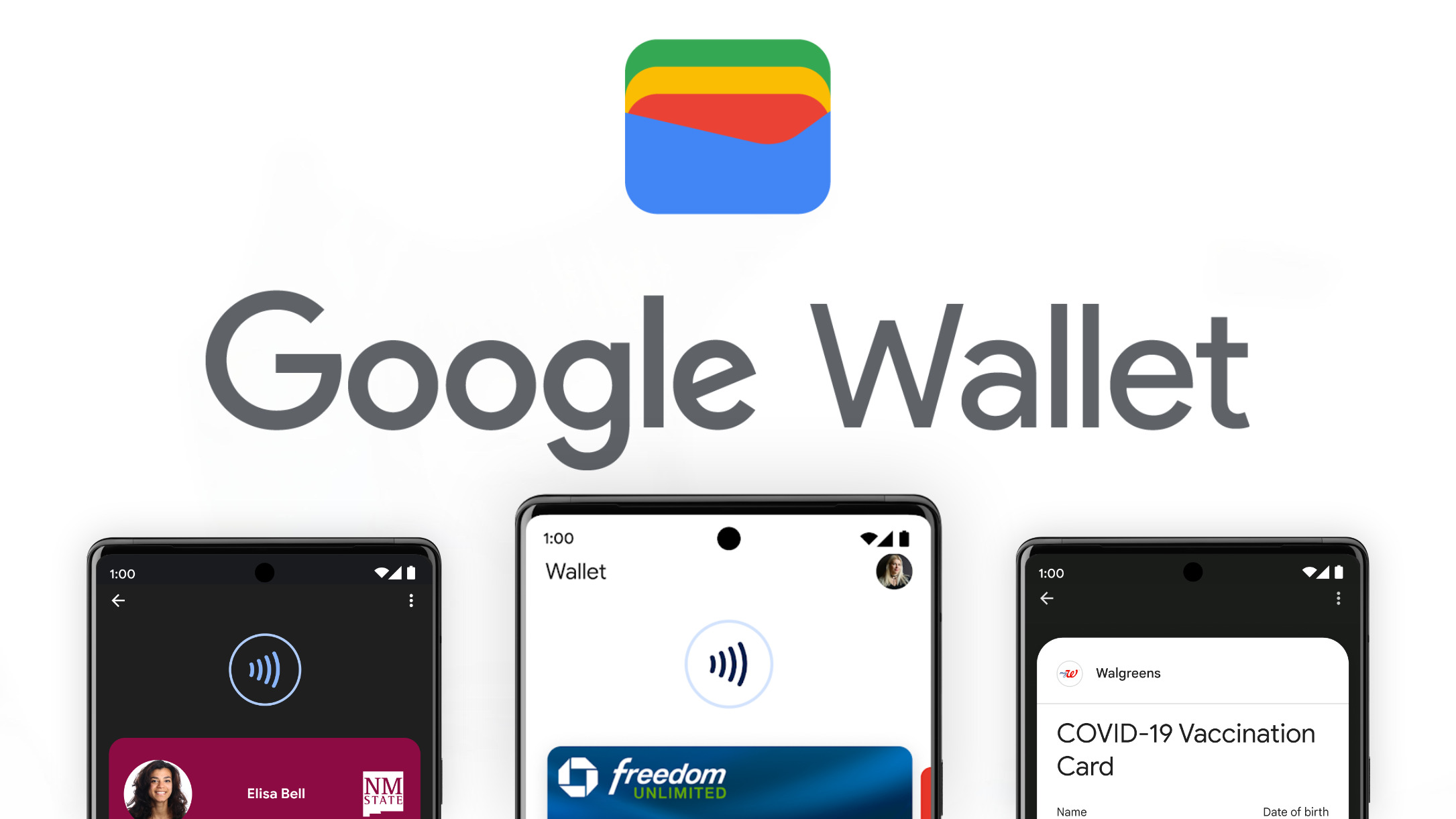
    Google Wallet is getting new features and improvements all the time, which is quite surprising for an app that was initially designed as a simple digital wallet. Over the years, Wallet has become so much more than just a digital wallet, as Google thoroughly added dozens of new functionalities that allow users to manage not just their payments cards, but also pass tickets, keys, and even IDs.

    The most recent Google Wallet update adds new features that are especially important for commuters. Starting today, Google’s Wallet digital wallet app will show in real-time the status of your train ride.

    You’ll be notified directly on your phone’s lock screen whether your train will be arriving on time or if it’s delayed. In order for these notifications to happen, users will first have to add their train tickets to the Google Wallet app.

    The bad news is this is not available for all railroad companies and, more importantly, only live in two countries: India and Canada. For the time being, Google Wallet users in these countries will be able to add their train tickets in the app if they’re from Indian Railways or Via Rail.

  • Google Maps will add this feature from Waze to make driving more colorful and fun

    Google Maps will add this feature from Waze to make driving more colorful and fun

    When Google bought Waze for $1.3 billion in 2013, it was obvious that it would move some of Waze’s crowdsourcing features to Google Maps. Over the years, Google has added many Waze-like features such as the ability to quickly report a crash, a slowdown, police activity, construction, a lane closure, a stalled vehicle, an object on the road, a flooded road, low visibility, and an unplowed road. All of these hazards can be reported in seconds.

    Now, Google Maps is adding another feature associated with Waze. The former will be adding new car icons to replace the blue arrow and other icons that can be used to represent your car on the navigation map. You can make this change on your iOS or Android-powered handset by pulling up the the menu from the handle near the bottom of the screen that shows how much time is left on your drive, the mileage remaining on your journey, and the estimated time of arrival. Grab the handle, swipe up and you’ll see a menu with several options.
    The next to last option reads Vehicle icon. Tap on it and you can select from the traditional arrow icon, a sports car, a pickup truck, an SUV, a sedan, and more for a total of eight icons. Just swipe through them to sell all of your choices. There are eight color options including:
     

    • Glacier white
    • Night black
    • Ash gray
    • Poppy red
    • Sky blue
    • Sunny yellow
    • Aqua green
    • Sunset magenta

    Another way to change your icon is to tap on the default vehicle icon that appears once you set your destination and start navigation. You must have the most up-to-date version of Google Maps on your iOS or Android-powered device to get this feature. One way to do this would be to tap on this link and install the latest version of Google Maps for iOS on your iPhone. If you own an Android device, press this link to install the latest Google Maps build on your Android phone.< Everything about the new car icons, from the way they look to the UI used to select your car and the color that you want the vehicle to be, looks like it just stepped right out of the Waze app. Google Maps and Waze have two separate functions. The former is for those who not only want to navigate quickly and safely from "A" to "B," but also want recommendations on where to dine, where to spend the night, where to find local entertainment, and more. Waze is more about the actual journey and using crowdsourced information that makes the drive easier to make.

  • Text bubbles fill out before your eyes on the latest version of Google Messages

    Text bubbles fill out before your eyes on the latest version of Google Messages

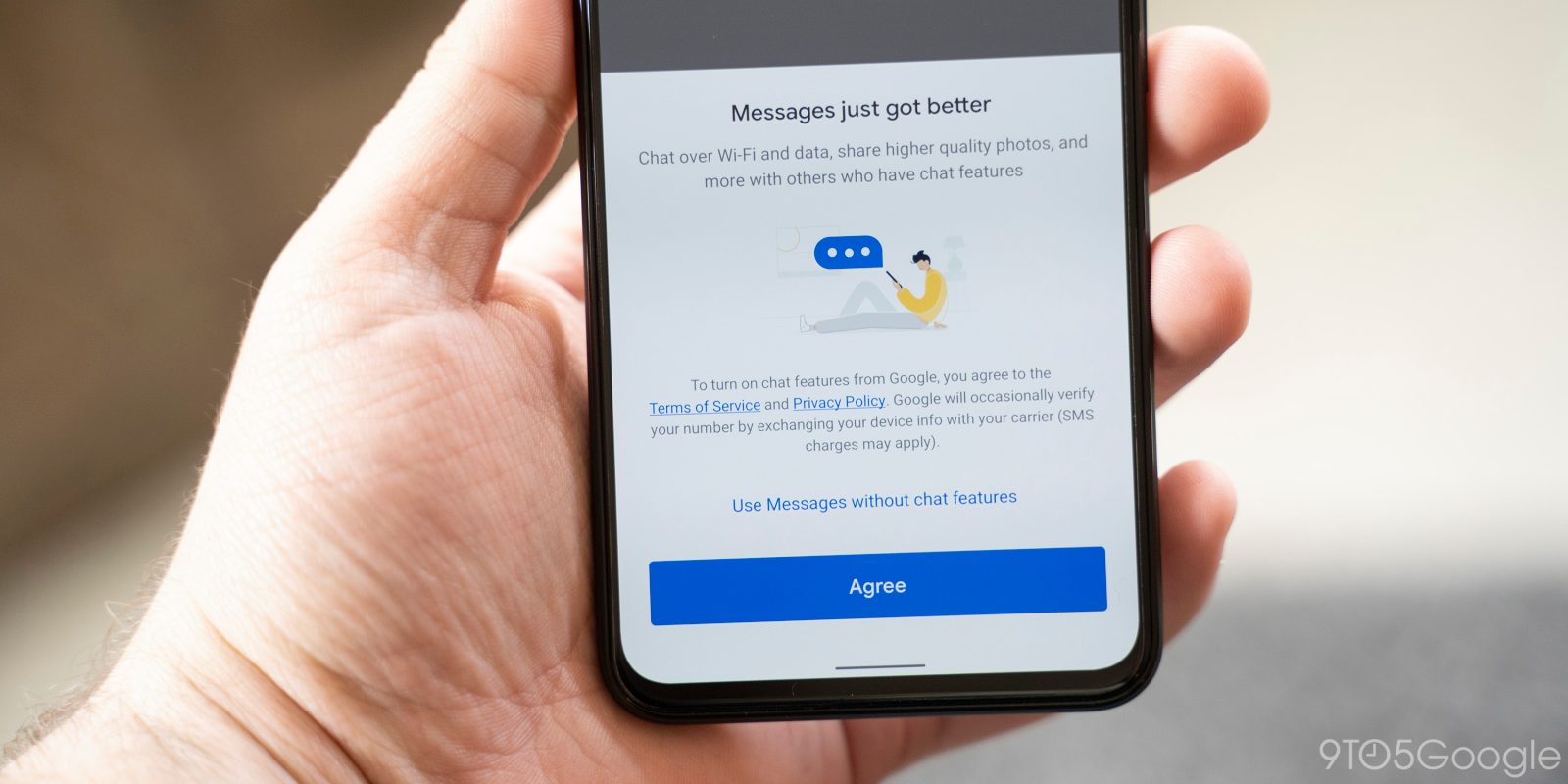
    Google constantly works on improving certain native Android apps. Google Maps is one of those, and so is Google Messages for Android. We’ve recently passed along some new updates coming to the Google Messages app, including a larger pill-shaped text field, and a revised user interface for the “view details” feature. Now, we’ve caught wind about another change that is supposed to improve the look of the Google Messages app for Android.
    First spotted in the January beta of the app in version 20250115_03_RC00, the new chat bubble animation lives in the stable version of the app, 20250212_01_RC00. With the new version installed on your Android phone, messages will no longer just slide up when sent or received. Instead, a new animation will show the message bubbles starting out small and then growing in size to fill out the space they are allotted. It is not a major change but it brings a cool new look to the Messages app and the good news is that the new animation works regardless if a message is being sent or received via RCS or SMS.
    To be clear, there is no way you can disable this feature once the update is installed on your phone. And its also possible that if you didn’t know that this change is coming, you might not notice a difference when it does finally arrive on your Android phone. The new-look message bubble should start appearing on Android phones sometime during the next few weeks.
    With the open nature of Android, there are so many messaging apps available in the Play Store that you might not be using Google Messages. If you want to make a change and install the app on your Android phone, you can always tap on the following link to download Google Messages from Google’s app storefront.
    If you want to know whether you have received the new look message bubbles, go to Settings > Apps > All Apps > Messages and scroll down to the very bottom of the page. That’s where you will find the version number of the Google Messages app that is on your Android phone. To reiterate, you’re going to want to see a stable version number of 20250212_01_RC00 or higher. For example, the version of Google Messages on my Pixel 6 Pro running Android 16 beta 2 is 20250225_00_RC00.
    If you do have the new expanding text bubble on the Google Messages app installed on your Android phone, let us know how you like it by writing your comments in the box below.
  • Update to Google Messages app leaves it with a larger pill to swallow

    Update to Google Messages app leaves it with a larger pill to swallow

    It appears that after an update Google has seemingly increased the size of the text field in the Google Messages app. The text field, the pill-shaped area where new messages are typed into, has been the beneficiary of an increase in size that makes it thicker and longer (no wisecracks, please). It certainly is not an illusion and neither is the size increase of the Voice memo button which is outside of the text field on the right side and turns into the send button.
    All of the buttons remain in their same places with the plus button still found inside the text pill on the left side. That button opens up several features including:
    • Gallery
    • GIFs
    • Stickers
    • Files
    • Location
    • Contacts
    • Schedule Send
    • Selfie GiF
    Other shortcuts inside the text pill include the smiley face emoji which takes you to the emoji keyboard when tapped. Lastly, inside the pill there is the Gallery shortcut which shows the camera app on top with the photo gallery on the bottom. The wider text pill in the Messages app has appeared with beta version 20250224_01_RC00 of the app.
    While Google has yet to roll out this update widely, you can always look for it by opening the Play Store app and tapping the profile icon in the upper right corner. Tap on Manage apps & device, Updates available, and scroll down to Messages. If the app is listed there, it means that an update for the app is available. Tap on “Update” and let the process finish. The latest update to the app on my phone was version 20250225_01_RC00 which means that you should probably update the app right away if you want the larger text field right away.
    You can check to see which version of the Google Messages app is on your phone by going to Settings > Apps > See all XXX apps > Messages. Scroll down to the bottom of the page to see the version number of the app that is installed on your phone.
    If you aren’t using Google Messages on your Android phone (after all, there are many options to choose from), you can add it to your handset by tapping on this link which will take you to the Google Play Store from where you can download the Google Messages app.
  • Google Wallet becomes even more useful for people in the US

    Google Wallet becomes even more useful for people in the US

    Google Wallet is already the most important digital wallet for Android users in the United States. The app has evolved a lot in the last couple of years and is no longer just a simple payment option for those who won’t want to use their credit/debit cards.

    Google has slowly added more functionality to the Wallet app, including the option to store loyalty cards, tickets, keys, or even IDs. Although there aren’t too many other features that Google could add, there’s a lot of room for improving the existing ones.

    That said, it appears that Google Wallet has gained a couple of new perks this week. The folks at 9to5 Google report that the app has received a small update that allows users to upgrade some loyalty cards.

    Users in the United States who have loyalty cards safely stored in Google Wallet might see an “Upgrade available” label below the name of some loyalty cards. Thanks to the new feature, Google Wallet can automatically search through the static passes stored in the app and try to bring them up to date.

    This seems to be part of a larger design change that Google announced last year with an update for Play services. At that time, the search giant said that “you’ll now be able to upgrade your passes in Google Wallet.” This means that you won’t have to manually update your loyalty cards every time by going to the Add to Wallet FAB / Loyalty cards.

    In related news, Google Wallet added support for 11 new banks and credit institutions in the United States. These updates typically arrive each month, so it’s not really a surprise. Here is the list of US banks that have just received Google Wallet support:

    • Banco Davivienda, S.A. (FL)
    • Column National Association (CA)
    • First Atlantic Federal Credit Union (NJ)
    • First National Bank of St. Ignace (MI)
    • Genesee Valley Federal Credit Union (NY)
    • GESA Credit Union (WA)
    • Hamlin Bank and Trust Company (PA)
    • Nibbles
    • Northrop Grumman Federal Credit Union
    • The Credit Union For All (IL)
    • Top Tier Federal Credit Union (PA)

    More banks are likely to be added to Google Wallet’s support list next month, so stay tuned for more details if your favorite bank or credit institution isn’t yet supported.

  • Google plans to make it harder for teens to lie about their age

    Google plans to make it harder for teens to lie about their age

    Google recently announced new digital products that target kids, teens and parents. From additional family-focused controls to helpful experiences for kids and teens, Google is trying to protect youngsters and give parents control over the content they consume on a regular basis.

    The list of improvements to existing safeguards Google has in place for under-18 users also includes a new machine learning model that will make it harder for teens to lie about their age.

    The Mountain View company has taken some steps toward providing age-appropriate experiences to teens when they use its products, including a number of changes for all users under 18. For example, Google recently introduced a SafeSearch Filter, restricting sensitive ad content, gating age-restricted content on YouTube & Play, and implemented teen wellbeing protections on YouTube.

    But that’s not enough since Google has decided to use machine learning to determine the age of a user. The search giant announced this week that it plans to start testing a machine learning-based estimation model. The test will be limited to the United States at launch, but Google plans to bring the technology to more countries over time.The machine learning model Google is going to test this year is meant to help the company estimate whether a user is over or under 18 so that it can provide a more age-appropriate experience.

    Google hasn’t yet explained how this machine learning model will work, so it remains to be seen whether or not it will be more effective than the safeguards it has implemented right now.

    In related news, Google announced it’s rolling out a new sensitive content warning feature in Google Messages. This feature is opt-in for adults, but mandatory for kids and teens. It can be managed via Android Settings and features parental controls for supervised accounts.

    For those interested in learning more about Google’s teens experiences, we have an extensive article that explains how the company plans to empower parents to manage their kids’ devices.

  • Google Maps and Apple Maps have different names for the same body of water

    Google Maps and Apple Maps have different names for the same body of water

    In case you haven’t noticed it yet, the Gulf of Mexico today has been officially renamed the Gulf of America in the U.S. on Google Maps. We first told you about the change at the end of last month, and now that the Geographic Names Information System (GNIS) has made the revision, it was time for Google to do likewise. In some countries, Google Maps will show two names, with the Gulf of Mexico as the primary name and the Gulf of America in parenthesis.

    Apple, on the other hand, continues to refer to the body of water as the Gulf of Mexico. We haven’t seen Google Maps and Apple Maps call the same geographic area by different names since Apple Maps was released in September 2012 alongside the launch of iOS 6. Apple Maps had so many problems with some countries and streets mislabeled or missing. In Australia, Apple Maps was considered dangerous after it led some drivers to the Outback teeming with poisonous snakes, a temperature of 115 degree, and a lack of cell service.

    We don’t consider Apple’s decision not to follow Google Maps to be a conscious effort to ignore President Trump’s executive order. After all, tech firms seem more willing to get behind the president during this term. For some, like Google, it’s a matter of self-preservation. As recently as last September, then-candidate Trump threatened to prosecute Google for Election Interference if returned to the White House.

    Trump complained that Google Search was showing only negative stories about him while listing only positive stories about his opponent, then-Vice President Kamala Harris. You might recall that in 2018, during his first term, Google was accused by the president of “rigging” search results, so when users searched for “Trump news,” 96% of the results came from the “National Left-Wing Media” according to Trump.

    Besides Google, other tech companies that have shown support for President Trump in some manner include Amazon, Meta, and Apple. All three of these firms or their CEOs donated $1 million toward the president’s inauguration. Most tech companies learned during Trump’s first term that you kill more flies with honey. All four tech companies, Apple and Google particularly, might need help from Trump to avoid being prosecuted by the Justice Department for anti-trust violations.

    So, if all it takes for Google to get on the president’s good side is to change the name of the Gulf of Mexico to Gulf of America on the U.S. version of Google Maps, that’s a small price for the company to pay. Also expected to get a name refresh soon is the Denali mountain in Alaska; the president has ordered that the mountain be called by its original name, “Mount McKinley.”

  • Google TV removes several free channels from its impressive library

    Google TV removes several free channels from its impressive library

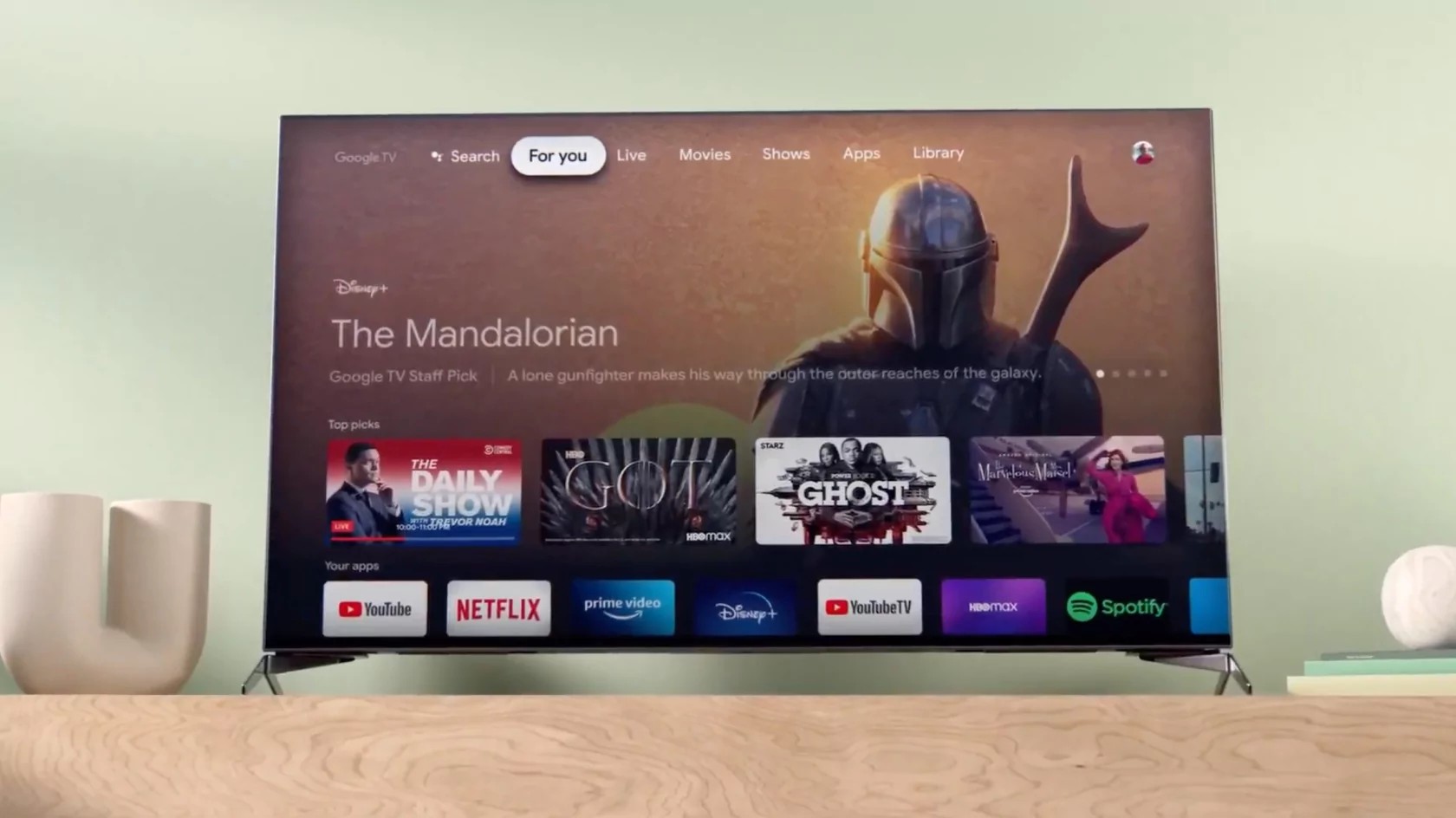
    Google TV is doing a great job keeping consumers entertained thanks to its impressive collection of free channels. Each month Google TV adds a new batch of free channels, so it’s now impossible not to find something interesting to watch that doesn’t require a subscription.

    Unfortunately, it looks like sometime Google TV must remove some of the free channels it previously added to its offering. The folks at 9to5google have just learned that nine free channels have been recently removed from Google TV and can no longer be accessed.

    • The Hill TV
    • Dog Whisperer with Cesar Milan
    • Dove Channel
    • Comedy Dynamics
    • The Bob Ross Channel
    • Shades of Black
    • OutTV Proud
    • Dazn Ringside
    • Dazn Women’s Football

    What’s worse is that these channels have been added relatively recently and most of them are part of the batch. If you didn’t have time to watch these channels while they were available for free via Google TV, you’ll no longer be able to access them.

    Google didn’t offer any explanation regarding the removal of these channels, but this usually happens if an agreement between two entities is no longer valid due to various reasons.

    In this particular case, Google had to sign distribution agreements with at least one partner, Cinedigm, which operates most (if not all) of the channels removed this month.

    Since Google didn’t offer any explanation for the removal of these channels, it’s unclear if all or some of these channels will return to Google TV at some point in the future.

  • Google Sheets update greatly improves performance in various scenarios

    Google Sheets update greatly improves performance in various scenarios

    Google Sheets is getting a small but important update this week. The update includes some under-the-hood improvements that greatly enhances the app’s overall performance.

    After doubling the calculation speed in Google Sheets last year, the app is now getting some extra improvements for everyday actions. First off, the pasting data is now 50 percent faster when pasting from one spreadsheet to another.

    Another important improvement included in this update is related to filter conditions, which can now be set up to 50 percent faster than before. Lastly, the spreadsheets now load existing data up to 30 percent faster.

    I think it’s safe to say that these improvements will help the large majority of Google Sheets users. Here are some scenarios in which the latest Google Sheets performance improvements really shine:

    • A data analyst can paste small or large quantities of data from an existing spreadsheet to a new one in a quicker manner.
    • A campaign manager can add filtering conditions to better understand the performance of a campaign at a certain time faster.
    • A small business owner can quickly see their data load.

    Google confirmed that these improvements have already been rolled out and should be available to Sheets users today. Since these are under-the-hood improvements, there’s no need to enable them.

    According to Google, these Sheets improvements are now available to all Google Workspace customers, Workspace Individual Subscribers, and users with personal Google accounts.

  • WhatsApp is working on multi-account support for iOS

    WhatsApp is working on multi-account support for iOS

    WhatsApp recently added new camera effects, self stickers, and quick reactions to its app, but there are a lot more improvements its engineers plan to introduce in the coming months.

    One of the improvements involves the ability to switch WhatsApp accounts on the same device. The folks over at WaBetaInfo have just learned that a new iOS update that brings WhatsApp to version 25.2.10.70 includes the ability to add and manage multiple accounts within the app.

    The same feature was spotted for the first time back in August 2023, but WhatsApp was only testing multi-account support on Android at that time. Now it looks like WhatsApp plans to bring this feature to iOS users too at some point in the future.

    It remains to be seen how multi-account support will be implemented on iOS, but currently users can choose between setting up the device as a primary account or scanning a QR code to link a new account as secondary. This will allow iOS users to switch between WhatsApp accounts on the fly without having to use multiple devices.

    Adding multi-account support isn’t as easy as it may sound, as the app will have to keep all conversations organized on a single device while keeping the accounts separated. Notifications, chats, backups, and settings will remain unique for each account, unless the user wants them to operate similarly.

    Unfortunately, it’s hard to tell when exactly WhatsApp plans to roll out multi-account support on iOS but seeing that the company is already working on this feature means that we won’t have to wait too long.