Tag: Google

  • Google Flights introduces a new “Cheapest” tab for budget-conscious travelers

    Google Flights has launched a new “Cheapest” tab to help travelers find the most affordable flights, even if it means sacrificing some convenience. The new feature comes as October is considered the ideal time to book holiday flights for Thanksgiving and Christmas.

    Google Flights already offers various ways to save on travel, but this new feature aims to make finding the lowest prices even easier. The “Cheapest” tab will display options with the lowest fares, which may include longer layovers, self-transfers, or booking different legs of the trip through multiple airlines or booking sites.

    The new “Cheapest” tab complements the existing “Best” tab, which prioritizes a balance of price and convenience. While the “Best” tab shows the most convenient flights based on factors like travel time and number of stops, the “Cheapest” tab focuses solely on finding the absolute lowest fares, regardless of the potential inconveniences.

    This new feature is beneficial for travelers who are flexible with their travel plans and prioritize cost savings over convenience. By using the “Cheapest” tab, travelers can explore a wider range of options and potentially find significant discounts on their airfare.

    Google’s latest insights indicate that the cheapest fares for U.S. domestic trips around Thanksgiving and Christmas are usually available in October, which makes this the perfect time to roll out this tool. The new addition will effectively enable travelers to easily compare prices and find the best deals for their holiday travel plans. Rollout should begin globally over the next two weeks, wherever Google Flights is available —  this means both on mobile and the web.
    This update will provide travelers with an additional tool to make informed decisions and find the most affordable flights for their next trip, and it could be a game-changer for budget-conscious travelers like myself. The ability to prioritize price over convenience opens up a whole new world of possibilities for finding affordable flights. I’m eager to try out the “Cheapest” tab and see how much I can save on my future travels.
  • Google Messages working on fixing a privacy concern with its Profile discovery feature

    Google Messages working on fixing a privacy concern with its Profile discovery feature

    Google Messages is now working to fix a Profile discovery privacy risk that has been around since Google introduced the feature last year. The popular RCS messaging app for Android has been gaining popularity recently and more and more companies are choosing it over other messenger apps.

    With the rise in popularity, Google Messages is evolving to fulfill the needs and expectations of users better. Back in November 2023, Google announced Profiles, which allowed people to find other profiles.

    The feature itself isn’t available to everybody yet (it’s been rolling out to users somewhat sporadically), and now, the folks at Android Authority have discovered that Google is working on fixing privacy concerns around profile discovery.

    Digging into the code of Google Messages v20241010 beta, Android Authority found changes that would give users more control over who can see their name and profile picture. Right now, as part of the Profile Discovery feature, you can choose to use the name from your profile or a short name and show or hide your profile picture.

    But when this update becomes official, you will have new options inside Google Messages for profile privacy and visibility. Here are the sharing options you will likely get for your profile photo and your name:

    • People you message: Most likely, this option will show your name and profile photo to people you have messaged, whether or not they’re in your contact list. This most likely would be what a “Public” profile on social media is. This is the feature you’d use if you want to be found by people when they look up your number through Profile Discovery.
    • Only your contacts: Straightforwardly, this means your name and profile photo will be shown only to people in your contacts.
    • No one: Likely, your name and photo will be hidden from anyone.

    Reportedly, these new options will be shown to you when you log into Google Messages for the first time once the update has been rolled out. You will be able to change this setting through the “Your profile” option in the account switcher after that as well.

    For now, it’s not clear whether choosing the “No one” option means you turn off profile discovery features. However, offering these options is a great way to ensure that privacy-focused individuals will not be concerned with Profile Discovery features.

    For the moment, keep in mind that you still cannot set a different profile picture or name for Google Messages, and the app takes the picture and name from your Google account. Hopefully, Google will work on that feature too.

    After almost a full year after the Profiles announcement though, the feature isn’t rolled out to everyone just yet. It’s great though that Google is fixing privacy concerns ahead of a wider rollout.

  • Google Play Store to make app installs easier with an always visible Install button

    Google Play Store to make app installs easier with an always visible Install button

    If you own an Android phone, you probably spend a lot of time in the Google Play Store, where countless apps and games are available to choose from. However, sometimes app listings can get so lengthy that the Install button can disappear, forcing you to scroll back to the top, which, to be honest, can be annoying. Well, an upcoming change to the Google Play Store aims to address this by making the Install button a permanent fixture on app listings.

    A recent report suggests that Google Play Store version 43.1.19 contains code hinting at a feature that will keep the header fixed in place on app listings. This means the Install button will remain visible as you scroll through the app details.

    The header is packed with essential info about the app, including its icon, name, developer, average rating from the Play Store, and whether it has ads. You’ll also spot the handy Install button for quick downloads right to your device, plus a dropdown that lets you install the app on your other gadgets. And the best part? This header sticks around, so you can always access it easily.

    The header with the Install button sticks at top while you scroll through the app listing. | Image credit – Android Authority/AssembleDebug

    It may seem like a minor tweak, but I think this change could really benefit app developers. Why? Well, while a lengthy app store listing does a great job of informing users, it unintentionally punishes developers for being thorough. When the Install button is stuck at the top, the more you scroll down, the more likely you will bounce instead of scrolling back up to hit that button.

    If the Install button had a fixed position, users could easily download the app after checking out the details, ultimately boosting conversions for developers who invest time in creating rich, informative listings.

    In other news from the Google Play Store, there’s chatter that it might soon spotlight tablet-optimized apps that are also compatible with cars. On top of that, the search feature is getting a new spot on Android tablets and foldable devices.

  • Gmail revamps summary cards to streamline email organization

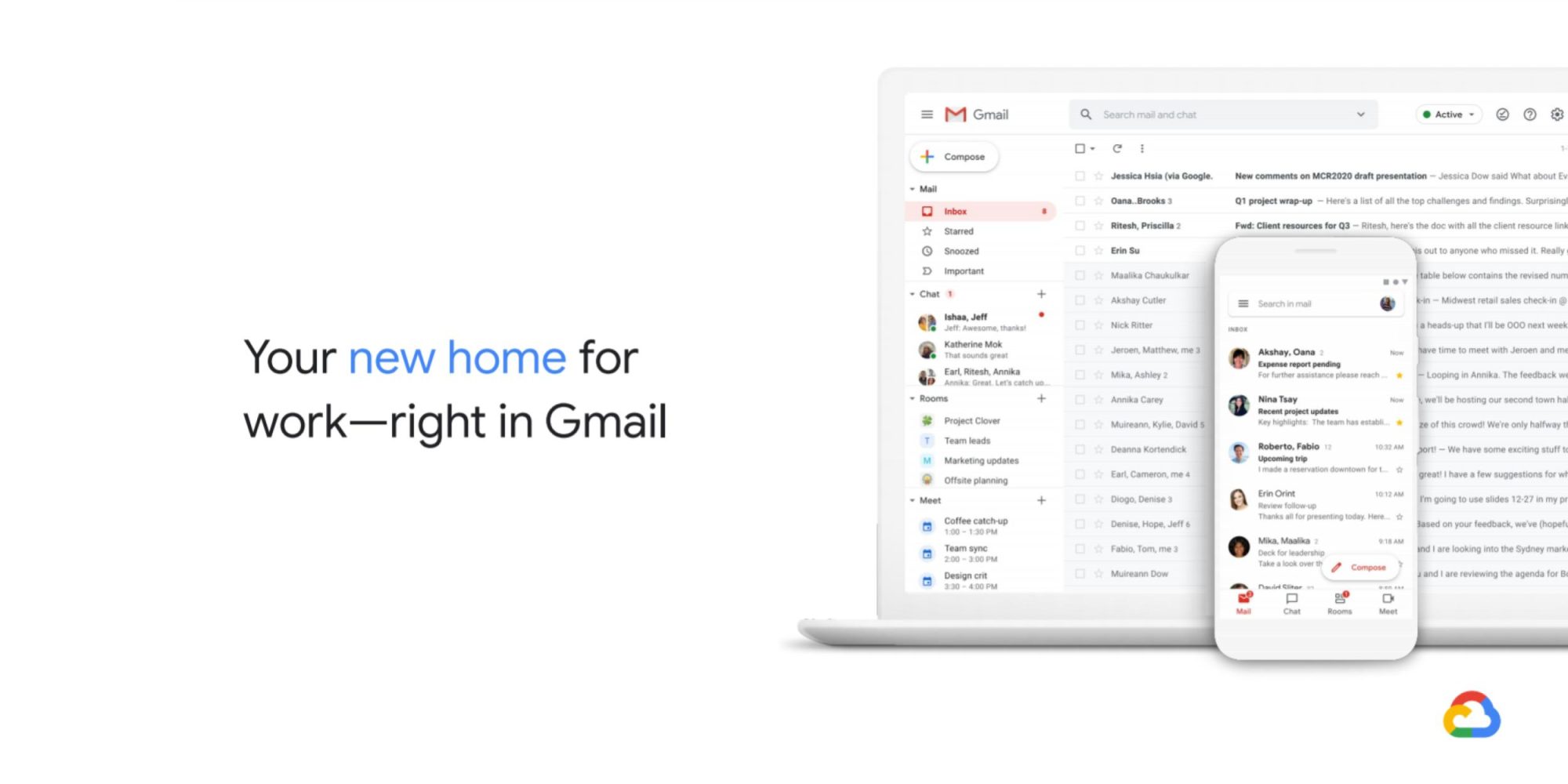
    Gmail revamps summary cards to streamline email organization

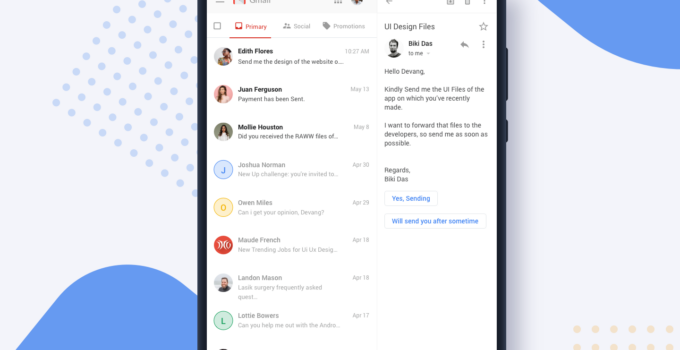
    Google is making significant changes to its Gmail summary cards, aiming to make it easier for users to manage the constant flow of information that arrives in their inboxes. These updates are designed to provide a more streamlined and efficient way to access crucial details from emails related to purchases, events, bills, and travel.

    For many years, Gmail has used summary cards to display essential information at the top of emails. These cards have provided a quick snapshot of the content, but with the evolving nature of how people use email, Google recognized the need for a more dynamic and interactive system.

    The redesigned summary cards will feature a fresh look and offer more actionable functionalities. Users can now add events to their Google Calendar directly from the card, invite others, or set reminders for bill payments. The cards will also become more intelligent, organizing key information from related emails and providing real-time updates. This means users can track packages, see the latest status of their orders, and know precisely when to expect deliveries.

    In addition to the updated summary cards within individual emails, Gmail is introducing a new “Happening soon” section at the top of the inbox. This section will initially display purchase summary cards, particularly when a delivery is imminent. For instance, if an estimated delivery date is two days away, the “Happening soon” section will prominently show the purchase summary card, allowing users to see when their package is expected to arrive quickly. If multiple deliveries are scheduled around the same timeframe, the cards will be stacked, and users can expand, dismiss, or click on them to go directly to the corresponding email.

    The updated summary cards will be rolled out in phases. Initially, users will see the new purchase summary cards in individual emails on both Android and iOS devices. In the following months, event, bill, and travel summary cards, along with the “Happening soon” section, will be gradually introduced. Eventually, all four card categories will be available across individual emails, the “Happening soon” section, and Gmail search, ensuring that users can easily find the information they need regardless of how they use Gmail.

    As someone who relies heavily on email for both personal and professional communication, I find these updates to be quite promising. The ability to quickly access crucial information without having to sift through multiple emails is a welcome improvement. I’m particularly interested in the “Happening soon” section, as it seems like a convenient way to stay on top of upcoming deliveries and events. I believe these changes will make Gmail an even more valuable tool for managing my daily tasks and staying organized.

  • Google Wallet adds support for dozens of US banks and credit institutions

    Google Wallet adds support for dozens of US banks and credit institutions

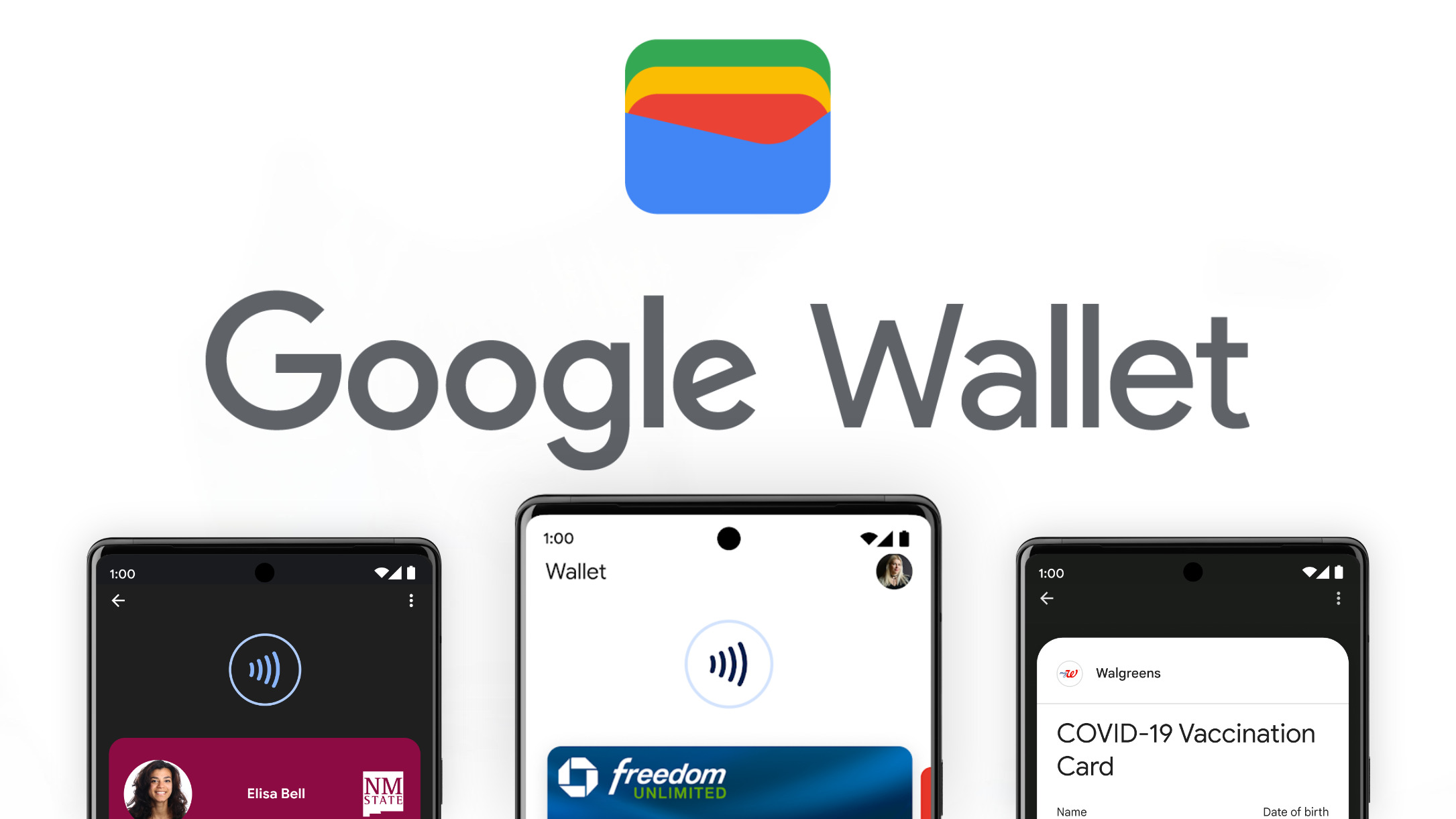
    One of the biggest mobile payment services in the United States, Google Wallet, has just added support for more than three dozen banks and credit unions. Ever since its initial release back in 2011, Google Wallet was aiming to become more than just a simple mobile payment service.

    Today, Google Wallet not only enables Android users to make payments using their phones, tablets and watches, but it also helps them safely store their payments cards, loyalty cards, concert tickets, IDs, transit cards, and much more.

    However, the service’s main use remains the possibility to make payments using just your phone, so it’s important that Google Wallet supports as many banks as possible.

    Well, that doesn’t seem to be an issue, as Google Wallet offers support for hundreds of US banks and credit unions. This week, 47 names have been added to the list of Google Wallet-supported banks:

    • ABD Federal Credit Union (MI)
    • Adelphi Bank (OH)
    • Alibaba Business Edge Credit Card
    • Apollo Trust Company (PA)
    • Bank of Maple Plain (MN)
    • Bouy
    • Chelsea State Bank (MI)
    • Compass Financial Federal Credit Union (FL)
    • Cliq Expense Prepaid Mastercard
    • Community First Bank (WI)
    • DN Community Federal Credit Union (OH)
    • Fall River Five Cents Savings Bank (MA)
    • First National Bank of Huntsville (TX)
    • Foothill Federal Credit Union (CA)
    • Hometown Bank of Pennsylvania
    • Industrial Bank
    • Intermex (NY)
    • Jackson County Teachers Credit Union (FL)
    • Jonestown Bank & Trust Company (PA)
    • Nebraska Energy Federal Credit Union (NE)
    • Oak Valley Community Bank (CA)
    • Pacific West Bank
    • Pleo Financial Services
    • Prescott State Bank (KS)
    • Proponent Federal Credit Union (NJ)
    • Putnam County State Bank (MO)
    • Radian B2B
    • Railroad Employees Credit Union (NM)
    • Security Federal Savings Bank (TN)
    • Southwest Heritage Credit Union
    • Southern Star Credit Union (TX)
    • SRI Federal Credit Union
    • State Bank of Toulon (IL)
    • TC Wallet
    • Tern Commerce Inc. (NY)
    • The First Citizens National Bank of Upper Sandusky (OH)
    • Tri-County Credit Union (MI)
    • United Farmers State Bank (MN)
    • US Metro Bank (CA)
    • Uwharrie Bank (NC)
    • WCF Financial Bank (IA)
    • Western New York Federal Credit Union
    • WEX
    • WNB Financial, N.A. (MN)
    • Whitefish Credit Union Association (MT)
    • Xsolla
    • Zable

    Besides that, Google Wallet has added HealthEquity to the list of supported institutions, which means you’ll be able to store its “FSA cards and Commuter cards” in the service’s digital locker.

  • Google TV gets major upgrade: smart home controls, AI art, sports hub, more

    Google TV gets major upgrade: smart home controls, AI art, sports hub, more

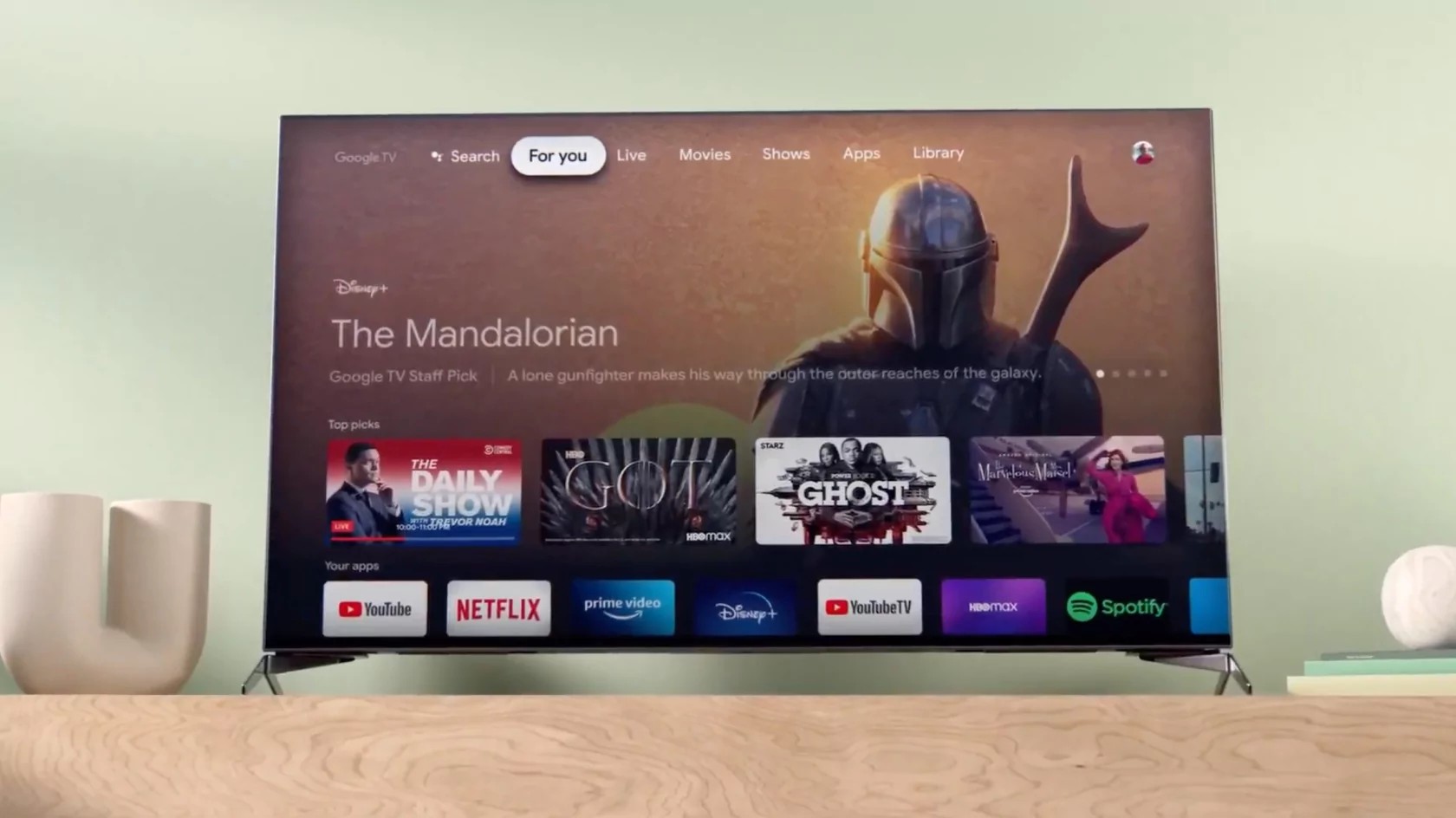
    Google is rolling out a significant update to its Google TV platform, bringing a host of new features to enhance your viewing and smart home experience. These updates will be available on all Google TV devices, including the upcoming Google TV Streamer set to launch on September 24th.

    One of the most notable additions is the new home panel on Google TV. This feature transforms your TV into a central hub for controlling all of your compatible smart home devices. From adjusting your thermostat to checking your security cameras, you can manage your entire smart home without ever leaving the couch. The new doorbell notifications also bring added convenience, allowing you to see who’s at the door without interrupting your viewing experience. If you can’t find the remote, Google Assistant voice commands have you covered, providing hands-free control over your smart home devices.

    When you’re not actively watching TV, Google TV now offers an improved Ambient screensaver that turns your idle screen into a personalized canvas. You can either create AI-generated designs based on your own descriptions or prompts, or relive your cherished memories by showcasing your favorite Google Photos. This feature leverages generative AI to craft unique images for your display, adding a touch of artistic flair to your living space.

    For sports fans, the new sports page within the For You tab consolidates all your sports content in one convenient location. You can quickly find live and upcoming games, catch sports commentary, browse YouTube highlights, and receive personalized recommendations to stay up-to-date on your favorite teams and leagues.

    Choosing what to watch can be overwhelming with the vast array of channels and subscription services available. To help you make informed decisions, Google is introducing enhanced overviews of top movies and shows powered by Gemini technology. These overviews provide comprehensive summaries, audience reviews, and season-by-season breakdowns, giving you valuable insights to guide your viewing choices.

    Last year, Google introduced free built-in channels on Google TV, offering a selection of live TV without the need for additional downloads or subscriptions. This service, known as Google TV Freeplay, now boasts an expanded channel guide with over 150 channels, making it easier to browse by genre and topic. New additions to the lineup include Heartland, The FBI Files, and ION Plus.

    The update also extends to Google TV’s hardware ecosystem. In addition to the upcoming Google TV Streamer, you can now find Google TV on a wider range of devices, including new art TVs from Hisense and TCL, as well as smart projectors from Vankyo, Epson, and XGIMI. Google is also expanding its reach by bringing Google TV to more countries, including Thailand, Indonesia, Vietnam, and the Philippines.

    I’m excited about these updates to Google TV. The integration of smart home controls directly into the TV interface is a game-changer, and I can see it definitely changing the way I interact with my connected TV. The AI-generated art for Ambient screensaver and the enhanced overviews for movies and shows are also great additions that personalize my viewing experience. Finally, as a baseball fan, I appreciate the dedicated sports page, which will make it easier to find and follow my favorite team.

  • Google Drive update adds new option to restrict access to folders

    Google Drive update adds new option to restrict access to folders

    Google announced this week that its Drive app is getting an important update that adds the ability to restrict access to folders. Normally, Google reveals new changes to its apps when these changes are rolled out to everyone, but this seems to be an exception.

    This particular update comes as a beta, but it can still be accessed by admins managing Google Drive. But what exactly this update does? According to Google, the latest version of Drive allows shared drive managers to restrict folders to specific users within a shared drive.

    The new feature is meant to offer shared drive managers more flexibility when it comes to keeping relevant content within a single shared drive, while restricting access to shared folders that might contain sensitive information.

    Once the update lands, admins can turn limit access to specific folders. The folders with “limited access” can only be opened by people who have been added to it directly. This means that Google Drive users with general access to the shared drive or shared folder will be able to see the restricted folder in Drive, but they will not be able to open it.

    As mentioned earlier, this feature is only available in beta. However, admins who want to start using it before it reaches “stable” status, can use the form that Google made available in order to express interest in the beta.

    Google says that all eligible customers will receive an email confirmation prior to the feature being enabled in their specified domain. The search giant will start accepting domains into the program in the coming weeks.

    It’s also worth noting that folders with limited access are available in both shared drives and My Drive. This means that shared drive managers will always be able to access folders with limited-access, while folder owners will always be able to access limited-access folders in their My Drive.

    As far as availability goes, this feature is eligible for Google Workspace customers with Business Standard / Plus, Enterprise Standard / Plus, Essentials Starter / Enterprise Essentials / Enterprise Essentials Plus, Education Fundamentals / Standard / Plus / the Teaching & Learning upgrade, and Nonprofits.

  • Google Messages to receive a much-needed update to improve RCS media quality

    Google Messages to receive a much-needed update to improve RCS media quality

    Google has been working on improving communication between Android and iPhone users, and it looks like they’re making some great strides. The latest Google Messages beta reveals a new feature that allows Android users to send high-quality media to iPhone users over RCS.

    Currently, Google Messages compresses media heavily before sending it, which means that iPhone users often receive blurry or pixelated images and videos, even on RCS. This is a major pain point, especially when trying to share important memories or documents. Now that iOS will soon have RCS support, this is an issue that must be remedied as soon as possible.

    Fortunately, as discovered in the latest beta version of the Messages app, Google is finally addressing this issue by giving users the option to send media in its original quality. In the latest beta, users will be prompted to choose between two options when sending media:

    • Optimized for chat: Send faster with reduced quality
    • Original quality: Send with no changes to quality, uses more date

    Once you make your selection, this option will apply to all current and future chats.

    This update is a big deal for a couple of reasons. First, it means that Android and iPhone users will finally be able to share high-quality media with each other seamlessly. No more blurry photos or pixelated videos. Second, it shows that Google is committed to improving the RCS experience. They’re listening to user feedback and making the necessary changes to make RCS a viable alternative to traditional SMS.

    It’s also worth noting that this update is just one of many that Google has made to Google Messages in recent months. The company has been working hard to improve the app’s overall experience, and it’s clear that they’re committed to making it the best messaging app on the market.

    That said, there are still a few unknowns. We don’t know when this feature will roll out to all users, and we don’t know when Apple will fully enable RCS support on all iPhones, as it is still in beta. However, it’s likely that both of these things will happen in the near future.

  • Google Maps rolls out redesigned pins and new colors

    Google Maps rolls out redesigned pins and new colors

    Last week, Google Maps rolled out a simplified bottom bar on mobile. Now, we’re getting an update that brings new pin colors and shapes.

    The iconic pin shape with a sharper point at the bottom is now gone. However, it’s still in the app icon. Instead of it, with this new update, we’re getting something shorter and more rounded with a white background. The icon that shows the category is housed in an inner circle. This matches the existing icon design for starts, flags, and hearts.

    Most pins have remained the same while some have changed. For example, the one for museums is now purple instead of teal. Other color tweaks with the update are more subtle like the zoo icon going lighter. The change is also applied to text.

    The new pin design makes the icons smaller which might allow Google to show more per map view. This server-side update is now rolling out for Android, iOS, and the web version.

    I like the new design for the pins as it really does seem to allow for a more simple map, and can fit more information in it. The smaller pins give a cleaner look, and I’m all for that.

  • Google launches new quick reply experience for Gmail users on Android

    Google launches new quick reply experience for Gmail users on Android

    Google is adding a new quick reply experience to Gmail on Android devices, which will allow users to skip a few steps when they want to reply to emails. The new quick reply experience is available starting today on Android only, Google announced.

    Up until now, Gmail offered Android users multiple options such as Reply, Reply all or Forward a message when in the conversation view of an email. Once the users selected one of the options, they would be directed to a full screen compose view to send their reply.

    Thanks to the updated quick reply experience, users can reply to emails directly from the bottom of the conversation, without having to open a new screen. This option has been specifically designed for quick, lightweight replies, so for longer responses, users can expand the text box to access more formatting options.

    Although Google announced that the new quick reply experience is only available on Android device, the search giant confirmed iOS users will get it too sometime later this year.

    To start using the quick reply experience, simply open an email, click into the text box at the bottom, type your reply, and then tap the send icon. As mentioned earlier, for more formal replies, you can tap the “Expand to full screen” icon to switch to the full screen compose view.

    The new feature is available to all Google Workspace customers, Google Workspace Individual subscribers, and users with personal Google accounts.

    As far as availability goes, Google announced that Workspace customers will get it in the next two weeks, while Google accounts and Workspace Individual subscribers already benefit from the new quick reply experience.

  • Google Maps and Search expand wildfire tracking to 15 countries

    Google Maps and Search expand wildfire tracking to 15 countries

    Google Maps and Search are expanding their wildfire tracking features to 15 new countries across Europe and Africa, bringing the total to 22 countries where users can access this potentially life-saving information. This update comes after the successful implementation of wildfire boundaries and information in regions like the US, Canada, Mexico, and Australia.

    The newly added countries include popular tourist destinations and regions prone to wildfires:

    • Andorra
    • Bosnia & Herzegovina
    • Croatia
    • Cyprus
    • France
    • Greece
    • Italy
    • Kenya
    • Monaco
    • Montenegro
    • Portugal
    • Rwanda
    • Slovenia
    • Spain
    • Turkey
    Google’s AI-powered wildfire tracking has already proven its worth by mapping over 40 wildfires in Southern Europe this summer. By providing wildfire boundaries and information in Search and Maps, as well as sending out notifications, Google aims to complement existing on-the-ground efforts to help people access crucial information and stay safe during wildfire events.
    In just the first week of July, an estimated 1.4 million people utilized Google’s wildfire information, demonstrating the significant impact this feature can have in regions experiencing wildfires. Users in affected areas can receive alerts through notifications on their phones, as well as while using driving directions in Google Maps.

    This expansion of Google’s wildfire tracking features is a welcome development, providing valuable information to a wider range of users and potentially contributing to greater safety and awareness during wildfire events. By leveraging AI and existing infrastructure, Google continues to demonstrate its commitment to utilizing technology for the greater good.

    The inclusion of Kenya and Rwanda in the list of countries with wildfire tracking is particularly noteworthy, as these regions often face unique challenges in terms of wildfire management and access to information. By expanding its wildfire tracking capabilities to these countries, Google is helping to address a critical need and potentially saving lives.

    Furthermore, the ability to access wildfire information through Google Maps and Search can be especially beneficial for travelers, as it allows them to stay informed and plan their routes accordingly. By providing real-time updates on wildfire locations and boundaries, Google can help travelers avoid dangerous areas and make informed decisions about their itineraries.

    Overall, Google’s expansion of wildfire tracking features is a significant step forward in the fight against wildfires. By providing accessible and up-to-date information to a wider audience, Google is empowering people to stay safe and protect their communities.

  • Google Maps rolls out alerts for issues impacting accessibility

    Google Maps rolls out alerts for issues impacting accessibility

    Google Maps has just introduced an accessibility alert feature that will alert users of outages at public transit stations that could make it more difficult for those with disabilities to access these locations. The update is available on iOS, Android, and desktop devices. Initially, it’s rolling out in New York, Paris, Seattle, Boston, Budapest, and Brisbane.

    The alert feature will inform users of issues such as broken elevators, which could make it difficult for people in wheelchairs to access certain platforms. This information can be particularly useful for those who rely on accessible routes and want to plan their trips accordingly. For example, those who use wheelchairs, have strollers, or are carrying heavy luggage can use this information to avoid stairs.

    The update aims to enhance the inclusivity and usability of Google Maps by providing users with information about accessibility issues at transit stations before they arrive. It empowers users to make informed decisions about their routes and avoid unexpected obstacles.

    To access the accessibility alerts on Google Maps, users first need to activate the “wheelchair accessible routes” option. This can be done by following these steps:

    • Enter your desired destination in Google Maps.
    • Tap the three dots located in the upper-right corner of the app, next to the starting location.
    • Select “Options.”
    • Tap on “Wheelchair accessible.”
    Once this option is enabled, users will see alerts next to any route options that might have accessibility issues. Clicking on an alert will reveal more information about the specific issue. For example, users might see a notification about an elevator outage at a particular station.

    As technology continues to evolve, it is essential to ensure that it caters to the needs of all individuals. By integrating accessibility features into its platforms, Google is setting a positive example for the industry and working towards a future where technology truly benefits everyone, regardless of their abilities.

  • Google Drive gets automatic captions for video uploads with new update

    Google Drive gets automatic captions for video uploads with new update

    Google Drive is now rolling out a useful feature for videos you upload: automatically generated captions. It seems the new feature is widely rolled out.

    The feature is available for personal Google Accounts and uses speech recognition tech to transcribe the audio. To use the feature, users should request automatic captions after uploading a video to Drive. On the other hand, for Google Workspace users, the captions are enabled automatically, unless their admins disable it.

    To generate captions for a video, you can right-click on the video and then click on Manage caption tracks, and then generate automatic captions. On mobile, tap the three-dot menu on the top right, and then go for Manage caption tracks and generate automatic captions, but this has to be done when a video is already playing.

    It takes some time for the request to process. Then, the automatic captions will be available in a YouTube-esque player by tapping “CC”.

    Having captions is also great for searching for videos based on content, while they also improve the accessibility of media stored in Drive. For now, English is the only language that is supported, with other languages planned “in the future”.

  • One new change to Apple Maps in iOS 18 is panned by some users

    One new change to Apple Maps in iOS 18 is panned by some users

    If you’ve rolled the dice and decided to install the iOS 18 Public Beta release on your eligible iPhone device, you might have noticed something other than a drop-off in your battery life and some of the new features that we have written about. Apple Maps has been changed, and not all users are thrilled with it. In iOS 18, some businesses, restaurants, and stores have larger fonts and icons, helping them stand out on the map. Colored fonts are employed to make these places stand out.
    According to Apple Maps users on Reddit, some of these locations were described as “suggested” or “sponsored” places. Apple is essentially highlighting these locations, which stand out compared to street names and other places printed in smaller gray and black fonts. This appears to be a way for Apple to monetize the Maps app, and users are not happy with what they see as advertisements being placed all over the map.
    Not all Apple Maps users agree with that assessment and state that Apple is making these businesses stand out on Maps to help users more quickly and easily find where they are on the map and where to turn. While it sounds as though some of these users might have had a sip of the Cupertino Kool Aid, there might be some truth to this. Business owners on Reddit whose stores are highlighted on Apple Maps say that they are not paying any money to Apple.
    Apple Maps wouldn’t seem to require using business locations to help users navigate since the app already does a great job of using stop signs and traffic lights as landmarks to tell you when to make a turn. Still, for those who don’t listen to the spoken turn-by-turn directions on Apple Maps, using certain businesses as landmarks would make sense. For example, knowing that you make a right at Starbucks might prevent you from missing the turn.
    No iPhone user is going to install the iOS 18 Public Beta just for this change to Apple Maps. However, the pre-release version of iOS 18 will allow you to customize your Hone Screen app icons, schedule messages to be sent at certain times, open any app from your Lock Screen, and more.
    As for Apple Maps, iOS 18 will eventually add hiking and custom walking maps that can be used at U.S. national parks. The app will also start showing topographic maps revealing the terrain of certain areas.
  • YouTube’s weaker than expected Q2 performance hurts Google parent Alphabet

    YouTube’s weaker than expected Q2 performance hurts Google parent Alphabet

    A 13% year-over-year increase in revenue from YouTube ads during the second quarter of 2024 and a 13.8% annual increase in revenue from Google Search ads helped lead Alphabet subsidiary Google to report an 11% annual gain in advertising for Q2 of 2024. Google Search ad revenue rose from $42.63 billion to $48.51 billion year-over-year and YouTube ad revenue amounted to $8.66 billion up from the $7.67 billion that was generated during the same quarter last year.
    Google said that for the three months ended in June 2024, total Google advertising revenue came to $64.62 billion compared to the $58.14 billion in advertising revenue that came into Google’s coffers during the second quarter of 2023. Traffic acquisition costs rose 6.8% to $13.39 billion which was well worth it to Google thanks to the aforementioned 11% annual hike in Q2 advertising revenue.
    The business unit which includes Pixel devices, Google subscriptions, platforms, and devices, saw top-line growth of 14.4% to $9.31 billion from $8.14 billion. That could indicate growing demand for Pixel phones, tablets, smartwatches, and earbuds. Google’s Cloud business was very strong with the top-line rising 28.8% to $10.35 billion compared to the $8.03 billion that this business generated during the same quarter last year. This was the first time that Google’s Cloud business topped $10 billion in revenue and $1 billion in operating profit during a single quarter.
    Alphabet’s total revenue of $84.74 billion during the second quarter was up from the $74.60 billion reported during the 2023 second quarter. This was a 13.6% increase and helped Alphabet report a 28.6% gain in net income to $23.62 billion for the second quarter of 2024. During the same quarter last year, Alphabet had net income of $18.37 billion. Diluted earnings per share, which assumes the conversion to equity of all convertible debt, was reported by Alphabet to be $1.89 for  Q2 of 2024, up 31.3% from the $1.44 reported for the same quarter in 2023.
    The report did not sit well with Alphabet investors; the shares rose 12 cents during the regular trading session to $181.79 but plunged $3.96 or 2.18% to $177.83 in after-hours trading after the earnings were released. While Alphabet’s earnings and revenue were higher than expected, YouTube’s performance disappointed investors, explaining the subsequent stock sell-off during the extra trading session.