Tag: Google

  • Updates to Google Maps add more detail to countries and city streets

    Updates to Google Maps add more detail to countries and city streets

    Google has been continually improving the Google Maps app and today some new visual improvements for the app were announced. The changes add more detail to the imagery giving the user more information when taking a virtual drive through an area, or when planning a visit. One update to Google Maps brings a more natural look to an area being viewed on the app. As Google notes, “Exploring a place gives you a look at its natural features—so you can easily distinguish tan, arid beaches and deserts from blue lakes, rivers, oceans and ravines. You can know at a glance how lush and green a place is with vegetation, and even see if there are snow caps on the peaks of mountaintops.”

    This can be achieved through Google’s high-definition satellite imagery that covers 98% of the global population. Add to that a new color-mapping algorithmic technique and Google Maps becomes more vibrant showing better details and more realistic colors that make it easier to understand the environment of a specific area. The color mapping technique starts by using a computer to pick out natural features found in satellite images looking specifically for “arid, icy, forested, and mountainous regions.” These areas are analyzed and assigned different colors using the HSV color model. As an example, Google says that it would use dark green to signify an area with a densely covered forest. A lighter shade of green could be used to show an area of “patchy shrubs.”

    The update to Google Maps leaves the app with “one of the most comprehensive views of natural features on any major map app—with availability in all 220 countries and territories that Google Maps supports. That’s coverage for over 100M square kilometers of land, or 18 billion football fields!” Google states that the “This update is visible no matter what area you’re looking at—from the biggest metropolitan areas to small, rural towns.

    Besides helping users visualize the natural conditions of a country and region, Google Maps will soon be delivering more detailed street information that not only shows the correct scale of a road but will also include the correct shape of it. Correct placements of sidewalks, crosswalks, and pedestrian islands will appear, important information for those in a wheelchair or pushing a stroller. It also is helpful to people taking solo walks due to the pandemic. In the coming months, the detailed street maps will roll out in New York, London and San Francisco with more cities added over time.

    The more natural images will start rolling out this week and can be viewed by zooming out on the app. Google Maps Platform developers will soon be able to use the new look for their maps. You can install Google Maps on your iOS device from the App Store and download it on your Android device by snagging it from the Google Play Store.

    As Google continues to add more and more features to Maps, Apple is also buying working on its mapping app. In June 2018, Apple announced that it was building Apple Maps from scratch and would use its own mapping data instead of using third-party providers like TomTom. Specially designed Apple vehicles have driven 4 million miles to capture more detailed and refined views for users. While Apple tries to catch up with Google, the latter continues to be the unquestionable leader in navigation for mobile device users.
  • Google delivers the final public beta version of Android 11

    Google delivers the final public beta version of Android 11

    The final beta version of Android 11 has been released by Google. If you wanted to install the beta on a Pixel 2 series through the Pixel 4 series model, now would be the time since the next update, which could drop on September 8th, will be the final version. Outside of some small bugs and last-minute changes made by developers, today’s release pretty much covers what you’ll see with the final build.

    To install the Android 11 Public beta 3 update, go to developer.android.com/android11 and click on the “get the beta” box near the bottom of the page. You then need to click on the box titled “View your eligible devices.” Tap on opt-in and you’ll shortly receive notification of a software update. Download and install it to run Android 11 beta 3. Once you install the Android 11 beta on your phone, you must stick with it until September 8th, the rumored launch date of the final Android 11 version, unless you’re willing to do a factory reset.

    Android 11 features a new notification system and the Bubbles feature which allows you to multitask while engaged in a text. If your phone already has the Android 11 beta installed, go to Settings > System > Advanced > System Update and press the blue button on the bottom right of the display.

  • Hidden code reveals Chat Heads for Google Assistant

    Hidden code reveals Chat Heads for Google Assistant

    One of the new features coming to Android 11 is “Bubbles.” This feature allows you to multitask from anywhere on the phone. Similar to the Chat Heads feature found in the Facebook Messenger app, with “Bubbles” you can continue to engage in a chat while looking at another app without having to switch back and forth between the Messages app and, for argument’s sake, a sports app.

    For example, let’s say that you are texting your girlfriend but at the same time you’re following your favorite team on ESPN. Instead of having to move from app to app, a floating avatar will appear on ESPN. It shows the image of your girlfriend, the icon of the Messages app, and a preview of her message. The message turns into a blue dot on the “Bubble.” Tap on it and it expands to give the user the full capabilities of the Messages app. That means that the user can access video, photos, emoji, Assistant suggestions, and other Messages feature.

    Version 11.21 of the Google app includes two new strings of code. One string name that cites a “Chat Head” tutorial goes on to say, “Tap to talk to your Assistant.\nDrag to move or dismiss.” The second string of code says, “Assistant Chat Head dismissal area.” 9to5Google enabled the Assistant Chat Head on the aforementioned version of the Google beta app. It is the current Assistant logo against a white background.

    Now you might be curious as to why on earth would you need a Chat Head for Google Assistant. Messages, you can understand, but a digital assistant, well that’s another story. But if you are using Google Assistant, the conversation that you’re having is with the digital assistant and you might want to ask a follow-up question to a response you’ve received from it. Instead of switching from another app to do so, with Chat Heads, you can remain on the other app while Google Assistant’s Chat Head responds to your inquiry.

    Right now, tapping on the Assistant’s Chat Head merely reveals the current Google Assistant panel at the bottom of the screen. When the final version of Android 11 drops, we’d expect to see the Chat Head expand as it does for Messages with a full-sized page sporting an optimized UI.

  • Google Pay expands to 25 new banks in 14 countries

    Google Pay expands to 25 new banks in 14 countries

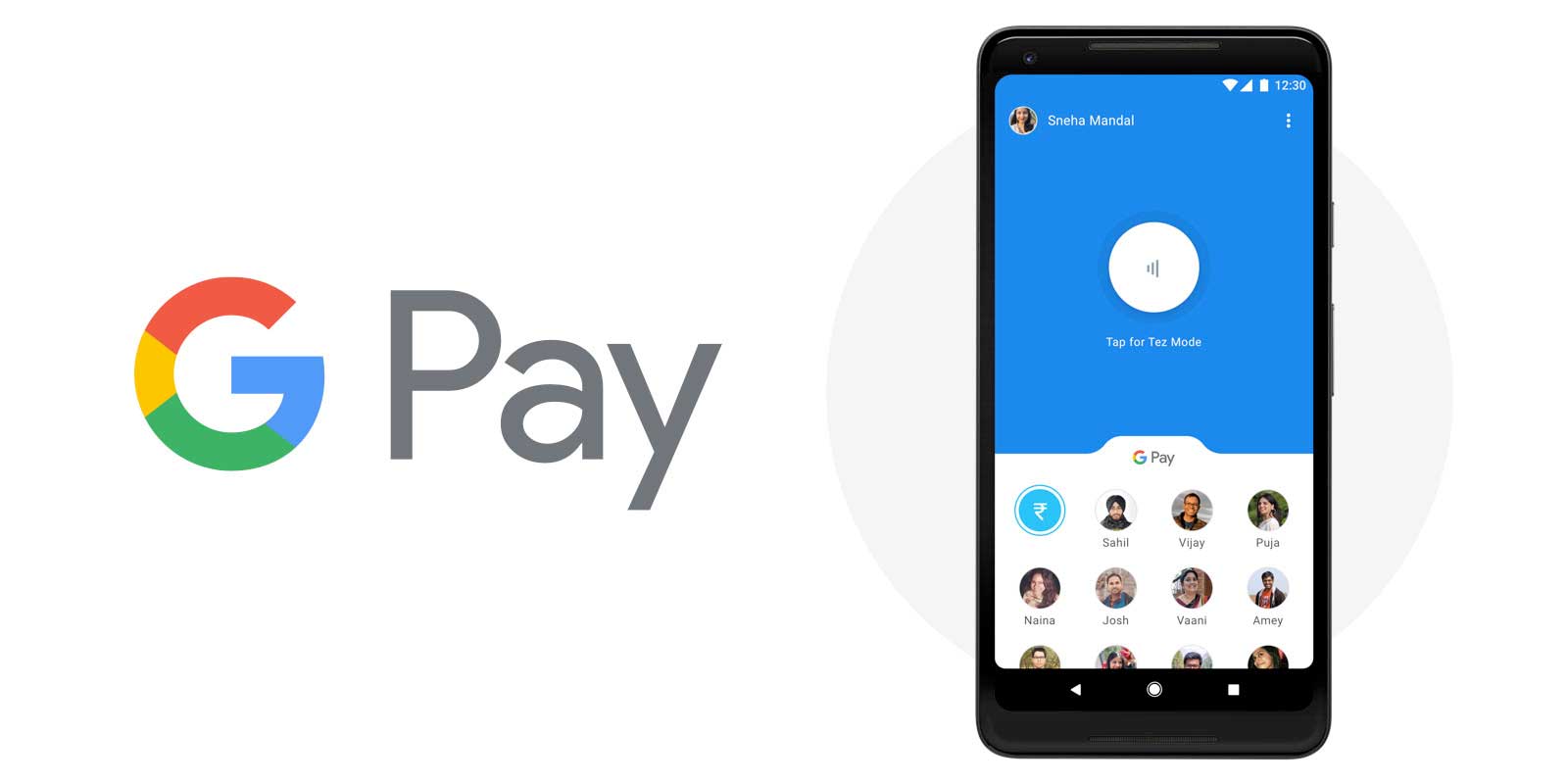
    Apple Pay and Google Pay compete with each other for world dominance, while other services like Samsung Pay and LG Pay struggle to keep up. If you’re using an Android or iOS smartphone in the US, the chance is your bank already supports either of the two big mobile payment systems. However, if you live in Europe, Apple Pay and Google Pay could offer more coverage than they do right now.

    However, both companies are making efforts to bring their mobile payment services to larger audiences. As of last week, Google Pay covers 25 new banks in 14 different countries.

    Here is the list of banks that now support Google Pay: Queensland Country Bank (Australia), Moorwand Limited, Lunar (Denmark), Moorwand Limited (Finland), Augsburger Aktienbank, Curve, Netbank, Penta (Germany), Flow S.p.A. Societa Benefit (Italy), Revolut Technologies Japan (Japan), Moorwand Limited, Lunar, Sparebanken Sogn og Fjordane (Norway), Idea Bank, SGB (Poland), Commercial Bank Garant-Invest Bank Joint Stock Company, Commercial Bank Sinko-Bank, Industrial Agricultural Bank, Joint Stock Commercial Bank IRS, Joint Stock Company First Investment Bank, JSC Kuban Trade Bank (Russia), Ceskoslovenska obchodna banka (Slovakia), Aplazame SL (Spain), Marginalen Bank, Moorwand Limited, Lunar, Volvofinans Bank AB (Sweden), Yapeal (Switzerland), Moorwand Limited, Weatherbys Bank, and Whim (United Kingdom).

    To start using Google Pay, you need to download the app from the Play Store if you don’t already have it on your phone. Then, follow the step-by-step guide to add your cards and start using Google Pay.

  • Google Messages gets new features including some from Apple’s Messages app

    Google Messages gets new features including some from Apple’s Messages app

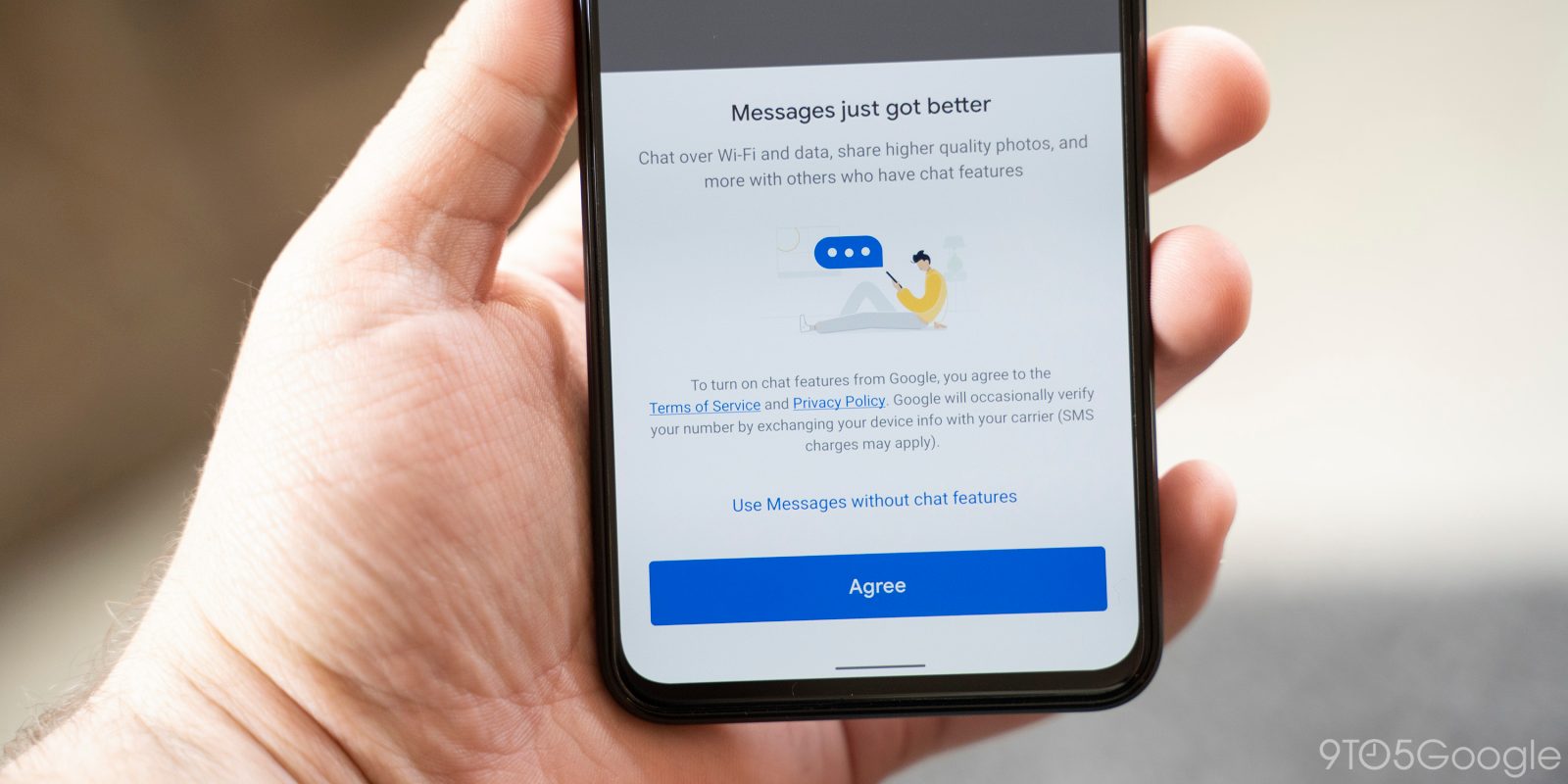
    On Wednesday, Google finally announced a feature we told you was being tested for Google Messages since back in May. Now when Android users receive a chat message, a video, or a photo, they can respond to it in a second. A long press on the message will show a box with animated love, laughter, surprise, sadness, anger, and dislike emoji. The reactions are available on those handsets that have chat features enabled. That is just one change out of a series of five new features now available for the Google Messages app.

    For example, if you have Smart Reply enabled, you can now send an animated sticker instead of using your words. The stickers will show up as you are texting so the perfect one will be ready right away for your use. The suggested stickers are currently available in English only.

    Ever want to personalize a conversation by including a photo that you marked up just for the occasion? Google has a media editor built into Messages. Simply take a photo using the in-app camera and type text or use brushes to paint on the image. You can share these with friends and family so you need to do your best to make them witty.

    Why type a message when you can say it better? Holding down the microphone button inside the compose bar will now allow you to record and send a voice message instead of having to type out a text.  Now let’s say that you’re engaging in an exchange of texts with someone and you want the conversation to continue as a video. Tapping the video call button at the top right of the app will activate Google Duo and allow you to see in real-time the person you have been chatting with.

    Make sure that you have the Google Messages app installed if you want to use all of these new features. Some carriers have their own messaging app, so check to see whether your phone has Google Messages installed. It can be downloaded on your Android phone. To make it your default messaging app, install it on your device, and go to Settings > Apps & notifications > Advanced > Default apps. Make sure that Google Messages is listed as the default SMS app on your phone.

  • New useful feature being tested for Android version of Google Maps

    New useful feature being tested for Android version of Google Maps

    Over the years we’ve watched as the Google Maps app has grown. Instead of just giving you turn-by-turn directions getting you from point “A” to point “B” safely and on-time, Google Maps now helps you decide what places you’ll visit and where you’ll dine when you arrive at “B.” And Google Maps has added several features related to driving. For example, the speed limit in the current area you are driving through now appears on the map, and accidents, speed traps, and other incidents can be reported so that other Google Maps users can benefit from your experience.

    Google is now testing the addition of traffic lights to the app. The icons for the traffic lights are small but appear larger while navigating. We should point out that Apple has added stop signs and traffic lights in Apple Maps. On iOS, Siri will point out both when you make a turn by one of them.

    The traffic lights were found by an Android user running Google Maps build 10.44.3. Frankly, we wouldn’t be surprised to see Apple and Google battle each other with their navigation apps. Apple has been working hard at removing the stench that spilled all over its Maps app when it was first launched in 2012. If you aren’t old enough to remember this fiasco, countries, and cities were mislabeled-when they were labeled at all. Police in Australia called Apple Maps “potentially life-threatening” when it navigated unsuspecting motorists to an area of the Outback with poisonous snakes, very little water, triple-digit temperatures, and spotty phone reception.

    Many iOS users still prefer to use Google Maps although we must let you know that the traffic lights are being tested on the Android version of the app only.

  • Google makes Gmail work with iPad multitasking

    Google makes Gmail work with iPad multitasking

    Gmail is working great on either iPhones or iPads, but there was just one useful feature that was missing from the iPad version of the app – the ability to multitask with Gmail and other iOS applications.

    You can indeed make use of Apple’s so-called Split View feature and switch between Gmail and other apps, but the functionality doesn’t work flawlessly all the time. Although it took Google several years to implement multitasking within Gmail, the option is finally here.

    Google announced today that all Gmail accounts – G Suite and personal, can now make use of the multitasking feature with Gmail and other iOS applications. It works the same way as Split View, but it’s better to implement and specifically designed for Gmail.

    You’ll have to turn on Multitasking on your iPad before you’ll be able to use the new feature by heading to Settings app / Home Screen & Dock / Multitasking. From there, make sure to enable the “Allow Multiple Apps” option to be able to switch between apps.

    After you’ve enabled Multitasking, you can enter split view when in Gmail by swiping up from the bottom of the screen to open the dock. Then, touch and hold the app you wish to open and drag it to the left of the right edge of the screen.

  • Google tests replacing URL with site’s domain name in Chrome

    Google tests replacing URL with site’s domain name in Chrome

    There are so many different versions of the Google Chrome browser in the Google Play Store. The Chrome Browser is the public version of Google’s browser. It has a Translate feature, Desktop mode, Dark mode, and other capabilities. Other versions of Chrome that can be installed on most Android phones include the Chrome Dev app. As Google says on the app’s listing on the Google Play Store, “Live on the bleeding edge: Try out our latest features. (They’ll be rough around the edges!) That means that the app will be buggy so you better think twice before installing it. The Chrome Dev app can be found here. This is a little more refined than the Chrome Canary app, which is very unstable and includes a nightly build for developers.

    Google last week started testing a change for the Chrome Dev/Canary 85 apps that hide the URL address of the website that they are on and only shows the domain name of the site (for example, Google.com). A Chromium developer said, “We think this is an important problem area to explore because phishing and other forms of social engineering are still rampant on the web, and much research shows that browsers’ current URL display patterns aren’t effective defenses. We’re implementing this simplified domain display experiment so that we can conduct qualitative and quantitative research to understand if it helps users identify malicious websites more accurately.” In other words, Google is testing whether replacing full web addresses with just a domain name help users easier spot a malicious website.

    To get this feature to work on Chrome Dev or Canary 85, you’ll have to enable a flag. Open one of the two aforementioned browsers on your Android device and go to Chrome://Flags. Search for Omnibox UI and enable “Omnibox UI Hide Steady-State URL Path, Query, and Ref.” Once the flag is enabled and you reboot your phone, instead of seeing a long URL address in the address field, only the domain name will appear. For example, instead of seeing “https://crm.retailnews.asia/major-us-carriers-go-down” you’ll just see the domain name of crm.retailnews.asia/news.

  • Google Stadia has just got an important boost on Android

    Google Stadia has just got an important boost on Android

    Cloud gaming is starting to become a thing as more companies like Google, Microsoft and NVIDIA continue to invest in such services. Although Stadia was off to a rough start, Google continues to bet big on the cloud gaming service.

    Google Stadia works not just on PCs, but on Android phones as well. However, not all Android handsets were compatible with the Stadia app, but very few until recently. As of this week, Google announced that even more Android phones will be able to run the Stadia app and let subscribers play their favorite games.

    First off, Google revealed that all OnePlus smartphones are now fully compatible with Stadia, including OnePlus 5/5T, One 6/6T, and OnePlus 7/7 Pro/7 Pro 5G/7T Pro/7T Pro 5G. These phones join the OnePlus 8 and OnePlus 8 Pro, which were already compatible with Google Stadia.

    But wait, there’s more! Google confirmed that anyone with a compatible Android phone can install the Stadia app and start playing games, including phones that aren’t on the list of officially supported phones.

    This is a major change that basically removes any brand restrictions and only limits Stadia compatibility to your phone’s hardware. While the feature is in development, Android users can try out Stadia for free and play their favorite games on smaller displays.

    Google is calling this move “Experiment” and those who wish to be a part of it must install the app on their Android phones and from the Experiments tab choose “Play on this device.” Even if you’re not a Stadia subscriber, you’ll be able to play games that you already own on your phone via cloud streaming.

  • EU wants to have Google, Facebook and Twitter report monthly on their actions against fake news

    EU wants to have Google, Facebook and Twitter report monthly on their actions against fake news

    As the fight with the coronavirus pandemic continues, so does the fight against misinformation on social media. The European Union wants to now have tech giants like Facebook, Twitter, and Google report monthly on their efforts against misinformation, regarding COVID-19.

    EU foreign policy head Josep Borrell and Vera Jourova, the European Commission’s Vice President for values and transparency, reportedly stated that the tech giants should provide information on their fight against fake news. Jourova additionally stated that the spread of fake news and false information on social media is harming not only democracy but also the health of the people. She added that it also can undermine the economy.

    The monthly reports should include actions that were done to promote legitimate content and to restrict coronavirus-related misinformation, along with false ads on the matter.

    Josep Borrell stated that along with the aforementioned measures, more support for free and independent media should be provided, as well as support for fact-checkers and researchers.

  • Google Maps update will help commuters plan their social distancing

    Google Maps update will help commuters plan their social distancing

    Google never stops working on several key apps. One of these is Google Maps which no longer is limited to turn-by-turn directions. Google Maps will also show you places to go and things to see wherever your travels take you. It also shows you more enhanced walking directions in AR and recently launched Maps’ “Plus Code” that allows users to share their precise location with friends and family

    Today, Google announced that the iOS and Android version of Maps will receive an update allowing users to discover in advance how crowded a train or bus is (a mobbed train or bus could raise the risk of catching COVID-19) or whether a bus or train is running on a limited schedule. Google says that essential workers need this information to get to their jobs and others will want this data too as more countries reopen.

    Last year Google added “crowdedness predictions” in Google Maps that used crowdsourced data from tens of millions of riders to help Google forecast how crowded a bus or train line would be at a certain time of day. Now, Google is making it easier for users to contribute to this data. Look up Directions, tap to see Transit Details, then scroll down to find crowdedness predictions where it is available. There, users can enter their own experiences.

    Starting today, you can use Google Maps to find the times historically when there are large crowds of people at a transit station. You can also see live data that compares current crowd size to usual conditions. This should help you plan your social distancing. To find this information, search for a transit station in Google Maps or tap on one when it appears on the screen. That will call up the departure board and busyness data (if available). This feature will be rolling out over the next several weeks and is based on aggregated and anonymized data from those who have opted into Google Location History. The latter is off by default. To keep the information anonymous, the busyness data is shared only when enough users are opting in to provide sufficient data.

    Maps is adding alerts from local transit agencies that will alert users if there are any COVID-19 related rules that affect commuters using mass transit such as whether masks are required when on trains or buses. These transit alerts are being pushed out now by Google in countries including Argentina, Australia, Belgium, Brazil, Colombia, France, India, Mexico, Netherlands, Spain, Thailand, United Kingdom, and the U.S. More countries will be added soon.

    Google is also adding notifications and alerts about any COVID-19 checkpoints and restrictions along your route. This will appear even when you’re driving across national borders starting with the U.S., Canada, and Mexico). If you’re driving to a medical facility or a COVID-19 testing center, Google will remind you to verify eligibility and facility guidelines so that you’re not turned away.

    Google says, “Getting from A to B can be more complicated these days. Because of COVID-19, it’s increasingly important to know how crowded a train station might be at a particular time or whether the bus is running on a limited schedule. Having this information before and during your trip is critical for both essential workers who need to safely navigate to work and will become more important for everyone as countries around the world begin to reopen. COVID-19 has certainly impacted the way that we move around in the world. As cities and countries across the globe adapt, we’re committed to bringing the most pertinent information right to your fingertips. So when you’re ready and able to, you can safely venture out.”

  • Google deletes anti-China app with 5 million installs

    Google deletes anti-China app with 5 million installs

    At a time when the U.S. government is targeting smartphone and networking equipment manufacturer Huawei, investigating short-form video app Tik Tok, and trying to kick China Telecom out of the country, a new app called Remove China Apps seeks to flag apps developed in China. Found in the Google Play Store (and just removed by Google), the app became the most downloaded title on Google’s Android app storefront over the weekend. It was launched just two weeks ago.

    The developers of the app said that it uses market research to determine an app’s country of origin. While the title of the app makes it sound as though it automatically deletes apps developed in China, the developer says that it “will list Applications and respective country name, choose which app you want to uninstall and which app you want to keep, and uninstall the apps one by one in a single click.” The Play Store listing says that it was “being developed for educational purposes only.”

    According to Android Authority, the app had one million installs listed by the end of Sunday and that number soared to five million yesterday. The developer, OneTouch AppLabs, is located in India where anti-Chinese sentiment has been on the rise. The developer’s website states that the point of creating the app is to support Indian Prime Minister Narendra Modi’s call for “Atm Nirbhar Bharat” or a self-reliant India. The developer states that the “Remove China App will help people to support ‘Atm Nirbhar Bharat’ by identifying the origin country of the applications installed in their mobile phones.” The developer also calls the app safe to install because it doesn’t ask for any permissions from your phone.

    Android Authority tested Remove China Apps and found that it did pick up TikTok and Xiaomi’s Mi Remote on an Android phone but failed to flag Chinese developer Tencent Games’ PUBG Mobile. It also doesn’t work with pre-installed apps installed on Chinese smartphones.

  • Google releases new features for some of its Android apps

    Google releases new features for some of its Android apps

    If you own an Android smartphone, you’ll be getting a handful of nifty features in the coming months. However, if you own a Pixel phone, you’ll be getting most of these new features starting this week.

    Along with the new features coming to Pixel phones today, Google announced a few of its Android apps will be updated with meaningful improvements. For example, the Digital Wellbeing app is now getting a Bedtime mode, which replaces Wind Down. When it’s enabled, Bedtime mode uses DND (Do Not Disturb) to silence notifications, calls, and texts during sleep. Also, enabling Bedtime mode will make your phone fade the colors to black and white.

    The new update will make it easier for users to customize how and when to turn on Bedtime mode. It’s now possible to choose to have it turn on automatically or after you plug in your phone to charge.

    Google also added a new option that will allow users to pause Bedtime mode without having to adjust their schedule. If your Android smartphone has Digital Wellbeing and parental control settings, then you should be able to use Bedtime mode as well.

    The Clock app will also receive a new Bedtime tab, which lets you set daily sleep and wake times to better organize your sleep schedule. You’ll receive reminders before bedtime and an option to play calming sounds from various music streaming services like Calm, Spotify, and YouTube Music.

    Moreover, those with smartphones that feature Digital Wellbeing will be able to pair with Bedtime mode to further prevent interruptions while sleep. Last but not least, the Clock app is getting a so-called Sunrise Alarm to wake you up more gently.

    Also, the YouTube app now offers a new option that allows users to set a bedtime reminder. You’ll be able to choose to see the reminder at bedtime or after the video completes.

    Finally, the Family Link app got updated with the option to set restrictions for children, such as managing screen time activity, app downloads, in-app purchases, and bedtime for their device. The app lets you establish daily bedtime schedules and modify them as needed.

    The new bedtime features will be rolled out to Pixel devices starting today.

  • Google Voice is now available in Gmail for G Suit members

    Google Voice is now available in Gmail for G Suit members

    Google is making things easier for G Suit subscribers who use Google Voice. The company is rolling out an update that integrates the voice call service into Gmail, letting users make and receive calls without the need to switch tabs.

    Google announced the new feature on its official blog, adding a nifty little GIF image, showing the integration in action. G Suit users will get a similar panel to the one they’re used to in other Google Voice iterations. The new feature appears in desktop browser versions of Gmail, but there are new functionalities in the mobile app as well.

    You can now transfer calls to a suggested contact or manually added number in a few steps. Call transferring is available in Voice on Android, iOS, and the web. Google is already rolling out the call transfer option and will start adding Google Voice to Gmail in the following days.

  • Google tests useful Search related feature for Android YouTube app

    Google tests useful Search related feature for Android YouTube app

    It appears that Google is testing Google Search integration with the Android version of the YouTube app. An example posted by a Redditor shows YouTube search results for “open beer with knife,” a talent that could come in handy if you are living alone during the pandemic and your openers are all dirty. The results come back with some useful and not so useful videos to watch.

    Underneath the videos there is a section that says Result from the web which essentially is a result of Google Search. In this case, it brings up an article from Lifehacker titled “Open a Beer Bottle With a Butter Knife.” Underneath the title, there is a short description of the article. As Android Police points out, this integration isn’t listed in the “YouTube test features and experiments” page on the Google Support website. And a quick search showed that our Pixel 2 XL running Android 10 does not yet have this feature.

    As you know, Google owns YouTube and integrating Google Search into the Android YouTube app is a sure-fire way to generate more clicks and advertising revenue for the company. During the first quarter, which covers January through March 2020, Google Search generated $24.5 billion in revenue for a year-over-year gain of 11.6%. While the integration does help out Google financially, is there any benefit to users? Sure. Those interested enough to search for videos on a subject matter will be happy to find more information about it on Google Search.

    Although Google is currently testing this feature on the Android version of the YouTube app, there is no reason why Google Search integration can’t also be found on the iOS version of YouTube.