Tag: Google

  • Google gives more options for Call Blocking

    Google gives more options for Call Blocking

    Google has had the automatic spam call warnings available for a while now, to the point where many we know have simply begun ignoring calls when the Red Screen of Spam pops up on their phone. But, there have also been some missing options in terms of call blocking on Android. Google allowed for blocking specific numbers, but now there are even more options to let users block calls.

    Previously, the only option for blocking calls was to add numbers to a call block list from the Phone app’s Recent calls page, but now there are four new options for blocking calls. If you want, you can block all calls from numbers that aren’t in your contacts list, block calls from private or unknown numbers, or even block calls made from pay phones. That last one is a bit surprising because as mobile phones have taken over and become commonplace, pay phones have slowly been removed from public spaces. There are likely still places around the world with pay phones, but it’s been quite a long time since we’ve seen any in the U.S.

    Oddly enough though, the new options won’t be found in the Phone app. Instead, Google put the new options in the Contacts app all the way at the bottom of the Settings page, under the Manage contacts header. That will give you toggles for the new call block features as well as a list of numbers you’ve already blocked.
  • YouTube Music free on Google Home smart speakers

    YouTube Music free on Google Home smart speakers

    Google has just announced that its YouTube Music service is now available on all Google Home smart speakers. Starting today, those who own a Google Home smart speaker will be able to enjoy all the benefits offered by the music streaming service, but there’s a catch.

    Only the first tier YouTube Music experience is available on Google Home smart speakers, which means you you’ll have to put up with ads. Still, if you don’t mind getting a free, ad-supported music experience on your Google Home, you just need to say “Hey Google, play techno vibes,” and your smart speaker should do the rest.

    But that’s not all, if you upgrade to YouTube Music Premium for $9.99/month, you’ll be getting even more control when listening music on smart speakers in the YouTube Music mobile app. For example, you’ll be able to request specific albums, songs, artists, and playlists on-demand.

    Also, you get access to easy-to-use player controls, including unlimited skips and song replay.Besides the benefits mentioned above, a YouTube Music Premium tier will also let you background play music through the YouTube Music app while using other apps, and allows downloads for offline listening when you’re on the move.

    To start using YouTube Music on your Google Home smart speaker, simply open Account Settings in your Google Home app, go to Services and select Music. Then, choose YouTube Music as the default music service, or you can choose YouTube Music as the default music service during the setup process.

    Now, the free service is available not available everywhere yet, so here are the first countries that will get it starting today: United States, Canada, Mexico, Australia, Great Britain, Ireland, Germany, France, Italy, Spain, Sweden, Norway, Denmark, Japan, Netherlands, and Austria. The good news is Google will bring it to more countries soon, so there’s that.

  • Google starts rolling out Android updates via Play Store

    Google starts rolling out Android updates via Play Store

    What started as a rumor last week has now become a certainty, as Google is now rolling out Android Q betaupdates through Play Store. The main benefit is that you’ll now find Android updates much easier, or let’s say that they will find you faster and easier than before.

    A couple of Pixel users have taken to Reddit to confirm their Android Q beta updates have arrived via Google Play Store. Those with Pixel phones that run the previous Android Q beta build should start receiving notifications like the ones you usually get for an app update. Once the update is downloaded and installed, your phone will restart automatically.

    Aside from the fact that the whole process of find and downloading an update is quicker and easier, it’s also faster than previous updates. We doubt the new update method will become available to those using phones other than Pixels anytime soon, but we can safely assume that Google will reveal in-depth details about how it’s done in early May at Google I/O.

    If Google pushes for the standardization of the Android OS updates via Play Store, it could mean a more user-friendly method of updating your phone, but it certainly doesn’t guarantee that these important updates will be released faster and at the same time for everyone.

  • Google Pay update brings Gmail integration

    Google Pay update brings Gmail integration

    Google is trying to build an entire ecosystem that will allow users to access any important information from just about every Google app. Gmail has been integrated with many other Google apps, but other developers noticed the benefits and added integration with the email app.

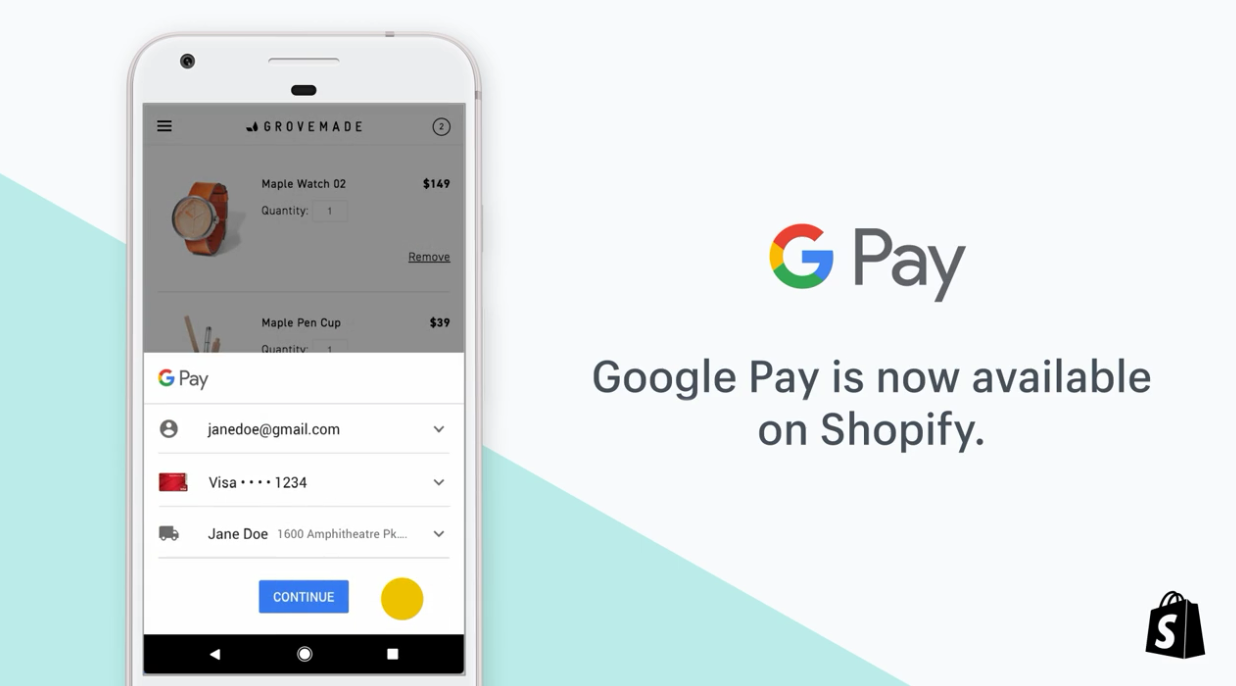
    The newest app that benefits from Gmail integration is Google Pay, which doesn’t come as a surprise since the changes were spotted a few months ago. Now, Google Pay has been updated with Gmail importing, which means that the mobile payment app will browse through your emails and add the relevant information to its system.

    For example, whenever you receive loyalty cards, movie tickets, and boarding passes in the Gmail inbox, they will be automatically added in Google Pay. Keep in mind though that if you delete the email containing the information, it will disappear from Google Pay as well.

    The improvement makes it easier to access loyalty cards, tickets, and more without having to go through your emails every time you want to know something about them. It’s also easier to find coupons and boarding passes that are being sent to your Gmail inbox and make use of them.

    It’s worth mentioning that the new Gmail import feature is disabled by default, so you’ll have to enable it in Google Pay by heading to Settings / General / Gmail Imports and using the toggle available after the latest update.

  • Popular Pixel widget will gain new options

    Popular Pixel widget will gain new options

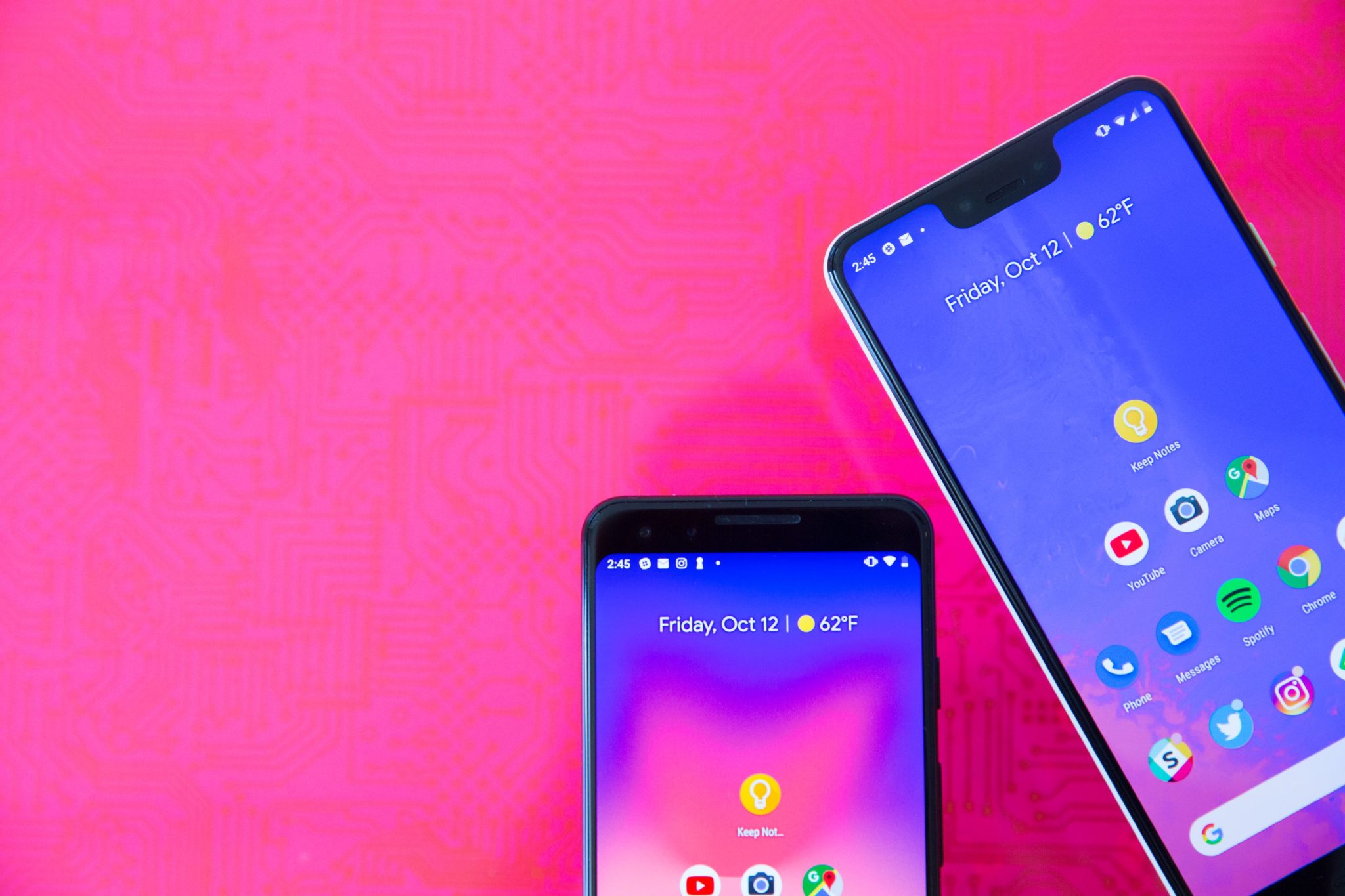
    The Pixel Launcher’s At A Glance widget shows the day, date and information related to the weather, including the temperature. Tapping on the day and date will open the calendar while tapping on the weather information will take you to Google’s weather app. The widget also alerts you to a calendar appointment, an upcoming flight (including the boarding time) and unusual traffic changes.

    Now, the At A Glance widget has some new features. Long press on the widget and tap on preferences and you’ll see all of the available information that the widget can display. This includes Calendar events, Upcoming flight information, and Traffic information along with two new features: Reminders and Intelligent tips. The former will show you the next upcoming reminder alerts. For example, let’s say you set a reminder to alert you when you can take Tylenol again; this will show up on the widget. The latter reveals intelligent tips powered by Google Assistant.

    We’re guessing that these are suggestions about what features available on your phone use should use in certain situations. Right now, both of these new features are not working even though they are listed as preferences for the widget.

  • Google delivery drones cleared for Australian Airspace

    Google delivery drones cleared for Australian Airspace

    A sister company of Google has been given the green light to launch drone delivery in Australia after years of test flights.

    The drone company Wing, owned by Google’s parent company Alphabet, was given permission this week to deliver takeaway food and drinks and over-the-counter medicines by drone to about 100 homes in Canberra.

    Wing, which has been trialing deliveries for the last 18 months, began testing its drones in Australia in 2014, but faced initial opposition from residents who complained about the noise.

    Although the drones were below legal noise limits, Wing developed a new, quieter model and said the feedback obtained during its trials had been “valuable” and it hoped to “continue the dialogue”.

    “We will continue to engage with the local community and stakeholders as we expand our service and are hosting community information stalls and delivery demonstrations in the serviceable areas over the next few weeks,” the company said in a statement.

    According to Wing, the delivery service will initially be available to a limited set of eligible homes in the suburbs of Crace, Palmerston and Franklin.

    “We expect to gradually expand to more customers in Harrison and Gungahlin in the coming weeks and months.”

    Australia’s Civil Aviation Safety Authority gave Wing permission to launch a commercial service after examining its safety record and operational plans.

    The drones will only be allowed to fly 11-12 hours a day and must be piloted, rather than fully automated.

    Wing’s initial launch partners include Kickstart Espresso, Capital Chemist, Pure Gelato, Jasper + Myrtle, Bakers Delight, Guzman Y Gomez and Drummond Golf.

    “We’re excited to connect with more local businesses in the Gungahlin area about how we can help them reach more customers faster, safer and more sustainably and encourage any local merchants who are interested in learning more to get in touch with us.”

    Wing had said that drone deliveries reduce traffic and pollution and can deliver goods in six to 10 minutes.

  • Google Duo’s update saves users from overages and throttled data speeds

    Google Duo’s update saves users from overages and throttled data speeds

    Google Duo is the company’s video chatting app that allows users to stream video, make audio-only calls, and send video and voice messages. The app is available for Android and iOS users. As you might imagine, engaging in a video chat uses plenty of data. So Duo users used to be able to toggle on a feature that would limit the amount of mobile data they consumed while employing Duo.

    An update to the app replaces the Limit Mobile Data toggle with Data Saving Mode, which is turned off by default. The new feature works to lower the consumption of both cellular data and Wi-Fi data when Duo is being used. After all, many wireless carriers and home Wi-Fi providers have data caps. Breaching these caps can result in overages or throttled data speeds, two punishments that no Duo user wants to receive.

    To lower mobile and Wi-Fi data consumption, Google drops the quality of a video chat to a lower resolution. Before you decide whether to use Data Saving Mode on a video chat, a preview will show you what the video chat will look like with the feature disabled (again, the default setting) and what it will look like in the lower resolution used when the feature is enabled. With Data Saving Mode toggled on, you won’t be the only one saving mobile and Wi-Fi data. That’s because the party on the other end of the video chat will also be viewing and sending videos in low resolution, helping to lower his/her mobile and Wi-Fi data usage as well.

    This new feature, found on version 51 of Duo, is being sent out via a server-side update. If you’re an impatient sort, you can find this version of the app offered on the Google Play Store.

  • Google confirms more Pixel tablets to Arrive

    Google confirms more Pixel tablets to Arrive

    The Android tablet market was once much riches with many more options than the iPad market, but as consumers shifted their attention to smartphones with big displays, many companies have decided to shrink their tablets portfolio or drop it altogether.

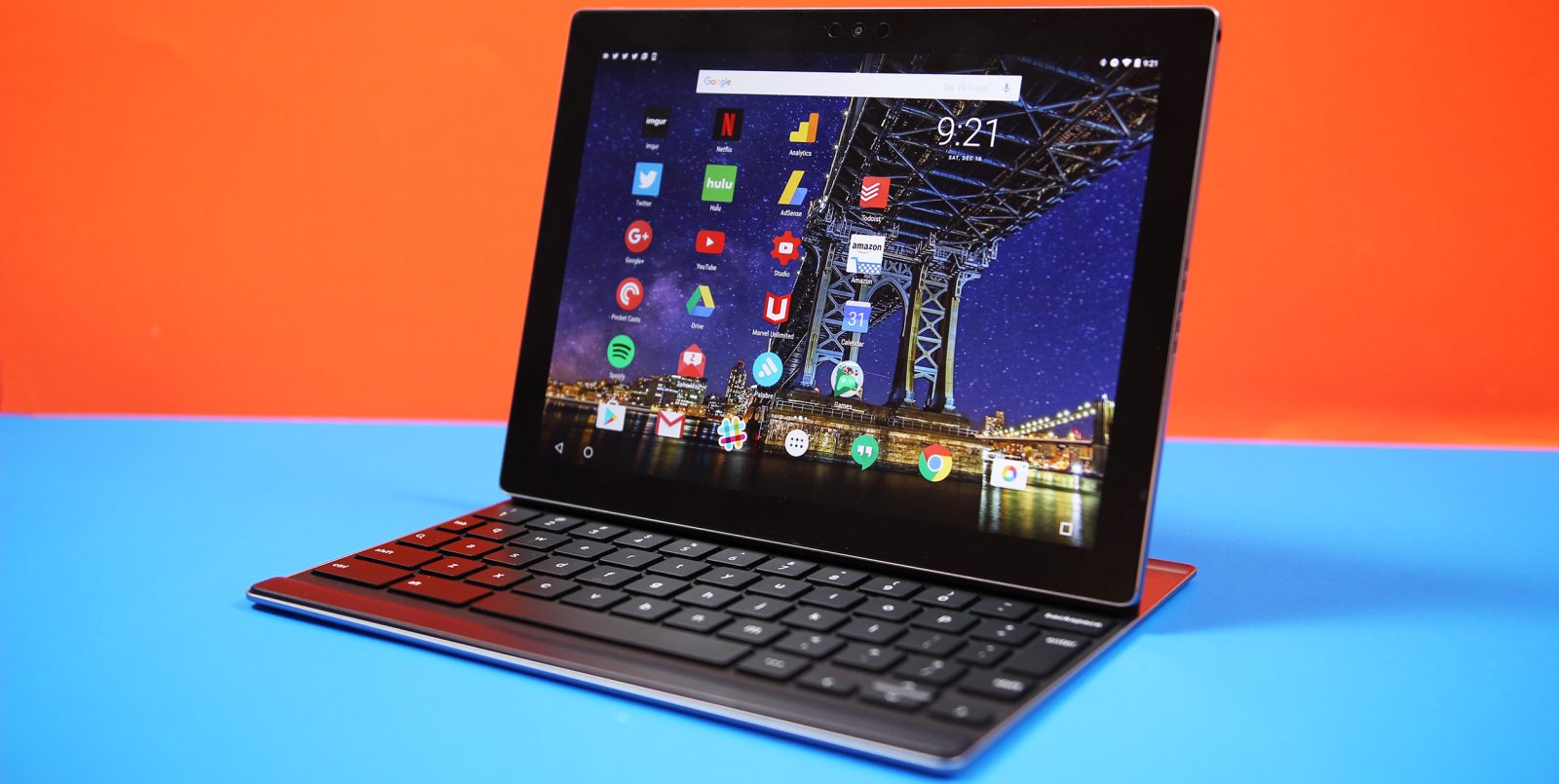
    Google has adopted the same strategy in the last couple of years. Even though the Pixel Slate was launched about six months ago, this is a 2-in-1 tablet and laptop rather than a pure Android tablet. The last such product Google released on the market is the Nexus 9, an Android tablet built in collaboration with HTC, which made its debut on the market back in 2014.

    Samsung on the other hand, along with a couple of other Chinese companies like Lenovo and Huawei, has continued to launch Android tablets on a regular basis. Of course, the same applies to Apple, as the Cupertino-based giant now owns an impressive iPads portfolio.

    All information coming from various sources painted a rather bleak picture for the Android tablets segment, as reported last month that even Google plans to move dozens of employees from its laptop and tablet division to other posts within the company.

    The report cites “roadmap cutbacks,” but also points out that team members have been advised to find new roles “temporarily” within Google or Alphabet. The fact that people working for the laptop and tablet division were supposed to find temporary roles in other teams suggests that Google may decide to boost staffing on these teams at any time.

    At the beginning of the week, at Cloud Next 2019, Google hosted a conference, suggestively named “Introducing Google Hardware for Business,” where it reiterated that a new device to help the workforce “be production on-the-go” might be launched soon.

    The tools they have aren’t really conducive to the lifestyle and work style that makes them maximally productive and excited about going to work every day. And we think there are some unique things we can do differently than the Pixelbook and Pixel Slate that are going to really help give them what they’re looking for when they’re working in this new modern cloud-first era.

    A Pixel Slate sequel is more likely rather than a traditional Nexus tablet. Google also mentioned that although it doesn’t have any announcements ready to go live regarding the upcoming laptop/tablet this week, such a product will certainly be revealed “down the road.”

    Although statements made during Google’s Cloud Next 2019 even allow us to make some predictions the company’s plans for the laptop and tablet division, it’s impossible to tell what the search giant wants to do “differently than the Pixelbook and Pixel Slate.”

    Interestingly enough, Steve Jacobs, Pixelbook Group product management leader, who stated the above, coordinates three different categories within Google’s Core Technology group: Pixelbook, Pixel Slate, and Emerging.

  • Dropbox and Google team up

    Dropbox and Google team up

    Dropbox has just announced it has teamed up with Google Cloud to integrate Docs, Sheets, and Slides into its system. The highly-anticipated new feature will be available as a beta for Dropbox Business users starting April 9 and is meant to allow users to create, edit, and store Google Docs, Sheets, and Slides in Dropbox.

    If you’re a Dropbox Business users, you must sign in to both your Google and Dropbox accounts so that you can create and store Docs, Sheets, and Slides files in any Dropbox folder. But the new feature doesn’t stop here, as you’ll be able to share individual files, manage access to your files and get feedback at the same time.

    Of course, sharing and co-editing is done in real-time, while adding Docs, Sheets, or Slides files to a shared Dropbox folder will automatically grant member access, which means you won’t have to leave Dropbox.

    Keep in mind that since the new feature is still in beta, you’ll have to opt-in by visiting Dropbox’s sign-up page. Once you activate it, you will be able to create Google Docs, Sheets, and Slides files, as well as browse, move, copy and delete them from the iOS and Android apps.

  • Focals smartglasses could give us a glimpse at Apple’s next big thing

    Focals smartglasses could give us a glimpse at Apple’s next big thing

    North’s Focals smartglasses look nothing like the original version of Google Glass, which is a good thing. In fact, if you didn’t know any better, you’d think that they were just an ordinary pair of spectacles. But Focals feature Alexa integration allowing you to hear the latest news, view the weather forecast, stream music, control the smart appliances in your home, and more. The glasses will also show you upcoming appointments from your calendar, let you arrange for an Uber, send a text and navigate with turn-by-turn directions. Focals can be controlled through the use of the ring-like “Loop” which is a four-directional joystick that you wear on your finger to interact with the glasses.

    Focals were launched last October and are priced at $599 and up. Prescription lenses cost an additional $200. Personal sizing is required, which means that if you want to buy a pair, you will have to visit one of the company’s showrooms in Brooklyn or Toronto. There are also pop-up locations where this can be done. For example, from today through April 9th, the company can fit you in San Francisco. April 10th and 11th, a pop-up location will be open in Santa Clara. You can book an appointment for any of the locations through the Focals web site.

    The Focals smartglasses have limited functionality; the company says that it did this so that users won’t be distracted from the things right in front of them. But that doesn’t mean that new functions aren’t being added. Thanks to a new update, when a Focals wearer is listening to streaming music from Spotify, he/she can now skip a song, adjust the volume of a connected device like a phone or speaker, and see the title of the song and the name of the artist. And the volume of the music can be controlled even when the display is off, by using the Loop. The update also gives Focals the ability to recommend the fastest transit route for a user’s morning and evening commutes, and the it will also show any delays. The device will calculate an Estimated Time of Arrival (ETA) and share it with the user’s contacts.

    With a feature called Rewind, the Focals smartglasses can be used to make a voice recording of a meeting. Afterwards, North will send out an email containing a transcript of the meeting along with a recording of the get together. Since Focals are made to the exact specifications of the wearer, it isn’t easy just to take them off and give the glasses to a friend to check them out. So North came up with something it calls Lenscast. The latter puts your Focals’ display on top of the live camera feed from your smartphone to show others how Focals work. The glasses use Bluetooth to pair with your iOS or Android phone, and charge using a special carrying case.

    Last month, reliable Apple analyst Ming-Chi Kuo of TF International said that he expects mass production of the company’s AR glasses to begin no later than the second quarter of 2020. At least with the first version of the device, Apple is reportedly going to play it safe by having its glasses access the processor, GPS, memory chip and other components belonging to a user’s iPhone.

    Many consider smartglasses to be the next big thing. Nearly two years ago, analyst Gene Munster said that the wearable will be bigger than the iPhone.

  • Get incredible Google Home Hub discounts

    Get incredible Google Home Hub discounts

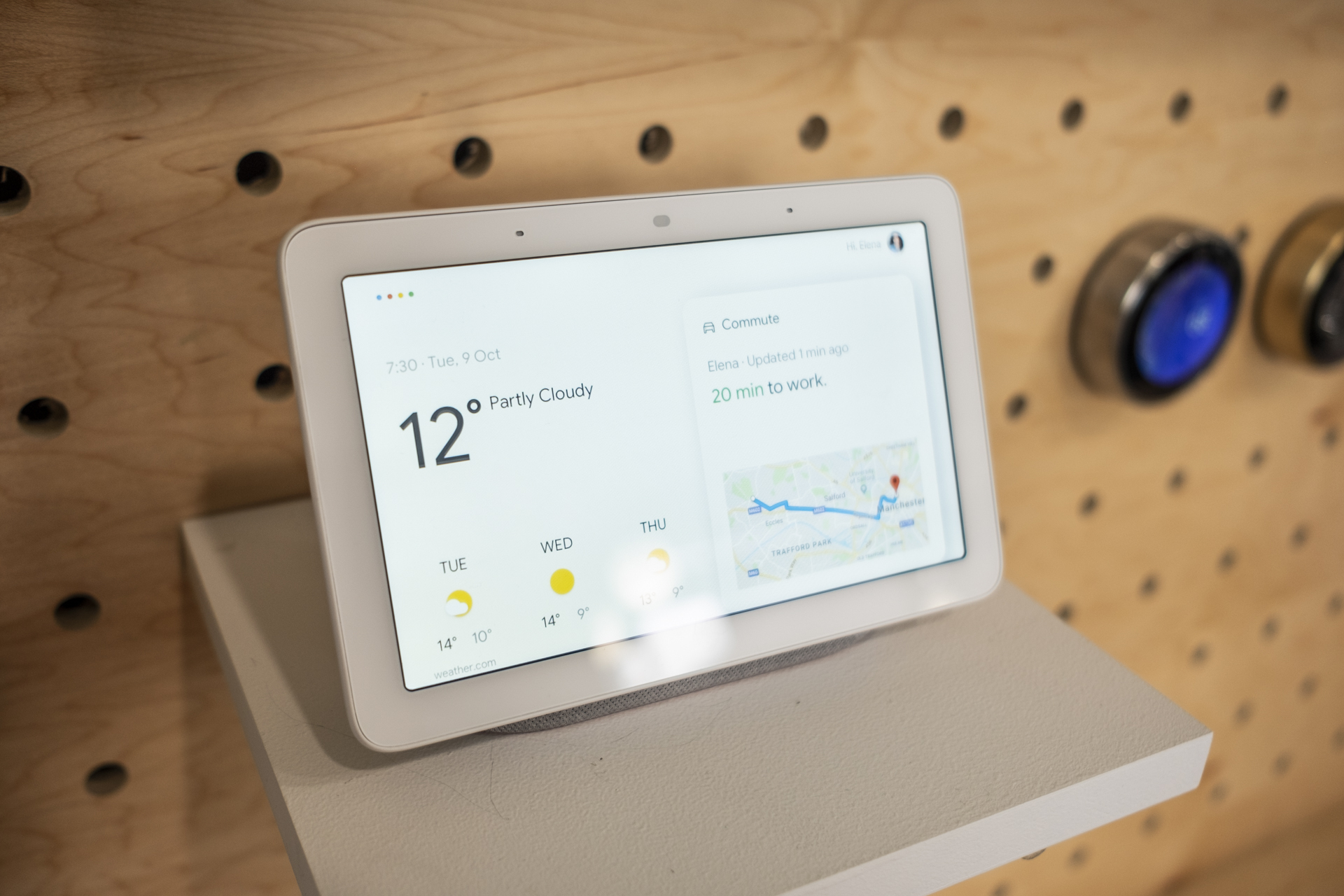
    Even though it earned pretty good reviews after seeing daylight just six months ago and presumably contributed to Google’s thriving smart speaker sales numbers during the final quarter of 2018, the Home Hub has been massively discounted lately more times than we can count on the fingers of one hand.

    Right now, the Google Assistant-powered smart display is back up to its $149 list price at both its manufacturer’s official US e-store and third-party retailers like Best Buy, but one self-described “social shopping marketplace” has this extremely versatile and convenient product on sale at a big markdown yet again.

    The “catch” is you need to purchase two units to save a frankly unbelievable amount of money. Basically, you’re looking at a two-for-one or buy-one-get-one-free type of deal, as this heavily discounted Google Home Hub two-pack in black currently costs $153.95, or a hair over the aforementioned regular price of a single device. You’ll want to hurry, though, as the promotion, also known as a power deal in MassGenie user lingo, is set to expire within just four hours of the time of this writing.

    If you’d like to get something nice for yourself and a friend, a family member, or a special someone, today’s super-limited offer effectively brings the price of a Google Home Hub down to $77. Meanwhile, for only three extra bucks, you can purchase just the one smart display in your choice of Chalk or Charcoal paint jobs, although you have even less time to jump on that particular deal.

    For those unfamiliar with what this bad boy can do, suffice to say it’s essentially a smart speaker with a touchscreen… and smart home hub capabilities. You can watch YouTube videos, stream music, control various smart home accessories, and get answers to your most burning questions, all without ever lifting a finger.

  • Google Maps is using Waze Features

    Google Maps is using Waze Features

    Google paid almost a billion dollars for the popular Israel-based Waze navigation app back in 2013, but curiously enough, the search giant took an awfully long time to integrate some of the basic features of its daughter service into the main Maps platform.

    For instance, Google Maps users barely started seeing options to report crashes and speed traps added to their navigation service of choice a few months ago, with a wider rollout of these two features subsequently noticed and a handy third option seemingly enabled as we speak. As usual, we’re looking at a staggered release, with a handful of screenshots shared by Android Police proving some people can add reports of crashes, speed traps, andslowdowns, while others are still waiting to get the first two parts of the incident reporting functionality.
    With the traffic slowdown feature, also known as congestion in certain regions, Google Maps users should be able to contribute to a smoother navigation experience, with more realistic ETAs and helpful re-routing suggestions during peak hours. Along with the crash and speed trap reporting functionality, this will make Google Maps bear an even stronger resemblance to Waze, possibly escalating speculation that something might be going on soon.
    Of course, unlike services like Google Plus, Inbox, or Allo, Waze is actually beloved and actively used by millions of people around the world. Specifically, more than 90 million drivers, according to the company’s latest official count, spending an average of 438 minutes in the app each and every month. That’s not something you can afford to throw away very easily, so we’re guessing Google Maps and Waze will remain separate but increasingly similar for many years to come.
  • Apple poached one of Google’s best AI specialists recently

    Apple poached one of Google’s best AI specialists recently

    We all get to see changes in market share percentages, sales numbers and all sorts of data showing how competing companies on the mobile market exchange blows all over the world. In California’s Silicon Valley there is another, less covered fight going on between the tech giants that call it home: the war for talent. There are only a few people at the top of each field and if you want to be the best, you have to get them.

    It seems that Apple did just that last month, CNBC reports, as it managed to bring a very important specialist to Cupertino. His name is Ian Goodfellow and for the last two years, he was a Senior Staff Research Scientist with a focus on machine learning at Google. Since March, however, he’s the Director of Machine Learning in the Special Projects Group at Apple, according to his LinkedIn profile.

    Just by comparing the two titles, Senior Staff versus Director, you get an idea about why Ian might have taken the job at Apple. Of course, we have no doubt that the new position came with a significant salary bump as well. Which seems completely justified considering his expertise. According to his own summary, Goodfellow is “an industry leader in machine learning”, and while that might sound a bit cocky, it’s not wrong. Ian has co-authored tens of publications about machine learning, including the book Deep Learning. He’s also invented multiple machine-learning algorithms that we’re not even going to try to describe here.

    As you might have noticed if you’re following closely the mobile technology scene, AI and machine learning are already deeply integrated within smartphones and other gadgets. This makes it harder to guess what exactly is Ian going to work on as part of Apple’s Special Projects Group. Is he tasked with the development of a brand new product? Is the “special project” making Siri actually useful? Are we going to see even more AI in Apple’s upcoming smartphone cameras? With a company the size of Apple, the possibilities are endless.

    It will take months, if not years before we see the results of Mr. Goodfellow’s work at Apple, but one thing is certain, the move is a huge win for Apple and an equally huge loss for Google. It’s not like AI geniuses are dime a dozen. At least we shouldn’t see any regression in Google Assistant if that’s any consolation.

  • Integration will define the 2019 smart home

    Integration will define the 2019 smart home

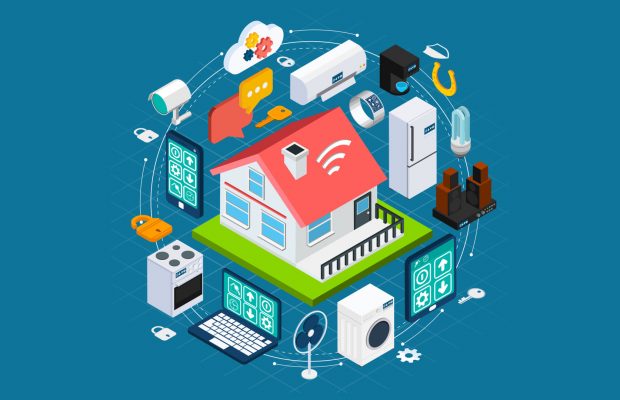
    IDC says the global market for smart home devices will grow 26.9% year over year in 2019 to 832.7 million units shipped. The analyst predicts consumers to adopt multiple devices within their homes, which will result in 1.6 billion devices shipped by 2023.

    “2018 was all about getting products into consumers’ homes and both Amazon and Google excelled at this through low-cost smart speakers and multiple bundles across device categories,” said Jitesh Ubrani research manager for IDC Mobile Device Trackers. “However, 2019 will be more about tying the various devices together to form a more cohesive experience and more importantly, layering in additional services.”

    The smart home will be dominated by the likes of Amazon and Google, with Apple following suite. The popularity of iOS and macOS devices combined with the availability of Apple apps/services on non-Apple products will help the company slowly entice more consumers into their ecosystem while also attracting third parties to build compatible devices.

    “One important trend to watch is how smart assistants become integrated throughout the home,” said Ramon T. Llamas, research director for IDC’s Consumer IoT Program. “Smart assistants will act as the point of contact with multiple smart home devices and essentially become the cornerstone of the smart home experience. Already we’ve been seeing that with smart speakers and this will eventually move on to appliances, thermostats, and all sorts of video entertainment.”

  • Google Assistant finally gets the celebrity voice

    Google Assistant finally gets the celebrity voice

    Back at Google I/O in May of 2018, Google promised users a special treat with Google Assistant — the addition of John Legend’s voice as an option for Google Home products and the Assistant on your phone. We’re now just about one month away from Google I/O 2019 and that promise has finally become a reality.

    All you have to do to get John Legend’s voice is to ask your Assistant to “talk like John Legend.” After that, you’ll have John Legend’s voice for a limited selection of things like giving weather updates, answering questions, and telling jokes, while “the regular Assistant” does everything else. We tested it out for a couple minutes and the general voice does sound like John Legend, even if it is a bit robotic, and there are fun Easter eggs to find, like when you ask “Do you like Chrissy Teigen?” or “What’s your middle name?” or “What’s your favorite song?” or “Serenade me.” In generally, questions about music will get something good from the voice.

    The one thing to remember is that Google has said this special voice will only be available for a limited time, although there’s no indication what that actually means. However, it seems like John Legend won’t be the only celebrity voice for the Google Assistant because this is Google’s way of showing off its WaveNet voice synthesis engine. The idea is that with a certain amount of data, it can impersonate anyone, so maybe at next month’s Google I/O we’ll hear about new voices in the works.

    https://www.youtube.com/watch?v=AgHghcYqeto&feature=youtu.be